Widescreen gold-and-black thumbnail reading “WHAT ARE DIGITAL PRODUCTS?” with a MacBook Pro displaying an online marketplace of ebooks, video courses, planners, photos, and digital design tools in a cinematic amber-lit setting.

What Are Digital Products? Examples & How to Sell in 2026

A digital product sells an unlimited number of times without ever running out of stock, and after fees, sellers often keep 80% to 90% of every sale. There is no warehouse, no shipping label, and no restocking. That combination of near-zero overhead and infinite scale is why creators, teachers, designers, and side-hustlers keep flocking to digital products. Online courses alone have grown into a market worth more than $370 billion worldwide. If you have heard the phrase but you are still not totally sure what counts as a digital product, this guide clears it up. You will get a plain definition, a grouped list of real examples, a side-by-side comparison […]

Widescreen gold-and-black thumbnail reading “SELL DIGITAL PRODUCTS / BEGINNER GUIDE,” with a MacBook Pro displaying a storefront of ebooks, planners, templates, and other digital downloads in a cinematic amber-lit setting.

How to Sell Digital Products in 2026: A Beginner’s Guide

Digital products carry profit margins close to 100%, and you can start selling them for $0 using platforms that only take a cut once you make a sale. That combination, no inventory, no shipping, and near-total margins, is why creators are pouring into the space and why learning how to sell digital products has become one of the most practical online income skills of 2026. If you are still choosing a storefront, compare your options in our guide to where to sell digital products. This guide walks you through the whole journey, from picking a product idea to making your first sale. You’ll get a clear 7-step plan, a verified […]

Kimi Pricing 2026 thumbnail featuring a glowing Kimi app logo with the text “Plans, API Costs & Free Tier” on a dark purple and blue neon background.

Kimi Pricing 2026: Plans, API Costs & Free Tier

Kimi is free to start, and that is the fastest way to summarise Moonshot AI’s pricing. The Kimi app gives you unlimited basic chat, file uploads and web search on a $0 Adagio plan, while paid memberships climb from $19 a month to $199 a month for heavy agent and coding use. If you build on the API instead, you pay per token, and the flagship Kimi K3 costs $3 per million input tokens and $15 per million output tokens. That gap between a free chat app and a metered developer API is the whole story of Kimi pricing, and it trips up most buyers. This guide breaks down every […]

Thumbnail for “Gemini 3.5 Review: What Google Launched at I/O 2026” showing bold amber and white headline text reading “Gemini 3.5 Review: Flash Beats Pro?” beside a glowing Gemini 3.5 app-style card on a dark blue and purple neon background, with an “I/O 2026” badge in the corner.

Gemini 3.5 Pro Release Date: What We Know (+ Flash Review)

Google split Gemini 3.5 into two launches, and only one has actually arrived. Gemini 3.5 Flash went live on May 19, 2026 at Google I/O 2026 and did something Google had never done before, with the cheap, fast “Flash” tier beating the previous flagship on coding. The other half, Gemini 3.5 Pro, is the model everyone is waiting on, and its release date has now slipped by months. Google’s own position, published on July 21, 2026, is that Pro is “currently testing with partners”, with no date attached. This article covers both sides. You get what Gemini 3.5 Flash delivers today, the full benchmarks against Gemini 3.1 Pro, and pricing. […]

Apple Intelligence in China runs on Qwen, shown with a glowing iPhone, abstract AI graphics, and a Qwen icon on a dark blue cinematic background.

Apple Intelligence Is Coming to China, Powered by Alibaba’s Qwen

On July 15, 2026, China’s Cyberspace Administration approved Apple Intelligence for the country, and the model doing the heavy lifting is not ChatGPT. It is Alibaba’s Qwen, which will power Apple’s on-device AI features across iPhone, iPad, Mac, and Vision Pro for users in mainland China. This is the first time Apple Intelligence in China becomes a real product, after the whole suite sat locked out of the market since its global launch in late 2024. The deal matters far beyond one regulatory sign-off. It confirms something FelloAI readers already know from watching the model wars, which is that the AI powering your device now depends on where you live. […]

Cinematic widescreen thumbnail in warm yellow and amber tones reading “IS NANO BANANA FREE? / LIMITS & HOW TO,” with a glowing smartphone on the right showing a stylized banana image inside an AI image-generation interface. The background is dark and atmospheric with glossy lighting and a premium tech-magazine feel.

Is Nano Banana Free? Limits & How to Use It Free (2026)

Yes, Nano Banana is free. You can generate and edit images with Google’s viral Nano Banana model right now without paying a cent, using either the Gemini app or Google AI Studio. The free tier runs on Nano Banana 2 (officially Gemini 3.1 Flash Image), hands you roughly 20 images a day, and reaches all the way up to 4K resolution. The catch lives in the details. Free access comes with daily limits, a visible watermark, and a quiet downgrade to a weaker model once you run out of the good generations. This guide breaks down exactly what is free, where to use it, how many images you actually get, […]

Kimi K3 thumbnail with the headline “KIMI K3: MOONSHOT’S 2.8T OPEN-WEIGHT MODEL EXPLAINED, SPECS, PRICING & BENCHMARKS” beside a glowing Kimi K3 logo on a dark blue moonlit background.

Kimi K3: Moonshot’s 2.8T Open-Weight Model Explained, Specs, Pricing and Benchmarks

Moonshot AI published the full Kimi K3 weights on July 27, 2026, eleven days after the model went live in the Kimi app. The Hugging Face repository carries 96 safetensors shards totalling roughly 1.56 TB. At 2.8 trillion total parameters, with 104 billion active per token, K3 is the largest open model anyone has released. Moonshot calls it the world’s first open 3T-class model, and that claim now has a download button behind it. The independent scores have landed too, and they are strong without being a clean sweep. Kimi K3 scores 57 on the Artificial Analysis Intelligence Index, ahead of every other open-weight model and behind only three closed […]

Widescreen neon thumbnail reading “SIRI VS CHATGPT,” with Siri displayed on one smartphone and ChatGPT on another, separated by a glowing blue-purple divider.

Siri vs ChatGPT: Which AI Assistant Is Better in 2026?

The Siri vs ChatGPT debate just changed for the first time in years. Apple’s 2026 software, iOS 27 and macOS 27 “Golden Gate,” rebuilds Siri into a generative assistant called Siri AI, complete with a dedicated app, a chat interface, and the ability to hand tough questions to ChatGPT, Gemini, or Claude. In mainland China, that world-knowledge layer comes from Alibaba’s Qwen instead, because ChatGPT is blocked there. Yet even after the biggest Siri overhaul ever, the honest answer is still nuanced. Siri wins on device control and privacy, while ChatGPT wins on reasoning, writing, coding, and anything creative. This guide compares the two assistants the way you actually use […]

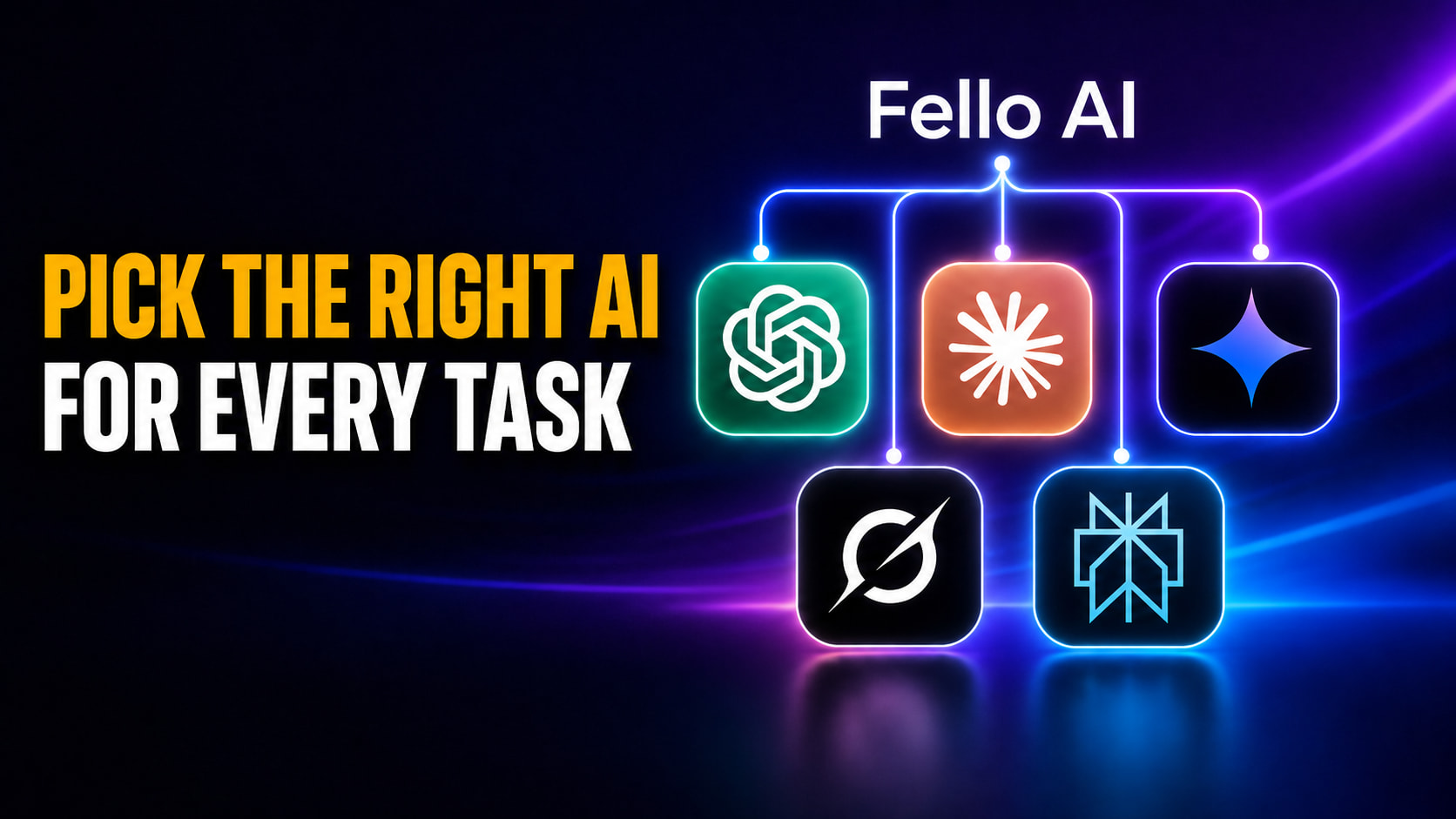
Widescreen thumbnail with the headline “PICK THE RIGHT AI FOR EVERY TASK” beside ChatGPT, Claude, Gemini, Grok, and Perplexity logos connected to a centered Fello AI hub.

When to Use Which AI: A 2026 Guide to Picking the Right Model for Every Task

There is no single best AI in 2026, and every serious guide now agrees on the same answer to when to use which AI: match the task to the model that leads it. Claude wins on coding and long-form writing, ChatGPT is the most versatile all-rounder, Gemini dominates inside Google Workspace and on huge documents, Grok owns real-time news, and Perplexity is the one to trust for cited research. The days of one model doing everything well are over. This guide gives you a simple decision framework, a task-by-task cheat sheet, and honest limits on when you should skip AI entirely. It also solves the practical problem every comparison quietly […]

Widescreen thumbnail with the headline “AI-PROOF JOBS: WHAT JOBS AI WILL NOT REPLACE” and a “2026 DATA” badge, alongside a group of workers including a caregiver, construction worker, office professional, and programmer, with a glowing shield and crossed-out robot in the background.

AI-Proof Jobs: What Jobs AI Will Not Replace (2026 Data)

The single most AI-proof job in America is also one of its lowest paid. Home health and personal care aides are projected to add 739,800 jobs by 2034, more than any other occupation in the United States, and Microsoft’s researchers score them among the least AI-exposed roles they measured. Their median wage is $34,900, well under the $49,500 median for all occupations. That gap is the story most “AI-proof jobs” lists refuse to tell you. We pulled the two best datasets that exist on this question. One is the Bureau of Labor Statistics employment projections for 2024 to 2034; the other is a Microsoft Research study that scored occupations by […]