Claude is Anthropic's AI assistant and the one most praised for the quality of its writing. Where other models can feel robotic or generic, Claude produces text that sounds genuinely considered. It adapts its tone, follows nuanced instructions, and writes in a way that actually sounds human. Writers, marketers, lawyers, and executives who need polished output tend to reach for Claude first.
What makes Claude different under the hood is a design philosophy called Constitutional AI. Anthropic built Claude to be helpful and honest at the same time, rather than just saying what you want to hear. It pushes back when something seems off, admits uncertainty rather than inventing answers, and declines harmful requests thoughtfully rather than robotically. In practice this means it is less prone to the confident-but-wrong answers that plague other models.
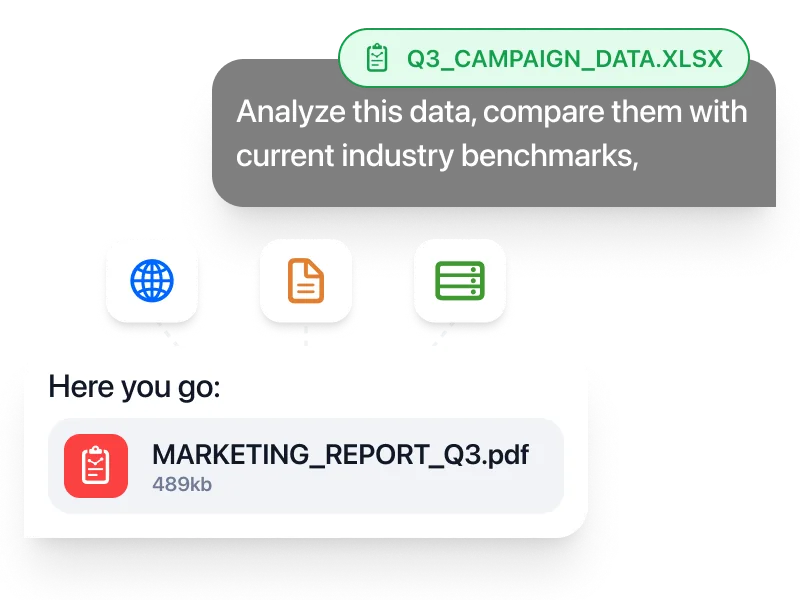
Claude 5 Sonnet is the model most people should use, the balanced default in the Claude 5 family. It can read extremely long documents in a single session, a full legal contract, an entire book, a complete codebase. If you need an AI that actually reads everything you give it carefully before responding, rather than skimming and guessing, Claude is consistently the top choice.
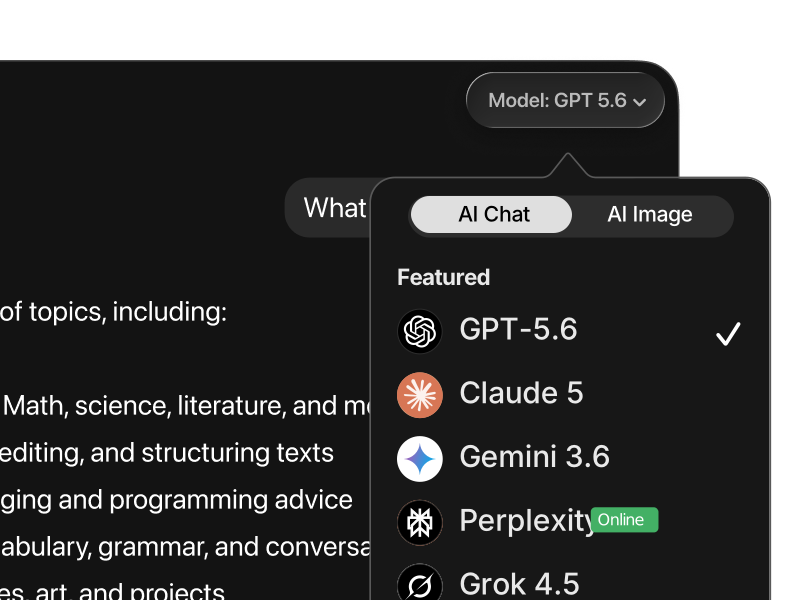
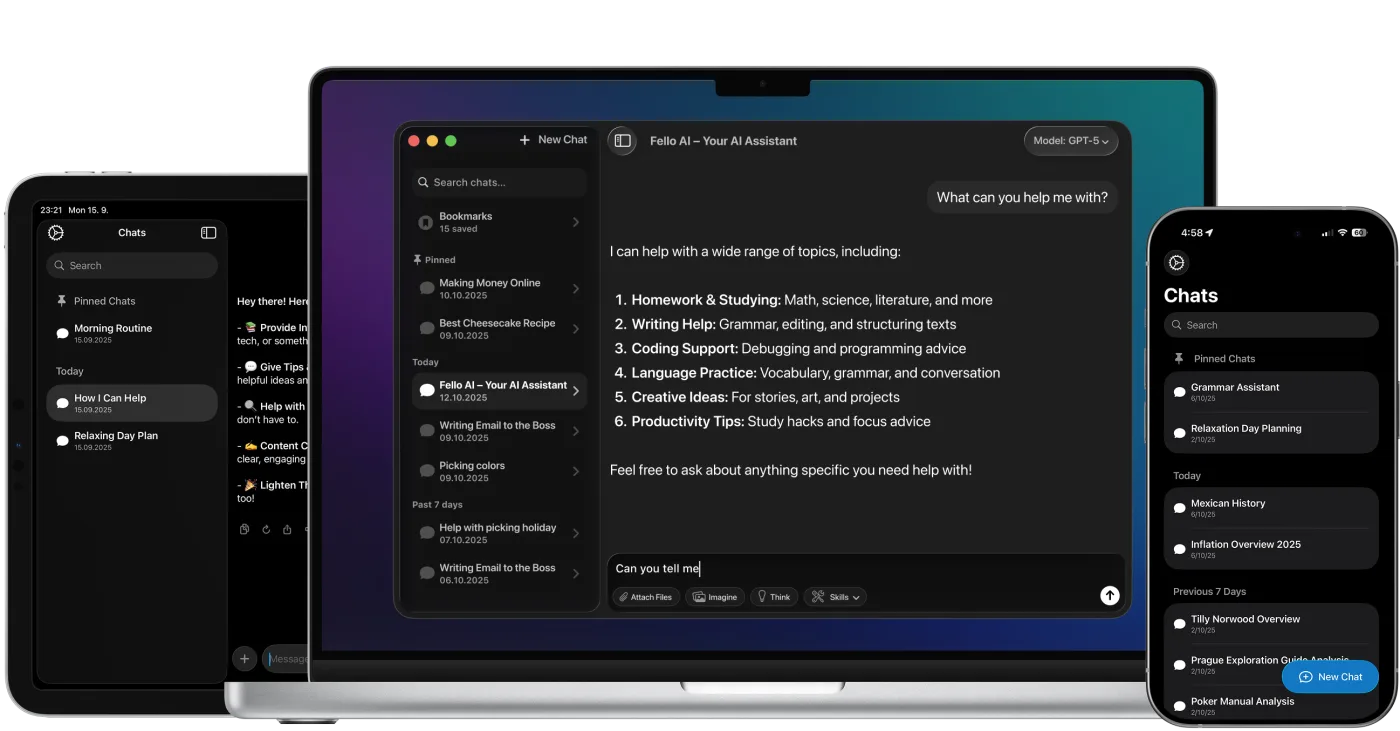
Claude vs Claude 5 Sonnet: Claude is the model family. Claude 5 is the current generation. Sonnet 5 is the everyday default, Opus 5 (launched July 2026) is the powerful everyday workhorse, and Fable 5 is the top-tier flagship for the most demanding work. In Fello AI, you get Claude 5 Sonnet as part of your plan.