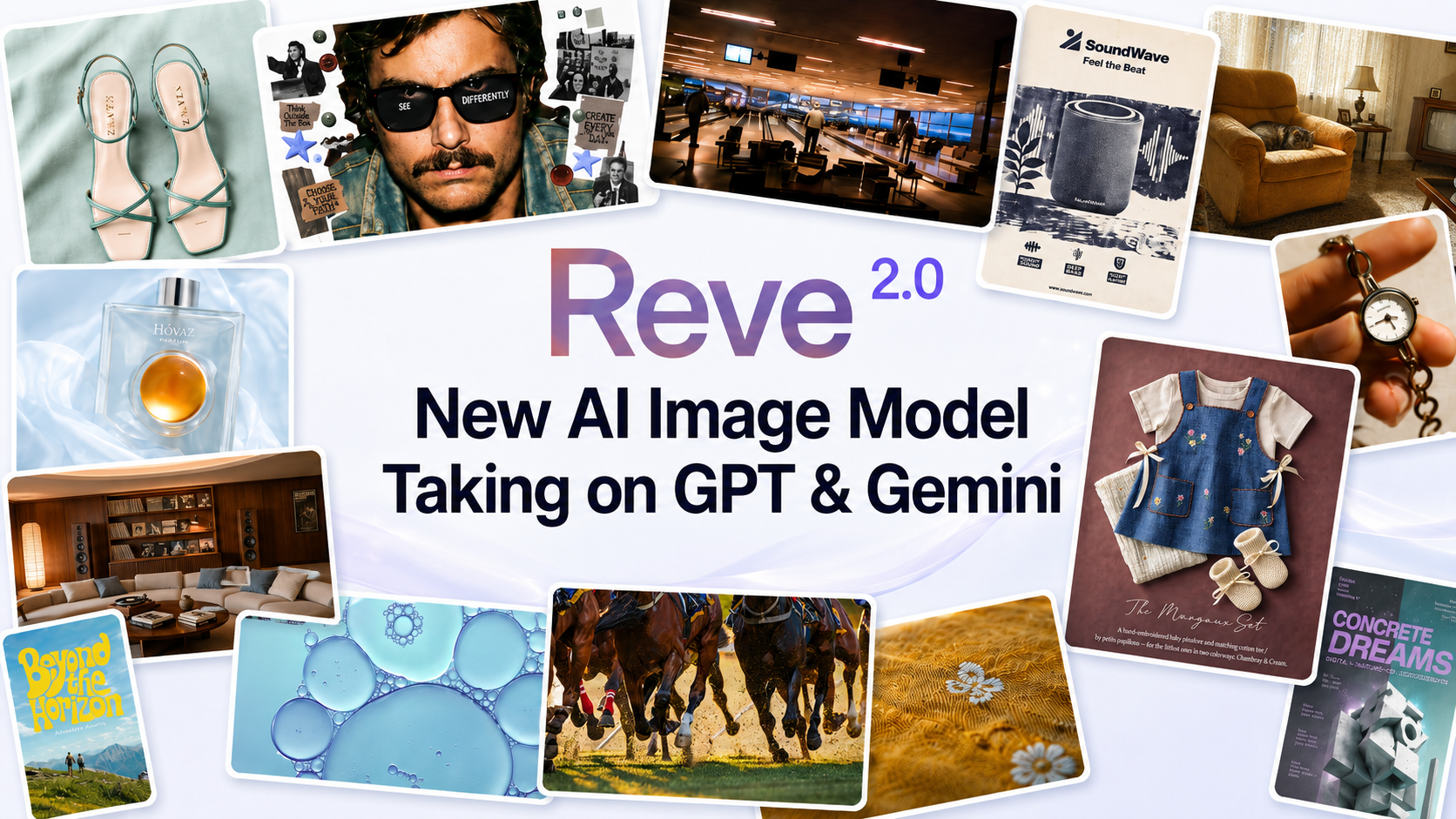
Reve 2.0 and the Bet on Layouts Instead of Prompts
Reve 2.0 swaps text prompts for editable layouts to deliver controllable, native-4K image generation. A full breakdown of how it works and why it ranks #2.

Reve 2.0 swaps text prompts for editable layouts to deliver controllable, native-4K image generation. A full breakdown of how it works and why it ranks #2.
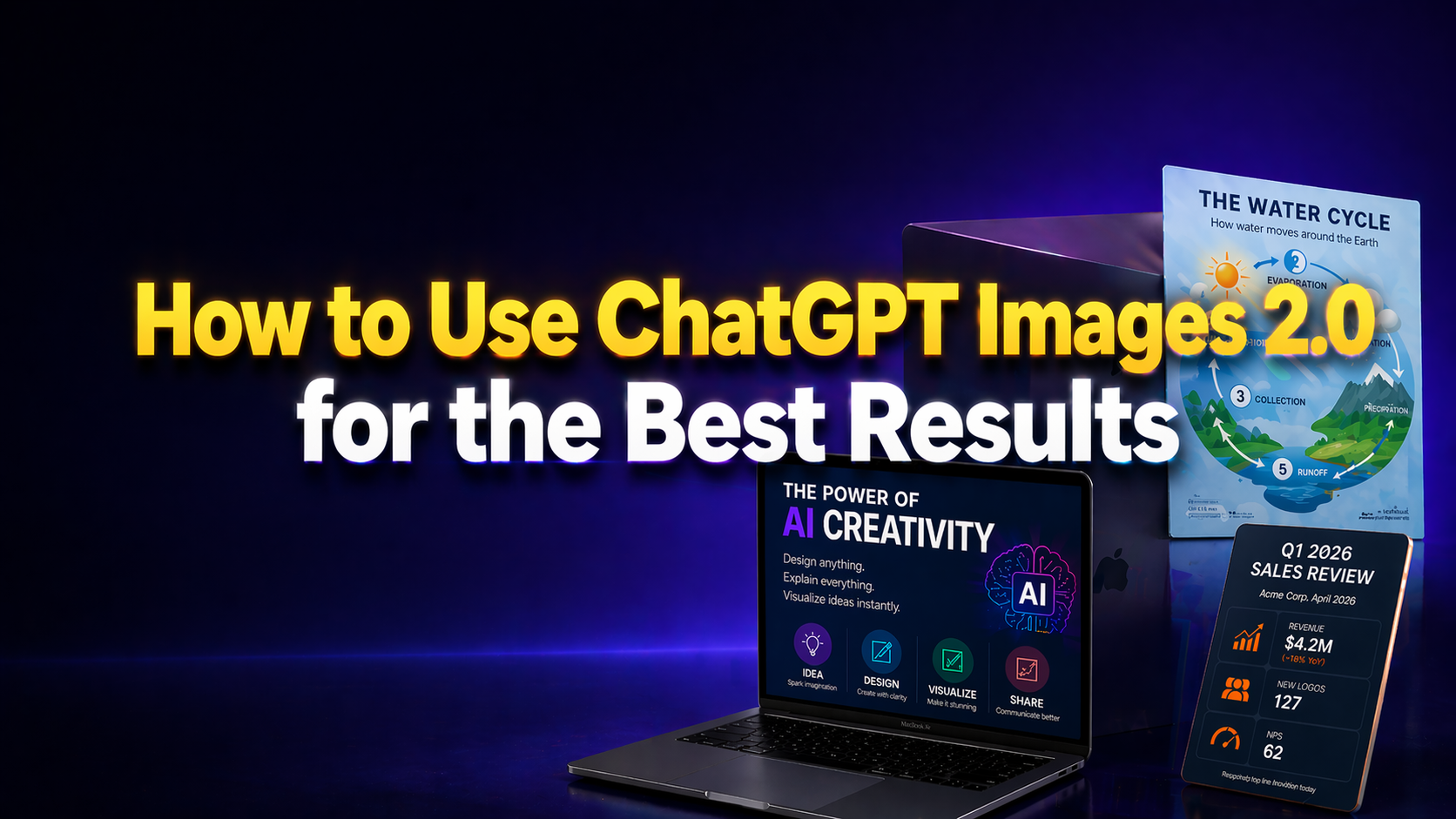
On April 21, 2026, OpenAI shipped ChatGPT Images 2.0, the first image model that can actually read what you ask it to write. That single change, readable text inside the image, is what finally turns ChatGPT into a real infographic and poster tool for everyday users. No more gibberish headlines. No more broken bullet points. You type the exact text you want, the model places it cleanly, and you download a finished visual. This guide is for the people who need to make a visual today, not design pros. If you’re a teacher building a classroom handout, a student making a conference poster, a marketer pushing a campaign graphic, or […]
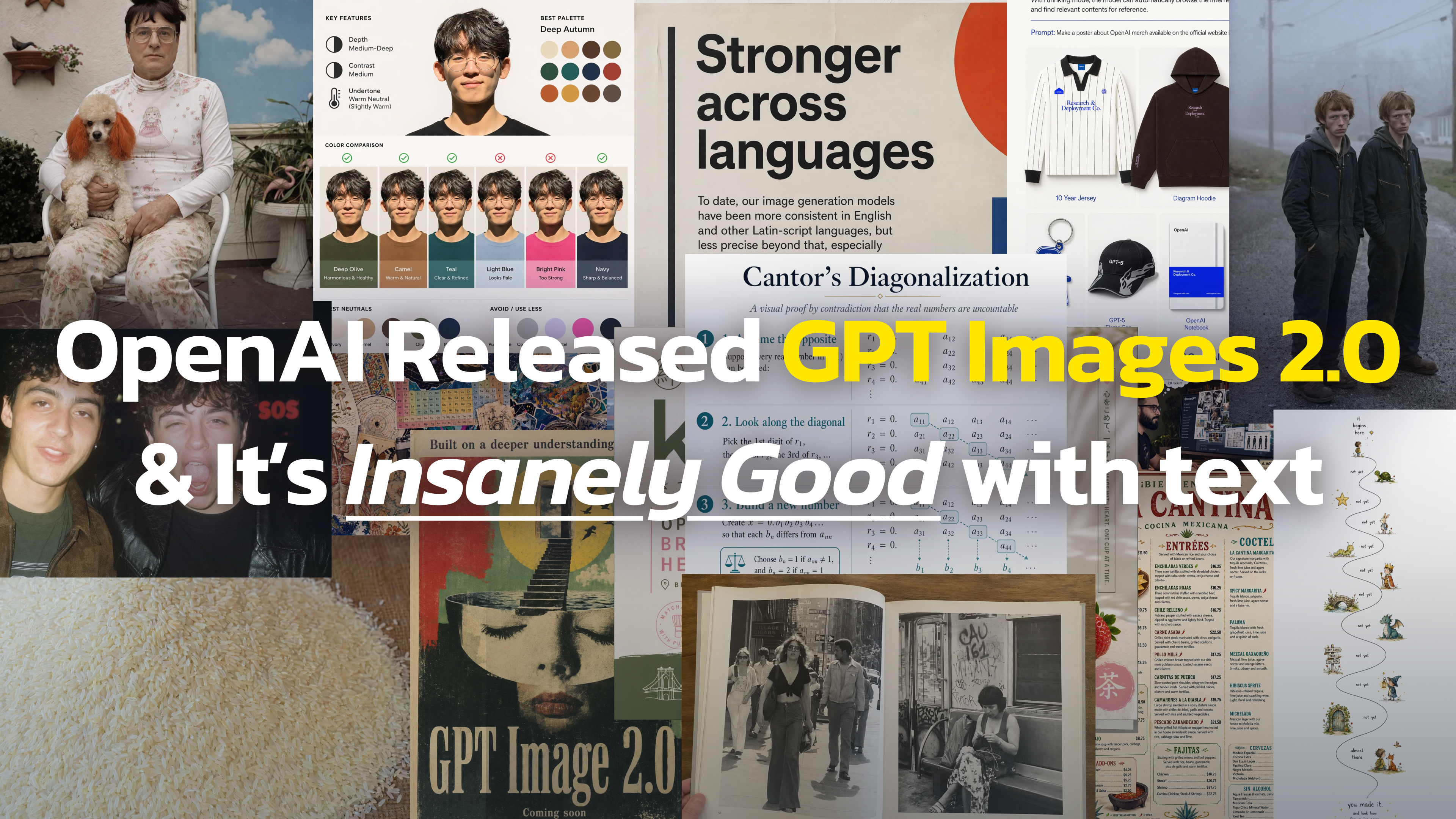
Three mysterious image models appeared on LM Arena and vanished within hours. Here’s everything leaked about OpenAI’s GPT Image 2, including capabilities, benchmarks, and expected release date.
何千人ものAIファンやプロフェッショナルの方々と一緒に、業界のリーダーたちから独占的なヒントや洞察を得ることができます。.
