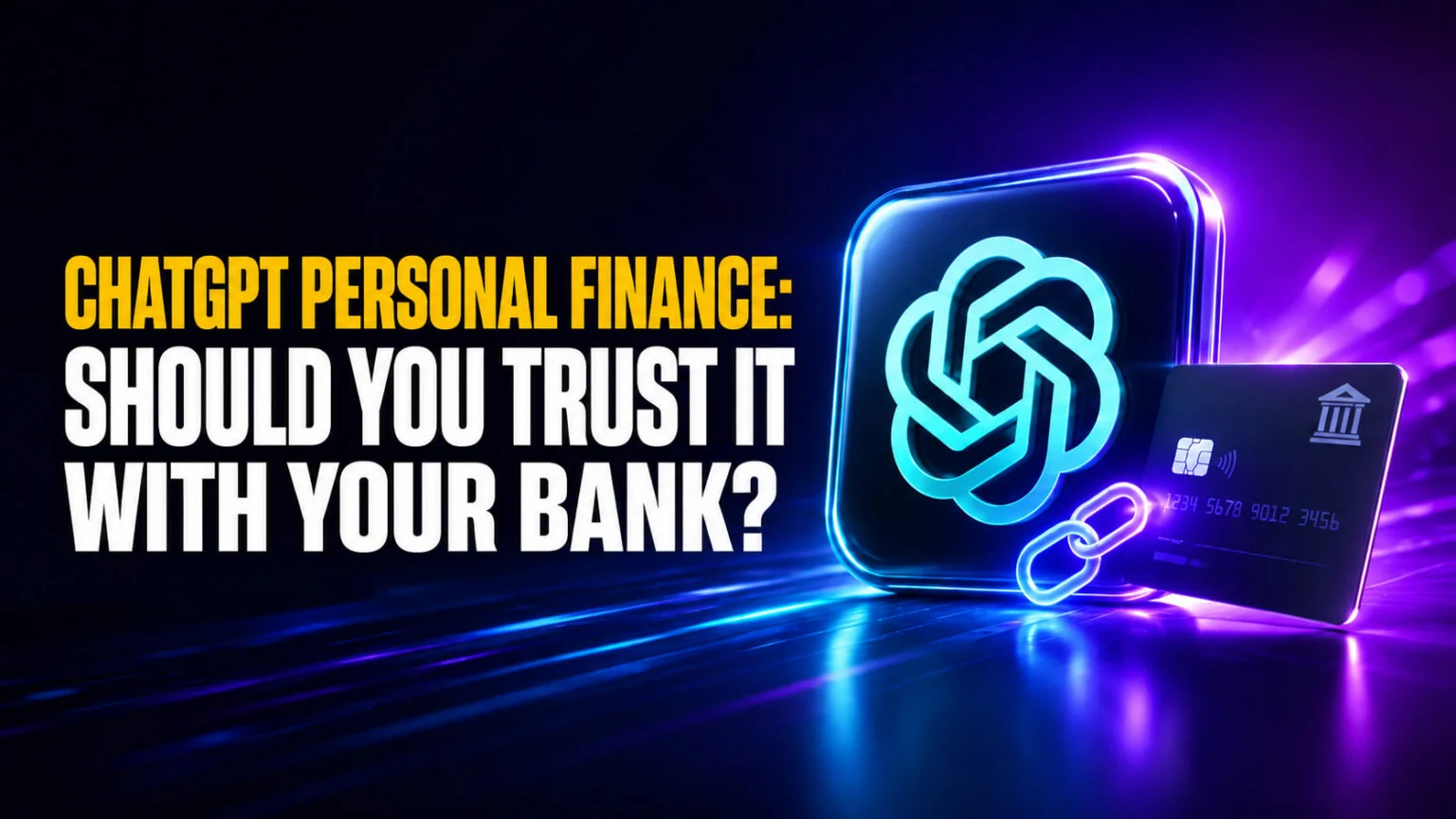
ChatGPT Personal Finance is the biggest expansion of ChatGPT’s role in your daily life since memory, and it’s also the most polarizing. OpenAI launched the Personal Finance preview on May 15, 2026, for ChatGPT Pro subscribers in the United States only. Plaid powers the bank connections, with support for more than 12,000 banks, brokerages, and credit cards, including Chase, Schwab, Fidelity, Robinhood, American Express, and Capital One. Once your accounts are linked, ChatGPT can read balances, transactions, investments, and liabilities, and answer real questions about your money grounded in your actual numbers, not a generic financial textbook. For the bigger question of whether software can actually beat the market, see our test of whether AI can predict the stock market.
It is also the feature that has Reddit and X asking “what sane person would give OpenAI this much access?”. In this review we map what ChatGPT can and cannot see, walk through the Plaid authorization flow on Mac and iPhone, dig into the privacy claims OpenAI made and the ones it did not, and lay out a clear “should you connect your bank” verdict. If you are weighing it up, here is the full picture.
The Key Takeaways
- ChatGPT Personal Finance launched May 15, 2026 as a preview for ChatGPT Pro subscribers in the United States, on web and iOS. ChatGPT Plus support is planned but has no date.
- The feature uses Plaid to connect more than 12,000 financial institutions. ChatGPT can read balances, transactions, investments, and liabilities, but it cannot see full account numbers or move money.
- Disconnecting an account deletes synced data from ChatGPT within 30 days, and you can revoke access at any time from Settings → Apps → Finances or the Plaid Portal.
- On OpenAI’s internal personal-finance benchmark built with 50+ finance professionals, GPT-5.5 Pro scored 82.5/100 and GPT-5.5 Thinking 79/100. There is no independent benchmark yet.
- Use it if you are a US ChatGPT Pro user comfortable with Plaid-style account linking; wait if you live outside the US, you are on Plus or below, or you want the data-training policy clarified first.
What Is ChatGPT Personal Finance?
ChatGPT Personal Finance is a built-in finance dashboard and chat experience inside ChatGPT that links to your real bank, brokerage, and credit card accounts through Plaid. After authorizing access, ChatGPT can pull live balances, categorized transactions, investments, and liabilities into a sidebar dashboard, and ground its answers in your actual numbers when you ask things like “did I spend more last month?” or “how am I tracking on my savings goal?”
The launch is the product fruit of a quiet acquisition. OpenAI bought personal-finance startup Hiro Finance on April 13, 2026, taking on roughly ten employees who had been building exactly this kind of AI budgeting tool. Hiro’s consumer app shut down on April 20, 2026, and the team rolled into OpenAI’s finance product group. One month later, the result shipped inside ChatGPT.
OpenAI says more than 200 million people already ask ChatGPT financial questions every month, and the new feature is built to make those answers actually useful by pairing GPT-5.5’s reasoning with your real financial context. Whether that is a smart trade or a privacy step too far depends entirely on the safeguards, which we cover below.
The setup is fast. The decision is not.
Which ChatGPT plans get Personal Finance?
Personal Finance is currently locked to the two ChatGPT Pro tiers, the ones that also gate GPT-5.5 Pro and o1 Pro mode. ChatGPT Plus, Go, and Free do not have it, and Business and Enterprise plans are not in the preview either. Here is the cleanest snapshot of who has access right now.
| Plan | Price | Personal Finance | Country | Platforms |
|---|---|---|---|---|
| Free | $0 | No | N/A | N/A |
| Go | $8/month | No | N/A | N/A |
| Plus | $20/month | Not yet (planned) | N/A | N/A |
| Pro $100 | $100/month | Yes (preview) | United States | Web, iOS, Mac (via web wrapper) |
| Pro $200 | $200/month | Yes (preview) | United States | Web, iOS, Mac (via web wrapper) |
| Business | $25-30/user/month | Not yet | N/A | N/A |
| Enterprise | Custom | Not yet | N/A | N/A |
For the full tier-by-tier breakdown of every ChatGPT plan, our ChatGPT pricing guide keeps a live row on Personal Finance. OpenAI has said Plus support will follow after the Pro preview matures, with no committed date as of late May 2026.
How to Connect Your Bank to ChatGPT
If you have a US ChatGPT Pro subscription, getting set up takes about three minutes. The flow is the same on the web, the Mac app, and the iPhone app, since all three load the same finance dashboard.
- Open ChatGPT and find the new “Finances” entry in the sidebar. If you do not see it yet, the preview is still being rolled out in waves, so check again in a few days.
- Click “Get started”, or type
@Finances, connect my accountsanywhere in a ChatGPT conversation to trigger the same flow inline. - Authenticate through Plaid. Pick your bank from the 12,000+ institutions Plaid supports, sign in with your normal banking credentials inside Plaid’s secure popup, and confirm which accounts ChatGPT may read.
- Review the requested scope. ChatGPT asks Plaid for balances, transactions, investments, and liabilities. It never asks for the ability to move money, change settings, or see your full account numbers.
- Add financial context. In Financial memories, drop in items like your mortgage balance, an emergency fund target, or a planned big purchase. ChatGPT uses these alongside the live data when it answers.
Once that is done, the Finances dashboard populates with portfolio performance, monthly spending, subscriptions, and upcoming payments. From any chat window you can now ask questions like “what did my recent vacation actually cost?” or “build me a plan to put away $400 a month” and get answers grounded in your actual statements.
ChatGPT Personal Finance on Mac and iPhone
OpenAI officially supports Personal Finance on web and iOS. There is no native Android release in the preview, and OpenAI has not promised one. macOS is more nuanced. The ChatGPT Mac app is essentially a wrapper around the web experience, so when you open Finances inside the Mac app you get the same dashboard you see in a browser, including the Plaid linking flow and the @Finances command.
On Mac
The Mac app surfaces the Finances entry in the left sidebar the same way the browser does, opens the same dashboard cards, and triggers the same Plaid auth flow without leaving the app. Because the desktop client is a wrapper of the web app, the experience is one-to-one with what you would see at chatgpt.com on the same Mac. If your Mac app does not show Finances yet, update to the newest version and sign out and back in to refresh entitlements; the rollout is wave-based even inside the eligible Pro audience. For a wider look at how the three big desktop AI clients compare, see our ChatGPT vs Claude vs Gemini on Mac comparison. If you are setting the Mac app up for the first time, start with our guide to the ChatGPT desktop client for Mac.
On iPhone
The iPhone app is the slickest place to use Personal Finance day-to-day. The dashboard is one tap from the sidebar, the Plaid auth popup runs inside the app, biometrics are handled by iOS, and synced data appears on your other devices instantly. The cards feel native, the transaction list scrolls smoothly, and asking @Finances a question is faster on iPhone than typing the same question into a web browser. Our roundup of the best AI apps for iPhone in 2026 puts Pro-tier ChatGPT high on the list, and Personal Finance is a real reason why.
On iPad and Android
iPad runs the iOS build, so Personal Finance works the same way it does on iPhone but with the bigger Finances dashboard. Android users are out of luck for now. The ChatGPT Android app does not surface the Finances sidebar entry, and OpenAI has not given an Android timeline. Workaround: open ChatGPT in mobile Chrome and the web experience including @Finances will load, though it is not as smooth as the iOS app.
Is ChatGPT Personal Finance Safe?
Short answer: the technical access controls are tighter than the press headlines suggest, and the policy gaps are wider than OpenAI’s blog post implies. Both are true at the same time. Here is the breakdown.
What ChatGPT can see
When you authorize a bank through Plaid, ChatGPT gets read-only access to four data types. It sees balances across checking, savings, brokerage, and credit accounts. It sees transactions with merchant names, dates, amounts, and the categories Plaid has inferred. ChatGPT also sees investments, including holdings, performance, and cost basis where Plaid surfaces it. And it sees liabilities like credit-card balances, mortgages, and student loans.
That is the entirety of what the @Finances assistant ever has in context.
What ChatGPT cannot see or do
The hard limits are explicit. ChatGPT cannot see full account numbers, routing numbers, or login passwords, because Plaid never passes those to OpenAI. It cannot move money, transfer between accounts, place trades, pay bills, change settings, or update beneficiaries. The integration is purely a read pipe, and you keep all the levers on your bank’s side. Phishing attempts that try to make ChatGPT “send the money to a different account” cannot succeed because there is no write path to send.
How long your data sticks around
If you disconnect a bank, ChatGPT removes the synced data within 30 days. You can pull the disconnect anytime from Settings → Apps → Finances in ChatGPT, or directly through the Plaid Portal where every Plaid-linked app is centralized. The 30-day window matches industry-standard data deletion timelines, and it is one of the stronger privacy choices in the launch.
What OpenAI has not clarified
This is the part most coverage glosses over. OpenAI has not publicly stated whether the financial data flowing through Personal Finance is used to train future GPT models. ChatGPT’s general training opt-out toggle exists at the account level. The company has not confirmed whether financial-account data inherits that toggle, gets stricter handling, or is excluded entirely. Plaid’s own blog mentions a “transaction foundation model, trained on de-identified data across the Plaid network”. That is a Plaid product separate from OpenAI’s models, but the existence of any model trained on financial data is a flag worth knowing.
There is also no public statement about breach handling specific to Personal Finance, no SOC 2 attestation language tied to the feature, and no detail on whether OpenAI staff or contractors can review linked-account data during quality reviews. For a tool collecting bank transactions from 200M+ potential users, those gaps are not small.
Verdict on safety: Read-only Plaid scope and 30-day deletion are real protections. The missing training-policy disclosure is a real concern. The feature is safer than the loudest critics claim and looser on policy than the OpenAI blog post implies.
ChatGPT Personal Finance vs Mint, Monarch, Copilot Money, and Fello AI
Personal Finance is competing for the same wallet share as a dedicated budgeting app, plus the slice of “ask AI a money question” that ChatGPT was already eating. Here is how the head-to-head looks in May 2026.
| Tool | Cost | What it does | AI advice quality | Privacy posture |
|---|---|---|---|---|
| ChatGPT Personal Finance | $100-$200/month (Pro tier required) | Live bank links via Plaid, AI chat grounded in your accounts, dashboard | High (GPT-5.5 Pro, 82.5 on OpenAI’s internal benchmark) | Read-only Plaid scope; training policy unclear |
| Mint | Discontinued March 2024 | N/A | N/A | N/A |
| Monarch Money | $14.99/month or $99.99/year | Bank links via Plaid, budgets, goals, no AI chat | None native | Strong, no AI training on data |
| Copilot Money | $13/month or $95/year | Bank links via Plaid, AI-categorized transactions, iOS-first | Light AI categorization, no chat | Strong, transactions stay on device where possible |
| Fello AI | $9.99/month | Multi-model AI (Claude, ChatGPT, Gemini, Grok, DeepSeek) for Mac, iPhone, iPad; no bank linking | High across providers | No bank link required; you decide what to paste |
The honest framing. If you want a true budgeting product with bank links and categorized transactions, Monarch or Copilot Money still beats ChatGPT today because their UIs are built for that job. ChatGPT Personal Finance is faster and smarter at answering questions about your money, but it is not yet as good at the daily budgeting workflow.
If you want AI for money questions without giving any single provider your bank access, Fello AI is the cleaner pick. At $9.99/month you get Claude, ChatGPT, Gemini, Grok, and DeepSeek in one native Mac and iPhone app. You paste the spreadsheet, statement summary, or specific question into whichever model handles it best, and no bank connection ever leaves your control. Fello AI carries a 4.7-star rating across 25,000+ reviews, which is the kind of trust signal you want from a tool that touches money conversations.
For the full landscape across every major AI assistant, our best AI models in May 2026 hub keeps a running comparison, and our 2026 AI pricing comparison breaks down the cost of every plan side-by-side.
How to Get the Most Out of ChatGPT Personal Finance
The feature only shines when you feed it the right context. Based on OpenAI’s documentation and the early hands-on coverage from outlets that have run it, these are the prompts and habits that produce the most useful answers.
Stack a Financial Memory first. Before asking anything substantive, add three to five short Financial Memories: your monthly take-home, your emergency fund target, your largest recurring obligation, your biggest savings goal, and any planned purchases in the next twelve months. ChatGPT references these on every answer.
Ask narrow, specific questions. “Where did I overspend in April compared to March?” produces a sharp answer with categories named. “How can I save more money?” produces generic advice ChatGPT could have written without seeing your accounts. The grounding pays off when you give it a small target.
Run weekly check-ins, not daily ones. A single fifteen-minute weekly session with prompts like “what changed in my spending this week” and “did any subscription renew that I forgot about” beats opening the dashboard every morning. The dashboard is a status board, the chat is the value.
Cross-check with Schwab and Fidelity advisor tools. For investment questions, ChatGPT Pro is strong on tradeoffs and tax-efficient framing, but it explicitly tells you it is not a fiduciary. Pair it with whatever your brokerage offers and never act on AI advice alone for big moves.
If you want a broader playbook for everything ChatGPT can do beyond money, our guide to using ChatGPT effectively covers prompts, memory, projects, and agents in one place.
Should You Connect Your Bank to ChatGPT? Our Verdict
We split the answer by user profile because the right call hinges on who you are.
Green light. Connect it. You are a US-based ChatGPT Pro subscriber, you already use Plaid through Monarch, Copilot, or your bank’s own apps, and you value fast answers about your actual money. The read-only scope plus 30-day data deletion meets your privacy bar. You will get real value, and the few minutes of setup pays back inside a month.
Yellow light. Try a single account first. You are curious but cautious. Connect one credit card or one brokerage account, not your full financial picture, and use the dashboard for two weeks. If the answers are useful and the dashboard does not feel invasive, expand. If you bounce off, disconnect and the data is gone in 30 days. Low-cost test.
Red light. Wait. You live outside the US, you are on Plus or Free, or you are not comfortable with any single AI provider having your transactions. You might also want OpenAI to confirm in writing how financial data interacts with model training before you proceed. None of those concerns are unreasonable. And none of them stop you from using AI to think about money in a controlled way through a tool like Fello AI, where you paste what you want analyzed and nothing more.
Whichever lane you are in, ChatGPT Personal Finance is the most aggressive move OpenAI has made into a regulated, privacy-sensitive corner of your life. It is a strong product. It is also a product whose terms will be argued over for years. Going slow costs you nothing.
FAQ
Which ChatGPT plans get Personal Finance?
Only the two ChatGPT Pro tiers ($100/month and $200/month) have Personal Finance access today, and only in the United States. ChatGPT Plus, Go, Free, Business, and Enterprise are not in the preview. OpenAI says Plus access will follow but has not given a date.
Is ChatGPT Personal Finance available on Mac?
Yes, indirectly. The ChatGPT Mac app is a wrapper of the web experience, so opening the Finances sidebar inside the Mac app gives you the same dashboard, Plaid auth flow, and @Finances command that the browser does. There is no Mac-only feature set, but everything works.
Is ChatGPT Personal Finance available on Android?
Not yet. The ChatGPT Android app does not surface the Finances sidebar today, and OpenAI has not committed to a launch window. You can still open ChatGPT in mobile Chrome and use Personal Finance through the web flow.
Can ChatGPT move money or trade in my accounts?
No. The Plaid integration is read-only by design. ChatGPT can read balances, transactions, investments, and liabilities, and it cannot transfer funds, place trades, pay bills, change settings, or see full account numbers.
How do I disconnect my bank from ChatGPT?
Go to Settings → Apps → Finances in ChatGPT and remove the account, or revoke access from the Plaid Portal where all your Plaid-linked apps live. Synced data is removed from ChatGPT within 30 days of disconnection.
Does OpenAI use my financial data to train its models?
OpenAI has not publicly clarified this. The general ChatGPT training opt-out toggle still exists at the account level, but the company has not confirmed whether financial-account data inherits that toggle or gets stricter handling. Until OpenAI states it on the record, treat this as the open question to weigh in your decision.