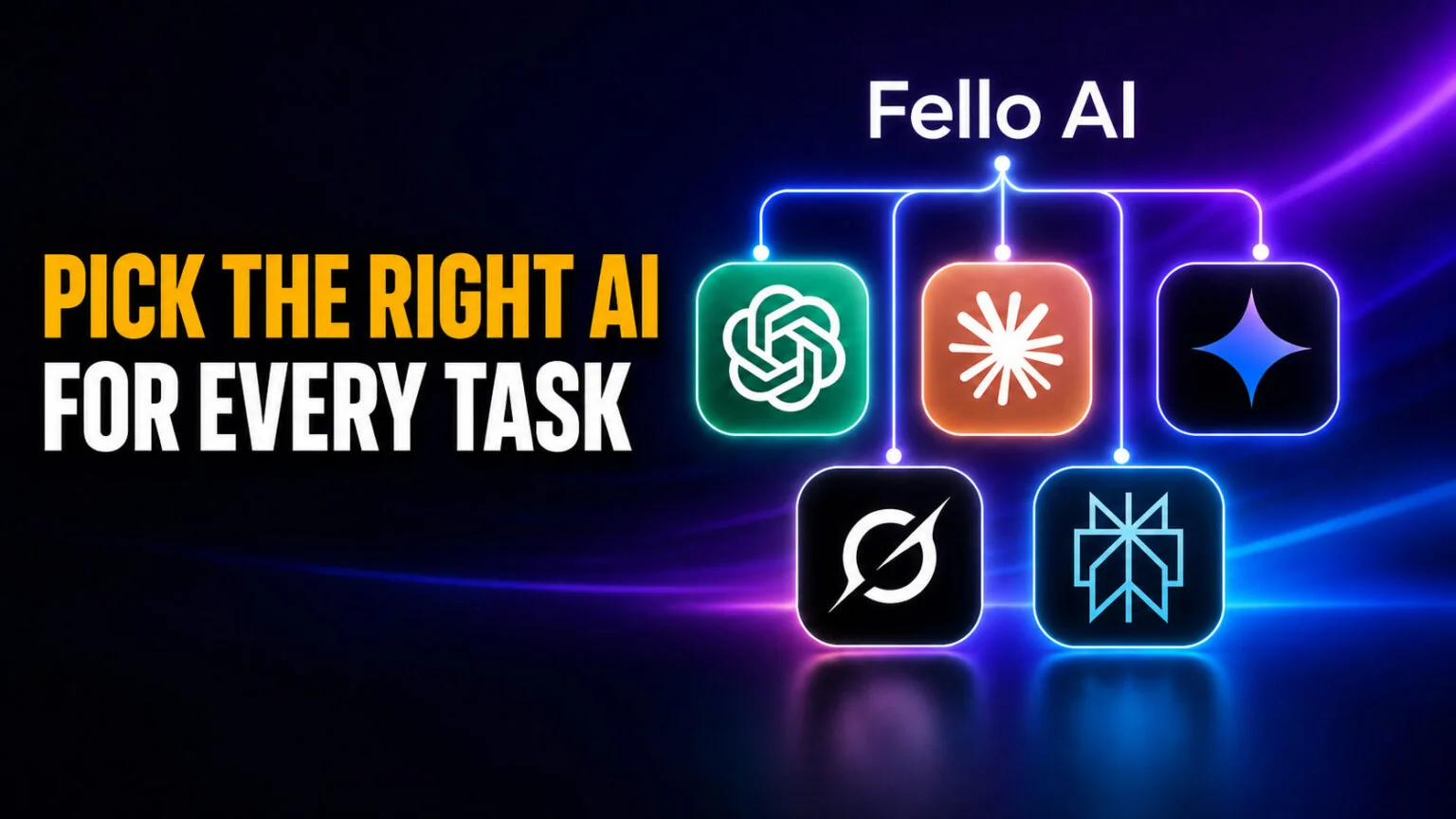
There is no single best AI in 2026, and every serious guide now agrees on the same answer to when to use which AI: match the task to the model that leads it. Claude wins on coding and long-form writing, ChatGPT is the most versatile all-rounder, Gemini dominates inside Google Workspace and on huge documents, Grok owns real-time news, and Perplexity is the one to trust for cited research. The days of one model doing everything well are over.
This guide gives you a simple decision framework, a task-by-task cheat sheet, and honest limits on when you should skip AI entirely. It also solves the practical problem every comparison quietly creates, because routing each job to the right model usually means juggling four apps, four logins, and four subscriptions. By the end you will know exactly which AI to open for coding, writing, research, images, and everyday questions, without overthinking it.
The Key Takeaways
- No model wins everything. The 2026 consensus is to route each task to the model that leads that category, not to pick one AI for life.
- Claude leads writing, and coding has no single winner. Claude tops SWE-bench Verified at 95% with the Fable 5 tier, while GPT-5.6 Sol edges Opus 5 on Artificial Analysis’s Coding Index and Kimi K3 leads LMArena’s WebDev arena.
- Gemini 3.1 Pro carries the biggest context window at 1 million tokens and lives natively inside Gmail, Docs, and Sheets.
- The hidden cost is stacking subscriptions. Four flagship plans run roughly $80 to $90 a month combined.
- A multi-model app puts every top model behind one subscription, so you can switch mid-task instead of managing four accounts.
The One Rule for When to Use Which AI
Use the model that leads the task, not one model for everything. That single rule replaces every “which AI is best” debate, because the honest answer changed shape once each lab started shipping a whole family of models instead of one flagship. A model that writes the most natural prose is rarely the same one that searches the live web or edits your spreadsheet.
The table below is the fast version. Find your task in the left column, and open that model. The rest of this guide explains the reasoning and covers the edge cases, so keep reading if your work spans several of these rows.
| Your task | Best model right now | Why | Runner-up |
|---|---|---|---|
| Coding and debugging | Claude (Opus 5, Fable 5 for hardest) | Leads SWE-bench Verified, contested on other boards | ChatGPT (GPT-5.6 Sol) |
| Long-form writing | Claude (Sonnet 5 / Opus 5) | Most natural, least “AI-sounding” prose | ChatGPT |
| Everyday all-round chat | ChatGPT (GPT-5.6) | Most versatile, best voice mode | Gemini |
| Research with citations | Perplexity | Native, reliable source links | Gemini Deep Research |
| Google Workspace tasks | Gemini 3.1 Pro | Reads your real Gmail, Docs, Sheets | ChatGPT |
| Real-time news and trends | Grok 4.6 | Live access to X and the web | Perplexity |
| Images and creative work | ChatGPT / Gemini | Strongest built-in image and video tools | Grok |
| Cheap, high-volume work | DeepSeek V4 / Gemini Flash | Lowest cost per task | Grok 4.1 Fast |
Notice the pattern. Four different models appear in the “best” column, which is exactly why the practical advice from every top guide is to keep two or three assistants on hand. We will come back to how you do that without paying for four separate plans.
When to Use Each AI Model
Each assistant has a genuine sweet spot built into how it was trained and where it lives. Here is what each one is actually best at, and one concrete moment where it beats the others.
When to Use ChatGPT
Reach for ChatGPT when you want the most versatile all-rounder and the smoothest experience. Running GPT-5.6, it posts top-tier agentic-coding scores, a state-of-the-art 88.8% on Terminal-Bench 2.1, and still has the best voice mode, image tools, and the widest set of integrations. It is the safe default when you do not know which model fits, and it handles a messy, mixed request better than anything else.
The one job where ChatGPT clearly pulls ahead is anything conversational and multimodal at once, like talking through a problem out loud while it looks at a photo you just took. For a deeper look at how its tiers differ, see the complete ChatGPT model comparison.
When to Use Claude
Open Claude when the work is code or serious writing. Claude Opus 5 is the everyday default now, and it tops the Artificial Analysis Intelligence Index at 61 across 190 models tracked. The Fable 5 tier leads SWE-bench Verified at 95% for the hardest problems. Anthropic’s own guidance is to start with Opus 5 for complex agentic coding and enterprise work, and to move to Fable 5 only when a workload needs the highest available capability. Opus 4.8 still runs, but Anthropic now files it under legacy models. Claude also produces the most natural prose, the kind that does not read as obviously machine-written, which is why writers and editors keep it open for long documents. Verified U.S. K-12 educators can now use it free through Claude for Teachers.
Its standout moment is a large, multi-file coding task or a 20-page document where tone and terminology have to stay consistent from start to finish. To see how it stacks up head to head, read our Claude vs ChatGPT breakdown.
When to Use Gemini
Choose Gemini if you live in Google Workspace or work with enormous files. Gemini 3.1 Pro carries a 1 million token context window, the largest of the mainstream chat apps, and it actually reads your real Gmail threads, Docs, and Sheets rather than guessing. It also leads pure reasoning and science benchmarks and handles video and audio that other chat apps cannot touch.
Its best moment is dropping an entire book, codebase, or year of email into a single prompt and asking questions across all of it. See how it compares in our ChatGPT vs Gemini comparison. See our full Gemini model comparison to choose between Flash, Pro, and Flash-Lite.
When to Use Grok
Use Grok when the answer depends on what happened in the last hour. Grok 4.6 plugs straight into X and the live web, so it is the model to ask about breaking news, market sentiment, or a trend that is unfolding right now. Nothing else matches it for real-time signal, and it comes at aggressive token prices.
Skip it for careful long-form writing or deep coding, where Claude and ChatGPT are stronger. Grok is a specialist, and its specialty is the present moment.
When to Use Perplexity
Turn to Perplexity whenever you need sources you can check. It does citations natively and reliably, which makes it the go-to for academic, legal, journalistic, or medical research where an unsourced answer is worthless. Every claim comes with a link, so you can verify before you trust.
For pure research it is often more useful than a general chatbot, though for everything else the bigger all-rounders do more. If cost is your main worry, DeepSeek V4 is the cheapest credible option for high-volume work. Among the newest options, Alibaba’s Qwen 3.8 is a 2.4-trillion-parameter multimodal flagship worth watching.
Match the Effort Level, Not Just the Model
Picking the brand is only half the decision in 2026. Every lab now ships a tiered family, so you also choose how much effort the model spends. Getting this right saves both money and time, because the biggest model is overkill for most requests.
The logic is the same everywhere. Use the smaller, faster tier for routine work, and only reach for the heavyweight when a problem is genuinely hard. With Claude that means Sonnet 5 for daily tasks and Opus 5 or Fable 5 for the hardest jobs. With Gemini it is Flash for speed and Pro for depth, though the next-gen Gemini 3.5 Pro is still awaiting a release date. With ChatGPT it is standard mode versus thinking mode. Turning on the heavy “thinking” setting for a simple email just makes you wait longer for the same answer. On the Google side that cheaper tier is now Gemini 3.7 Flash, which beats the previous generation on measured intelligence and coding at the same price, though the free Gemini app still serves 3.6 Flash.
Which AI Is Best for Each Task?
If you think in jobs rather than brands, here is the task-first view. These are the categories people search for most, with the current leader for each.
Best AI for Coding
Claude is the developer favorite, and the coding crown is genuinely contested in mid-2026, so it pays to know which board you are trusting. Claude leads SWE-bench Verified, where the Fable 5 tier scores 95% and Opus 5 is the everyday pick. On Artificial Analysis’s Coding Index the order flips, with GPT-5.6 Sol at 78.3 just ahead of Opus 5 at 78.0, a 0.3 gap that is a tie rather than a result. On LMArena’s WebDev arena Kimi K3 leads outright. Treat GPT-5.6 Sol as a genuine co-leader rather than a backup, and reach for it when you want a second opinion on a tricky bug. For non-coding agentic work, Claude also runs Claude Cowork, which handles multi-step office tasks across your files.
If you want an open-weight option, the model to watch is Moonshot’s Kimi K3. Set to be the largest open model ever released from China when its 2.8 trillion parameter weights land in late July, it already tops LMArena’s WebDev arena at 1682, ahead of Fable 5 and GPT-5.6 Sol, while Claude keeps the lead on SWE-bench Verified. If cost is the deciding factor, our Kimi pricing guide shows where it lands against Claude and GPT.
Best AI for Writing
Claude writes the most human prose and holds tone across long documents better than anything else, which makes it the first pick for articles, scripts, and reports. ChatGPT is the strong all-round alternative and often better for punchy, marketing-style copy. If you care which one sounds least robotic, we put them to the test in our which-AI-sounds-most-human experiment.
Best AI for Research
Perplexity wins for cited research because every answer links its sources. For deeper analysis across huge documents, Gemini 3.1 Pro and its Deep Research mode take over, thanks to that 1 million token window. Pair the two and you cover both quick fact-finding and heavy synthesis.
Best AI for Images and Creative Work
ChatGPT and Gemini lead here, with strong built-in image generation and, in Gemini’s case, native video. This is also where AI stops being a chatbot and becomes a creation tool, turning a photo or a one-line idea into something finished. It is the task most people underestimate until they try it.
Best AI on Your Phone
Most of these tasks now happen on mobile, not at a desk. The catch is that the best model changes with the job, so a single-model app leaves you switching between four of them on your home screen. This is where a multi-model app earns its place, letting you pick coding, writing, research, or image generation and get the right engine each time without leaving one screen.
When NOT to Use AI
Knowing when to skip AI matters as much as knowing which one to open. These models draft and assist, but they should not be your only source of truth, and there are clear cases where reaching for one is the wrong move.
Avoid AI when accuracy is safety-critical and you cannot verify the output, such as medication doses or structural math. Keep confidential or regulated data out of tools that may retain it. Do not lean on a chatbot for legal or medical decisions without a qualified professional, and skip it entirely when a plain calculator, a quick search, or an expert would be faster and more reliable. AI is a powerful assistant, not a replacement for judgment. If confidentiality is the deciding factor, a privacy-first assistant like Proton’s Lumo AI keeps chats under zero-access encryption.
The Catch: You Really Need More Than One
Follow this guide honestly and you reach an awkward conclusion. The best setup is not one AI, it is Claude for code, ChatGPT for everyday tasks, Gemini for big documents, and Perplexity for research. Do that the obvious way and you are paying for four flagship plans at roughly $20 a month each, which adds up to about $80 to $90 every month, plus the hassle of four apps and four logins. If you are narrowing it to the three big names first, we put them side by side in the three-way head-to-head.
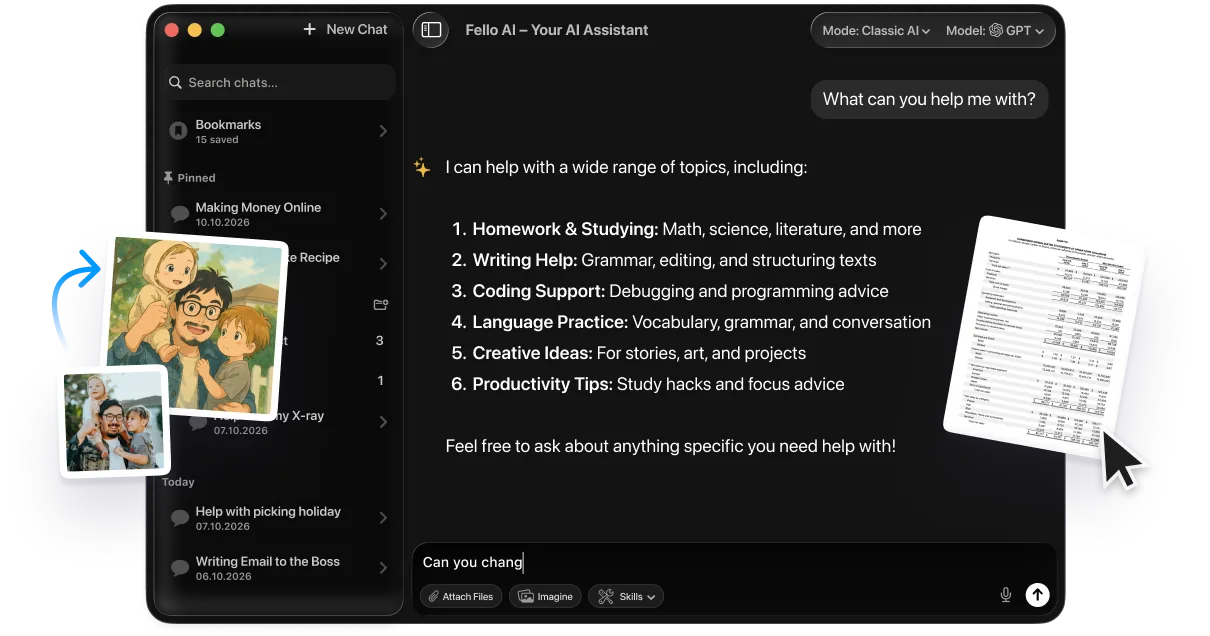
That is the exact problem a multi-model app solves. Fello AI is a native Mac, iPhone and iPad app that puts ChatGPT, Claude, Gemini and Perplexity behind a single subscription, along with Grok, DeepSeek, Kimi, GLM and Qwen, for $9.99 a month with a free tier to try first. Instead of paying $80 to $90 across four flagship plans you pay once and switch from a coding model to a writing model to an image model inside one conversation. No four accounts, no four bills, and no guessing which service to renew, so you keep the freedom this whole guide is built on and change your mind whenever the task changes.
It is also a creation tool, not just a chat window. The same app generates images, presentations, spreadsheets, PDFs, podcasts, and full documents, so the writing, research, and image work from the sections above all happens in one place instead of four. Rated 4.7 stars across 27,000+ reviews, it turns the “use two or three models” advice into something you can actually run from your phone without the cost and clutter.
For the full current standings across every major model, our regularly updated best AI models rankings track who leads each category as new versions ship. And if the real sticking point is cost, our complete AI pricing comparison breaks down what every plan runs and where a single bundle beats stacking them.
Conclusion
The answer to “when to use which AI” is refreshingly simple once you stop hunting for a single winner. Match the task to the model, use Claude for code and writing, ChatGPT as your all-rounder, Gemini for Google and big files, Grok for live news, and Perplexity for sourced research. Then dial the effort up only when the problem is hard.
The smartest move in 2026 is to keep two or three of these within reach and switch freely. The cleanest way to do that is a single multi-model app, so you get every leading model without the cost and clutter of four separate subscriptions. Pick the task, open the right model, and let the tool do the choosing for you.
FAQ
Which AI model should I use in 2026?
There is no single best model. Use Claude for coding and writing, ChatGPT as your versatile all-rounder, Gemini for Google Workspace and large documents, Grok for real-time news, and Perplexity for cited research. Match the task to the model that leads that category.
Can I use more than one AI at once?
Yes, and most professionals do. The practical 2026 approach is to run two or three models in parallel and send each task to the one that leads it. A multi-model app like Fello AI puts them behind one subscription so you can switch mid-task without juggling separate apps.
When should I use ChatGPT vs Claude?
Use Claude for coding and long-form writing, where it produces the most reliable code and the most natural prose. Use ChatGPT when you want the most versatile all-rounder, the best voice mode, or a strong second opinion. Many people keep both open. For a deeper walkthrough of getting the most from ChatGPT specifically, see how to use ChatGPT effectively.
Which AI is best for coding?
It depends on the benchmark, and in 2026 no model sweeps them. Claude leads SWE-bench Verified, where the Fable 5 tier scores 95% and Opus 5 is the everyday pick for development and multi-file debugging. GPT-5.6 Sol edges Opus 5 on Artificial Analysis’s Coding Index, 78.3 to 78.0, and Kimi K3 leads LMArena’s WebDev arena. Claude and GPT-5.6 Sol are best treated as co-leaders.
When should I not use AI?
Skip AI when accuracy is safety-critical and unverifiable, when handling confidential data a tool may retain, or for legal and medical decisions without a professional. Also skip it when a calculator, a quick search, or a human expert would simply be faster and more reliable.