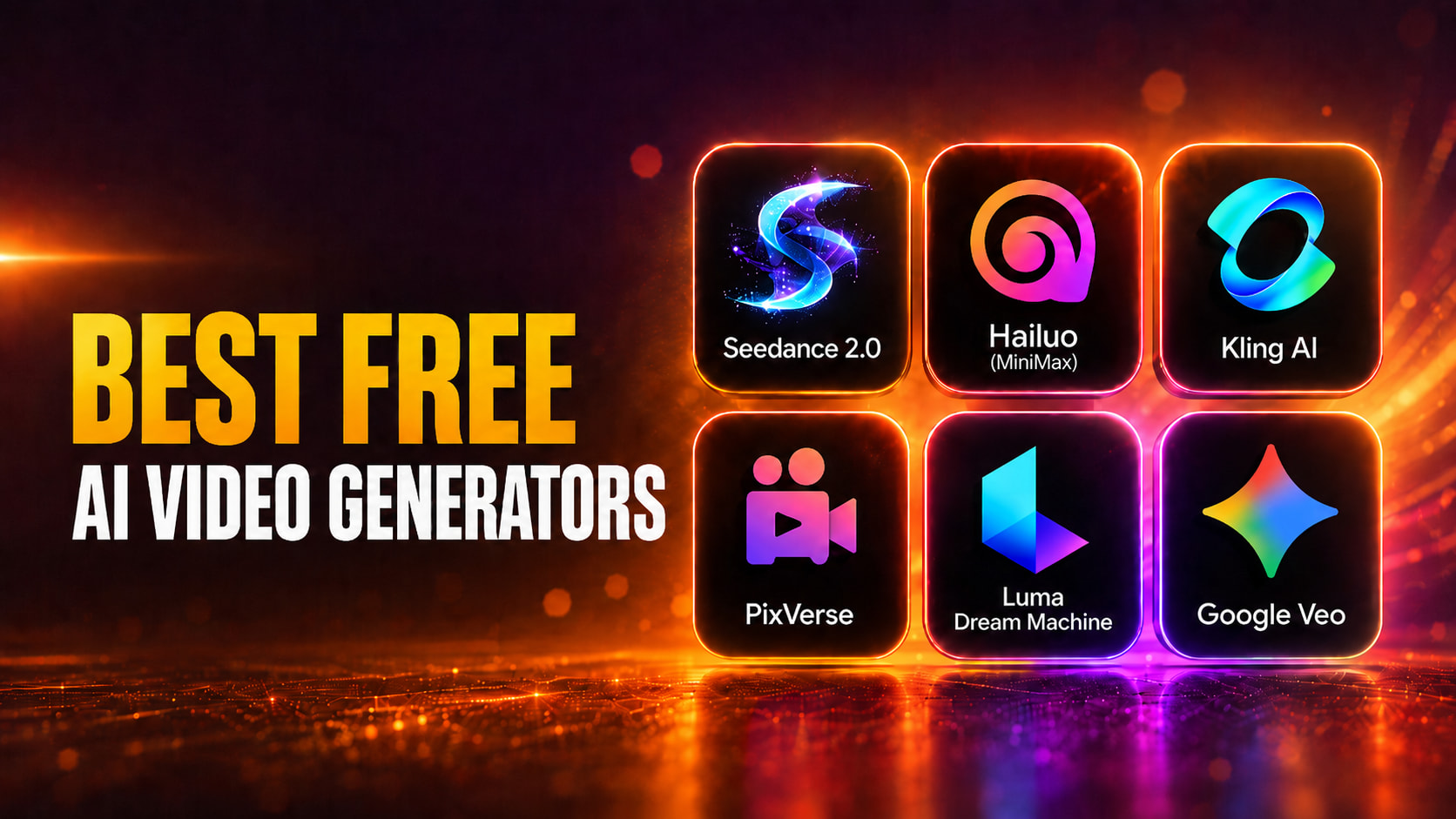
Fello AI thumbnail with the headline “BEST FREE AI VIDEO GENERATORS” in bold amber and white text beside a 2x3 grid of AI video tools, including Seedance 2.0, Hailuo, Kling AI, PixVerse, Luma Dream Machine, and Google Veo with the Gemini-style logo, on a cinematic orange neon background.

Best Free AI Video Generators 2026: No-Watermark Picks Tested

The best free AI video generators in 2026 are Seedance 2.0 for watermark-free 1080p clips, Hailuo for the most generous daily free allowance, and Kling AI 3.0 for the most realistic short clips. All three let you start with just an email, no credit card, and all three run on daily-refreshing credits so you can keep generating for free indefinitely. The catch is that almost every consumer tool now reserves its best output, full resolution, longer clips, and a clean export, for paid plans. This guide ranks nine free AI video generators you can actually use today, with the numbers that matter to free users laid out side by side: […]

Best Apple Intelligence Alternatives for Mac thumbnail featuring FelloAI, ChatGPT, Claude, Gemini, Raycast AI, and DeepSeek logos in a neon 2x3 grid against a dark blue and purple background.

Apple Intelligence Alternatives for Mac

Apple Intelligence only runs on a Mac with an M1 chip or newer and macOS 15.1 or later, which locks out every Intel Mac and a lot of older machines still in daily use. The strongest Apple Intelligence alternatives for Mac, including FelloAI, ChatGPT, Claude, Google Gemini, Raycast AI, DeepSeek and Dottie, give you more capable AI on more hardware, and several run on machines Apple left behind. This guide compares the seven best options by price, supported models, and whether they work on an Intel Mac. You will see where Apple Intelligence is useful, where it stops, and which alternative fits your machine and your workload. If your Mac […]

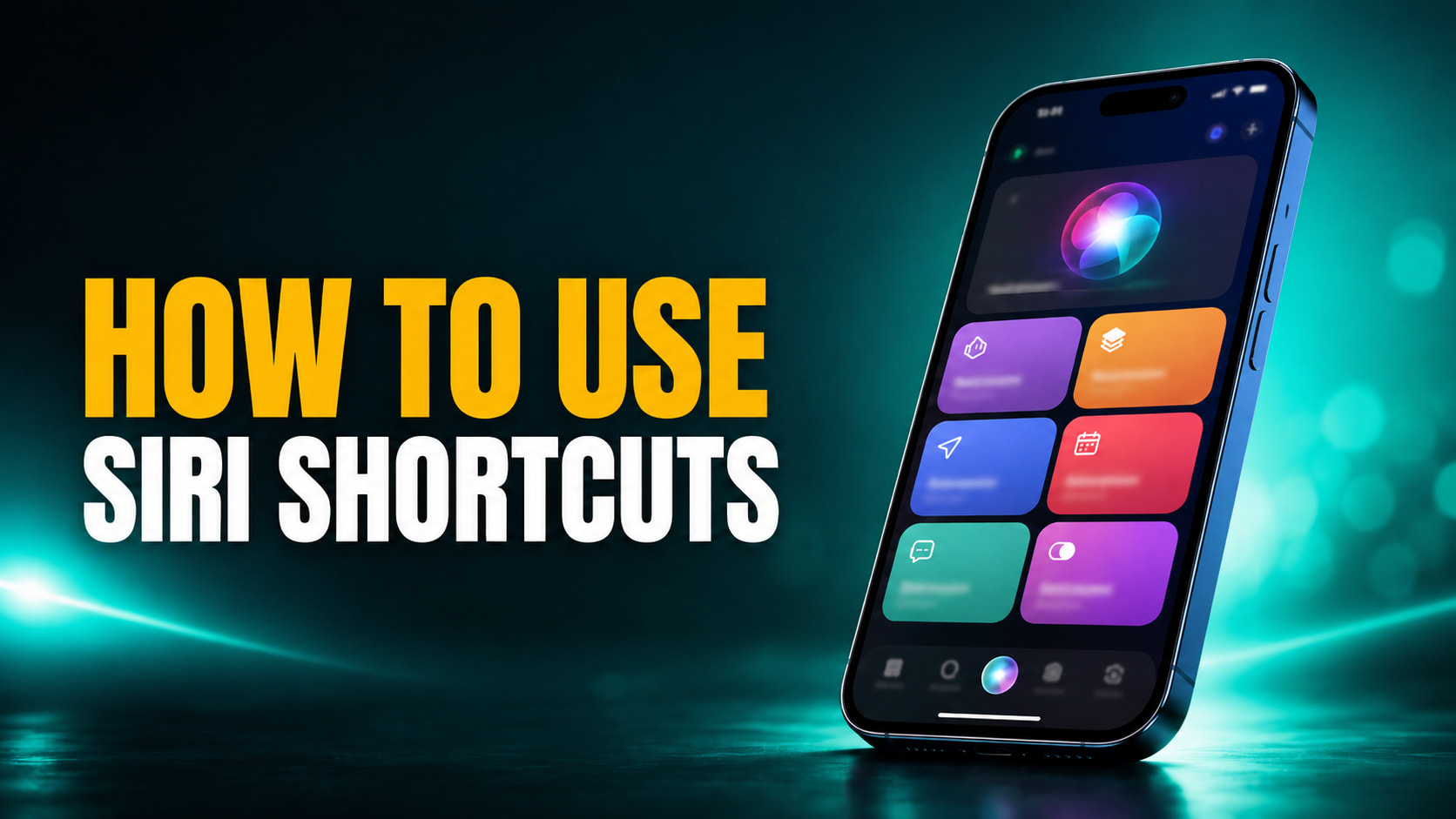
FelloAI thumbnail with the headline “HOW TO USE SIRI SHORTCUTS” in bold amber and white text beside an iPhone showing colorful Siri Shortcuts-style automation tiles on a dark teal cinematic background.

How to Use Siri Shortcuts: The Complete 2026 Guide for iPhone and Mac

More than 10,000 people search every month for how to use Siri shortcuts, and in 2026 the answer changed in a big way. Siri shortcuts let you bundle several actions into a single command you trigger by voice, a tap, or an automatic rule, and the free Shortcuts app on iPhone, iPad, and Mac is where you build them. The basics are still simple, but WWDC 2026 added a layer that lets you describe an automation in plain English and have Apple Intelligence assemble it for you. This guide walks you through everything in order, from creating your first shortcut and running it with your voice to setting up automations […]

FelloAI thumbnail with the headline “WHO IS DEMIS HASSABIS?” in bold amber and white text beside a stylized portrait of Demis Hassabis, the Google DeepMind CEO, on a cinematic blue and purple tech-style background.

Who Is Demis Hassabis? DeepMind CEO Bio, Net Worth & Family

Demis Hassabis is the co-founder and CEO of Google DeepMind, a 2024 Nobel laureate in Chemistry, and the man whose lab built Gemini, the AI model now woven through Google Search, Android, and soon a Gemini-powered Siri. Born in London in 1976, he was a chess master at 13 and a video-game designer in his teens before he set out to, in his words, “solve intelligence, and then use it to solve everything else.” Few people have moved that ambition closer to reality. This bio covers everything you are searching for about him, his net worth, his wife and family, his education, the 2024 Nobel Prize for AlphaFold, his knighthood, […]

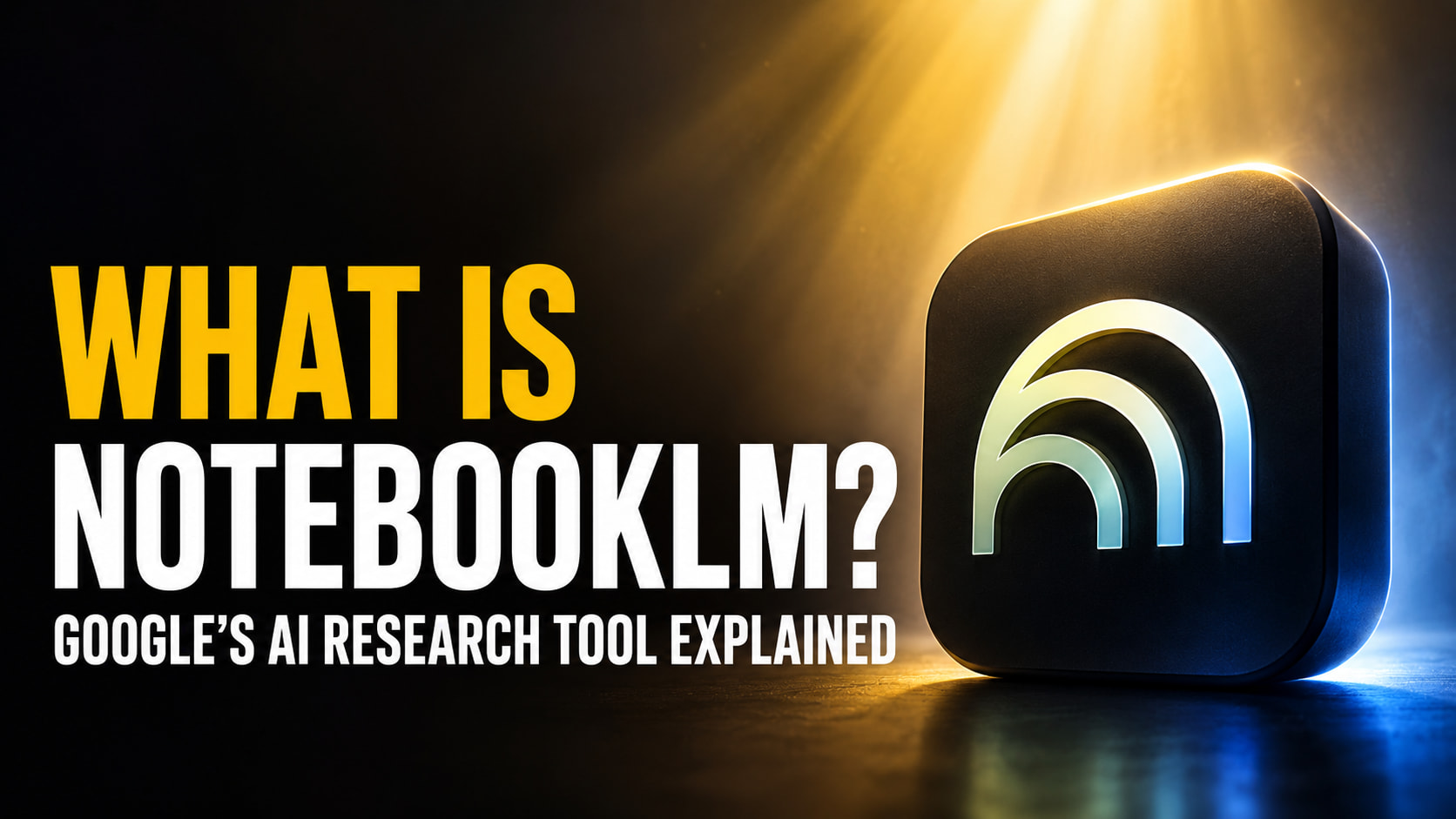
FelloAI thumbnail with the headline “What Is NotebookLM?” beside a glowing NotebookLM-style icon on a cinematic black, gold, and blue background.

What Is NotebookLM? Google’s AI Research Tool Explained

NotebookLM is Google’s free, source-grounded AI research tool that reads the documents, PDFs, websites, and YouTube videos you upload, then answers your questions, writes summaries, and turns your material into podcasts, videos, mind maps, and study guides. The key difference from ChatGPT or Gemini is that it only uses the sources you give it, and it cites every claim back to the exact passage it came from. That single design choice, source grounding, is why millions of students, researchers, and professionals now trust it with material a general chatbot would happily make up answers about. This guide explains what NotebookLM is in plain terms, what you can actually use it […]

Learn ChatGPT for Free thumbnail featuring a MacBook Pro with the ChatGPT logo, a dark chat interface, and a beginner course dashboard against a cinematic blue and purple neon background.

How to Learn ChatGPT in 2026: A Free Beginner’s Guide

You can learn ChatGPT for free in a single afternoon, and the most useful training comes straight from the company that built it. OpenAI Academy offers free, self-paced courses for non-technical beginners, and the ChatGPT free tier gives you a capable model at no cost, currently GPT-5.5 Instant by default. You do not need to pay for a course, a certificate, or a subscription to get good at it. This guide gives you a clear path from zero. You will learn how to start in five steps, which free courses are actually free (and which quietly charge for the certificate), what the free plan really includes in 2026, and a […]

Colorful gradient promo cover showing two glossy blue macOS-style folders. One folder is open with AI chat cards falling into it, while a second folder sits closed beside it. Large semi-transparent text in the background reads “AI PROJECTS,” suggesting organized AI conversations and project-based workspaces.

Projects Are Coming to Fello AI 6.6.0

If you use AI for more than the occasional one-off question, your work has a way of scattering — a draft in one chat, the research for it in another, your notes somewhere you can’t quite find. Every new conversation means setting the scene all over again before you can get anywhere. Fello AI 6.6.0 is about bringing some order to that with Projects, a way to organize your conversations around what you’re actually working on and hand the AI the shared context it needs to be useful from the very first message. On top of that, we’re also adding five of the newest models that will help you get your […]

Fello AI thumbnail with the headline “WHO IS LIANG WENFENG?” in bold amber and white text beside a stylized portrait of DeepSeek founder Liang Wenfeng on a dark teal cinematic AI background.

Who Is Liang Wenfeng? The DeepSeek Founder Who Shook the AI World

In January 2025, a single AI model from a little-known Chinese startup erased more than $1 trillion in market value from US tech stocks in one trading day. The model was DeepSeek-R1, and the man behind it is Liang Wenfeng, a former quant trader who built a frontier-grade AI lab on a fraction of the budget his American rivals spend. He rarely gives interviews, holds no flashy executive title beyond founder and CEO, and reportedly still reads research papers and writes code himself. So who is Liang Wenfeng, and how did a kid from a rural village in southern China end up reshaping the global AI race? This guide covers […]

Fello AI thumbnail with the headline “MIDJOURNEY BUILT A SCANNER” in bold amber and white text beside a large glowing Midjourney sailboat logo on a dark black, gold, and purple cinematic background.

Midjourney Scanner: The AI Image Company Built a Full-Body Body Scanner

The company best known for turning text prompts into art just unveiled a medical device. On June 18, 2026, Midjourney announced a new division called Midjourney Medical. Its first piece of hardware is the Midjourney Scanner, a full-body ultrasonic CT machine. It rings your body with roughly 358,000 ultrasound transducers to build detailed cross-sectional images, all without any radiation. Founder David Holz called it the first new whole-body medical imaging method in 50 years. The news was big enough that Bloomberg covered the pivot the same day. It is a strange leap for a startup whose reputation rests entirely on AI image generation. So the obvious first question is whether […]

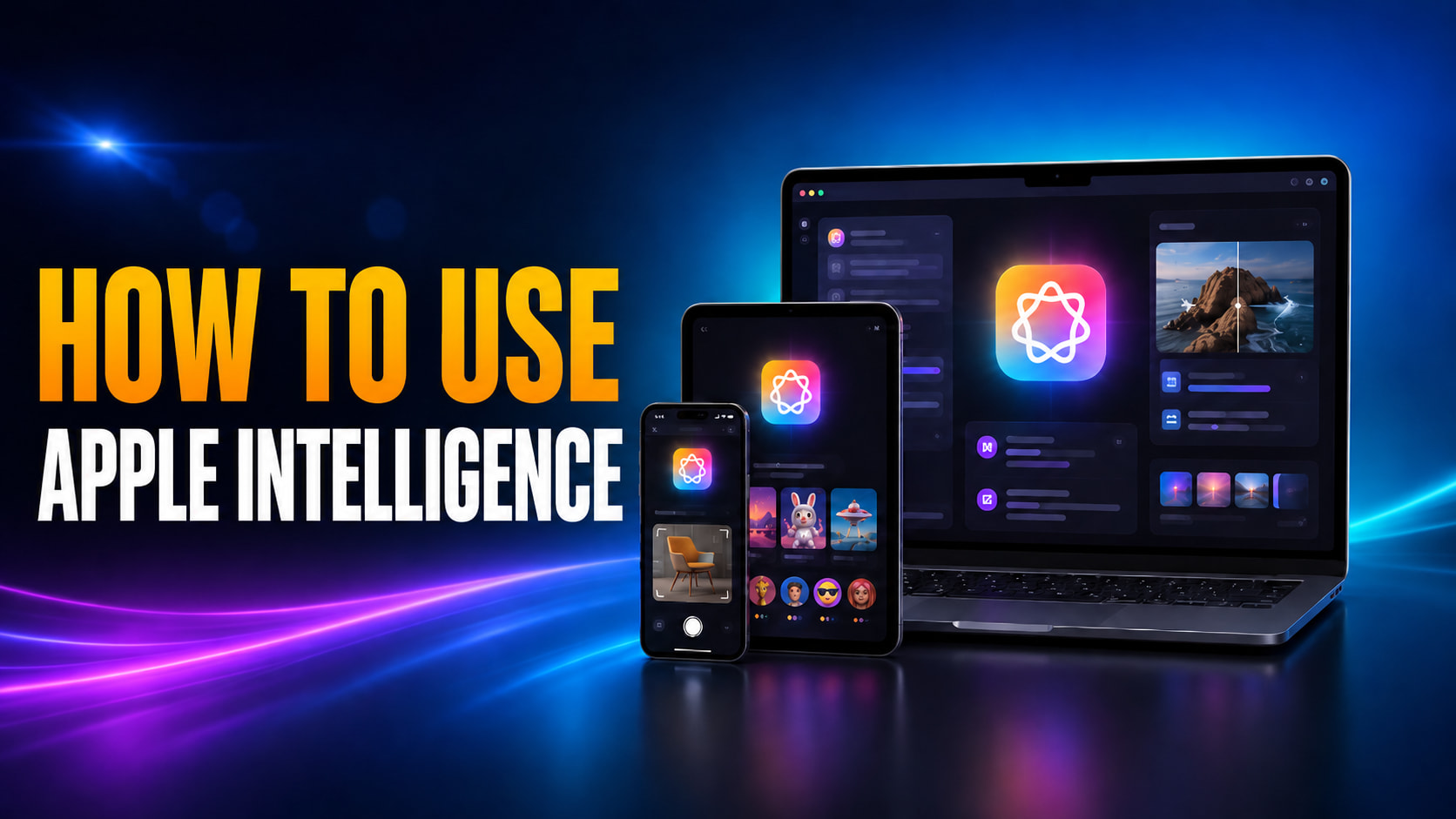
How to Use Apple Intelligence thumbnail featuring an iPhone, iPad, and MacBook displaying Writing Tools, image generation, photo editing, and Visual Intelligence features against a blue and purple neon background.

How to Use Apple Intelligence on iPhone, iPad, and Mac

To use Apple Intelligence, first make sure it is switched on under Settings > Apple Intelligence & Siri, then open the feature you want. You select text and tap Writing Tools to rewrite or proofread, open a photo and tap Clean Up to remove an object, describe an image in Image Playground, type a prompt in the emoji keyboard for a Genmoji, or point your camera and use Visual Intelligence to identify what is in front of you. Every feature lives inside an app you already use, so there is no separate Apple Intelligence app to open. If your Mac is too old for Apple Intelligence, we rounded up the […]