Fello AI thumbnail with the headline “WHO IS ELON MUSK?” in bold amber and white text beside a stylized tech CEO portrait on a cinematic blue and purple background.

Who Is Elon Musk? Net Worth, Kids, Age & His AI Companies

Elon Musk became the world’s first trillionaire on June 12, 2026, the day SpaceX’s record-breaking IPO began trading on the Nasdaq. As of June 2026 his net worth sits near $1.2 trillion according to the Bloomberg Billionaires Index, more than the next several richest people on Earth combined. He runs Tesla and SpaceX, owns the social platform X, and founded the artificial intelligence company xAI, maker of the Grok chatbot. That mix of rockets, electric cars, social media, and AI makes him one of the most talked-about figures of the decade, and one of the most searched. This guide answers what people actually ask about him: how old he is, […]


Canva Pricing 2026 thumbnail with bold white and amber headline, subtitle “Free, Pro & Business Plans,” and a glowing Canva logo tile on a black neon background.

Canva Pricing 2026: How Much Does Canva Cost?

Canva still costs $0 on its free plan, and that free tier does real work, not a stripped-back demo. If you want more, Canva Pro is $18/month or $144/year, and Canva Business (the plan that replaced Teams) runs $25 per user/month or $250 per user/year. Those four numbers cover what most people are actually searching for when they ask how much Canva costs. This guide breaks down every Canva plan in 2026, what each one includes, and the part most pricing pages skip, how Canva’s AI credits quietly shape the value of each tier. You will also see where the free plan is plenty, when Pro pays for itself, and […]

US Gov Reviews AI Models First thumbnail with bold amber and white headline, a reddish magenta cinematic background, and a glossy AI chip with government review document and approval checkmark.

AI Model Release Delays Explained: The US Government Wants to Review New Models First

The newest AI models are no longer shipping the moment they are ready. On June 25, 2026, OpenAI agreed to release GPT-5.6 only to a small group of government-approved customers first, after the White House asked it to hold back a broad public launch. Two weeks earlier, the US government forced Anthropic to pull two of its most advanced models offline entirely. These AI model release delays put Washington, for the first time, between you and the next frontier model. This shift started with a single executive order and a growing fear inside government about what these models can do on their own, especially in cybersecurity. Below we break down […]

Canva AI Image Generator thumbnail with bold white and amber headline, Dream Lab and Magic Media subtitle, and a glowing Canva logo tile with abstract AI art elements on a neon black background.

Canva AI Image Generator: How to Use Dream Lab and Magic Media

The Canva AI image generator turns a sentence into a finished, editable design in seconds, and it now spans three layers. The flagship is Dream Lab, built on Leonardo.ai’s Phoenix model after Canva bought Leonardo in 2024. Alongside it sits Magic Media, the classic generator inside the editor, plus a new conversational layer in the Canva AI 2.0 research preview that launched in April 2026. Every image you make drops straight onto your canvas, so a generated picture becomes part of a presentation, post, or poster without leaving Canva. This guide shows you which tool to open, the exact steps to generate an image, what the free credit limits really […]

Fello AI thumbnail with the headline “SET UP SIRI ON EVERY DEVICE” in bold amber and white text beside an iPhone, MacBook, iPad, Apple Watch, and HomePod showing Siri-style glowing visuals on a purple cinematic tech background.

How to Set Up Siri on iPhone, iPad, Mac & Apple Watch

Setting up Siri takes about four taps, but the menu moved in 2026. On any iPhone that supports Apple Intelligence, the old “Siri” panel is now called Apple Intelligence & Siri, and the switch you actually flip lives under Talk to Siri. Turn on a voice trigger like “Hey Siri,” train it to your voice in about 30 seconds, and the assistant answers across your whole device, hands-free. This guide covers how to set up Siri everywhere it lives, on iPhone, iPad, Mac, and Apple Watch, with the current menu names so you are not hunting for a panel that no longer exists. You will get the exact turn-on steps, […]

Fello AI thumbnail with the headline “CANVA AI EXPLAINED” in bold amber and white text beside a Canva-inspired editable design workspace, glowing Canva-style logo, and magic wand on a dark teal, cyan, and purple cinematic background.

What Is Canva AI? Everything Canva AI 2.0 Can Do in 2026

Canva AI is the artificial intelligence layer built into the Canva design platform, and in April 2026 it became the biggest thing Canva has shipped since the product launched in 2013. The company rebuilt its whole creative engine around Canva AI 2.0, a conversational, agentic assistant powered by the new Canva Design Model, which Canva calls the world’s first foundation model built to understand the structure and hierarchy of real design. In plain terms, that means you no longer dig through menus to make something. You describe what you want, and Canva AI generates editable designs, images, copy, presentations, and videos in seconds. This guide covers exactly what Canva AI […]

Fello AI thumbnail with the headline “TURN OFF SIRI EVERYWHERE” in bold amber and white text beside an iPhone showing a muted Siri interface and power-off icon on a cinematic blue tech background.

How to Turn Off Siri on iPhone, Mac, iPad, and AirPods (2026)

Turning off Siri takes about four taps, but the exact path changed in 2026. On any iPhone that supports Apple Intelligence, the old “Siri” menu is now called Apple Intelligence & Siri, and the switch you actually need is buried under a setting named Talk & Type to Siri. Flip that to Off, disable the side-button shortcut, and Siri stops listening, suggesting, and interrupting across the whole device. This guide covers how to turn off Siri everywhere it lives, across iPhone, iPad, Mac, and AirPods, plus how to kill Siri Suggestions without nuking the whole assistant. You will get the current menu names, a one-glance table for every device, and […]

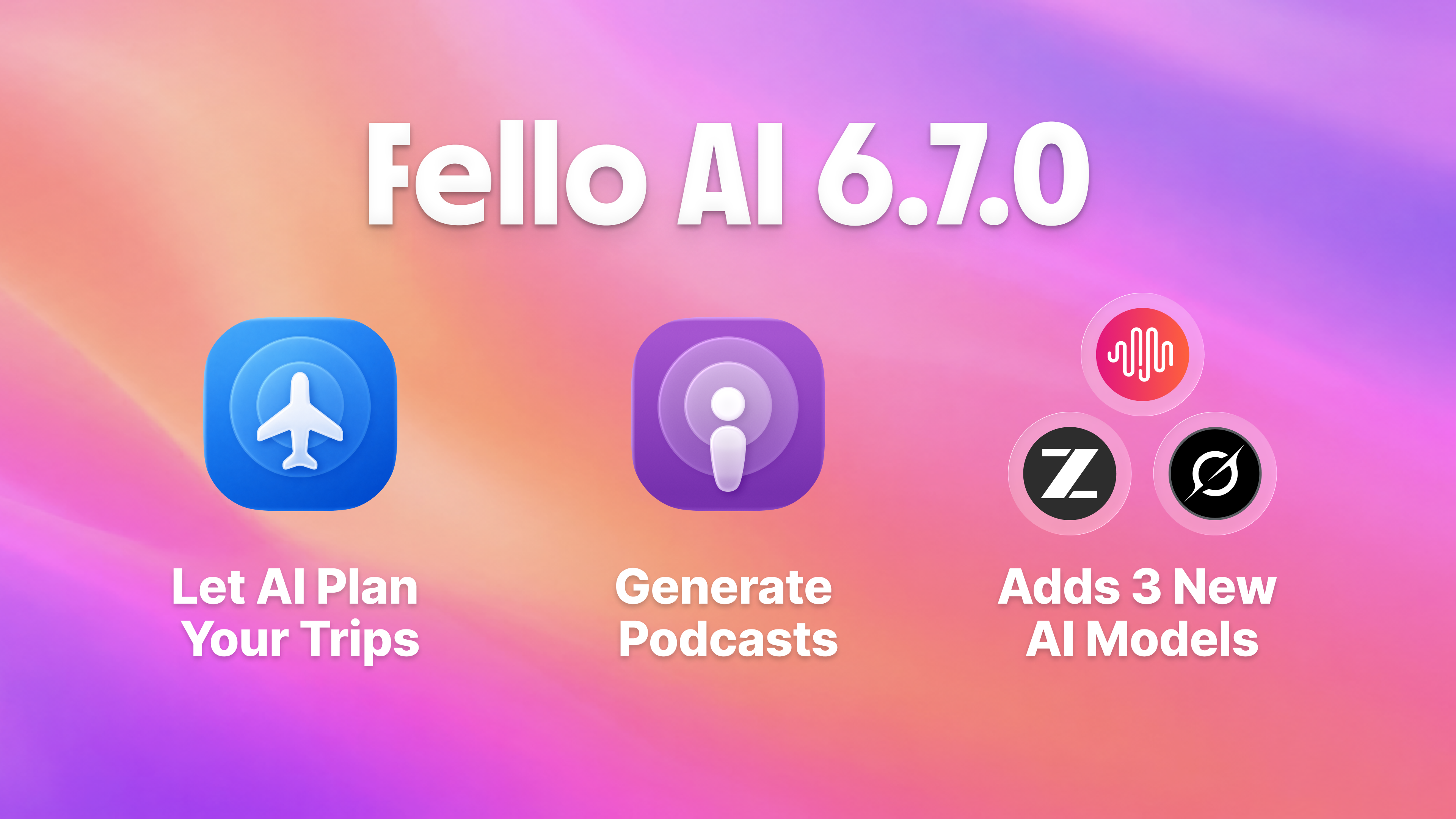
Fello AI 6.7.0 brings New Models (GLM 5.2, Grok 4.3 and MiniMax M3), Skill for generating Podcasts & Travel Planing Skill.

Fello AI 6.7.0: Generate Podcasts, Use GLM-5.2, MiniMax M3, and more

Fello AI 6.7.0 is here, and it makes the app more powerful, more flexible, and easier to use across iPhone, iPad, and Mac. It arrives shortly after our popular 6.6.0 release, which introduced the long-awaited Projects feature for organizing your conversations around what you are actually working on. With 6.7.0 we focused on two new skills: the new Podcast Skill that turns your documents, links, and notes into a real podcast and the new Travel Skill that plans real trips from start to finish for you. On top of those skill, this version adds a fresh wave of frontier models and much broader file support, so there is more you […]

Claude Down? Check Status thumbnail with bold white and amber headline, Fix Possible Issues subtitle, and a glowing coral Claude AI logo status tile on a dark cinematic background.

Claude AI Not Responding? Here’s How to Check Its Status and Fix Possible Issues

If Claude AI is not responding for you right now, you are far from alone. On June 23, 2026, outage reports for Claude peaked above 7,000 in the United States on Downdetector, and Anthropic later confirmed an “elevated error rate” across its models. That single incident was widely described as the tenth Claude disruption in just over three weeks, so a Claude outage is no longer a rare event you can shrug off. This guide shows you how to tell whether Claude AI is down for everyone or just for you, why Claude keeps going offline in 2026, and exactly what to do to keep working when it does. We […]

Fello AI thumbnail with the headline “HOW TO CHANGE SIRI VOICE” in bold amber and white text beside a MacBook, iPhone, and iPad showing Siri voice settings and audio waveforms on a purple cinematic tech background.

How to Change Siri Voice on iPhone, iPad, and Mac

You change Siri’s voice in Settings > Apple Intelligence & Siri > Siri Voice, and in iOS 26 you get six accent Varieties plus up to four distinct voices to pick from. Apple renamed the old “Siri & Search” menu to Apple Intelligence & Siri, so if you followed an older guide and could not find the option, that rename is usually why. The whole change takes under a minute, and Siri plays a short sample as you tap each voice. This guide shows you how to change Siri’s voice, accent, and language on every Apple device, from iPhone and iPad to Mac, Apple Watch, and Apple TV. You will […]