
Thumbnail with bold headline “CAN CLAUDE GENERATE IMAGES?” in yellow and white text on a dark gradient background, featuring a single Claude-style app icon glowing on the right side.

Can Claude Generate Images? Short Answer Is No, But Here’s the Fix

No, Claude cannot generate images. Anthropic’s own help center confirms it. Claude “does not generate photos or illustrations” the way DALL-E, Midjourney, or Nano Banana do. If you have asked Claude to draw something and watched it apologize, you are not missing a hidden setting. The feature simply does not exist inside Claude. If you need images, start with a dedicated a free AI image generator instead. That said, you have options. Claude can still build SVG diagrams, interactive charts, and as of April 17, 2026, full slide decks and prototypes through Claude Design. And if you want actual images, like a real photo or illustration, the cleanest fix on […]
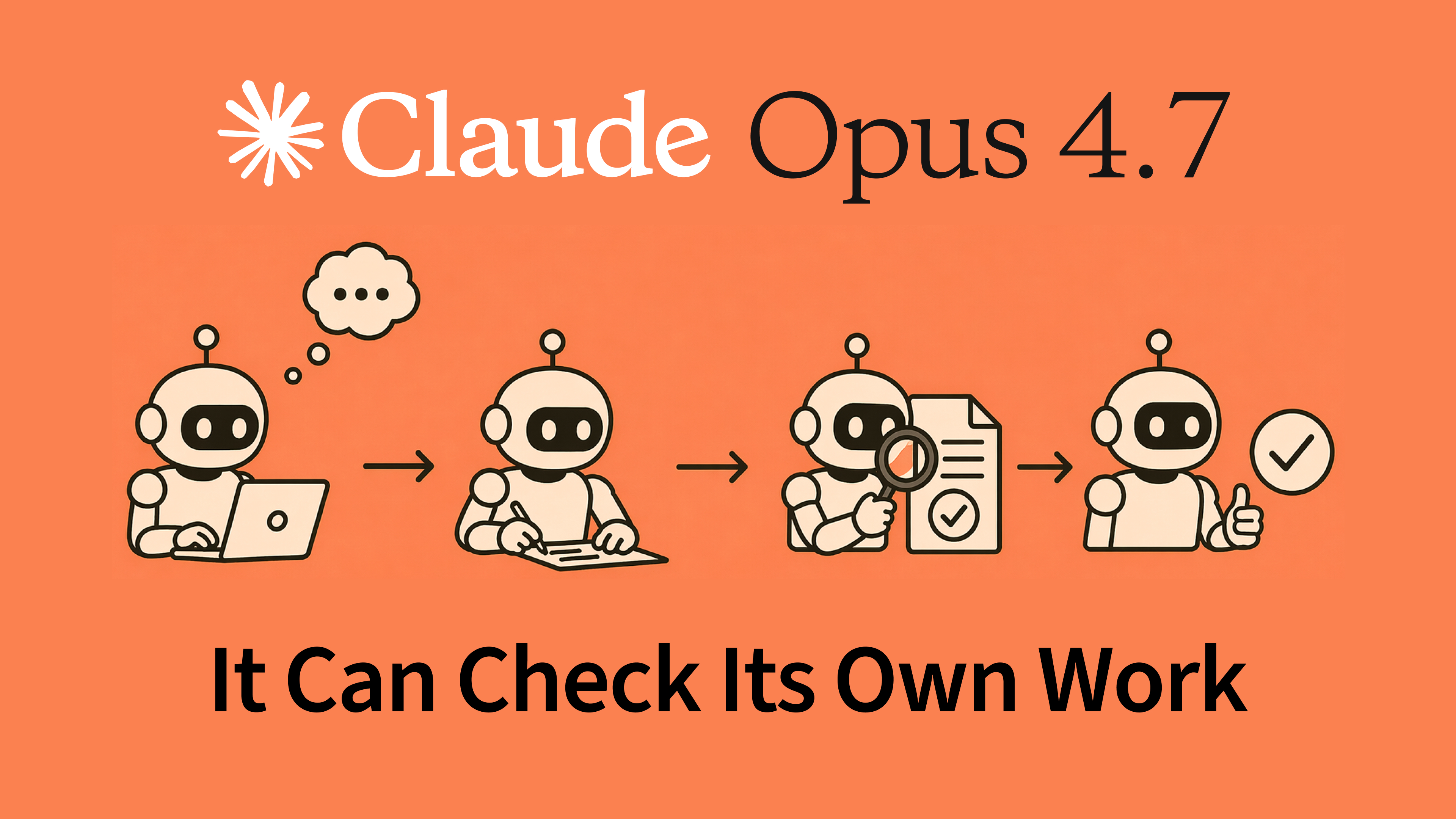

Flat vector illustration on an orange background showing a sequence of small robots working left to right—thinking at a laptop, writing, reviewing a document with a magnifying glass, and confirming with a checkmark—under the headline “Claude Opus 4.7” and the caption “It Can Check Its Own Work.”

Anthropic’s Claude Opus 4.7 Just Released: Everything You Need to Know

On April 16, 2026, Anthropic released Claude Opus 4.7, its most capable generally available model to date. The update brings a 13% lift on coding benchmarks, 3x more production tasks resolved, high-resolution vision support up to 3.75 megapixels, and a new tokenizer. Pricing stays the same as Opus 4.6 at $5/$25 per million tokens. At launch, Claude Opus 4.7 shipped across the Claude API, Amazon Bedrock, Google Cloud Vertex AI, and Microsoft Foundry, replacing Opus 4.6 as the default Opus model. Opus 4.7 has since been superseded twice over. Anthropic shipped Opus 4.8, then Claude Opus 5 on July 24, 2026, which now tops the Artificial Analysis Intelligence Index at […]

Claude Code paste bug fix — abstract clipboard with broken chain and error symbols in red and orange

Claude Code Login Issue: How to Fix the “Can’t Paste Authentication Code” Error on macOS and Windows

If you just ran claude login, got your authentication code from the browser, and your terminal silently refuses to paste it, you are not doing anything wrong. This was a known regression that started in Claude Code v2.1.105 and persisted through v2.1.107, confirmed by Anthropic’s own changelog and dozens of open bug reports on GitHub. The paste prompt swallowed your input because bracketed paste mode stopped being handled correctly after a v2.1.86 fix for OAuth token masking, and the fallout hit macOS Terminal, iTerm2, Warp, Windows Terminal, PowerShell, and WSL2 at the same time. The good news: Anthropic shipped an official fix in Claude Code v2.1.108 on April 14, 2026. […]

The Safer Claude Cowork Alternatives You Actually Need – split image showing dangerous AI environment on left and clean Fello AI interface on right

5 Best Claude Cowork Alternatives for Everyday Work

Claude Cowork costs between $100 and $200 per month for meaningful use, requires the Claude Desktop app, and grants AI full access to your file system. In early 2026, a venture capital founder named Nick Davidov asked Cowork to tidy his wife’s desktop, and the AI deleted 15 years of family photos within minutes. That story, shared on LinkedIn and covered widely, became one of the most-shared AI incidents of the year and a clear signal that many people need a simpler, safer path to AI productivity. The good news is that you do not need a desktop AI agent to get help with PDFs, presentations, spreadsheets, and writing. Whether […]

How to use AI in PowerPoint — complete 2026 guide covering Fello AI, Copilot Designer, Gamma and more

How to Use AI in PowerPoint: The Complete Guide for 2026

Microsoft PowerPoint now comes with Microsoft Copilot built in, an AI assistant that can generate slides, create charts, and redesign entire decks. The catch? Copilot costs $21/user/month on top of your existing Microsoft 365 subscription, and the standard tier still has real limitations with complex layouts and custom templates. For most people, that is a lot to pay for AI slide generation. The best AI tool to pair with PowerPoint right now is Fello AI. For $9.99/month, it creates fully formatted .pptx files directly from a chat conversation, gives you access to GPT-5.4, Claude, and Gemini in one app, and works on Mac, iPhone, and iPad. You describe the presentation […]

Claude Computer Use: What It Is, How to Set It Up, and What You Can Actually Do With It

Claude can now take control of your Mac, clicking buttons, typing text, opening apps, and completing tasks on your screen while you step away. Anthropic launched Claude computer use on March 23, 2026 as a research preview for Pro and Max subscribers, and it changes how you interact with AI. The company announced the feature alongside Dispatch, its new phone-to-desktop task delegation system. Instead of copying and pasting between Claude and your apps, you simply tell Claude what you need done, and it does the work directly on your desktop. This isn’t a gimmick or a developer-only tool. Whether you’re a student juggling research papers, a marketer managing campaigns across […]

A developer at a dark ultrawide monitor setup with glowing code windows — illustrating the best Claude Code skills picked by use case

The 30 Best Claude Code Skills to Add (Picked by Use Case)

Most Claude Code users discover skills by accident. Someone mentions a /skill-name command, it works brilliantly, and suddenly they want more. What most guides miss is that the best Claude Code skills depend entirely on what you actually do. A developer, a teacher, and an ops manager all have very different workflows, and the skill that saves one of them hours a week might be completely useless to the others. This guide covers the best Claude Code skills by use case, starting with the built-in skills you already have and may not know about, then moving into the top picks for developers, teachers and students, document workers, writers, business teams, […]

Claude Sonnet 4.6 just dropped thumbnail showing a powerful futuristic AI robot and a surprised user, representing a breakthrough AI model update.

Claude Sonnet 4.6 Released: Is It The Best Value Claude Yet?

Anthropic officially released Claude Sonnet 4.6 on February 17, 2026, delivering what might be the most aggressive value proposition in AI history: Opus-level performance at Sonnet prices. This isn’t just a speed bump; it is a full upgrade across coding, computer use, long-context reasoning, agent planning, and design. With a massive 1 million token context window and “hybrid reasoning” capabilities, Sonnet 4.6 aims to make the trade-off between cost and intelligence a thing of the past. If you are a developer, creator, or business owner, the question isn’t just “what changed?” – it’s “why am I still paying for more expensive models?” You can see how it stacks up against […]

Claude Opus 4.6 brings AI multi-agent coding. Learn what’s new, how it works, key benchmarks, real use cases, and why it matters for developers and teams.

Claude Opus 4.6: Full Breakdown of Anthropic’s New AI Model with 1M Context Window

On February 5, 2026, Anthropic released Claude Opus 4.6, at the time the latest and most capable model in its Claude lineup. Arriving just three months after Opus 4.5, this release brings a 1-million-token context window to the Opus family for the first time, introduces collaborative agent teams in Claude Code, and delivers benchmark results that put it ahead of GPT-5.2 and Gemini 3 Pro across most evaluations. Months later it remains a yardstick for new contenders; ByteDance’s Seed 2.1 Pro drew level with Opus 4.6 on Code Arena: Frontend, both scoring 1539. Opus 4.6 has since been superseded. Anthropic shipped Claude Opus 5 on July 24, 2026, and it […]

Illustration of four small futuristic robots working on a large paper to-do list. One robot highlights a task, another crosses off items, one holds a stack of papers, and another scans with a tablet. Text overlay reads: 'How To Make Your Life Easier With AI In 2025'.

How Can I Use AI to Make My Life Easier? Here Are 10 Smart Ways + Prompts.

You probably have one of the most powerful productivity tools ever created sitting right in your pocket – artificial intelligence. Whether it’s ChatGPT, Google’s Gemini, or any other AI assistant, these tools can handle tasks that would normally take you hours. Yet most people try them once or twice, get disappointing results, and give up thinking AI isn’t worth the hype. If you’ve asked ChatGPT to “help with work stuff” or “how to make my life easier” and received generic, unhelpful responses, you’re not alone. The reason is that these tools need specific, well-structured instructions to give you genuinely useful results. Ask vaguely, and you’ll get vague answers. Ask specifically, […]