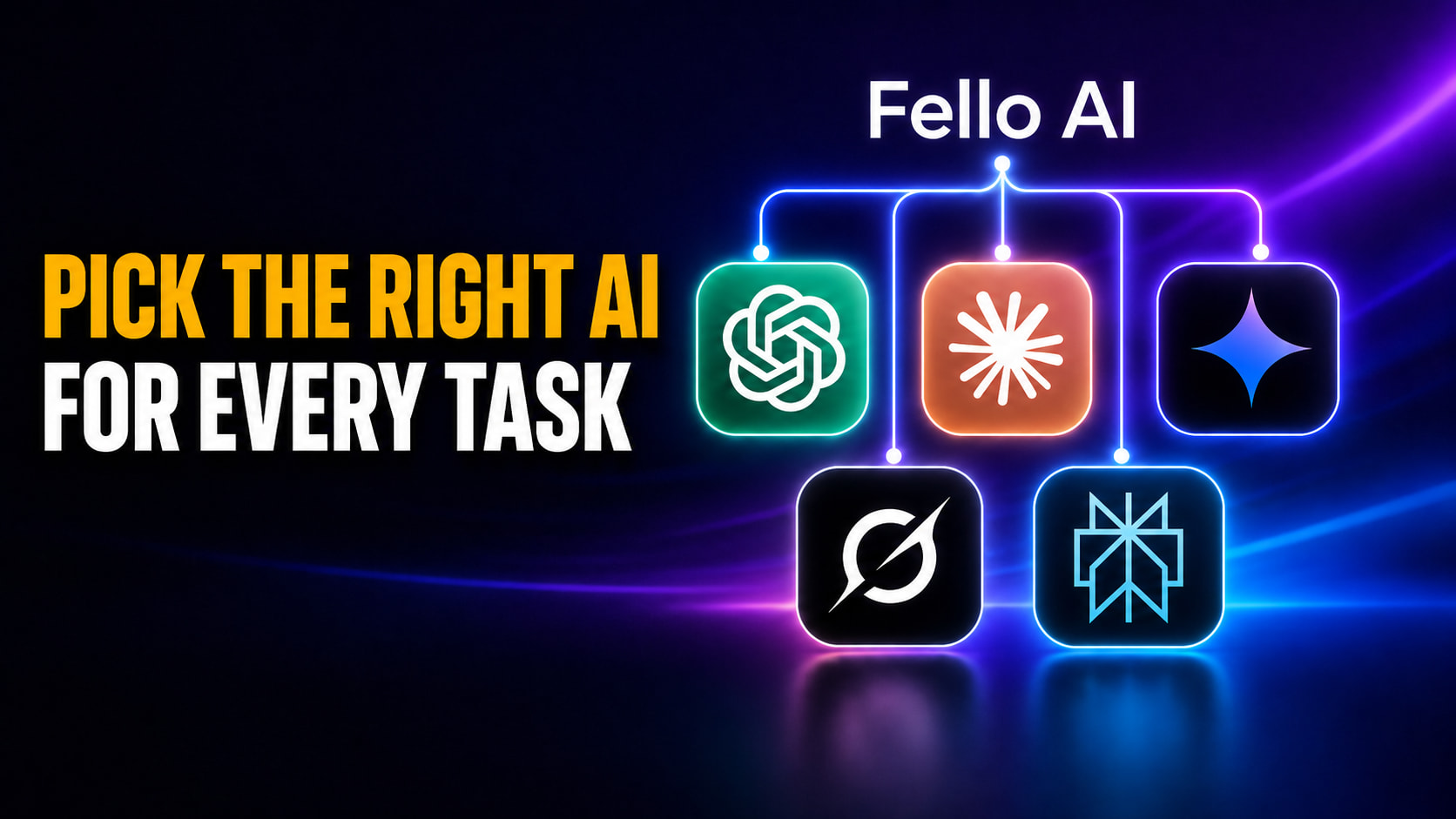
Fello AI 6.7.0 brings New Models (GLM 5.2, Grok 4.3 and MiniMax M3), Skill for generating Podcasts & Travel Planing Skill.

Fello AI 6.7.0: Generate Podcasts, Use GLM-5.2, MiniMax M3, and more

Fello AI 6.7.0 is here, and it makes the app more powerful, more flexible, and easier to use across iPhone, iPad, and Mac. It arrives shortly after our popular 6.6.0 release, which introduced the long-awaited Projects feature for organizing your conversations around what you are actually working on. With 6.7.0 we focused on two new skills: the new Podcast Skill that turns your documents, links, and notes into a real podcast and the new Travel Skill that plans real trips from start to finish for you. On top of those skill, this version adds a fresh wave of frontier models and much broader file support, so there is more you […]

Best Free AI Courses With Certificates thumbnail featuring a 2x3 grid of course providers, including Elements of AI, IBM SkillsBuild, Google Cloud, OpenAI Academy, Anthropic Academy, and fast.ai, against a purple and blue neon background.

Best Free AI Courses in 2026: Free Picks With and Without Certificates

The best free AI courses in 2026 come from Elements of AI, IBM SkillsBuild, Google Cloud, OpenAI Academy, Anthropic Academy, Harvard’s CS50, MIT OpenCourseWare, and fast.ai. The catch nobody tells you is that “free” usually means free to watch, not a free certificate. Most roundups still list Google AI Essentials as free, but it now sits behind Coursera’s $49/month plan, so the course is only free for a 7-day trial. This guide sorts every major free AI course into three honest tiers. The first tier is fully free with a free certificate, the second is free to learn but charges for the certificate, and the third is free with no […]

Learn Gemini for Free thumbnail featuring a modern smartphone displaying the glowing Google Gemini logo and an abstract dark-mode app interface against a blue and purple neon background.

How to Learn Google Gemini in 2026: A Free Beginner’s Guide

The fastest way to learn Google Gemini in 2026 is free, because the Gemini app gives you Gemini 3.5 Flash at no cost, the default model since May 19, 2026, plus a daily allowance of the stronger Gemini 3.1 Pro, Nano Banana 2 image generation, five Deep Research reports a month, and the Gemini Live voice mode. You do not need a paid plan, a coding background, or a single course to start getting useful work out of it today. This guide gives you a free, beginner-friendly Gemini course in roadmap form. You will get two clear paths to follow, an honest comparison of the free courses worth your time, […]

Best Apple Intelligence Alternatives for Mac thumbnail featuring FelloAI, ChatGPT, Claude, Gemini, Raycast AI, and DeepSeek logos in a neon 2x3 grid against a dark blue and purple background.

Apple Intelligence Alternatives for Mac

Apple Intelligence only runs on a Mac with an M1 chip or newer and macOS 15.1 or later, which locks out every Intel Mac and a lot of older machines still in daily use. The strongest Apple Intelligence alternatives for Mac, including FelloAI, ChatGPT, Claude, Google Gemini, Raycast AI, DeepSeek and Dottie, give you more capable AI on more hardware, and several run on machines Apple left behind. This guide compares the seven best options by price, supported models, and whether they work on an Intel Mac. You will see where Apple Intelligence is useful, where it stops, and which alternative fits your machine and your workload. If your Mac […]

Learn ChatGPT for Free thumbnail featuring a MacBook Pro with the ChatGPT logo, a dark chat interface, and a beginner course dashboard against a cinematic blue and purple neon background.

How to Learn ChatGPT in 2026: A Free Beginner’s Guide

You can learn ChatGPT for free in a single afternoon, and the most useful training comes straight from the company that built it. OpenAI Academy offers free, self-paced courses for non-technical beginners, and the ChatGPT free tier gives you a capable model at no cost, currently GPT-5.5 Instant by default. You do not need to pay for a course, a certificate, or a subscription to get good at it. This guide gives you a clear path from zero. You will learn how to start in five steps, which free courses are actually free (and which quietly charge for the certificate), what the free plan really includes in 2026, and a […]

Colorful gradient promo cover showing two glossy blue macOS-style folders. One folder is open with AI chat cards falling into it, while a second folder sits closed beside it. Large semi-transparent text in the background reads “AI PROJECTS,” suggesting organized AI conversations and project-based workspaces.

Projects Are Coming to Fello AI 6.6.0

If you use AI for more than the occasional one-off question, your work has a way of scattering — a draft in one chat, the research for it in another, your notes somewhere you can’t quite find. Every new conversation means setting the scene all over again before you can get anywhere. Fello AI 6.6.0 is about bringing some order to that with Projects, a way to organize your conversations around what you’re actually working on and hand the AI the shared context it needs to be useful from the very first message. On top of that, we’re also adding five of the newest models that will help you get your […]

How to Use Apple Intelligence thumbnail featuring an iPhone, iPad, and MacBook displaying Writing Tools, image generation, photo editing, and Visual Intelligence features against a blue and purple neon background.

How to Use Apple Intelligence on iPhone, iPad, and Mac

To use Apple Intelligence, first make sure it is switched on under Settings > Apple Intelligence & Siri, then open the feature you want. You select text and tap Writing Tools to rewrite or proofread, open a photo and tap Clean Up to remove an object, describe an image in Image Playground, type a prompt in the emoji keyboard for a Genmoji, or point your camera and use Visual Intelligence to identify what is in front of you. Every feature lives inside an app you already use, so there is no separate Apple Intelligence app to open. If your Mac is too old for Apple Intelligence, we rounded up the […]

**Alt text:** Learn Claude & Claude Code thumbnail featuring a glowing MacBook Pro with the Claude logo, chat interface, and coding workspace against a cinematic blue and purple neon background.

How to Learn Claude and Claude Code in 2026: A Free Beginner’s Guide

You can learn Claude from zero to seriously useful in about a week of evenings, and you can do it without paying a cent. Anthropic runs its own free training portal, Anthropic Academy, where courses like Claude Code in Action (around 10 hours) and Claude Code 101 come with a free completion certificate you can put straight on LinkedIn. Add freeCodeCamp’s 12-hour video course and Frontend Masters’ free track, and the hard part is no longer access. It is knowing the order to learn things in. This guide gives you that order. It starts with Claude the chat app at claude.ai, because most beginners should talk to Claude before they […]

Learn AI Prompting Free Beginner Guide thumbnail featuring bold yellow and white text beside a glowing MacBook showing an abstract prompting workflow interface on a dark blue and purple neon background.

How to Learn AI Prompting in 2026: A Free Beginner’s Guide

The single skill that decides whether AI gives you a brilliant answer or a useless one is prompting, and you can start learning it today for free with zero coding. The gap between a vague request and a well-structured prompt is often the difference between a generic paragraph and exactly the output you needed. Prompting is now a core workplace skill, with prompt design, evaluation, and orchestration showing up across a large share of new AI-related job postings in 2026. This guide walks you through AI prompting from absolute zero. You will learn what a prompt actually is, the anatomy of a good one, the three core techniques every beginner […]

**Alt text:** How to Turn Off Apple Intelligence thumbnail featuring an iPhone, iPad, and MacBook Pro displaying dark-mode Apple Intelligence settings with the toggle switched off against a blue and purple neon background.

How to Turn Off Apple Intelligence on iPhone, iPad, and Mac

To turn off Apple Intelligence, open Settings on your iPhone or iPad (or System Settings on a Mac), tap Apple Intelligence & Siri, switch off Apple Intelligence, and tap Turn Off to confirm. That single toggle disables Writing Tools, Notification Summaries, Genmoji, Image Playground, Visual Intelligence, and the ChatGPT integration in Siri all at once, and it frees up to 7GB of storage because the on-device models are removed. This guide covers every way to switch Apple Intelligence off in iOS 26, iPadOS 26, and macOS 26, from the master kill switch to disabling just the features that annoy you, like garbled notification summaries. You will also learn how to […]