The old advice is dead. Counting fingers, hunting for garbled text, and squinting at melted ears stopped working sometime in 2025, and by 2026 top models like Nano Banana Pro render hands cleanly and on-image text in the mid-90% accuracy range. A clean hand or correctly spelled sign no longer proves a photo is real, which is exactly why most “spot the AI image” guides you will find are quietly out of date.
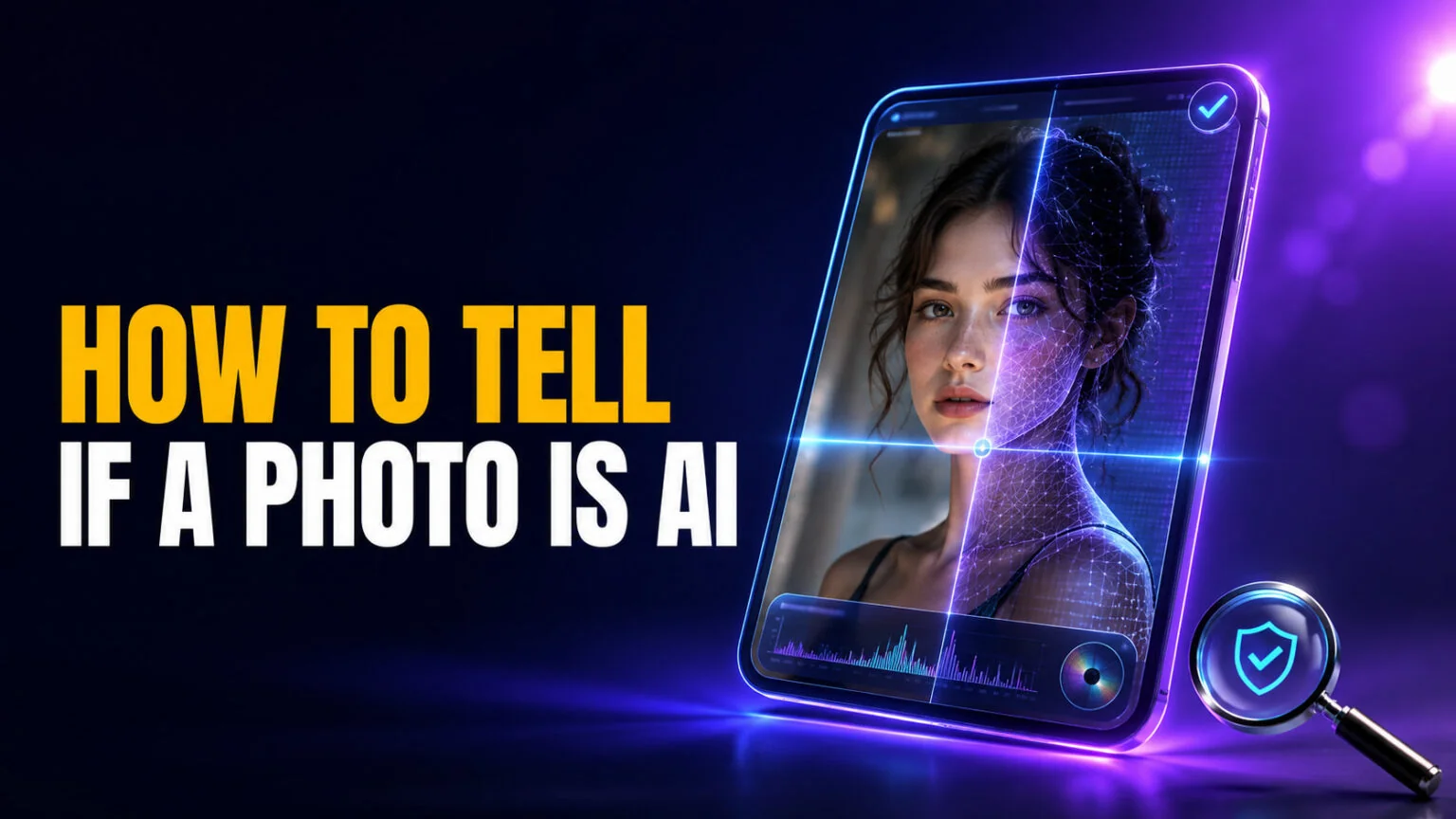
This guide gives you a method that still works. To tell if a photo is AI generated in 2026 you work top-down through three layers: check the photo’s provenance first (cryptographic Content Credentials and watermark verification), then run it through AI image detectors, and only then inspect the physics of light, shadows and reflections. We will walk each layer, name the tools, give you the honest accuracy numbers, and show you the specific moves for profile pictures, product shots and viral news images. That first layer is worth understanding on its own, and our guide to AI watermarks covers what Content Credentials and SynthID actually record. It matters closer to home than it used to, because photos edited on a Mac now carry a hidden marker too.
The Key Takeaways
- Manual tells are obsolete. Top 2026 models like Nano Banana Pro and Midjourney v8 fix hands and text, so “wrong fingers” is no longer reliable evidence either way.
- Provenance beats eyeballing. Major generators now attach C2PA Content Credentials, and Google’s SynthID has watermarked over 20 billion pieces of content since 2023.
- The best detectors hit about 85 to 94% in independent 2026 testing (Hive Moderation around 94%, Illuminarty around 91%), not 100%.
- Accuracy collapses on social media. Compression and re-uploads strip metadata and degrade detector accuracy, so a “clean” result on a screenshot means little.
- Use a three-layer method: provenance, then detectors, then physics. No single check is enough on its own in 2026.
How to Tell If a Photo Is AI Generated in 2026
There is no longer a single trick that works. The reliable approach is a three-step ladder, ordered from strongest evidence to weakest, and you stop as soon as you get a confident answer.
- Check provenance. Look for C2PA Content Credentials on the file, and run the image through SynthID verification in the Gemini app to see whether it was made or edited by Google AI.
- Run two detectors. Upload the image to at least two independent AI image detectors and compare scores; agreement matters more than any single number.
- Inspect the physics. Study lighting direction, shadow consistency, reflections and background geometry, the cues current models still get wrong, rather than hands or text.
Each layer answers a different question. Provenance asks “what does the file itself say about its origin,” detectors ask “does this look statistically synthetic,” and physics asks “does this scene obey reality.” When two layers agree, you have a strong answer. When they conflict, treat the image as unverified rather than forcing a verdict.
Step 1: Check the Photo’s Provenance First
Provenance is the strongest signal available in 2026 because it does not rely on the image looking fake. It relies on cryptographic data and invisible watermarks that travel with the file or are baked into the pixels.
How to check C2PA Content Credentials
C2PA, the Coalition for Content Provenance and Authenticity, is an open standard whose steering committee includes Adobe, Google, Microsoft, OpenAI, Sony, Amazon and the BBC. It attaches a signed, tamper-evident manifest called Content Credentials to a file, recording the device or model that produced it and every edit applied since. The current specification is version 2.3.
In 2026, Content Credentials are increasingly attached by default. Google’s Imagen and Nano Banana Pro, OpenAI’s DALL·E and ChatGPT image output, Adobe Firefly and Midjourney all sign generated images, and several phone cameras now sign authentic photos the same way. To inspect them, upload the file to the official Content Credentials verifier at verify.contentauthenticity.org, or install the free Content Credentials browser extension, which flags credentialed images as you browse. A manifest that names an AI model is near-conclusive; the absence of one proves nothing, since social platforms routinely strip this metadata on upload.
How to verify with SynthID in the Gemini app
Watermarking survives what metadata does not. Google’s SynthID embeds an imperceptible signal into the pixels themselves, so it can survive screenshots, cropping, compression and re-uploading. Google reports that more than 20 billion pieces of content have been watermarked with SynthID since 2023.
Since Google’s November 20, 2025 announcement, you can check this yourself for free. Open the Gemini app, upload the image, and ask whether it was created with Google AI. Gemini checks for the SynthID watermark and tells you whether the image was generated or edited by a Google model. Google says it will expand the feature to verify non-Google C2PA credentials, video and audio over time. The limitation is honest and important. SynthID only flags Google-origin content, so a “no watermark found” result does not clear an image made with Midjourney, Seedream 4.5 or a non-Google tool.
Step 2: Run It Through an AI Image Detector
When provenance comes back empty, detectors are your second line. They analyze statistical fingerprints that generative models leave behind, and the good ones are useful, as long as you treat the score as a probability and not a verdict. Independent 2026 benchmarks put the best tools at roughly 85 to 94% accuracy on clean test images, and lower once an image has been compressed or edited.
| Detector | Best for | Reported 2026 accuracy | Free tier | The catch |
|---|---|---|---|---|
| Hive Moderation | Highest overall accuracy | ~94% | Demo checks | Built for enterprise moderation, not casual use |
| Illuminarty | Seeing where it triggered | ~91% | ~5 scans/day with heatmap | Slower; heatmap needs interpretation |
| AI or Not | Fast free single checks | High, varies by model | Free single-image check | Binary answer, little explanation |
| Sightengine | Developers and bulk use | High on clean inputs | Limited free trials | API-first; thin for one-off users |
| WasItAI / Decopy | Zero-friction quick look | Moderate, variable | Free | Shallow, weak on compressed images |
Run any suspect image through at least two of these and weight agreement heavily. If Hive and Illuminarty both say 90%+ AI, that is strong. If one says “likely AI” and another says “likely human,” you have an inconclusive result, which is itself useful information. Never paste a single 80% score into an argument as proof; detectors are confidently wrong often enough that one number means little.
Step 3: Inspect the Physics, Not the Fingers
This is where 2026 breaks the old playbook. The signals every legacy guide tells you to check are the exact ones modern models fixed first.
Three classic checks no longer work. Counting fingers and hands fails because current models render them cleanly, and reading on-image text fails because Nano Banana Pro and its peers spell signs and labels correctly almost every time. Spotting “too smooth” skin fails because realism tuning has largely closed that gap. Treat a perfect hand or a crisp street sign as neutral, not as proof of a real photo.
What still works in 2026 is physics and global consistency, the things a model assembles locally but fails to reconcile across the whole frame. Check whether every shadow falls in the same direction from a single light source, since AI scenes often mix shadow angles that no real lighting setup would produce. Look at reflections in eyes, glasses, water and windows, where reflected content frequently disagrees with the scene.
Trace background geometry next. Straight lines like railings, tiles and window frames bend, merge or sprout extra segments in AI images. Real lenses also blur by distance, while AI sometimes blurs by aesthetic guess, leaving foreground and background sharpness that no camera would produce. These cues are getting harder to read too, which is why physics is the last layer and not the first.
Why “Is This Photo AI?” Is Harder in 2026 Than It Was in 2025
The honest answer to is this photo AI generated is that you often cannot tell by looking, and you should be suspicious of anyone who claims they always can. AI imagery is no longer rare. As we covered in our breakdown of how AI-generated images already flood the web, a large share of what you scroll past was never captured by a camera. Big game launches attract it too: AI-generated fake GTA 6 gameplay clips spread widely before the game came out. The quality jump from 2025 to 2026 has been steep, and tools that once produced obvious fakes now match the output you would expect from a traditional photo edit.
This guide is about still images. If your concern is a video of a person saying something they never said, that is a different problem with different tells, and our separate walkthrough on how to detect AI deepfakes covers face, audio and motion artifacts that do not apply to a single frame. Use this article for “did a model paint this picture”; use that one for “was this person’s likeness faked in motion.”
How to Check Specific Cases
The method bends slightly depending on what you are looking at, and one caveat dominates all of them.
For a dating or social profile picture, lead with reverse image search in Google Lens or TinEye. AI-generated personas often reuse a face across many accounts, and a match to a stock-like spread is a stronger signal than any pixel analysis. For a product photo on a marketplace, look for impossible consistency, identical lighting and flawless symmetry across every angle, then check the listing for Content Credentials. For a viral news image, provenance is everything; trace it to a named outlet or wire agency before trusting it, because the most damaging fakes are designed to look mundane, not spectacular.
The caveat that overrides everything is simple. Social media destroys your evidence. Platforms recompress images and strip metadata, which removes Content Credentials and pushes detector accuracy down. A screenshot from Instagram or X that comes back “clean” has not been cleared; it has only been laundered of the data you needed. Whenever possible, find the original file before judging it.
Cross-Check With Several Models at Once
Because no single tool is reliable in isolation, the practical 2026 workflow is to ask several strong models the same question and compare. That is the everyday use case for Fello AI, which runs ChatGPT, Claude, Gemini, Grok and DeepSeek behind one app for $9.99 per month. You can drop a suspect image in, ask each model what looks inconsistent, ask where the picture first appeared and let Adaptive Search pull the earliest source it can find, and treat the points where the models agree as your signal. It does not replace a dedicated detector or a Content Credentials check, but it turns the “compare several opinions” step into one conversation instead of five browser tabs.
How to Tell If a Photo Is AI Generated: The Bottom Line for 2026
You cannot reliably tell if a photo is AI generated by eye anymore, and the guides that say otherwise are testing your patience with 2023 advice. Work the ladder instead: provenance first (Content Credentials and SynthID via the Gemini app), then two detectors compared against each other, then physics if you still need to decide. When the layers disagree, the correct answer is “unverified,” not a guess.
Start with the free checks today. Try the Content Credentials verifier and the Gemini app’s SynthID lookup on the next image you are unsure about, and keep two detectors bookmarked for everything else.
FAQ
Do AI images still have wrong hands in 2026?
Not reliably. Through 2025, extra fingers and warped hands were quick giveaways. In 2026, top models like Nano Banana Pro and Midjourney v8 render hands and text almost perfectly, so a clean hand no longer proves a photo is real, and an occasional flaw no longer proves it is fake.
What is the most accurate AI image detector?
In independent 2026 benchmarks, Hive Moderation leads at around 94% and Illuminarty around 91% on clean test images. Accuracy drops on compressed or edited images, so run any image through at least two detectors and weight their agreement rather than trusting one score.
Can Gemini tell me if a photo is AI generated?
Yes, for Google-made images. Since November 2025 you can upload an image in the Gemini app and ask whether it was created with Google AI; Gemini checks for the SynthID watermark. It does not flag images made with non-Google tools, so a negative result is not a clean bill of health.
What are Content Credentials and how do I check them?
Content Credentials are a signed, tamper-evident record of how an image was made and edited, based on the C2PA standard. Check them by uploading the file to the official verifier at verify.contentauthenticity.org. Many social platforms strip this data, so a missing credential does not prove an image is real.
Does removing metadata hide that an image is AI?
It hides the Content Credentials, but not an embedded watermark like SynthID, which is baked into the pixels and survives screenshots and compression. That is why provenance has two parts, metadata you can strip and watermarks you usually cannot.