Why Use Grok as a Desktop App?
Grok by xAI has quickly risen to the top of the AI leaderboard. Grok 4.1 shot straight to #1 on LMArena’s Text Arena with an Elo rating of 1483, outperforming Claude Sonnet 4.6 and GPT-5.2 on key benchmarks. With real-time data from X (formerly Twitter), a witty conversational style, and powerful reasoning capabilities, Grok brings something genuinely different to the AI landscape.
But xAI still doesn’t offer a native Mac desktop app. If you use Grok regularly, you’re stuck juggling browser tabs, dealing with session timeouts, and losing context mid-conversation. A true desktop client changes everything — launch Grok instantly, keep your sessions alive, and stay focused without the browser clutter.
Grok 4.1 supports an extended context window of up to 256K tokens, with Grok 4.1 Fast pushing that to an industry-leading 2 million tokens. Combined with real-time web search, native image generation, Grok is built for serious, real-world use — from coding and research to creative work and real-time analysis.
Whether you’re a developer, content creator, or power user, accessing Grok through a dedicated Mac app makes your workflow faster, cleaner, and distraction-free.
What Makes Grok Unique?
Grok stands apart from other AI models in several key ways:
Real-Time Data Access: Unlike ChatGPT or Claude, Grok pulls live data from X and the open web. You get answers based on what’s happening right now — breaking news, trending topics, market movements, and social sentiment — not data from months ago.
Personality & Tone: Grok is built with a distinct, witty personality inspired by “The Hitchhiker’s Guide to the Galaxy.” You can switch between modes — from a professional “Researcher” to the more unfiltered “Fun” mode — depending on your needs.
Grok Imagine — Image & Video Generation: Grok Imagine is xAI’s native creative engine, available directly inside Grok. It generates high-quality images from text prompts — from photorealistic portraits to illustrations, logos, and designs with accurate embedded text. You can upload up to three reference images per prompt to guide generations, and edit existing images by restyling scenes, adding or removing objects, and adjusting details. (Grok in Fello AI supports only image generation. Video generation is not included.)
Benchmark Performance: Grok 4.1 scored 44.4% on Humanity’s Last Exam and 87.5% on GPQA Science benchmarks, placing it among the very best AI models available today.
How to Use Grok AI on Your Mac
Option 1: Using Fello AI
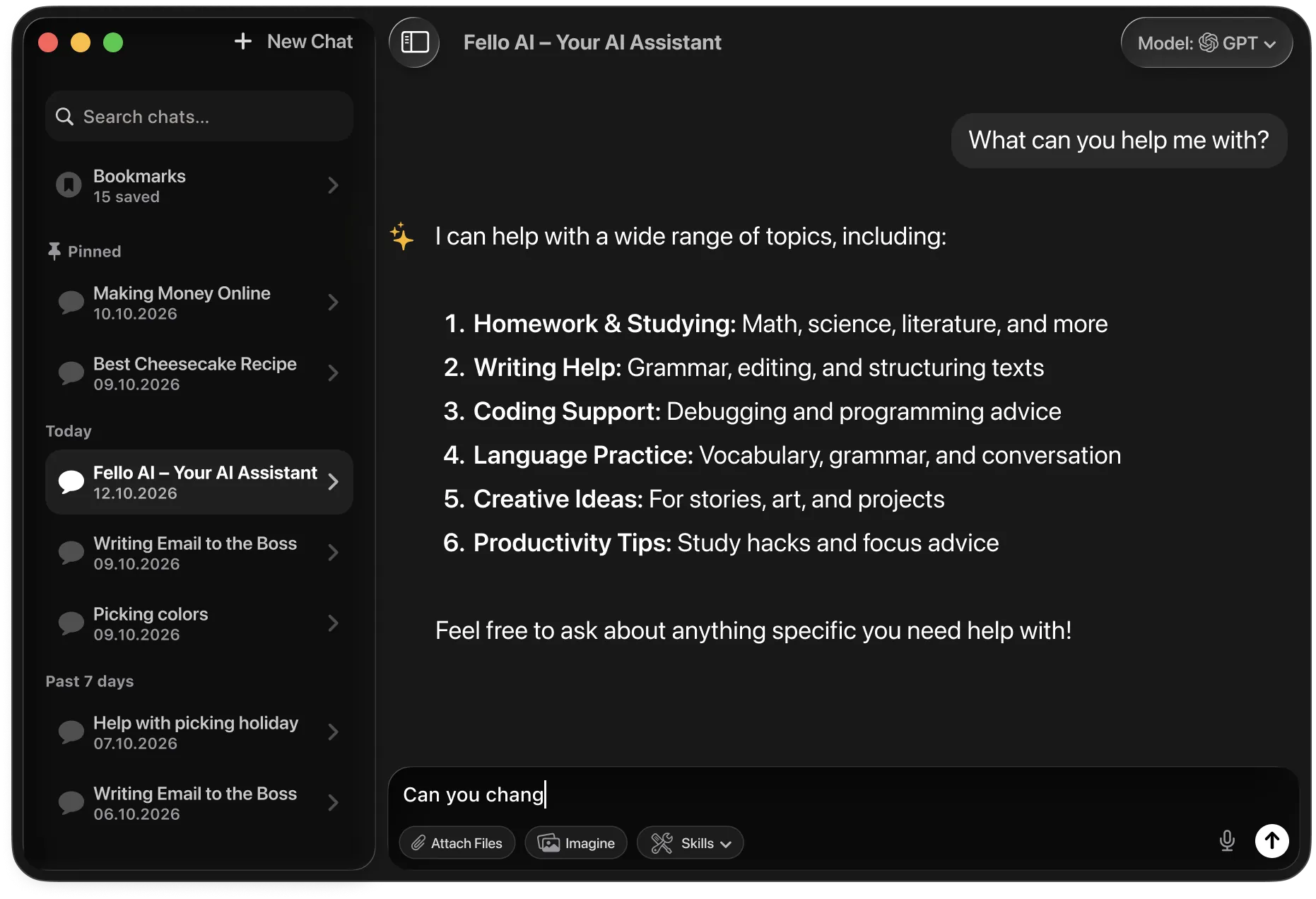
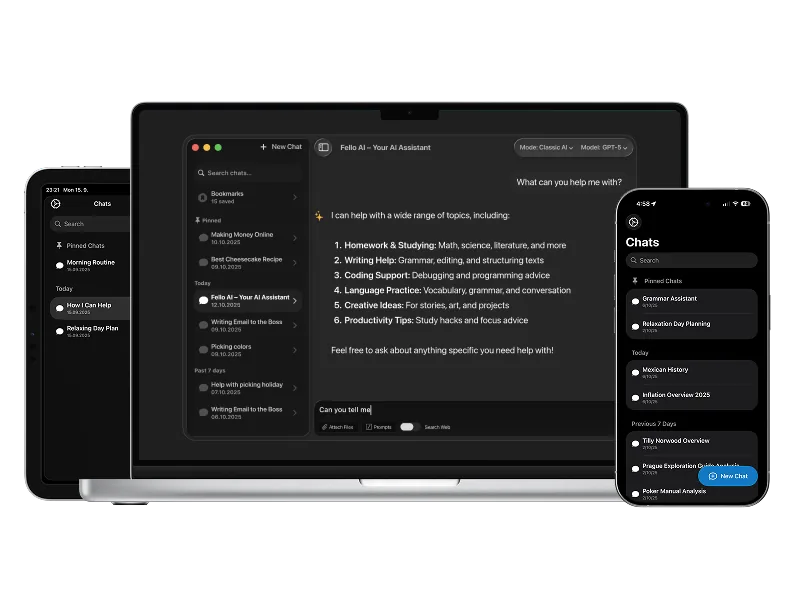
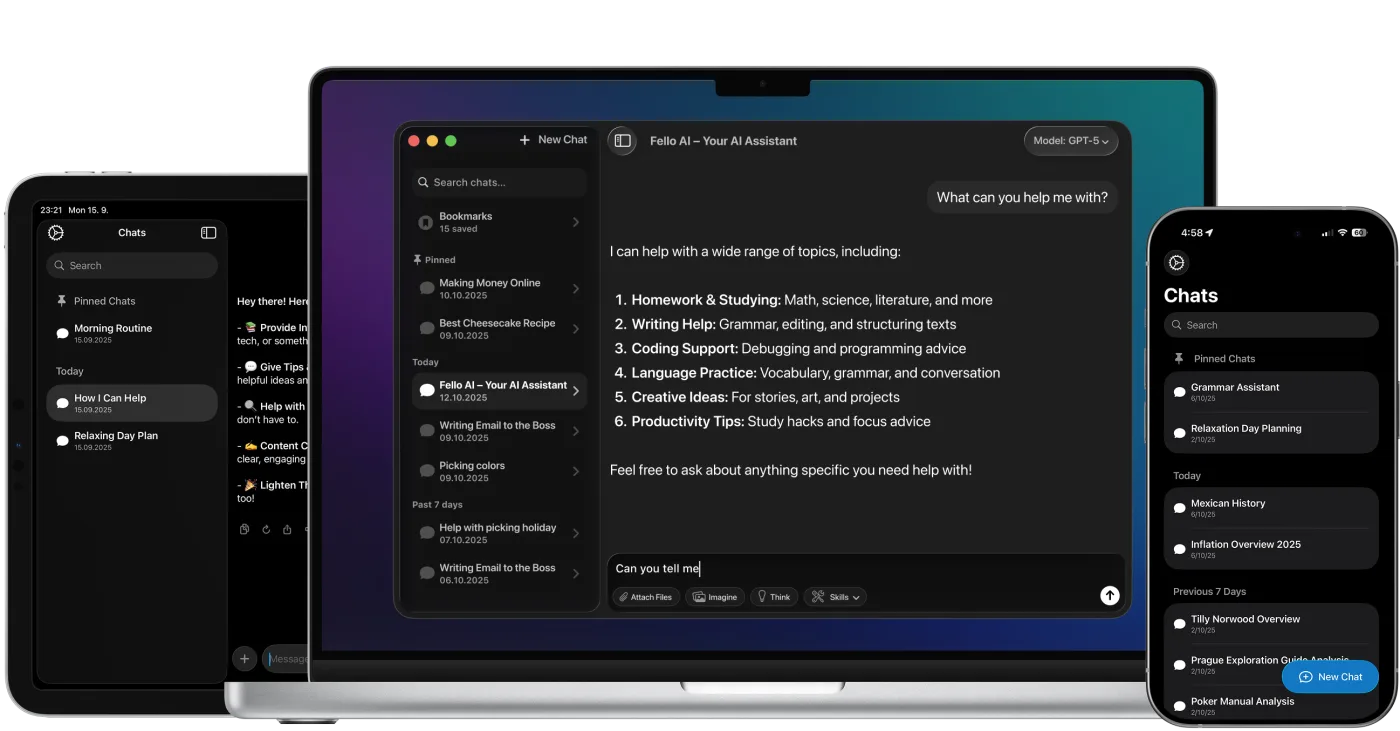
Fello AI provides a seamless way to access Grok directly from your Mac and now also on iPhone and iPad. Here’s how to get started:
- Download and Install: Head over to the Mac App Store and download Fello AI.
- Open Fello AI: No login is needed — just open the app.
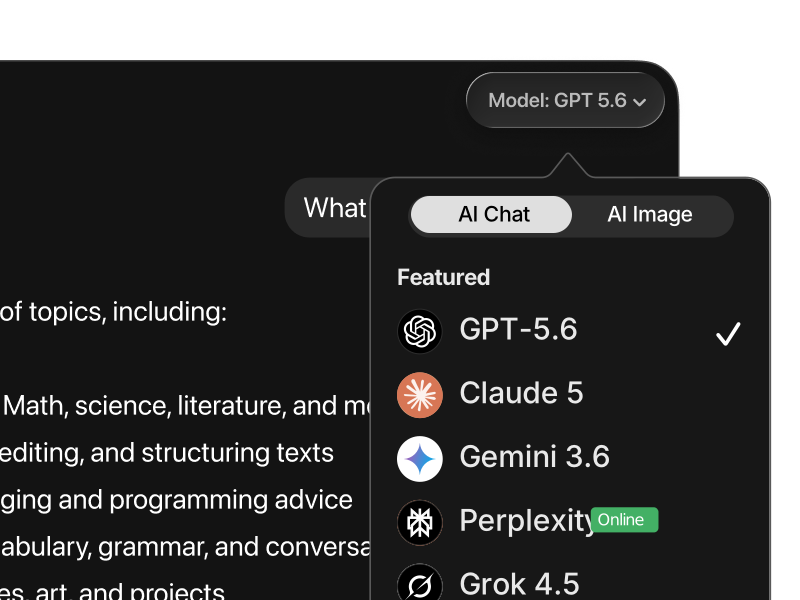
- Select Grok: From the list of supported AI models, choose Grok.
- Start Interacting: Begin using Grok without the need to switch between browser tabs or deal with frequent logins.
In addition to Grok, Fello AI also supports other top models like ChatGPT, Claude, Gemini, and DeepSeek. You can use the same setup across macOS, iOS, and iPadOS, making it easy to switch between desktop and mobile work.
Option 2: Creating a Progressive Web App (PWA)
If you prefer to use Grok without third-party apps, you can turn the Grok website into a desktop app-like experience by creating a Progressive Web App (PWA). Here’s how:
- Open Safari: Navigate to grok.com using Safari.
- Add to Home Screen: Click on “Add to Home Screen” to create a shortcut.
- Access from Dock: You can now launch Grok from your dock, giving you faster access without needing to open a browser every time.
Option 3: Using the Grok Web App
Grok offers a free web interface at grok.com with access to Grok models including Grok 4. It provides chat history and basic features, but runs entirely in the browser without native Mac integration or multi-model support. Free tier users get approximately 10 messages every two hours.
For a smoother, more productive experience, Fello AI offers a polished alternative with full desktop performance and support for multiple AI models.
—
How Does Grok Compare to Other AIs?
Grok vs. ChatGPT (GPT-5.2)
Grok 4.1 and GPT-5.2 are both top-tier AI models, but they serve different strengths. Grok leads in real-time information access thanks to native X integration, giving it an edge for current events, social trends, and live data analysis. It also offers a more distinctive personality with adjustable tone settings.
GPT-5.2 remains the most well-rounded assistant, excelling in creative tasks, image generation, voice interaction, browsing, and automation through its mature plugin ecosystem.
Choose Grok for real-time insights and social data analysis. Choose ChatGPT for maximum versatility and the broadest tool integration.
Grok vs. Claude 4.6
Grok 4.1 topped Claude Sonnet 4.6 on the LMArena leaderboard, but each model excels in different areas. Grok’s strength is real-time data, conversational personality, and media generation. It’s ideal for tasks where current information and engagement matter.
Claude leads in long-context analysis, structured reasoning, and safety-conscious output. With support for 200K token context windows and exceptionally low hallucination rates, Claude is the preferred choice for enterprise and research-grade work.
Use Grok when you need live information and creative engagement. Use Claude for deep analytical work, long documents, and structured enterprise output.
Grok vs. Gemini 3
Grok and Gemini 3 both offer real-time information access, but through different channels. Grok pulls from X and social media for live trends and sentiment. Gemini 3 leverages Google’s search infrastructure for comprehensive web data and deep Google Workspace integration.
Gemini 3 leads in visual reasoning, multimodal workflows, and complex analytics. Grok stands out for social data intelligence, personality, and creative media generation.
Choose Gemini for Google-integrated workflows and visual analysis. Choose Grok for social intelligence, real-time trends, and creative tasks.
Grok vs. DeepSeek
DeepSeek R1 is an open-source reasoning powerhouse that matches top models on math, logic, and coding benchmarks — often at a fraction of the cost. It excels in deep chain-of-thought reasoning, cost efficiency, and self-hosting flexibility.
Grok offers something DeepSeek cannot: real-time data, built-in media generation, voice interaction, and a distinctive personality. It’s a more complete AI assistant for everyday use, while DeepSeek is the better tool for pure technical and analytical tasks.
Use DeepSeek for deep reasoning, coding, and cost-sensitive workflows. Use Grok for a full-featured AI experience with real-time intelligence.
Grok vs. Perplexity
Perplexity is built for fast, citation-backed factual search. It’s the best tool for quick research, fact-checking, and getting sourced answers from across the web.
Grok combines search with extended reasoning, creative generation, and real-time social data. It’s better for tasks that go beyond simple lookup — analysis, brainstorming, content creation, and long-form work.
For fast factual lookup with citations, Perplexity is the better tool. For deeper conversations, creative work, and live data analysis, Grok is the stronger option.
Read more in our extensive overview.