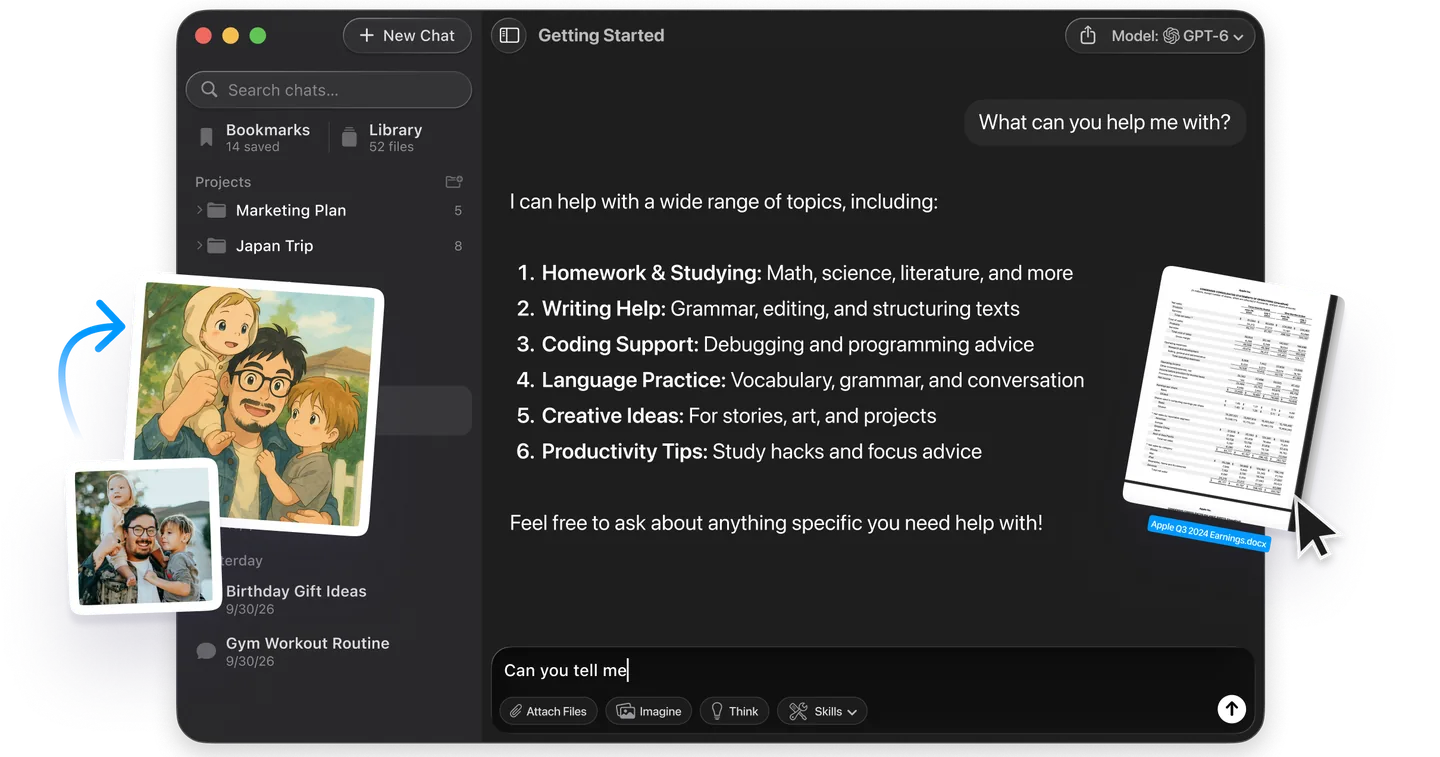
ChatGPT and Claude can both read your US bank account now, and that splits AI for budgeting into three routes. You can paste your numbers into any chatbot and ask it to build a budget. In the US, you can also connect your bank inside ChatGPT Finances (all plans, including Free) or Claude Personal Finance (Pro, Max and Ultra). Both read your transactions through Plaid and never move money. Or you can use a dedicated budgeting app that has added its own AI assistant. OpenAI says more than 200 million people already come to ChatGPT every month for budgeting and money questions.
This guide shows how to use AI for budgeting step by step, with prompts you can copy. It compares what ChatGPT and Claude can read from your accounts and lists what you should never paste into a chat. It also explains the mistakes both vendors say their assistants make with your numbers. If you live outside the US, the prompt route is the one that works for you today, and it is covered in full.
The Key Takeaways
- Three routes: paste numbers into any chatbot, connect a bank in ChatGPT Finances or Claude Personal Finance, or use a budgeting app with AI built in.
- Bank connections are US only: ChatGPT Finances is on Free, Go, Plus and Pro; Claude Personal Finance is a beta on Pro, Max and Ultra. Both are read-only through Plaid.
- Different privacy defaults: Claude's Personal Finance hub chats are never used for training; ChatGPT finance chats follow your normal training setting in Settings > Data controls.
- Known errors: both vendors warn that transfers, card payments, stale balances and accounts linked twice can make a total wrong. Ask which transactions sit behind every number.
- Never paste full account numbers, passwords, your Social Security number or a card's security code into any chatbot.
What Is AI for Budgeting? The Three Ways It Works
AI for budgeting means using a chatbot or an AI assistant to sort your spending into categories, set limits for each category, and check your progress against them. In November 2026 there are three distinct ways to do it, and they differ mainly in how your numbers reach the AI.
The assistant does the arithmetic and the categorizing. You make the decisions.
Route 1: Paste Your Numbers Into Any Chatbot
The prompt-only route works in ChatGPT, Claude, Gemini or any other chatbot, on any plan, in any country. You type or upload your income and spending, and the chatbot builds the budget from what you give it. Nothing connects to your bank. The trade-off is effort: the budget is only as current as the last statement you pasted in.
Route 2: Connect Your Bank in ChatGPT or Claude
The connected route lets the assistant read your accounts directly. ChatGPT Finances launched as a preview for Pro users in May 2026 and reached Plus users in late June. Free and Go users got it on 2 October, and the ChatGPT desktop app on Mac followed on 11 November. Anthropic announced Claude Personal Finance on 5 November 2026 and began rolling it out as a US beta that week. Both use Plaid to sign in to your bank, so neither assistant sees your bank password, and neither can move money, pay bills or make trades.
Route 3: Use a Budgeting App With AI Built In
Dedicated budgeting apps such as YNAB, Monarch and Copilot Money connect to your bank, categorize every transaction and keep the budget running in the background. Copilot Money now has its own AI assistant that explains charges and suggests budget changes. These apps are built for the continuous part of budgeting, which is where a chat window is weakest.
How to Use AI for Budgeting in 5 Steps
To use AI for budgeting, give the chatbot one month of real numbers and ask it to categorize them. Then build the budget from a named method, hunt for leaks, and check in every week. The five steps below work in any chatbot. If you have connected your bank in ChatGPT Finances or Claude Personal Finance, skip step 1 and the assistant reads the transactions itself.
Step 1: Gather One Month of Numbers
Start with your monthly take-home pay and one full month of spending. A downloaded bank statement or a list of transactions works. Before you paste anything, delete account numbers, your full name and your address. The chatbot needs amounts, dates and merchants, nothing else.
Here is my take-home pay and last month's transactions. Before doing anything else, list any line that looks like an account number, a name or an address so I can delete it.

Take-home pay: [amount]
Transactions:
[date, merchant, amount]
[date, merchant, amount]
Step 2: Ask the AI to Categorize Your Spending
Categorizing comes before budgeting, because you cannot set a grocery limit without knowing what you spend on groceries. Ask for a table, and tell the chatbot to keep transfers between your own accounts and credit card payments out of spending. Those two are the most common reason an AI spending total comes out too high.
Sort these transactions into categories: housing, utilities, groceries, dining out, transport, subscriptions, shopping, health, debt payments, other. Do not count transfers between my own accounts or credit card payments as spending. Show a table with each category's total and its share of my take-home pay, then list every transaction you were unsure about.Step 3: Build the Budget With a Named Method
A named budgeting method gives the AI a rule to follow instead of a guess. The 50/30/20 rule, as NerdWallet explains it, puts 50% of take-home pay toward needs, 30% toward wants and 20% toward savings and paying off debt. NerdWallet adds that you can adjust the split to fit your situation. Zero-based budgeting assigns every dollar of income before the month starts. YNAB is built around the same idea of planning what your money is for before you spend it.
Using my categorized spending, build a 50/30/20 budget from my take-home pay. Show three columns: what I spent last month, the 50/30/20 target, and the gap. Then suggest the three smallest changes that would close the biggest gap. Keep it realistic, not a crash diet.Build a zero-based budget for next month. Every dollar of my take-home pay should be assigned to a category, savings goal or debt payment, with nothing left unassigned. Fixed bills first, then savings, then flexible spending.Step 4: Hunt for Leaks
Leak hunting is where AI beats a spreadsheet on speed. A chatbot can scan a month of transactions for repeat charges, duplicate payments and subscriptions you forgot in seconds. Anthropic says Claude Personal Finance looks for charges that hit twice, unexpected fees and bills that have crept up, and the same prompt works on pasted data.
Go through my transactions and flag: recurring subscriptions with their monthly cost, any charge that appears twice on the same day, any fee, and any bill that is higher than the month before. Put them in a table sorted by how much I would save by cancelling or fixing each one.Step 5: Check In Every Week
A budget only works if you look at it, so set a weekly check-in. On the prompt route, paste the week's transactions into the same chat. ChatGPT Finances users get weekly updates automatically, a feature OpenAI added after launch, and Claude Personal Finance users can ask the hub directly.
Here are this week's transactions. Compare them with my budget categories, tell me which categories are on track and which are over, and how much I can spend per day for the rest of the month without going over.ChatGPT Finances vs Claude Personal Finance: Which Can Read Your Bank?
ChatGPT Finances reaches more people and reads more kinds of data, including investments and your credit score. Claude Personal Finance is narrower but has the stricter privacy default. The table compares both with the prompt-only route. Every row comes from the vendors' own help pages: the OpenAI Help Center article on Finances in ChatGPT and the Claude Help Center article on Personal Finance.
| ChatGPT Finances | Claude Personal Finance | Prompt-only (any chatbot) | |
|---|---|---|---|
| Plans | Free, Go, Plus, Pro | Pro, Max, Ultra (beta); not Free, Team or Enterprise | Any plan |
| Countries | US only | US only, US banks only | Anywhere |
| Platforms | Web, iOS, Android, Mac desktop app (since 11 Nov 2026) | Web, Claude Desktop, iOS, Android | Wherever the chatbot runs |
| Connection | Plaid for banks, Experian for credit | Plaid | None, you paste the data |
| What it reads | Balances, transactions, investments, liabilities | Account names, types, last 4 digits, balances, credit limits, up to 24 months of transactions | Only what you paste |
| Investments | Portfolio allocation and daily holdings changes | Balances only, no holdings or trades | Only what you paste |
| Credit score | Yes, Experian VantageScore 3.0, monthly | No | No |
| Bank limit | Not stated | Up to 16 banks, per Anthropic's help page | None |
| Training on finance chats | Follows your ChatGPT training setting | Hub chats never used for training | Follows the chatbot's setting |
| Can it move money? | No | No | No |
When ChatGPT Finances Is the Better Pick
ChatGPT Finances is the better pick if you want everything in one place, or if you do not pay for an AI plan. It is the only one of the two on a free plan, it adds your Experian credit score as a separate connection, and it tracks investment holdings. It also keeps financial memories, such as a savings goal or a loan from your parents, and uses them in later money conversations. Our ChatGPT Finances review walks through setup on each platform.
When Claude Personal Finance Is the Better Pick
Claude Personal Finance is the better pick if privacy is the deciding factor and you already pay for Claude. Anthropic says conversations in the Personal Finance hub are not used to train its models. It also says Claude has no ads, no sponsored recommendations and no credit cards, loans or savings accounts of its own to sell you. Claude is also designed not to save any chat that used your accounts to memory. Our guide to Claude Personal Finance covers setup and the prompts that work best.
Is It Safe to Use AI for Budgeting?
Using AI for budgeting is reasonably safe if you share spending data and keep identity data out of the chat. Both bank-connected features are read-only, and both sign you in through Plaid, so the assistant never handles your bank password. The bigger risk sits in the chat history, which keeps whatever you typed or the AI said about your money until you delete it.
What Is Fine to Share
Amounts, dates, merchant names, category totals, your take-home pay, your rent and your savings goals are what a budgeting chatbot needs, and they are low risk on their own. For the prompt route, a statement with the account details cut off is enough.
What to Never Paste Into a Chatbot
Never paste full account or card numbers, a card's security code, online banking usernames, passwords or one-time codes, your Social Security number or tax ID, or scans of ID documents. A budget needs none of them. Anthropic's own help page tells users not to share their bank login or full account numbers with anyone, including Claude's support team. For the training and retention settings behind each chatbot, see our guide to ChatGPT privacy settings.
How to Delete Finance Data Afterwards
Disconnecting ChatGPT Finances deletes synced account data from OpenAI's systems within 30 days, but finance details already in your conversations stay until you delete those chats. ChatGPT's temporary chats cannot access connected accounts at all. In Claude, unlinking a bank stops Claude reading it. You can also cut the connection at my.plaid.com. What Claude already said stays in your chats until you remove them.
What AI Gets Wrong About Your Budget
AI budgeting tools most often get totals wrong because they count money that is not spending, read data that is out of date, or miss an account. These are not guesses: OpenAI and Anthropic both list them in their own help pages.
| Error | What happens | Who documents it |
|---|---|---|
| Transfers counted as spending | A spending breakdown looks too high when transfers, credit card payments, reimbursements or duplicate pending transactions are counted as spending. | OpenAI, for ChatGPT Finances |
| Stale balances | Balances lag the bank by a day or two. ChatGPT's credit widget shows the latest Experian report, not live activity. | Anthropic (balances), OpenAI (credit) |
| Accounts counted twice | An account linked through two logins is counted twice if the bank shows it differently under each login. | Anthropic, for Claude Personal Finance |
| Missing banks | While Claude cannot read one of your banks, spending figures leave that bank out, so a budget shows more money left than you have. | Anthropic, for Claude Personal Finance |
| Plain mistakes | Both assistants make errors and tell you to check important figures against your bank. | OpenAI and Anthropic |
The fix is the same in both assistants: ask which transactions sit behind any number before you act on it. ChatGPT can cite the source data behind an answer and reclassify a transaction when you tell it to. Anthropic suggests asking Claude which transactions are behind a figure and checking anything important with your bank.
When a Budgeting App Beats a Chatbot
A dedicated budgeting app beats a chatbot when you want the budget to run without you starting a conversation. Apps sync your accounts, categorize every transaction and track limits in the background, and some now add an AI assistant on top.
| App | Platforms | What it is built for |
|---|---|---|
| YNAB | Web and mobile apps | Planning what every dollar is for before you spend it; 34-day free trial |
| Monarch | Web, iOS, Android | Tracking every account in one place and budgeting with a partner |
| Copilot Money | iPhone, Mac, iPad, web | Automatic categories plus a built-in AI assistant that explains charges and suggests budget changes; says it does not use your data to train external AI models |
A chatbot still wins on flexibility: it can tell you in plain language whether you can afford a trip and explain an APR on the spot.
You can use both: an app for tracking and a chatbot for decisions.
If you are adding a paid app to an existing AI plan, run an AI subscription audit first so the budget does not start with a new leak.
Build Your Budget Spreadsheet in Fello AI
If you want the budget as a real spreadsheet and no bank connection at all, ask Fello AI for it and get an Excel file back. Paste last month's spending, use the step 3 prompt, and ask for the result as an Excel file with one column per month. You get a file you can open, edit and keep, not a table to copy out of a chat window.
That matters for two groups.
Readers outside the US cannot use ChatGPT Finances or Claude Personal Finance at all, and the Excel route works anywhere. Claude Personal Finance users hit a different wall: Claude's help center notes that once a chat has used linked bank accounts, Claude may not be able to work with Excel files in that chat. With Fello AI, nothing connects to your bank, and the spreadsheet is the output, not an afterthought.
Fello AI is a native app for Mac, iPhone and iPad that puts GPT, Claude, Gemini and other models behind one subscription. If one model's totals look off, ask another the same question in the same window and compare. For more on building and editing sheets with AI, see our guide to using AI in Excel.
The Best AI for Budgeting Depends on Where You Live
For most people in the US, ChatGPT Finances is the best AI for budgeting to start with. It is free, it reads the most data, and it now runs on the web, iOS, Android and the Mac. If you already pay for Claude and care most about how your finance chats are used, Claude Personal Finance is the stricter choice. Everywhere else, the prompt route is the answer. One month of numbers, the five prompts in this guide and a weekly check-in get you a working budget in any chatbot.
Whichever route you pick, ask where every number came from before you move any money.
Frequently Asked Questions
Can AI create a budget for me?
Yes. Any chatbot can create a budget from your take-home pay and one month of spending, using a method such as the 50/30/20 rule or zero-based budgeting. In the US, ChatGPT Finances and Claude Personal Finance can also build one from your real transactions after you connect your bank through Plaid.
Is ChatGPT good for budgeting?
Yes, ChatGPT is good for budgeting, especially in the US, where ChatGPT Finances connects your bank, card and investment accounts on every plan including Free. It shows spending by category, subscriptions, upcoming bills and your credit score. OpenAI warns that transfers and card payments can inflate spending totals, so check the transactions behind any number.
Can Claude AI help with budgeting?
Yes. Claude can build a budget from pasted numbers on any plan, and Claude Personal Finance reads your US bank accounts directly on the Pro, Max and Ultra plans. Anthropic announced the beta on 5 November 2026 and is rolling it out gradually. Chats in the Personal Finance hub are not used to train Anthropic's models.
Is it safe to connect my bank account to an AI?
Both ChatGPT Finances and Claude Personal Finance are read-only and sign you in through Plaid, so neither sees your bank password or can move money. The main remaining risk is chat history, which keeps your financial details until you delete the conversations. You can disconnect either assistant at any time.
What is the best free AI for budgeting?
ChatGPT Free is the best free AI for budgeting in the US. Of the two assistants that can read your bank, ChatGPT Finances is the only one on a free plan, and it adds your credit score too. Outside the US, any free chatbot plan can build a budget from pasted numbers using the prompts in this guide.
Úvodní obrázek k tomuto článku vznikl s pomocí AI.