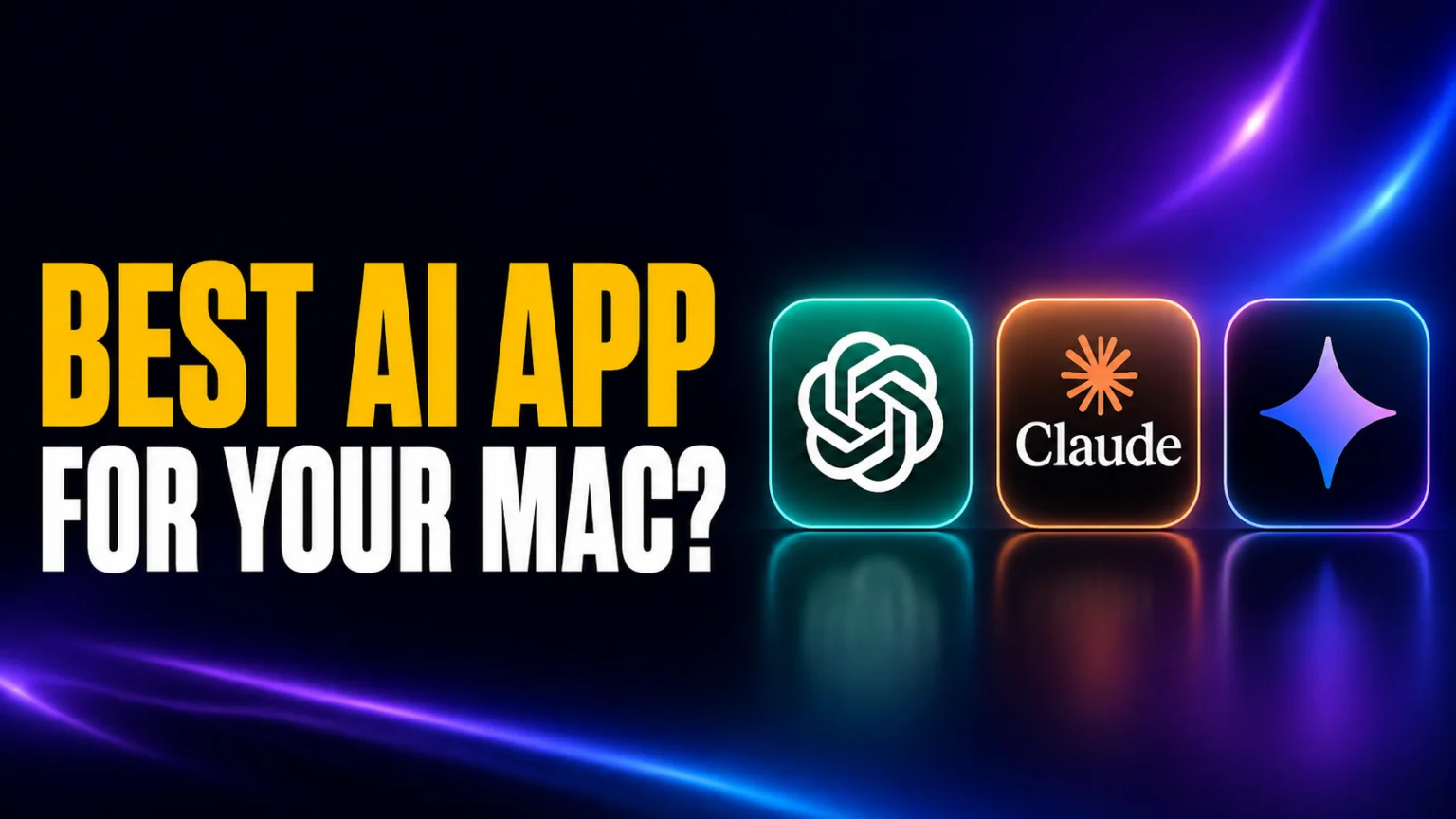
For the first time ever, Mac users can install all three flagship AI apps natively. Google’s Gemini for Mac shipped on April 15, 2026, and that closes the gap with ChatGPT and Claude, which have had polished native apps on macOS for over a year. Three apps, three different philosophies, and exactly one Dock you have to share between them. Google has since rolled out its Gemini 3.5 family and moved once more, so the free tier now runs Gemini 3.6 Flash while Gemini 3.1 Pro stays the paid consumer flagship inside the app. Anthropic answered on July 24, 2026 with Claude Opus 5 and again on September 1 with Claude Fable 5.1, and Claude for Mac picked up a voice mode along the way.
This is the first month a real three-way comparison is even possible, so we ran ChatGPT, Claude, and Gemini side by side on the same M-series Mac for two weeks. Below you get the honest verdict on which native app wins for which workflow and what each one uniquely does on macOS. We also cover what each app is still missing, and whether running all three is actually worth roughly $60 per month combined. For the models rather than the apps, see Claude vs Gemini on the models themselves.
The Key Takeaways
- Gemini for Mac launched April 15, 2026, making this the first month all three flagship native AI apps coexist on macOS.
- ChatGPT for Mac is the most polished all-rounder and still has the best voice mode, now running GPT-5.6, OpenAI’s flagship that went public on July 9, 2026.
- Claude for Mac wins for coding and long-form writing thanks to Claude Opus 5, which shipped on July 24, 2026, and the redesigned Claude Code with parallel sessions.
- Gemini for Mac is the deepest Google Workspace client, with a global Option+Space launcher, native screen sharing, built-in Veo 3.1 video, and Gemini 3.1 Pro as its default model.
- Stacking ChatGPT Plus, Claude Pro, and Google AI Pro costs about $60/month; Fello AI bundles all three plus Grok, DeepSeek, Perplexity, Kimi, GLM, and Qwen for $9.99/month.
- Perplexity launched a native Mac app for its Personal Computer agent on May 7, 2026. It is a different category from the three chatbots below (agentic, not conversational), but worth knowing about if you want a Mac-native AI that runs tasks across your files.
The Verdict at a Glance
If you live inside Google Workspace, install Gemini for Mac today. If you write or code professionally, install Claude for Mac. In case you want one polished all-rounder with the best voice mode, install ChatGPT for Mac. And if you want all three without paying three subscriptions, skip the native apps and use a multi-model client.
Here’s how the three native apps stack up on the features Mac users actually care about, as of July 2026.
| Feature | ChatGPT for Mac | Claude for Mac | Gemini for Mac |
|---|---|---|---|
| Native app launched | May 2024 | October 2024 | April 15, 2026 |
| Default model | GPT-5.6 | Sonnet 5 (Free, Pro); Opus 5 (Max) | Gemini 3.1 Pro (3.6 Flash on free) |
| Global hotkey | Option+Space (chat) | Double-tap Option (Quick Entry) | Option+Space (compact bar) |
| Voice mode | Yes (GPT-Live) | Yes (beta), plus dictation | Dictation yes (Fn key); no Live |
| Screen sharing | Yes | Yes | Yes |
| Image generation in app | Yes (GPT Image) | No | Yes (Nano Banana 2) |
| Video generation in app | No | No | Yes (Veo 3.1) |
| Workspace / Office sync | Limited | Connectors (Adobe, Office) | Deep native Workspace |
| System requirements | macOS Sonoma 14+, Apple Silicon | macOS Sonoma 14+, Apple Silicon | macOS Sequoia 15+, Apple Silicon |
| Subscription tier needed | Plus ($20/mo) for full | Pro ($20/mo) for full | Google AI Pro ($19.99/mo) for full |
Two patterns jump out from this table. First, the three apps barely overlap on platform-specific features: the best voice belongs to ChatGPT, video belongs to Gemini, and parallel-session coding belongs to Claude. Second, the price is essentially identical, so the choice comes down to workflow, not budget, unless you want all three (we’ll get to that).
One name we deliberately left out of the table: Perplexity for Mac. Perplexity shipped a native Mac app for its Personal Computer agent on May 7, 2026, but it is a different product category, an agent that runs tasks across files and apps, not a chat assistant. We cover where it fits in a dedicated section below. Meta AI for Mac is out for a different reason: it landed on August 19, 2026, and it reads a window you point it at but cannot act on your Mac.
ChatGPT for Mac: The Polished All-Rounder
ChatGPT was the first major AI to ship a real Mac app back in May 2024, and that head start still shows. The interface is the cleanest of the three, the keyboard shortcuts are the most thought-through, and its GPT-Live voice is the closest thing to talking to a person that any consumer AI app currently offers, because it listens and speaks at the same time instead of waiting for your turn. It also runs GPT-5.6, OpenAI’s newest flagship, which went public on July 9, 2026 and replaced GPT-5.5 as the default across ChatGPT on Mac.
The Mac app added a lot in 2026. Tasks lets you schedule recurring prompts (a daily news briefing, a weekly review). Projects organize chats and files into permanent folders. Canvas opens a side-by-side editor for long writing or code, which feels closer to a document app than a chat box. The GPT Image model is built in, so you generate images without leaving the conversation. And the global hotkey is now Option+Space, summoning a compact prompt bar like Spotlight. In May 2026, OpenAI also added linking your bank in ChatGPT on Mac, a US-only Pro feature that connects 12,000+ financial institutions through Plaid for spending and investment questions.
The Certificate Rotation Earlier This Year
One catch worth knowing if your app misbehaves. On May 8, 2026, OpenAI rotated its macOS code-signing certificates after a security incident with the Axios library in its build pipeline. Any ChatGPT Mac app installed before late April 2026 stopped launching once the switch happened. 9to5Mac’s coverage of the security advisory walked through the timeline, and we kept the full action plan in our ChatGPT Mac update guide. The fix is simple: open the app and let it auto-update, and if it still won’t launch, redownload from openai.com.
What ChatGPT for Mac is still missing is deep Workspace or Microsoft 365 integration. You can paste content in or upload files, but you can’t natively read your inbox or your Calendar from the chat surface, which is exactly what Gemini does best. ChatGPT’s plugin/GPT ecosystem is mature, though, so most workflow gaps are bridged through custom GPTs or the API.
For full setup, system requirements, and our long-form review, see our ChatGPT desktop client guide for Mac.
Claude for Mac: The Pro Tool for Coding and Writing
Claude’s Mac app is the most “developer-shaped” of the three, and that’s not a coincidence. Anthropic positioned Claude around long-form writing, document analysis, and code from day one, and the Mac app is built to match. The line-up moved twice, on July 24, 2026 and again on September 1. Anthropic calls Claude Opus 5 “the new default model on Claude Max, and the strongest model on Claude Pro”, while Sonnet 5 stays the default for Free and Pro users doing fast work. Opus 5 now scores 63 on Artificial Analysis’s Intelligence Index and 59 on its Agentic Index, behind Claude Fable 5.1 on 66 and 61, which sits in the picker but runs on usage credits unless you are on Max or a Team premium seat. Coding is genuinely split, though. GPT-5.6 Sol edges Opus 5 on the same house’s Coding Index, 78.3 to 78.0, and Kimi K3 leads LMArena’s WebDev board.
Voice caught up in the same month. Claude’s voice mode ran on Haiku alone until 23 July 2026 and now runs on Opus, Sonnet and Haiku on the Mac app, the mobile apps and the web. Our guide to Claude voice mode covers the setup and the plan limits.
The biggest 2026 addition is the redesigned Claude Code experience inside the desktop app. The new sidebar manages multiple parallel sessions across projects, with grouping, status filters, and a drag-and-drop layout. There’s now an integrated terminal for running tests and builds, an in-app file editor, a rebuilt diff viewer for large changesets, and a preview pane that handles HTML, PDFs, and local app servers. According to Anthropic’s redesign coverage on MacRumors, the desktop app now matches the Claude Code CLI for plugin support, with SSH sessions on Mac and Linux. Anthropic also ships Cowork on macOS Desktop as the GUI counterpart to Claude Code, aimed at non-developers who want the same agent capabilities without a terminal.
Voice Mode Now Works in Claude for Mac
The old knock on Claude for Mac was that it could hear you but never talked back. That is no longer true. Anthropic’s help center lists voice mode as a beta feature “available to all plans (Free, Pro, Max, Team, and Enterprise) on Claude Mobile (iOS and Android), Claude Desktop, and the web”. You pick the voice under Settings > General > Voice settings. Two caveats keep it honest. Anthropic says the feature is built to work best from your phone, and it does not reach inside Claude Code or Cowork, where dictation is still the only voice input. ChatGPT’s GPT-Live remains the smoother conversation, so this closes the gap rather than flipping the category.
What Does it Offer for Non-coders?
For non-coders, Claude for Mac does a few things the other two don’t. Quick Entry is the global trigger: press Caps Lock to start dictating from anywhere on your Mac, with real-time transcription, screenshot capture, and active-window sharing built in. The newer Claude Design product (launched April 17, 2026 on Pro, Max, Team, and Enterprise plans) builds Figma-style mockups and editable design files entirely from a prompt. Computer Use lets Claude take over your Mac to run browser tasks and dev workflows, and Dispatch hands chats off to your iPhone so you can pick up where you left off. For the full iPhone-side picture, read our best AI apps for iPhone ranking.
The honest weakness: Claude for Mac has no native image or video generation in the app, no plugin ecosystem to match ChatGPT’s GPT Store, and a UI that’s noticeably more spartan than the other two. If you’re a writer or a developer, none of that matters. If you wanted a single AI to handle voice, slides, and image generation, you’ll feel the gap immediately.
For setup, system requirements, and our full deep-dive, read our Claude AI desktop client guide for Mac.
Gemini for Mac: The Workspace Power User’s Pick
Google was the last of the big three to ship a native Mac app, but the wait paid off in one specific way. Gemini for Mac is the best Workspace client of any AI app on any platform, full stop. If your day runs through Gmail, Calendar, Docs, Sheets, and Drive, no other native AI desktop app touches it. Google’s model lineup moves fast, though, so if you want to know which Gemini version you are actually running, our full Gemini model comparison breaks down the current Flash and Pro releases.
The flagship Mac feature is the global shortcut. Option+Space opens a compact floating prompt bar from anywhere in macOS; Option+Shift+Space opens the full chat window. Per Google’s launch announcement, this is a system-level integration, not just an in-app hotkey. You can also share your screen, a single window, or a specific file with Gemini directly, which lets the model see exactly what you’re working on. Third-party apps do the same trick across several models at once, which we sort by job in our guide to AI menu bar apps for Mac.
Generate Pictures and Videos
Inside the app, Nano Banana 2 generates images (with the higher-end Nano Banana Pro available on AI Pro and Ultra for complex, text-heavy work) and Veo 3.1 generates video, both natively, both included in the Google AI Pro tier at $19.99/month. Deep Research runs multi-source reports in the background, and the Workspace integration is the deepest of any AI app on Mac: Gemini reads your inbox, schedules events on your Calendar, drafts replies, and edits Docs without copy-paste hops.
What’s missing matters for the right user. Google shipped system-wide voice on July 29, 2026, so a long-press of the Fn key now dictates into any window, with opt-in screen-aware reasoning on top. What did not ship is Gemini Live, the spoken back-and-forth mode, so Gemini remains the only one of the three without a conversation mode on the desktop. There’s no multi-account support either, which is a real problem if you separate work and personal Google accounts. The app also lacks chat folders for organizing long-running projects, and it has no Intel Mac support, requiring macOS Sequoia 15+ and Apple Silicon (M1 or later) only with no exceptions. We dug into all of this in our full Gemini Mac app review.
One thing Gemini for Mac gained recently pushes it beyond pure chat. On June 30, 2026, Google rolled Gemini Spark into the macOS app, letting Gemini handle local file tasks and automate workflows across your desktop and Google Workspace, like organizing folders or chaining multi-step jobs. That nudges Gemini toward the agent category the way Perplexity and Claude have, so it is no longer just a place to ask questions.
For the dedicated landing page, system requirements, and step-by-step install instructions, see our Gemini for Mac desktop client page.
Worth a Mention: Perplexity for Mac (the Agent in the Room)
The reason Perplexity is not in the head-to-head table above is simple: it is not the same kind of app. On May 7, 2026, Perplexity opened its Personal Computer agent to all Pro and Max subscribers through a brand-new native Mac app, replacing the older client. You press both Command keys to summon the Command Bar, then describe a task. The agent runs across local files, native Mac apps, the web, Perplexity’s secure servers, and over 400 connectors. Actions are sandboxed, auditable, and reversible.
That makes Perplexity for Mac a peer to OpenAI Codex on Mac and Claude Computer Use, not to the three chat apps in the comparison table. If your workflow is mostly “ask the model questions, get answers back,” ChatGPT, Claude, or Gemini for Mac is still the right pick. If your workflow is “have the model read these PDFs, draft a reply, and update my project file,” Perplexity Personal Computer is in a different league. The two categories are starting to blur, especially now that Gemini Spark brings agent tasks into the Gemini Mac app, but as of mid-2026 they are still distinct purchases.
Who Should Pick Which
A clean mental model is to map each app to a primary workflow and stick with it. Pick ChatGPT for Mac if you want the all-rounder with the best voice experience and the most mature plugin/GPT ecosystem; it’s the safest “I just want one app” choice in 2026. Go for Claude for Mac if your day is coding, long-form writing, document analysis, or design work; the Opus 5 ceiling and the new Claude Code surface justify it on their own. Pick Gemini for Mac if you live inside Google Workspace, you want video generation built in, or you’ve been waiting for a real Option+Space AI launcher.
If you’re a beginner who’s never touched a native AI app on Mac, ChatGPT is the friendliest entry point. If you’re a power user who already pays for a workflow tool (Adobe, Figma, GitHub), look at which AI integrates with that tool first; that integration usually matters more than the model itself. And if your workflow is less “chat with AI” and more “have AI run tasks across files and apps,” Perplexity Personal Computer is in a different category and worth a separate look (see the section above).
System Requirements: Why Intel Mac Owners Are Stuck
All three native AI apps now require Apple Silicon, which means M1, M2, M3, or M4 Macs only. Intel Macs are not supported by any of the three official apps in 2026, and there’s no sign that’s going to change. ChatGPT and Claude both require macOS Sonoma 14 or newer; Gemini for Mac specifically requires macOS Sequoia 15 or newer.
If you’re on an older Mac, you have two paths. The first is a third-party Mac wrapper or multi-model client that still supports older systems. The second is using the AI in a browser tab, which we know nobody actually wants to do anymore. We’ve covered the full state of AI on older Macs in our Mac Mini for AI reality check if your hardware is the bottleneck.
What It Actually Costs to Run All Three
Here’s where the native-app strategy gets expensive. The free tiers of ChatGPT, Claude, and Gemini are real, but they all throttle on the exact features Mac users want most: longer context, better models, image and video generation, and screen sharing. Voice is the one exception on the Claude side, where the new voice mode is listed on every plan including Free. To get the full feature set on each, you still need the paid tier.
ChatGPT Plus and Claude Pro are each $20/month. Google AI Pro (the plan formerly known as Gemini Advanced) is $19.99/month and bundles 2TB of cloud storage. That’s roughly $60/month, or $720 a year, to run all three native apps with no friction. For a single power user juggling all three workflows, the math gets uncomfortable fast, and you also have to manage three logins, three sets of preferences, and three sync states.
This is the gap Fello AI was built to fill. One native Mac app gives you ChatGPT, Claude, Gemini, Grok, DeepSeek, Perplexity, Kimi, GLM, and Qwen, plus image generation through Nano Banana and GPT Image, all under a single interface for $9.99/month. That’s roughly 83% cheaper than the combined native-app stack, and you switch models with a dropdown instead of switching apps. The trade-off is real. You don’t get every native-only feature, like GPT-Live voice or Workspace mailbox sync. But for everything that’s just “talk to a model and do work”, it’s the cleanest option on the Mac.
If you specifically want a multi-model setup but want to compare all your options first, we keep an updated guide at best ChatGPT alternatives for Mac and a broader hub at best AI models in 2026. For the hardware decision itself, see our MacBook vs Googlebook vs Chromebook in 2026 guide.

The Native vs Multi-Model Decision
The clean rule is this: native apps win on first-party features like GPT-Live voice, Workspace integration, and parallel Claude Code sessions. Multi-model apps win on cost, model variety, and switching speed. If you have not settled on a model yet, decide which model to pick before you pick an app. If you do most of your AI work in one model and you really need the deepest integration with that model’s ecosystem, install the native app. If you bounce between models depending on the task (Claude for code, Gemini for inbox triage, ChatGPT for voice brainstorming), pay for one multi-model app and skip the rest.
The honest middle path that a lot of professionals land on is one native app plus one multi-model app. Pick the native app for your primary workflow (usually Claude or ChatGPT), then keep Fello AI installed for everything else. That’s about $30/month total versus $60/month, and you give up almost nothing.
You can download Fello AI on the App Store and use it on Mac, iPhone, and iPad on the same subscription, which is the cheaper half of that middle path at $9.99/month. There is a free tier to try first, and the app holds a 4.7-star rating across 27,000+ reviews.
There is now a third axis worth flagging: agent-class apps. Perplexity Personal Computer, OpenAI Codex on Mac, Claude Computer Use, and now Gemini Spark all run tasks across files, apps, and the web rather than just answering questions. If your work is increasingly about delegating tasks to AI rather than chatting with it, the right stack starts to look like one chat app + one agent + one multi-model client. That is more expensive than picking one native app, but it is also where the platform is heading post-WWDC 2026.
Whichever app you pick, our guide on getting the most out of ChatGPT walks through the workflow.
Conclusion
If we had to pick one native AI app for the average Mac user in 2026, it’s ChatGPT for Mac. It’s the most polished, it has the best voice experience of the three, and it’s the safest “I just want one app” choice. Claude for Mac is the stronger tool for anyone who writes or codes for a living. Gemini for Mac is the must-have if Workspace is your home base, and the only app with native video generation and a real Option+Space launcher. For the wider view beyond desktop apps, our guide on when to use which AI maps each task to the model that leads it.
If you don’t want to choose, you don’t have to. Install Fello AI and you get every major model in one native Mac app for less than the price of any single subscription. And if your ChatGPT for Mac stopped launching after the May 8, 2026 certificate rotation, redownloading it from openai.com brings it back. If Gemini is not making your shortlist at all, you can turn Gemini off across your Google apps.
FAQ
Does Gemini have a native Mac app?
Yes. Google released the native Gemini app for macOS on April 15, 2026. It’s a free download at gemini.google/mac and runs on Apple Silicon Macs with macOS Sequoia 15 or newer.
Which AI Mac app has voice mode?
Two of the three. ChatGPT for Mac runs GPT-Live, still the most natural of the bunch, and the older Advanced Voice is one tap away in Settings when you need video or screen sharing. We break down the three ChatGPT voice modes separately. Claude for Mac has voice mode too, a beta feature Anthropic lists on every plan including Free, across Desktop, mobile and the web, on top of Caps Lock dictation in Quick Entry. Gemini for Mac gained system-wide dictation on July 29, 2026 via a long-press of the Fn key, plus opt-in screen-aware reasoning, but it is voice input rather than conversation. Gemini Live still has not shipped on the desktop app.
Which AI Mac app is best for coding?
Claude for Mac is the strongest pick for coding in 2026, mostly on surface rather than score. It runs Claude Opus 5 by default, at 63 on the Artificial Analysis Intelligence Index, with Claude Fable 5.1 on top of that board at 66, though GPT-5.6 Sol leads the same house’s Coding Index 78.3 to 78.0. The redesigned Claude Code surface inside the desktop app supports parallel sessions, an integrated terminal, an in-app file editor, and SSH sessions on Mac. Beyond coding, Claude’s knowledge-work agent is covered in our Claude Cowork guide.
How much does it cost to use ChatGPT, Claude, and Gemini together on Mac?
About $60 per month if you pay for ChatGPT Plus ($20), Claude Pro ($20), and Google AI Pro ($19.99, the plan formerly called Gemini Advanced) separately. Fello AI bundles ChatGPT, Claude, Gemini, Grok, DeepSeek, Perplexity, Kimi, GLM, and Qwen into one native Mac app for $9.99 per month, which is about 83% cheaper than the three subscriptions stacked.
What is Option + Space in the Gemini Mac app?
Option + Space is the global keyboard shortcut that summons a compact Gemini prompt bar from anywhere in macOS, similar to Spotlight. It’s the headline feature of the Gemini Mac app launched in April 2026, and ChatGPT and Claude for Mac use different keyboard triggers for their own quick-entry surfaces.
Should I install Perplexity for Mac alongside ChatGPT, Claude, or Gemini?
Yes if your work involves running tasks across local files and native Mac apps, no if you mostly chat with AI. Perplexity Personal Computer launched on May 7, 2026 for Pro and Max subscribers and is an agent, not a chatbot. It is a peer to OpenAI Codex on Mac and Claude Computer Use, not to ChatGPT, Claude, or Gemini for Mac. The two categories serve different jobs and most power users on Mac in 2026 end up with one chat app and one agent.