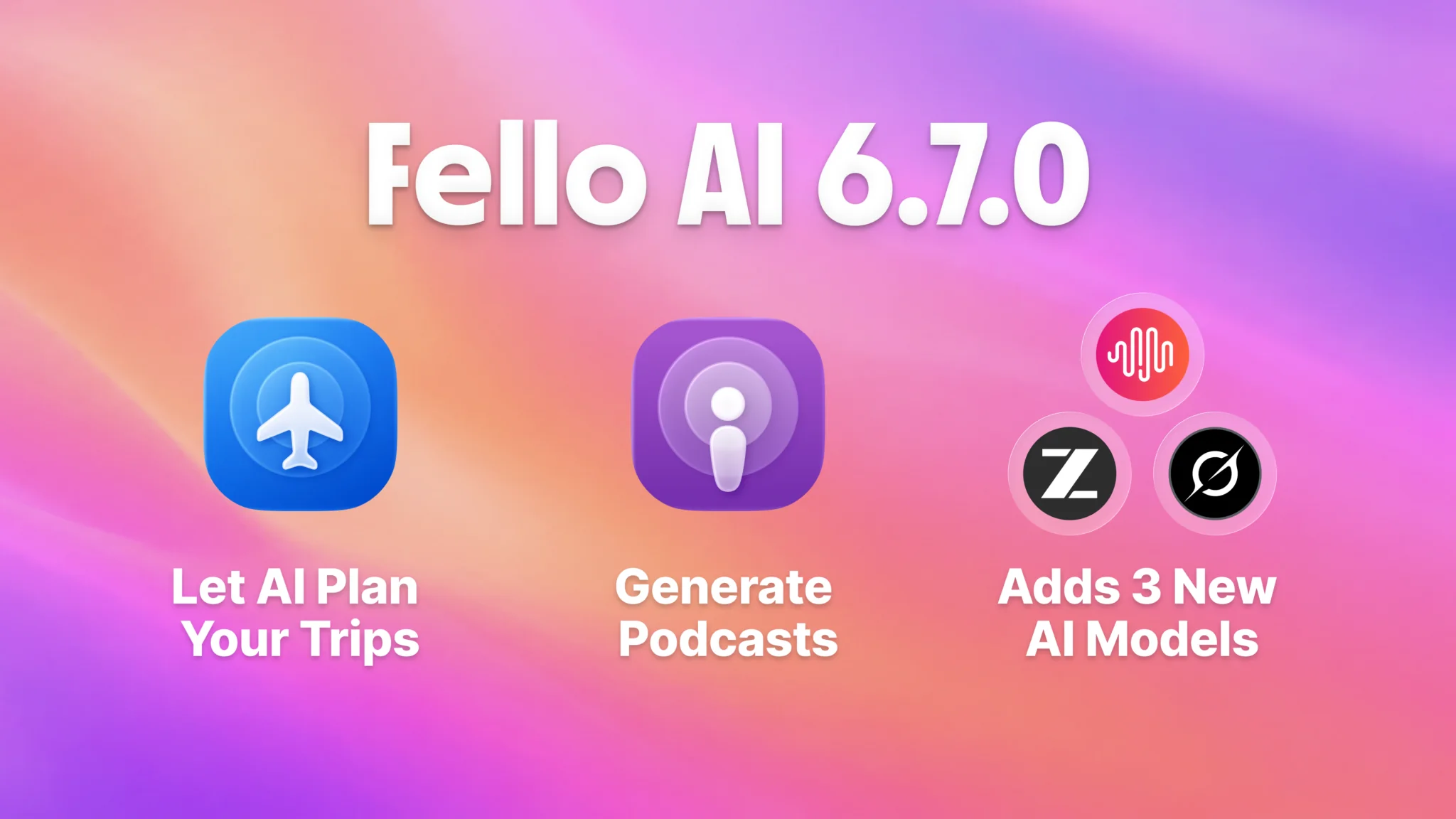
Fello AI 6.7.0 is here, and it makes the app more powerful, more flexible, and easier to use across iPhone, iPad, and Mac. It arrives shortly after our popular 6.6.0 release, which introduced the long-awaited Projects feature for organizing your conversations around what you are actually working on.
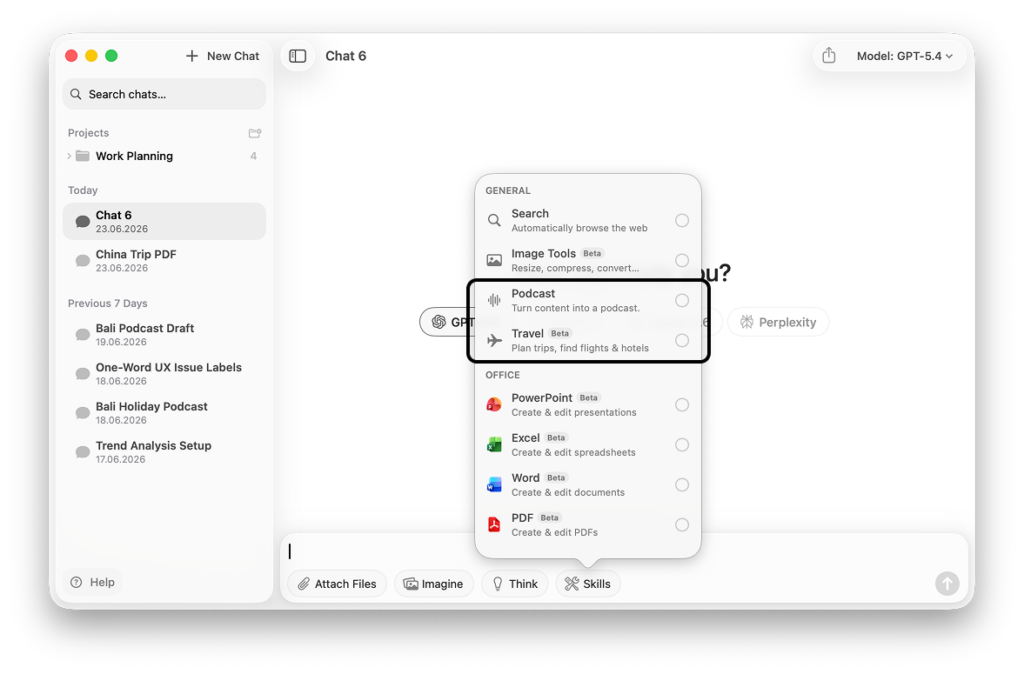
With 6.7.0 we focused on two new skills: the new Podcast Skill that turns your documents, links, and notes into a real podcast and the new Travel Skill that plans real trips from start to finish for you. On top of those skill, this version adds a fresh wave of frontier models and much broader file support, so there is more you can bring into the app and more you can do with it.
As always, you get all of it in one lightweight native app, with every major AI model in a single place instead of juggling separate subscriptions.
Turn Anything Into a Podcast
The new Podcast Skill is the most exciting part of this release, turning Fello AI into a full AI podcast generator. Instead of reading through long documents, you can now listen to them.
Generate a podcast from a PDF, a website, or your own message history, then play it back like any other show. Turn a dense research paper into a commute-friendly briefing, catch up on an article hands-free, or revisit a long conversation as audio. It is a completely new way to get through your content, and it works on iPhone, iPad, and Mac.
You are not limited to files you already have, either. A few ways people use it:
- Long documents on the go. Upload a PDF or paste a link to a dense report or article, and ask Fello AI to turn the key points into a two-host episode. Set the length to fit your commute, pick a style, and listen instead of reading.
- An explainer on any topic. No source file needed. Give Fello AI a prompt like explain how mortgages work and it builds a short, clear episode from scratch, going as deep as you ask.
- Study by ear. Upload your study PDFs or snap a photo of a textbook page, then ask Fello AI for a podcast focused on the concept you are stuck on. Replay it on the way to your exam.
Each episode comes back as a natural two-host conversation, with control over the length and style and support for several languages.
A Travel Skill to Plan Better Trips
Version 6.7.0 also adds a Travel Skill that helps you plan holidays from start to finish. You can research destinations, check visa rules, compare hotels and Airbnbs, and prepare better trips, all in one conversation. Ask for a five-day itinerary, weigh two neighborhoods against each other, or get a packing list tuned to the weather you will actually face.
Here is what that looks like in practice:
- Visa-first planning. Give Fello AI your passport and dates and ask where you can travel visa-free next month. It checks visa rules, suggests destinations that are open to you, and pulls live flights into a ranked shortlist.
- Smart timing. Ask Fello AI to compare destinations month by month, weighing seasonal weather against air quality. That is handy for places prone to heat or smog like much of Southeast Asia, so you pick the right time, not just the right place.
- Multi-city tours. Give it a country and your days, and Fello AI maps a multi-stop route like Tokyo to Kyoto to Osaka, compares hotels and Airbnbs, and lays it out day by day.
New Models You Can Use Right Now
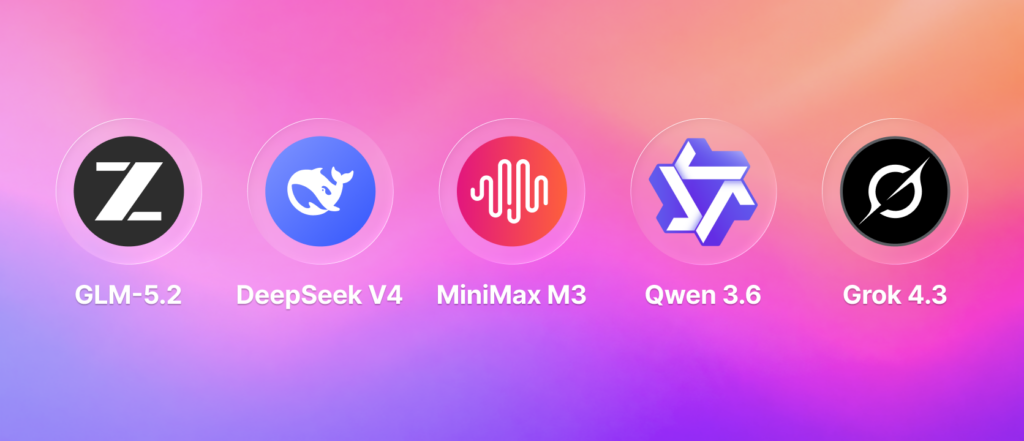
Fello AI 6.7.0 adds several of the newest frontier models, so you can pick the right one for the job and switch whenever you like.
- GLM-5.2 for strong general-purpose responses and coding.
- MiniMax M3 for long-context tasks and capable all-around performance.
- DeepSeek V4 for strong coding and reasoning at a great value.
- Grok 4.3 for fast, up-to-date answers with a sharp conversational style.
- Qwen 3.7 Max for multilingual work and heavy reasoning.
These join the models you already rely on inside Fello AI, including ChatGPT, Grok, Claude, Gemini, Nano Banana, and more. One app, every frontier model, no extra subscriptions.
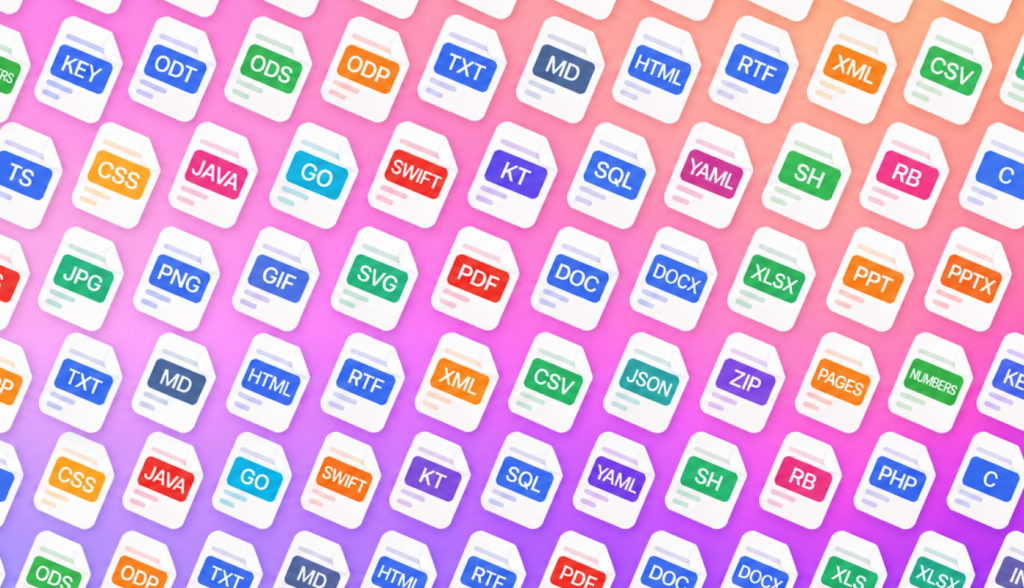
Analyze Many More File Types
Fello AI now understands far more of the files you actually work with. You can drop in a document, a spreadsheet, a slide deck, or a folder of code and start asking questions right away.
New file support includes Apple iWork formats like Pages, Numbers, and Keynote, alongside code files, logs, config files, GIFs, XML, RTF, and more. Whether you are reviewing a presentation, debugging an error log, or making sense of a config file, Fello AI can read it and help.
Available Now on the App Store
This release also improves the parts you feel every day. Complex AI workflows are more dependable, responses and streaming are more reliable, file handling and image workflows are smoother, and error handling is cleaner across the app.
Fello AI 6.7.0 is available now on iPhone, iPad, and Mac. Update from the App Store to start generating podcasts, planning trips, using the new models, and analyzing more file types today.
Got feedback or need help? I would love to hear from you. Email me at [email protected]. Your input helps shape every update.