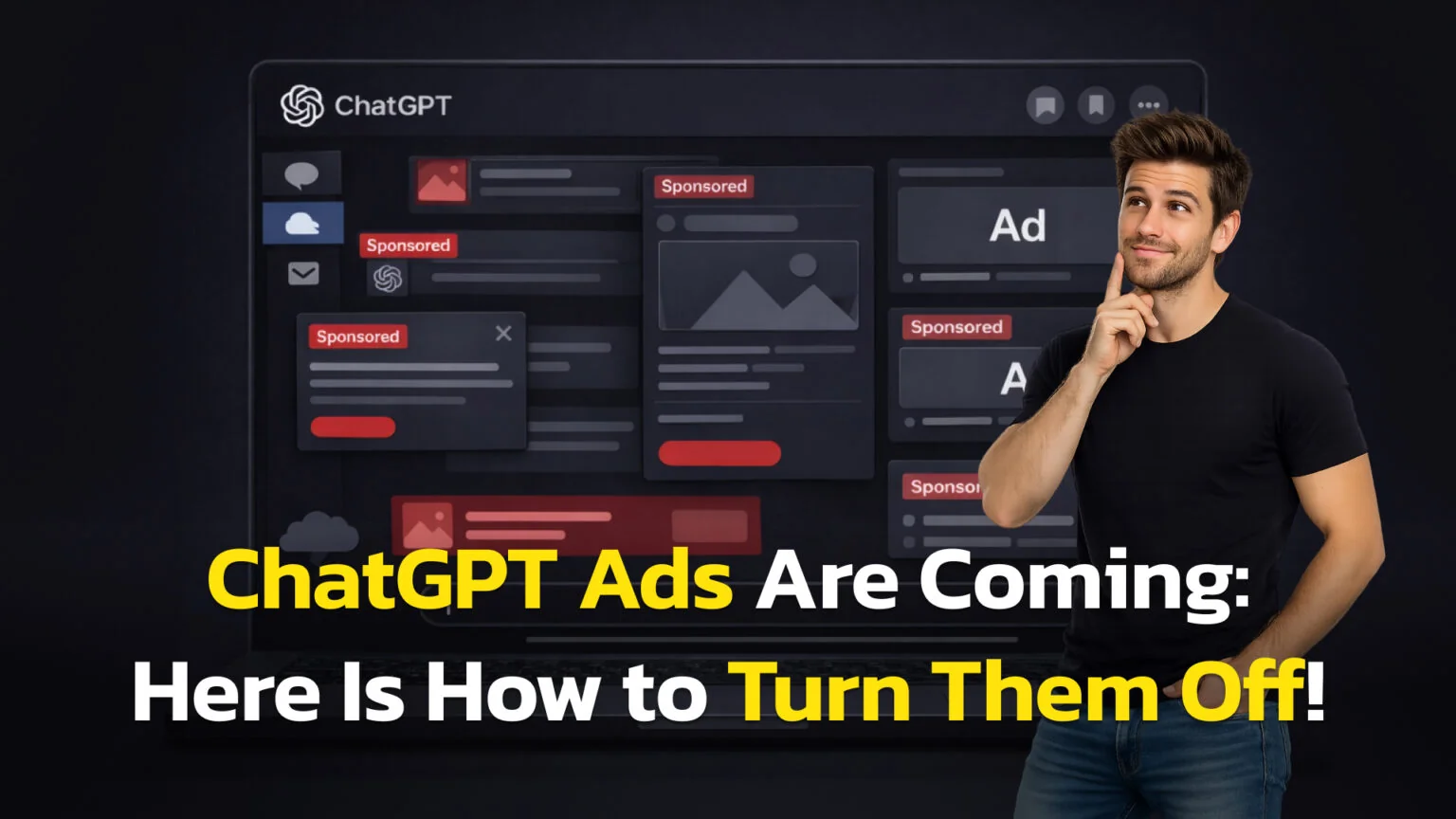
Seeing sponsored links pop up in your creative flow is frustrating. Whether you are writing code or drafting an essay, you want a clean interface, not a billboard. OpenAI began testing ads for logged-in users on the Free and Go plans in the United States on February 9, 2026, and switched them on across 31 European markets on August 24, 2026.
This guide explores the three best ways to solve this: navigating the new ad settings, choosing the right paid plan, or switching to an API-based workflow. By the end, you will know exactly how to reclaim your focus during this initial rollout.
We will answer these questions:
- How do I remove ads in ChatGPT right now?
- Does upgrading to Plus or Pro actually guarantee zero ads?
- Is there a better, cheaper way to get an ad-free experience?
The Key Takeaways
- Upgrading is the primary fix: Plus, Pro, Business, Enterprise, and Edu / Education tiers are officially ad-free during this test.
- Europe is no longer exempt: ads reached 31 European markets on 24 August 2026, the 27 EU states plus Iceland, Liechtenstein, Norway and Switzerland. Ad personalization is not offered in the EEA or Switzerland at launch, so the personalization toggle is not the fix there.
- “Ads-free” vs. “Personalization”: Turning ad personalization off removes no ads at all. It only narrows them to the topic of your current thread. Only Free users can remove ads entirely by switching to Ads-Free (with lower limits).
- The Third-party App Route: Using a third-party app like Fello AI that allows you to use the clean ChatGPT interface.
- The Opt-Out Trade-off: Free users can turn off ads but will receive fewer daily messages and reduced access to tools like image generation.
Understanding ChatGPT Sponsored Links
OpenAI has introduced “sponsored links” to help subsidize the costs of its high-intelligence models for free users. According to the OpenAI Help Center, these ads appear below the end of an AI response and are clearly labeled as “Sponsored.” They are visually separated from the main chat bubble to ensure the AI’s actual answer remains unbiased.
The core issue for most is focus. We use AI to think faster, not to browse products. Because these links are triggered by your conversation topic, they can feel intrusive. However, OpenAI has stated that ads are not shown in specific contexts:
- When you are logged out.
- Within Temporary Chats.
- For accounts where someone tells us—or we predict—they are under 18.
- Near sensitive topics like health, mental health, or politics.
- Immediately after you generate an image.
Method 1: Upgrade to a Paid Plan
The most direct way to stop sponsored links chatgpt displays is to move to a tier that does not support advertisements. However, not all paid plans are created equal. OpenAI’s newer “Go” tier may include ads, so you must choose carefully to find the cheapest ad-free path.
Is ChatGPT Plus ad-free?
Yes. OpenAI has confirmed that Plus, Pro, Business, Enterprise and Edu subscriptions remain completely ad-free, in the US and in Europe alike. The introduction of the $8 Go plan has confused some users; this plan provides higher message limits but includes advertisements to keep the monthly cost low. You can see how these ChatGPT plans compared (Free vs Go vs Plus vs Pro) to decide which is right for you. On top of being ad-free, ChatGPT Pro now includes Personal Finance, a US-only preview that links bank accounts via Plaid for spending and investment analysis.
Comparison of Plans and Ad Status
| Plan | Estimated Price (USD) | Ads Status | Best For |
|---|---|---|---|
| Free | $0/mo | Ads, or Ads-Free with lower limits | Casual users |
| Go | $8/mo | Ads | Casual users |
| Plus | $20/mo | Ad-Free | Professionals |
| Pro | $100 or $200/mo | Ad-Free | Power users |
| Business | Per seat | Ad-Free | Workspaces |
As seen in the table above and on the official ChatGPT Pricing page, ChatGPT plus no ads is a guarantee. If you are a student or a small business owner, the $20 price tag is the official entry point for a clean, professional UI. While the Go plan is cheaper, it is not a solution for those who want to remove ads in ChatGPT entirely.
Method 2: Adjust Settings and Personalization
If you are a Free or Go user and don’t want to upgrade, you have specific controls to manage your experience. You can’t fully remove ads on the Free plan without a trade-off, but you can control how your data is used for targeting. Since September 2026 that surface also includes ChatGPT Sponsored Agents, ads you can hold a conversation with.
Turn off ad personalization
Ads are always matched to the topic of your current chat thread. If you enable ad personalization, OpenAI may also use additional signals, like past chats and past ad interactions, to make ads more relevant over time. To control this, use the dedicated Ad Controls menu. This is part of a broader set of tools regarding how to stop AI from training on your data.
Step-by-Step for Web and iOS:
- Click your profile icon and select Settings.
- Navigate to the Ad Controls tab (distinct from Data Controls).
- Toggle Ad personalization to “Off.”
When you turn off Ad personalization, you may still see sponsored links, but OpenAI says they won’t use past chats/memory or your ad interaction history to tailor them – ads rely more on your current chat thread instead.
If you are in Europe, this toggle is not your fix. OpenAI says ad personalization is not initially available in the EEA or Switzerland, so European ads already run on the current thread, your language and a coarse location only. There is nothing there to switch off, and switching it off would not remove a single ad. The two routes that do work in Europe are the Ads-Free plan below and upgrading to Plus.
The “Free Ad-Free” Opt-Out
OpenAI is testing a unique feature for Free users: you can opt out of ads entirely in exchange for fewer daily free messages.
- The Pro: You get a 100% clean, ad-free interface.
- The Con: You will have lower usage limits and some tools may be unavailable (for example, image generation and deep research).
Step-by-step:
- Open Settings in ChatGPT.
- Select Ads controls.
- Tap Change plan to go ad-free.
- Choose Reduce message limits.
- Confirm the change.
To go back, tap Show ads on the rate-limit banner, or return to the ad-supported Free experience from Settings, Ads controls. OpenAI notes that the Ads-Free option only appears in regions where ads are running, and that the wording varies by platform.
If you choose this path, learning how to ask ChatGPT a question effectively becomes even more important so you don’t waste your limited messages.
Method 3: Third-party Apps
For power users, the most stable solution is moving away from the ad-supported web interface entirely. An ad-free AI chatbot client connects to OpenAI’s models through the professional API gateway, which does not include the “sponsored link” surface.
Why choose a third-party app?
Ads run in the ChatGPT consumer experience for Free and Go users, in the US and across Europe. Third-party clients for ChatGPT are a separate product surface and don’t include ChatGPT’s sponsored units. Using an app like Fello AI allows you to useChatGPT without ads.
The Benefits:
- Clean UI: No sponsored cards, no sidebar promotions, and no “suggested GPTs.” You can even chat with PDFs using AI in a more streamlined environment.
- Cost Efficiency: You can have multiple frontier AI models in one app just for $12 per month.
- Multi-Model Access: You can use Claude on Mac (desktop client), ChatGPT, Gemini and many other models in the same ad-free workspace.
If you have more questions about how this works, check the Fello AI pricing & FAQ for a full breakdown.
Do Browser Ad Blockers Work?
Many users try to block ChatGPT ads using extensions like uBlock Origin. While these can hide the “Sponsored” boxes, they are not gonna work on links inserted into a text and they are not a reliable long-term fix.
Because ads are served directly from chatgpt.com, blockers often struggle to distinguish between a valid AI response and an ad unit. This can lead to broken layouts, where your “Send” button disappears or text formatting becomes unreadable. Furthermore, relying on blockers requires constant maintenance as OpenAI updates its site code. It is safer and more reliable to use Method 1 or Method 3.
Troubleshooting Common Ad Issues
If you paid for Plus but still see ads, ensure you are logged into the correct account. Also, remember that citations (links to web sources used for a search) are not ads. They are organic parts of the AI’s research and will still appear for Plus users.
Ads can be matched to what you’re discussing in your current chat. If you turn Ad personalization off, OpenAI says it won’t use other chat threads, ad history, or interests to tailor ads – only the current thread’s context. To remove the links entirely on a free account, you must select the “Ads-Free” opt-out in settings (if available) or upgrade to Plus.
The ads are no longer US-only. They reached 31 European markets on August 24, 2026, the 27 EU states plus Iceland, Liechtenstein, Norway and Switzerland, on the same Free and Go plans. Ad controls only appear in regions where ads are running, so outside those markets you may still see neither.
Conclusion
You don’t have to let advertisements break your focus. Whether you decide to upgrade to Plus for the full experience, use the Ad Controls to protect your privacy, or move to an API-based client for a truly clean interface, the power to choose is in your hands. Our guide to the ChatGPT desktop client for Mac covers the native app if you want ChatGPT out of the browser tab entirely.
Next Step: Open your ChatGPT settings right now and check the “Ad Controls” tab. Toggle off personalization to protect your data, or download Fello AI to see how much more you can achieve in an ad-free environment.
FAQ
Is there a way to get ChatGPT without ads for free?
Yes, but with a limit. Free users can switch to Ads-Free under Settings, Ads controls, which removes ads at no cost. In exchange you get fewer daily messages and lose access to tools like image generation and deep research.
Does ChatGPT Plus remove all ads?
Yes. Plus, Pro, Business, Enterprise, and Edu / Education tiers are officially ad-free during the 2026 test rollout.
Are ads based on my private chats?
Ads are matched to your current conversation topic. If you enable “Ad personalization,” OpenAI may also use past chats and ad interactions to make ads more relevant. You can turn this off in the Ad Controls menu.
Does ChatGPT show ads in Europe?
Yes, since August 24, 2026, across 31 markets: the 27 EU states plus Iceland, Liechtenstein, Norway and Switzerland. They run on the Free and Go plans only. Personalized ads are not available in the EEA or Switzerland at launch, so European ads are matched to your current thread, your language and a coarse location rather than to your memory or chat history.
Is using an API client safe?
Yes. Reputable clients use official API keys. API data is subject to different privacy policies than the free web version, making it a professional-grade alternative. See our privacy policy for more details.