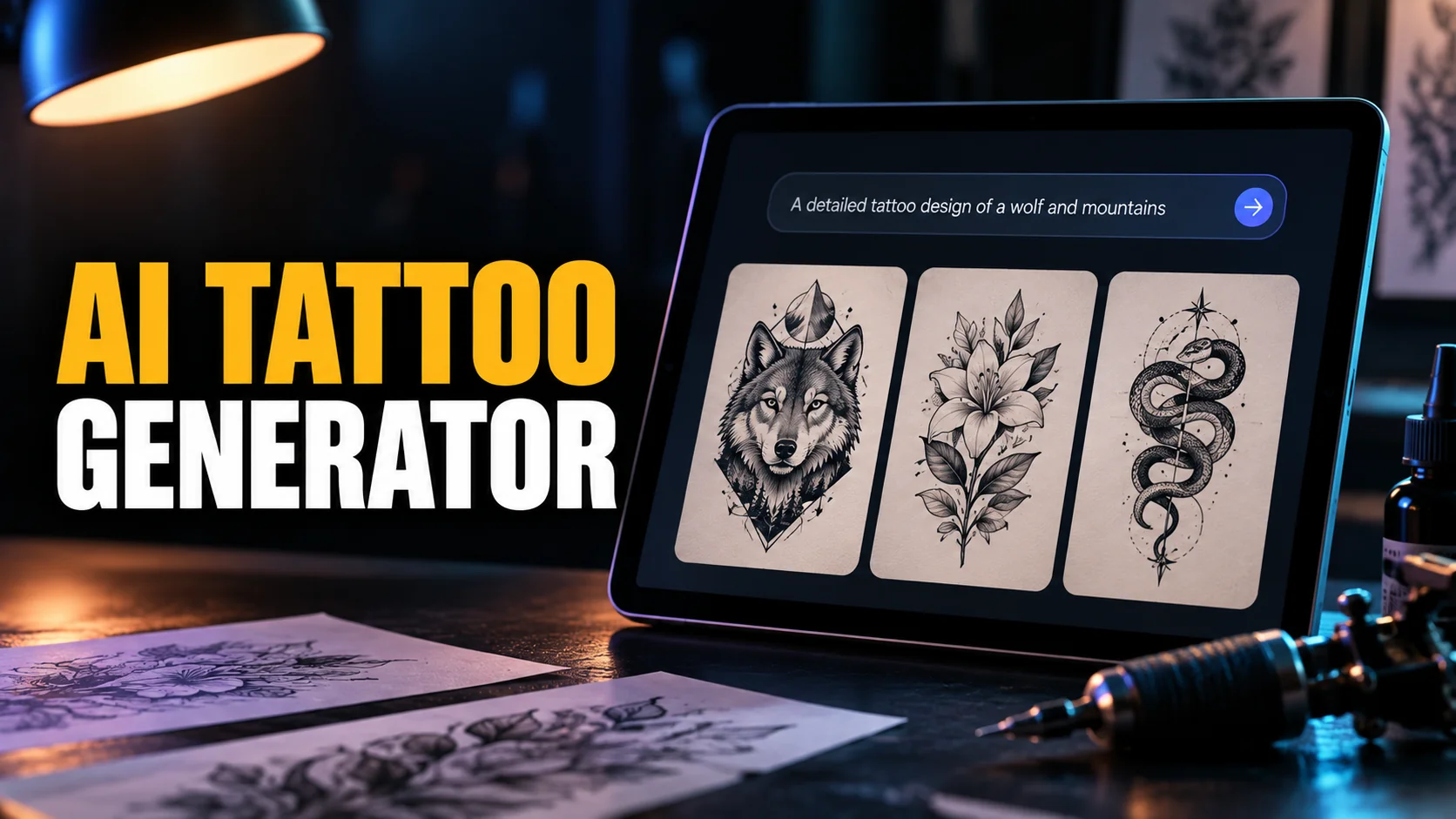
Search for an AI tattoo generator and page one hands you two things: a row of tools with a prompt box, and a row of articles ranking those tools. We fetched all five of those ranking articles and read them end to end. Three of the five put their own product in first place. Between them the five lists fill 44 ranked slots with 24 different tools, and 14 of those tools appear on exactly one list. Only one tool, BlackInk AI, turns up on all five, and not a single list ranks it first.
So this is not another leaderboard. We sell a Mac app for running several AI models in one place, not a tattoo generator, which means we have nothing in this race and no reason to crown anybody. What follows is what the main tools cost and what their free tiers actually hand over. Then the question none of the lists answer: whether a tattooist can work from the output.
The Key Takeaways
- The rankings are marketing: three of the five articles ranking AI tattoo generators are published by a tool inside the list, and each one hands itself the top slot.
- The lists agree on almost nothing: 24 tools across 44 slots, 14 of them named by one list only. BlackInk AI is the single tool on all five, ranked 4th, 3rd, 2nd, 4th and 2nd.
- Free means four different things: 3 credits at BlackInk AI, one generation at Ink Studio AI, four designs at TattoosAI, a 3-day trial at Tatship.
- The cheap tiers publish your tattoo: BlackInk AI states that free designs are public and that it reserves the right to delete them after 30 days; TattoosAI puts its cheapest tier's designs in a public gallery.
- The output is a brief, not a design: Sioux Falls artist Zachariah Davis told Dakota News Now in August 2026 that an AI concept is where his job starts, not where it ends.
What an AI Tattoo Generator Actually Does
An AI tattoo generator turns a text description or a reference photo into tattoo artwork. Almost all of them are wrappers: a general image model underneath, with tattoo styles, presets, a body-placement preview and a payment screen layered on top. That is not an insult, it is the product. The wrapper is doing real work when it stops you writing a bad prompt and pushes you towards blackwork, fine line or neotraditional instead of a vague cool dragon.
What comes back is a picture of a tattoo. It is rendered as if already healed on skin, lit from somewhere flattering, and drawn with the kind of detail an image model produces for free and a needle cannot hold. Between the render and the skin sits a redraw.
Every tool in this article either helps with that redraw or ignores it. That single distinction sorts the category better than any star rating does.
The Lists Ranking AI Tattoo Generators Are Written by the Tools
Every editorial page currently ranking for this term is published by a company selling into the tattoo market. We read all five, then counted who appears where.
| Publisher | Tools ranked | Who gets first place | Sells a tool in its own list? |
|---|---|---|---|
| tat.ink | 12 | tat.ink | Yes |
| Tryonr | 11 | Tryonr | Yes |
| Ink Studio AI | 7 | Ink Studio AI | Yes |
| Encre Vive | 8 | Higgsfield, with its own studio placed above the list and labelled not ranked | Yes |
| Jotform | 6 | Ink Studio AI | No, it sells forms |
Three of the five crown themselves
tat.ink opens its list with tat.ink. Tryonr opens with Tryonr and awards it 9.5 out of 10 in Tryonr's own test. Ink Studio AI opens with Ink Studio AI. Encre Vive, a tattoo studio, places its own service above the ranking and labels it "not ranked", which is a neat way of coming first without appearing to compete. The only publisher with no product in the category, Jotform, is also the only one whose winner is somebody else.
The one tool everybody lists, and nobody crowns
BlackInk AI is the only tool that appears on all five lists, at positions four, three, two, four and two. It is never first anywhere. On Tryonr's page it is labelled a paid partner listing.
Read that pattern backwards and it resolves. The tool with the broadest support across the five lists is the one no publisher has a commercial reason to crown, and the crowns go to whoever owns the page.
What the honest ones admit
Two of the five are more transparent than most technology media. Ink Studio AI's guide states outright, "I am the founder of Ink Studio AI, which publishes this guide", and adds that the comparison "uses public product information, not a hands-on test of every paid plan", with product and price facts checked on 29 August 2026. Tryonr dates its testing to an April 2026 snapshot and flags the sponsored entry. Disclosure is not the problem here. The problem is that after disclosing, both still rank themselves first.
Jotform has nothing to sell here, and it makes a different mistake. Its at-a-glance table prices Ink Studio AI at $31.98 and $55.96, which are the crossed-out anchor prices on Ink Studio AI's page, while its own body text further down gives the $16.99 and $23.99 actually charged. The comparison table most readers stop at contradicts the article beneath it.
The Best AI Tattoo Generators by the Job You Need Done
Ranking these tools against each other overall is close to meaningless, because they do different jobs at wildly different prices. Here is the same set sorted by what you actually need, with every price and limit taken from the vendor's own published pages and checked in September 2026.
| Tool | Job it is built for | Free tier | Paid entry | Helps with the redraw? | On how many of the 5 lists |
|---|---|---|---|---|---|
| BlackInk AI | Tattoo-specific generation and placement | 3 credits, designs public | $15 a month, $72 a year | Yes, image-to-stencil converter, line-weight control, 4x upscale | 5 |
| Ink Studio AI | Short bursts of generation, no subscription | 1 generation | $12.99 for 7 days | Image-to-tattoo conversion, prompt optimiser | 4 |
| TattoosAI | Cheap unlimited generation | 4 designs, no card | $14.99 a month, or $4.99 a month billed annually | Free stencil maker, no account needed | 4 |
| Adobe Firefly | General image model with a tattoo landing page | Limited credits that deduct per generation | Firefly Standard, 2,000 credits a month | No, output is a render | 3 |
| Tatship | 3D body preview and try-on | 3-day trial only | $17.99 a month, or $12.99 a week in the app | No, it previews rather than draws | 3 |
| Canva | Lettering, flash layouts, anything you will print | Pooled monthly AI allowance | Canva Pro | No, but it is the best of these at text | 3 |
If you want an idea out of your head
Any of them will do this, so pay the least, and read the price twice. TattoosAI gives four designs without a card, then asks $14.99 a month, or $4.99 a month if you commit to a year. Its own FAQ quotes only the $4.99 and presents it as a monthly rate, while its pricing page sells a 365-day plan at $4.99 a month against a 30-day plan at $14.99. Month to month it costs what BlackInk AI costs. Ink Studio AI sells time rather than a plan: $12.99 for seven days, $16.99 for fourteen, $23.99 for thirty, with no automatic renewal, which suits somebody deciding on one tattoo rather than collecting designs forever. If you already pay for ChatGPT, start there instead and read our how to get a ChatGPT tattoo design an artist can use before you spend anything at all.
If you are working from a photo
This is the request that breaks the most tools. A photograph is built from tonal values, and a tattoo is built from line and black, so the conversion is a translation rather than a filter. Ink Studio AI and BlackInk AI both sell an image-to-tattoo path, and BlackInk AI charges one credit per personal image upload, which makes a three-credit free tier three attempts at a portrait.
There is one case where you should skip all of it. If the tattoo is photorealistic, hand your artist the original photograph, because realism is drawn from tonal values and a generated copy has already thrown those away.
If you need something a tattooist can trace
This is the only job that separates these products, and it is barely mentioned in the lists ranking them. BlackInk AI includes an image-to-stencil converter and controls for line weight and complexity, which is the closest thing in the category to a tool built for the redraw rather than the render. TattoosAI gives a stencil maker away free with no account. Adobe Firefly, which Tryonr crowns best free AI tattoo generator, produces a beautiful render and no stencil at all.
If you mainly want to see it on your body
Tatship is the placement specialist, with 3D try-on rather than design as its selling point. Its pricing page lists $17.99 a month, and its App Store listing carries the same monthly figure alongside options its website does not show: $12.99 for a single week, $33.90 for a year. The free tier is a 3-day trial, so the pattern to recognise before tapping is a weekly charge sitting behind a three-day window.
What Free Actually Means in an AI Tattoo Generator
Four of the tools above are described as free somewhere on page one. Set their own wording side by side and the word turns out to describe four different offers, none of which is a free tool.
Count the generations, not the adjectives
BlackInk AI's free tier is three credits, and one credit buys one run of the designer, which returns two to four images. Ink Studio AI's free tier is one generation. TattoosAI gives four designs with no card. Tatship gives three days. Those are trials with a marketing word in front of them, and the honest way to read them is as the number of attempts you get before the first wrong result costs money.
Your free design is probably public
This is the finding that surprised us, and none of the five lists mentions it. BlackInk AI's pricing page states that on the free tier "all designs you create are public" and that designs "may be deleted after 30 days", with privacy and permanence sold as paid features. TattoosAI is the same shape: on its cheapest tier designs are added to an exploration gallery, and keeping them private means upgrading. A tattoo is about as personal as artwork gets, and on the cheapest tier of two of the most-recommended tools it is a gallery exhibit.
The Firefly disagreement
Tryonr crowns Adobe Firefly the best free AI tattoo generator and lists its free access as unlimited. Adobe's own generative credits FAQ says something different: the Firefly Free plan carries "limited" generative credits and standard features deduct them. Unlimited standard generation is a paid-plan property, and the 2,000 to 50,000 monthly credits those plans carry are for premium features rather than ordinary image generation. Credits do not roll over. We report both and follow Adobe, because it is Adobe's plan.
What Happens When the Design Meets an Artist
The generators sell the render because the render is what looks finished. The artist receiving it sees a starting point.
Zachariah Davis owns Urban Ink Tattoos 605 in Sioux Falls. In August 2026 he described the change to Dakota News Now as a compression of the part that used to eat his afternoons: "It allows people to play around with the design that they have in their head, and they are trying to get this image out, and this is what I used to try and sit with people and do, and it would take hours."
The concept arrives, then the work starts
What Davis describes next is the part the tools leave out. "Now they can do that; they can bring it to me, and I can look at it and be like, 'Well, it's almost there, I see what you want.' I can take it the rest of the way and give you what you want." Dakota News Now reported that nearly every design he receives still needs adjusting to work as a tattoo, from correcting imperfections and adding detail to making it fit the client's body and age well. His client William Sturgeon put the division of labour plainly: "It's Zac that's doing the work, right? Like no matter what the image is, it's his hands providing the tattoo."
What to hand over
Ask the tool for black linework on white, no shading, no gradients, no background, and you skip most of the redraw. Bring the reference photograph as well as the generated image. Bring the size in centimetres and the placement, because detail that survives on a screen at any size has to hold on a forearm at eight.
Going over existing ink changes the order of everything. Our guide to the AI tattoo cover up generator explains why a design built against today's photograph stops being valid the moment laser work starts.
How to Choose an AI Tattoo Generator
Four questions settle it faster than any ranking. How many attempts does the free tier really give you? Does the tool produce line art or only a render? Does your design stay private? And are you paying weekly, monthly or once? Answer those and the list above sorts itself, because the differences between these products are commercial rather than artistic. Underneath, most of them are calling the same class of image model.
The brief that tells you which one to pay for
Run the same brief through every tool on your shortlist while you are still inside the free attempts. Same subject, same size, same constraints, which is the test the ranking articles claim to have done and never publish.
Design a [subject] tattoo for the [placement], 8 centimetres at its widest. Blackwork linework only: black lines on a plain white background, no shading, no grey wash, no gradient, no colour, no skin. Keep the thinnest line thick enough to still read after ten years of spread. Show the design flat, not on a body.
Four things to look at in what comes back. Did it obey the no-shading instruction, or hand you a render anyway? Is the thinnest line survivable at eight centimetres? Does it give you a flat file, or only a mockup on an arm? And what does it charge to download the result without a watermark? The tool that fails the first question is selling pictures, not tattoos.
Do you need a tattoo-specific tool at all?
This is the question the category would rather you skipped. A general image model with a well-written prompt does most of this, and every one of the five lists quietly pads itself with general tools: Firefly, Canva, Perchance, Fotor, Midjourney, Leonardo and ChatGPT's own image model all appear among the supposed specialists. On three of the five lists, general tools are the majority of the entries. Our roundup of the best free AI image generators covers that route, and the prompt structure that matters most is in the complete guide to writing AI prompts. If you plan to sell flash sheets built this way, read what the platforms actually say about selling AI art first, because the commercial rights differ by tool. Adobe, for instance, permits commercial use of outputs from features that are not in beta.
One subscription instead of four trials
If the honest answer is that you want to try the same tattoo brief across several models before paying a single-purpose app, that is what Fello AI is for. It runs GPT, Claude, Gemini, Grok, Kimi, DeepSeek, GLM and Qwen in one Mac app, with image generation through GPT Image, so a prompt that fails in one model goes straight to the next without another card on file. It is $9.99 a month with a free tier, rated 4.7 stars across more than 27,000 reviews, and it costs less than either weekly pass in the table above.
The Verdict
Pick by job and pay as little as possible. For one tattoo decided properly, Ink Studio AI's seven-day pass at $12.99 is the cheapest honest option here, because nothing renews afterwards. For a year of unlimited ideas, TattoosAI is the cheapest subscription at $4.99 a month billed annually, which is $59.88 for the year.
Month to month there is nothing in it. TattoosAI is $14.99 and BlackInk AI is $15.00, and for that one dollar BlackInk AI is the only tool here that treats stencil output and line weight as features. That is why it earns a place on all five lists, and a paid slot on one of them.
What none of them sell is the part that matters. The generator gives you a picture and an artist gives you a tattoo, and the gap between those two things is where every one of these products stops.
Spend twenty dollars finding your idea. Spend the rest of your budget on the person holding the machine.
FAQ
What is the best AI tattoo generator?
There is no single winner, and every list claiming one is published by a tool inside it. Choose by job: TattoosAI for the cheapest year of unlimited generation at $4.99 a month billed annually, Ink Studio AI for a one-off week at $12.99 with nothing renewing, BlackInk AI if you want stencil conversion and line-weight control, Tatship if you mainly want to see placement on your body.
Is any AI tattoo generator actually free?
Not in the way the word suggests. BlackInk AI gives three credits, Ink Studio AI one generation, TattoosAI four designs and Tatship a three-day trial. Adobe Firefly's free plan runs on limited credits that deduct as you generate. Treat all of them as a sample of attempts rather than a free tool.
Can you get an AI-generated design tattooed as it is?
Rarely. An AI image carries gradients, broken linework and detail too fine to hold in skin, so an artist redraws it into stencil-ready line art first. Dakota News Now reported in August 2026 that nearly every AI concept brought to Sioux Falls artist Zachariah Davis still needs adjustment to work as a tattoo. Treat the output as a brief for your artist.
Are the designs I make public?
On some free tiers, yes. BlackInk AI states that free designs are public and that it reserves the right to delete them after 30 days, with privacy sold as part of the paid plan. TattoosAI adds cheapest-tier designs to a public exploration gallery and keeps them private only on its upgraded plan. Check this before you upload a photograph of yourself.
Can I use an AI tattoo design commercially?
The answer differs by tool, and tattoo apps are vaguer about it than the big image platforms. Adobe states that you can use outputs from Firefly features without a beta label in your commercial projects. For a tattoo you are having done on yourself the question rarely arises; for flash sheets or client work, read the terms of the specific tool before you sell anything.