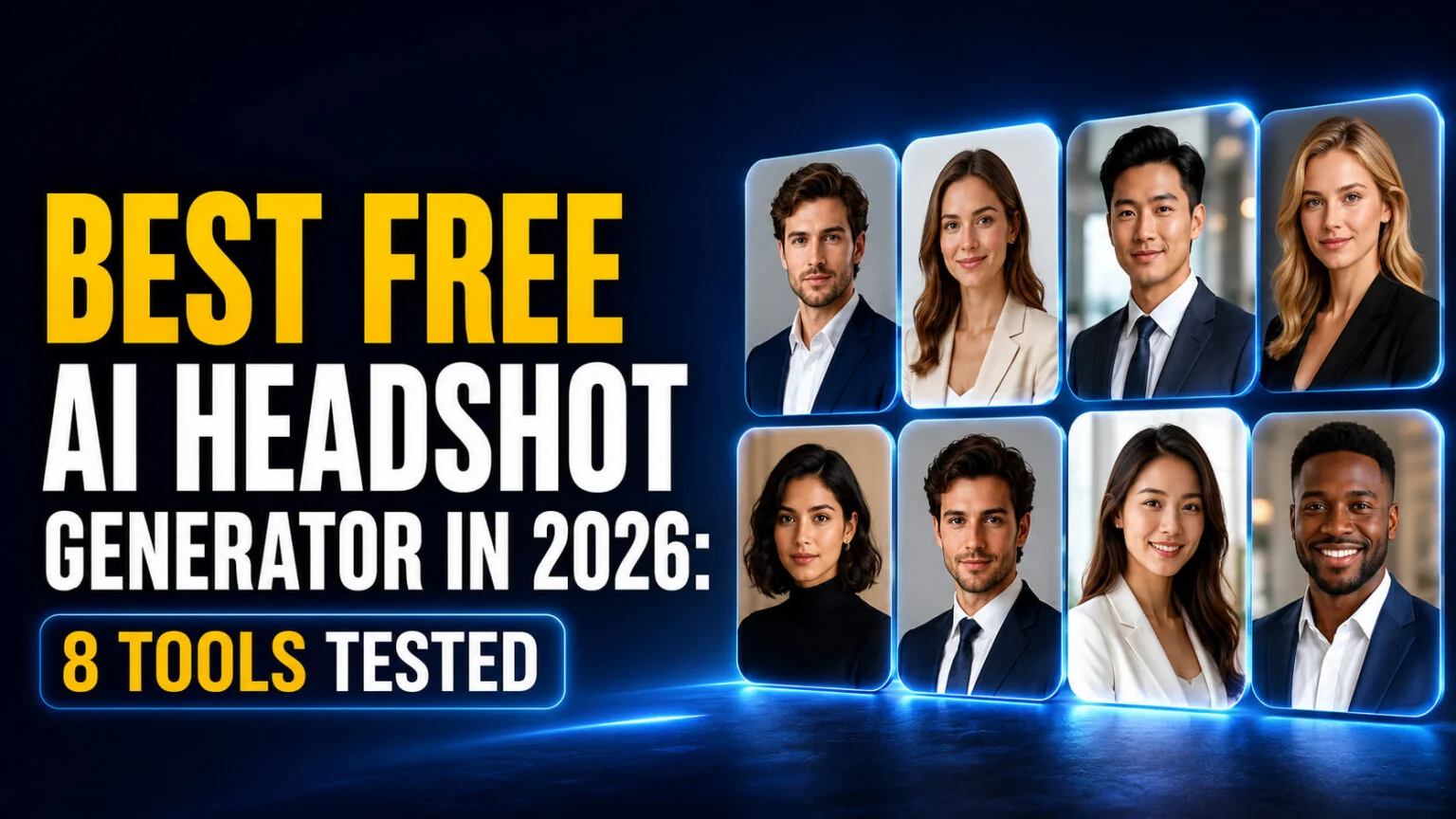
An individual studio headshot session runs $150 to $300 in 2026, yet a free AI headshot generator can turn a selfie from your phone into a LinkedIn-ready portrait in under a minute. The catch is that “free” rarely means what you think. Most tools show you a polished preview, then paywall the high-resolution download, and a few stamp a watermark across the result.
We tested 8 free AI headshot generators to find which ones actually let you download a usable image at no cost, which need no sign-up, and which are LinkedIn-ready. This guide breaks down the honest free-tier terms for each, shows you how to make an AI headshot from one photo, and answers the question everyone asks first, whether a free AI headshot is good enough for a professional profile.
The Key Takeaways
- Real free downloads exist, but they are capped. HeadshotPro gives 1 free HD headshot, Magic Hour gives 3 per day, and Canva gives 2 free credits before a 24-hour wait.
- No sign-up needed with Magic Hour, NoteGPT, and InstaHeadshots. You upload a selfie and download without an account or credit card.
- Watch for watermarks. Dr. Headshot’s free tier adds a watermark and caps quality at 720px, so it is fine for testing but not for a live profile.
- Best for LinkedIn: tools with 1:1 cropping and business styling, led by Canva and Monica, produce the most profile-ready results.
- Recruiters rarely detect AI headshots, correctly spotting them only about 40% of the time, and one study found 76.5% preferred AI headshots in blind tests. Over-smooth skin and generic backgrounds are the real giveaways to avoid.
Is There a Free AI Headshot Generator With No Catch?
Yes, but you have to read the fine print. A free AI headshot generator almost always runs on a freemium model, where the first result or two costs nothing and everything after that sits behind a paywall. The honest ones give you a real, downloadable image on the free tier. The misleading ones generate a low-resolution preview, then charge you to unlock the full-size file.
During testing, three patterns showed up. Some tools cap you by total downloads, like HeadshotPro’s single free HD image. Others cap you by day, like Magic Hour at 3 and NoteGPT at 2. A third group gives free output but adds a watermark or limits resolution, which rules them out for a public profile. Knowing which model a tool uses saves you from uploading your face for nothing.
The 8 Best Free AI Headshot Generators, Tested
Here is how the eight tools compare on the things that matter, what you get free, whether you need an account, and whether the output is clean enough to use.
| Tool | Free tier | Watermark | Sign-up | Best for |
|---|---|---|---|---|
| HeadshotPro | 1 free HD (1024px) | No | No | One clean download |
| Magic Hour | 3 per day | No | No | Fast, no account |
| Canva | 2 credits, then 24h wait | No | Yes | LinkedIn and editing |
| NoteGPT | 2 per day | No | No | Quick anonymous use |
| Aragon | Free credits per account | No | Yes | Studio-quality look |
| InstaHeadshots | Unlimited free tries | Not stated | No | Experimenting with styles |
| Monica | Free trial | No | Yes | LinkedIn styles |
| Dr. Headshot | 1 free (720px) | Yes | No | Testing only |
HeadshotPro
HeadshotPro is the cleanest free option if you only need one image. You upload a selfie, and the tool shows you a range of professional styles with different outfits and backgrounds. You get 1 free HD headshot at 1024×1024 to download, with no sign-up and no credit card. The other previews stay locked unless you pay $29 for 49 or more images. For a single LinkedIn photo, one clean download is often all you need.
Magic Hour
Magic Hour is the best pick when you want speed and zero friction. It gives you 3 free headshots per day with no account and no credit card, and each one takes about 10 seconds from a single photo. Because the daily cap resets, you can come back tomorrow for three more, which makes it a practical way to test different looks over a few days without ever paying.
Canva
Canva folds AI headshots into its wider design suite, so you can generate a portrait and then crop, resize, or drop it straight into a resume template. The free tier gives you 2 credits, after which you wait 24 hours before generating more at no cost. You pick your gender identity and a style, and there is no watermark on the output. If you already use Canva, this is the most convenient option, and you can learn more in our guide to the Canva AI image generator.
NoteGPT
NoteGPT keeps things anonymous. There is no sign-up and no payment info required, and you can download professional headshots instantly online. The free tier gives you 2 images per day, after which each additional headshot costs premium credits. It is a solid choice when you want a quick result without handing over an email address, though the daily cap is tighter than Magic Hour’s.
Aragon
Aragon aims for the studio-quality end of the spectrum. Free credits come with every account, so you do need to sign up, but you never enter payment information for the free tier. Generations are limited per day and can go on a waitlist during busy periods. Paid plans unlock higher resolution, more outfits and backgrounds, and up to 100 photos per generation, but the free credits are enough to judge whether the quality suits you.
InstaHeadshots
InstaHeadshots advertises unlimited free generations with no login and no credit card, which makes it the most generous tool on paper. You upload a selfie and experiment with different backgrounds as often as you like. The site does not mention watermarks on free output, so treat the “unlimited” claim as a vendor promise and check the download before you rely on it. For pure experimentation with styles, it is hard to beat.
Monica
Monica markets its tool specifically as a LinkedIn photo generator, with six professional styles, business, professional, academic, urban, studio, and tech. New users get a free trial to test the quality before upgrading for unlimited access. Because the styles are built around workplace contexts, the output lands closer to a usable profile picture than general-purpose tools do.
Dr. Headshot
Dr. Headshot is free with no credit card required, but the limits are strict. The free tier gives you 1 photo at 720px, a single studio background, a limited outfit choice, and a watermark, and it is licensed for personal use only. That combination makes it useful for seeing what AI headshots look like, but not for a public profile. The paid tier starts at 29 euros and removes the watermark while adding high resolution and commercial rights.
Best Free AI Headshot Generator for LinkedIn
LinkedIn is where most people need a headshot, and the platform has specific requirements that a general tool can miss. Your profile photo displays as a circle, so a centered, front-facing composition with roughly 60% facial coverage works best. LinkedIn recommends a 400×400 pixel image at a 1:1 aspect ratio, as detailed in the LinkedIn photo size guide. For that reason, tools with business styling and clean square output rise to the top.
Canva is the strongest all-rounder here because you can generate the headshot and then crop it to a perfect square, adjust the background, and export at the right size in one place. Monica is the most LinkedIn-focused, with styles built specifically for professional profiles. If you want a single polished download with no editing, HeadshotPro delivers a business-ready image on its free tier. Whichever you choose, keep the styling conservative, since an overly dramatic background undercuts the professional signal you are trying to send. Our Canva headshot generator walkthrough covers the Canva route step by step.
Are Free AI Headshots Good Enough for a Professional Profile?
For most profiles, a good AI headshot beats a cropped holiday photo or a blurry selfie, and the data backs this up. In blind tests reported in an analysis of whether employers can tell if a headshot is AI, recruiters correctly identified AI-generated headshots only about 40% of the time, worse than a coin flip. In the same testing, 76.5% preferred the AI versions on professionalism and approachability. The gap between a free AI headshot and a paid studio shoot has narrowed to the point where most viewers cannot tell.
There is a catch worth knowing. When AI headshots do get flagged, it is almost always the same two artifacts, over-smooth skin that erases pores and fine lines, and the generic grey-blue studio background that cheap tools default to. Avoid both and your headshot passes as real. There is also a stated-preference gap. Many recruiters say an AI photo would bother them even though they cannot reliably spot one, so for senior or client-facing roles where authenticity is part of the brand, a genuine photo still carries an edge. For a first job, a side project, or a placeholder while you book a real shoot, a free AI headshot does the job.
Privacy is the other thing to weigh. You are uploading your face to a third-party service, and free tools do not always spell out how long they keep your photos. Read the retention policy before you upload, and lean toward tools that generate and delete rather than store, especially if you are testing several at once.
How to Make an AI Headshot From a Selfie
The process is nearly identical across every tool on this list, and it takes about a minute. Follow these steps for the best result.
- Start with a clear selfie. Use good natural light, a plain background, and a front-facing angle. Sharp input produces a sharp headshot.
- Pick a tool that matches your need. Choose Magic Hour for speed, Canva for editing, or HeadshotPro for one clean download.
- Upload and choose a style. Select a business or professional look, and set the background and outfit if the tool allows it.
- Generate and review. Wait a few seconds to a few minutes, then check the face for artifacts around the eyes, teeth, and hairline.
- Crop for the platform. Square the image to 1:1 for LinkedIn, keeping your face centered.
- Download the highest resolution offered and confirm there is no watermark before you use it.
Skip the Juggling: Every Image Model in One App
The frustrating part of free headshot tools is the juggling. You burn one free credit here, hit a daily cap there, and end up bouncing between six sites to get one usable image. If you would rather work from a single app on your Mac or iPhone, Fello AI puts the leading models behind these portraits, including advanced image generators, in one native interface for $9.99 per month.
Instead of a dedicated headshot service, Fello gives you direct access to the image models you can prompt for professional portraits, alongside the best free AI chatbots for writing your bio or optimizing your LinkedIn summary. It is an alternative to stitching together free trials, and it keeps everything on-device in a clean Apple-native app. For image editing tips, our guide to the Canva AI photo editor pairs well with any headshot you generate.
If you want a headshot without writing a prompt, AI Photo Editor, from the team behind Fello AI, has ready-made headshot looks, including LinkedIn, passport and dating profile photos made from a selfie. It is free to download on iPhone, iPad and Mac, with a Pro subscription and edit packs sold in the app.
Conclusion
A free AI headshot generator is the fastest way to get a professional profile picture without paying a photographer, as long as you know the limits. For one clean download, use HeadshotPro. For speed with no account, use Magic Hour. For LinkedIn and easy editing, use Canva. Avoid tools that watermark the free output or cap it at low resolution unless you are only testing.
Whichever tool you pick, start with a sharp, well-lit selfie, keep the styling professional, and download the highest resolution available. If you want to compare AI image tools more broadly, our roundup of the best free AI image generators covers the models that power these headshots, and if you need moving footage too, see the best free AI video generators.
FAQ
Is any AI headshot generator actually 100% free?
A few give you real, downloadable images at no cost. HeadshotPro provides one free HD headshot, Magic Hour gives three per day, and NoteGPT gives two per day, all with no credit card. Most others cap you quickly or paywall the high-resolution file, so always check the terms before uploading.
Which free AI headshot generator needs no sign-up?
Magic Hour, NoteGPT, and InstaHeadshots let you upload a selfie and download a headshot without an account or credit card. HeadshotPro also gives its single free HD image without a login. Tools like Canva, Aragon, and Monica require you to create an account first.
Are free AI headshots good enough for LinkedIn?
For most profiles, yes. In blind tests, recruiters correctly identified AI headshots only about 40% of the time and often preferred them, so a clean AI headshot reads as professional to the average viewer. Avoid the two giveaways, over-smooth skin and a generic grey-blue background. For senior or client-facing roles where authenticity is part of your brand, a genuine photo still carries an edge.
Do free AI headshot tools keep my photos?
It varies, and free tools do not always disclose their retention policy. You are uploading your face to a third party, so read the privacy terms before you generate. Lean toward tools that process and delete rather than store your images, especially if you are testing several services at once.
Can I use a free AI headshot commercially?
Often not on the free tier. Some tools, such as Dr. Headshot, license free output for personal use only and reserve commercial rights for paid plans. A LinkedIn profile picture is usually fine, but check the specific license before using a free headshot on a company website, marketing material, or a product.