If you pay for an AI assistant and you have noticed a Connectors menu appear in the settings, you have already met MCP. The short answer to what is MCP in AI: it is an open standard that lets an AI assistant read and act on the apps you already use, instead of waiting for you to paste things into a chat box. Anthropic released it on 25 November 2024, and it has since been handed over to the Linux Foundation, with OpenAI and Block signing on as founding members.
That last detail matters more than it sounds. MCP is not a Claude feature. It is a shared standard that Claude, Grok, Le Chat and ChatGPT all speak, which means the connectors you set up are not an argument for staying with one company. This guide covers what MCP does, what an MCP server actually is, which apps support it today and on which plans, whether it is safe, and how to work out if you need it at all.
The Key Takeaways
- What it is: MCP (Model Context Protocol) is an open standard that connects AI assistants to your apps and files. Anthropic calls it a USB-C port for AI.
- Who runs it: not Anthropic anymore. MCP moved to the Linux Foundation's Agentic AI Foundation on 9 December 2025, alongside OpenAI and Block.
- Where you already have it: Claude supports connectors on every plan including Free (capped at one). Grok and Mistral Le Chat also include all users.
- The ChatGPT catch: MCP sits behind Developer Mode in beta, and individual accounts get read-only access.
- The risk is real: a malicious connector called postmark-mcp secretly BCC'd every email it sent to an attacker for eight days in September 2025.
What Is MCP in AI?
MCP stands for Model Context Protocol. Anthropic's own definition describes it as "an open standard that enables developers to build secure, two-way connections between their data sources and AI-powered tools." That phrasing is aimed at engineers, so here is the version for the rest of us.
An AI assistant on its own is sealed off from your working life. It knows what it was trained on and it knows what you paste into the chat. It cannot open your notes, check your calendar or look at the file your colleague sent this morning. Every useful conversation starts with you copying context in by hand. That gap is exactly what connectors close, one service at a time, and it is why an AI assistant can now manage your calendar at all.
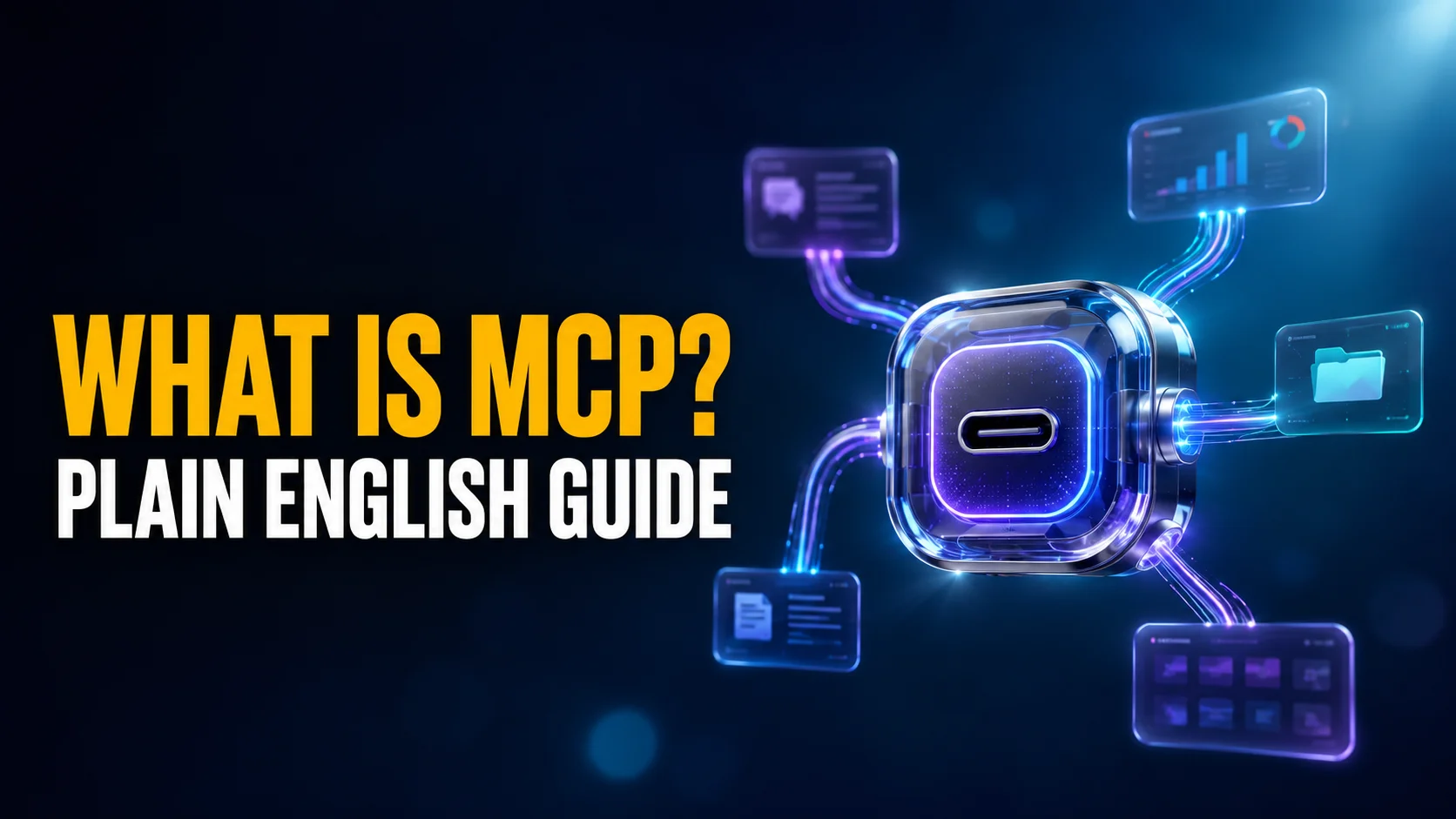
MCP is the plug that removes that step. With a connector switched on, you can ask a question and the assistant fetches what it needs on its own. The official documentation reaches for a USB-C analogy: one standard socket, many devices, no separate cable for each. The analogy is good as far as it goes, but it stops short of the part that matters, which is that the socket works across brands. A connector built for MCP works in Claude and in Grok and in Le Chat, because none of them own the standard.
What MCP in AI Looks Like in Practice
Abstract definitions are why most MCP explainers fail. Here is a concrete morning.
You manage a product launch. The plan lives in a Notion database, the day-to-day arguing happens in Slack, and the final sign-offs arrive by email. Without MCP, asking your assistant "what is still blocking the launch?" means opening three apps, copying the relevant bits, pasting them into a chat, and hoping you did not miss the message that actually mattered.
With Notion, Slack and Gmail connectors switched on (three of the Claude connectors worth adding first), you ask the same question and the assistant goes and looks. It reads the launch database, scans the channel from the last week, checks whether the sign-off email arrived, and answers with the three items nobody has closed. You did not paste anything. That is the whole shift, and it is why MCP turned into the plumbing under most AI agents released since.
What Is an MCP Server?
An MCP server is a small connector that gives an AI assistant access to one specific app or data source. There are separate servers for Notion, Slack, Gmail and thousands of other tools. You add the ones you want, approve what each one is allowed to see, and remove them whenever you like.
The word "server" is the reason this trips people up. It sounds like something you rent from a hosting company. In practice a server here is closer to a browser extension: a small piece of software that teaches your assistant how to talk to one particular service. Some run on your own machine, some run in the cloud and connect over the internet.
Anthropic shipped six at launch, covering Google Drive, Slack, GitHub, Git, Postgres and Puppeteer. The catalogue has grown into the thousands since. Be sceptical of the headline counts you will see quoted, though. Public directories are padded with community experiments and abandoned wrappers, and the number of first-party connectors maintained by the companies whose names are on them is far smaller.
What a connector can actually see
A connector sees exactly what you authorise and nothing else. Setup runs through the same sign-in screen you would get connecting any app to any other, and the permissions are listed before you approve them. Some connectors are read-only. Others can write, which means creating pages, sending messages or changing records. The difference deserves your attention, because a connector that can write is a connector that can act without a second confirmation. Coding tools draw the same line in their own settings, which is what Claude Code permissions control.
Which AI Apps Support MCP
This is the question most people actually arrive with, and the answers are scattered across five different help centres. Here is the current picture, taken from each company's own documentation.
| App | Plans with MCP | Called | Worth knowing |
|---|---|---|---|
| Claude | Free, Pro, Max, Team, Enterprise | Connectors | Free accounts are capped at one custom connector. Found under Customize. |
| Grok | All users, including free | Connectors | Supports bring-your-own MCP. Business and Enterprise need an admin to provision first. |
| Mistral Le Chat | All users, including free | Connectors | Ships with a directory of more than 20 ready-made connectors. |
| ChatGPT | Plus, Pro, Business, Enterprise, Edu | Developer Mode | Still in beta, web only. Individual accounts get read access; write is in beta for Business, Enterprise and Edu. |
| Perplexity | Pro, Max, Enterprise | MCP | Rolling out surface by surface rather than everywhere at once. |
The ChatGPT catch
If you use ChatGPT and expected a tidy connector menu, that is not what is waiting for you. OpenAI's MCP support lives behind a setting called Developer Mode, it is still labelled beta, it works on the web rather than in the desktop app, and on an individual account the connectors you add can read but not write.
Nobody is hiding this, but nobody writing for normal users has said it plainly either. The click-and-go connector experience that most MCP coverage promises is, right now, mostly a Claude, Grok and Le Chat experience. If connectors are the reason you are choosing an assistant, that gap is worth knowing before you pay for a year. Our breakdown of what the ChatGPT free plan includes covers where the other limits fall.
MCP vs APIs vs ChatGPT Apps
MCP is not the only way to get an AI to talk to another piece of software. It is the only one built for people who do not write code.
| Approach | Who sets it up | Works across models? | What it reaches |
|---|---|---|---|
| MCP | You, from a settings menu | Yes, any app that speaks MCP | Whatever you authorise |
| Traditional API integration | A developer | No, rebuilt per model | Whatever gets coded |
| ChatGPT Apps | You, from a directory | No, ChatGPT only | Approved partners only |
| Copy and paste | You, every single time | Yes | Whatever you remember |
The column that decides it is the third one. A traditional integration has to be rebuilt for every assistant you try, and a first-party app store locks you to the store's owner. For a closer look at how the walled-garden version works, see our guide to ChatGPT Apps and how to use them.
Is MCP Safe?
MCP is safe when you only add connectors from sources you trust. The protocol itself does not enforce security. It standardises how an assistant discovers and calls a tool, and leaves authentication, permissions and transport to whoever built the connector. That design keeps the standard flexible and puts the burden of judgement on you. There is a second exposure that has nothing to do with a bad connector: everything a connector pulls in becomes text the model reads and may act on, which is where prompt injection risks start.
The postmark-mcp incident
In September 2025 a connector called postmark-mcp, which sends email on an assistant's behalf, shipped version 1.0.16 with one extra line of code. That line silently added a hidden BCC to every outgoing message, routing invoices, password resets and internal correspondence to an address controlled by the attacker.
The detail that should stay with you is the patience. Versions 1.0.0 through 1.0.15 behaved perfectly and built a reputation. Koi Security, the firm that found it, put the package at roughly 1,500 downloads a week and estimated that around 300 organisations had it wired into live workflows. The attacker pulled it about eight days after the malicious release. A connector you vetted last month is not automatically the same connector today.
Five rules before you add a connector
- Prefer first-party. A connector published by Notion for Notion is a different risk from a lookalike built by a stranger.
- Add them one at a time. Approving six connectors in one sitting means you will not notice which one started behaving oddly.
- Read the permissions screen. Read access and write access are not the same decision, and the screen tells you which you are granting.
- Remove what you stopped using. An idle connector still holds its authorisation.
- Treat unexpected requests as a red flag. A calendar connector asking to send mail on your behalf has no business doing so.
None of this makes connectors reckless. It puts them in the same category as browser extensions, which most people already handle sensibly. If data handling is a deciding factor for you, our guide on using AI without giving up your privacy goes further.
Who Controls MCP Now?
Anthropic created MCP and published it in November 2024, with Block and Apollo among the first companies to adopt it. You can still read the original announcement, which is short and unusually readable for a specification launch.
Ownership has since moved. On 9 December 2025 the Linux Foundation announced the Agentic AI Foundation, and MCP was contributed to it alongside Block's goose framework and OpenAI's AGENTS.md standard. Anthropic, Block and OpenAI are founding members, and the platinum tier includes Amazon Web Services, Bloomberg, Cloudflare, Google and Microsoft. The foundation's announcement lists the full roster.
Two competitors handing a standard to a neutral foundation is the strongest available signal that MCP is not a passing feature. It also means the connector you configure this year should keep working if you switch assistants next year, which is the practical benefit hiding inside the governance news. The current specification lives at the official MCP documentation.
Do You Need MCP?
Not everyone does, and the honest answer depends on one question: how often do you paste things into a chat window?
If your AI use is writing, brainstorming, translation or general questions, connectors add setup work and solve a problem you do not have. If you find yourself copying the same Notion page, the same spreadsheet or the same thread into an assistant several times a week, connectors will pay for themselves in the first afternoon.
Start with one. Pick the app you paste from most, connect it, and use it for a week before adding a second. That single step also tells you whether you want to go further into agentic AI, where an assistant does not just read your tools but takes multi-step action across them.
The bigger conclusion is about lock-in. Connectors look like a reason to commit to one assistant, and they are the opposite. MCP is a neutral standard governed by a foundation that Anthropic and OpenAI both sit on, so the setup work you do transfers. Choose your assistant on the model quality, the interface and the price, then bring your connectors with you. On a Mac, that argument is a large part of why running several models through one app such as Fello AI makes more sense than committing to a single vendor's ecosystem, even though MCP connectors themselves currently live inside each vendor's own client.
Frequently Asked Questions
What does MCP stand for?
MCP stands for Model Context Protocol. Anthropic published it in November 2024 as an open standard for connecting AI assistants to outside apps and data. If a search result mentions joints or circuit boards, that is a different MCP entirely.
Is MCP free to use?
The standard is open and free. What varies is your assistant's plan. Claude, Grok and Mistral Le Chat all include connectors for free users, though Claude caps free accounts at one. ChatGPT requires a paid plan and Developer Mode, and Perplexity requires Pro or above.
Can an MCP server read all my files?
Only what you authorise during setup. Each connector requests specific permissions and shows them before you approve. A Notion connector reaches Notion, not your whole drive. Review the permissions screen rather than clicking through it, and revoke access when you stop using a connector.
Does MCP work on Mac?
Yes. Claude's desktop app for macOS supports both cloud connectors and ones that run locally on your machine. Grok and Le Chat work through the browser on any Mac. ChatGPT's Developer Mode is web only, so it works on a Mac but not inside the ChatGPT desktop app.
How is MCP different from ChatGPT Apps?
ChatGPT Apps are a curated directory that works only inside ChatGPT. MCP is a cross-vendor standard, so the same connector works in any assistant that supports it. Apps are easier to browse. MCP covers far more services and does not tie your setup to one company.