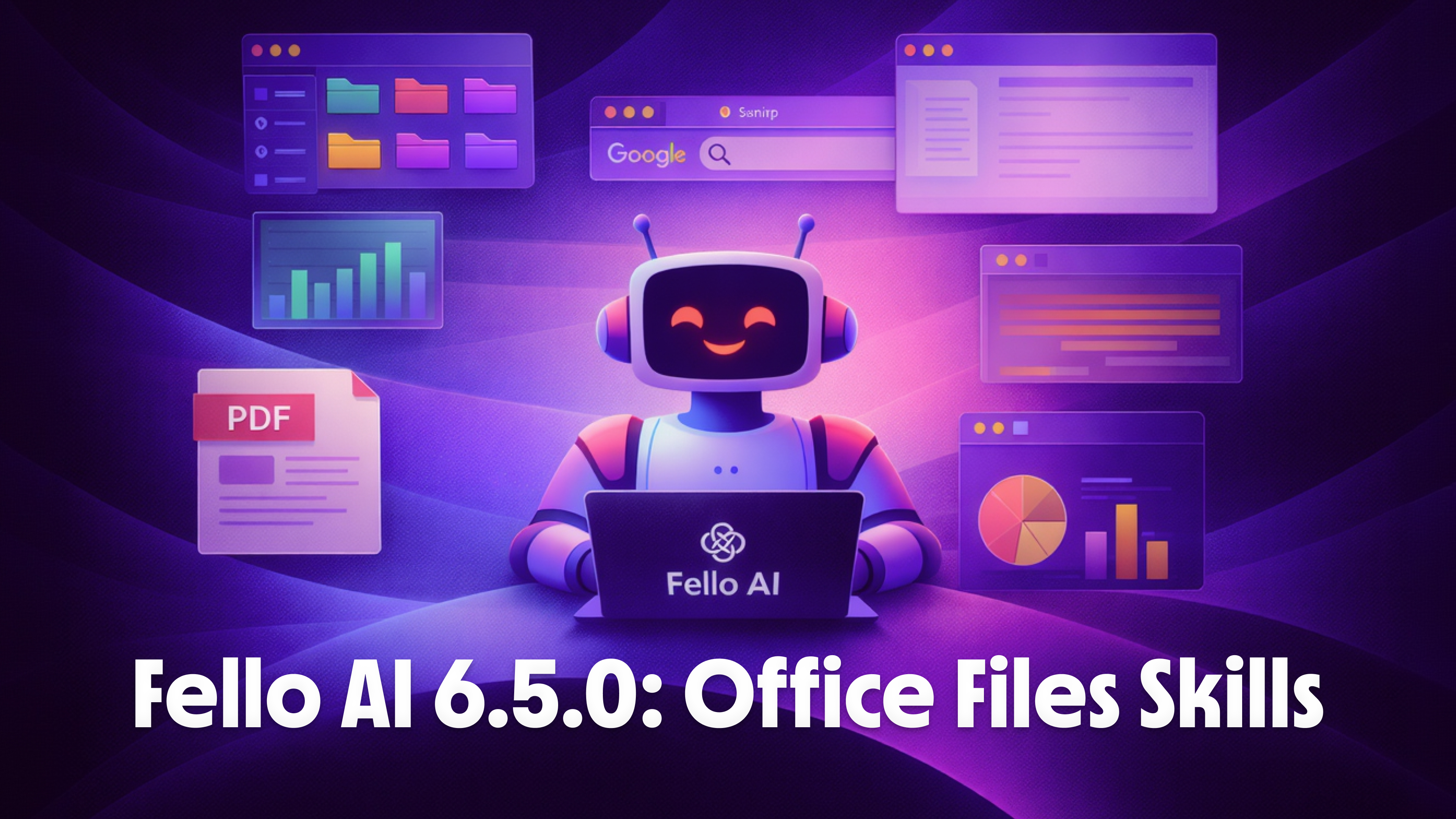
How to use AI in PowerPoint — complete 2026 guide covering Fello AI, Copilot Designer, Gamma and more

How to Use AI in PowerPoint: The Complete Guide for 2026

Microsoft PowerPoint now comes with Microsoft Copilot built in, an AI assistant that can generate slides, create charts, and redesign entire decks. The catch? Copilot costs $21/user/month on top of your existing Microsoft 365 subscription, and the standard tier still has real limitations with complex layouts and custom templates. For most people, that is a lot to pay for AI slide generation. The best AI tool to pair with PowerPoint right now is Fello AI. For $9.99/month, it creates fully formatted .pptx files directly from a chat conversation, gives you access to GPT-5.4, Claude, and Gemini in one app, and works on Mac, iPhone, and iPad. You describe the presentation […]

How to use AI with PDF — complete 2026 guide covering merging, compressing, protecting and more

How to Use AI with PDFs to Edit, Convert, and Analyze Files [Complete 2026 Guide]

Over 3 trillion PDFs exist worldwide according to Adobe estimates, and most people still deal with the same problems: merging scattered files, shrinking bloated attachments, and locking down sensitive documents. Traditional PDF tools solve these tasks one at a time, usually across three or four different websites. AI changes that completely. The best tool for handling PDFs with AI right now is Fello AI. It handles 12 PDF operations in a single chat conversation, merge, compress, protect, split, watermark, extract text, convert files, and more. It also gives you access to GPT-5.4, Claude, and Gemini in one app, works on Mac, iPhone, and iPad, and creates Word, Excel, and PowerPoint […]

How to use AI in Microsoft Word — comparing Fello AI, Copilot, ChatGPT and other tools for document creation

How to Use AI in Word to Create and Edit Documents [Complete 2026 Guide]

Microsoft Word now comes with Microsoft Copilot built in, an AI assistant that can draft documents, rewrite paragraphs, and summarize reports. The catch? Copilot Pro costs $20/month on top of your existing Microsoft 365 subscription, and the free tier barely scratches the surface. For most people, that is a lot to pay for features you can get elsewhere at half the price. The best AI tool to pair with Word right now is Fello AI. It creates fully formatted .docx, .xlsx, .pptx, and .pdf files directly from a chat conversation, gives you access to GPT-5.4, Claude, and Gemini in one app, and works on Mac, iPhone, and iPad. You skip […]

How to use AI in Excel — complete 2026 guide covering Copilot, Fello AI, ChatGPT and more

How to Use AI in Excel to Create and Edit Spreadsheets [Complete 2026 Guide]

78% of organizations worldwide were using AI in their workflows as of 2024, according to McKinsey’s Global AI Survey,, and Excel remains the most widely used data tool in business. Yet most people still build spreadsheets the hard way, manually typing formulas, cleaning data by hand, and formatting cells one by one. Microsoft’s built-in Copilot can help, but it costs $20/month on top of your Microsoft 365 subscription, and while it can now create basic spreadsheets with Edit with Copilot, it works best when editing existing files. The best way to use AI with Excel in 2026 is Fello AI. It generates complete, downloadable .xlsx files with working formulas, formatted […]

How to Use ChatGPT for Blogging and Content Creation (Updated 2026)

Over 60% of content marketers now use AI tools in their workflow, according to a 2024 HubSpot survey. ChatGPT sits at the center of this shift, helping writers brainstorm topics, draft articles, optimize for SEO, and polish their final copy faster than ever before. Whether you’re a solo blogger struggling with writer’s block or a content team looking to scale output, ChatGPT can act as your writing partner at every stage of the process. This guide walks you through exactly how to use it, with practical prompts, pro tips, and a look at how Fello AI makes the entire workflow even smoother on Mac. The Key Takeaways What ChatGPT Can […]

Claude Computer Use: What It Is, How to Set It Up, and What You Can Actually Do With It

Claude can now take control of your Mac, clicking buttons, typing text, opening apps, and completing tasks on your screen while you step away. Anthropic launched Claude computer use on March 23, 2026 as a research preview for Pro and Max subscribers, and it changes how you interact with AI. The company announced the feature alongside Dispatch, its new phone-to-desktop task delegation system. Instead of copying and pasting between Claude and your apps, you simply tell Claude what you need done, and it does the work directly on your desktop. This isn’t a gimmick or a developer-only tool. Whether you’re a student juggling research papers, a marketer managing campaigns across […]

AI + Murder Mystery: desk scene with a ‘Cold Case: Room 213’ printable case file folder, scattered photos, and AI tool windows, showing the workflow used to build a digital product.

How We Created a Printable Murder Mystery Case File Using AI

Do you want to play detective without the pressure of wearing a costume, memorizing a script, or acting out a dramatic death scene? If you love true crime podcasts or police procedurals, a printable murder mystery game offers a completely different kind of thrill. Instead of a dinner party performance, you get a realistic “cold case” file delivered instantly to your device. A printable case file is a downloadable PDF mystery you solve by reading evidence – no acting, no app, print optional. You can print the evidence, spread it out on a dining table, and solve the crime solo or with a small group of friends. It is tactile, […]

A graphic depicting several overlapping dark-themed app screens on a green circuit board background, demonstrating how to convert study notes into videos and podcasts using a tool like NotebookLM. The screens show options for 'Discover sources,' 'What are you interested in?', and adding sources, with checkboxes and an 'Import' button.

NotebookLM Update: 1M-Token Chat, Goals, Saved History

Google NotebookLM has had one of the most packed update cycles of any AI tool in recent memory. Since October 2025, the platform has shipped eight major upgrades, including Deep Research, a Gemini 3 engine upgrade, built-in slide editing with PPTX export, Cinematic Video Overviews in March 2026, an AI Pro storage bump to 5 TB in April, and the Google AI Ultra reshuffle at I/O 2026 on May 19. The free plan still exists, but a four-tier pricing structure now separates what each type of user can access. This guide covers every NotebookLM update from October 2025 through May 2026, explains how to use each new feature, and breaks […]