Learn Gemini for Free thumbnail featuring a modern smartphone displaying the glowing Google Gemini logo and an abstract dark-mode app interface against a blue and purple neon background.

How to Learn Google Gemini in 2026: A Free Beginner’s Guide

The fastest way to learn Google Gemini in 2026 is free, because the Gemini app gives you Gemini 3.5 Flash at no cost, the default model since May 19, 2026, plus a daily allowance of the stronger Gemini 3.1 Pro, Nano Banana 2 image generation, five Deep Research reports a month, and the Gemini Live voice mode. You do not need a paid plan, a coding background, or a single course to start getting useful work out of it today. This guide gives you a free, beginner-friendly Gemini course in roadmap form. You will get two clear paths to follow, an honest comparison of the free courses worth your time, […]
Thumbnail for “Gemini 3.5 Review: What Google Launched at I/O 2026” showing bold amber and white headline text reading “Gemini 3.5 Review: Flash Beats Pro?” beside a glowing Gemini 3.5 app-style card on a dark blue and purple neon background, with an “I/O 2026” badge in the corner.

Gemini 3.5 Review: What Google Launched at I/O 2026

Google just launched Gemini 3.5. The first model in the family, Gemini 3.5 Flash, went live on May 19, 2026 at Google I/O 2026, and it does something Google has never done before. The cheap, fast “Flash” tier now beats the previous flagship. Gemini 3.5 Flash outscores Gemini 3.1 Pro on Terminal-Bench 2.1 (76.2%), MCP Atlas (83.6%) and GDPval-AA (1,656 Elo), runs roughly 4x faster in output tokens per second, and costs about 25% less. It is already the default model in the Gemini app and AI Mode in Search for billions of people worldwide. One thing did not ship today. Gemini 3.5 Pro was pushed to next month, and […]

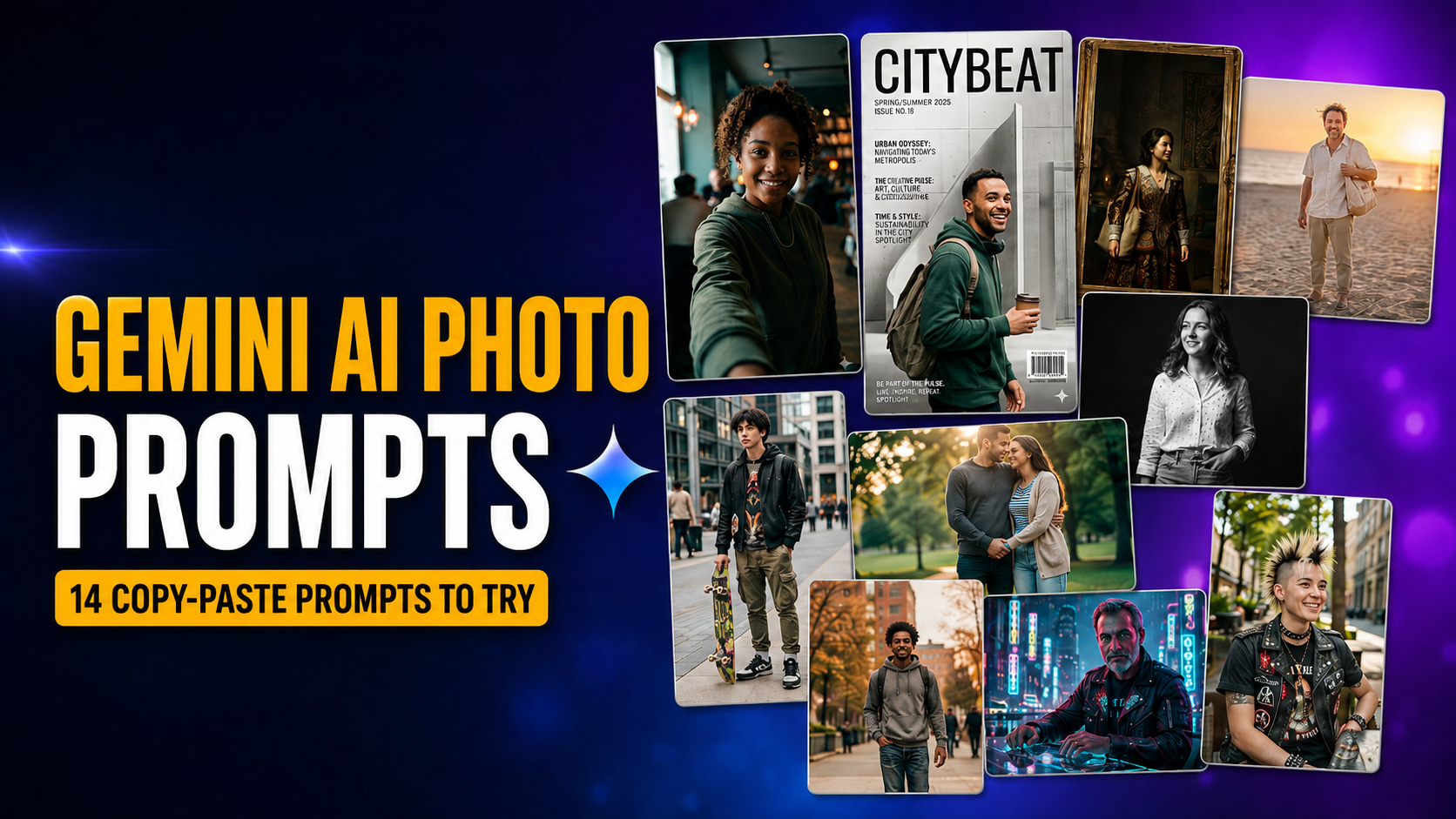
Thumbnail for “Gemini AI Photo Prompts: 14 Copy-Paste Prompts for Stunning Portraits” showing bold amber and white text reading “Gemini AI Photo Prompts” with a “14 Copy-Paste Prompts to Try” badge, alongside a collage of AI portrait examples including selfie, magazine cover, Renaissance painting, beach portrait, black-and-white headshot, streetwear, couple, cyberpunk, and punk-inspired styles on a dark blue and purple neon background.

Gemini AI Photo Prompt: 14 Copy-Paste Prompts for Stunning Portraits

These 14 Gemini AI photo prompts turn one ordinary selfie into a cinematic film still, a fashion-magazine cover, a vintage polaroid, a studio headshot, or a Renaissance painting, and every one of them is copy-paste ready. They run on Nano Banana, Google’s native image model inside the Gemini app, which means no Photoshop, no Lightroom, and no prompt-writing skill on your part. You upload a photo, paste a prompt, and Gemini hands back an edited portrait in a few seconds. This is the same viral trend that made ChatGPT photo edits explode in 2025. The quality bar has since moved to Nano Banana 2, the newest Gemini image model and […]

Gemini for Mac setup guide thumbnail showing a MacBook Pro with the Gemini app interface on screen against a dark blue and purple gradient background. Large headline text reads “GEMINI FOR MAC” in amber and “SETUP GUIDE” in white.

Gemini for Mac Is Live: Full Setup Guide, Features, and How It Compares

Google launched the native Gemini Mac app on April 15, 2026. It ends a long stretch where Mac users had to run Gemini in a browser tab while ChatGPT and Claude already had proper desktop apps. The download is free, the install takes under two minutes, and the headline feature is the Option + Space global hotkey that brings up Gemini from anywhere on your Mac without breaking your workflow. If you already use Gemini on the web or on iPhone, this is the upgrade you have been waiting for. If you have been weighing Gemini against ChatGPT or Claude, the playing field just changed. This guide walks you through […]