• All About AI
    • AI Basics & How-To Guides
    • AI News
    • AI Technical Insights
    • Fello AI Updates
    • Tips for Mac
    • People of AI
  • Best AI Models
  • Getting Started
  • FAQs
  • Newsletter
  • Contact Us
  • All About AI
    • AI Basics & How-To Guides
    • AI News
    • AI Technical Insights
    • Fello AI Updates
    • Tips for Mac
    • People of AI
  • Best AI Models
  • Getting Started
  • FAQs
  • Newsletter
  • Contact Us
Download Now
  1. Domů
  2. Posts tagged “gemini app”

Tag: gemini app

Widescreen tech thumbnail reading “GEMINI OMNI FLASH / VIDEO AI EXPLAINED,” with a glowing smartphone on the right showing an AI video-editing interface, a dancer in a vertical video frame, and a voice waveform to suggest talk-to-edit controls. The background uses deep blue and purple cinematic lighting with a glossy, futuristic feel.
AI News

Gemini Omni Flash: Google’s Talk-to-Edit AI Video Model Explained

Gemini Omni Flash lets you make and edit short videos by talking to them, and it costs just $0.10 per second of generated footage. That works out to roughly $1 for a full 10-second clip through the Gemini API, with free access baked into YouTube Shorts and paid Google AI plans. Google’s newest video model […]

July 12, 2026July 12, 2026
Is Google Gemini Free? thumbnail showing a glowing blue and purple Gemini logo with a $0 badge on a dark cinematic background.
AI Basics and How-To Guides

Is Google Gemini Free? Free Plan Explained (2026)

Yes, Google Gemini is free to use. The free plan costs $0 with no credit card, and it is not a stripped-back demo. You get Google’s fast Gemini 3.5 Flash model by default, a daily allowance of the stronger Gemini 3.1 Pro for harder questions, image generation, voice conversations, and up to five Deep Research […]

July 11, 2026July 12, 2026
Learn Gemini for Free thumbnail featuring a modern smartphone displaying the glowing Google Gemini logo and an abstract dark-mode app interface against a blue and purple neon background.
AI Basics and How-To Guides

How to Learn Google Gemini in 2026: A Free Beginner’s Guide

The fastest way to learn Google Gemini in 2026 is free, because the Gemini app gives you Gemini 3.5 Flash at no cost, the default model since May 19, 2026, plus a daily allowance of the stronger Gemini 3.1 Pro, Nano Banana 2 image generation, five Deep Research reports a month, and the Gemini Live […]

June 22, 2026July 11, 2026
Thumbnail for “Gemini 3.5 Review: What Google Launched at I/O 2026” showing bold amber and white headline text reading “Gemini 3.5 Review: Flash Beats Pro?” beside a glowing Gemini 3.5 app-style card on a dark blue and purple neon background, with an “I/O 2026” badge in the corner.
AI News

Gemini 3.5 Review: Flash, Pro Release Date & Pricing

Google launched Gemini 3.5 in stages. The first model in the family, Gemini 3.5 Flash, went live on May 19, 2026 at Google I/O 2026, and it does something Google has never done before. The cheap, fast “Flash” tier now beats the previous flagship. Gemini 3.5 Flash outscores Gemini 3.1 Pro on Terminal-Bench 2.1 (76.2%), […]

May 19, 2026July 11, 2026
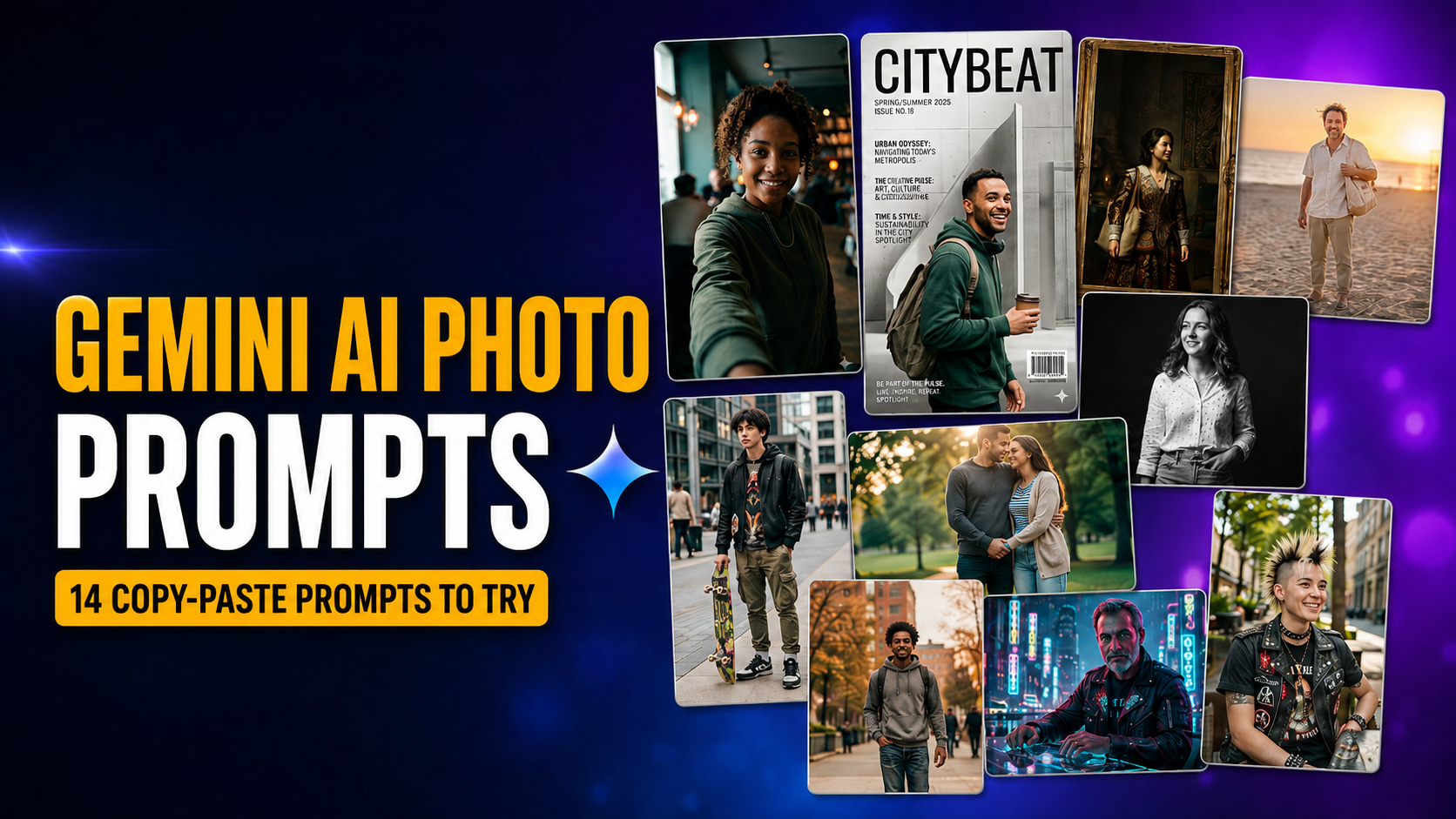
Thumbnail for “Gemini AI Photo Prompts: 14 Copy-Paste Prompts for Stunning Portraits” showing bold amber and white text reading “Gemini AI Photo Prompts” with a “14 Copy-Paste Prompts to Try” badge, alongside a collage of AI portrait examples including selfie, magazine cover, Renaissance painting, beach portrait, black-and-white headshot, streetwear, couple, cyberpunk, and punk-inspired styles on a dark blue and purple neon background.
AI Basics and How-To Guides

Gemini AI Photo Prompt: 14 Copy-Paste Prompts for Stunning Portraits

These 14 Gemini AI photo prompts turn one ordinary selfie into a cinematic film still, a fashion-magazine cover, a vintage polaroid, a studio headshot, or a Renaissance painting, and every one of them is copy-paste ready. They run on Nano Banana, Google’s native image model inside the Gemini app, which means no Photoshop, no Lightroom, […]

May 18, 2026July 16, 2026
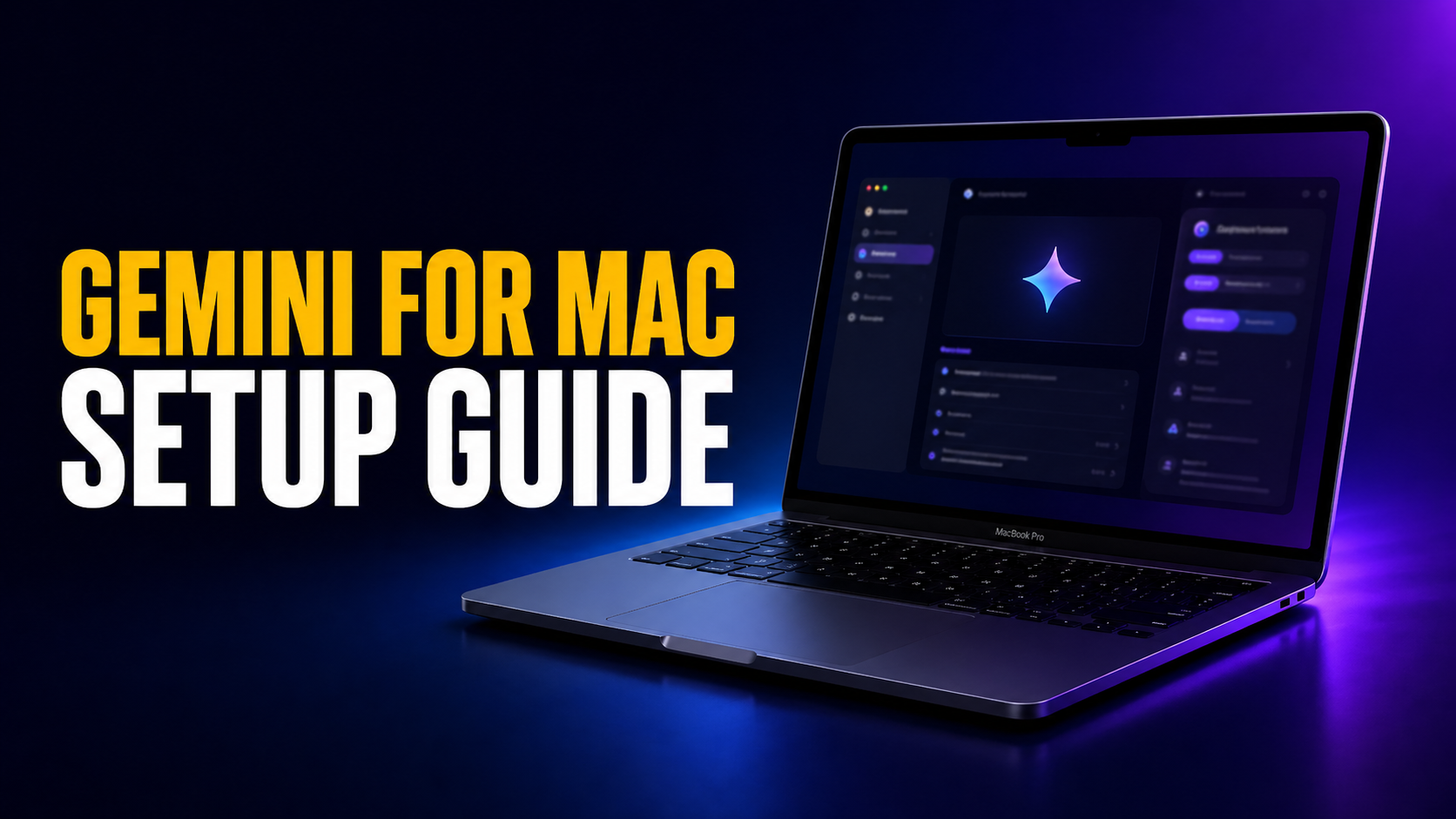
Gemini for Mac setup guide thumbnail showing a MacBook Pro with the Gemini app interface on screen against a dark blue and purple gradient background. Large headline text reads “GEMINI FOR MAC” in amber and “SETUP GUIDE” in white.
AI Basics and How-To Guides Tips for Mac

Gemini for Mac Is Live: Full Setup Guide, Features, and How It Compares

Google launched the native Gemini Mac app on April 15, 2026. It ends a long stretch where Mac users had to run Gemini in a browser tab while ChatGPT and Claude already had proper desktop apps. The download is free, the install takes under two minutes, and the headline feature is the Option + Space […]

April 30, 2026May 26, 2026
Preview image with a dark macOS-style window showing a glowing question mark in the center, purple gradient background, and bold headline text reading: “When Is the Gemini Mac App Coming? Here Is All We Know!”
AI News

Gemini for Mac: When to Expect the Official App & How to Use It Now (2026)

Google confirmed a native Gemini Mac app is in development. Here’s everything we know about the release date, what features to expect, and how to use Gemini on your Mac right now.

February 25, 2026June 25, 2026
Logo Dark Theme

Fello AI is a powerful AI chatbot for Mac, iPhone, and iPad that lets you use all top AI models (like GPT-5.4, Claude 4.6, Grok 4.20, Gemini 3 or Perplexity) all in one place!

Get it now!
Facebook-f X-twitter

Resources

  • Getting Started with Fello AI
  • Frequently Asked Questions
  • Chat with PDFs
  • Subscribe to Newsletter
  • Contact Us
  • Terms of Use
  • Privacy Policy

Use AI on Your Mac

  • Download ChatGPT Client on Your Mac
  • Download Claude App on Your Mac
  • Download Gemini App on Your Mac
  • Download LLAMA App on Your Mac
  • Download Perplexity App on Your Mac
  • Download DeepSeek App on Your Mac
  • Download Grok AI App on your Mac

How-To Guides

  • How To Use Claude Anonymously
  • How To Use Gemini Anonymously
  • How To Use DeepSeek Anonymously
  • How To Use Grok Anonymously
  • Top 10 Photo Editing Prompts
  • Photo Editing Prompts For Women
  • How To Make Pro Headshots with AI
Fello AI is an independently developed app and is not affiliated with, endorsed by, or sponsored by OpenAI, Anthropic, Google, Meta, Mistral, Alibaba, or xAI. © All rights reserved.

VIP Newsletter

Access Exclusive Tips on Mastering AI!

Join thousands of AI fans & professionals benefiting from exclusive tips and insights from industry leaders.

Enter your email address

No thanks, I’m not interested!

English (UK)
Čeština Français Deutsch Italiano Español Português (AO90) 日本語 한국어
We use cookies to ensure that we give you the best experience on our website. If you continue to use this site we will assume that you are happy with it.