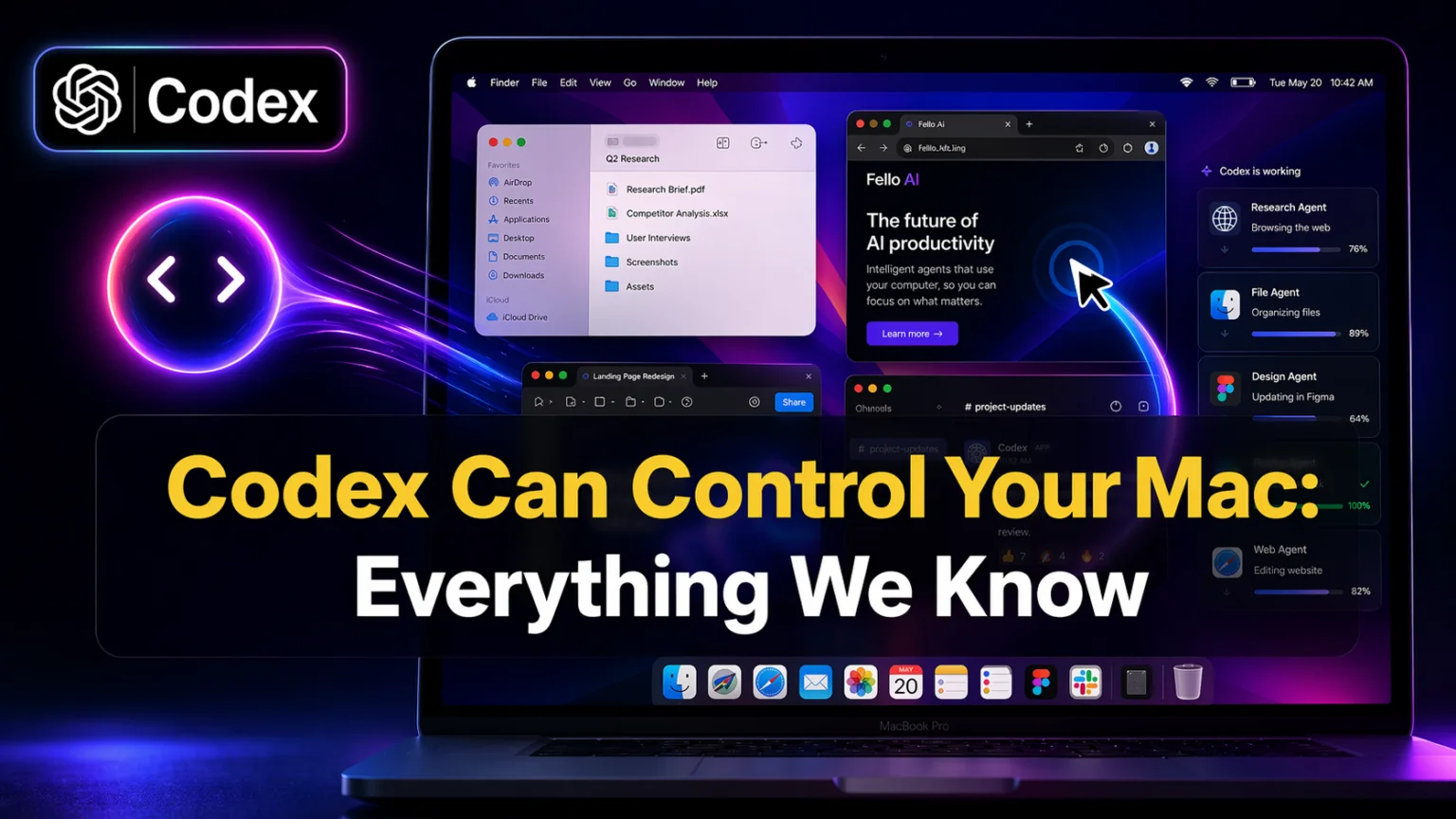
On April 16, 2026, OpenAI pushed the biggest update yet to its Codex Mac app and the headline is simple, Codex can now take control of your Mac. The feature is called codex mac computer use, and it lets Codex see your screen, move its own cursor, click, and type across any macOS app you have open. OpenAI also added an in-app browser, image generation with gpt-image-2.0, memory, and over 90 new plugins in the same release.
We spent a day with the updated app on Apple Silicon and on an Intel Mac. The short version, Codex on Mac stopped being a coding tool and turned into a general-purpose agent that can operate your machine while you work on something else. This article is our hands-on take, a clear feature breakdown, three-way comparison with Claude Computer Use and the brand-new Gemini Mac app, and an honest answer on who should install this today and who should skip it.
Update, April 23, 2026: One week after the computer-use release, OpenAI pushed GPT-5.5 to Codex, bringing the upgraded reasoning, 88.7% SWE-bench Verified, 82.7% Terminal-Bench 2.0, and 60% fewer hallucinations than GPT-5.4 straight into the Mac agent. Everything in this review still applies, the agent is now running on a more capable model underneath.
The Key Takeaways
- Codex mac computer use launched on April 16, 2026 and turns the Codex desktop app into a full macOS agent
- Multiple Codex agents can work in parallel in the background, without blocking your own mouse and keyboard
- The update adds an in-app browser built on OpenAI’s Atlas, gpt-image-2.0 image generation, memory, and 90+ new plugins
- Computer use is not available in the EU, UK, EEA, or Switzerland at launch, and requires a paid ChatGPT plan
- Codex now has 3 million weekly active users, up roughly 5x in three months according to MacRumors
- On April 23, 2026, OpenAI upgraded Codex to GPT-5.5, the new flagship with 88.7% SWE-bench Verified and 60% fewer hallucinations than GPT-5.4
What is Codex Mac Computer Use
Codex mac computer use is an OpenAI feature that lets the Codex desktop app operate other macOS apps on your behalf. Codex sees what is on screen, moves its own cursor, clicks buttons, types into fields, and completes tasks across apps like Finder, Safari, Xcode, Slack, and Figma. The new part is parallelism, you can keep using your Mac normally while Codex drives another task underneath.
This is the first time OpenAI has shipped real computer-use capabilities outside a cloud sandbox. Until now, Codex ran in OpenAI-managed cloud containers. The April update brings that same agent behaviour to your actual Mac, touching your real files, apps, and network. That shift is why Apple users should think carefully before flipping it on, and it is the reason this update is different from everything Codex shipped before. OpenAI’s own Codex for (almost) everything post frames it as the product moving from developer tool to general-purpose agent.
How it works under the hood
Codex uses screen-reading plus an action model to decide where to click and what to type. As of the April 23 upgrade, that model is GPT-5.5, OpenAI’s new flagship trained for harder agentic coding and computer-use tasks. You give it a task in plain English, for example “open Keynote, make a new deck from this outline, then export it as PDF to Desktop”, and it runs the full sequence. It can handle tasks across multiple apps and multiple steps, and it can schedule work for itself across days or weeks using the new automation features.
Every New Feature in the April 16 Update
The release notes are long. Here is what actually matters on a Mac.
Background computer use
Codex agents can run in parallel without interfering with your own work. You start a task, Codex takes over in the background, and your foreground work is untouched. We ran two Codex agents side by side while typing this draft and the keyboard and cursor never fought us.
In-app browser built on Atlas
Codex now has its own browser inside the app, powered by OpenAI’s Atlas engine. You can open any local or public page that does not require sign-in, comment directly on the rendered page, and ask Codex to act on that feedback. Great for UI reviews, QA, and quick screenshot pipelines.
Image generation with gpt-image-2.0
Codex uses gpt-image-2.0 for in-app image generation. OpenAI positions it for “product concepts and mockups”. In practice it is close in quality to the standalone ChatGPT image tool, just without leaving your coding session.
Memory and personalization
Codex now remembers preferences, recurring workflows, tech stacks, and the tools you use. It can pause a task and resume later in the same thread. Not available for Enterprise, Education, EU, and UK users yet.
90+ new plugins
Over 90 new plugins combine skills, MCP servers, and integrations. Notable ones are Atlassian Rovo for JIRA, CircleCI, CodeRabbit, GitLab Issues, Microsoft Suite, Neon by Databricks, Remotion, Render, and SSH to remote devboxes.
Developer quality-of-life wins
Multiple terminal tabs in one window, addressing GitHub review comments inline, file sidebar with rich previews for PDFs and spreadsheets, and better diff inspection.
Codex vs Claude Computer Use vs Gemini Mac App
A day before the Codex update, Google launched the native Gemini Mac app on April 15, 2026, as confirmed by TechCrunch. Going in, Anthropic’s Claude Computer Use remained the most mature agent option. All three now live on macOS and they are very different products.
| Feature | Codex on Mac | Claude Computer Use | Gemini for Mac | ChatGPT Mac app | Fello AI |
|---|---|---|---|---|---|
| Controls your real apps | Yes | No, virtual desktop only | No, screen sharing for context | No | No |
| Background parallel agents | Yes | Yes | No | No | No |
| In-app browser | Yes | No | No | No | No |
| Image generation | gpt-image-2.0 | No | Nano Banana | gpt-image-2.0 | Multiple models |
| Scheduled tasks across days | Yes | Partial | No | No | No |
| Available in EU and UK | No | Yes | Yes | Yes | Yes |
| Price | ChatGPT Plus or higher | Claude Pro or Max | Free tier available | ChatGPT Plus | $9.99/month |
| Best for | Mac agent workflows | Safe sandboxed agents | Native Google AI on Mac | Chat + light tools | Multi-model chat for everyone |
The honest framing, if you want an AI to actually drive your Mac, Codex is now the strongest pick on macOS. If you want safety and sandboxing, Claude Computer Use still wins because it never touches your real files. If you want one clean chat app that gives you all the major models without managing four separate logins, Fello AI is a simpler route at $9.99/month, one price for ChatGPT, Claude, Gemini, Grok, and DeepSeek.
Who Should Install the Update Today
This update is excellent for a narrow group and overkill for everyone else.
Install it today if you:
- Write code on macOS and already pay for ChatGPT Plus or Pro
- Run repetitive multi-app workflows, file conversions, batch exports, UI QA, scraping
- Build internal tools where Codex can replace manual clicking
- Want scheduled agents that complete work overnight
Skip or wait if you:
- Live in the EU, UK, EEA, or Switzerland, computer use is not available yet
- Use your Mac mostly for writing, research, email, or chat
- Are not comfortable giving an AI keyboard and mouse control of your machine
- Only need a multi-model chat experience without automation
For the second group, a clean multi-model chat app like Fello AI is the better call, you get ChatGPT, Claude, Gemini, Grok, and DeepSeek in one Mac and iOS app for $9.99/month, without handing over control of your system. With 25,000+ five-star reviews it is the simplest way to get every major model on macOS under one login.
Is It Safe to Let Codex Control Your Mac
Computer use changes the security model. Until now, the worst thing an AI assistant could do on your Mac was type bad code into a file. With computer use, an agent can move files, send messages, click buttons, and open apps. That is a meaningful surface area increase.
Three things worth knowing:
- Codex runs in the background without fighting your cursor. OpenAI says multiple agents “work in parallel, without interfering with your own work in other apps”, so you keep control of your own keyboard and mouse while agents operate underneath.
- Permissions are gated at the macOS layer. Any tool that drives a Mac needs Screen Recording, Accessibility, and Automation permissions in System Settings. If you revoke them, the agent cannot act.
- OpenAI runs the agent model in the cloud. The model itself is not on your Mac. Your screen context, the actions, and the task descriptions are sent to OpenAI servers for processing.
Our recommendation, start with Codex on a personal Mac or a non-sensitive project. Do not point it at production credentials, 1Password, banking apps, or anything you would not show a contractor on day one. Treat it like a fast but new junior assistant who sometimes gets confused between Slack and Messages.
Not available in the EU, UK, EEA, or Switzerland
OpenAI confirmed that computer use is not available in the European Union, the United Kingdom, the wider European Economic Area, or Switzerland at launch. Memory and personalization are also unavailable to Enterprise, Education, EU, and UK users for now. OpenAI says rollout will follow, with no date yet. If you are in those regions, the rest of the update still works, you just cannot give Codex the cursor.
How to Download Codex for Mac
Installation is fast if you already have a ChatGPT account.
- Go to chatgpt.com/codex on your Mac
- Choose the correct build, Apple Silicon or Intel, Intel support is new as of this update
- Drag Codex.app to Applications
- Sign in with the same account you use for ChatGPT Plus or Pro
- Grant Screen Recording, Accessibility, and Automation permissions when prompted
- Open the app, run the onboarding task to confirm computer use is working
The app requires a paid ChatGPT plan. Free-tier ChatGPT accounts can install the app but cannot use computer use, the in-app browser, or image generation. If you are unsure which plan fits, our guide to the best AI agents right now breaks down the pricing ladders for Codex, Claude Code, and the rest. You can also see how Cursor pricing compares if you are weighing editor-based agents.
The Bigger Picture for Mac AI in 2026
April 2026 was a monster month for AI on Mac. Google shipped a native Gemini Mac app on April 15. OpenAI turned Codex into a real Mac agent on April 16. Anthropic released Claude Opus 4.7 the same day. Apple is now sending 200 Siri engineers through an AI bootcamp ahead of WWDC 2026, where a Siri 2.0 overhaul and third-party AI extensions in iOS 27 are expected. If you want the full picture of what is shipping right now, our best AI models right now hub is updated monthly, and our explainer on how AI agents work covers the mechanics behind computer use.
The practical takeaway is simple. Mac is finally a first-class AI platform, no more hacked web wrappers or tab juggling. The real question for most people is not “which AI Mac app should I install” but “do I want agent automation, or a clean multi-model chat experience”. Choose the first and Codex is your pick. Choose the second and Fello AI gives you every major model in one $9.99/month app for Mac, iPhone, and iPad. If you are building out a Mac-first AI setup, our guide to the best MacBook for AI work covers the specs that actually matter.
Conclusion
The April 16 Codex update is the most ambitious agent release on macOS so far. It turns a coding tool into a background worker that can drive your Mac across apps, run multiple tasks in parallel, browse the web, generate images, and remember how you like things done. It is also gated by a paid ChatGPT plan, missing in Europe, and demands broad system permissions.
If you are a developer or power user on Apple Silicon, install it today. If you are not, skip the agent hype for now, stick with a simple multi-model chat like Fello AI, and come back when WWDC 2026 shows us what Siri 2.0 looks like in June.
FAQ
What is Codex computer use?
Codex computer use is a feature launched on April 16, 2026 that lets the Codex Mac app operate other macOS apps on your behalf. Codex sees your screen, clicks, types, and can run tasks in the background in parallel with your own work.
Is Codex free?
No. The Codex app installs for free but computer use, memory, and the in-app browser require a paid ChatGPT plan, starting with ChatGPT Plus at $20 per month. Higher tiers, including ChatGPT Pro, raise usage limits.
Does Codex computer use work in Europe?
No, not at launch. OpenAI confirmed computer use is not available in the EU, UK, EEA, or Switzerland. The rest of the Codex app, including coding features, still works in those regions.
Is Codex better than Claude Code?
They are different. Codex is stronger at terminal-first tasks and now at driving macOS apps. Claude Code produces higher code quality in blind tests and runs fully on your local machine without a cloud sandbox. Many developers use both.
Can I use Codex without giving up my privacy?
Partly. The Codex model runs in the cloud, so your screen context and actions are sent to OpenAI. You can limit risk by granting permissions only to the apps you want Codex to use, and by keeping it away from sensitive accounts and credentials.