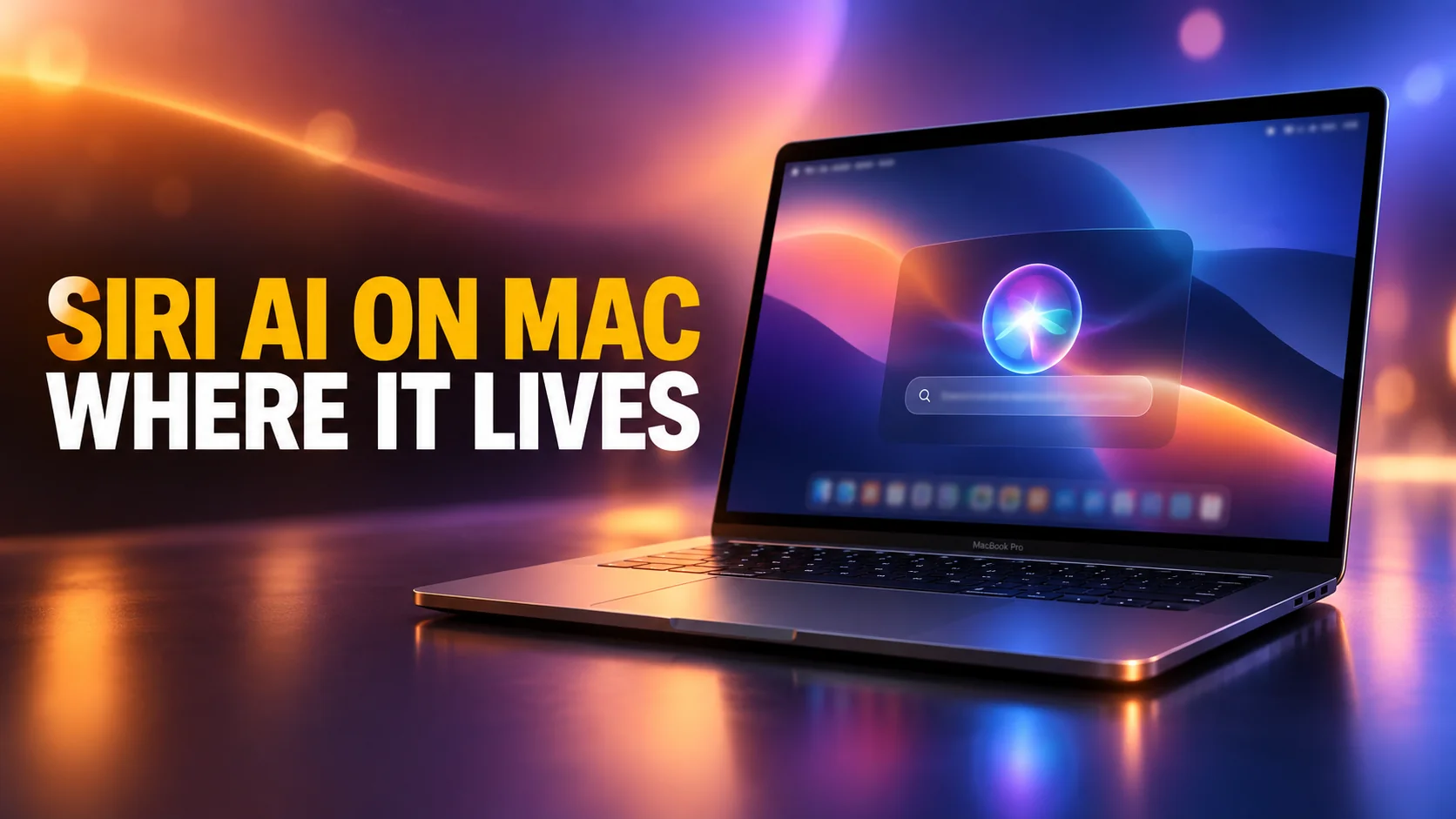
macOS 27 Golden Gate shipped on 14 September 2026, the date carried on Apple's own product page, and Siri AI came with it. Almost every write-up says the same thing: press Command and Space, and Spotlight now answers questions. That is true, and it is roughly a quarter of the story. Siri AI on Mac has four separate entry points, and Apple documents all four in the same paragraph that everyone quotes half of.
This guide covers each one. What Spotlight does now, the keystroke that lets you ask about a slice of your screen, the control-click option buried in context menus, and the standalone app that keeps your history. It also covers the gates, because plenty of people updated today and found nothing new at all.
And one piece of geography that Apple itself has not got straight: on the question of whether a European Mac gets Siri AI at all, two Apple pages say opposite things today.
The Key Takeaways
- Four entry points, not one: Spotlight, a screen-selection keyboard shortcut, systemwide context menus, and a dedicated Siri app. Apple names all four.
- Command-Space is the headline: the bar that launches apps and finds files now offers "Ask Siri" as a top hit, which opens a conversation instead of a result.
- Command-Shift-Space is the one nobody mentions. Apple's release notes assign it to Visual Intelligence, which lets you select part of the screen and ask about it.
- It is still a beta. Apple's own words: Siri AI is "available in beta" and "rolling out", in English to start, with daily usage limits.
- Apple contradicts itself on the EU. Its DMA notice says "EU users will be able to access Siri AI on macOS 27 and visionOS 27". Its macOS feature-availability page says Siri AI is "not available in the China mainland and the European Union". Both are live today.
- You need Apple silicon: M1 or later, plus the A18 Pro MacBook Neo. No Intel Mac runs macOS 27 at all.
Where Siri AI on Mac Actually Lives
Apple put the Mac surfaces in two consecutive sentences, and most coverage quoted the first and dropped the second. The first reads: "On iPad and Mac, Siri AI is integrated into Spotlight so users can search for answers to almost any question."
The second follows in the same breath. "It is also integrated into systemwide context menus, allowing users to control-click to ask about images, files, or text on their screen." Add the screen-selection shortcut and the standalone app, and there are four ways in. Each suits a different moment.
That matters more on a Mac than on a phone, because a Mac has a pointer, a keyboard and overlapping windows. The assistant that is right for a half-formed question in an empty Spotlight bar is not the one you want when you are staring at a chart in a PDF. You can read Apple's own framing in its Siri AI announcement.
The four entry points at a glance
| Surface | How you reach it | Best for | The limitation |
|---|---|---|---|
| Spotlight | Command and Space | A typed question with no context needed | It is a text box. It cannot see your screen |
| Visual Intelligence | Command, Shift and Space | Asking about something you can see | You have to select the region first |
| Context menus | Control-click an image, file or selection | A question about one specific object | Needs something already selected to click |
| The Siri app | Open it from Applications | Returning to an earlier conversation | It is a destination, not a shortcut |
Spotlight: Command-Space Is Now a Search or Ask Bar
This is the change people will notice first, because it happens inside a habit almost every Mac owner already has. Apple's macOS 27 release notes put it plainly: Siri AI "is integrated into Spotlight, so you can search for answers about almost any topic right from where you already search for things across your system."
What changes when you type a question
Press Command and Space, and the bar looks exactly as it did yesterday. Type a file name and you get the file. An app name still launches the app. Type a question, though, and Apple's own description of what happens is worth reading closely: "when you search in Spotlight, you can choose 'Ask Siri' as the top hit."
So it is a choice, not an interception. Spotlight offers Siri at the top of the results and you take it or ignore it, which is why your old muscle memory survives intact. Pick it and you get a back-and-forth conversation rather than a one-line card. MacRumors, reporting from WWDC in June, described the same behaviour: the conversation starts inside the Spotlight prompt, carrying context and chat history with it.
The clever part is that you do not have to decide in advance. You are not choosing between "search" and "ask" before you start typing, the way you would be if Apple had shipped a separate assistant window. You type your intent, and the system works out whether the answer is a file, an app, or something it needs to generate. That is also why Apple did not have to teach anyone a new keystroke.
What Spotlight still does the old way
The search behaviour carries over. File search, app launching, calculations, unit conversions and the quick actions added in macOS 26 all work as they did in macOS 26.
The shortcut itself is still yours to change, in System Settings under Keyboard and then Keyboard Shortcuts. So if you remapped Command and Space years ago, that remapping holds. Siri AI simply arrives on whatever key you moved it to.
Command-Shift-Space: Asking About What Is on Screen
This surface went almost entirely unreported, and it is the one that changes how the Mac feels. Apple's newsroom describes tapping into Siri "with a dedicated keyboard shortcut, allowing them to select something on their Mac display and type directly to Siri." It never names the key.
Apple's own macOS 27 release notes do. Published in full by 9to5Mac, and matched independently by Macworld, they put it on Command, Shift and Space, and the feature Apple reaches there is called Visual Intelligence.
What happens next is closer to a screenshot tool than to a chat window. Apple's wording is that you "select a window of your screen", and on its Mac page it describes the same move as taking "a screenshot of what's on your display, like an image or a PDF". Then you ask about what is inside it.
A chart in a PDF, an error message in a log, a paragraph in an app that will not let you select text. Siri answers about what it can see, and can act on it. Apple's own example is adding an event to your calendar.
One correction is worth making here, because it will circulate for months. During the macOS 27 beta, testers found a Siri shortcut labelled "Ask Siri about active window" and a half-finished popover of writing tools that was switched off by default. Reporting from July described both. What actually shipped is the Visual Intelligence selection flow on that keystroke, so if you go hunting in System Settings for the beta label, you will not find it.
Control-Click: Siri AI in the Context Menu
The third surface asks nothing of your memory at all, which is the point. Apple integrated Siri AI into systemwide context menus, so you control-click an image, a file or a run of selected text and ask about the thing you just clicked. No keystroke, no window, no copying anything into a prompt first.
In practice this is the surface most people will actually use, because it survives the thing that kills every other AI shortcut: forgetting it exists. A right-click menu is somewhere your hand already goes. It is also the most Mac-shaped of the four, in that it respects what you had selected instead of asking you to describe it.
The Siri App: Where Your Conversations Live
Everything above is transient. Ask a question in Spotlight, get an answer, close the bar, and the exchange is gone unless something keeps it. That is what the new standalone Siri app is for. Apple's release notes call it the place to "revisit and resume past conversations", synced with iCloud across your Apple devices.
List view, grid view, and how long conversations stay
9to5Mac, which went through the app during the beta, found two layouts. One is a list view that reads like Messages. The other is a grid, where each conversation is a floating card.
System Settings controls the rest: whether the app opens on your recent conversations or on a blank one, and how many lines of preview text each conversation shows. It also controls how long anything is kept at all. The choices are 30 days, 1 year, or forever.
That last one is the setting worth opening on day one. The default keeps your conversations indefinitely. A year of half-finished questions about your own email and photos is a lot of personal history to leave sitting in an app you have stopped thinking about.
iCloud sync across devices
Apple says the app "uses iCloud to privately sync conversational history across a user's products." The point is continuity. Start chatting with Siri at your desk on the Mac, then carry the same thread on to iPhone, iPad, Apple Watch or Apple Vision Pro. Sync lives where you would expect it, under your name in System Settings, then iCloud.
How to Turn On Siri AI on Mac, and Why It May Not Appear
Siri AI is not simply switched on for you by the update. Work through the gates below in order. Apple's release notes say it "is rolling out to users, and you can get started by turning it on in Settings", which is a polite way of describing a staged launch. If nothing about your Spotlight looks different tonight, one of the following is why.
The requirements checklist
- macOS 27 Golden Gate. Apple's product page reads "available starting 9.14".
- Apple silicon. Apple's compatibility list is M1 or later, plus the A18 Pro MacBook Neo. Golden Gate drops every Intel Mac, so there is no partial path here. Our guide to which devices support Apple Intelligence has the full list.
- Not a memory gate. You will see a 12GB unified memory and M3 requirement quoted around Apple Intelligence. Check which footnote it belongs to: on Apple's own page it sits under expressive voices and dictation accuracy, not under Siri AI or Visual Intelligence. An 8GB M1 is not excluded from either.
- English. Apple's Siri page says "Available in English to start". Your device language and your Siri language both have to be English. Apple has named French, Japanese, Korean, Portuguese and Spanish as the next wave, in October.
- Apple Intelligence itself. If you never enabled it, nothing downstream appears. Turning Apple Intelligence on is the first step.
- Daily limits. Apple's own footnote says certain features, "including but not limited to Siri AI", are subject to daily usage limits.
The waitlist
Clear every gate above and you may still be waiting. MacRumors found waitlist infrastructure in the seventh betas of iOS 27, iPadOS 27 and macOS Golden Gate, including wait-time estimates Apple can adjust server-side as demand moves.
Treat that as reported, not documented. Apple publishes nothing about a waitlist anywhere on its site, and its own "rolling out to users" wording is as far as it goes on the record. Reports since launch describe iPhone owners being asked to join a queue, so the mechanism is clearly real even though Apple never wrote it down. Our guide to what Siri AI is and how the queue behaves covers it properly. If Siri stops responding entirely once you are through, that is a separate fault, handled in why Siri is not working.
Is Siri AI on Mac Available in the EU? Apple Says Both
This is the question that decides whether a European reader can use any of the above, and it is the one piece of today's release Apple has not got straight on its own website. Two Apple pages, both live on 14 September 2026, say opposite things.
What Apple says in the DMA notice
Apple published a statement whose headline is a sentence in itself: "Siri AI will be available to EU users on macOS 27 and visionOS 27." The body is just as direct. "Unfortunately, due to the Digital Markets Act (DMA), Apple will not be able to ship Siri AI in the European Union with the release of iOS 27 and iPadOS 27." Apple argues regulators' reading of the law would force near-unlimited device access on any assistant, and says that "there is currently no timeline for Siri AI's availability in the EU on iOS and iPadOS". The full statement is Apple's DMA notice.
Apple's Siri page carries the same carve-out in its footnote and names the same three platforms: iOS, iPadOS and watchOS. macOS is not among them.
What Apple says on the macOS feature page
Now open the page Apple's own macOS release notes point you to for regional availability. Under the heading Siri AI, the macOS feature-availability page reads: "Available in English - Not available in the China mainland and the European Union". Write with Siri and Visual Intelligence each carry the same exclusion.
That is a straight contradiction, on Apple's own domain, about Apple's own product. We are not going to resolve it for you by picking the more convenient half.
What we can say is which way each source leans. The DMA notice is specific, signed reasoning about macOS. The feature-availability page is a generated regional table, and the identical EU string appears on the iOS version of it, which is what a shared boilerplate row looks like. So the balance of evidence favours EU Macs having Siri AI. If you are in the EU, the honest instruction is to open Settings and look, because Apple has published both answers and we will update this page when one of them changes.
What Siri AI on Mac Still Does Not Do
Apple calls this a beta and means it. Siri AI on Mac speaks and reads one language today. It is rolling out rather than arriving, so two identical Macs in the same room can disagree about whether it exists. And it is Apple's assistant, so there is no model picker: you get what Apple routes your request to, on device or through Private Cloud Compute, and you do not choose between them.
The limits, and the paid tier Apple has already flagged
The limits deserve their own paragraph, because Apple has quietly said where this is heading. Server-backed features carry daily caps, and Apple says those vary "by feature, request complexity, system demand, system policies, and other factors".
Then, in the same footnote, comes the line almost nobody picked up: "Expanded access to such features will be available for a fee in the future." No price, no date. But Apple has put on record that the roomier version of Siri AI is eventually a paid product.
The Gemini claim, and what Apple actually says about Google
There is also a claim worth handling carefully, because both the loose version and the flat denial are wrong. A great deal of coverage calls the new Siri "Gemini-powered" and attaches a parameter count to it. Apple has never used that phrase and has never published a parameter count for the model behind Siri. The figure in circulation comes from press reporting, not from any Apple document.
But Apple does name Google, and openly. Its own research post introduces the third generation of Apple Foundation Models as "a family of five foundation models custom-built in collaboration with Google", and says that for the largest cloud model Apple "worked with Google and NVIDIA to extend Private Cloud Compute to NVIDIA GPUs in Google Cloud". Apple publishes parameter counts only for its own on-device models. So the accurate statement is that Google is involved and Apple says so, while "Gemini-powered Siri" and its numbers are not Apple's claims. Our comparison of Siri against ChatGPT handles what is actually known.
When a Dedicated AI App Still Beats Siri AI on Mac
Spotlight has one enormous advantage that no third-party app can buy: it is already the key your hand reaches for. For a quick factual question, a calculation, or something about your own mail and photos, that convenience is the whole argument and Siri AI now wins it outright.
The case for a separate app has narrowed to three things, and all three are real. The first is model choice, because Siri routes and does not ask. The second is language, since Siri AI is English-only and Apple Intelligence's broader language list does not apply to it. The third is the EU muddle, which at minimum leaves iPhone owners in Europe with nothing on the phone. If any of those describe you, AI menu bar apps for Mac sorts the alternatives by the job they actually do, and replacing Siri with ChatGPT, Claude or Gemini covers swapping the assistant itself. Otherwise, press Command and Space and start typing. The best AI on a Mac is still the one that opens before you finished deciding to use it.
Frequently Asked Questions
How do I use Siri AI on my Mac?
There are four ways. Press Command and Space and type a question into Spotlight, then choose Ask Siri. Press Command, Shift and Space to select a window of your screen and ask about it. Control-click an image, file or selected text and ask from the context menu. Or open the Siri app to return to an earlier conversation. All four need macOS 27 and Siri AI switched on in Settings.
Does Spotlight still search files in macOS 27?
Yes. Type a file name, an app name or a calculation and Spotlight behaves as it did in macOS 26. Siri does not intercept your query: Apple's wording is that you "can choose 'Ask Siri' as the top hit", so it is offered alongside the results rather than replacing them. The Spotlight shortcut remains remappable in System Settings under Keyboard.
Is Siri AI available on a Mac in the EU?
Apple answers this two ways. Its Digital Markets Act notice holds Siri AI back on iOS 27, iPadOS 27 and watchOS 27 only, and states that EU users can access it on macOS 27 and visionOS 27. Its macOS feature-availability page says Siri AI is not available in the European Union at all. Both pages are live. The DMA notice is specific reasoning about macOS while the feature page reuses the same row as the iOS version, so the balance favours EU Macs getting it, but check Settings rather than trusting either page.
Why is Siri AI not showing up on my Mac?
Work through the gates in order: macOS 27 installed, an Apple silicon Mac, Apple Intelligence enabled, both your device language and Siri language set to English, and Siri AI switched on in Settings rather than assumed. If all of that checks out, you are most likely in the staged rollout. Apple describes Siri AI as rolling out rather than released.
Do my Siri conversations sync to my iPhone?
They do, through iCloud, and Apple says the sync is private. You can start a conversation on the Mac and pick it up on iPhone, iPad, Apple Watch or Apple Vision Pro. You can also set how long conversations are kept, choosing 30 days, 1 year, or forever, and the default keeps them indefinitely.