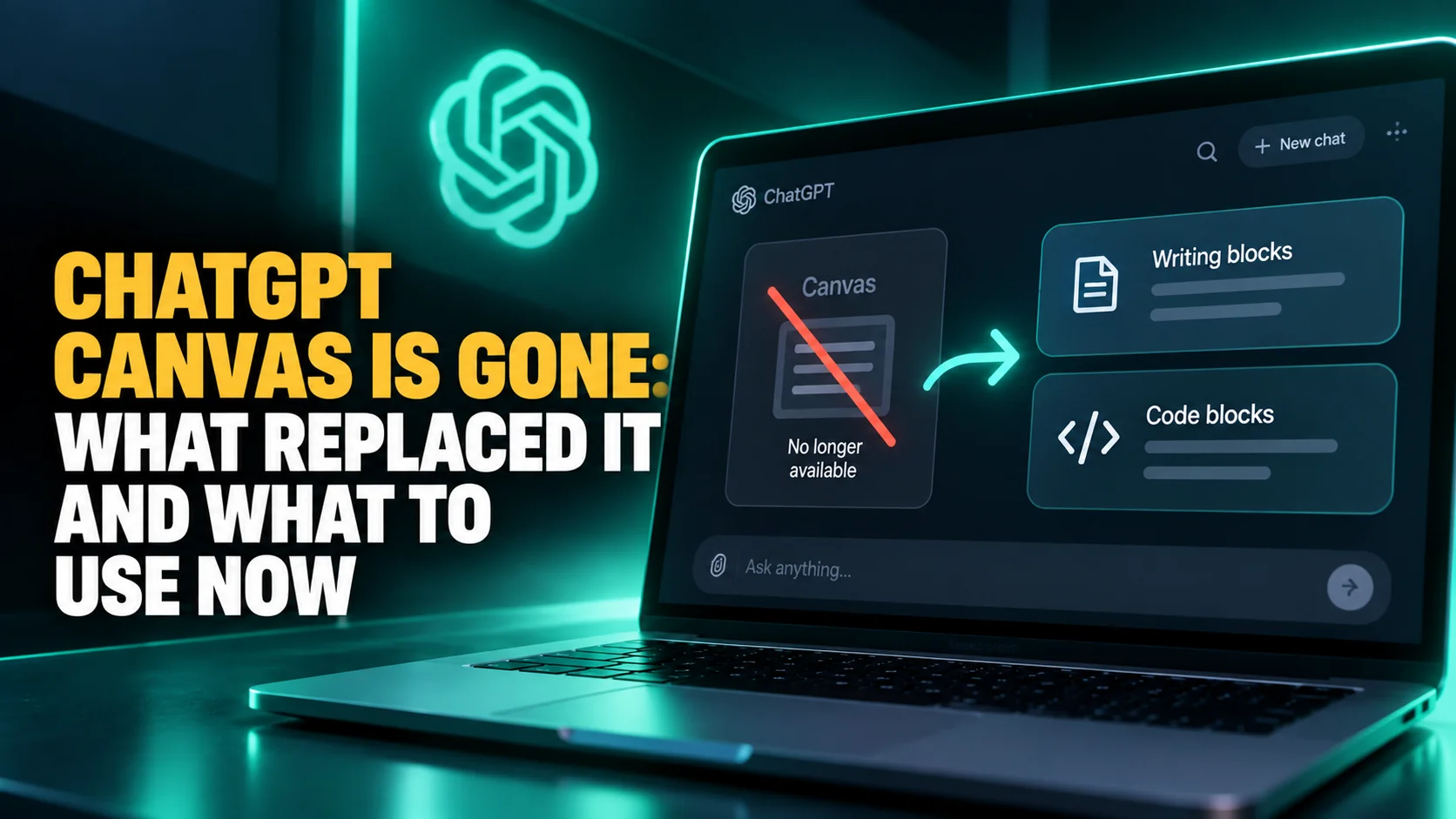
If you have gone hunting for Canvas in ChatGPT and cannot find it, you are not missing a menu item. OpenAI removed it. Its own model release notes say so under the dated heading for 28 May 2026: "With this update, canvas will no longer be available in GPT-5.5 Instant or GPT-5.5 Thinking." The same paragraph names the replacement. Writing and coding now happen "directly in chat responses through writing blocks and code blocks."
Most guides still ranking for ChatGPT Canvas describe a version of the app that has since changed several times over. They walk you to a model picker and tell you to select GPT-4o, but that model was retired on 13 February 2026, and OpenAI has rebuilt the picker twice since, on 10 June and 7 October 2026. Here is what Canvas was, where each of its features went, and how to do that work today.
The Key Takeaways
- Canvas is gone: OpenAI removed it from GPT-5.5 Instant and GPT-5.5 Thinking on 28 May 2026, and GPT-5.5 itself was retired from ChatGPT on 14 October 2026.
- What replaced it: writing blocks and code blocks, which live inside the chat thread instead of a side panel.
- The escape hatch has closed: OpenAI said paid users could keep Canvas "for a limited time through legacy models", and every model documented as running it has since been retired from ChatGPT.
- No model in today's picker brings it back: since 7 October 2026 the model menu on paid plans offers GPT-6 and GPT-5.6 Sol with a Thinking slider, and OpenAI's help page for it never mentions Canvas.
- Writing blocks got better, not worse: since 8 June 2026 they open full screen on the web, save to your Library, build a table of contents and support downloads.
- The nearest new thing is Pages: since 29 September 2026, eligible Pro, Business and Enterprise users can write and co-edit documents in ChatGPT Space.
What ChatGPT Canvas Was
Canvas was a separate editing panel that opened to the right of your conversation. Instead of a draft scrolling away as soon as you sent another message, it stayed anchored in a workspace you could edit by hand. You could highlight a paragraph and ask for a change to that paragraph alone, and ChatGPT would edit in place rather than reprinting the whole thing.
According to OpenAI's launch post, it rolled out to "ChatGPT Plus and Team users globally" first, with Enterprise and Edu the following week and Free users promised access once it left beta. The release notes date it to 3 October 2024. Canvas was "built with GPT-4o", a model that had shipped that May, and you selected it by hand in the model picker during the beta. It reached the macOS app on 15 January 2025.
The Writing Shortcuts
Canvas carried a fixed menu of one-click actions for prose: suggest edits, adjust the length, change reading level, add final polish and add emojis. The reading-level control was the memorable one, sliding a draft anywhere "from Kindergarten to Graduate School" without you having to describe the audience in a prompt.
The Coding Shortcuts
The code side had its own five: review code, add logs, add comments, fix bugs and port to a language, the last of which translated between JavaScript, TypeScript, Python, Java, C++ and PHP. There was also a version history, described in the launch post as restoring previous work "by using the back button in canvas".
Where Is Canvas in ChatGPT?
It is not there any more. No setting brings it back.
Canvas was removed from GPT-5.5 Instant and GPT-5.5 Thinking on 28 May 2026. OpenAI left one temporary door open, writing that "paid users can continue using canvas for a limited time through legacy models until those models are sunset."
That door has closed twice over. Every model OpenAI documented as canvas-capable has been retired from ChatGPT, and three things are checkable today: the help-centre article that explained Canvas still returns a 404 as of November 2026, the current model documentation does not mention Canvas at all, and OpenAI's own support pages have carried no Canvas entry since that May note.
Then there is the picker itself. On 10 June 2026 OpenAI rebuilt it with "simplified options: Instant, Medium, High, Extra High, Pro Standard, Pro Extended", and model names left it. They came back in a different shape on 7 October 2026: on paid plans the model menu now shows GPT-6 and GPT-5.6 Sol, and a Thinking slider runs from Instant up to High on Plus, and up to Pro on Pro, Business and Enterprise. Neither model is documented with Canvas, so any tutorial that tells you to switch to GPT-4o is describing a choice that no longer exists. Our running list of discontinued AI models tracks the wider pattern, and it is the same one that took ChatGPT Atlas offline.
What Replaced ChatGPT Canvas
The replacement is not a single feature with a launch event. It is two surfaces that OpenAI had been building inside the chat thread for months before Canvas was switched off, plus a third for paid workspaces that arrived later, and all three are documented in the ChatGPT release notes.
Writing Blocks
A writing block is an editable document that appears in the conversation itself. The 8 June 2026 release note is the one that matters. It turned writing blocks from a convenience into a Canvas replacement: they now cover "essays, PRDs, reports, blog posts, notes, and other document work", and on the web longer pieces "can now open in a focused full-screen editor." The same entry adds saving to your Library, a wider document layout, a table of contents for long documents and download support. Since 7 October 2026, GPT-6 can also build diagrams, side-by-side comparisons and small tools such as calculators inside an ordinary answer. OpenAI calls that ChatGPT Intelligent UI, and it is a different feature from Canvas.
Code Blocks
Code blocks were upgraded earlier, on 19 February 2026, to make them "more interactive." OpenAI lists three capabilities. You write and edit text in line, preview diagrams and mini apps directly in chat, and review code in split-screen views. Since 27 February 2026, flowcharts, diagrams and charts made in a code block can also be exported as images on the web. A one-file Snake game is a good first test, and our guide to games you can play with ChatGPT ends with the exact prompt. That split-screen view is the closest thing to the old side panel, except it belongs to the code block rather than to the session.
Pages in ChatGPT Space
Pages are the closest thing to a persistent Canvas document, but only on higher paid plans. OpenAI's 29 September 2026 release note lets you "turn a conversation into a Page, start from a template, or begin writing directly in Space." You edit the text yourself or ask ChatGPT to revise it, add charts or create interactive content, and collaborators can work on the same Page and leave comments. Pages follow Space's availability, which OpenAI gives as eligible Pro, Business and Enterprise users on the web and in the desktop app. For those accounts, "Space replaces Library".
Where Each Canvas Feature Went
| What Canvas did | Where it lives now | What changed |
|---|---|---|
| Side-panel document | Writing block, full screen for long pieces | In the thread, not beside it |
| Direct text editing | Writing block, edited in place | Unchanged in substance |
| Highlight a section to edit it | Writing block inline editing | No longer a separate panel action |
| Writing shortcut menu | No documented equivalent | Ask for the change in words instead |
| Coding shortcut menu | No documented equivalent | Code review moved into split-screen |
| Version history back button | Undo and redo in writing blocks | Not a like-for-like replacement |
| Keeping a document | Save to Library, plus downloads | Better than Canvas had it |
| Sharing a canvas | Pages in Space, on Pro, Business and Enterprise | Others can edit the same Page and comment |
The honest summary is that the container changed and most of the capability survived, but the shortcut menus did not. If your habit was clicking "adjust the length" or "fix bugs", that habit is now a sentence you type.
Every Model That Ran Canvas Has Been Retired
This is the part no ranking tutorial mentions, and it is why switching models cannot rescue Canvas. Every date below is from OpenAI's model release notes or ChatGPT release notes, and each applies to ChatGPT only. Several of these models are still alive in the API, which is a separate question.
| Model | Retired from ChatGPT | Note |
|---|---|---|
| GPT-4o | 13 February 2026 | The model Canvas was built with |
| GPT-4.1 and o4-mini | 13 February 2026 | Retired in the same announcement |
| GPT-4.5 | 26 June 2026 | See the date discrepancy below |
| o3 | 26 August 2026, as announced | Announced with a 90-day sunset |
| GPT-5.5 | 14 October 2026 | The model Canvas was removed from in May |
OpenAI never published a full list of the legacy models that kept Canvas after May. Its stated rule is that models "generally remain available in ChatGPT for 90 days after a successor is released", and 28 May is now more than five months back. Canvas is not the only format to go this way: custom GPTs are scheduled to retire on 11 December 2026 on every ChatGPT plan, with a later date only for FedRAMP and approved Enterprise deferrals.
Two Caveats on the Dates
Two honest caveats belong with that table. OpenAI's own pages disagree on GPT-4.5: the model release notes say it will be retired on 27 June 2026, while the ChatGPT release notes say 26 June twice, including the confirmation entry "As of June 26, 2026, GPT-4.5 is no longer available in ChatGPT, including for custom GPTs." We use the confirmed date. And for o3, OpenAI published the 26 August schedule but never a same-day confirmation of the kind GPT-4.5 received, so that one rests on the announcement rather than a recorded event.
Set that against today's Chat tab, where paid plans have run GPT-6 Sol since 7 October 2026 and the Pro option runs on GPT-6 Astra, and the picture is clear. Canvas belonged to a generation of models that has been fully cycled out.
How to Do Canvas Work in ChatGPT Today
- Ask for the document, not the panel. Prompts such as "write this as a report" produce a writing block. You do not open one from a menu.
- Expand it. On the web, long pieces open in the full-screen editor, which is where the wider layout and the table of contents appear.
- Edit in place. Type into the block directly, the way you edited a canvas.
- Describe the change instead of clicking a shortcut. "Cut this to 400 words and raise the reading level" replaces two of the old buttons.
- Save it to the Library so the document survives the conversation, and use download support to take it out of ChatGPT. On accounts with Space, it lives there instead.
- For code, work in the code block and use the split-screen review view rather than looking for the old side panel.
- On Pro, Business or Enterprise, use a Page for documents other people need to edit or comment on.
If you kept long-running work in Canvas, ChatGPT Projects is the better home for it now, because it keeps files and chats together across sessions rather than inside one thread.
What This Means on a Mac
Canvas reached the macOS app on 15 January 2025, in a release note that reads "now, you can create and edit canvases on macOS using GPT 4o." That model was retired thirteen months later. The newest entry in those macOS release notes, dated 9 July 2026, only renames the app ChatGPT Classic, and the notes carry no writing-blocks entry at all. The same day OpenAI launched a new ChatGPT desktop app for macOS and Windows that combines Chat, Work and Codex. OpenAI lists Space and Pages for the desktop app, while it says the older desktop apps do not support Intelligent UI and points their users to the web.
There is a wider lesson here that has nothing to do with writing tools. A workspace you build a habit around disappears in a single release note, and no amount of loyalty to one vendor protects you from that. The defence is keeping more than one model within reach, which is the case we make for running ChatGPT, Claude and Gemini from one Mac app. Claude's Artifacts panel is the closest surviving equivalent to what Canvas actually felt like: Anthropic's help centre says an artifact "opens beside your conversation", and Free accounts can create them.
Get the Document, Not the Panel
If what you miss is a draft you can keep, ask Fello AI for it and you get a Word file to open and edit, not a block buried in one chat. It runs ChatGPT, Claude and Gemini in one Mac app, so when one model's draft reads wrong you can ask another in the same window instead of hunting for a feature that a release note took away.
The Bottom Line
ChatGPT Canvas was a good feature that OpenAI folded back into the chat window. Writing blocks are a fair trade for long-form work and arguably better, since they save to a Library and download cleanly, and Pages now cover shared documents on Pro and business plans. The one-click shortcut menus are gone and nothing documented replaces them. Anyone still hunting for the Canvas button is chasing a feature switched off on 28 May 2026. Every guide promising to show you where it hides is describing a version of ChatGPT that no longer exists.
FAQ
Was ChatGPT Canvas removed?
Yes. OpenAI's model release notes state that as of 28 May 2026, canvas is no longer available in GPT-5.5 Instant or GPT-5.5 Thinking, and that writing and coding moved into chat responses as writing blocks and code blocks. GPT-5.5 itself was retired from ChatGPT on 14 October 2026.
Can I still use Canvas through an older model?
OpenAI said paid users could keep canvas "for a limited time through legacy models until those models are sunset". Every model documented as running it has since been retired from ChatGPT. As of November 2026 the model menu on paid plans offers GPT-6 and GPT-5.6 Sol, and OpenAI documents Canvas for neither, so there is nothing left to switch to.
What is a writing block in ChatGPT?
An editable document that appears inside the conversation. Since 8 June 2026 writing blocks cover essays, reports, blog posts and notes, open in a full-screen editor on the web for longer pieces, save to your Library and support downloads.
What are Pages in ChatGPT?
Documents that live in ChatGPT Space rather than in one chat. Since 29 September 2026 you can turn a conversation into a Page or start one from a template, edit it yourself or ask ChatGPT to revise it, and let collaborators edit and comment. Space is available to eligible Pro, Business and Enterprise users.
Why do guides still explain how to open Canvas?
Most were written before May 2026. Some have since added a note about the change while leaving the original steps in place, so they still walk you to a model picker and tell you to select GPT-4o. That step fails twice over: the model was retired in February 2026, and the picker has been rebuilt twice since, in June and October.
Is there an alternative that works like Canvas?
Claude's Artifacts panel is the closest match, since it still opens a document beside the conversation rather than inside it. Gemini Canvas is the other one still standing, and Google says it is available for all Gemini users. Inside ChatGPT, Pages come closest on Pro and business plans, and Projects keeps files and chats together across sessions.