
iPad mini OLED: Price, Release Date, and the 512GB AI Catch
Apple announced the iPad mini OLED on 26 October 2026 at $699, with an 8.5-inch OLED screen and the A20 Pro chip. Only the $999 512GB model gets the full chip with…
How to Use ChatGPT on iPhone: App, Siri, Action Button and More
Download the free ChatGPT app from OpenAI in the App Store, sign in, and start typing or talking. The app needs iOS 18 or later. On an iPhone 15 Pro or any iPhone…
Apple HomeView: Price, Siri AI, and What the Fine Print Says
Apple HomeView is a $299 smart display with a 7-inch screen, an A18 chip and Siri AI built in, shipping on 13 November 2026. Apple's footnotes add three things the…
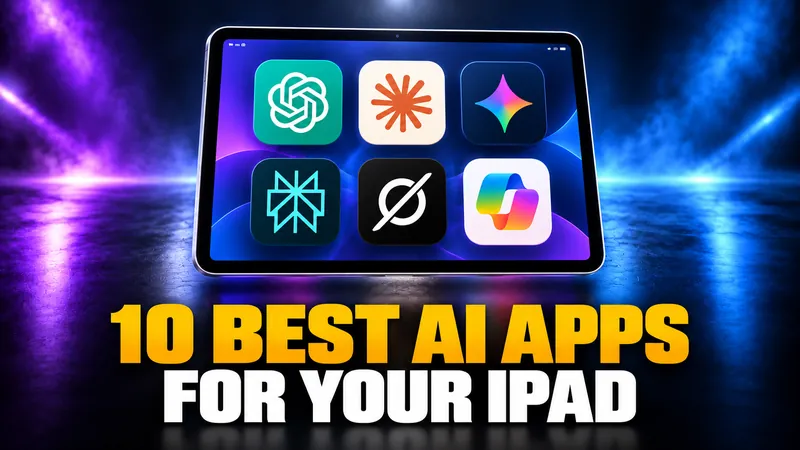
10 Best AI Apps for iPad in 2026 (Ranked, With Prices)
Every major AI assistant now ships a full iPad app, so the question is no longer which ones run on iPad. It is which ones earn a window next to your work, which…

iPad vs MacBook in 2026: Which Should You Buy?
An iPad with Apple’s keyboard now costs $698 and a MacBook Neo costs $699, so the iPad vs MacBook decision is no longer about price.
Mac vs Windows in 2026: Which Should You Buy?
Windows still runs on about three in four desktop computers, but the Mac vs Windows decision changed more in 2026 than in any year since Apple silicon arrived.
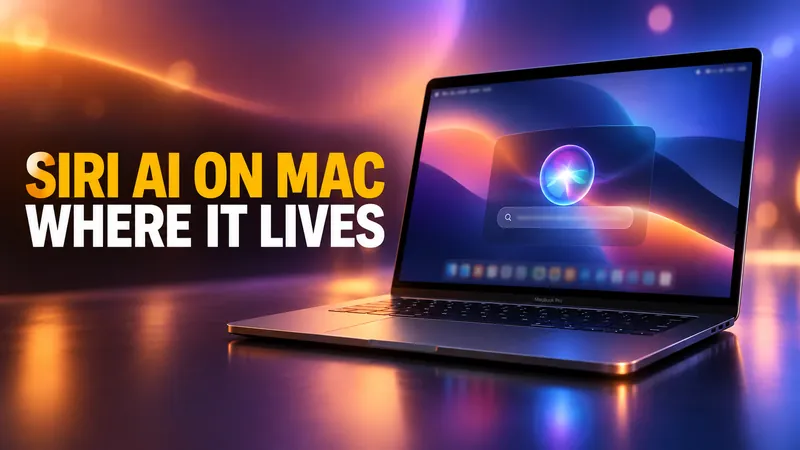
Siri AI on Mac: Where It Actually Lives in macOS 27
macOS 27 Golden Gate shipped on 14 September 2026, and Siri AI came with it. Most coverage says it is in Spotlight. That is one of four places it lives on a Mac…

Best AI Calendar Assistant for Mac: Which Ones Actually Work With iCloud
Most AI calendar tools are built for Google Calendar, and on a Mac that is the whole problem. Here is which ones actually read and write iCloud, what they really…
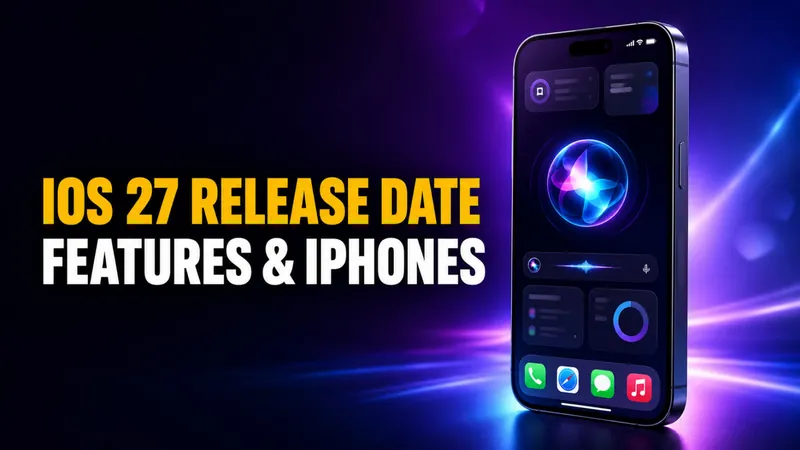
iOS 27: Release Date, New Features, and Every Supported iPhone
iOS 27 is out. Apple released it on Monday, September 14, 2026 as a free update for every iPhone going back to the iPhone 11, and the complete rebuild of Siri…
Apple Intelligence Not Working? How to Fix It on iPhone, iPad, and Mac
Apple Intelligence not working almost always comes down to five things, and only one of them is your hardware. Apple confirmed that iOS 27 arrives on 14 September…

AI Subtitles on a Mac: What Actually Works Right Now
VLC announced offline AI subtitles at CES 2025 and still has not shipped them. Meanwhile your Mac has been captioning audio on device this whole time, and macOS 27…

iPhone 18 Pro AI Features: Every One, and Which Need the New Phone
Apple gave AI top billing at the iPhone 18 Pro launch on 9 September 2026, and the A20 Pro doubles the Neural Engine to 32 cores. Yet almost every AI feature Apple…
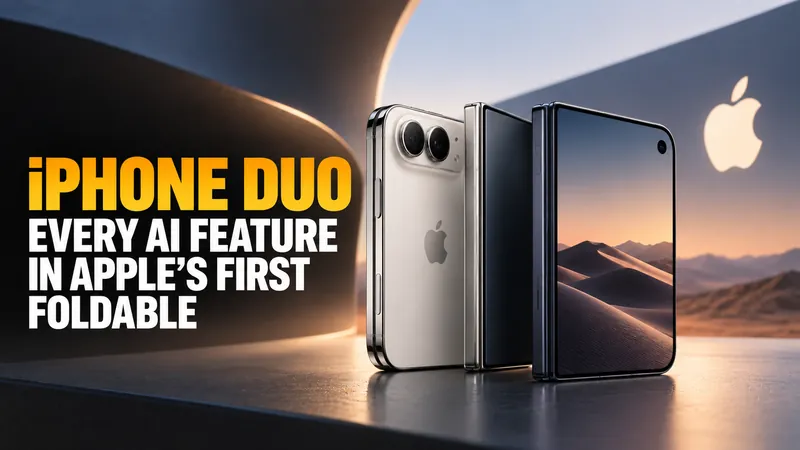
iPhone Duo: Every AI Feature in Apple's First Foldable
Apple announced the iPhone Duo on 9 September 2026, its first foldable iPhone, at $1,999 for 256GB. It runs the same A20 Pro chip as the iPhone 18 Pro, so every AI…
Apple Audio Intelligence: What Your Apple Watch Actually Hears
Apple announced Audio Intelligence on 9 September 2026, a set of four Apple Watch features that includes a tool which summarises the conversations you have during…
Apple Intelligence vs ChatGPT: What Each One Actually Does on Your Mac
Apple Intelligence is not a chatbot, and ChatGPT is already wired into it. Here is what each one actually does on a Mac, where Google Gemini fits in, and which one…
iPhone Buying Guide 2026: Buy Now, or Wait for the iPhone 18?
Apple’s event has been and gone. The iPhone 18 Pro starts at $1,199, the foldable is called the iPhone Duo, and the phone actually named the iPhone 18 is not coming…
Who Is John Ternus? Apple’s New CEO, Net Worth & AI Plan
John Ternus is the CEO of Apple, effective 1 September 2026. He is a 51-year-old mechanical engineer who spent 25 years building the iPhone, iPad and Mac, and he…
Apple Photos AI Editing: Extend, Reframe and the Hidden Watermark
Apple Photos gets three AI editing tools in macOS 27 and iOS 27. Spatial Reframing, Extend and an upgraded Clean Up all arrive with iOS 27 on 14 September 2026, and…
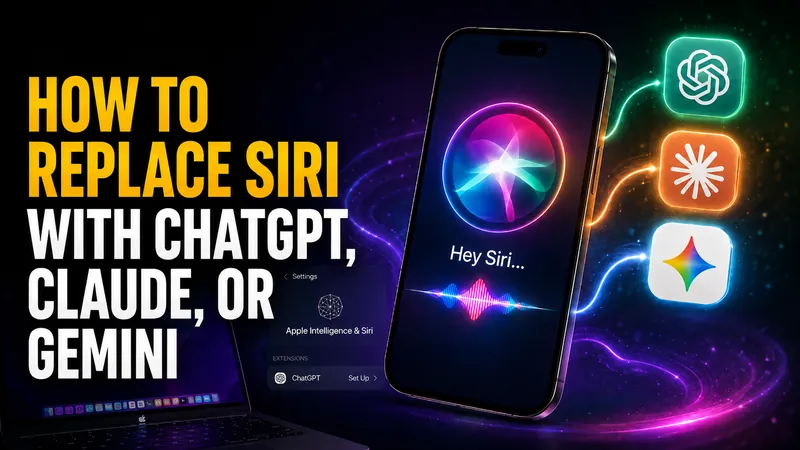
How to Replace Siri With ChatGPT, Claude, or Gemini
Every guide telling you how to replace Siri with ChatGPT gives a different Settings path, and two of the three menus do not exist. Here is what actually works today…
Apple Sues OpenAI: What It Means for Siri and Your iPhone
On Monday 3 August 2026, Apple asked a federal judge to bar OpenAI and two former Apple employees from accessing, using or disclosing its confidential information…

Apple Intelligence Is Coming to China, Powered by Alibaba’s Qwen
On July 15, 2026, China’s Cyberspace Administration approved Apple Intelligence for the country, and the model doing the heavy lifting is not ChatGPT. It is…
Siri vs ChatGPT: Which AI Assistant Is Better in 2026?
The Siri vs ChatGPT debate just changed for the first time in years. Apple’s 2026 software, iOS 27 and macOS 27 “Golden Gate,” rebuilds Siri into a generative…
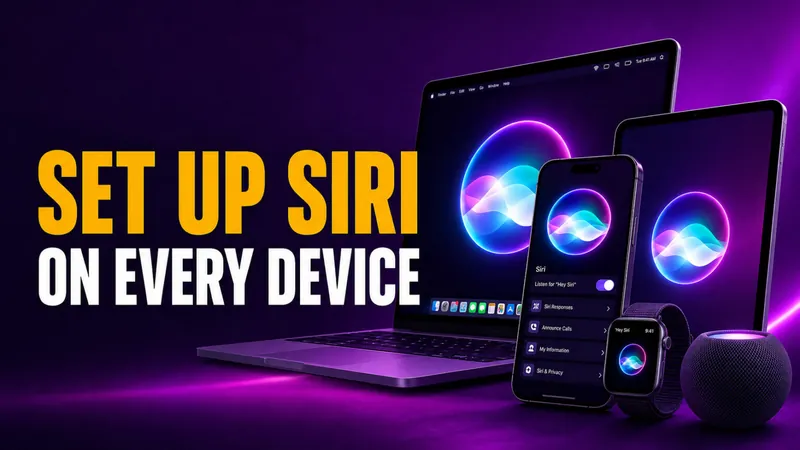
How to Set Up Siri on iPhone, iPad, Mac & Apple Watch
Setting up Siri takes about four taps, but the menu moved in 2026. On any iPhone that supports Apple Intelligence, the old “Siri” panel is now called Apple…
How to Turn Off Siri on iPhone, iPad, Mac, AirPods, and Apple Watch (2026)
Turning off Siri takes about four taps, but the exact path changed in 2026. On any iPhone that supports Apple Intelligence, the old “Siri” menu is now called Apple…
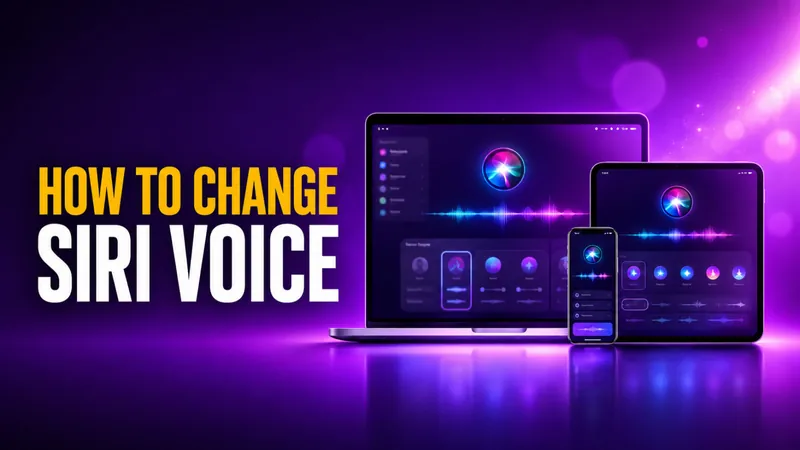
How to Change Siri Voice on iPhone, iPad, Mac, and HomePod
You change Siri’s voice in Settings > Apple Intelligence & Siri > Siri Voice, and in iOS 26 you get six accent Varieties plus up to four distinct voices to pick…
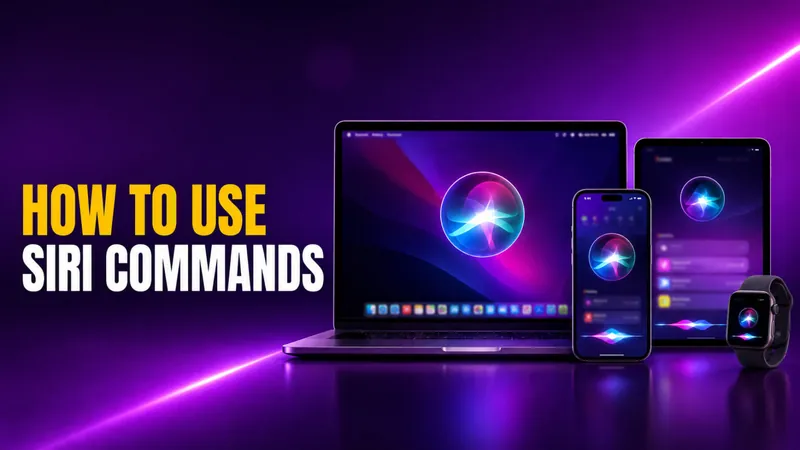
How to Use Siri: Commands for iPhone, iPad, Mac & Watch
Learning how to use Siri takes about ten seconds. Say “Siri” or “Hey Siri” and ask, or press a button and speak. The harder part is knowing what to actually say…
Why Is Siri Not Working? How to Fix It in iOS 27 on iPhone, Mac, and CarPlay
Why is Siri not working? In most cases it comes down to one of three reasons: an incomplete setting, a weak internet connection, or a temporary software glitch that…

Apple Intelligence Alternatives for Mac
Apple Intelligence only runs on a Mac with an M1 chip or newer and macOS 15.1 or later, which locks out every Intel Mac and a lot of older machines still in daily…
Cómo usar los atajos de Siri en iOS 27: la guía completa para iPhone y Mac
Para usar los atajos de Siri, crea un atajo en la app Atajos , que es gratuita, ponle un nombre y luego di «Siri» u «Oye Siri» seguido de ese nombre. Un atajo…
How to Use Apple Intelligence on iPhone, iPad, and Mac
To use Apple Intelligence, first make sure it is switched on under Settings > Apple Intelligence & Siri, then open the feature you want. You select text and tap…
