How to Use ChatGPT on iPhone: App, Siri, Action Button and More
Download the free ChatGPT app from OpenAI in the App Store, sign in, and start typing or talking. The app needs iOS 18 or later. On an iPhone 15 Pro or any iPhone…
Actualización de octubre de Fello AI: Biblioteca, mejor integración con Apple y chats más fluidos
La actualización de octubre de Fello AI añade Biblioteca para todos los archivos de tus chats, Marcadores rediseñados, Compartir a Fello AI desde cualquier app…
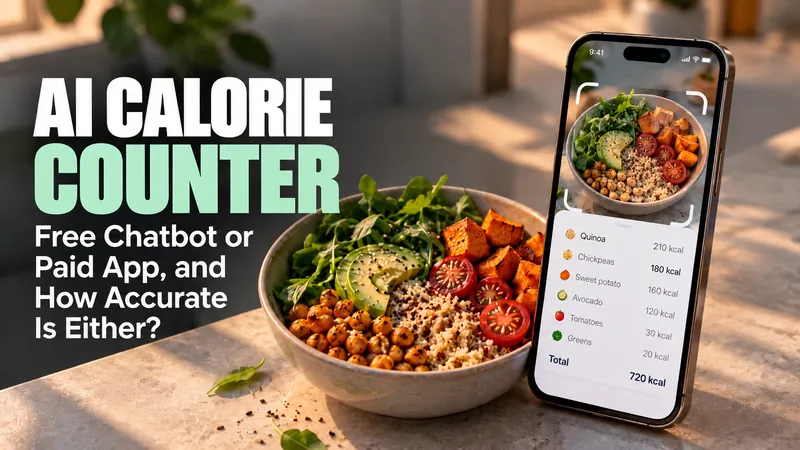
AI Calorie Counter: Free Chatbot or Paid App, and How Accurate Is Either?
An AI calorie counter reads a photo of your meal and estimates the calories, but it is not accurate enough to trust meal by meal. In July 2026 an NIH team found…
Fello AI 6.9.0: GPT-6, Grok 4.7, valoraciones de modelos en tiempo real y pensamiento integrado
Fello AI 6.9.0 añade GPT-6, Grok 4.7, GPT Image 2.5 y Muse Image, integra el pensamiento en todos los modelos, muestra la potencia y la velocidad de cada modelo en…

AI for Seniors: How to Set It Up for a Parent Who Will Not Troubleshoot
Most guides to AI for seniors are written for the senior. This one is written for you, the person who will get the phone call when it stops working.
How to Cancel an AI Subscription on Mac and iPhone
Most AI cancellations fail for the same reason, which is that the charge comes from Apple rather than from the AI company, and the AI company is not allowed to stop…
iOS 27: Release Date, New Features, and Every Supported iPhone
iOS 27 is out. Apple released it on Monday, September 14, 2026 as a free update for every iPhone going back to the iPhone 11, and the complete rebuild of Siri…
Apple Intelligence Not Working? How to Fix It on iPhone, iPad, and Mac
Apple Intelligence not working almost always comes down to five things, and only one of them is your hardware. Apple confirmed that iOS 27 arrives on 14 September…

iPhone 18 Pro AI Features: Every One, and Which Need the New Phone
Apple gave AI top billing at the iPhone 18 Pro launch on 9 September 2026, and the A20 Pro doubles the Neural Engine to 32 cores. Yet almost every AI feature Apple…
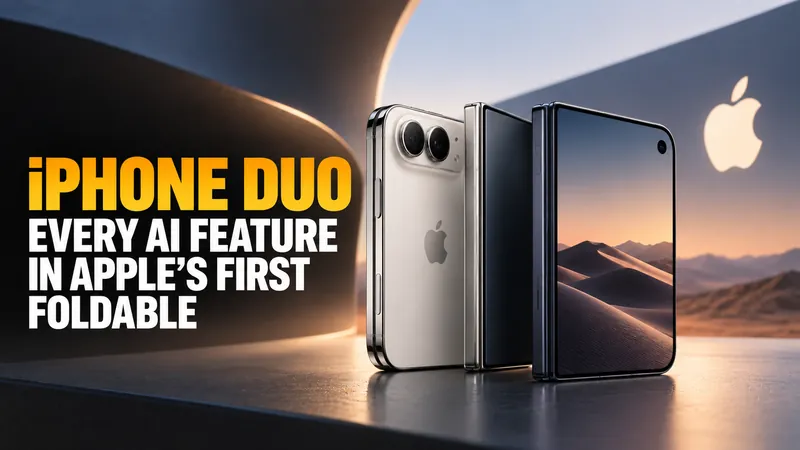
iPhone Duo: Every AI Feature in Apple's First Foldable
Apple announced the iPhone Duo on 9 September 2026, its first foldable iPhone, at $1,999 for 256GB. It runs the same A20 Pro chip as the iPhone 18 Pro, so every AI…
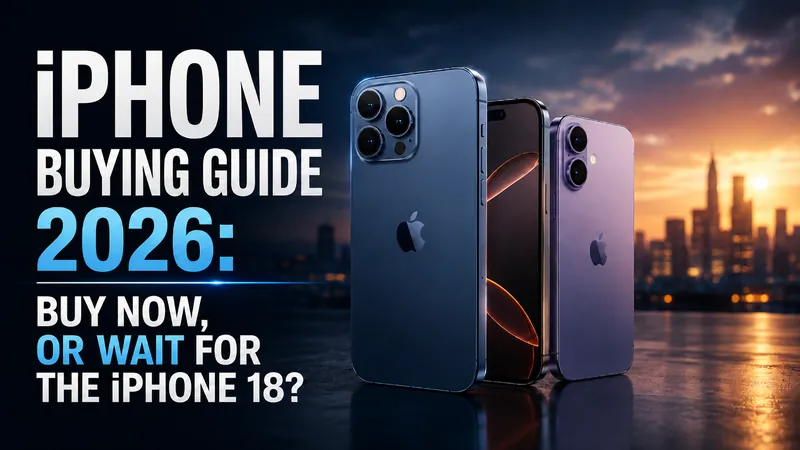
iPhone Buying Guide 2026: Buy Now, or Wait for the iPhone 18?
Apple’s event has been and gone. The iPhone 18 Pro starts at $1,199, the foldable is called the iPhone Duo, and the phone actually named the iPhone 18 is not coming…
Apple Sues OpenAI: What It Means for Siri and Your iPhone
On Monday 3 August 2026, Apple asked a federal judge to bar OpenAI and two former Apple employees from accessing, using or disclosing its confidential information…

Apple Intelligence Is Coming to China, Powered by Alibaba’s Qwen
On July 15, 2026, China’s Cyberspace Administration approved Apple Intelligence for the country, and the model doing the heavy lifting is not ChatGPT. It is…
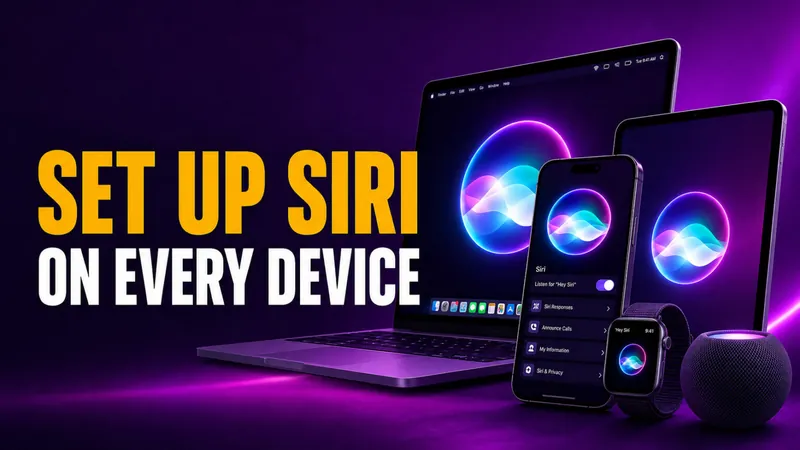
How to Set Up Siri on iPhone, iPad, Mac & Apple Watch
Setting up Siri takes about four taps, but the menu moved in 2026. On any iPhone that supports Apple Intelligence, the old “Siri” panel is now called Apple…
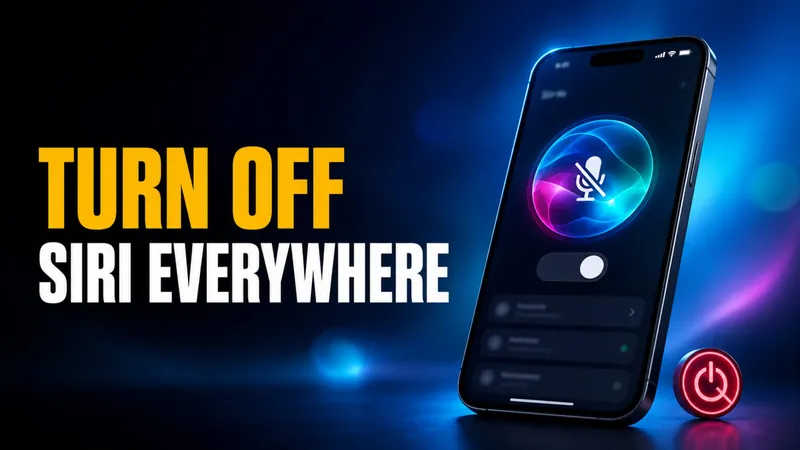
How to Turn Off Siri on iPhone, iPad, Mac, AirPods, and Apple Watch (2026)
Turning off Siri takes about four taps, but the exact path changed in 2026. On any iPhone that supports Apple Intelligence, the old “Siri” menu is now called Apple…
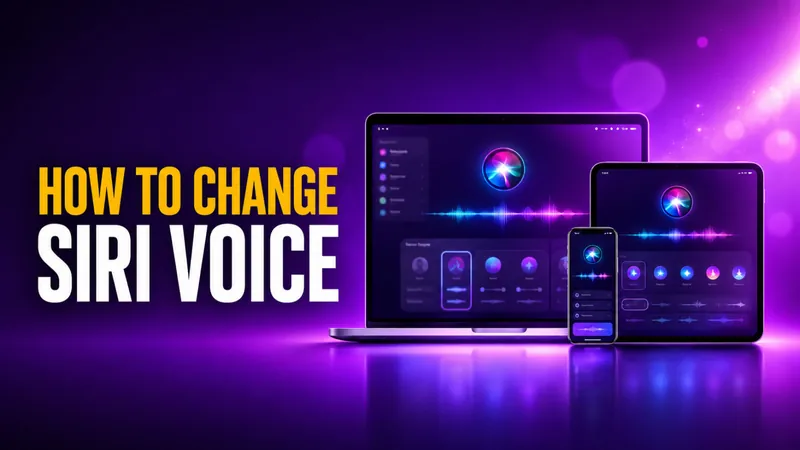
How to Change Siri Voice on iPhone, iPad, Mac, and HomePod
You change Siri’s voice in Settings > Apple Intelligence & Siri > Siri Voice, and in iOS 26 you get six accent Varieties plus up to four distinct voices to pick…
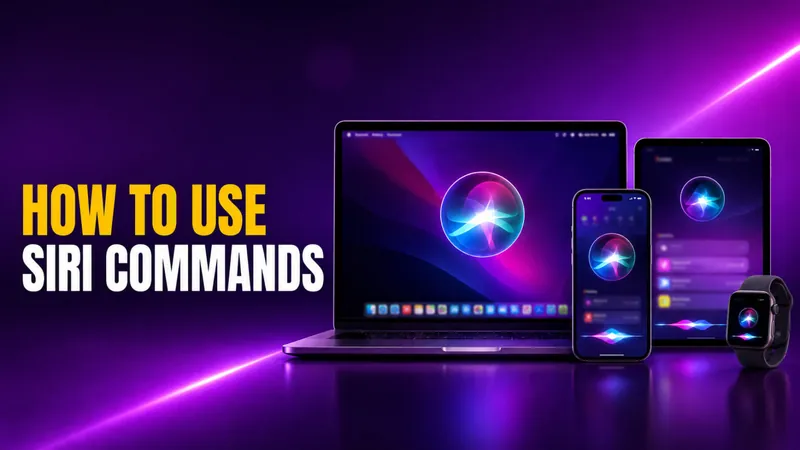
How to Use Siri: Commands for iPhone, iPad, Mac & Watch
Learning how to use Siri takes about ten seconds. Say “Siri” or “Hey Siri” and ask, or press a button and speak. The harder part is knowing what to actually say…
Why Is Siri Not Working? How to Fix It in iOS 27 on iPhone, Mac, and CarPlay
Why is Siri not working? In most cases it comes down to one of three reasons: an incomplete setting, a weak internet connection, or a temporary software glitch that…
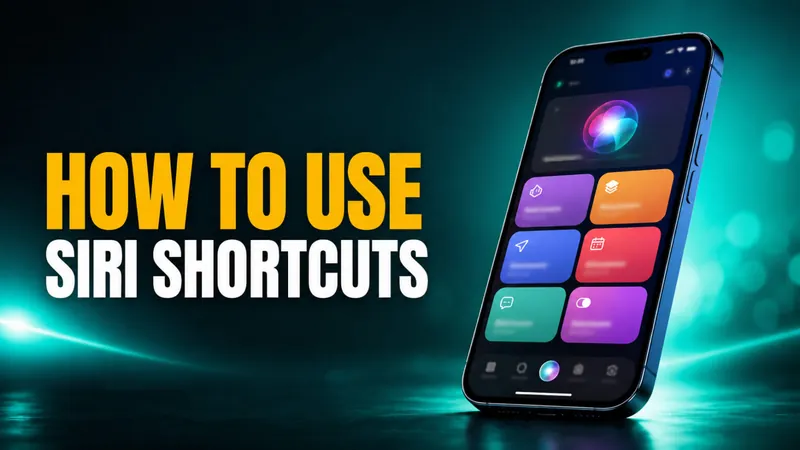
Cómo usar los atajos de Siri en iOS 27: la guía completa para iPhone y Mac
Para usar los atajos de Siri, crea un atajo en la app Atajos , que es gratuita, ponle un nombre y luego di «Siri» u «Oye Siri» seguido de ese nombre. Un atajo…
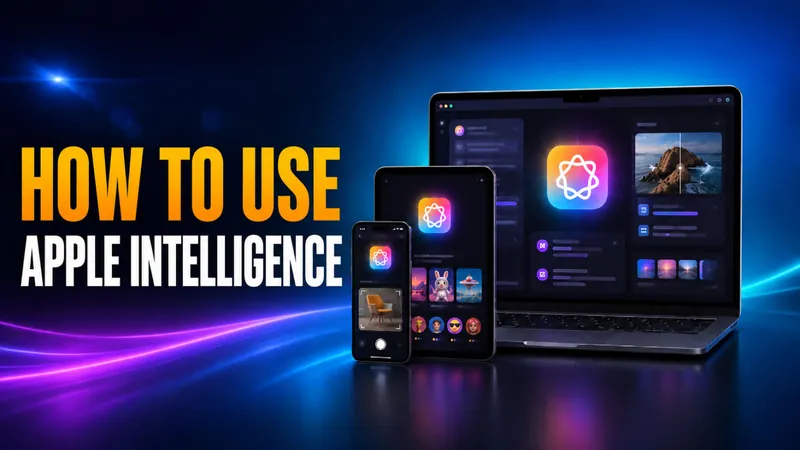
How to Use Apple Intelligence on iPhone, iPad, and Mac
To use Apple Intelligence, first make sure it is switched on under Settings > Apple Intelligence & Siri, then open the feature you want. You select text and tap…
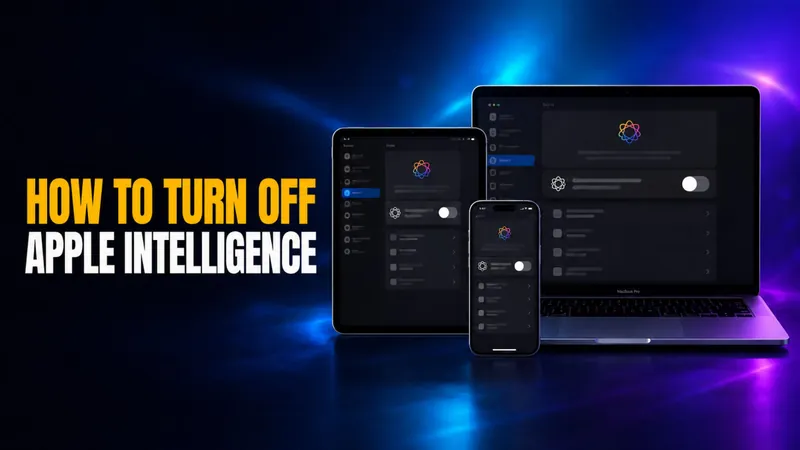
How to Turn Off Apple Intelligence on iPhone, iPad, and Mac
iOS 27 and macOS 27 Golden Gate removed the master Apple Intelligence toggle. There is no longer one switch that turns everything off, so the route is now per…
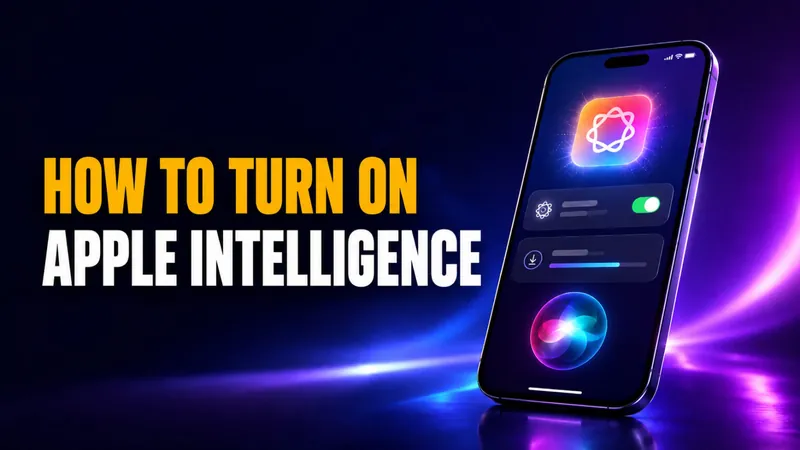
Cómo Activar Apple Intelligence y Siri AI en iOS 27
En iOS 27 y macOS 27, Apple Intelligence se activa al actualizar. Apple dice que la nueva generación está «disponible automáticamente en los dispositivos que…

¿Qué iPhones, iPads y Macs admiten Apple Intelligence?
Apple Intelligence funciona en el iPhone 15 Pro y modelos posteriores, en todos los iPhone 16 y 17, en los iPad con chip M1 o A17 Pro, y en cualquier Mac con chip…
¿Siri es IA? Sí, y el nuevo Siri IA ya está en beta
Sí, Siri es IA, pero de un tipo limitado. Desde que se lanzó con el iPhone 4S en octubre de 2011, Siri ha funcionado con IA estrecha. Eso significa reconocimiento…

Android XR Glasses vs Apple AI Glasses: The 2026 vs 2027 Smart Glasses Race
The smart glasses race just got real. Google and Samsung unveiled their Android XR glasses at Google I/O 2026 on May 19, with a confirmed Fall 2026 ship date…
WWDC 2026 Preview: iOS 27, Siri 2.0, and What Apple Actually Announced
WWDC 2026 ran June 8 to 12, 2026, with the keynote on Monday, June 8 at 10am Pacific Time, streamed on Apple.com, the Apple TV app, and the Apple YouTube channel…
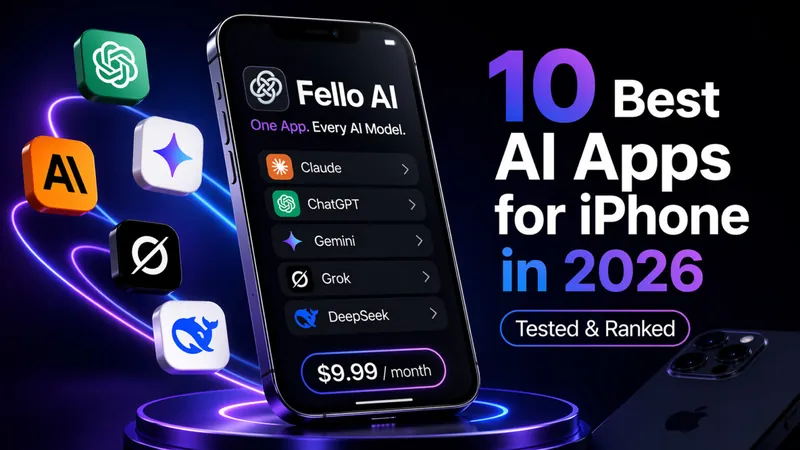
Las 10 mejores apps de IA para iPhone en 2026 (probadas y clasificadas)
Actualización del 23 de octubre de 2026: la pestaña Chat de ChatGPT pasó a GPT-6 el 7 de octubre, GPT-6 Luna llega al plan gratuito desde el 8 de octubre, y desde…

Turn Your iPhone into a Travel PA with Gemini + Maps & YouTube
Planning a trip shouldn’t feel like a second job. With the latest Gemini update on iPhone, you can ask in plain language (no more @commands). Gemini will quietly…
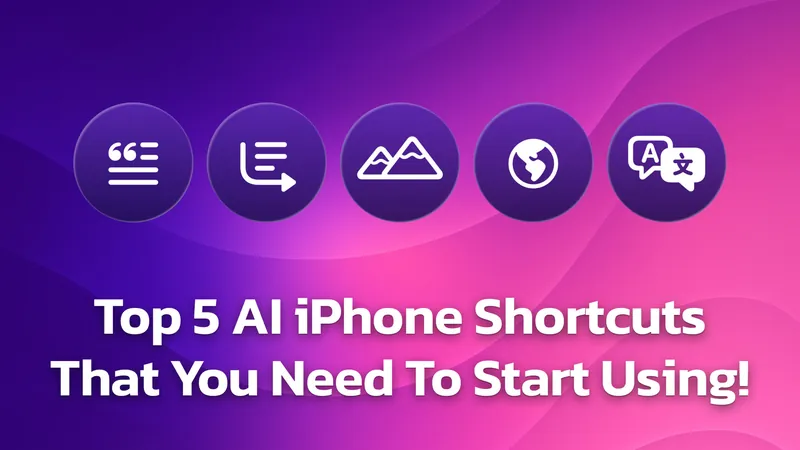
Top 5 iOS AI Shortcuts & Automations You Need to Try!
Have you ever found yourself struggling to read through a long article when you just need the key points, or wished you could quickly translate a foreign website…
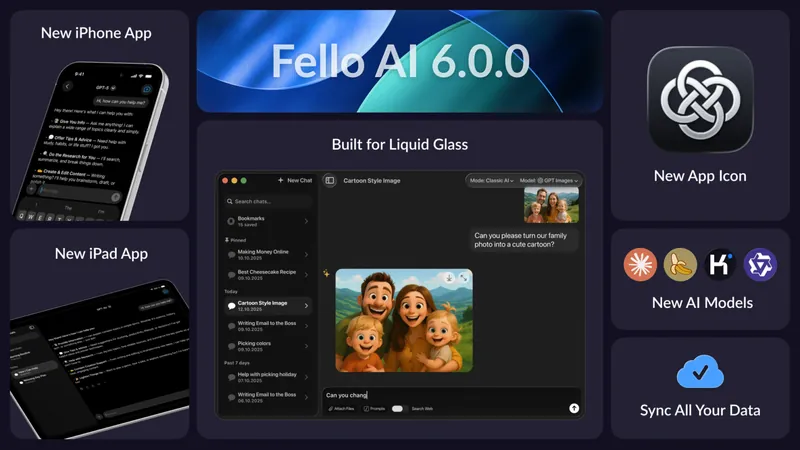
Fello AI 6.0.0: Now on iPhone & iPad, with Sync, New Models, and Liquid Glass
We’re excited to introduce Fello AI 6.0.0 – a major update that brings the full Fello AI experience to iPhone and iPad, along with a completely refreshed interface…
