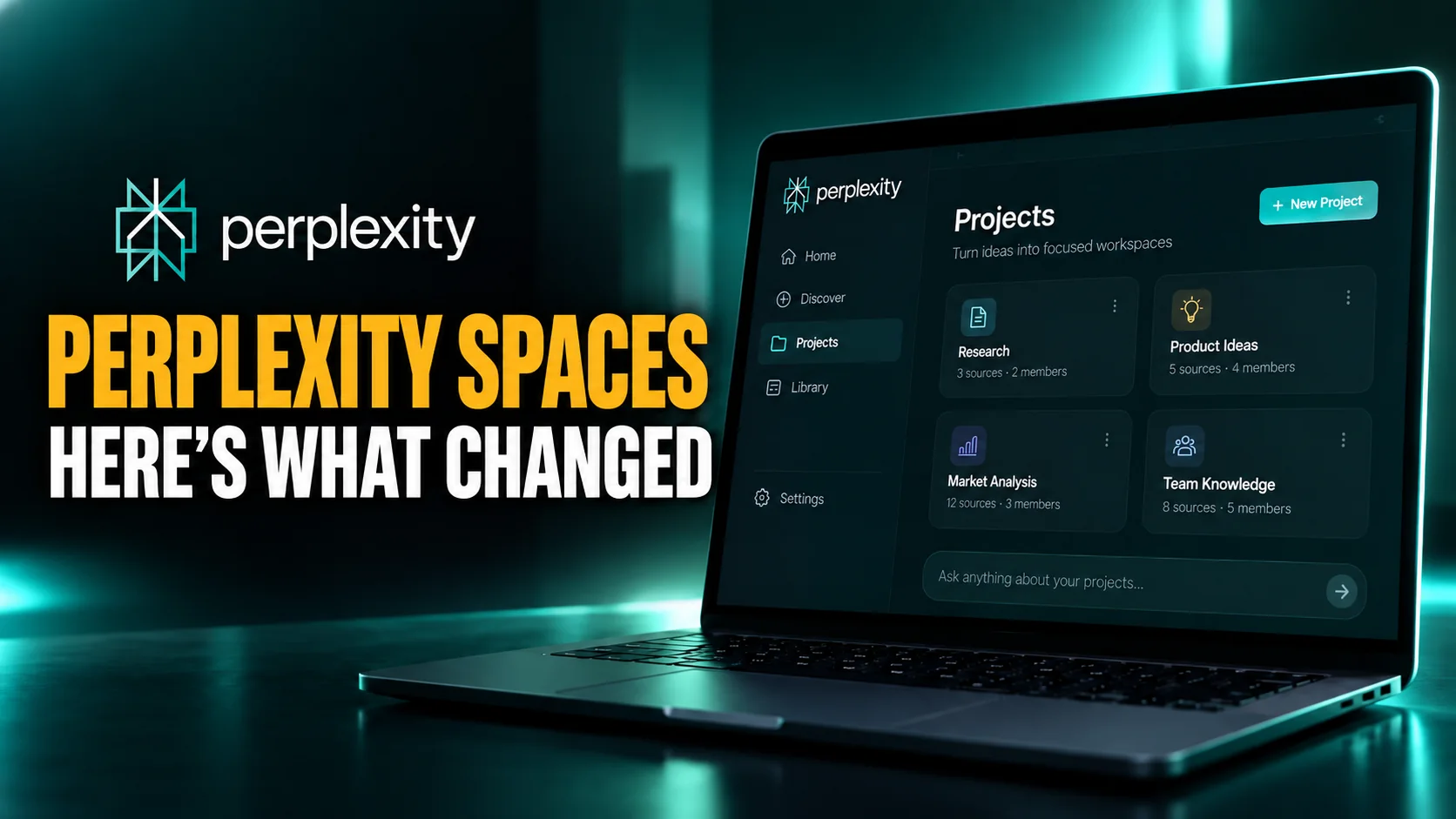
If you have gone looking for Perplexity Spaces lately and found a section called Projects instead, nothing is broken and you have not lost anything. Perplexity renamed the feature on 30 July 2026, and the company's own help page now opens with the heading What are Projects? while still sitting at a web address that ends in what-are-spaces. The old name is what people still search for. The new name is what the app shows you.
That gap matters more than a rename usually would, because the product underneath changed too. A Space used to be a folder with a set of instructions attached. What you get today is a shared workspace with roles, permissions, a memory system that bills to whoever created it, and the ability to bind a Slack or Microsoft Teams channel to it. This guide covers what Spaces actually do now, the exact limits Perplexity publishes, and the numbers floating around the web that we could not verify at all.
The Key Takeaways
- Same feature, new name: Spaces became Projects on 30 July 2026, and the old name is still what people search for.
- The limits that matter: a title caps at 50 characters, a description at 1,000, and custom instructions at 8,000 characters.
- Sharing is tighter than people assume: Projects are Restricted by default and cannot be made publicly queryable at all.
- There is a hard people limit: 5 contributors on a normal Project, and up to 9,999 on an Enterprise-owned one.
- Memory costs someone money: Brain builds ongoing project memory, and those runs are billed to the person who created the Project.
What Perplexity Spaces Are
The short version, in Perplexity's own framing, is that a Project is a persistent, shareable workspace that keeps everything for one ongoing effort in a single hub. That includes your search conversations, tasks, uploaded files, custom instructions, connected tools, and the context the system builds up as you work. The point is repetition. A normal chat is a one-off. A Space is somewhere you come back to.
The Practical Difference
Think about the difference between asking a question and running a project. If you are checking one fact, a Space is overhead you do not need. If you are tracking a competitor every week, writing a dissertation chapter by chapter, or handling a client whose documents you keep re-uploading, the Space is the thing that stops you explaining yourself from scratch every session. Everything you told it last month is still there.
This is the same shape as workspaces in rival tools, and if you want the comparison in detail we have written up how ChatGPT Projects handle the same job and what Claude Projects do with files and context. Perplexity's version leans harder on retrieval, because that is what the product is for.
Why Your App Says Projects
Perplexity folded Spaces into its agent surface and renamed the result Projects. The company announced it on 30 July 2026 in a post on its own X account, which reads: "Today we're launching Projects, an evolution of Spaces." Press coverage at the time added that existing Spaces would carry over and migrate automatically, though we could not find that promise written down by Perplexity itself.
What has not changed is the search behaviour of everyone else. Most guides still say Spaces, the help page address still says spaces, and the search volume still sits on the old word. So if a tutorial you are reading never mentions Projects at all, that is a decent signal it was written before the change and may describe buttons that are no longer there.
How to Create a Perplexity Space
Creating one takes under a minute, and the flow is the same on the web and in the desktop app. If you have not set Perplexity up on a Mac yet, start with our walkthrough of running Perplexity as a proper Mac app, then come back to this.
Starting From Scratch
Open the Projects section in the left-hand panel, then click + New project. There is also a plus option that appears when you hover over the Projects header. You then give it a title, optionally a description, and optionally an icon and colour so you can pick it out of a list later. The next screen is where you add instructions, and the screen after that is where you decide who else gets in. New Projects start private, so nothing is exposed while you are still setting up.
Turning an Existing Session Into One
This is the option most people miss, and it is usually the better one. If you have already been working on something in a normal session, you can promote that session into a Project rather than starting empty. Perplexity will suggest a title, a description and a set of instructions based on what you were doing. Inside a task you can also use Convert session to project, which carries your files and artifacts across with it.
The advantage is obvious once you have done it once. The instructions it drafts for you are grounded in real work you have already done, which is a far better starting point than a blank box and good intentions.
Perplexity Spaces Custom Instructions
Custom instructions are the single most useful part of a Space and the part people most often get wrong. They are a standing brief that applies to every query run inside that Project, so instead of repeating your preferences in each chat, you set them once. Perplexity's wording is that instructions tell the system how to work inside this Project, and it gives a preferred response format or a status file to keep updated as examples.
The Character Limits That Actually Apply
These are the numbers Perplexity publishes in its own help centre article on Projects, last revised on 4 September 2026. They are worth knowing before you paste in a wall of text and watch it get cut off.
| Field | Limit | Required? |
|---|---|---|
| Title | 50 characters | Yes |
| Description | 1,000 characters | No |
| Custom instructions | 8,000 characters | No |
| Contributors | 5, or 9,999 on Enterprise | n/a |
Eight thousand characters is roughly 1,200 words, which sounds enormous until you start pasting in style guides. It is a budget, not an invitation to fill it.
What Belongs in Instructions, and What Belongs in a File
The rule that keeps Spaces tidy is simple. Instructions describe how to work. Files hold what to work from. A brand style guide, a dataset, last quarter's report and a transcript all belong in the file area. Your preferred output format, the tone you want, the things to always check and the things to never do belong in the instruction box.
People who ignore this end up pasting a whole document into instructions, hitting the limit, and then wondering why responses ignore half of it. Reference the file from the instructions instead. That keeps the brief short enough to actually be followed.
Three Instruction Blocks You Can Copy
These are deliberately short. Start here and add only what you find yourself correcting.
For competitor tracking: "Every answer starts with what changed since the last update and the date it changed. Prefer company announcements, filings and release notes over news write-ups. If a claim only appears in secondary coverage, say so in brackets. Finish with a two line summary I can paste into Slack."
For academic research: "Answer in British English. Cite every factual claim inline with a link. Prefer peer reviewed sources and preprints over blogs, and flag when a source is more than three years old. If the evidence is contested, present both readings rather than picking one."
For client work: "Use the tone and terminology in the uploaded style guide. Never invent figures. When numbers are needed and not in the uploaded files, leave a clearly marked gap for me to fill. Keep paragraphs under four sentences."
If you want a deeper library of starting points, our collection of Perplexity prompts worth reusing pairs well with a Space, because anything you reuse often is a candidate for promotion into instructions.
Files, Connectors and Skills
Each Project has its own file area, and files there persist for everyone who has access rather than living inside one conversation. You can upload files one at a time, bring in whole folders, or import from sources you have already connected. The system can also create and update files on your behalf as work progresses.
Who Can Touch the Files
Permissions on files follow permissions on the Project. Anyone with view access can read the files. Only people with edit access can change them. That distinction catches teams out when they invite a reviewer and then wonder why the reviewer cannot tidy up a document.
Skills Sit Alongside Instructions
Alongside instructions and files there is a Skills area, holding reusable instructions scoped to that Project. Your personal skills and any organisation level skills remain available inside a Project as well, so a Project skill is an addition rather than a replacement. The mental model that works: instructions hold the standing context, skills hold repeatable processes you want to run more than once.
Connectors are configured per Project too, and you can attach connector specific instructions so a given tool is used the way you want inside that workspace and not elsewhere.
Sharing, Roles and the Limits Nobody Mentions
This is the area where guides written before the rename are most misleading, because the permission model is both new and stricter than it was.
The Three Roles
Access comes in three levels. Owner has full control. Can edit covers context, files, connectors, skills, people, defaults and channels. Can view is read access to the Project and to shared sessions and files. You manage all of it from the member list at the top right of a Project, or from the Share button.
Scopes and the Contributor Cap
Separately from roles, there are three access scopes: Restricted, which means invited people only and is the default; Organization can view; and Organization can edit, which is an Enterprise option. Someone who opens a Project without access sees a request to join banner, and can query it once that request is approved.
Two things here deserve more attention than they get. First, Perplexity's documentation is blunt about it: a Project cannot be made publicly queryable. If you were hoping to publish one as a public research hub, that is not on offer. This is also a recent change rather than a long-standing rule. The July 2026 version of the same help page still offered view access to anyone with the link, including people without a Perplexity account, and that option is gone from the September revision. Any guide telling you to share a Space by link is describing a product that no longer works that way. Second, there is a hard ceiling of five contributors on non Enterprise Projects, rising to 9,999 on Enterprise owned ones. For a small team that five is easy to hit, and it is not mentioned in a single guide currently ranking for this topic.
Brain, and Who Pays for the Memory
Brain is the memory layer. It builds up an ongoing understanding of the work done inside a Project, and you can inspect what it currently holds in a Brain tab. The intent is that each new task starts from accumulated context rather than from nothing.
Before you plan around it, note that two Perplexity pages describe Brain differently. The Projects article presents it as part of the furniture, while Perplexity's own Brain article says it is rolling out in Research Preview to Max subscribers using Computer. If you are not on Max, you may not see it at all yet. Both pages are current, so treat the narrower one as the answer to whether you personally have it.
The detail worth circling is in Perplexity's own documentation: Brain runs are billed to the creator of the project, and you control whether it runs automatically or manually from the memory section of the Settings tab. If you create a shared Project for a team, the memory cost sits with you rather than being spread across everyone using it. On a busy shared workspace that is a real consideration, and switching Brain to manual is a legitimate way to keep it in check.
The same Settings tab carries the rest of the controls. You can add prioritised web links and domains, and set the default mode and model for new sessions. You can decide whether queries in the Project are allowed to draw on your individual memory. And you can bind a Slack or Microsoft Teams channel, so context from that channel flows into the Project.
What We Could Not Verify
A lot of confident numbers circulate about Spaces, and most of them do not survive a check against Perplexity's documentation. Two are not so much unverified as out of date. The per file size limits of 25MB and 50MB that guides still quote have been superseded: Perplexity's File Uploads help page now states a single cap of 40MB for all file types. The widely repeated cap of 50 files per Space is real but tier scoped, described as a Perplexity Pro figure with higher ceilings above it, and the current Projects article states no file cap at all.
Three others we could not source anywhere in Perplexity's documentation, so we have left them out entirely: a limit of three Spaces on the free plan, a daily upload cap, and a figure of five million Spaces created by March 2026. Those appear only in third-party guides.
One more is worth naming because it is asked constantly: several guides state that if the creator of a Space deletes their account, the Space and its contents are destroyed for every collaborator. We could not find that documented by Perplexity anywhere. It may well be true, and it is the sort of thing a team should know before nominating an owner, but nobody should be planning around it on the strength of a blog post. Treat ownership as a decision worth making carefully regardless.
Perplexity Spaces Versus the Alternatives
Every major assistant now has a version of this. They are not interchangeable, and the differences come down to what each parent product is good at.
| Feature | Perplexity | ChatGPT | Claude |
|---|---|---|---|
| Current name | Projects, formerly Spaces | Projects | Projects |
| Core strength | Live retrieval with citations | Breadth of tooling | Long document handling |
| Standing instructions | Yes, 8,000 characters | Yes | Yes |
| Public sharing | Not possible | Varies by plan | Varies by plan |
| Memory layer | Brain, billed to creator | Project memory | Project knowledge |
Choosing between them is a different question from organising what you already pay for. Our head to head on Claude against Perplexity goes into where each one wins, and the current Perplexity pricing breakdown covers what the paid tiers include.
The Catch: Context Does Not Travel
The quiet cost of any workspace feature is lock in. The files you upload, the instructions you tune over months and the memory Brain accumulates are all shaped to one product. Move to another assistant and none of it follows you. That is fine when one tool is clearly right for the job, and frustrating when you want Perplexity for sourcing but a different model for the writing.
This is the gap Fello AI is built for on the Mac. It puts GPT, Claude, Gemini, Perplexity, Grok, DeepSeek and others behind one window for $9.99 a month. You can run a search in one model and hand the result to another, without paying for several subscriptions or rebuilding your setup in each app. It will not import your Projects, and it is not trying to replace them. It just means the research and the writing do not have to happen in the same product.
The Verdict
Spaces were always a good idea slightly undersold, and the move to Projects made them considerably more serious. Roles, scopes, a contributor cap, a billable memory layer and Slack binding are not the furniture of a tidy folder. They are the furniture of a shared workspace, and they should be set up deliberately rather than discovered later.
The practical advice is short. Create one only for work you will actually return to. Keep instructions under a page and push everything else into files. Decide who owns it before you invite anyone, because ownership carries the memory bill and the five person ceiling arrives faster than you expect. And if a guide you are reading never once says the word Projects, go and find a newer one. For the wider tool, our complete beginner's guide to Perplexity is the right place to start.
Frequently Asked Questions
Are Perplexity Spaces and Projects the same thing?
Yes. Perplexity announced the change on 30 July 2026, describing Projects as an evolution of Spaces. The help centre page is now headed "What are Projects?" even though its web address still ends in what-are-spaces. Press coverage reported that existing Spaces migrate across automatically, though Perplexity does not say so on the help page itself. Most guides and most searches still use the old word.
What is the character limit for custom instructions?
Custom instructions accept up to 8,000 characters, roughly 1,200 words. The title is capped at 50 characters and the optional description at 1,000. Anything longer than the instruction budget belongs in an uploaded file that the instructions point to.
Can I make a Perplexity Space public?
No. Projects are private, or Restricted, by default and cannot be made publicly queryable. You can invite specific people, and eligible organisations can share access internally. Anyone who opens one without access sees a request to join banner instead.
How many people can I add to a Space?
Up to five contributors on a normal Project, and up to 9,999 on an Enterprise owned one. Each person gets one of three roles: Owner, Can edit, or Can view. Viewers can read files but only editors can change them.
Who pays for a Space's memory?
Brain, the memory system behind a Project, bills its runs to whoever created that Project rather than splitting the cost across collaborators. You can set it to run manually instead of automatically from the memory section of the Settings tab if you want tighter control.