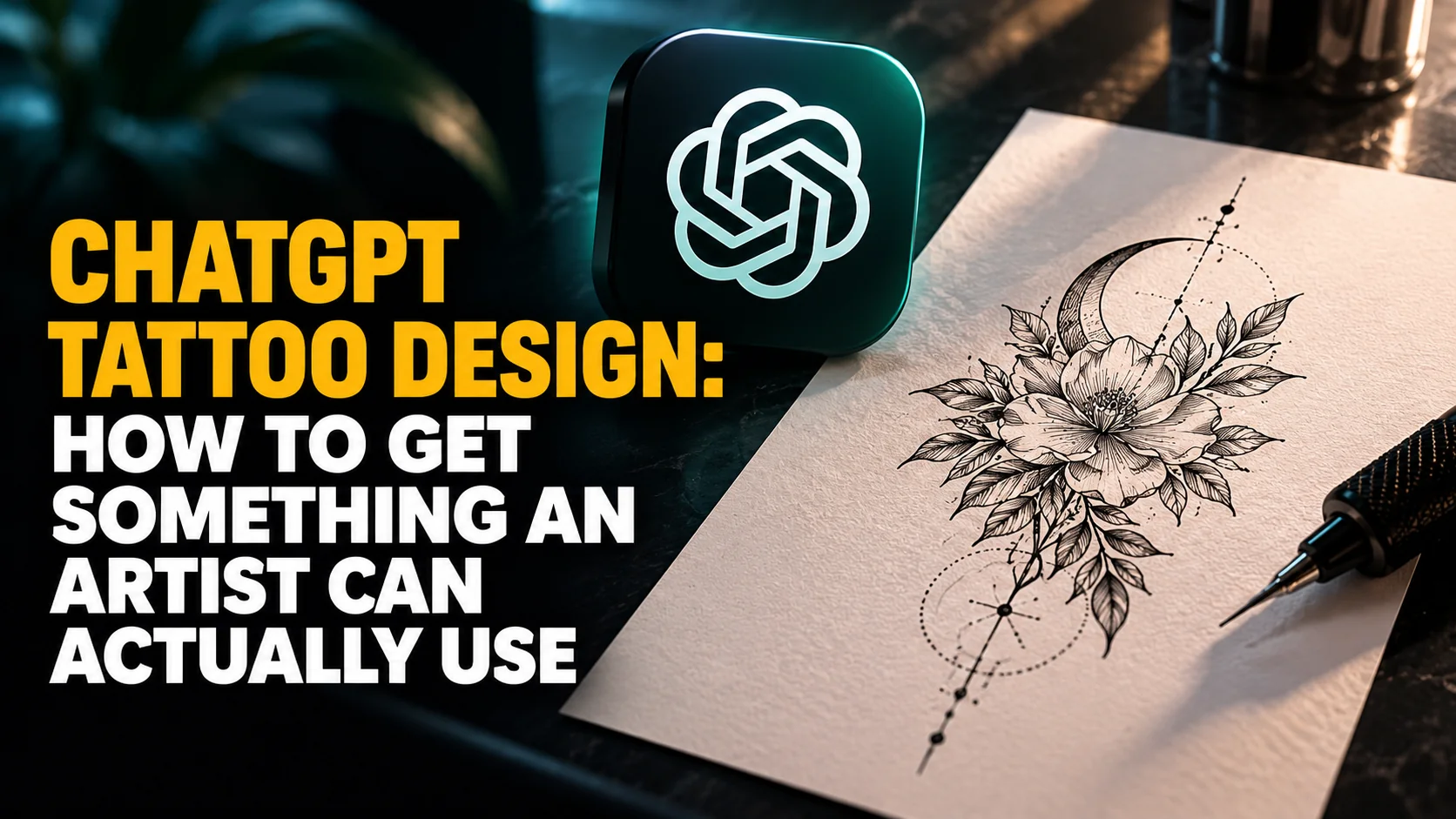
ChatGPT will draw you a tattoo in about fifteen seconds. Whether a tattooist can actually ink it is a completely different question, and the people fielding these designs every week say the answer is often no. In August 2026 ABC News reported that Adelaide artist Courtnii Shore was seeing AI imagery in about one in four enquiries, while studio owner Stu Pagdin put his own figure closer to three in four. Neither number is a survey. Both are working artists counting what walks through the door.
That gap is the whole problem with ChatGPT tattoo design, and almost nobody writing prompt listicles mentions it. A generated image is a reference, not a stencil. This guide covers the workflow that produces something usable and the prompt patterns that get you clean linework instead of a glossy render. It also covers the sizes at which fine detail stops surviving, and the honest limits on photos, lettering and cover-ups. The model behind all of it is ChatGPT Images 2.5, which OpenAI rolled out on 8 September 2026 across every tier including Free.
The Key Takeaways
- ChatGPT can design a tattoo, but it cannot finish one. What you get is a concept and a reference image. The stencil, the line weight and the fit to your body are the artist's job.
- Artists are already swamped. One Adelaide studio reports AI imagery in about one in four enquiries; another puts it closer to three in four.
- The single most useful instruction is "stencil-ready". Ask for black linework on white, no shading, no gradients, no background, and you skip most of the problems.
- Detail has a minimum size. As one artist puts it, tattoos "have to be done at a certain size for the details to hold over time". Fingers and hands are where AI designs fail most often.
- Image generation is on every ChatGPT plan including Free, so the cost is not the barrier. The barrier is knowing what to ask for.
Can ChatGPT Design a Tattoo?
Yes, and it is very good at the part people find hardest: turning a vague feeling into a concrete visual brief. Tell it you want something about your grandmother's garden and it will come back with composition options, style references, placement suggestions and symbolism you had not considered. That is real work, and it is work that used to cost a consultation.
What it cannot do is make the hundred small engineering decisions that turn a picture into a tattoo. It does not know how thick a line has to be to still read as a line in fifteen years. It does not know that the design you picked is four centimetres of detail crammed into a two centimetre space. It does not know your skin. A good artist solves all of that in front of you.
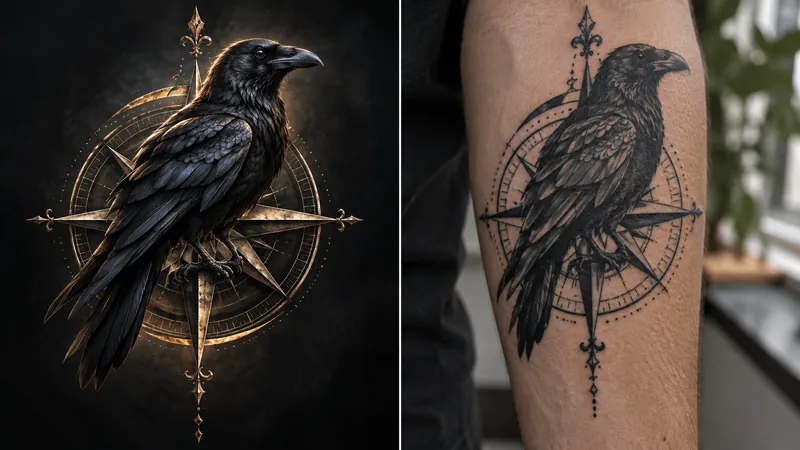
Those are not prompt problems. They are physics problems.
So the useful mental model is this. ChatGPT is your reference-gathering stage and your briefing stage. It replaces the hour you would have spent on Pinterest and the awkward conversation where you cannot describe what you want. It does not replace the person holding the machine. If you take one thing from this guide, take that framing. It is what separates a client an artist enjoys working with from one who arrives with an impossible picture and a fixed idea.
What Tattoo Artists Actually Say About AI Designs
This is the part the prompt roundups leave out, and it is the most useful information in this article. Tattooists have been dealing with AI-generated reference images for long enough now to have specific, repeated complaints, and every one of them is something you can design around before you walk in.
Detail that cannot survive at size
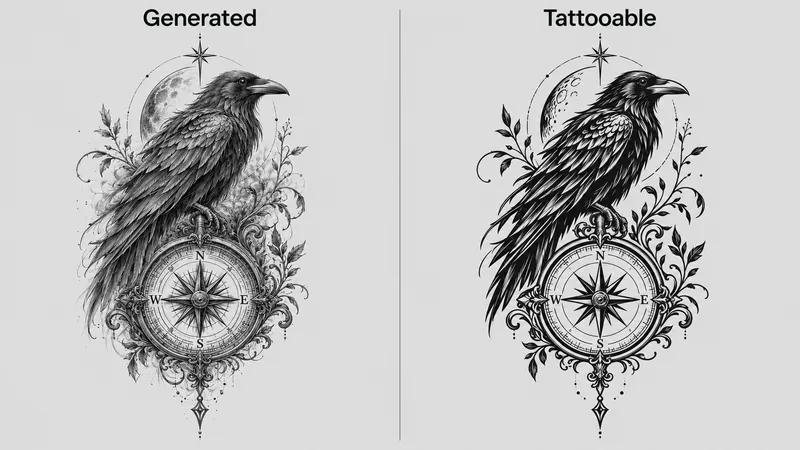
Artist and studio owner Paul Briske told ABC News that "tattoos have to be done at a certain size for the details to hold over time". People routinely want "tiny, intricate little details" on a hand or a leg that, in his words, "just cannot physically be done to that level". Image models have no concept of this. They will happily render a portrait with individually lit eyelashes and present it at the scale of a fingernail. On skin, ink spreads. Lines that sit too close together merge into a dark smudge within a few years.
No account of healing or colour shift
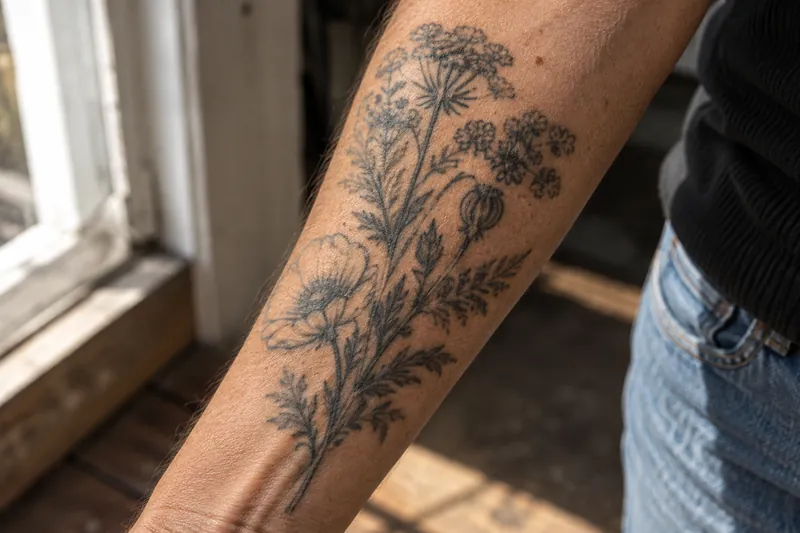
Brenton Eldridge is vice president of the Professional Tattooing Association of Australia. He described the core misunderstanding as clients "not aware of what can be done in the skin, how the designs will heal over time and grow and colour change". A generated image shows you day zero on a screen. It does not show you year five on an arm. Eldridge was not dismissive of the technology, calling AI "a fantastic tool for artists" in development work, which is roughly the position this guide takes too.
Lettering that is quietly wrong
Pagdin noted that among the AI designs he sees, "there's some obvious ones where it'll spell something wrong", and that clients often "don't even know". Text in generated images has improved enormously, but it has not become reliable, and a tattoo is a bad place to discover that. Anything with words, dates, names or a language you do not read needs checking character by character against a source you trust, not against the picture.
Expectations the artist then has to manage
Shore's observation is the one worth sitting with: "people seem to really trust what AI gives them and tells them, so I find that it's just setting some unrealistic expectations". The image looks finished. It has the confidence of a finished thing. Arriving attached to it, rather than open to what it becomes, is the behaviour artists are tired of. Bring it as a starting point and say so out loud.
The ChatGPT Tattoo Design Workflow
Six steps, in order. The order matters more than the prompts here. Most bad results come from jumping straight to an image before the concept exists.
- Talk before you draw. Describe the meaning, not the picture. Ask ChatGPT to interview you: what it should represent, what you want people to feel, what you definitely do not want.
- Pick a style deliberately. Fine line, blackwork, American traditional, illustrative, ornamental. Ask what each would do to your subject and what each costs in longevity.
- Fix the placement and the size first. Give it a real measurement in centimetres. This constrains everything downstream and is the step almost everyone skips.
- Generate as linework, not as art. Use the stencil prompt below. Do not start with a full-colour render, because you will fall in love with lighting that cannot be tattooed.
- Stress-test it. Ask ChatGPT what will fail at your stated size and what an artist would change. It is surprisingly good at this when asked directly.
- Write the brief. Ask for a short consultation sheet: concept, style, placement, size, must-keep elements, negotiable elements. That document, plus the image, is what you send.
ChatGPT Tattoo Design Prompts That Work
These are patterns rather than magic words. The principle behind all of them is that you are describing constraints, not just a subject. If you want to go deeper on why constraint-led prompting outperforms description, our complete guide to AI prompts covers the general form.
The stencil-first prompt
This is the one to use by default, and it solves more problems than every other prompt combined. Every stencil prompt is built from the same five slots:
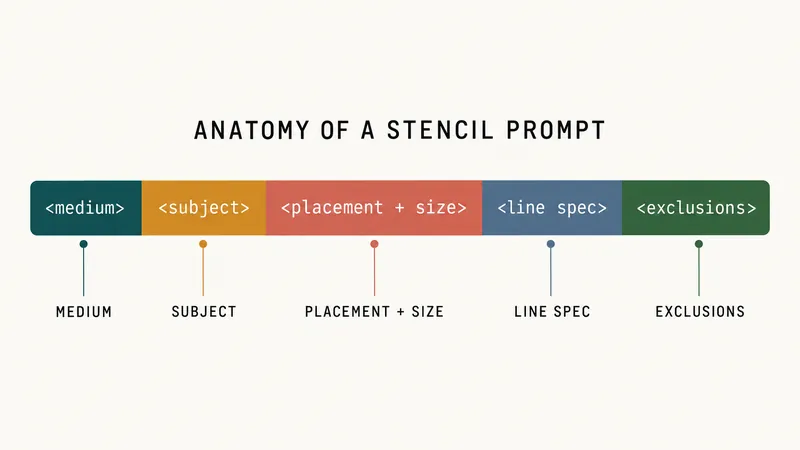
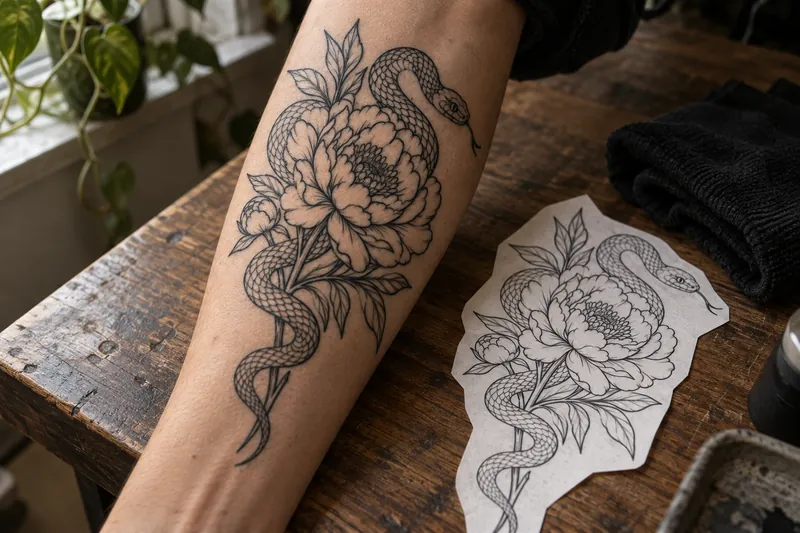
Tattoo stencil linework only. Black lines on a plain white background. [Subject] for [placement], designed at [size] centimetres. Bold outer contour, medium interior lines, no shading, no grey wash, no gradients, no background, no colour. Leave open space between elements so the design still reads when the ink spreads. Clean transfer-style drawing.
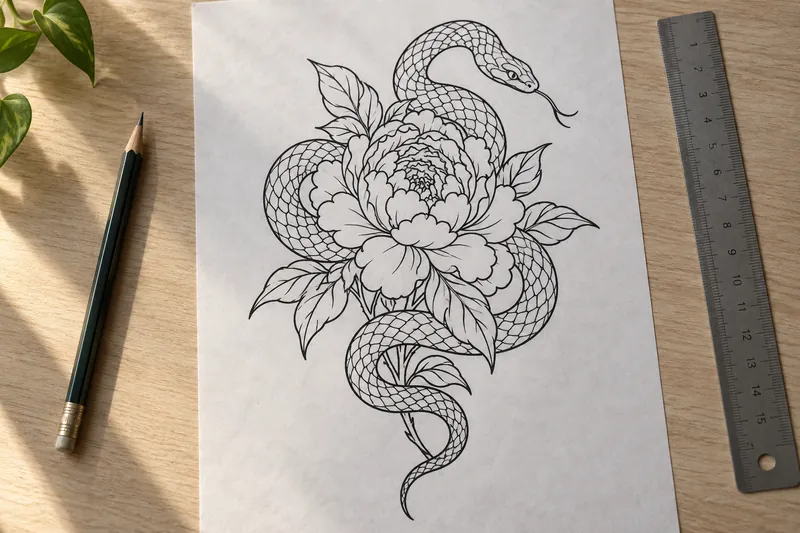
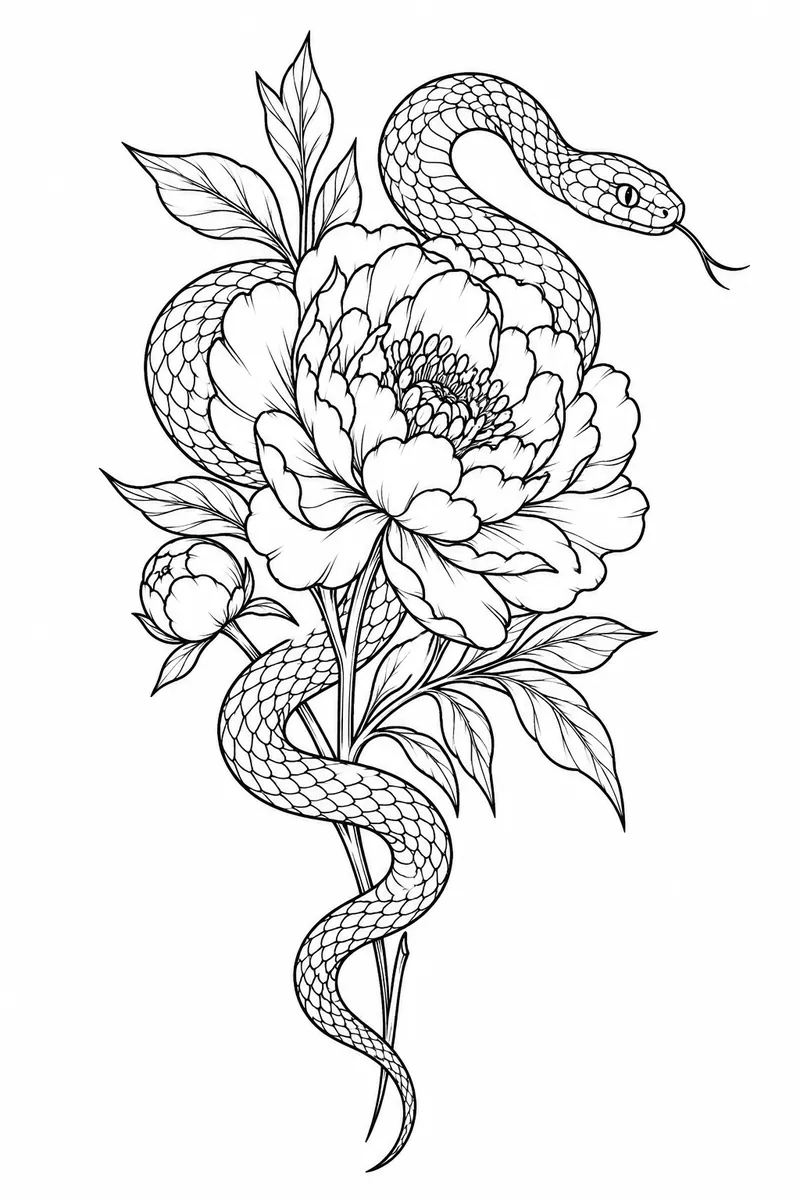
Every clause in it is doing work. "No gradients" stops the model producing a digital painting. "Leave open space" is the instruction that most directly addresses the merging problem artists describe. Naming the size in centimetres inside the prompt measurably changes how much detail comes back.
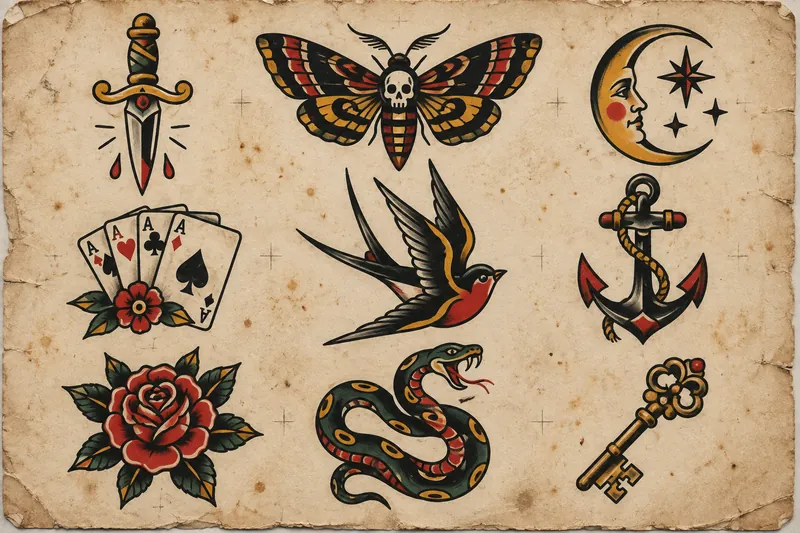
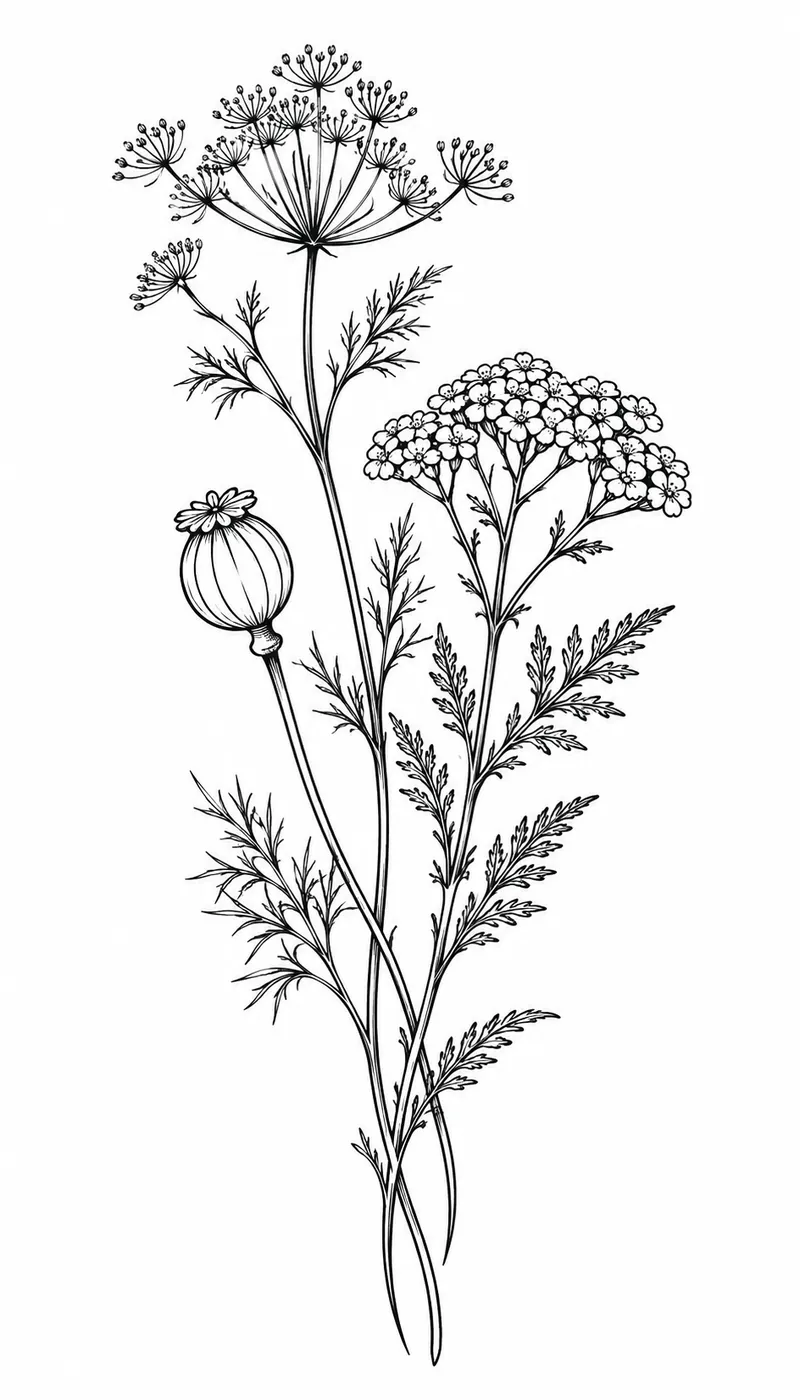
Name the style, or the model picks one for you
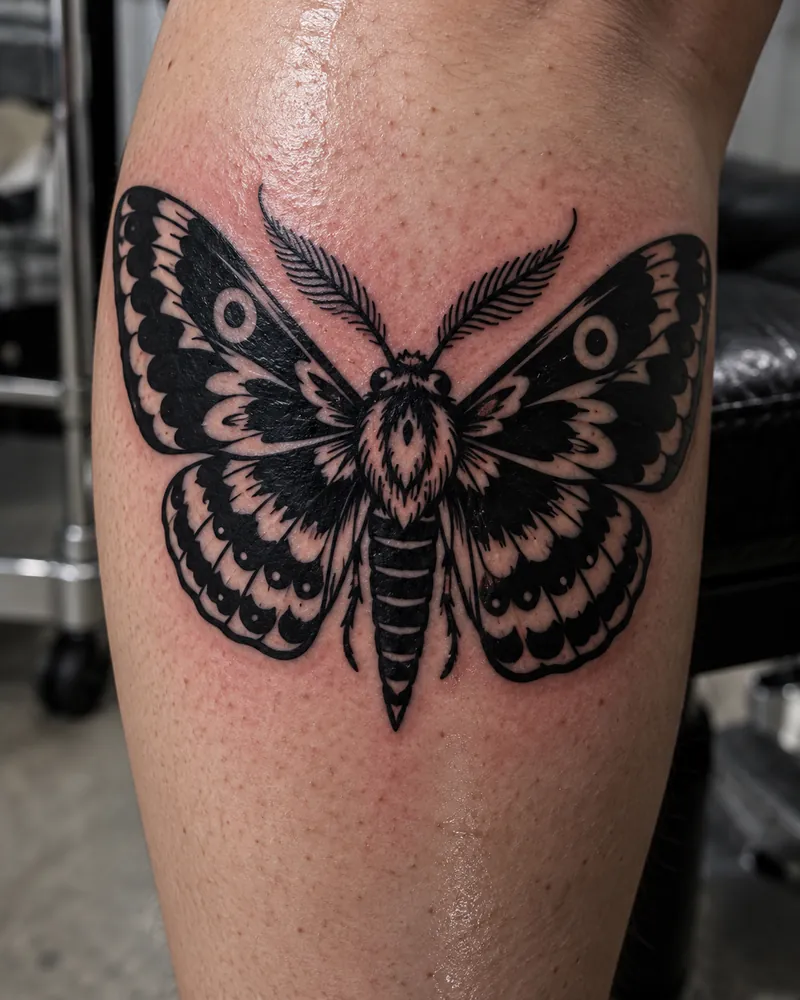
Left unsaid, the model drifts toward a glossy illustration every time. Naming a style is the cheapest correction in the whole workflow, and the four below came from the same stencil prompt with one clause changed.
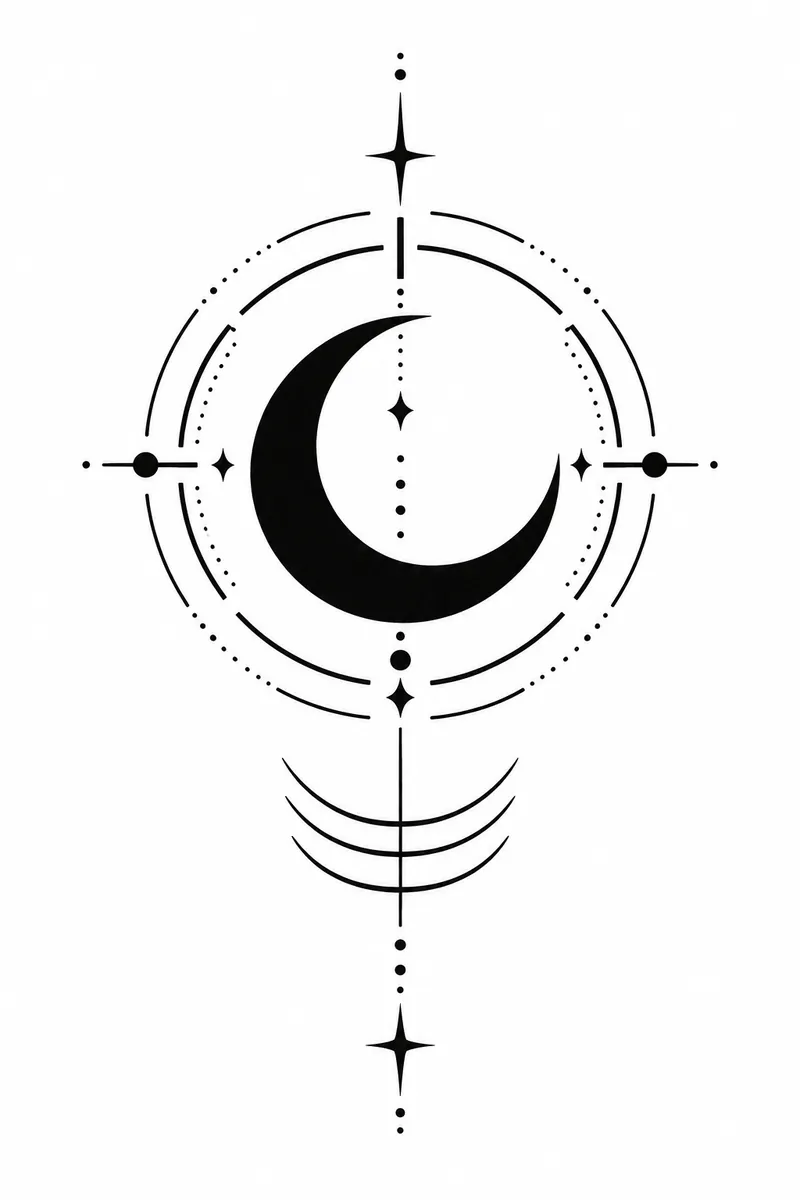
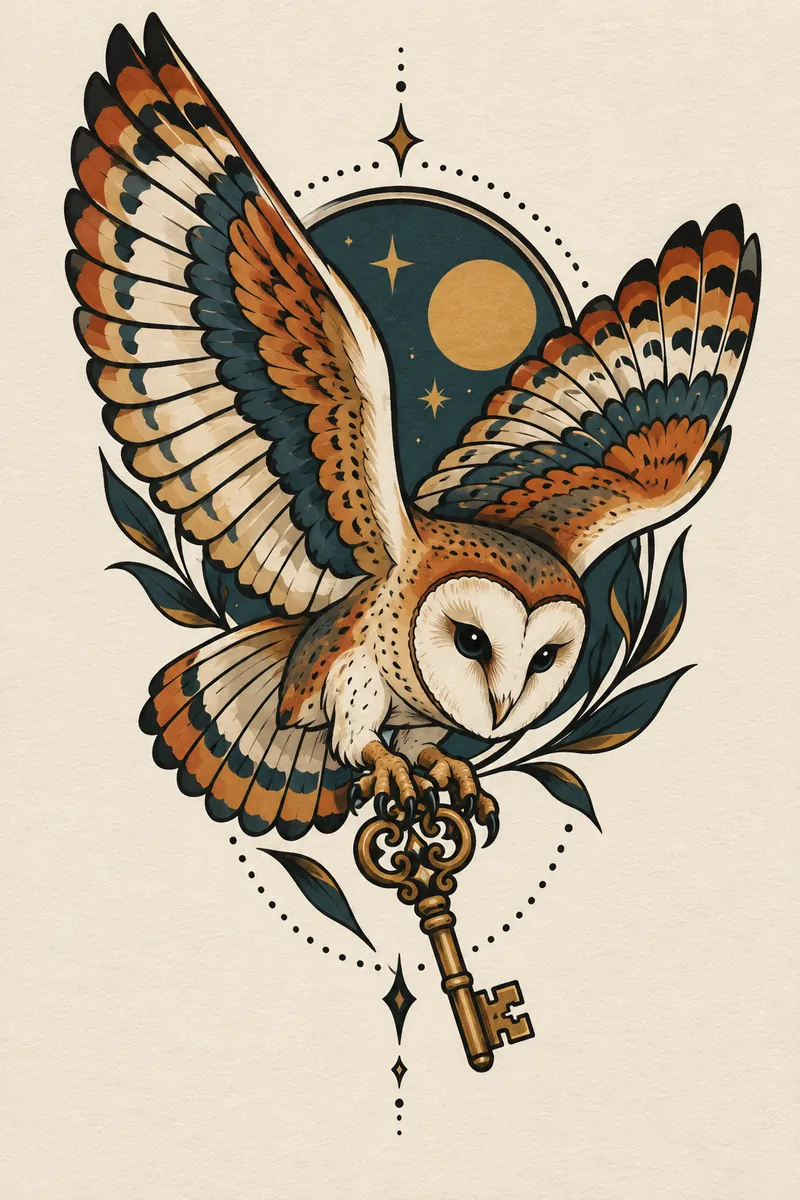
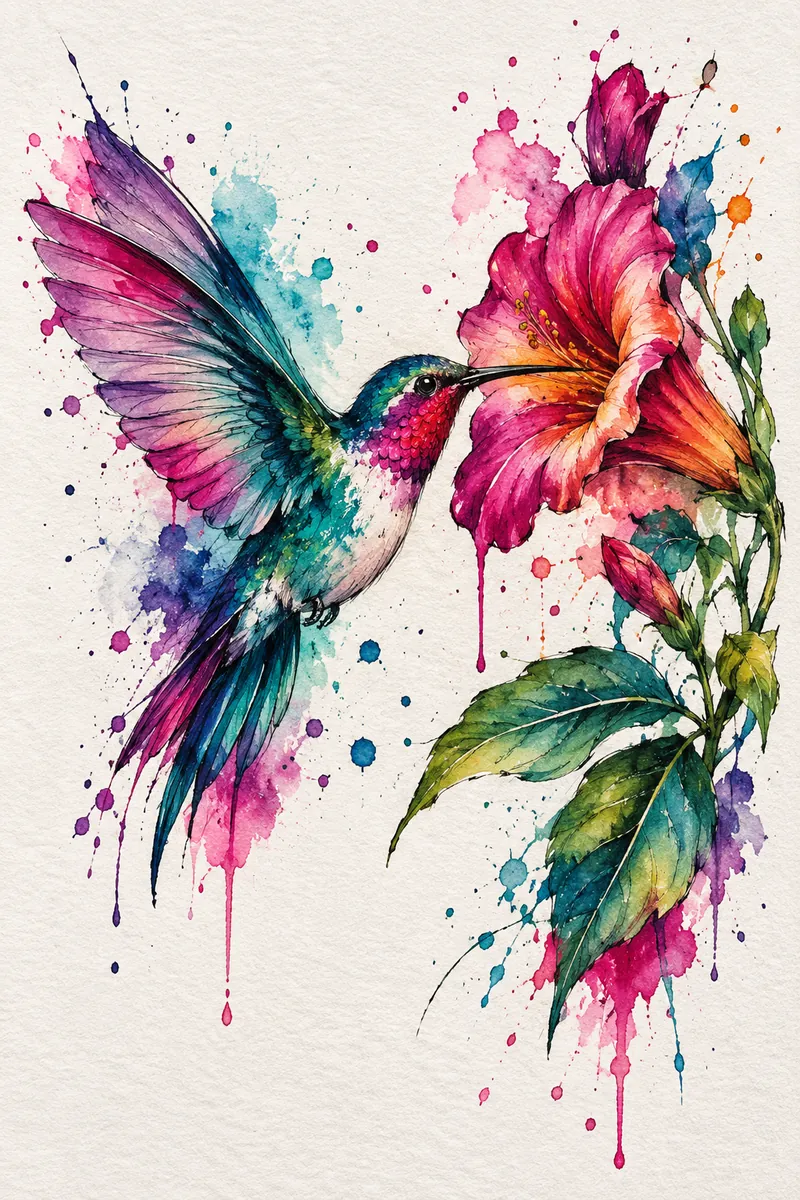
The concept interview prompt
Run this before you generate anything: "I want a tattoo about [meaning]. Do not suggest designs yet. Ask me eight questions that a tattoo artist would ask during a consultation, one at a time, and wait for my answer before the next one." The one-at-a-time instruction is what makes it work. Without it you get a wall of questions and answer three of them.
The reality-check prompt
Paste your generated design back in and ask: "This is intended as a [size] centimetre tattoo on [placement]. Identify every element that is too fine to hold over ten years as ink spreads, and rewrite the design description so it survives. Be specific about line weight." This directly targets the failure mode artists name most often, and it is the step that turns a pretty image into a workable one.
When the stencil rule does not apply
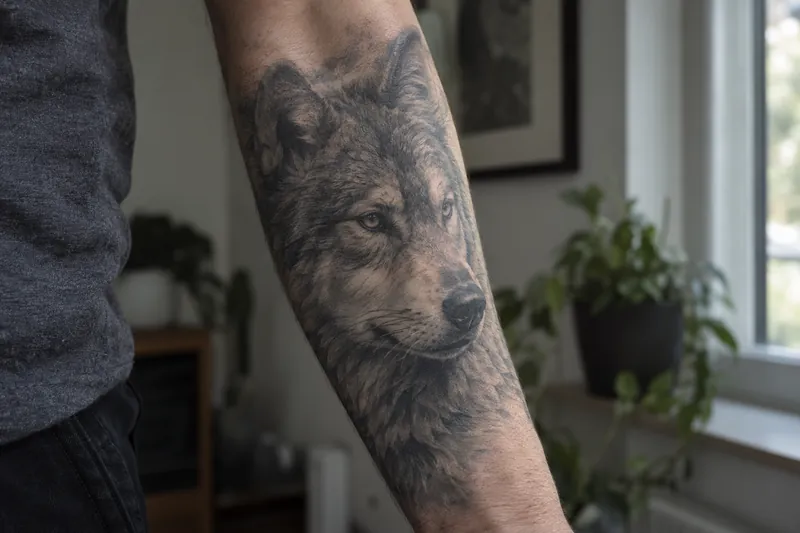
Everything above assumes line-based work, which covers most tattoos. Photorealism is the exception, and for it the advice inverts. Realism artists do not build from outlines at all. They build from tonal values, soft gradients and contrast, which is precisely what "bold linework, no shading, no gradients" throws away. Hand a realism specialist a stencil and you have deleted the only information they work from.
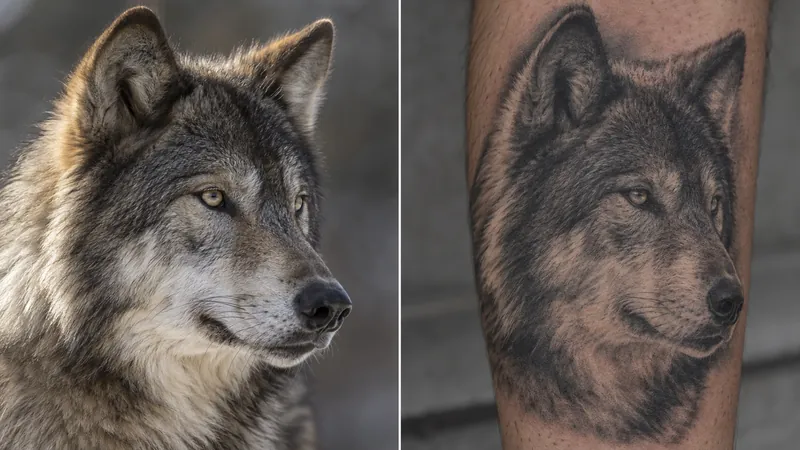
So for a realistic piece, do not bring a generated image at all. Bring the original photograph, at the highest resolution you have. An artist reads the light off a real photo: where it falls, how hard the shadows are, which edges stay soft. A generated image has none of that to read, because its light was never consistent to begin with. This is also the genre with the most to lose from Eldridge's point about colour change, since realism depends on tonal relationships that shift as the ink ages.
Size and Placement: What Breaks First
Use this as a sanity check before you commit to a design. These are general working guidelines rather than rules, and your artist's judgement overrides all of it, but they will stop you asking for something physically impossible.
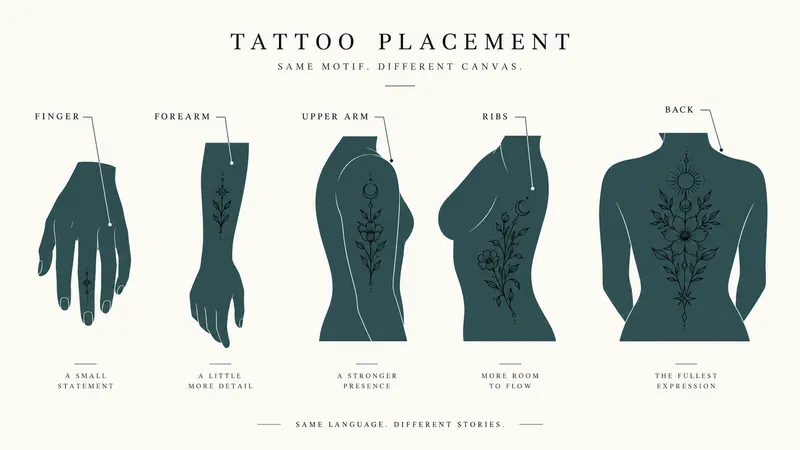
| Placement | Realistic minimum | What breaks first | Tell ChatGPT |
|---|---|---|---|
| Finger, knuckle | Very small, very simple | Everything. High movement, fast fading, worst case for detail | "Single-weight bold outline, three elements maximum, no interior detail" |
| Wrist, inner forearm | Around 5 to 8 cm | Fine interior linework merging | "Fine line, but no two lines closer than a needle's width" |
| Upper arm, calf | Around 10 to 15 cm | Small faces, tiny lettering | "Medium detail, keep faces and text above thumbnail size" |
| Back, thigh, chest | 20 cm and up | Little. This is where detail can live | "Full composition, layered detail, defined focal point" |
| Ribs, feet | Moderate | Detail plus your tolerance for a long sitting | "Simplify for a shorter session, bold readable shapes" |
Turning a Photo Into a Tattoo Design
This is the most requested trick and the one with the sharpest limits. Upload the photo and ask for a high-contrast conversion: clean black and grey only, details simplified into solid fills and smooth gradients, bold shapes, sharp edges, clear outlines, no photographic texture. What comes back is a stylised interpretation, and that is the right outcome. A literal photographic copy is exactly the thing that does not tattoo well.
Two hard limits. First, portraits of people are the single most demanding tattoo genre, and an AI simplification will not match what a portrait specialist would draw from the same photo. If it is a memorial piece, go to a specialist and bring the original photograph, not the conversion, for the reason set out above: realism is read off real light. Second, if you are working from an image you found rather than one you took, the rights question is real. Our piece on whether you can sell AI-generated art covers where the platforms actually stand, and the same uncertainty applies to a design you are paying someone to reproduce.
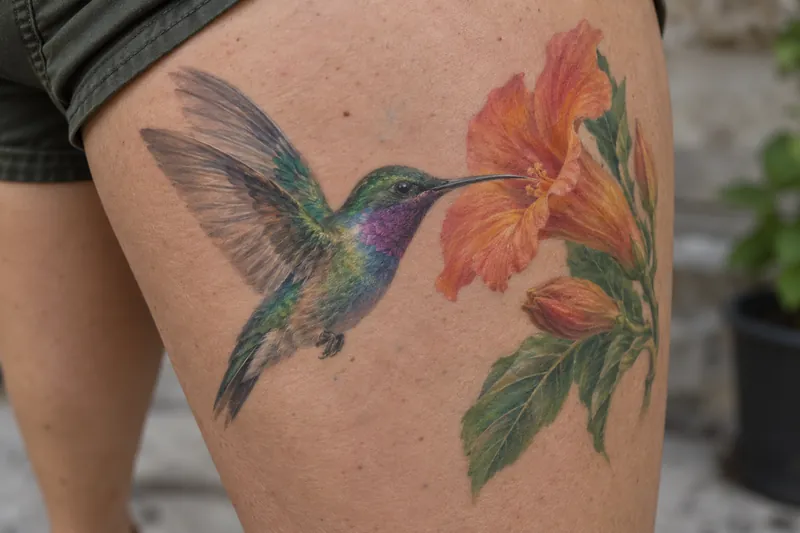
It is also worth knowing how obvious the output is. Artists spot AI references immediately, partly through the telltale artefacts covered in our guide to telling whether a photo is AI-generated. There is no reason to pretend. Pretending just starts the relationship badly.
Cover-Ups and Where ChatGPT Stops
Cover-ups are the clearest example of a job ChatGPT cannot do. A cover-up is constrained by what is already on your skin: how dark it is, how saturated, how it has aged, where the heavy areas sit. The new design has to be darker and denser than the old one in exactly the right places, and it has to hide the old shape rather than sit on top of it. That is a reading of your actual arm, and no model can do it from a description. We go through what a cover-up actually needs in full, including the size rules that contradict each other and the silhouette test that shows whether a design covers anything.
What ChatGPT is useful for here is the ideas stage: which subjects have enough dark mass to cover, which styles absorb an existing shape well, what questions to ask a cover-up specialist. Ask it for options and conversation starters, then take a clear photograph of the existing tattoo to an artist who does cover-ups specifically. Expect the design to change substantially, because it has to.
Is the ChatGPT Tattoo Generator Free?
There is no separate tattoo generator inside ChatGPT. You are using the standard image generator, and since 8 September 2026 that means ChatGPT Images 2.5, which OpenAI made available across every tier including Free. Free accounts get the same model as paid ones. What changes between plans is how much you can generate before the app slows you down, and OpenAI is notably vague about the exact numbers. If you want a tool built only for tattoos, we counted what the free tiers of the dedicated AI tattoo generators actually hand over, and it is rarely more than a handful of attempts.
We have unpicked what OpenAI does and does not publish about those limits in our guide to the ChatGPT image generator, and covered what changed in the model itself in our Images 2.5 launch coverage. The short version for tattoo work: a free account is enough to develop a design, but you will be iterating a lot, and iteration is where the limits bite. If you want the technical picture of the model underneath, our breakdown of GPT Image 2 covers the architecture the current generation builds on.
Running the Same Brief Through More Than One Model
Tattoo design is iteration, and iteration is the thing that runs out. A free account will develop an idea until the limits bite, and at that point the choice is to wait for a reset or to pay for whichever model you happened to start in. Neither of those has anything to do with which model draws the cleanest linework.
Fello AI is built for that moment. It runs GPT, Claude, Gemini, Grok, Kimi, DeepSeek, GLM and Qwen in one Mac app, with image generation through GPT Image, so the same stencil prompt goes straight into a second model when the first one stalls or starts over-detailing. Hitting a cap stops being the end of the session, and you get to see how differently two models read the same five slots.
It is $9.99 a month with a free tier, rated 4.7 stars across more than 27,000 reviews, and it runs on Mac, iPhone and iPad. For something you intend to wear for the rest of your life, comparing four attempts at the same linework before you book the appointment is worth more than any single model's house style.
The Verdict
Use ChatGPT for the thinking and the briefing, not for the final artwork. Interview yourself through it, fix your placement and size early, generate in stencil linework rather than full render, then ask it to break its own design before an artist has to. Walk in with a concept, a reference and a one-page brief, and say plainly that the image is a starting point.
Do that and you are the client artists actually want, the one who did the homework and stayed open. Skip it and you become the one in four, or the three in four, arriving with an impossible picture and a fixed idea. The tool is good. It is just not the thing that puts ink in your skin.
FAQ
Can ChatGPT make a tattoo stencil?
It can produce stencil-style linework, which is not the same as a stencil. Ask for black lines on a plain white background with no shading, gradients or background. Your artist will still redraw it to fit your body and set the line weights, because a real stencil is made to your measurements.
Will a tattoo artist accept an AI design?
Most will accept it as a reference. What frustrates them is being asked to copy it exactly, especially at a size where the detail cannot hold. Say up front that it is a starting point and that you expect them to redraw it, and the conversation goes very differently.
Why does my AI tattoo design have too much detail?
Because image models optimise for how good a picture looks on a screen, with no concept of ink spreading in skin over years. State your size in centimetres inside the prompt, ask explicitly for open space between elements, and then ask the model to identify what will not survive.
Can ChatGPT design a cover-up tattoo?
Only at the ideas stage. A cover-up depends on the darkness, saturation and age of the existing tattoo, which the model cannot assess. Use it to explore subjects and styles that have enough dark mass to work, then take a photo of the existing piece to a cover-up specialist.
Is ChatGPT better than a dedicated AI tattoo generator?
For concepting and briefing, ChatGPT is stronger because you can have a conversation with it and it will argue back. Dedicated tattoo tools tend to win on style presets and on-body previews. For the part that matters, working out what you actually want, the conversation is worth more than the presets.