
Apple Intelligence in China runs on Qwen, shown with a glowing iPhone, abstract AI graphics, and a Qwen icon on a dark blue cinematic background.

Apple Intelligence Is Coming to China, Powered by Alibaba’s Qwen

On July 15, 2026, China’s Cyberspace Administration approved Apple Intelligence for the country, and the model doing the heavy lifting is not ChatGPT. It is Alibaba’s Qwen, which will power Apple’s on-device AI features across iPhone, iPad, Mac, and Vision Pro for users in mainland China. This is the first time Apple Intelligence in China becomes a real product, after the whole suite sat locked out of the market since its global launch in late 2024. The deal matters far beyond one regulatory sign-off. It confirms something FelloAI readers already know from watching the model wars, which is that the AI powering your device now depends on where you live. […]
Widescreen neon thumbnail reading “SIRI VS CHATGPT,” with Siri displayed on one smartphone and ChatGPT on another, separated by a glowing blue-purple divider.

Siri vs ChatGPT: Which AI Assistant Is Better in 2026?

The Siri vs ChatGPT debate just changed for the first time in years. Apple’s 2026 software, iOS 27 and macOS 27 “Golden Gate,” rebuilds Siri into a generative assistant called Siri AI, complete with a dedicated app, a chat interface, and the ability to hand tough questions to ChatGPT, Gemini, or Claude. In mainland China, that world-knowledge layer comes from Alibaba’s Qwen instead, because ChatGPT is blocked there. Yet even after the biggest Siri overhaul ever, the honest answer is still nuanced. Siri wins on device control and privacy, while ChatGPT wins on reasoning, writing, coding, and anything creative. This guide compares the two assistants the way you actually use […]

Apple Sues OpenAI — What It Means for Siri and Your iPhone thumbnail featuring an iPhone with glowing Apple and ChatGPT logos divided on screen above a Siri-style orb.

Apple Sues OpenAI: What It Means for Siri and Your iPhone

On Friday, 10 July 2026, Apple sued OpenAI in federal court in the Northern District of California, accusing the ChatGPT maker of stealing its trade secrets to build a rival AI device. Apple alleges the theft ran, in its words, “at every level, from members of its Technical Staff to its Chief Hardware Officer”. The complaint names OpenAI, its hardware unit io Products, OpenAI Chief Hardware Officer Tang Tan and former Apple engineer Chang Liu, and it claims that more than 400 former Apple employees now work at OpenAI. OpenAI denies everything. The filing itself has been covered everywhere. The question almost nobody is answering is the one you probably […]

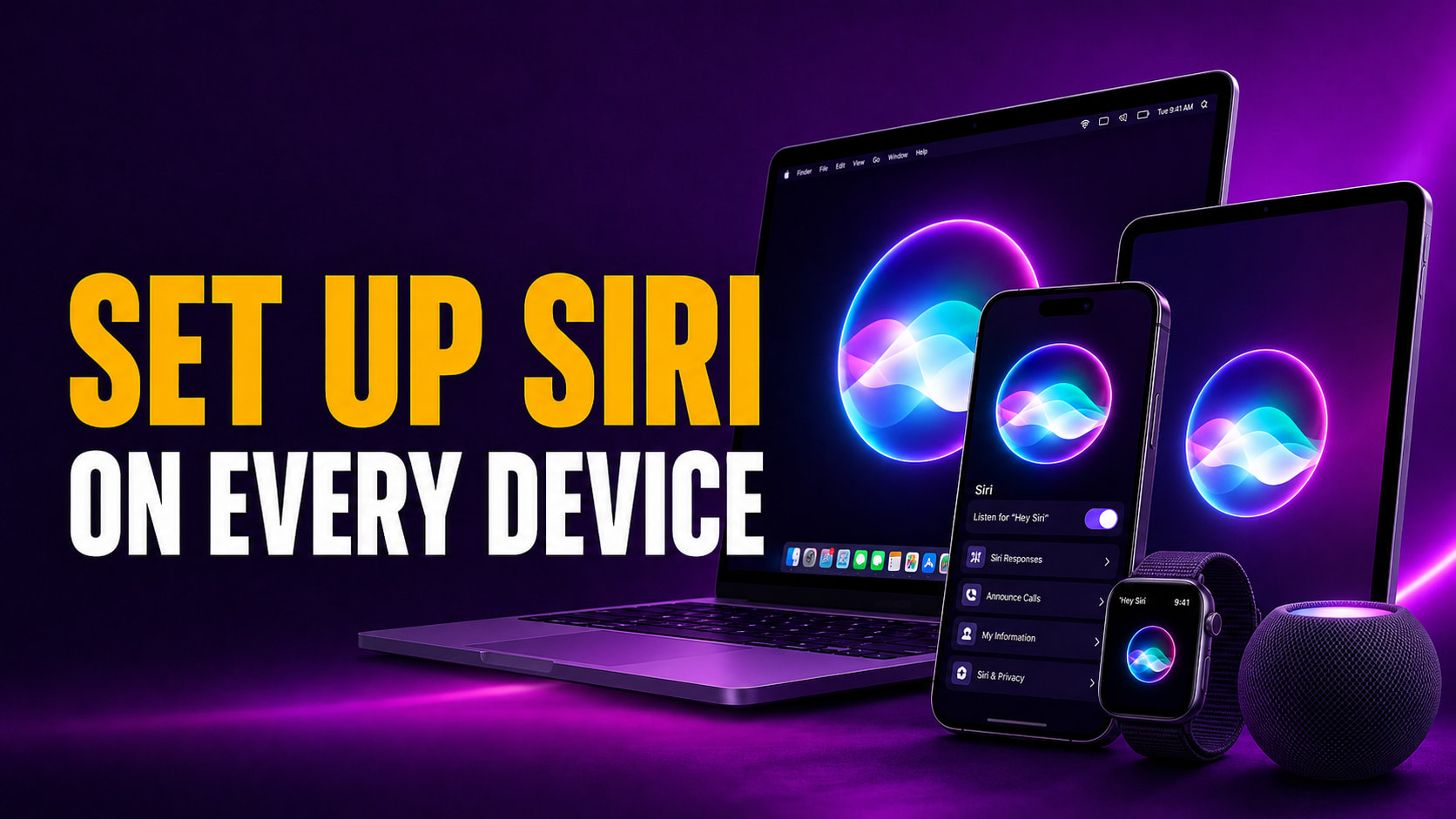
Fello AI thumbnail with the headline “SET UP SIRI ON EVERY DEVICE” in bold amber and white text beside an iPhone, MacBook, iPad, Apple Watch, and HomePod showing Siri-style glowing visuals on a purple cinematic tech background.

How to Set Up Siri on iPhone, iPad, Mac & Apple Watch

Setting up Siri takes about four taps, but the menu moved in 2026. On any iPhone that supports Apple Intelligence, the old “Siri” panel is now called Apple Intelligence & Siri, and the switch you actually flip lives under Talk to Siri. Turn on a voice trigger like “Hey Siri,” train it to your voice in about 30 seconds, and the assistant answers across your whole device, hands-free. This guide covers how to set up Siri everywhere it lives, on iPhone, iPad, Mac, and Apple Watch, with the current menu names so you are not hunting for a panel that no longer exists. You will get the exact turn-on steps, […]

Fello AI thumbnail with the headline “TURN OFF SIRI EVERYWHERE” in bold amber and white text beside an iPhone showing a muted Siri interface and power-off icon on a cinematic blue tech background.

How to Turn Off Siri on iPhone, Mac, iPad, and AirPods (2026)

Turning off Siri takes about four taps, but the exact path changed in 2026. On any iPhone that supports Apple Intelligence, the old “Siri” menu is now called Apple Intelligence & Siri, and the switch you actually need is buried under a setting named Talk & Type to Siri. Flip that to Off, disable the side-button shortcut, and Siri stops listening, suggesting, and interrupting across the whole device. This guide covers how to turn off Siri everywhere it lives, across iPhone, iPad, Mac, and AirPods, plus how to kill Siri Suggestions without nuking the whole assistant. You will get the current menu names, a one-glance table for every device, and […]

Fello AI thumbnail with the headline “HOW TO CHANGE SIRI VOICE” in bold amber and white text beside a MacBook, iPhone, and iPad showing Siri voice settings and audio waveforms on a purple cinematic tech background.

How to Change Siri Voice on iPhone, iPad, and Mac

You change Siri’s voice in Settings > Apple Intelligence & Siri > Siri Voice, and in iOS 26 you get six accent Varieties plus up to four distinct voices to pick from. Apple renamed the old “Siri & Search” menu to Apple Intelligence & Siri, so if you followed an older guide and could not find the option, that rename is usually why. The whole change takes under a minute, and Siri plays a short sample as you tap each voice. This guide shows you how to change Siri’s voice, accent, and language on every Apple device, from iPhone and iPad to Mac, Apple Watch, and Apple TV. You will […]

Fello AI thumbnail with the headline “HOW TO USE SIRI COMMANDS” in bold amber and white text beside a MacBook, iPhone, iPad, and Apple Watch showing Siri-style glowing visuals on a purple cinematic tech background.

How to Use Siri: Commands for iPhone, iPad, Mac & Watch

Learning how to use Siri takes about ten seconds. Say “Siri” or “Hey Siri” and ask, or press a button and speak. The harder part is knowing what to actually say, because Siri can do far more than set a timer. It sends messages, gives directions, runs calculations, controls smart-home gear, translates phrases, and takes actions inside your apps, all hands-free across every Apple device you own. This guide covers how to activate and talk to Siri on iPhone, iPad, Mac and Apple Watch, a categorized library of the most useful Siri commands, and how to type to Siri when you can’t speak out loud. It also explains what changes […]

Fello AI thumbnail with the headline “WHY SIRI ISN’T WORKING” in bold amber and white text beside an iPhone showing the Siri interface and a warning icon on a dark red cinematic background.

Why Is Siri Not Working? How to Fix It on iPhone and Mac

Siri stops working for one of three reasons more than any other, an incomplete setting, a weak internet connection, or a temporary software glitch that a restart clears. Apple’s own support data points to those same culprits, and most people get their assistant talking again in under two minutes once they know which one to check first. The catch in 2026 is that a fourth reason now exists, the rebuilt Gemini-powered Siri that Apple unveiled at WWDC simply has not rolled out to every device yet. This guide walks you through every fix that actually works, ordered from the fastest to the most thorough, for both iPhone and Mac. You […]

Best Apple Intelligence Alternatives for Mac thumbnail featuring FelloAI, ChatGPT, Claude, Gemini, Raycast AI, and DeepSeek logos in a neon 2x3 grid against a dark blue and purple background.

Apple Intelligence Alternatives for Mac

Apple Intelligence only runs on a Mac with an M1 chip or newer and macOS 15.1 or later, which locks out every Intel Mac and a lot of older machines still in daily use. Apple even decides which model powers the feature by region, giving Chinese users Apple Intelligence on Alibaba’s Qwen rather than ChatGPT. The strongest Apple Intelligence alternatives for Mac, including FelloAI, ChatGPT, Claude, Google Gemini, Raycast AI, DeepSeek and Dottie, give you more capable AI on more hardware, and several run on machines Apple left behind. This guide compares the seven best options by price, supported models, and whether they work on an Intel Mac. You will […]

FelloAI thumbnail with the headline “HOW TO USE SIRI SHORTCUTS” in bold amber and white text beside an iPhone showing colorful Siri Shortcuts-style automation tiles on a dark teal cinematic background.

How to Use Siri Shortcuts: The Complete 2026 Guide for iPhone and Mac

More than 10,000 people search every month for how to use Siri shortcuts, and in 2026 the answer changed in a big way. Siri shortcuts let you bundle several actions into a single command you trigger by voice, a tap, or an automatic rule, and the free Shortcuts app on iPhone, iPad, and Mac is where you build them. The basics are still simple, but WWDC 2026 added a layer that lets you describe an automation in plain English and have Apple Intelligence assemble it for you. This guide walks you through everything in order, from creating your first shortcut and running it with your voice to setting up automations […]