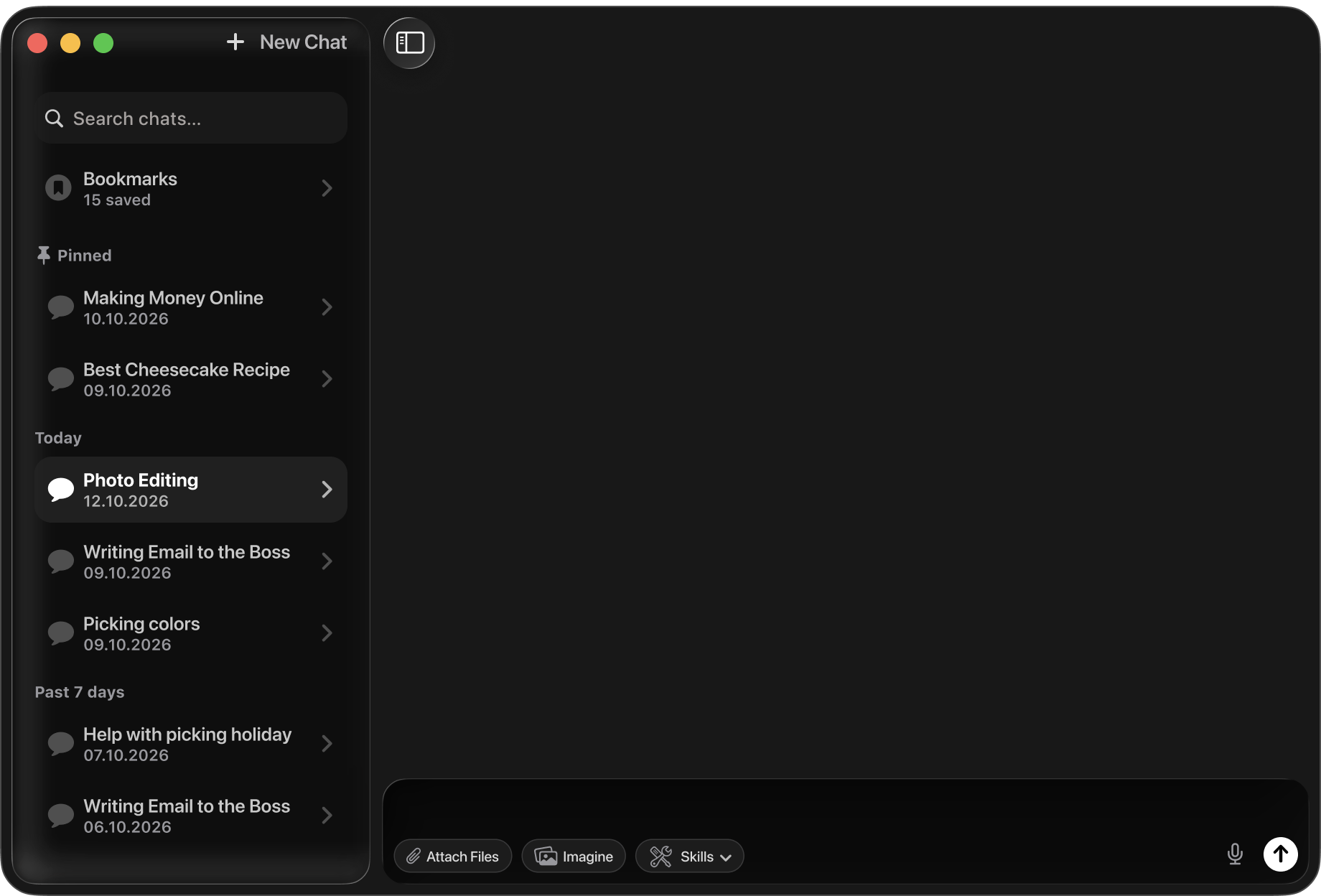
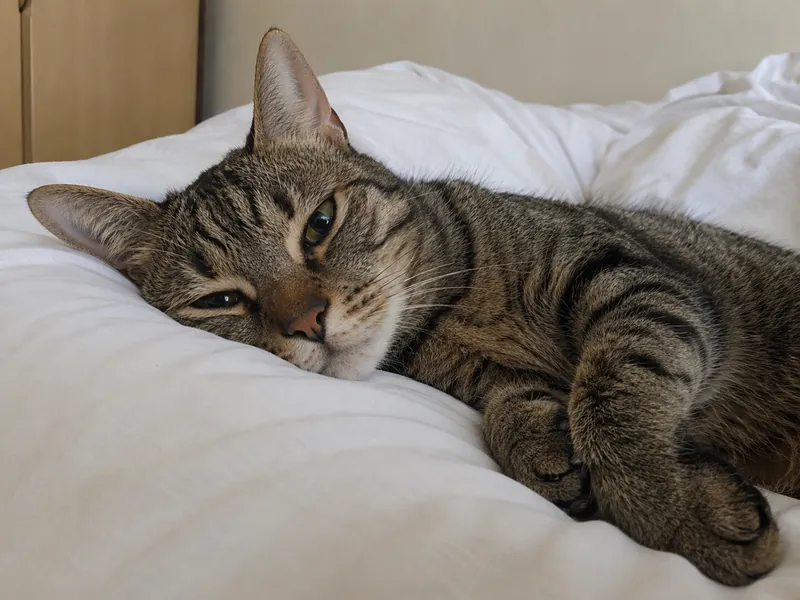
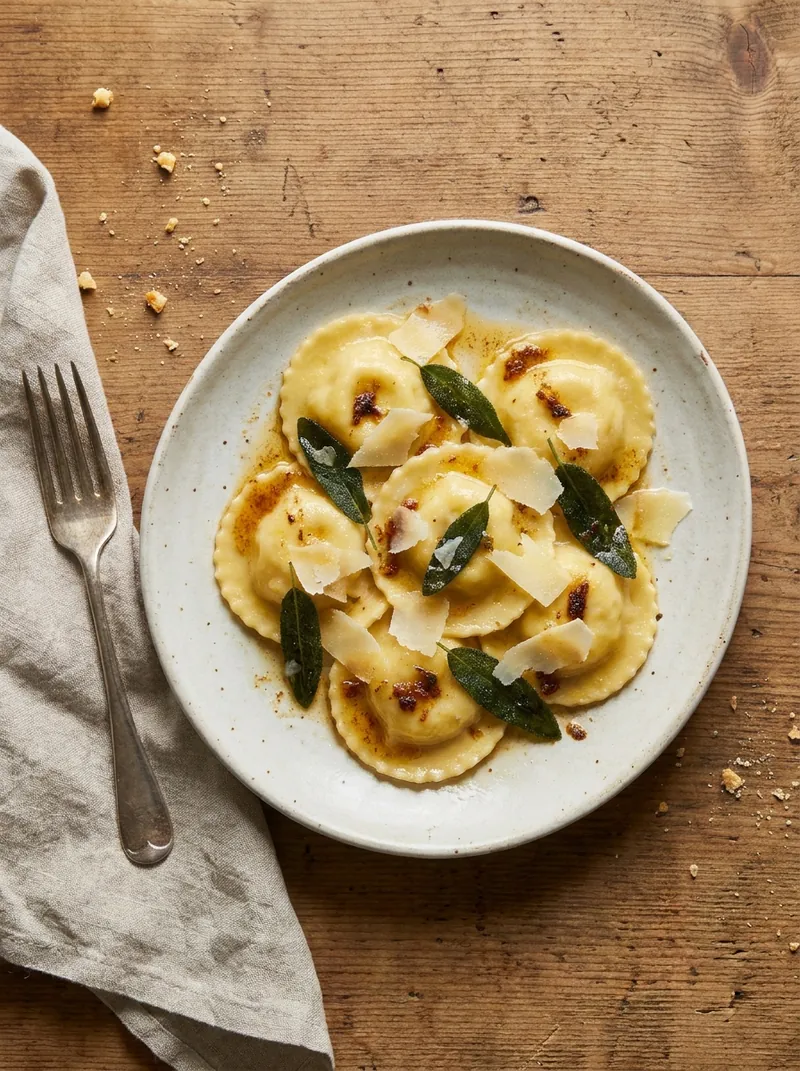
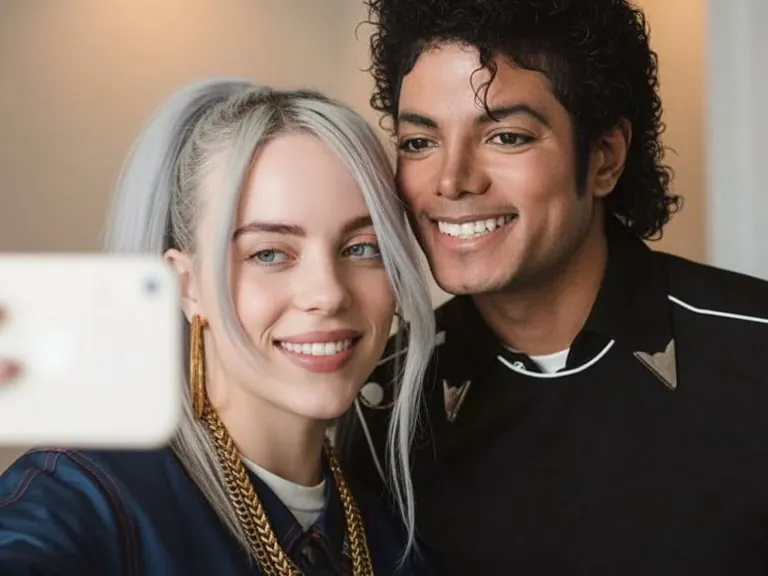
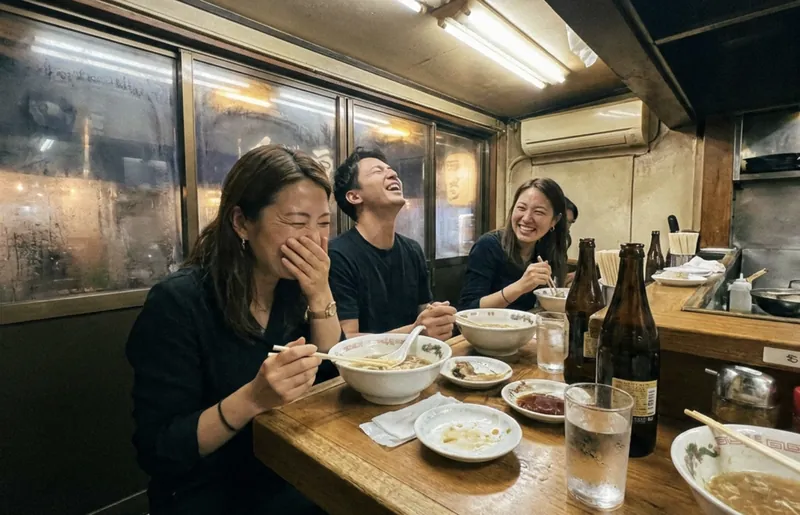
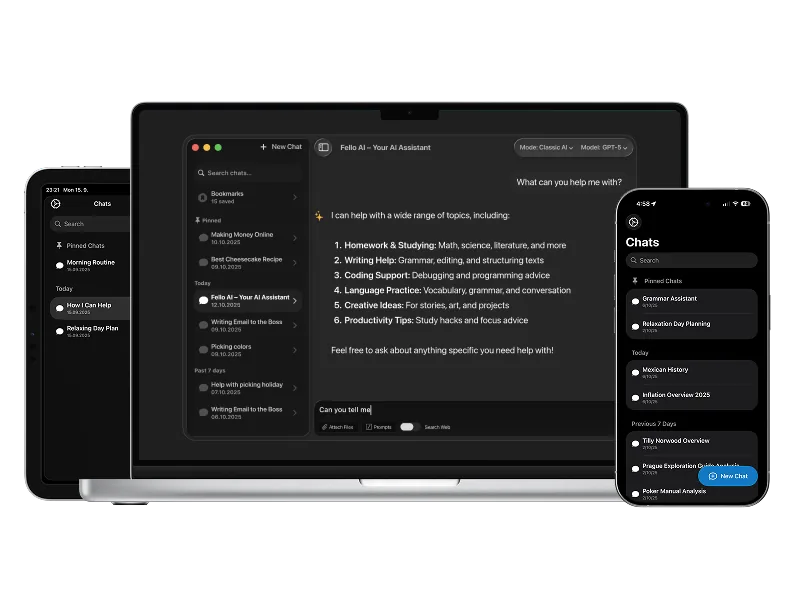
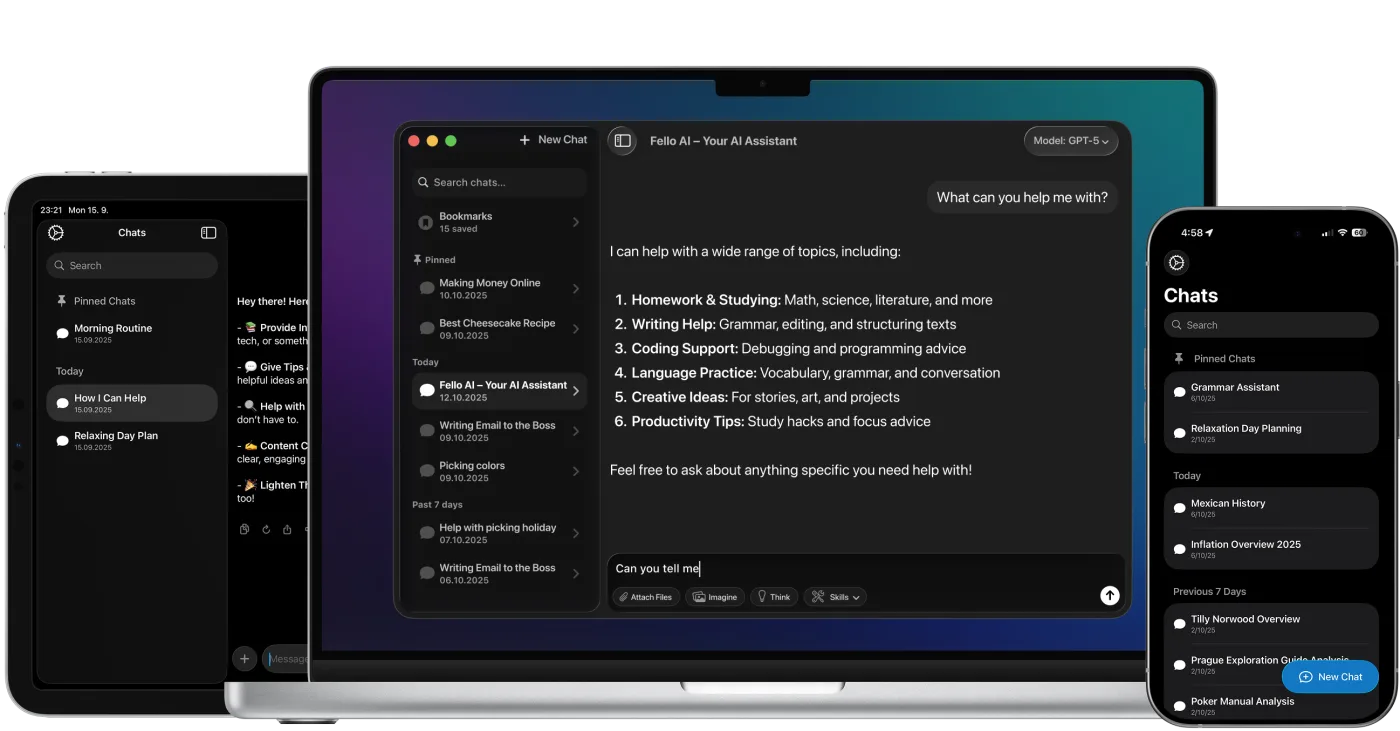
O Google não disponibiliza uma aplicação Nano Banana. O Fello AI é uma aplicação nativa para Mac que executa o Nano Banana 2 em conjunto com o GPT Image 2, Seedream 5 e FLUX.2, para poder gerar uma imagem e voltar a gerá-la com um modelo diferente sem sair da janela.
O Nano Banana é o modelo de geração e edição de imagens do Google. O nome começou como um codinome provisório que a própria Google submeteu para testes cegos no LMArena, tornou-se viral antes de qualquer pessoa saber quem tinha criado o modelo e acabou por se tornar a marca oficial, o que explica por que razão um produto do Google tem nome de petisco. A versão atual, Nano Banana 2, chegou em fevereiro de 2026 e chama-se oficialmente Gemini 3.1 Flash Image. O nosso artigo explicativo cobre o que é o Nano Banana e como diferem as quatro versões.
O que o tornou viral foi a edição, mais do que a geração. É possível entregar-lhe uma fotografia e descrever uma alteração em linguagem natural: mudar a estação, alterar a iluminação, colocar a mesma pessoa numa divisão diferente. Aplica essa alteração mantendo todo o resto intacto. A maioria dos modelos de imagem regenera a imagem inteira e altera discretamente rostos e detalhes que se pretendiam conservar. O Nano Banana mantém-nos estáveis, preservando até cinco personagens e catorze objetos consistentes ao longo das gerações.
Resolve também duas lacunas históricas dos modelos de imagem. Renderiza texto legível dentro de uma imagem e consegue traduzir esse texto para outro idioma, mantendo geralmente o layout original. A resolução de saída vai dos 512px até 4K numa variedade de proporções e, por ser construído sobre a linha Flash do Google, devolve resultados rapidamente sem obrigar a esperar por um render lento e de alta fidelidade.
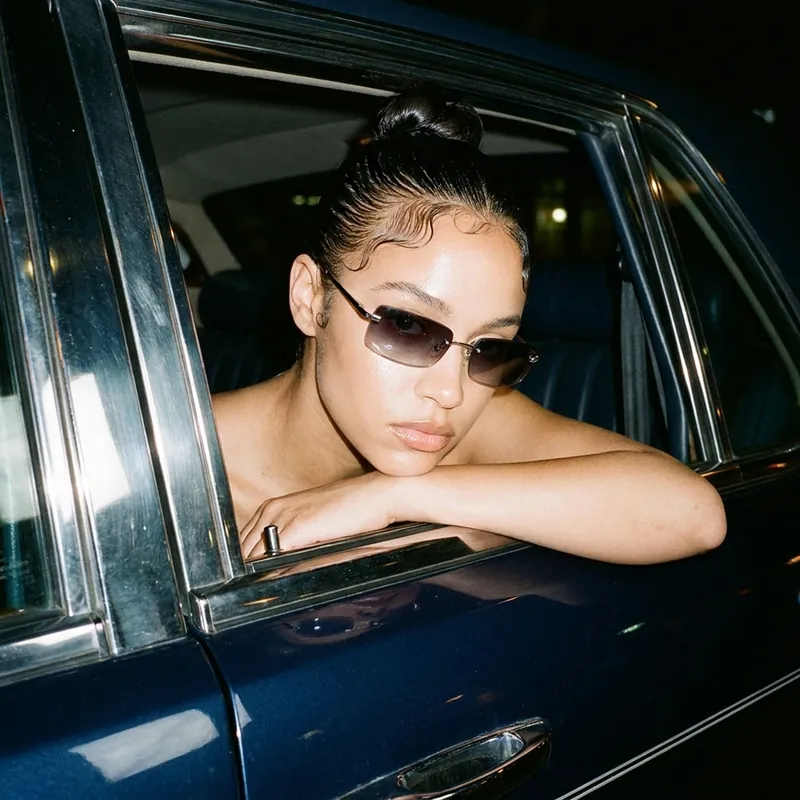
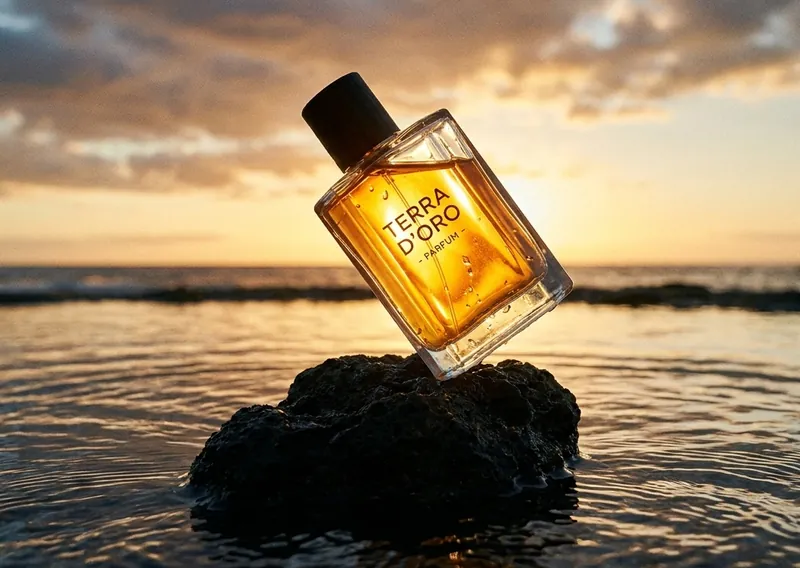
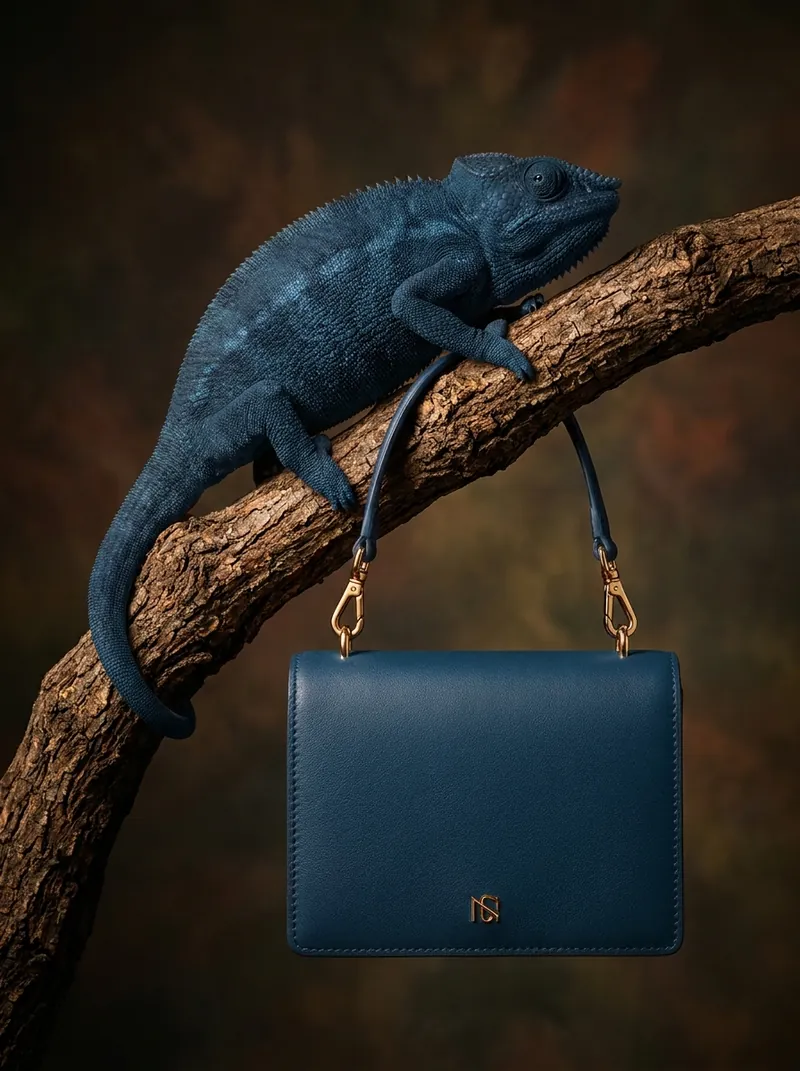
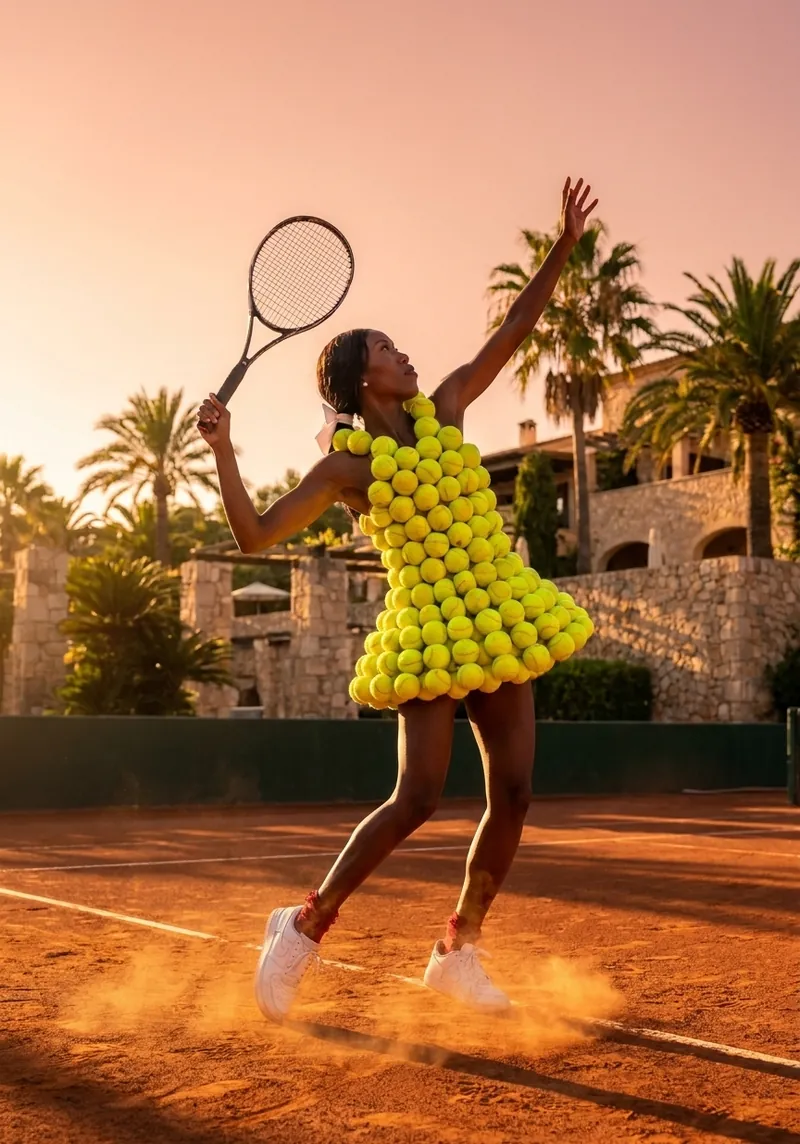
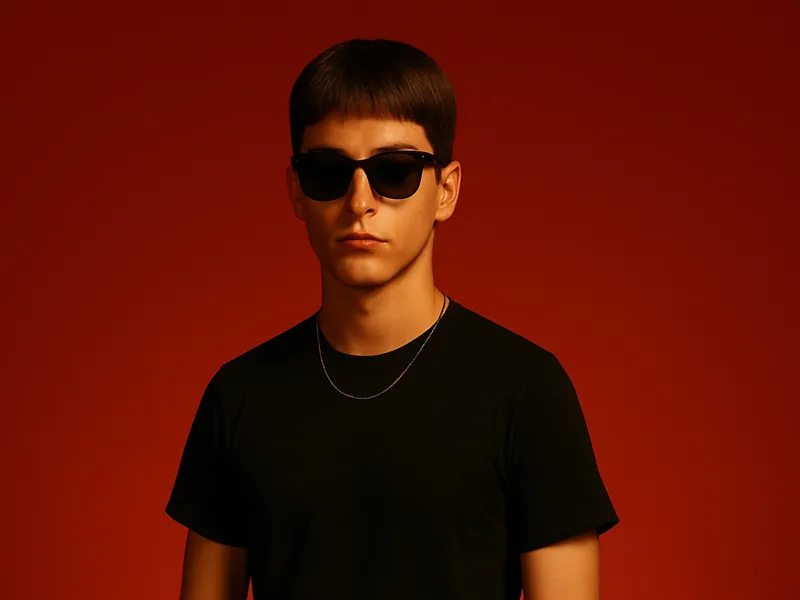
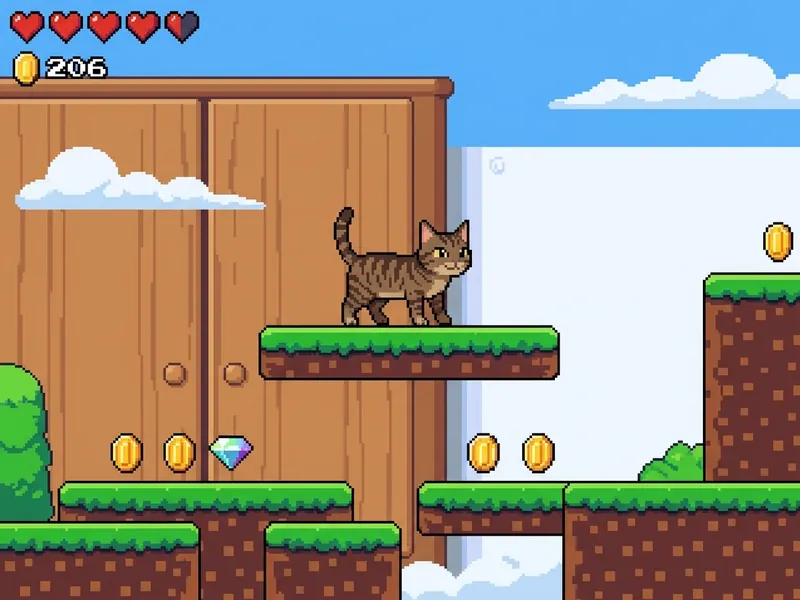
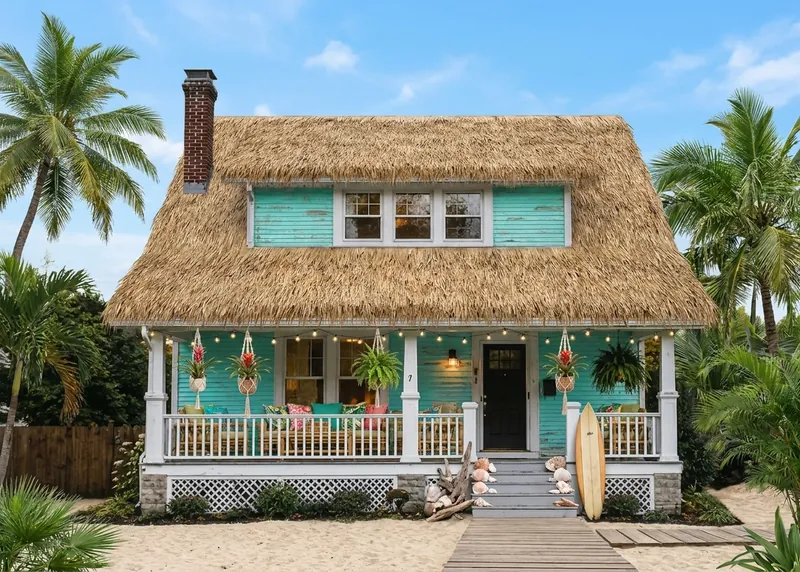
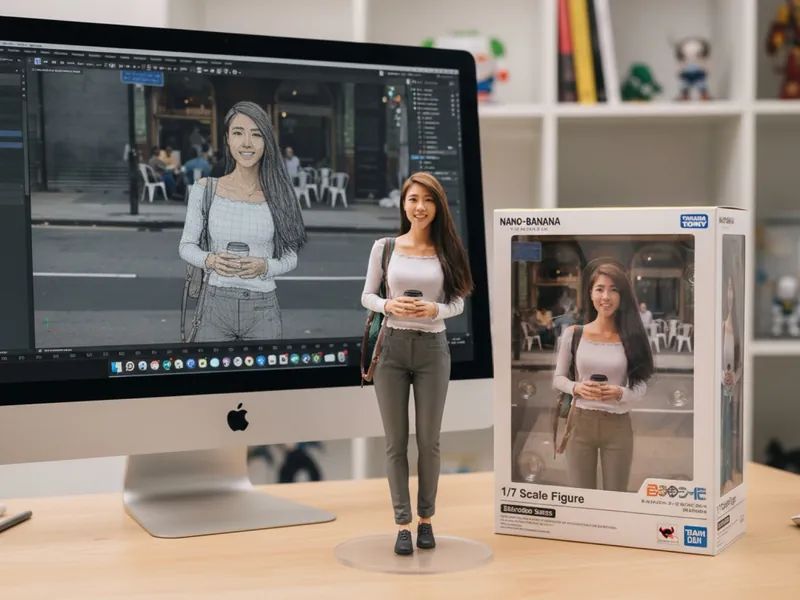
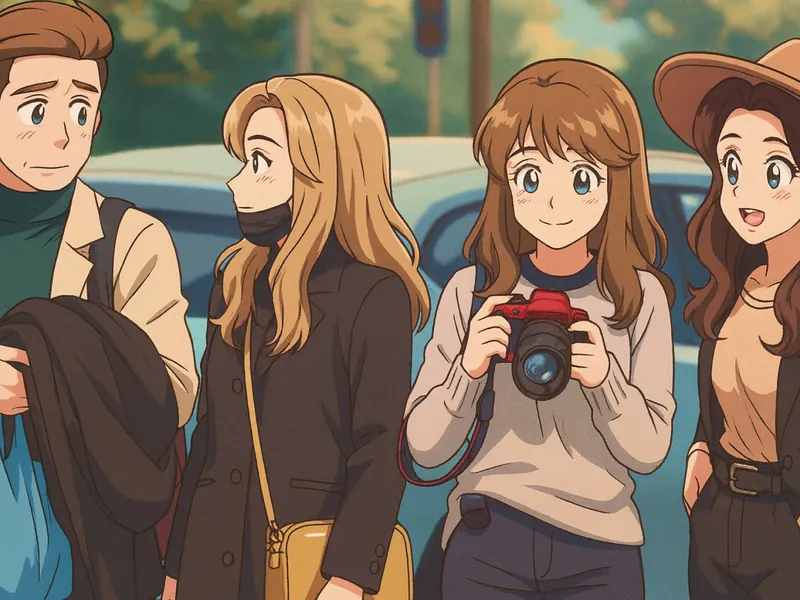
Exterior de casaRamo em estúdioRetrato noturnoFotografia de produtoCores combinadasVestido de bolas de ténisRetrato de animalEstilo culinárioSelfie impossívelEspontâneo, pouca luzRetrato em estúdioPlataformas pixelRemodelação de praiaEstilo autocolanteFigura colecionávelEstilo animeExterior de casaRamo em estúdioRetrato noturnoFotografia de produtoCores combinadasVestido de bolas de ténisRetrato de animalEstilo culinárioSelfie impossívelEspontâneo, pouca luzRetrato em estúdioPlataformas pixelRemodelação de praiaEstilo autocolanteFigura colecionávelEstilo anime
Nano Banana, Nano Banana 2 e Nano Banana Pro: Nano Banana é a marca. O Nano Banana 2, oficialmente Gemini 3.1 Flash Image, é o modelo predefinido atual e o que o Fello AI usa. O Nano Banana Pro é o irmão mais lento e mais caro que o Google posiciona para os trabalhos visuais mais complexos; ambos chegam a 4K, pelo que a diferença está no tratamento e não na resolução. Os três são modelos do Google, acessíveis através da nuvem, pelo que não existe nenhuma versão para instalar.
512px – 4K
Intervalo de resolução de saída
5 personagens
Mantidos consistentes entre cenas
Texto legível
Renderizado e traduzido na imagem
Google
Desenvolvido pela Google DeepMind
NO SEU MAC
Existe uma aplicação Nano Banana para Mac?
Não. O Google não lança uma aplicação Nano Banana autónoma para nenhuma plataforma. O Nano Banana 2 corre inteiramente na nuvem do Google e é acessível através de outros produtos: a aplicação Gemini, a Pesquisa Google, o AI Studio, o Vertex AI e o Flow. Nada instala o modelo em si, pelo que qualquer descarregamento que afirme ser «Nano Banana» é um invólucro de terceiros sobre a API do Google. Aqui estão as três formas que realmente funcionam num Mac.
01
Fello AI Recomendado
Uma aplicação nativa para Mac com o Nano Banana 2 integrado, mais o GPT Image 2, Seedream 5 e FLUX.2, para poder correr o mesmo prompt em vários modelos de imagem e ficar com o que funcionou melhor. Funciona no macOS 12 ou posterior, incluindo Macs com Intel, pesa cerca de 30-50MB e está disponível também para iPhone e iPad. Inclui ainda mais de 30 modelos de conversação, para que a escrita do prompt e a geração da imagem aconteçam no mesmo lugar.
02
Gemini no navegador
Abra gemini.google.com, escolha Criar imagens e estará a usar o Nano Banana 2. É o modelo de imagem predefinido nos planos gratuito e pago do Google. Não é necessário instalar nada e funciona em qualquer Mac. As limitações são que é um separador de navegador a competir com todos os outros, e o nível gratuito limita o número de imagens que pode gerar por dia. O Google AI Studio é a outra via de acesso, mas a geração de imagens aí é cobrada contra uma chave de API paga e não contra uma quota gratuita.
03
A aplicação Gemini para Mac do Google
O Google lançou uma aplicação Gemini nativa para Mac em abril de 2026, com um atalho Option+Space para a invocar a partir de qualquer lugar. É genuinamente uma boa aplicação de conversação e consegue gerar imagens. Duas ressalvas: requer Apple silicon e macOS 15 Sequoia, excluindo os Macs com Intel e sistemas mais antigos, e é exclusivamente do Google, sem forma de comparar um resultado do Nano Banana com o GPT Image 2 sem sair da aplicação.
Uma nota sobre as lojas de aplicações. Pesquise «Nano Banana» em qualquer loja de aplicações e encontrará editores de fotografia com esse nome, além de mirrors APK em sites como Uptodown e Aptoide. Nenhum deles é feito pelo Google. O Google nunca publicou uma aplicação com o nome Nano Banana, por isso trate qualquer listagem com esse nome como um produto de terceiros e verifique quem o desenvolveu antes de iniciar sessão com uma conta Google.
O que consegue fazer
Nano Banana 2, testado de verdade
Todas as imagens desta secção foram geradas com o Nano Banana 2 dentro do Fello AI, e o prompt está impresso por baixo de cada uma. Nada aqui é fotografia de stock nem imagem de fornecedor.
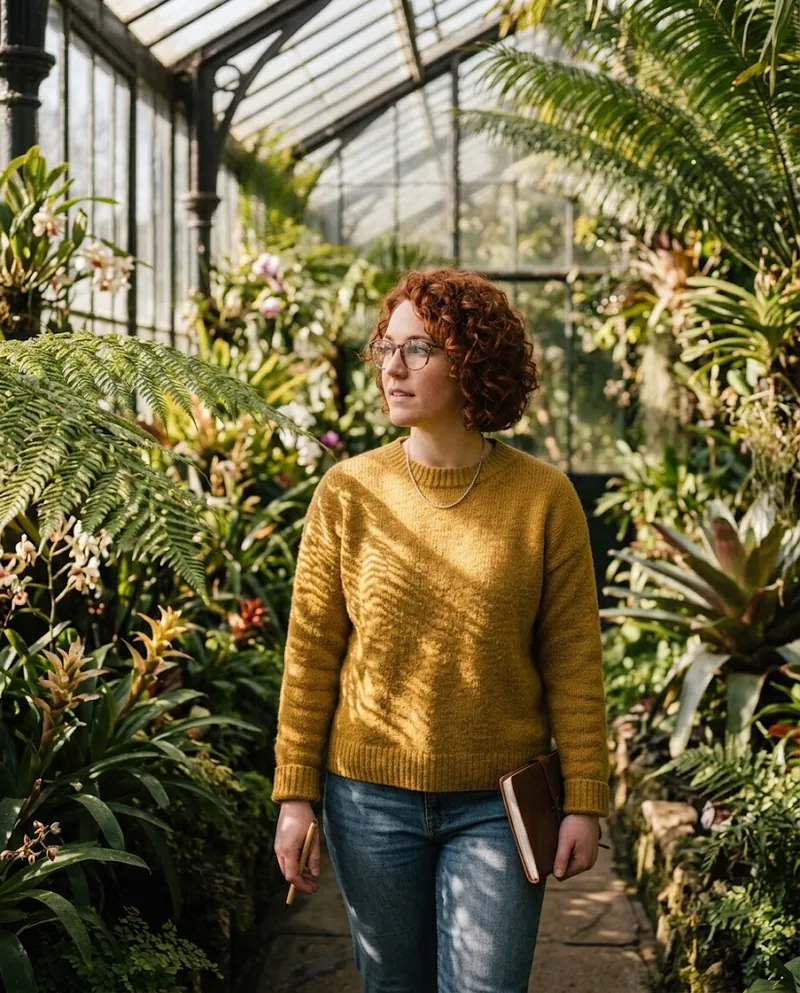
Gerada em primeiro lugarO retrato de referência, criado a partir de um único prompt.Cena doisUm café chuvoso. Mesmo rosto, mesmos óculos, mesma camisola.Cena trêsUma estufa em pleno sol, com o piercing no nariz e o colar intactos.Cena quatroIluminada apenas por um monitor, a mais difícil das quatro, e mantém-se fiel.
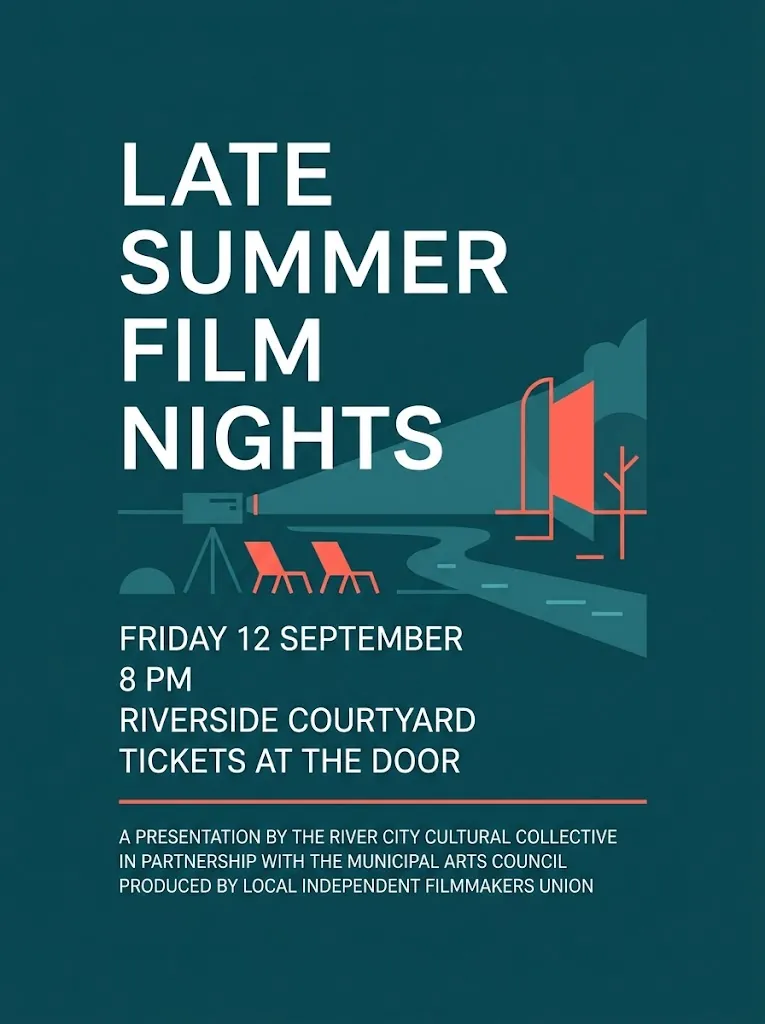
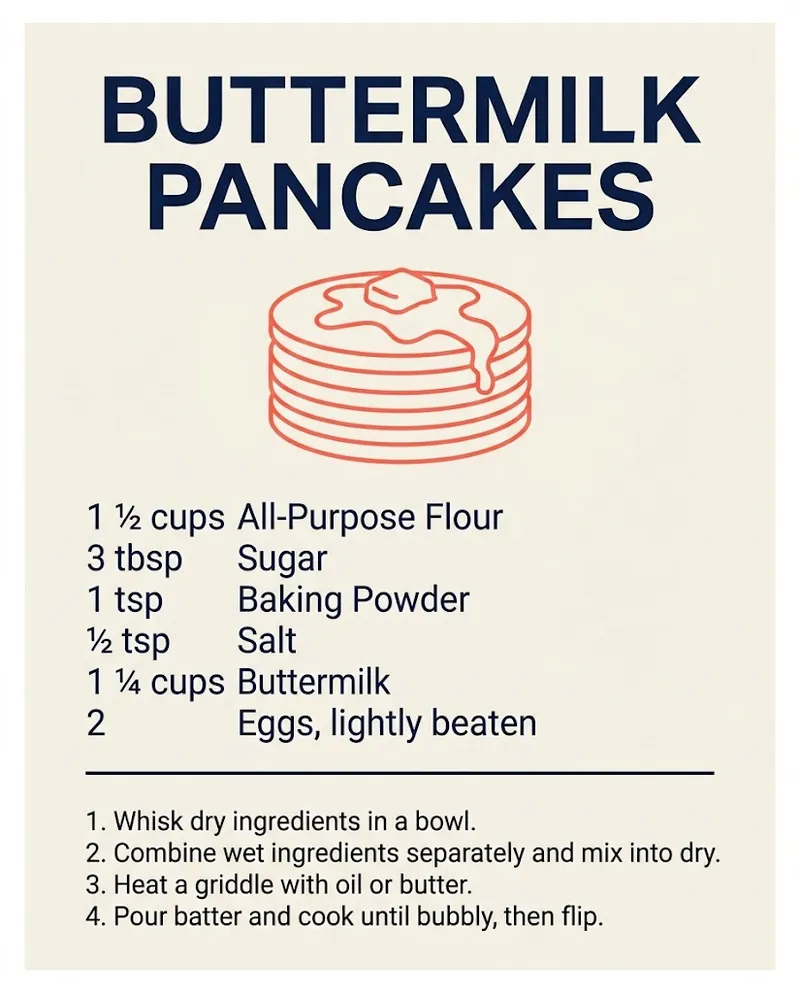
Título e letra miúdaUma data, uma hora, um local e um bloco de créditos de três linhas sob o título. A letra miúda é onde os modelos costumam falhar.Frações e listasSeis linhas de ingredientes com ½ e ¼ renderizados como frações reais, depois quatro passos numerados.
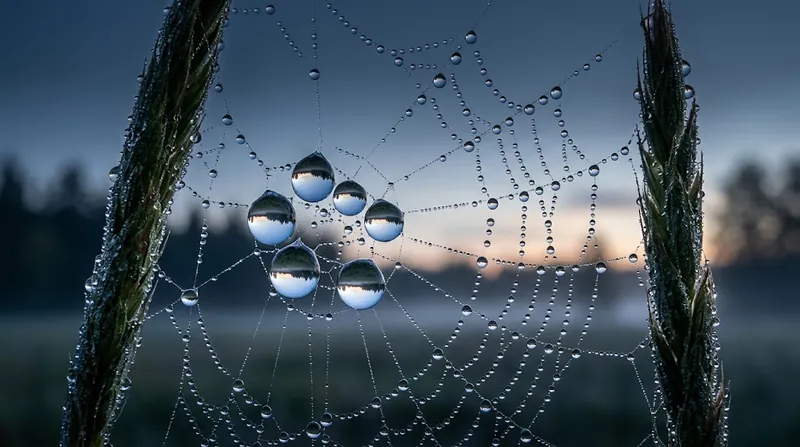
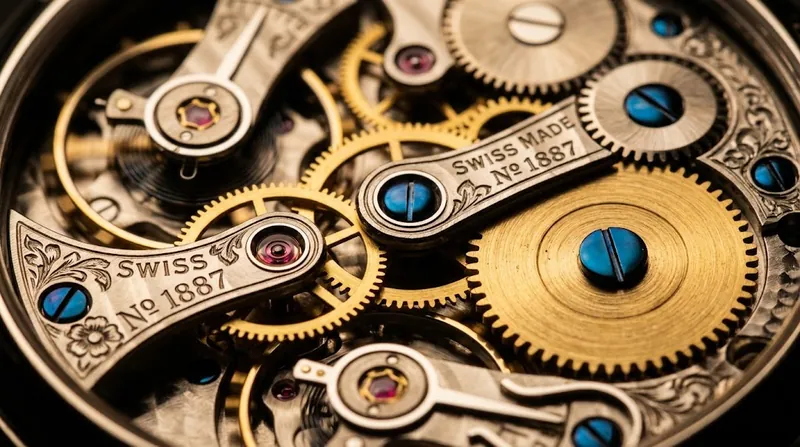
RefraçãoCada gota refrata a sua própria cópia invertida da linha de árvores por trás dela.GravaçãoO elemento mais difícil da imagem é a inscrição gravada na ponte, e lê-se claramente em tamanho real.
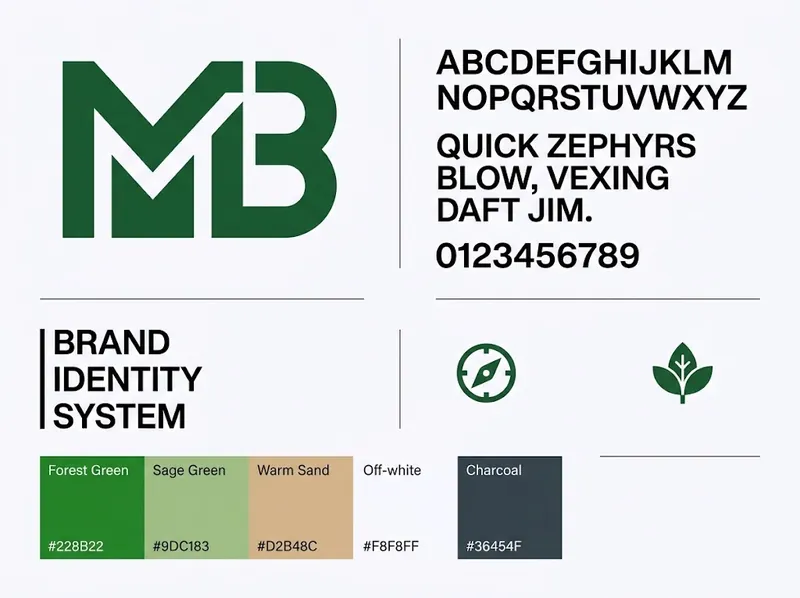
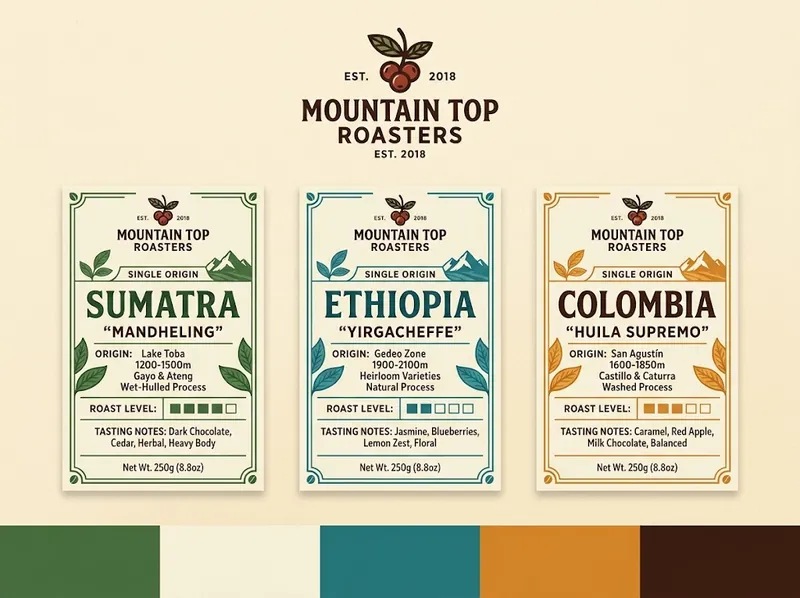
Folha de identidadeMonograma, amostra tipográfica, ícones e uma paleta cujos códigos hexadecimais correspondem de facto às amostras ao lado.EmbalagemTrês rótulos com o mesmo layout, cada um com a sua origem, altitude, processo e notas de prova. O medidor de torra atinge um nível diferente em cada saco.
Editar sem estragar o resto
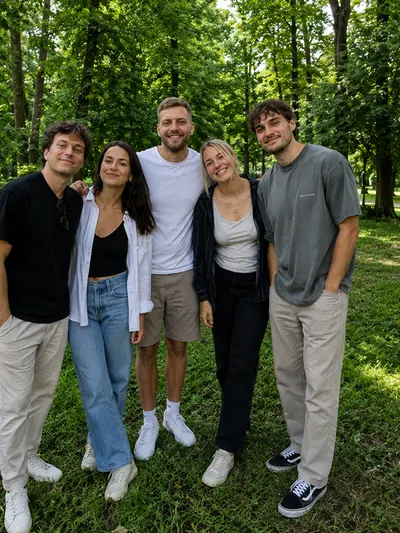
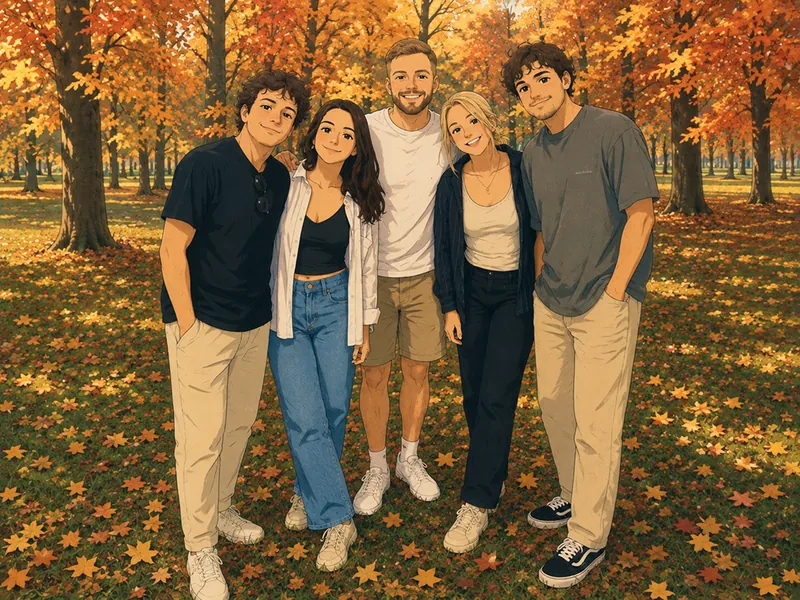
Entregue-lhe uma fotografia, descreva uma alteração e ele altera apenas essa coisa. Esta é a diferença entre um modelo de edição e um modelo de geração, e é a razão pela qual o Nano Banana se propagou da forma que se propagou. Três edições abaixo, uma instrução cada, nada mais tocado.
Mudar a estação
«Make it late autumn.»
A relva, a luz e o céu mudam. O rosto dela, o vestido e a pose não mudam.
AntesPleno verão, relva verde, céu azul.DepoisRelva âmbar, luz dourada rasante, névoa ao longo da linha de árvores.
Remover um objeto
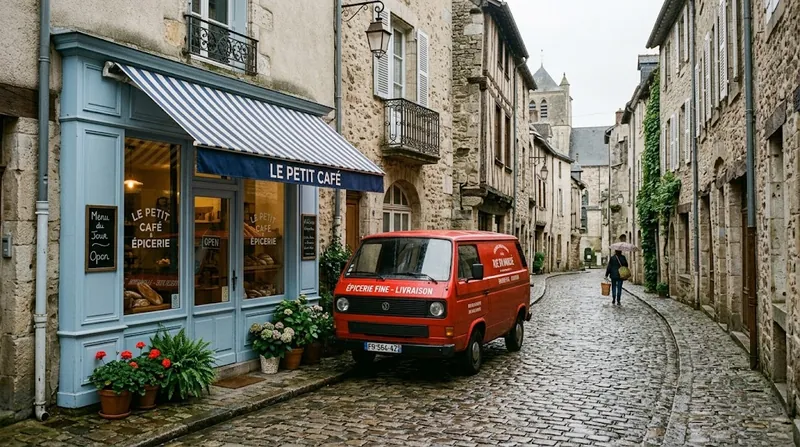
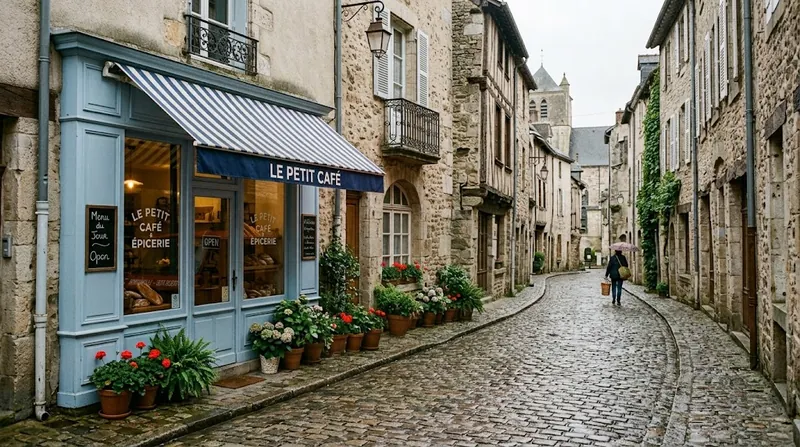
«Remove the red van. Keep everything else exactly the same.»
A carrinha cobria a fachada da loja, as pedras do pavimento e parte da rua. As três tiveram de ser reinventadas.
AntesA carrinha bloqueia a fachada do café e a maior parte do passeio mais próximo.DepoisReconstruiu os paralelepípedos e prolongou a fila de vasos de flores até ao espaço onde a carrinha estava.
Expandir o enquadramento
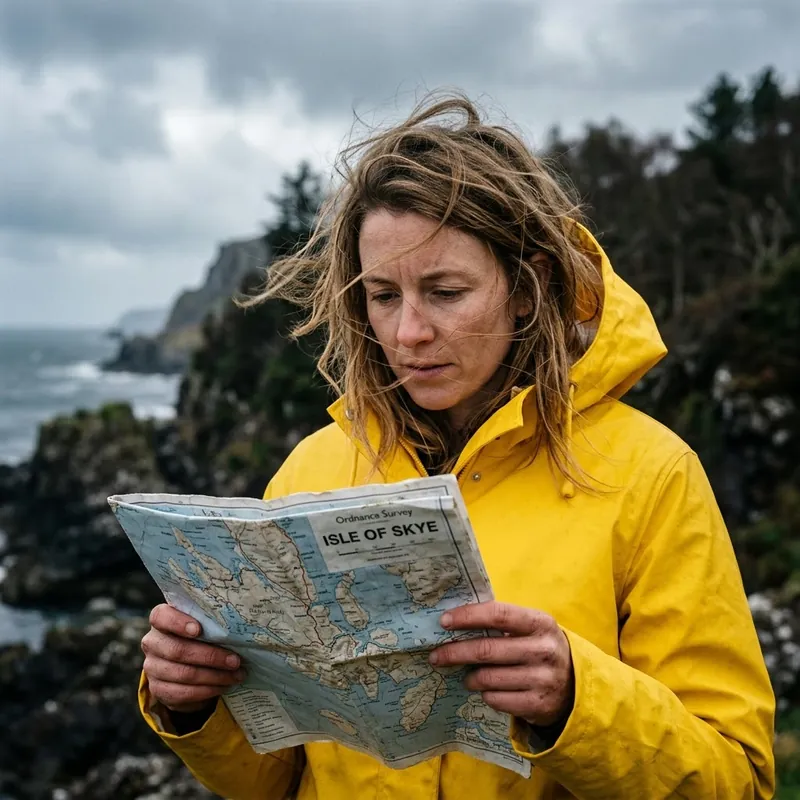
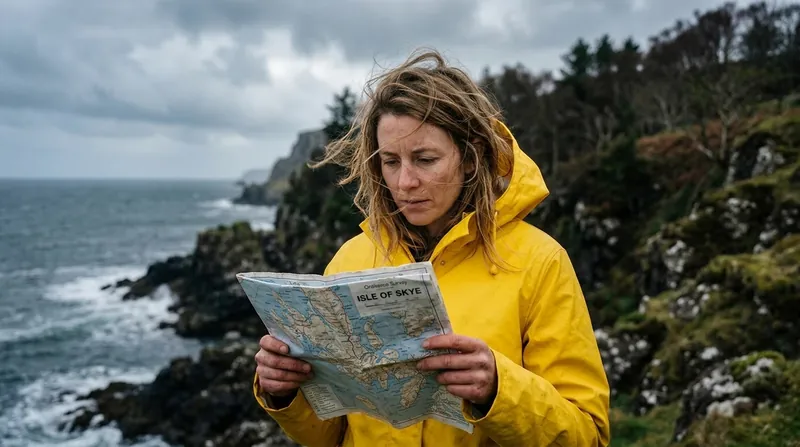
«Extend this image to a 16:9 landscape and reveal what is around her.»
Outpainting: o modelo mantém o que existe e inventa o espaço para além da margem original. Alargou o corte quadrado para 16:9 e preencheu o mar e a costa, deixando ela e o mapa de Isle of Skye exatamente como estavam.
AntesUm enquadramento quadrado sem nada fora dele além de falésias e mau tempo.DepoisO enquadramento abre-se para o mar cinzento, as falésias e a costa rochosa que estavam mesmo fora do corte original. Ela e o mapa ficam intactos.
Porquê o Fello AI
Nano Banana sem o separador do navegador
O Nano Banana 2 é excelente numas coisas e ultrapassado noutras. O GPT Image 2 é geralmente mais forte em tipografia complexa e instruções espaciais; o FLUX.2 mantém a cor e o tom de uma marca com mais rigor ao longo de um conjunto; o Seedream 5 é o mais económico para grandes volumes. Trabalhar na aplicação Gemini significa ver sempre apenas uma dessas respostas. O Fello AI coloca os quatro na mesma janela.
Quatro modelos de imagem, um prompt
Gere com o Nano Banana 2, depois corra o mesmo prompt no GPT Image 2, Seedream 5 ou FLUX.2 e fique com o que resultou melhor. Sem segunda subscrição, sem segunda aplicação, sem reescrever o prompt.
Funciona também em Macs mais antigos
A aplicação Gemini para Mac do Google requer Apple silicon e macOS 15 Sequoia. O Fello AI funciona no macOS 12 e posterior, incluindo Intel, pelo que um MacBook Pro de 2019 tem acesso ao mesmo Nano Banana 2 que um novo.
Escreva o prompt onde gera
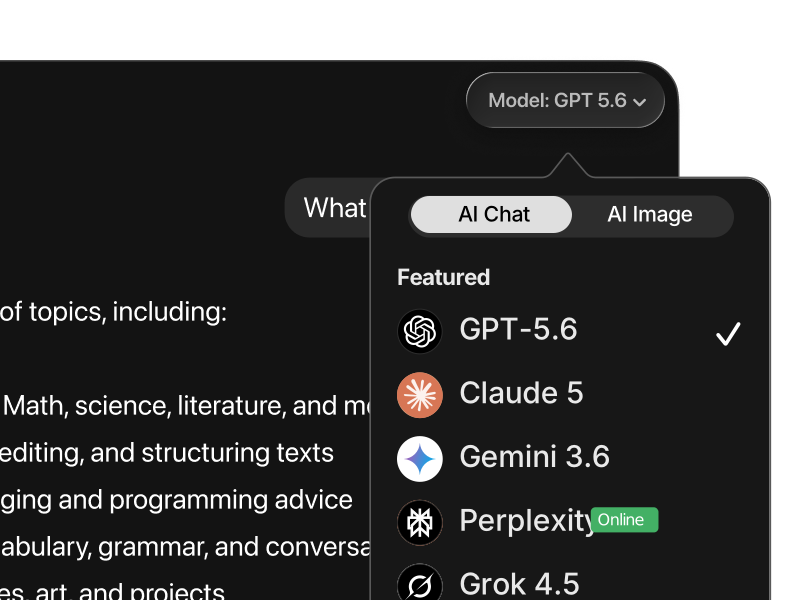
Mais de 30 modelos de conversação ficam ao lado dos modelos de imagem. Elabore e afine um prompt com o Claude ou o GPT-5.6, depois gere-o na mesma conversa em vez de copiar texto entre duas aplicações.
Lado a lado
Fello AI vs a aplicação Gemini
Funcionalidade
Fello AI
Gemini (navegador / aplicação Mac)
Preço
Versão gratuita + $9.99/mês ou $79.99/ano
Versão gratuita + $19.99/mês (Google AI Pro)
Nano Banana 2
✓ Sim
✓ Sim, modelo de imagem predefinido
Outros modelos de imagem
✓ GPT Image 2, Seedream 5, FLUX.2, Grok Imagine
✗ Apenas modelos do Google
Comparar modelos com um prompt
✓ Sim, na mesma conversa
✗ Não
Aplicação nativa para Mac
✓ macOS 12+, Intel + Apple silicon
Apple silicon + macOS 15+ apenas
Modelos de conversação incluídos
✓ GPT-5.6, Claude 5, Gemini 3.6, Grok 4.5 e mais
✗ Apenas modelos Gemini
iPhone e iPad
✓ Sim, a mesma aplicação
✓ Aplicação separada
PDF e trabalho com documentos
✓ Até 16 PDFs de uma vez
Limitado (Google AI Pro)
Requisito de macOS
✓ macOS 12 (Monterey)
macOS 15 (Sequoia) para a aplicação Mac
Um prompt, todos os modelos
O mesmo prompt, quatro modelos de imagem
Os benchmarks para modelos de imagem são quase inúteis porque o que está a ser medido é gosto. O único teste honesto é correr um prompt em vários modelos e ver o que resulta. Isso é um trabalho de dois minutos no Fello AI e impossível dentro da aplicação Gemini.
Por isso fizemos exatamente isso: um prompt idêntico, quatro modelos, nada alterado entre execuções.
O prompt completo. «Uma única banana madura sobre um plinto de betão polido numa galeria, iluminada por um único foco dramático vindo de cima, com sombras profundas a desvanecerem-se num fundo escuro. Textura de casca hiper-detalhada com manchas realistas. Fotografia cinematográfica, de atmosfera, de objeto de museu.»
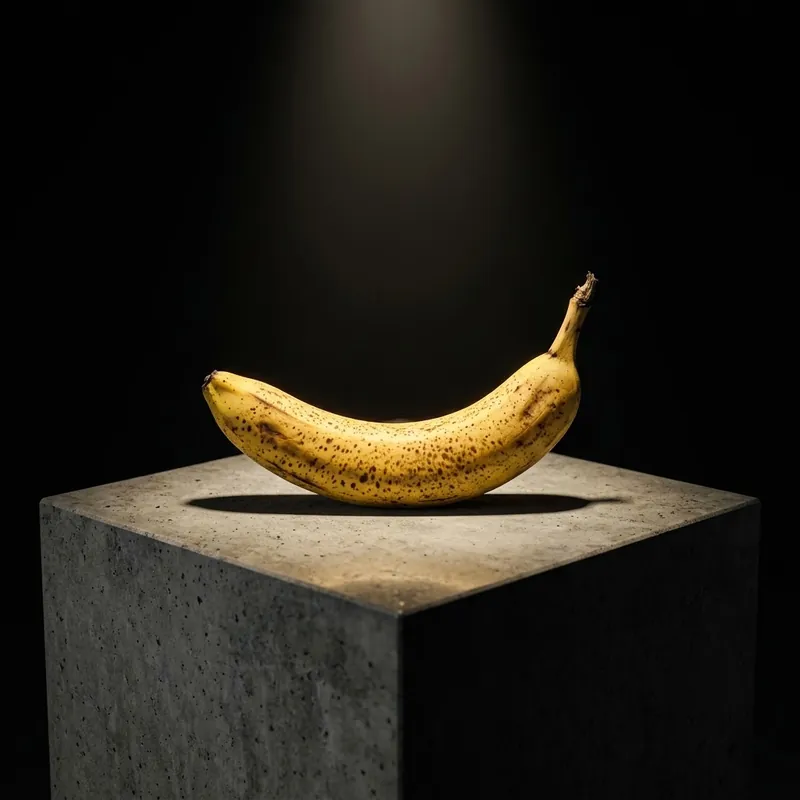
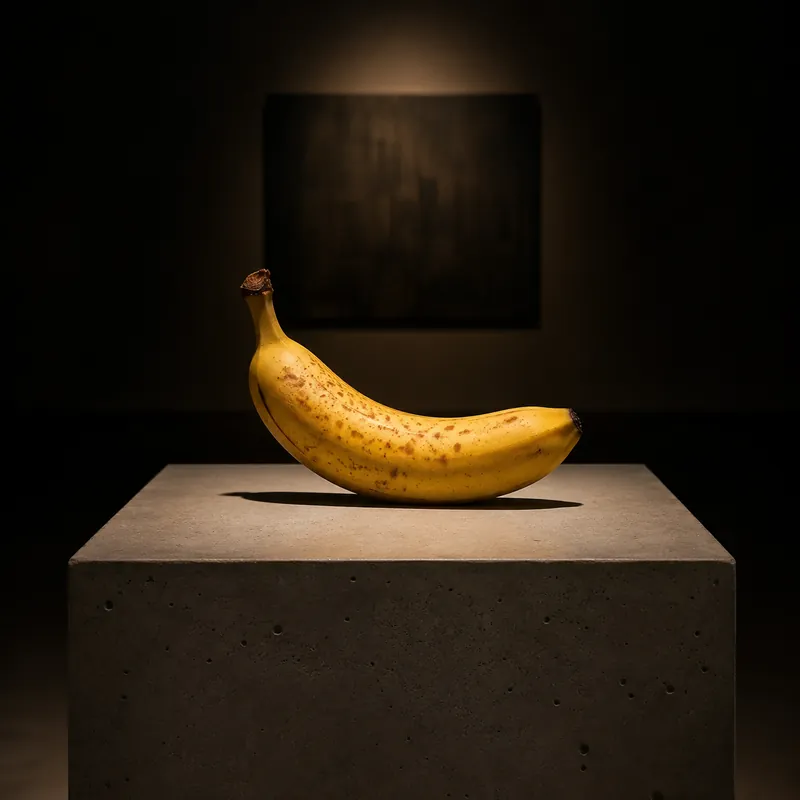
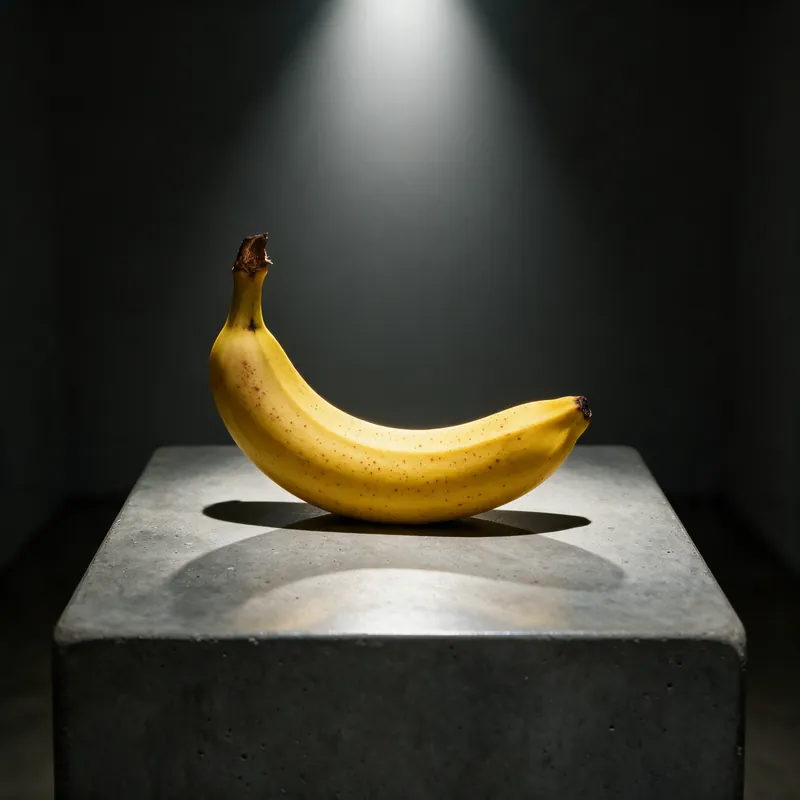
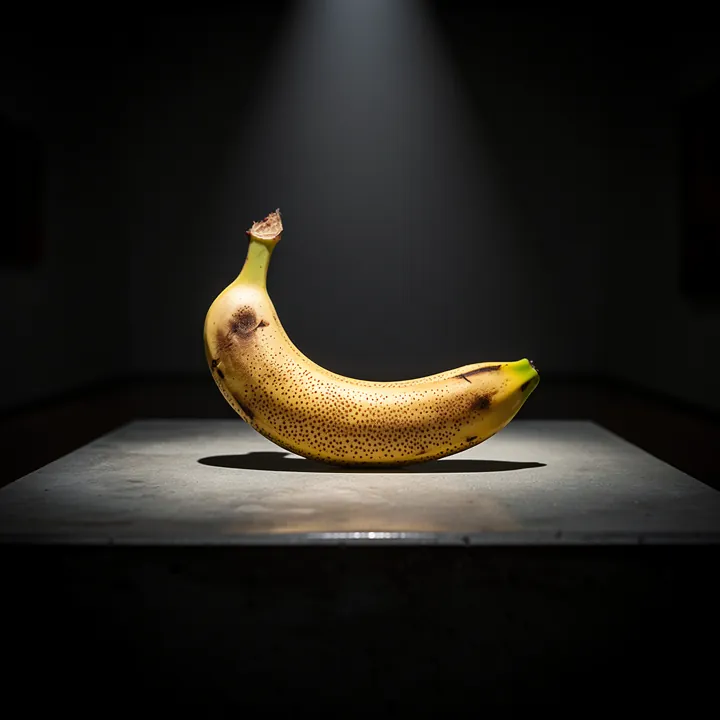
Nano Banana 2Gradação fria e neutra. Corta perto e deixa o plinto sair pela margem inferior.GPT Image 2O mais quente dos quatro e o único que construiu uma sala. Repare na tela emoldurada que ninguém pediu.Seedream 5A leitura mais literal: um cone de luz visível e um sujeito limpo, quase de catálogo.FLUX.2Levou «manchas realistas» mais longe, devolvendo fruta visivelmente demasiado madura, e manteve a sala mais escura.
As mesmas palavras, quatro leituras
O Nano Banana 2 voltou com um resultado compacto e em tons frios, cortando perto e deixando o plinto sair pelo enquadramento. O GPT Image 2 aqueceu tudo e inventou uma galeria em torno do sujeito, pendurou uma tela emoldurada na parede de trás que o prompt nunca mencionou. O Seedream 5 leu o briefing de forma mais literal, desenhando o foco como um cone visível. O FLUX.2 levou «manchas realistas» mais longe e devolveu fruta que francamente já passou do ponto.
Nenhum está errado, e nenhum benchmark teria dito qual escolheria. Esse é o argumento central para ter vários modelos de imagem ao alcance. O modelo que teria escolhido à partida muitas vezes não é o que produz a imagem que realmente quer.
O mesmo briefing, quatro cartazes
O plinto é um teste fotográfico. O design é o mais exigente, porque o modelo tem de construir um layout e soletrar cada letra corretamente na mesma operação. Por isso corremos um segundo prompt da mesma forma: quatro modelos, nada alterado entre execuções.
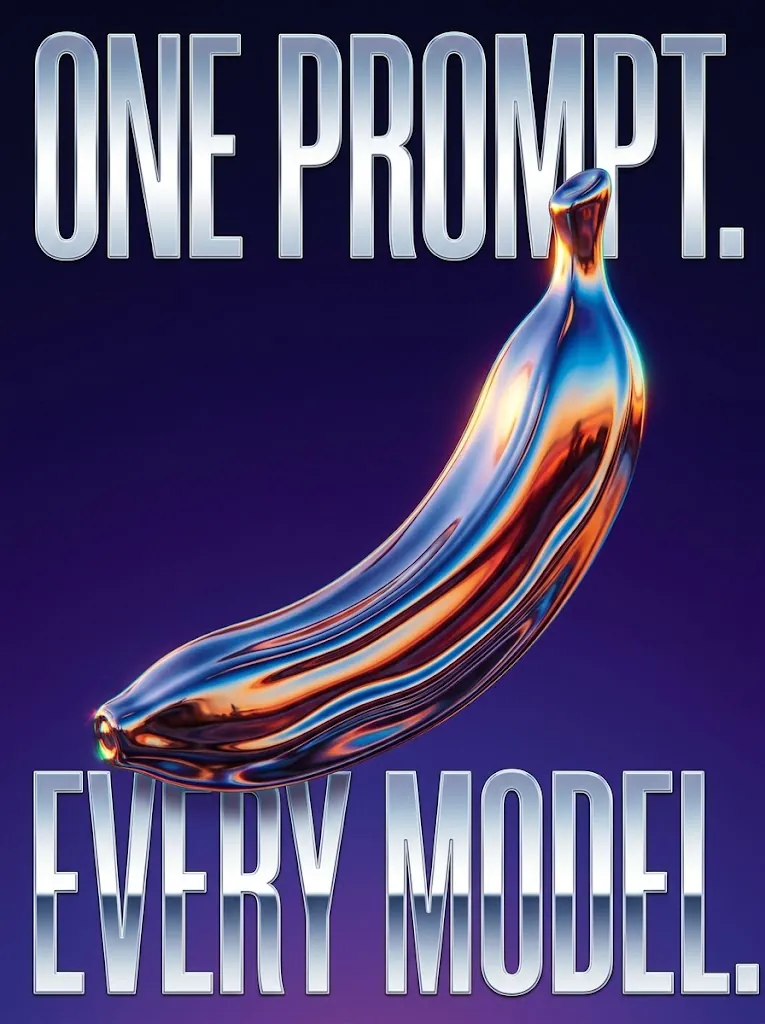
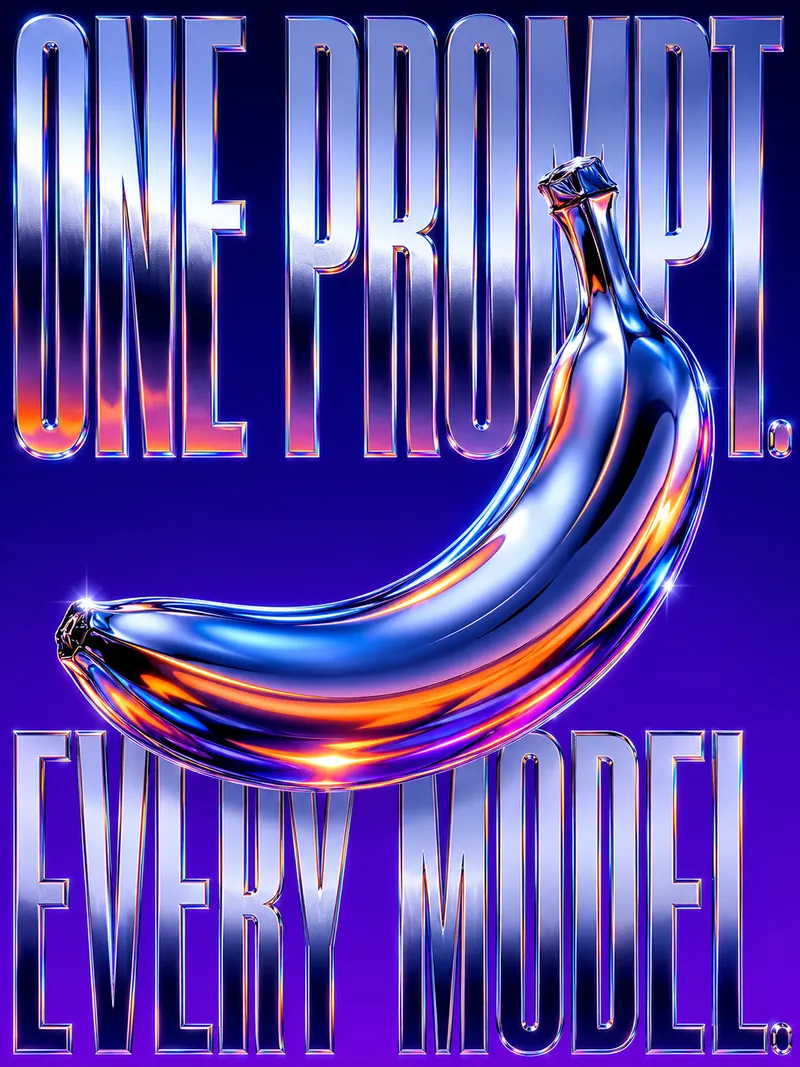
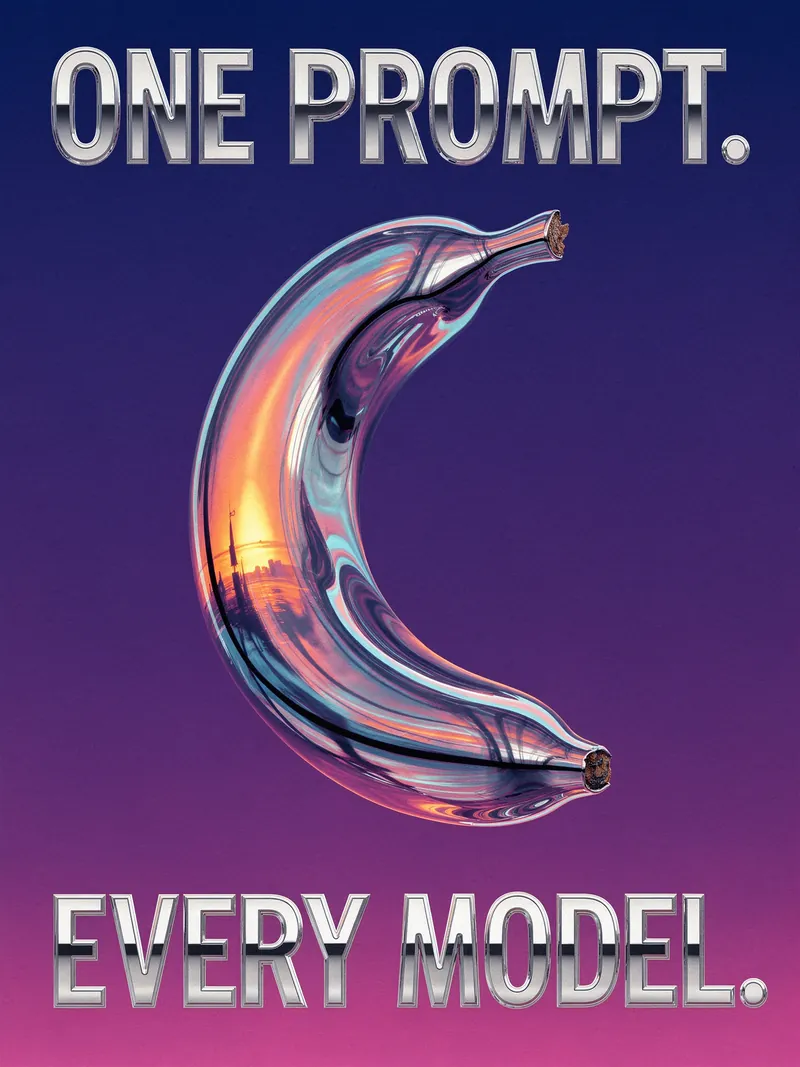
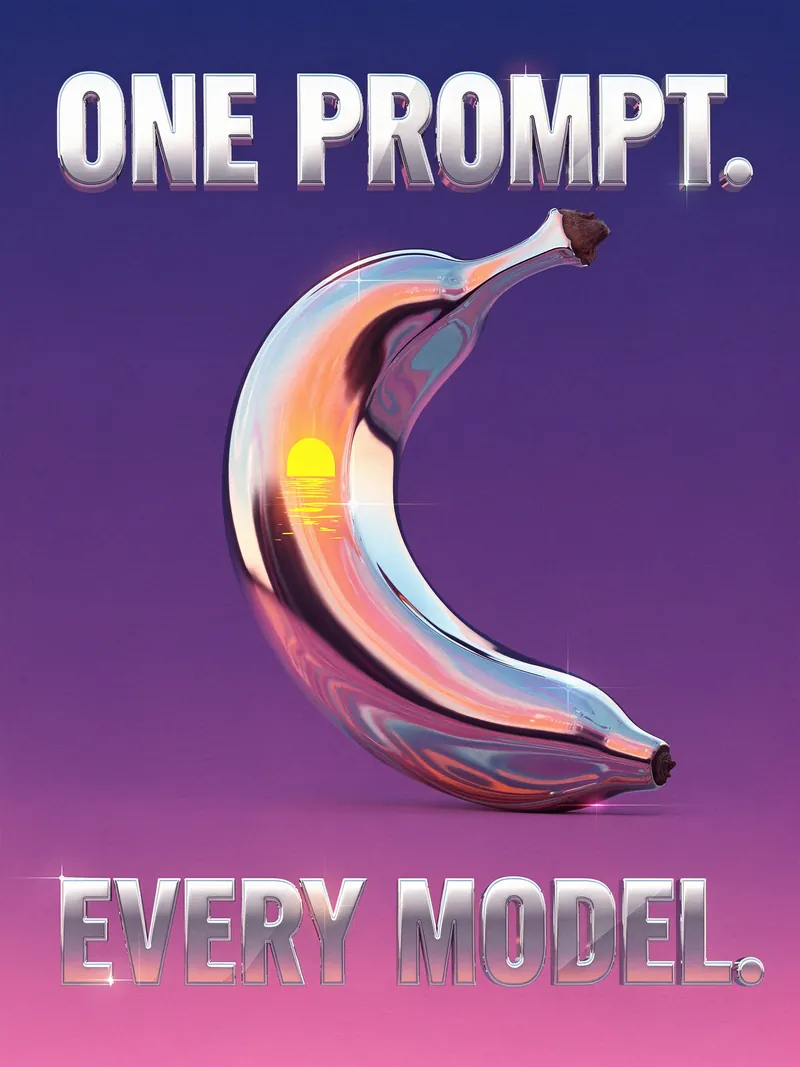
O prompt completo. «Um cartaz vertical apelativo. Tipografia condensada sans-serif gigante com ONE PROMPT. no topo e EVERY MODEL. em baixo, com uma banana de crómio líquido a flutuar entre elas. Fundo com gradiente de índigo profundo a violeta, reflexos cromáticos brilhantes, render 3D de alto brilho.»
Nano Banana 2O layout mais contido: tipografia nas margens, fruta ao centro, sem sobreposições.GPT Image 2Preencheu o enquadramento até às margens e deixou a banana cruzar a tipografia, e ainda assim soletrou ambas as linhas corretamente.Seedream 5Interpretou «chrome» como vidro e refletiu uma cidade ao pôr do sol. Ninguém pediu uma cidade.FLUX.2Também optou pelo vidro e colocou um sol de verdade dentro da fruta. A paleta mais clara dos quatro.
Duas leituras de uma palavra
O Nano Banana 2 e o GPT Image 2 interpretaram «liquid chrome» como metal polido. O Seedream 5 e o FLUX.2 interpretaram-no como vidro e ambos, sem ser pedido, colocaram um pôr do sol dentro da fruta. É o mesmo prompt a dividir-se claramente ao meio num único adjetivo, algo que nenhuma posição em leaderboard teria previsto.
Os layouts também divergiram. O Nano Banana 2 manteve o arranjo mais seguro, com a tipografia nas margens e sem sobreposições. O GPT Image 2 empurrou as letras para fora do enquadramento e fez a banana cruzá-las, o resultado mais trabalhado dos quatro e também o mais arriscado, porque é exatamente aí que um modelo costuma perder uma letra. Não perdeu. Os quatro soletram ambas as linhas corretamente, incluindo os pontos, o que os modelos de imagem não conseguiam fazer de forma fiável há um ano.
O mesmo cartaz, em três idiomas
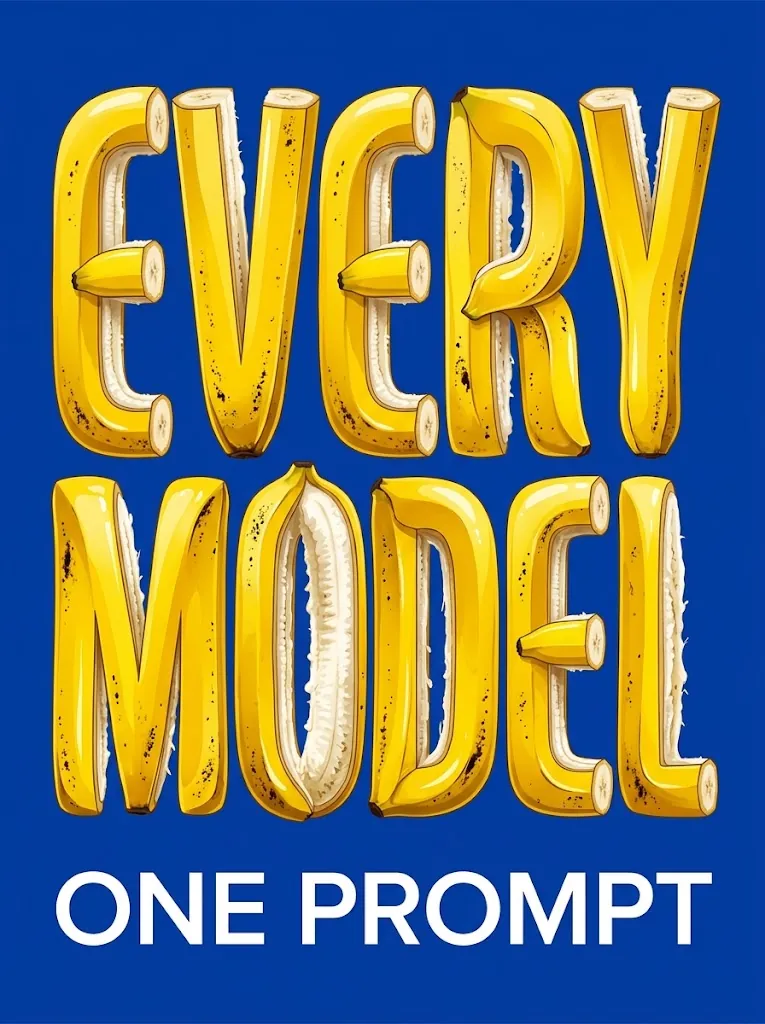
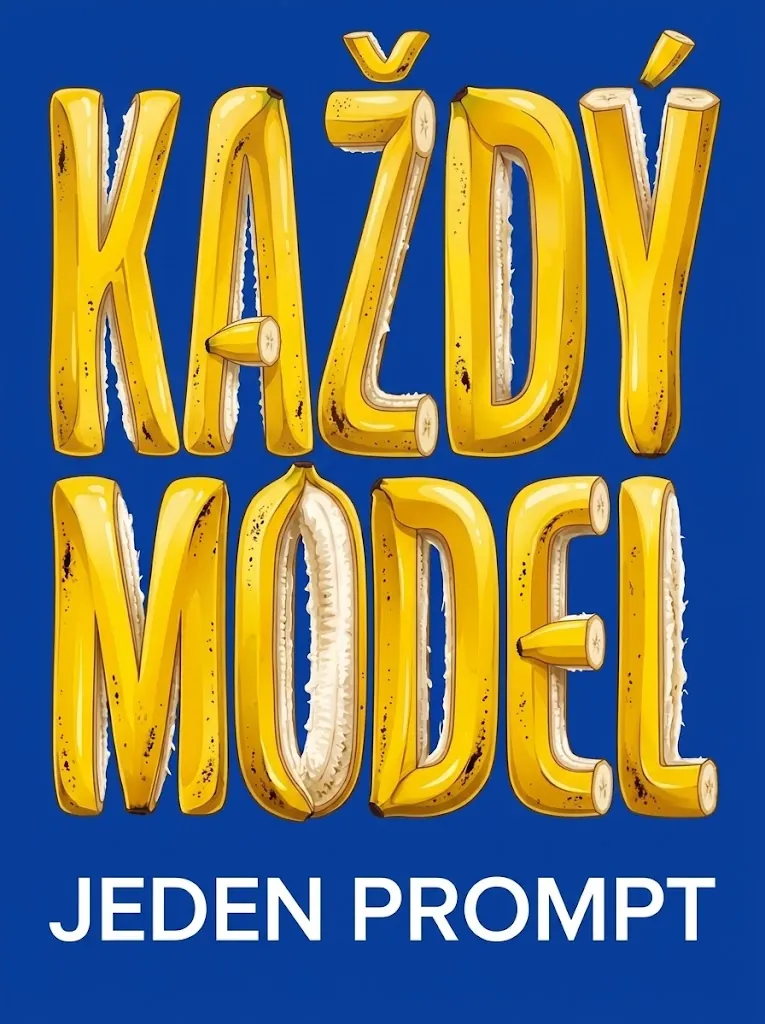
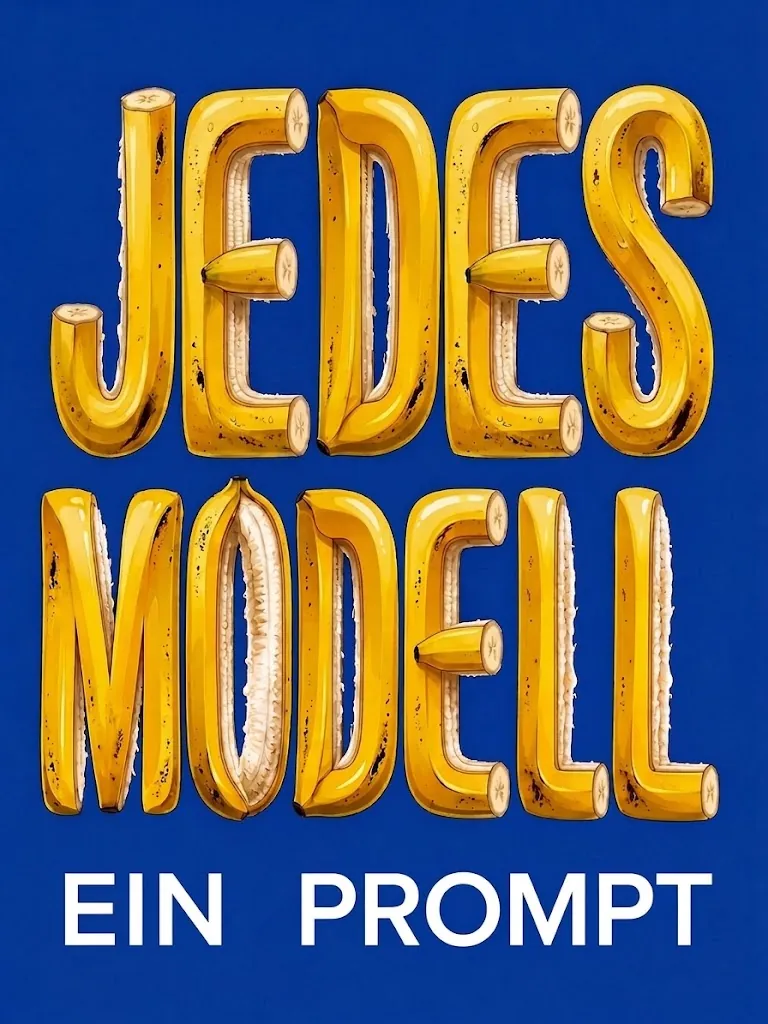
O Nano Banana 2 consegue renderizar texto dentro de uma imagem e depois traduzi-lo mantendo o layout imóvel. Gerámos um cartaz em inglês e depois pedimos a mesma arte em checo e em alemão. A composição, a cor e o estilo tipográfico mantiveram-se; apenas as palavras mudaram, incluindo os diacríticos.
InglêsO original, gerado de raiz.ChecoAmbos os diacríticos sobreviveram: o caron do Ž e o acento agudo do Ý, esculpidos em casca de banana como o resto.AlemãoUma palavra mais longa na mesma medida, reespaçada para caber sem quebrar a grelha.
Modelo
Nano Banana 2
GPT Image 2
Seedream 5
FLUX.2
Desenvolvido por
Google
OpenAI
ByteDance
Black Forest Labs
Melhor para
Personagens recorrentes, edições rápidas
Tipografia complexa, instruções espaciais
Grandes volumes a baixo custo
Consistência de marca ao longo de um conjunto
Velocidade
Muito rápido
Moderada
Rápido
Moderada
Texto em imagens
Forte, traduz no lugar
O mais forte no geral
Bom
Bom
Resolução máxima
4K
Alta
Alta
Alta
No Fello AI
Sim
Sim
Sim
Sim
De onde vêm as comparações. As caracterizações de velocidade e qualidade refletem a documentação oficial dos modelos e testes independentes em vez de uma única pontuação de benchmark. Os leaderboards de modelos de imagem mudam constantemente e raramente coincidem, por isso trate a coluna «Melhor para» como ponto de partida e corra o seu próprio prompt nos quatro.
O que o Fello AI oferece
O que pode realmente fazer no Fello AI
Use o modelo certo para cada tarefa
Modelos diferentes são melhores em tipos de trabalho diferentes, e isso é ainda mais verdade para imagens do que para texto. No Fello AI pode mudar entre o Nano Banana 2, GPT Image 2, Seedream 5 e FLUX.2 sem sair da aplicação, e entre o ChatGPT, Claude, Gemini e Grok para tudo o que não seja uma imagem.
Converse com PDFs, imagens e ficheiros Office
Carregue PDFs, imagens, folhas de cálculo Excel, apresentações e documentos, e depois peça resumos, explicações, reescritas ou insights extraídos. Forneça uma imagem de referência e descreva a edição que pretende, ou entregue-lhe um briefing e obtenha o prompt escrito por si.
Crie documentos reais para descarregar
Gere apresentações PowerPoint, folhas de cálculo Excel com fórmulas, documentos Word e PDFs, depois descarregue-os e use-os imediatamente. Insira uma imagem gerada diretamente numa apresentação sem sair da aplicação.
Um fluxo de trabalho único no Mac, iPhone e iPad
O Fello AI é nativo em todos os dispositivos Apple, por isso mantém a mesma aplicação, os mesmos modelos e o mesmo fluxo de trabalho tanto na secretária como no telemóvel. Gere no Mac, reveja no iPad, sem configuração adicional.
Para designers e profissionais de marketing
Explore uma direção visual em quatro modelos de imagem antes de se comprometer com um, gere versões localizadas do mesmo asset e mantenha uma personagem ou produto consistente ao longo de toda uma campanha. Depois transforme o resultado numa apresentação ou documento sem sair da aplicação.
Para todos os outros
A maioria das pessoas não precisa de quatro modelos de imagem, até que o primeiro quase acerta e não consegue corrigir o último detalhe. O Fello AI é uma aplicação nativa para Mac onde o modelo seguinte está a um clique de distância, ao lado de mais de 30 modelos de conversação para tudo o que não seja uma imagem.
Não. O Google não disponibiliza uma aplicação autónoma Nano Banana para Mac, Windows, iPhone ou Android. O Nano Banana 2, oficialmente Gemini 3.1 Flash Image, corre inteiramente na nuvem do Google e é acessível através da aplicação Gemini, da Pesquisa Google, do AI Studio e do Vertex AI. Para o usar numa aplicação nativa para Mac precisa de um cliente de terceiros como o Fello AI, que o executa em conjunto com o GPT Image 2, Seedream 5 e FLUX.2.
Nenhuma delas é feita pelo Google. Como o nome se tornou viral, vários editores de fotografia e wrappers de API não relacionados adotaram-no na Microsoft Store, em mirrors de APK Android e em vários sites. O Google nunca lançou uma aplicação com o nome Nano Banana, por isso verifique quem publica cada listagem antes de iniciar sessão com uma conta Google ou pagar qualquer coisa.
O Nano Banana 2, oficialmente Gemini 3.1 Flash Image, foi lançado em fevereiro de 2026 e é o modelo de imagem predefinido atual do Google. Foi concebido para velocidade, com gerações e edições rápidas, mantendo ainda imagens até 4K. O Nano Banana Pro é a opção mais lenta e mais cara, que o Google posiciona para os trabalhos visuais mais complexos. Ambos chegam a 4K, e o Nano Banana 2 substituiu o Pro como predefinição na aplicação Gemini, tornando o Pro uma escolha especializada em vez de uma atualização direta. O Fello AI usa o Nano Banana 2. Consulte o nosso artigo completo sobre o Nano Banana 2 para mais detalhes.
Existe uma versão gratuita, que é a aplicação Gemini. Os utilizadores gratuitos têm uma quota diária de imagens do Nano Banana 2, com uma quota bastante menor para o Nano Banana Pro. Aceder pelo Google AI Studio ou pela API Gemini significa pagar por imagem, porque o Google não disponibiliza nenhuma quota gratuita para os seus modelos de imagem nesses contextos. Os números exatos mudam com alguma frequência e acompanhamos os limites atuais aqui. O Fello AI começa igualmente de forma gratuita, com um plano pago a $9.99 por mês ou $79.99 por ano que cobre os quatro modelos de imagem.
O modelo corre na nuvem, por isso o chip do Mac não afeta o que consegue produzir, mas a aplicação que usa para o aceder, sim. A aplicação Gemini para Mac do Google requer Apple silicon e macOS 15 Sequoia, excluindo todos os Macs com Intel. O Fello AI funciona no macOS 12 e posterior tanto em Intel como em Apple silicon, pelo que um Mac mais antigo tem acesso ao mesmo Nano Banana 2.
Não. O Nano Banana é um modelo fechado do Google sem pesos descarregáveis, pelo que não há nada para instalar nem modo offline. Cada geração vai aos servidores do Google e volta. Qualquer ferramenta que afirme correr o Nano Banana localmente está a chamar a API do Google pela internet ou a usar um modelo diferente.
Desde os 512px até 4K, numa variedade de proporções. O extremo dos 4K tem genuinamente detalhe real em vez de ser um upscale, por isso as imagens aguentam quando são cortadas ou usadas em algo maior do que uma publicação de redes sociais.
Sim, e é nisso que é melhor. Carregue uma imagem, descreva a alteração em linguagem natural e aplica essa alteração mantendo o resto intacto, preservando rostos, poses e detalhes do fundo em vez de regenerar a imagem inteira. Consegue manter até cinco personagens e catorze objetos consistentes, o que o torna adequado para séries de imagens relacionadas em vez de imagens únicas.
Sim. O Nano Banana 2 renderiza texto legível dentro de imagens e consegue traduzir esse texto para outro idioma, mantendo o layout, as cores e o estilo tipográfico nos nossos próprios testes. O Google adverte que ainda pode falhar em gramática e expressões idiomáticas, por isso leia o resultado antes de o publicar. Isto torna-o prático para cartazes, mockups e versões localizadas do mesmo asset. O GPT Image 2 é geralmente o modelo mais forte para tipografia muito complexa e também está no Fello AI, por isso pode experimentar os dois.
Para além do Nano Banana 2, o Fello AI inclui o GPT Image 2, o Seedream 5, o FLUX.2 e o Grok Imagine, mais mais de 30 modelos de conversação incluindo o GPT-5.6, Claude 5, Gemini 3.6 e Grok 4.5. Pode correr o mesmo prompt em vários modelos de imagem numa conversa e ficar com o resultado que preferir.
Sim, é a mesma aplicação no Mac, iPhone e iPad, e uma subscrição cobre todos eles. As conversas sincronizam, por isso pode gerar uma imagem no Mac e abri-la no telemóvel sem voltar a correr nada.
Toda a IA de que precisa. Uma aplicação linda.
Descarregue o Fello AI para Mac, iPhone e iPad. Gratuito para começar.