Gemini AI Desktop Client for Your Mac

Use Gemini 3 Pro and other AIs with ease on your Mac, iPhone & iPad.

As seen on

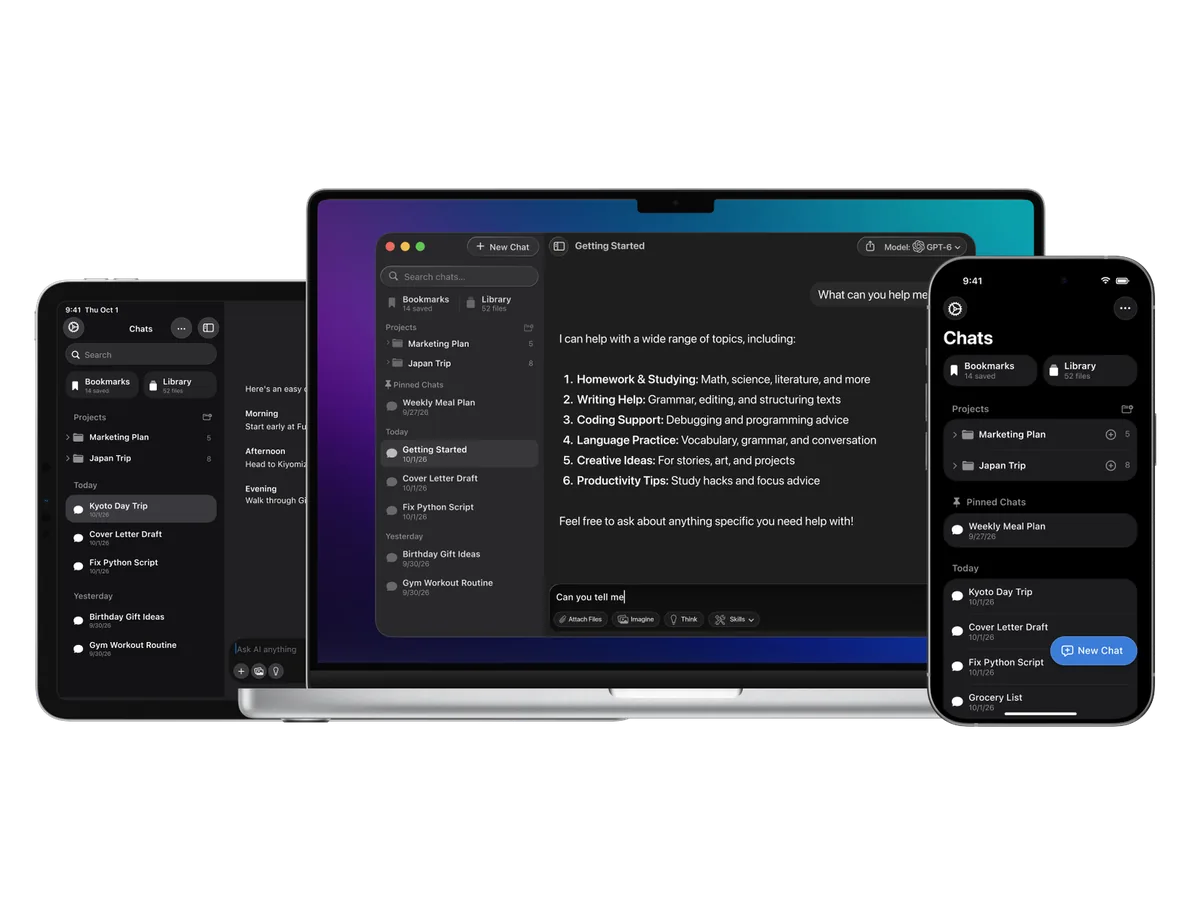
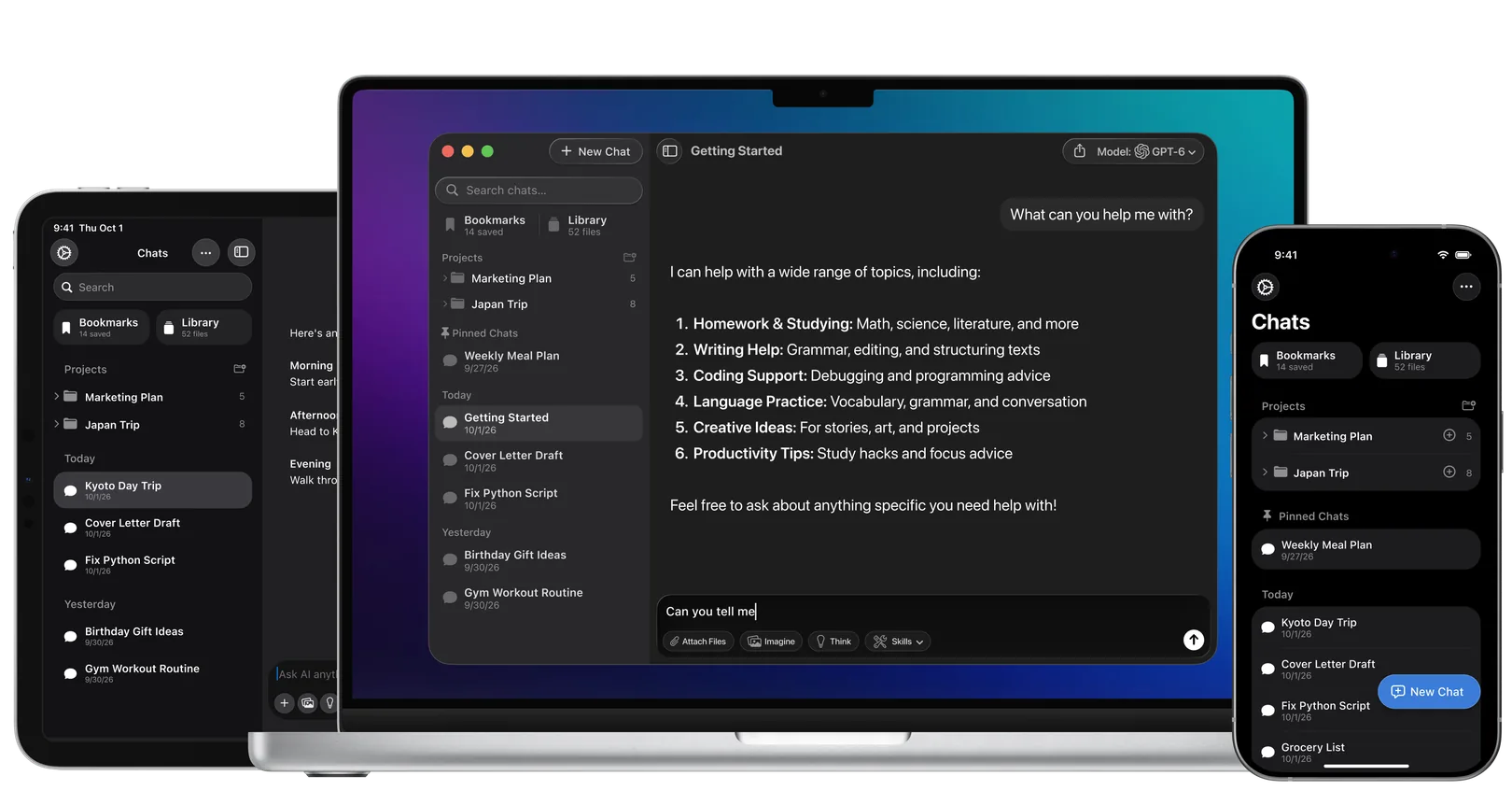
Fello AI is a powerful macOS and iOS AI client that lets you chat with GPT-5.2, Claude 4.5, Gemini 3 Pro, Grok 4.1, and more in one clean app, with image generation, file analysis, and multi-device support.

Why Use Gemini 3 Pro as a Desktop App?

Gemini 3 Pro, Google’s advanced AI model, is an excellent tool for handling complex queries, generating creative content, and supporting programming tasks. However, like many AI tools, it lacks a native desktop app, which can make accessing it multiple times a day cumbersome.

Using Gemini 3 Pro as a desktop app offers several benefits. You can save time by avoiding repeated logins or browser reloads, access the AI quickly with one click, and benefit from a more seamless workflow.

While Google hasn’t announced a native app for Gemini 3 Pro yet, here are a few ways you can still make it work as a desktop app on your Mac.

How to Use Gemini in an App on Your Mac?

Option 1: Using Fello AI

Fello AI offers an easy way to access Gemini 3 Pro from your Mac without using a web browser. Here’s how:

  1. Download and Install: Download Fello AI from the Mac App Store.
  2. Open Fello AI: No login is required.
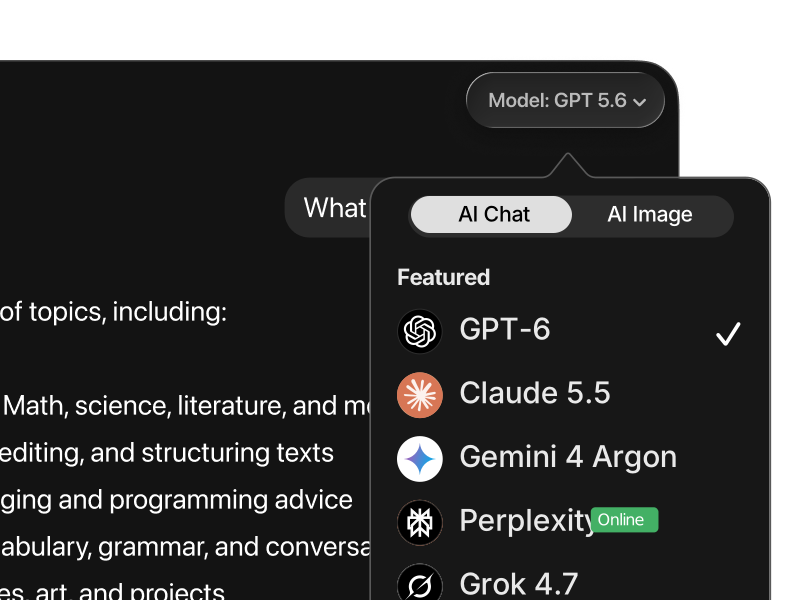
  3. Select Gemini 3 Pro: In the app, choose Gemini 3 Pro from the list of supported AI models.
  4. Start Interacting: Once selected, you can start using Gemini 3 Pro directly from your desktop, without switching between different applications.

With Fello AI, you get access to Gemini 3 Pro alongside other top models like Claude and ChatGPT, making it a powerful multi-AI tool.

Option 2: Creating a Progressive Web App (PWA)

If you prefer not to use a third-party app, you can still turn the Gemini AI website into a desktop app-like experience through a Progressive Web App (PWA). Here’s how:

  1. Open Safari: Go to the Gemini AI website using Safari.
  2. Add to Home Screen: Click on “Add to Home Screen” to create a shortcut that functions like a desktop app.
  3. Access from Dock: Once created, you can access Gemini 3 Pro directly from your dock or desktop, giving you a faster way to interact with the AI without opening your browser every time.

Option 3: Waiting for the Official Gemini Desktop App

While there is no official desktop app for Gemini 3 Pro yet, there’s always a chance that Google will release one in the future. For now, using the Fello AI app or PWA method is the best way to streamline your experience.

How Does Gemini 3 Pro Compare to Other AIs?

When it comes to large language models in late 2025, Gemini 3 Pro sits at the center of most conversations. But how does it actually compare to today’s other major players: ChatGPT (GPT-5.2), Claude Opus 4.5, Grok 4.1, Perplexity, and DeepSeek? Let’s break it down by what each model is genuinely best at.

Gemini 3 Pro vs. ChatGPT (GPT-5.2)

Gemini 3 Pro and ChatGPT (powered by GPT-5.2) are both top-tier general chat models, but they shine in different ways.

Gemini 3 Pro is currently the most consistently preferred all-around chatbot, especially for mixed tasks like writing, reasoning, vision, and instruction following. Its tight integration with Google’s ecosystem also makes it strong for workflows involving Docs, Sheets, screenshots, and research-heavy tasks.

ChatGPT with GPT-5.2, however, stands out for agentic coding and fast iteration. It performs extremely well when you want the model to take initiative—building features, fixing bugs, or iterating on code with minimal hand-holding. If your work revolves around development or rapid prototyping, GPT-5.2 often feels faster and more decisive.

Gemini 3 Pro is the safer default for everyday work. GPT-5.2 is the better pick when speed and autonomous coding matter.


Gemini 3 Pro vs. Claude Opus 4.5

Claude Opus 4.5 has carved out a clear identity in 2025: it is the best model for structured, long-form, high-discipline work.

Claude excels at building full web apps, maintaining large codebases, following strict instructions, and handling long documents without losing context. It plans carefully and tends to produce cleaner architectures when tasks are complex and multi-step.

Gemini 3 Pro, in contrast, feels more flexible and creative. It handles a wider range of tasks comfortably—from writing and reasoning to vision and search—without forcing you to switch models.

Choose Claude Opus 4.5 when precision, structure, and long context are critical. Choose Gemini 3 Pro when you want versatility without friction.


Gemini 3 Pro vs. Grok 4.1

Grok 4.1 has improved rapidly and now ranks near the top for general chat and reasoning speed. It often feels sharp, opinionated, and fast, which makes it appealing for brainstorming or quick iterations.

That said, Gemini 3 Pro remains more reliable across depth, consistency, and multimodal tasks. Gemini performs better when prompts become nuanced, visual, or research-oriented, and it is less likely to drift or oversimplify.

Grok 4.1 is great for fast thinking and iteration. Gemini 3 Pro wins when accuracy, depth, and consistency matter.


Gemini 3 Pro vs. Perplexity

Perplexity plays a different game entirely.

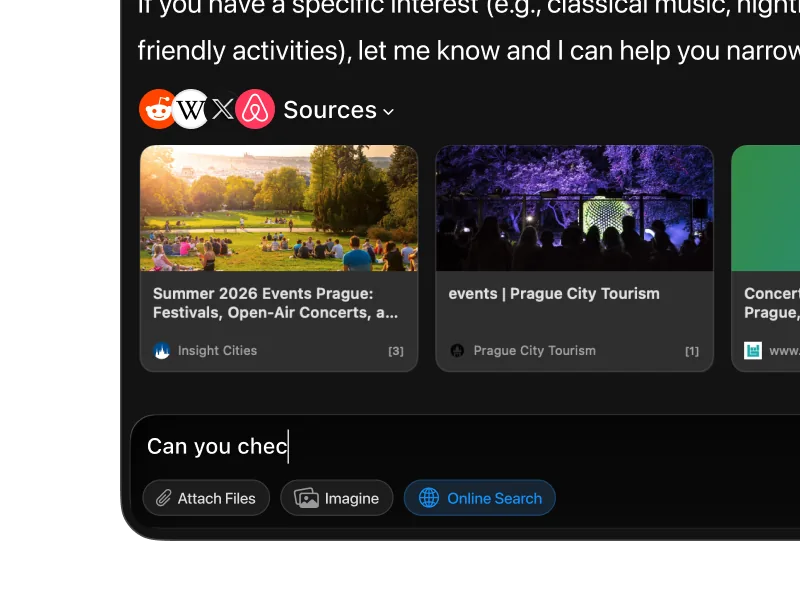
Perplexity is optimized for search-first answers with citations. If your goal is to quickly understand a topic, verify claims, or collect sources, Perplexity remains one of the best tools available.

Gemini 3 Pro, while capable of grounded answers, is better at synthesis and transformation—turning information into structured writing, analysis, or creative output.

Use Perplexity to gather facts and sources. Use Gemini 3 Pro to turn those facts into something useful.


Gemini 3 Pro vs. DeepSeek

DeepSeek has become a serious contender, especially among open-weight and cost-sensitive users. Its reasoning and coding performance have improved significantly, making it attractive for self-hosted or privacy-focused setups.

However, Gemini 3 Pro still leads in polish, instruction following, multimodal understanding, and preference-based rankings. DeepSeek is powerful, but Gemini remains more dependable for high-stakes or user-facing work.

DeepSeek is impressive for its category. Gemini 3 Pro is still the better choice when quality and reliability come first.

AI benchmark comparison table showing Gemini 3 Pro, Gemini 2.5 Pro, GPT-5.2, Claude Sonnet 4.5, and Grok 4.1 performance across reasoning, math, coding, multimodal, and long-context tests.

Why Use Gemini AI in Fello AI?

Fello AI is one of the most versatile and easy-to-use Chatbots with multi-LLM.

Fast & Without Limits

Real-time answers, without any limits.


Multiple LLM Support

Supporting GPT-5.2, Gemini 3 Pro, Claude 4.5, DeepSeek, Grok, and more.


Full-text Search

Quickly search your past chats.


Save Prompts

Save your most used prompts to a library.


Chat in Any Language

Interface in 12 languages, replies in over 200 real and made up languages.


24/7 Availability

Always here, anytime you need.

Ultimate Tool with Endless Possibilities

Essential for Professionals

For professionals, the Fello AI app powered by Google’s Gemini AI offers a comprehensive toolset across macOS, iPhone, and iPad.

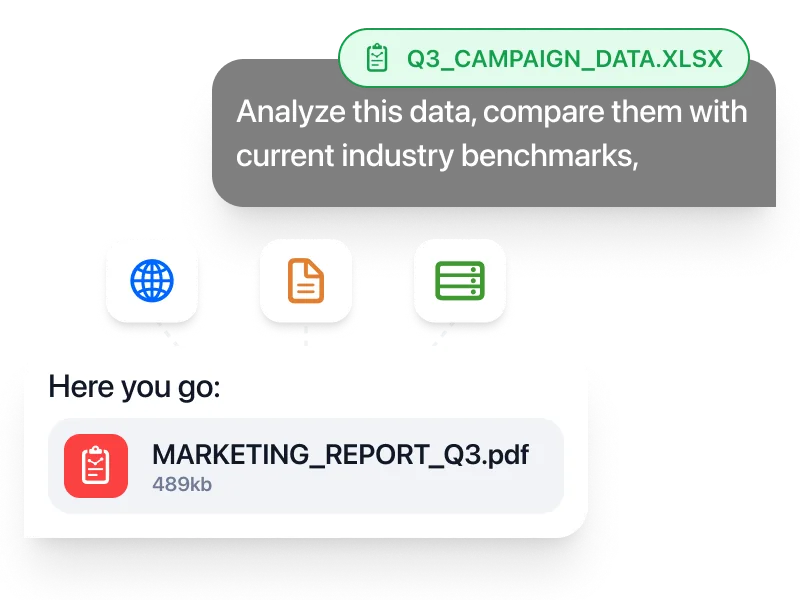
Whether you're drafting reports, managing your online store, analyzing complex data, or generating high-quality code, Gemini AI helps you work faster and with greater precision.

Its strong reasoning and reliability make Fello AI a solid choice for professionals who need consistent results across devices while handling demanding projects.

Read more>

Perfect for Students

The Fello AI app for macOS, iPhone, and iPad, powered by Gemini AI, is a helpful companion for students managing multiple tasks.

With Gemini’s speed and clarity, students can quickly generate summaries, take research notes, understand complex topics, or draft essays.

The app’s ability to deliver quick answers and assist with basic coding makes it easier to stay organized, keep up with assignments, and study more efficiently.

Read more>

Frequently Asked Questions About Gemini AI

1. Does Gemini AI work on Mac?

Yes. Gemini AI works on macOS through a web browser, and it can also be used in a more app-like way via tools such as Fello AI, which provides a native macOS experience.


2. Is there a Gemini app for Mac?

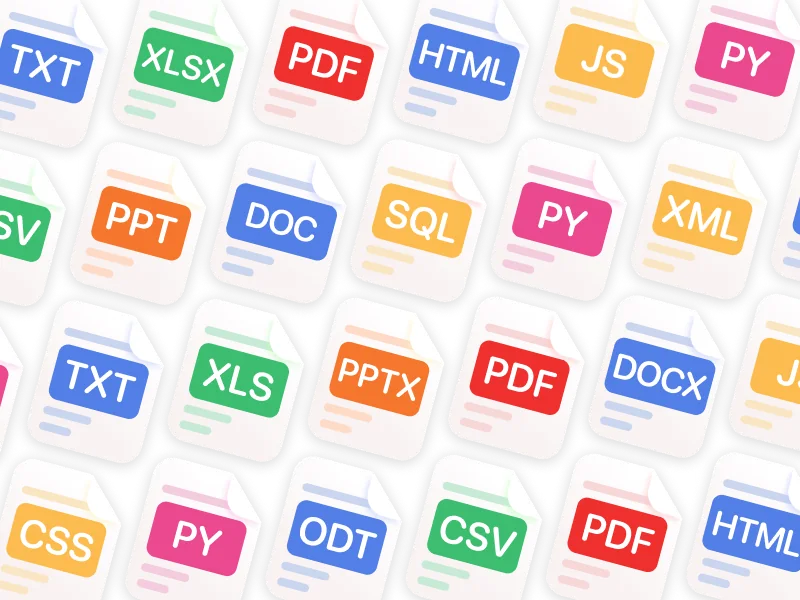
There is no official standalone Gemini desktop app from Google yet. However, apps like Fello AI let you use Gemini directly on macOS with features like file uploads, persistent conversations, and faster workflows than a browser tab.


3. How can I use Gemini AI on a MacBook?

You have two main options:

  • Use Gemini AI directly in your browser
  • Use a third-party app like Fello AI for a more integrated desktop experience, including support for documents, screenshots, and multi-tasking

4. Is Gemini AI available on iPhone and iPad?

Yes. Gemini AI can be accessed on iPhone and iPad through the browser, and apps like Fello AI provide native iOS and iPadOS support so you can continue your work seamlessly across devices.


5. Is Gemini AI free?

Gemini AI typically offers a free tier with usage limits. More advanced capabilities, higher limits, or premium models are usually available through paid plans, depending on region and platform.


6. How much does Gemini AI cost on Mac?

Gemini’s pricing depends on Google’s current plans and your usage. If you access Gemini through third-party apps like Fello AI, pricing may differ, as those apps often bundle Gemini with additional features or multi-model access.


7. What version of Gemini is available now?

The current flagship model is Gemini 3 Pro, which significantly improves reasoning, writing quality, vision understanding, and overall reliability compared to earlier versions.

8. Does Gemini 3 support image generation?

Yes. Gemini 3 includes advanced image generation capabilities through models like the Nano Banana series. In tools like Fello AI, you can generate images from text prompts alongside text and vision workflows, making visual creation part of your everyday toolkit.

9. Can I use Nano Banana in Fello AI?

Yes. Fello AI supports Gemini 3’s Nano Banana image-generation models, so you can generate images from text prompts directly inside the app alongside text and vision tasks.


10. Is Gemini AI good for work and study?

Yes. Gemini AI is widely used for:

  • Writing and editing documents
  • Summarizing PDFs and research
  • Explaining complex topics
  • Analyzing data and screenshots
  • Assisting with coding and technical tasks

Its strength lies in handling a wide range of everyday tasks with strong reasoning and clarity.


11. Can I use Gemini AI on my laptop without installing anything?

Yes. Gemini AI works entirely in the browser on any laptop. That said, many users prefer using it through apps like Fello AI for better organization, file handling, and a smoother day-to-day workflow.


12. Does Fello AI support the latest Gemini models?

Yes. Fello AI supports the latest Gemini models, including Gemini 3 Pro. New Gemini updates are typically added shortly after release so users always have access to the newest capabilities.


13. Why use Gemini through Fello AI instead of the browser?

Using Gemini through Fello AI gives you:

  • A native macOS, iPhone, and iPad experience
  • Better handling of files, screenshots, and documents
  • Persistent chats and saved workflows
  • The ability to switch models by task without juggling multiple tools

For many users, this turns Gemini from a chatbot into a daily productivity tool.


14. Is Gemini AI safe and reliable?

Gemini AI is designed with strong safety and quality controls. Like any AI, it’s best used as an assistant rather than a single source of truth, especially for critical decisions. For writing, research, and analysis, it is considered highly reliable by most users.


Fello AI macOS app interface showing an AI chat workspace with file attachments, image generation, document analysis, and bookmarked conversations in a dark desktop UI.

Download Fello AI,
Gemini App for Mac!

rating 4.7, 20K+ reviews