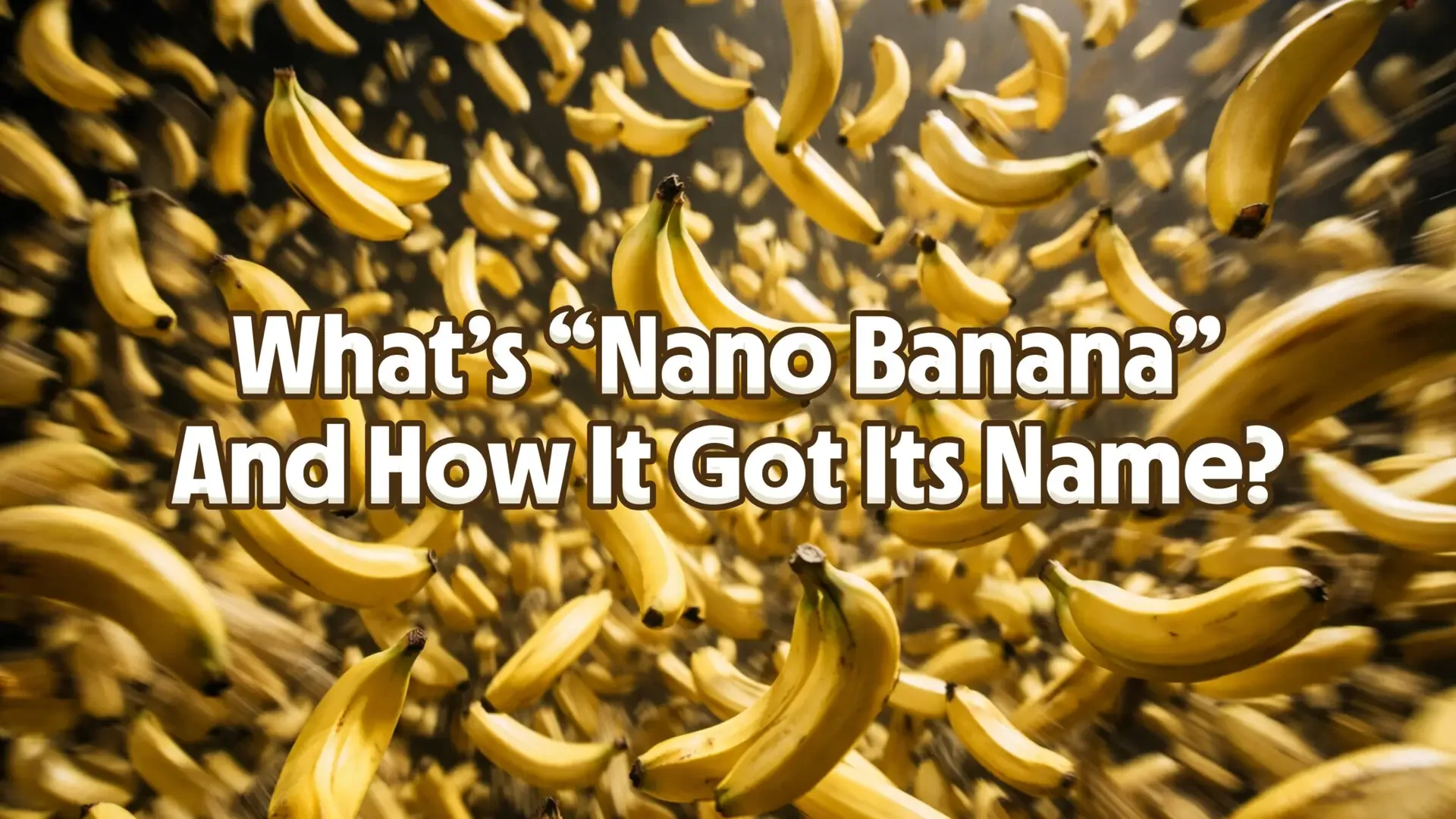
Nano Banana is the nickname for Google’s family of AI image generation and editing models, built by Google DeepMind and sold officially as Gemini Image. It is the engine behind image generation in the Gemini app, and it is very good at one specific thing: editing a photo you already have, using nothing but a plain-English instruction.
The name is not a marketing decision. It was a placeholder typed at 2:30 in the morning, and it escaped. That accident is most of the reason you have heard of it. This guide covers what the model is, where the name came from, which of the five Nano Banana versions you are actually using today, and how to avoid the copycat sites that grew up around the name. Updated October 2026.
The Key Takeaways
- Nano Banana is a codename that became the brand. The official product name is Gemini Image, and almost nobody uses it.
- There are five models behind the nickname, not one. Nano Banana 2 is the default in the Gemini app, and Google began upgrading it to Nano Banana 2.1 on October 6, 2026.
- It is an editing model first. Its real advantage is changing an existing photo without wrecking the face, the lighting, or everything else in the frame.
- Google product manager Naina Raisinghani coined the name at 2:30 a.m. as a throwaway codename for blind testing on LMArena.
- Every image the model produces carries an invisible SynthID watermark, on every version and every tier.
- You can use it free in the Gemini app. There is no free tier on the API for any Nano Banana model.
What Is Nano Banana?
Nano Banana is an AI model that generates and edits images from text instructions. You give it a photo and a sentence describing what should change, and it returns the edited photo. You can also give it only a sentence and it will generate an image from nothing.
That description fits a dozen other tools. What separated Nano Banana when it appeared was control. Most image models, asked to change one thing in a photo, quietly change five: the face drifts, the lighting resets, the background regenerates into something adjacent but wrong. Nano Banana held the rest of the frame still. You could swap a background and still recognise the person standing in front of it.
In practice that means you can:
- Upload a photo and change one element of it in plain language
- Blend several reference images into a single coherent picture
- Fix lighting, colour, or backgrounds without a mask or a layer
- Keep faces and objects consistent across a run of edits
- Generate a new image from a text prompt alone
No technical syntax, no masking, no layers. You describe the change the way you would describe it to a human retoucher. That is the whole pitch, and it is why the model spread faster than its own launch announcement.
Why Is It Called Nano Banana?
Because a product manager needed a fake name in a hurry and picked a funny one.
In July 2025 the Gemini team was preparing to test an unreleased image model on LMArena, a public site where people compare AI outputs head to head without knowing which model made which. Blind testing requires a codename, so the branding cannot bias the vote.
At 2:30 a.m., with the submission due, another PM messaged product manager Naina Raisinghani asking for a name. Some of her friends call her “Naina Banana”. Others call her “Nano”, because she is short and likes computers. She mashed the two nicknames together and sent back “Nano Banana”, and Google has since told the story itself. The placeholder was supposed to be temporary. It replaced an internal technical name, Gemini 2.5 Flash Image, that nobody was ever going to repeat at a party.
Then the model started winning its blind matchups, testers started asking who made it, and the codename was already the only handle anyone had. By the time Google confirmed the model in late August 2025, the joke name had more recognition than the real one. Google gave up and leaned in, turning the Gemini image button yellow and scattering banana emoji through the interface.
It is a genuinely useful lesson about AI branding. Every lab is shipping models named after Greek letters and version numbers. One of them shipped a banana by accident and got the only name anyone can remember.
The Five Nano Banana Models
This is where most explanations go wrong. “Nano Banana” is not one model. It is five, released over about fourteen months, and the differences matter because you are probably using a different one than you think.
| Nickname | Official name | Released | Where it fits |
|---|---|---|---|
| Nano Banana | Gemini 2.5 Flash Image | 26 Aug 2025 | The original. Now legacy. |
| Nano Banana Pro | Gemini 3 Pro Image | 20 Nov 2025 | Slowest, most precise, best text |
| Nano Banana 2 | Gemini 3.1 Flash Image | 26 Feb 2026 | The default since February; API shutdown 29 Oct 2026 |
| Nano Banana 2 Lite | Gemini 3.1 Flash-Lite Image | 30 Jun 2026 | Fastest and cheapest |
| Nano Banana 2.1 | Gemini Nano Banana 2.1 | 6 Oct 2026 | The newest; replacing Nano Banana 2 |
A few things worth pulling out of that table.
The original is retired in all but name. Google now describes Gemini 2.5 Flash Image as the legacy model of the series and points developers at Nano Banana 2 Lite instead. If an article about “Nano Banana” was written in 2025, it is describing this model, and the model has been superseded twice since.
Nano Banana 2.1 is the newest. Google released it on October 6, 2026 as an update to Nano Banana 2 and began rolling it out across the Gemini app, AI Mode in Search, Flow and the Gemini API. Nano Banana 2, the default since February 2026, shuts down in the API on October 29, 2026. Our Nano Banana 2.1 guide covers what changed, and our full Nano Banana 2 review covers the February model.
“Nano Banana Pro 2” does not exist. A lot of people search for it, reasonably, because Pro came out before 2 did. Google never made it. Pro and 2 are separate branches: Pro is the slow, precise one, 2 is the fast one that caught up on quality.
What Each Version Can Do
Google publishes two different kinds of number for these models and they are easy to confuse, so here they are kept apart.
Nano Banana Pro blends up to 14 reference images into one output, keeps the consistency and resemblance of up to 5 people, renders at 2K and 4K, and is Google’s best model for putting correctly spelled, legible text inside an image. That last point is the real reason to reach for Pro. Text rendering is where image models have historically fallen apart, and Pro can also translate and localise the text it draws. Our write-up of what shipped with Nano Banana Pro covers it in depth.
Nano Banana 2 maintains character resemblance for up to five characters and the fidelity of up to 14 objects in a single workflow, and covers a wider resolution range than Pro does, from 512px up to 4K. It runs at Flash speed, which in practice means seconds rather than the Pro model’s longer wait.
Note that Pro’s “14 images” and Nano Banana 2’s “14 objects” are not the same claim. One is how many pictures you can feed in, the other is how many things it keeps straight in what comes out. Plenty of comparison tables online collapse those two figures into one row, and the result is nonsense.
Nano Banana 2 Lite also accepts up to 14 reference images but outputs at 1K only, and Google warns it is not optimised for multiple reference inputs or multi-turn sequential editing. It is built for volume and speed, not for a careful ten-step edit.
Every version watermarks its output. All generated images include a SynthID watermark, invisible to you and detectable by Google. There is no tier, paid or free, that turns this off.
What People Actually Use It For
The viral examples were mostly party tricks: turning a family photo into a Studio Ghibli scene, removing someone from a group shot, restyling a couple into James Bond formalwear. Those spread because the results were clean enough to be startling, and we collected a pile of them in our 10 wild Nano Banana examples.
The steadier uses look duller and matter more. Product mockups in a dozen colourways from one photograph. Social posts resized and restyled without reopening a design tool. Storyboard frames that keep the same character across shots. Interior layouts. Old photo restoration, with the caveats that job carries. It is a competent retoucher who works instantly and never gets bored, which is why the comparison people keep reaching for is Photoshop rather than Midjourney. We took that question seriously in is Photoshop done?.
It is not flawless. Ask for a dramatic body or pose change and you can still get a spare hand, a garment that melts into the background, or a face that has drifted a few percent away from the original. Our collection of unexpected Nano Banana results shows where it breaks. If you want to see it measured against rivals rather than against itself, we ran it head to head with GPT Image 1.5 and in a blind one-prompt face-off against three other models.
Where You Can Use Nano Banana
You do not need to hunt for it any more, which was the whole story in 2025. Nano Banana now ships inside products you already have.
- The Gemini app, on web, iPhone, and Android. This is the main route, and it is free to start. The catch is that nothing in the interface says “Nano Banana”, which is why our step-by-step guide to using Nano Banana exists.
- Google AI Studio, free, and closer to the raw model.
- Google Search, Lens, Photos, and Flow, where it powers image features without being named.
- The Gemini API and Vertex AI, for building it into something. Note there is no free API tier on any Nano Banana model.
What it costs depends entirely on which route you take. Google sells access through its AI subscription ladder starting at $4.99 a month rather than as a standalone product, while the API bills per image from about $0.03 to $0.24 depending on model and resolution. We break down every route in Nano Banana pricing, and if you only want the no-cost options, is Nano Banana free? covers those. For the wider Google plan comparison, see our Gemini pricing breakdown.
Using Nano Banana on a Mac
Google now ships a Gemini app for macOS, downloadable from gemini.google/mac, but it is Google-only. That is fine until you are switching between an image model, a writing model, and a coding model twenty times a day, each in its own tab with its own subscription.
Fello AI puts Nano Banana in a native macOS window alongside Claude, GPT, and Grok, on one $9.99 monthly plan with no per-image billing. Our Nano Banana desktop client for macOS page covers how that works, and 14 copy-paste Gemini photo prompts will give you something to test it with.
How to Spot a Fake Nano Banana Site
This is the part worth reading carefully, because the name went viral before the product was available and an entire industry of lookalikes filled the gap. Many are still trading. The same thing happens around misspelled AI names like ChatGBT and Deepseak, where lookalike sites wait for the typo.
During the 2025 mystery window, the only ways to reach the model were LMArena’s blind battles and a handful of unofficial frontends, the best known of which no longer resolves at all. Sites appeared offering “Nano Banana access”, took your uploaded photos, and ran something else entirely, or nothing. Some are still ranking today on the strength of the name.
Three rules keep you out of trouble:
- Google’s own surfaces are the only official ones. The Gemini app, AI Studio, Vertex AI, and the products Google builds on top of them. A standalone “nanobanana” domain is not a Google property.
- Treat uploads as permanent. You are handing a stranger’s server your face, your family, or your client’s product shots. That decision does not unwind.
- Ignore anything still selling secrecy. Pages promising access to a “secret” or “leaked” Google image model are describing August 2025. The model has been publicly available for a year, through three further releases.
The Bottom Line
Nano Banana is Google’s image model, the joke name is real, and the reason it beat better-funded branding is that it was the only name anyone could remember while the model was winning blind tests.
The practical version: Nano Banana 2 and its October 2026 update, Nano Banana 2.1, are what answer when you ask Gemini for an image. Both are free to try, and both are best understood as photo editors you talk to rather than art generators you prompt. Reach for Pro when you need legible text in the image or maximum precision, and accept the slower response. Reach for Lite when you need a lot of images quickly and 1K is enough.
The one habit worth keeping is checking which version you are on before you trust a comparison you read somewhere. Four models share this nickname, they are nine months apart, and most of the advice online is describing the one Google has already retired.
FAQ
What is Nano Banana AI?
Nano Banana is the popular nickname for Google DeepMind’s AI image generation and editing models, sold officially as Gemini Image. It generates images from text and edits existing photos from plain-language instructions, and it powers image generation in the Gemini app.
Who made Nano Banana?
Google DeepMind. The model was tested anonymously on LMArena in mid-2025 before Google confirmed it, which is why it briefly circulated as a mystery model of unknown origin.
Why is it called Nano Banana?
Google product manager Naina Raisinghani invented it at 2:30 a.m. as a throwaway codename for blind testing, combining two of her own nicknames, “Naina Banana” and “Nano”. It was never meant to be public, and it became the brand because the model went viral before Google announced the real name.
Is Nano Banana free?
Yes, through the Gemini app and Google AI Studio, with usage limits and a SynthID watermark on output. There is no free tier on the Gemini API for any Nano Banana model. See is Nano Banana free? for the limits in detail.
Which version of Nano Banana am I using?
In the Gemini app, Nano Banana 2 by default, which Google began upgrading to Nano Banana 2.1 on October 6, 2026. Nano Banana Pro is reachable on paid Google AI plans, and the original Gemini 2.5 Flash Image is now legacy. Our guide to using Nano Banana explains how to tell them apart in the interface.
What is the difference between Nano Banana Pro and Nano Banana 2?
Pro is the precision model: 2K and 4K output, fidelity across up to 14 objects and consistency across up to 5 people in a single image, and the best text rendering Google ships. The 14 is what it holds together in the picture, not how many photos you may attach, a distinction our Nano Banana prompt guide untangles. Nano Banana 2 is the fast model that closed most of the quality gap, covering 512px to 4K at Flash speed and around half Pro’s API price. Pro is not newer than 2 despite the name.
Is there a Nano Banana Pro 2?
No. Nano Banana Pro and Nano Banana 2 are different models on different branches, and Google has not released anything called Pro 2. The most recent release is Nano Banana 2.1, from October 6, 2026.
Are Nano Banana images watermarked?
Yes. Every image from every Nano Banana model carries an invisible SynthID watermark, on free and paid tiers alike. No plan removes it.