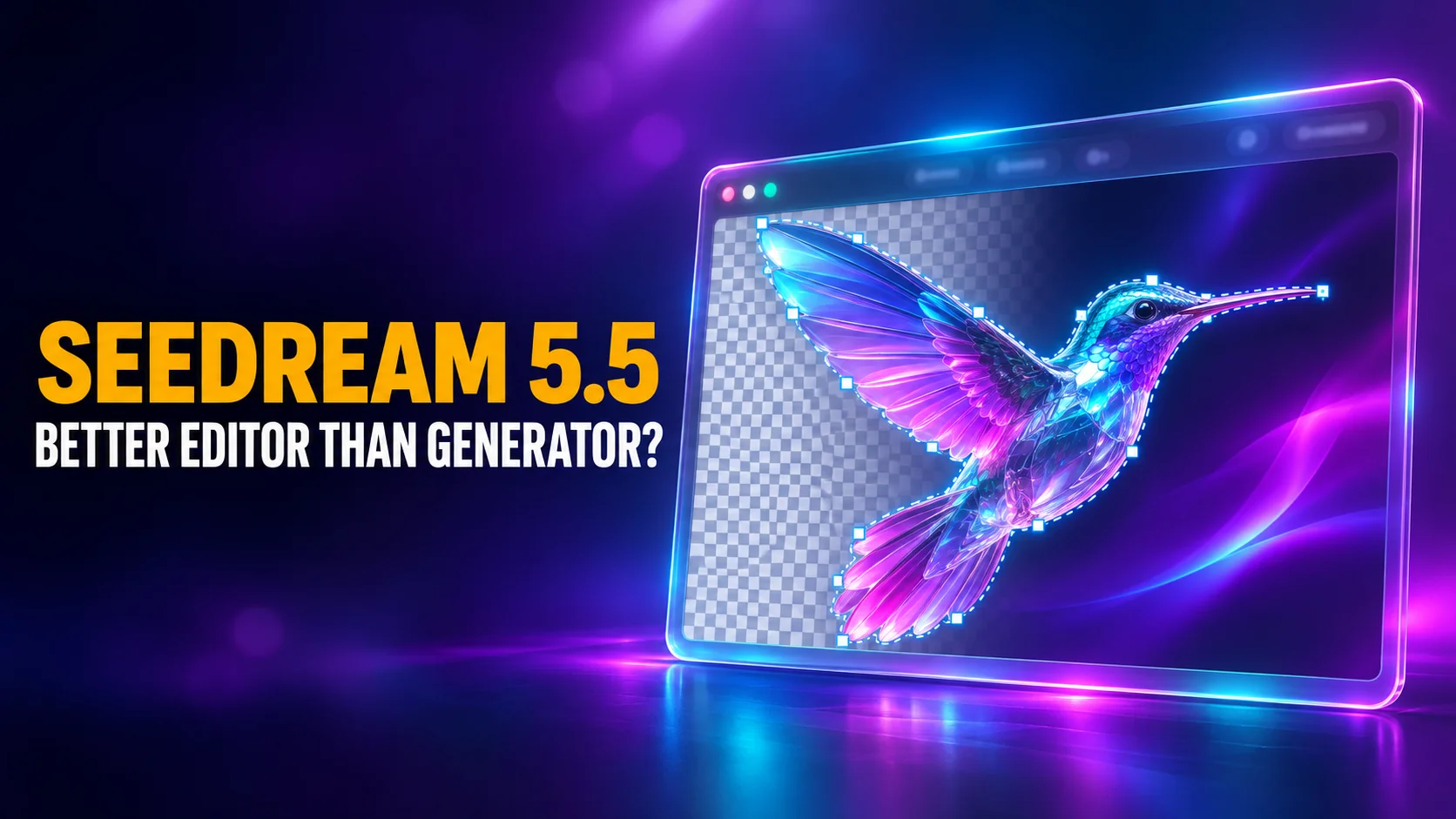
Seedream 5.5 is ByteDance Seed's new image generation and editing model, released on November 9, 2026. It can edit the same picture for up to 100 rounds while leaving the untouched parts identical, and it makes images with transparent backgrounds natively. Through ByteDance's BytePlus API it costs $0.02 an image, less than half the price of Seedream 5.0 Pro.
ByteDance also says Seedream 5.5 beats GPT Image 2.5 and Nano Banana 2.1 on realism. The independent leaderboards tell a split story: Seedream 5.5 is a top-ten image editor but only fourteenth at making new images from text. This guide covers what changed, where the model really ranks, what it costs, where you can use it today and who should switch.
The Key Takeaways
- What it is: ByteDance Seed's image generation and editing model, released November 9, 2026, with a Pro version announced but not dated.
- What's new: stable editing across 100 rounds, native transparent (RGBA) images, and splitting an image into up to 99 editable layers in the API.
- Ranking: #8 for image editing (Elo 1160) but #14 for text-to-image (Elo 1134) on Artificial Analysis as of November 18, 2026. Nano Banana 2.1 is #8 at text-to-image.
- Price: $0.020 per image up to about 1.5K and $0.035 at 2K on BytePlus, plus $0.008 per input image. Seedream 5.0 Pro costs $0.045 and $0.09.
- Where to use it: Dreamina and CapCut worldwide, Jimeng and Doubao in China, the BytePlus API, and apps that run it, including Fello AI.
What Is Seedream 5.5?
Seedream 5.5 is the newest image model from ByteDance Seed, the research team behind the Seedream image models and the Seedance video models. It makes images from text, edits existing images, and combines up to 10 reference images into a new one. ByteDance pitches it at professional production work rather than one-off pictures: e-commerce, marketing, film and television, games, office documents and fashion design.
Seedream 5.5 succeeds Seedream 5.0 Pro, which launched in July and which we covered in our Seedream 5.0 Pro guide. Both models are still listed in the BytePlus API. A Seedream 5.5 Pro is coming: the launch post ends with "A Pro version of the Seedream 5.5 series will follow. Stay tuned." No date has been given.
ByteDance's Dreamina app opened Seedream 5.5 to all of its users on launch day:
Dreamina Seedream 5.5 makes its global debut!
— Dreamina AI (@dreamina_ai) November 9, 2026
🧑 More realistic portraits
‣ Natural skin texture and lighting, without a greasy or artificial look.
‣ Upgraded beauty, makeup, retouching and photoshoot-style portraits.
✍️ More accurate text
‣ 95% text accuracy—even complex characters and dense layouts stay clear.
‣ Generate commercial-quality posters, infographics and presentation slides directly.
🖌️ More precise editing
‣ Edit selected areas while preserving untouched regions pixel-perfectly.
‣ Refine the same image repeatedly without losing detail.
🧊 Transparent assets, no cutout needed
‣ Generate transparent and semi-transparent assets from one prompt, with crisp hair and sheer-fabric edges.
‣ Skip manual cutouts and reuse assets across scenes.
👉 Now open to all users for the first time. Try it today!
🕐 Limited-time offer: Unlimited use—7 days for everyone, 30 days for Basic and higher-tier subscribers.
🎁 Repost and comment within 12 hours—the first 200 participants will each receive 1,000 Dreamina credits. First come, first served.
#DreaminaSeedream5_5 #DreaminaAI
What’s New in Seedream 5.5
Seedream 5.5 brings three upgrades, according to ByteDance's launch post: editing that stays stable over many rounds, transparent images made natively, and more realistic photos with clearer small text. A fourth change, finer layer splitting, appears only in the API documentation.
Editing that holds for 100 rounds
Seedream 5.5 keeps the parts of an image you did not ask to change identical "at the pixel level", ByteDance says, with no colour shift in those areas. That matters because each edit feeds the last output back in as the next input. ByteDance says small errors then accumulate into detail loss and image degradation. The new model was trained specifically to stop that.
ByteDance's demo runs 100 successive edits on a photo of the same person, changing clothes, accessories and objects on a table. Even late in the sequence, the model still makes precise changes to small items such as rings and glasses frames. For a designer refining a product shot or a campaign visual, this means you can keep iterating on one image instead of starting over when it degrades.
Transparent images and layers
Seedream 5.5 can produce images with an alpha channel, so the background is transparent or partly transparent straight out of the model. ByteDance says it renders fine edges such as feathers, hair and sheer fabric cleanly, so the result drops into a layout without a separate background-removal step.
Seedream 5.0 Pro could only keep transparency when you gave it a transparent PNG to start from. The new version can make one from a text prompt alone.
In the API, Seedream 5.5 can also split a finished image into one base image and up to 99 separate layers, up from 16 on Seedream 5.0 Pro. For text layers it returns the words, their position and their approximate style, so a design tool can edit the text afterwards instead of treating it as pixels.
To try transparent output yourself, here is one of the example prompts from ByteDance's Seedream 5.5 page:
Generate two sets of cartoon stickers: one featuring ocean elements and cartoon cats, and the other featuring animals and plants. Keep the background transparent outside the sticker elements in both sets.More realistic photos and clearer small text
ByteDance says Seedream 5.5 renders light, materials and skin more naturally, with less of the glossy, overexposed look common in AI images. It also handles dense, small text better, including complex Chinese characters. In ByteDance's own testing in Chinese and English, the rate of badly garbled text fell to 0.4% and the rate of minor text errors to 1.7%. Dreamina's launch post puts text accuracy at 95%.
Seedream 5.5 Benchmarks: Where It Ranks
Seedream 5.5 ranks eighth for image editing and fourteenth for text-to-image on the independent Artificial Analysis image leaderboards as of November 18, 2026. Those boards rank models by blind votes: people compare two images made from the same prompt without knowing which model made which. ByteDance's own numbers are more flattering, and the gap between the two is the most useful thing to know about this model.
What ByteDance claims
ByteDance tested Seedream 5.5 on its own MagicArena platform, with expert reviewers scoring the results. It reports that usability more than doubled compared with Seedream 5.0 Pro in film and television and in office work. It also reports a +55.62% preference score over 5.0 Pro for realism when editing images. Against GPT Image 2.5 Sunburst and Nano Banana 2.1, ByteDance says its new model leads on text structure and has "a substantial advantage in text-to-image realism". These are vendor-run tests with no outside reviewers.
What the independent leaderboards show
The blind votes confirm the editing pitch and contradict the realism claim. On the editing board, Seedream 5.5 sits just ahead of Nano Banana 2.1, although their confidence ranges overlap, so treat them as roughly level. On the text-to-image board, Nano Banana 2.1 is six places higher and GPT Image 2.6 is far ahead. If you want to know what a score like Elo means, our guide to AI benchmarks explains it.
| Model | Text-to-image rank (Elo) | Editing rank (Elo) | Price per 1,000 images |
|---|---|---|---|
| GPT Image 2.6 Sunburst (max) | #1 (1261) | #2 (1211) | $210.72 |
| MAI-Image-2.7 | #4 (1214) | #1 (1215) | $34.82 |
| Nano Banana 2.1 | #8 (1176) | #10 (1152) | $33.60 |
| Seedream 5.5 | #14 (1134) | #8 (1160) | $20 (text), $28 (editing) |
| FLUX 3 Image | #21 (1115) | #22 (1119) | $48 |
| Seedream 5.0 Pro | #23 (1103) | #16 (1132) | $90 |
Price is where Seedream 5.5 stands out.
Among the top 15 text-to-image models, only MAI-Image-2.7-Flash and Muse Image cost less. It costs roughly a tenth of what GPT Image 2.6 Sunburst does. For the full field, including models outside this table, see our ranking of the best AI image generators.
Seedream 5.5 vs Seedream 5.0 Pro
Seedream 5.5 beats Seedream 5.0 Pro on every measure we could check but one. It scores higher on both independent boards, it costs less than half as much per generated image, and it adds features 5.0 Pro does not have.
| Seedream 5.5 | Seedream 5.0 Pro | |
|---|---|---|
| Released | November 9, 2026 | July 2026 |
| API price per image, up to about 1.5K | $0.020 | $0.045 |
| API price per image, up to 2K | $0.035 | $0.09 |
| Input (reference) images | $0.008 each | first free, then $0.003 each |
| Maximum resolution | 2K | 2K |
| Reference images | up to 10 | up to 10 |
| Transparent image from a text prompt | Yes | No |
| Layer splitting | base + up to 99 layers | base + up to 16 layers |
| Text-to-image Elo (Artificial Analysis) | 1134 | 1103 |
| Editing Elo (Artificial Analysis) | 1160 | 1132 |
The one place Seedream 5.0 Pro is cheaper is input images: its first reference image is free, while the new model charges $0.008 for each. A single standard-size edit still costs $0.028, well below 5.0 Pro's $0.045 output price.
Seedream 5.5 Pricing
Seedream 5.5 costs $0.020 per generated image up to about 2.6 million pixels (roughly 1.5K) and $0.035 per image up to 2K, according to BytePlus's ModelArk price list. Every input image you upload costs another $0.008. Images blocked by content moderation are not billed. The API model ID is dola-seedream-5-5-261028.
That makes a standard-size Seedream 5.5 image about 40% cheaper than a 1K image from Nano Banana 2.1. Google charges $0.0336 for that in the Gemini API, as our Nano Banana 2.1 guide explains.
Third-party platforms that resell the model set their own prices, so check the one you use.
In Dreamina, Seedream 5.5 runs on the credits included in Dreamina's plans. Dreamina gave every user unlimited use for the first seven days after launch, a promotion that has since ended for free accounts.
Where to Use Seedream 5.5
Seedream 5.5 is available worldwide in Dreamina and CapCut, in China through Jimeng, Doubao and Doubao Work, and to developers through the BytePlus API and Volcano Engine Ark in China. ByteDance says the rollout in China is gradual, so not every account may see it yet.
| Where | Who it is for | How to pick Seedream 5.5 |
|---|---|---|
| Dreamina | Anyone, worldwide | Open AI Image, choose Seedream 5.5 in the model menu, then type a prompt or upload the image to edit |
| CapCut | CapCut users | In CapCut's image generation, per CapCut's own promotion |
| Jimeng, Doubao, Doubao Work | Users in China | Choose Seedream 5.5 in the image generation model menu |
| BytePlus API | Developers | Call dola-seedream-5-5-261028 through ModelArk, at 1K, 1.5K or 2K |
| Multi-model apps | People who use several image models | Apps such as Fello AI list it next to other image models |
What Seedream 5.5 Cannot Do Yet
Seedream 5.5 has four limits worth knowing before you switch to it. The first is resolution: the official API tops out at 2K. Some resellers advertise 4K output, but BytePlus's documentation lists only 1K, 1.5K and 2K presets.
The second is text-to-image quality. For new images from a text prompt, GPT Image 2.6, MAI-Image-2.7 and Nano Banana 2.1 all score clearly higher than Seedream 5.5 in blind votes.
The third is openness. ByteDance has not published the weights of Seedream 5.5, so you can use it only through ByteDance's apps, its API and partners. The fourth is timing: Seedream 5.5 Pro is announced without a date, so the strongest version of the model is still to come.
Use Seedream 5.5 in Fello AI
Trying Seedream 5.5 does not have to mean a new account, another credit system or an API key. Fello AI already includes Seedream 5.5 in its image models, next to GPT Image, Nano Banana and FLUX, in one app for Mac, iPhone and iPad.
That fits the way Seedream 5.5 ranks. Use it for edits and transparent assets, where it is strong and cheap. When you need the most realistic image from scratch, run the same prompt through GPT Image or Nano Banana. You keep whichever result works, without switching apps or paying a second bill. The same app also has chat models such as GPT, Claude and Gemini for writing the prompt itself. If you mainly work with Google's image model, our Nano Banana for Mac page shows the side-by-side workflow.
Is Seedream 5.5 Worth It?
Seedream 5.5 is worth it if your work is editing: product shots, campaign variations, stickers, icons and anything that needs a transparent background. It edits as well as Nano Banana 2.1 in blind votes, holds an image steady through long edit sessions, and costs $0.02 a picture. If you used Seedream 5.0 Pro, there is no reason to stay: 5.5 is better on both boards for less than half the price.
For making new photorealistic images from text alone, Seedream 5.5 is not the leader ByteDance's charts suggest. GPT Image 2.6 and Nano Banana 2.1 win more blind votes there.
The sensible setup is to edit with Seedream and keep a stronger generator for the first draft. Seedream 5.5 Pro may change that ranking when it ships.
FAQ
When was Seedream 5.5 released?
ByteDance Seed released Seedream 5.5 on November 9, 2026. It went live in Dreamina for all users the same day and is rolling out gradually in Jimeng, Doubao and Doubao Work in China. ByteDance says a Seedream 5.5 Pro will follow, without giving a date.
Is Seedream 5.5 free?
Not for unlimited use. The unlimited launch week that Dreamina offered every user has ended, and Dreamina now runs Seedream 5.5 on the credits in its plans. Through the BytePlus API it costs $0.020 per image at standard size and $0.035 at 2K, plus $0.008 per input image.
Is Seedream 5.5 better than Nano Banana 2.1?
For editing, they are roughly level: Seedream 5.5 is #8 and Nano Banana 2.1 is #10 on Artificial Analysis's editing board, with overlapping confidence ranges. For text-to-image, Nano Banana 2.1 is clearly ahead, at #8 against Seedream 5.5's #14. ByteDance's model is about 40% cheaper per standard image.
Can Seedream 5.5 make transparent PNGs?
Yes. Seedream 5.5 generates native RGBA images with full or partial transparency, from a text prompt or from reference images. In the BytePlus API you set the background to transparent and the output format to PNG, which is the default.
What resolution does Seedream 5.5 support?
Seedream 5.5 supports 1K, 1.5K and 2K presets in the official BytePlus API, or custom sizes from 1280x720 up to about 2048x2048. It does not offer 4K through the official API, even though some third-party sites advertise it.
A imagem de destaque deste artigo foi criada com a ajuda de IA.