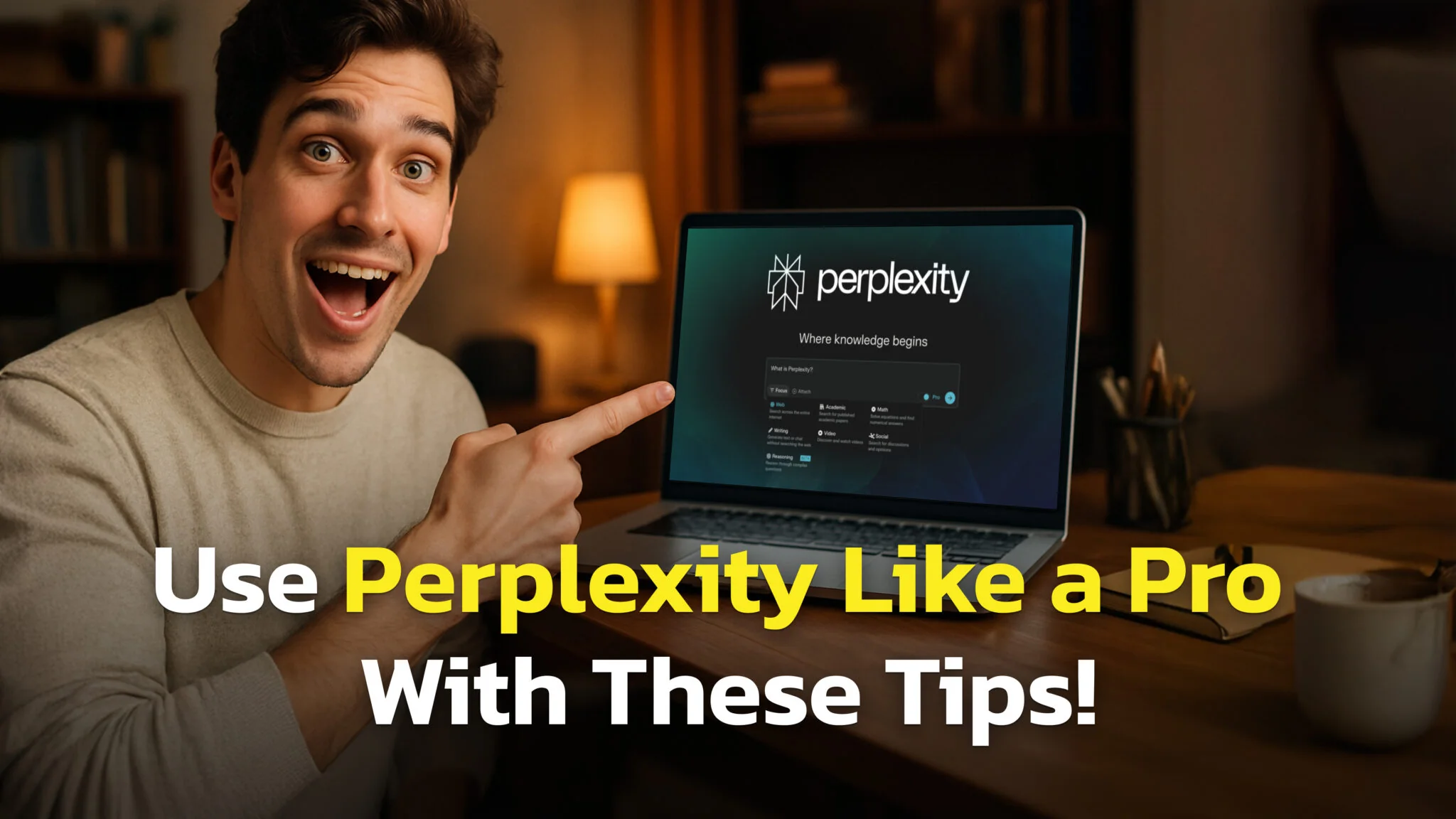
To many people, Perplexity might seem like little more than ‘Google with a chatbot’, but that’s only because most users don’t know what it’s capable of. While AI’s like ChatGPT give you answers from its training data (which could be months or years old), Perplexity searches the web in real-time, finds the most current sources, and then uses AI to synthesize that information into clear, cited answers – all within 10-15 seconds. Try doing that manually – you’d spend 30 minutes just finding the right sources, let alone reading and summarizing them.
The difference is massive. Ask ChatGPT about the latest iPhone release, and you might get outdated specs. Ask Perplexity the same question, and it will scan dozens of tech websites, pull the newest information, and give you an answer with direct links to where it found each detail.
But here’s the problem: most people use Perplexity like a basic search engine. They type in simple questions and accept whatever comes back first. That’s like buying a sports car and only driving it in first gear.
After this guide, you’ll know the secret sauce of how to unlock Perplexity’s full potential and get research-quality answers in seconds.
How to Use Perplexity Effectively
Be Specific About What You Want
Bad prompt: “Tell me about electric cars” Good prompt: “What are the main advantages and disadvantages of owning a Tesla Model 3 in 2025, including recent changes to charging infrastructure and maintenance costs?”
The difference? The good prompt tells Perplexity exactly what angle to research, what timeframe matters, and what specific aspects to focus on. This leads to targeted research that actually helps you.
Give Context and Background
Perplexity performs better when it understands your situation. Instead of asking “What marketing strategies work best?”, try explaining your exact situation. For example: “I’m launching a B2B SaaS product for small accounting firms, which helps them with XYZ. What marketing strategies have proven most effective for similar companies in the past 12 months?”
This context helps Perplexity search for more relevant sources and filter out unnecessary information.
Use the Right Source for Your Task
Most people stick to the default web search, but Perplexity offers specialized sources:
Web: Best for general research, news, and current events. Use this for scouring the market, product comparisons, or staying updated on industry trends.
Academic: Searches scholarly articles, research papers, and academic databases. Perfect when you need peer-reviewed sources or want to dive deep into scientific topics.
Social: Focuses on discussions from Reddit, Twitter, and other social platforms. Great for understanding public opinion, finding real user experiences, or spotting emerging discussions.
Finance: Searches through SEC filings and financial documents. Perfect for researching company fundamentals, analyzing financial performance, or accessing official regulatory submissions and earnings reports.
The mode you choose completely changes your results. Using academic mode for a question about climate change will give you research papers and studies. Social mode will show you what people are actually saying about climate policies on social media.
Use Follow-up Questions to Get Better Answers
Don’t treat Perplexity like a one-and-done search engine. The advantage comes from having a conversation. Start broad, then narrow down with follow-up questions. Here’s an example of how a conversation could unfold:
- “What are the biggest product pricing issues facing health supplement brands in 2025?”
- “Which of these pricing challenges has the most impact on customer acquisition costs?”
- “What specific pricing strategies or models help health supplement brands overcome these customer acquisition issues?”
- “Show me case studies of supplement companies that successfully implemented these pricing strategies and summarize their results”
Each follow-up gets more specific and actionable. From here, you could continue drilling down even further, asking about implementation timelines, specific tools they used, or how to adapt their strategies to your particular market segment. It’s important to treat it like a real conversation where each answer opens up new questions.
Hidden Perplexity Features Most People Miss
Perplexity Discover
Think of this as your personalized news feed that understands what you care about. You can find Discover in the left sidebar of your Perplexity interface. Discover creates a curated feed of trending topics, breaking news, and deep-dive content based on interests you set in your profile. Do that, and you will get a tailored stream of relevant information.
The feed includes both current events and detailed “Pages” (AI-generated reports on specific topics) across categories like finance, tech, science, culture, and sports. It’s really powerful for staying ahead of trends in fast-moving industries without having to manually search multiple sources.
Perplexity Pages
This feature transforms your research into comprehensive, shareable reports that look professionally written. Instead of sending colleagues scattered notes or dozens of links, Pages uses AI to draft detailed articles based on your research queries, complete with proper structure and citations.
You can customize everything – set the audience level (beginner vs expert), add images and videos, and arrange sections however you want. Each section shows the sources used, so readers can verify information or dive deeper. Perfect for creating market research reports, competitive analysis, or any polished content you need to share with your team or clients.
Pages is available with the free tier. You can access it through the Library tab in the left sidebar, or if you don’t see it there, check inside the “Home” icon in the left sidebar, it should appear right above all your chats – some users have it tucked in there instead of as a main icon.
Perplexity Spaces
Spaces work like AI-supported collaboration hubs for your projects. You can create research threads into which you upload your own files (PDFs, Word docs, Excel sheets), and invite team members to collaborate. The AI searches across both your uploaded documents and the web, giving you answers that combine internal knowledge with current information.
Each space maintains its own context and custom AI instructions, so you can set specific personas or focus areas for different projects. When you ask follow-up questions, Perplexity remembers the entire research history and your uploaded materials. Highly effective for complex matters that need both internal documents and web information working together.
Test Different Perplexity Modes
Deep Research Mode
While normal Web search gives you quick answers by pulling relevant snippets from sources, Deep Research operates at a larger scale. It takes 2-4 minutes to complete because it performs a thorough, multi-step research process – issuing dozens of linked searches, reading hundreds of sources, cross-verifying facts, and refining its research plan before synthesizing everything into a comprehensive report.
The difference in output is dramatic. Normal Web search provides shorter, fragmented answers instantly. Deep Research delivers longer, well-structured responses with more citations – suitable for actual reports or presentations. It incorporates reasoning and fact-checking throughout, reducing hallucinations and unsupported claims that can slip through in quick searches.
Use Deep Research for complex tasks like scientific literature reviews, in-depth market analysis, competitor research, or policy exploration. Stick with Web search for fast lookups, news monitoring, and straightforward information needs.
To access it, select the “Pro Search” or “Research” option in the search bar when composing your query. Free users get limited quota, while Pro subscribers unlock much higher usage.
Perplexity Labs
Labs goes even further by actually completing work projects for you. It can create reports, spreadsheets, dashboards, and simple web apps – all backed by extensive research and analysis. Labs does 10+ minutes of self-supervised work, using tools like deep web browsing, code execution, and chart creation to turn your ideas into finished deliverables.
The difference from Deep Research is significant: while Deep Research gives you comprehensive answers in 3-4 minutes, Labs invests more time using additional tools to create actual products. It writes and executes code to structure data and apply formulas, generates charts and documents, and can even develop mini web apps directly within your project.
Everything Labs creates gets organized in an “Assets” tab where you can view and download files. The “App” tab lets you interact with any mini-apps it builds without needing external development tools.
Labs can accomplish in 10 minutes what would take days of manual work. Whether you’re creating marketing campaigns, analyzing business finances, or planning personal projects, Labs performs with Perplexity’s signature accuracy.
Personalize Your Account for Better Results
Setting up your Perplexity profile is one of the most overlooked ways to improve your experience. The AI uses this information to tailor answers, search results, and feeds specifically to your needs.
What You Can Customize: Add interests and keywords (like “machine learning,” “startup fundraising,” or “biotech news”) so Perplexity tailors its outputs to your passions. Describe your goals and role – whether you’re advancing your career in data science or need daily industry updates. Set your location to get region-specific news, regulations, and opportunities.
How It Improves Your Experience: Your Discover feed becomes genuinely useful, curating trending topics and deep-dive content based on your stated interests. Perplexity learns over time, getting better at anticipating your needs as you interact and save topics. Most importantly, it provides better context understanding – remembering whether you are a beginner needing simple explanations, managing a team, or researching specific fields.
To edit your profile, navigate to account settings in your Perplexity dashboard and look for the “Personalize” options. Set it up early and update it regularly to maximize both Discover’s relevance and overall prompt accuracy.
Conclusion
The difference between someone who uses Perplexity effectively and someone who doesn’t comes down to understanding what each feature is designed for. Most people never move beyond basic web search, missing tools that could save them hours of work.
Start by setting up your profile properly – add your interests, role, and location so the AI understands your context from day one. Then experiment with the different search modes based on what you actually need: Web for quick answers, Academic for research depth, Social for public opinions, and Finance for company data.
The advanced features – Deep Research, Labs, Pages, and Spaces – become valuable once you have projects that require them. They sit behind Perplexity Pro, and you do not always have to pay full price; see how to get Perplexity Pro for free or cheap. Don’t force yourself to use every feature immediately. Instead, identify one task you do regularly and see how Perplexity’s tools could streamline it. It’s also worth knowing what Perplexity’s free plan covers before you upgrade. And if you would rather keep it out of the browser entirely, you can run Perplexity as a Mac app.
Everything we’ve covered works right now, today. Start with one good question, and see where the internet rabbit hole takes you.