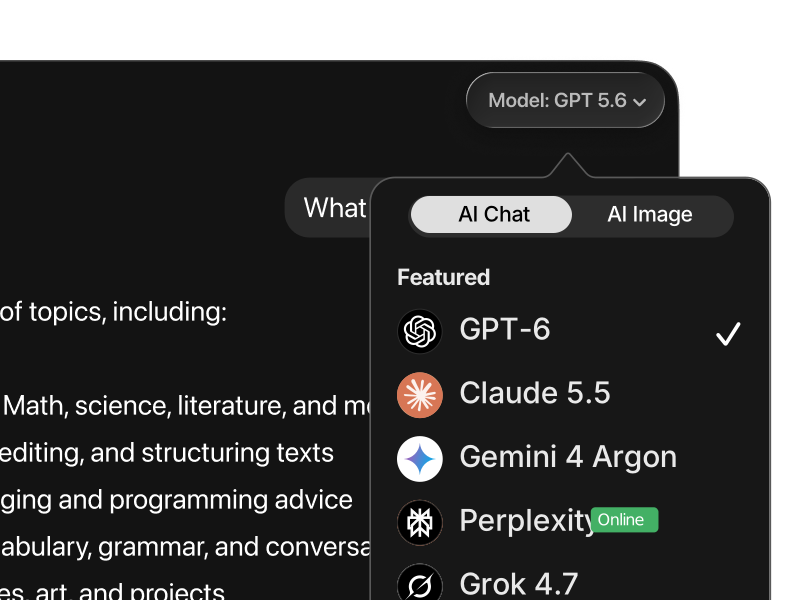
The AI landscape in 2026 is crowded with strong contenders. ChatGPT powered by GPT-5.4 leads on computer-use and knowledge work, Gemini 3.1 Pro dominates academic benchmarks, and Claude Opus 4.6 is the top pick for complex coding.
The short answer: Grok 4.20 is the best model for real-time information, creative divergence, and brainstorming, thanks to its four-agent architecture and native access to live data from X and the open web. It holds Arena rank 4 at 1,493 Elo and is significantly cheaper than GPT-5.4 at the API level.
Grok (4.20) vs. ChatGPT (GPT-5.4)
OpenAI’s GPT-5.4 is the strongest model for everyday use, computer-control tasks, and knowledge work documents. It’s the first general-purpose AI to surpass human performance on OSWorld (75% vs a human baseline of 72.4%), and it leads on knowledge-work output with an 83% GDPval score. That makes it the safest default for operating software, completing structured documents, and running multi-step desktop workflows where accuracy and follow-through matter more than creative range.
Grok 4.20 takes a very different approach. Where GPT-5.4 focuses on execution, Grok prioritizes real-time data and divergent thinking. Its four-agent architecture (Grok, Harper, Benjamin, Lucas) deliberates in parallel, fact-checks itself, and reaches consensus before answering, a structure designed for exploration rather than task completion. Combined with live access to X and the open web, that makes Grok 4.20 the better pick for brainstorming, breaking news, and creative work where unexpected angles matter more than polish.
Practical takeaway: Use GPT-5.4 for execution, document creation, and multi-step computer-use tasks. Use Grok 4.20 for brainstorming, real-time research, and creative ideation. GPT-5.4 is the operator. Grok 4.20 is the idea machine.
Grok (4.20) vs. Claude Opus 4.6
Anthropic’s Claude Opus 4.6 is the strongest model for complex coding and structured engineering work. It scores 80.8% on SWE-bench Verified, the highest of any general-purpose model, and supports parallel sub-agent coordination through Claude Code. It also holds the top spot on Arena crowd-sourced voting at 1,504 Elo. For long-form writing, multi-file refactors, and safety-conscious enterprise output, Claude is the default pick.
Grok 4.20 approaches the same tasks from a different angle. Instead of heavy planning and structured orchestration, it prioritizes real-time context, personality, and parallel deliberation. The four-agent architecture gives it an edge when a task benefits from multiple perspectives at once, and the live X integration means Grok can pull in fresh information that Claude, with its static training data, simply doesn’t have access to.
Practical takeaway: Choose Claude Opus 4.6 for complex multi-file engineering, structured planning, and long-form professional writing. Choose Grok 4.20 for real-time research, social intelligence, and creative ideation. Claude is the architect. Grok 4.20 is the live wire.
Grok (4.20) vs. Gemini 3.1 Pro
Google’s Gemini 3.1 Pro is the most factually reliable model released to date. It leads 12 of 18 standardized academic benchmarks, scores 94.3% on GPQA Diamond (graduate-level science questions), and ships with native Google Search grounding for real-time fact access. It’s the safest default for research, scientific writing, and long-context document analysis.
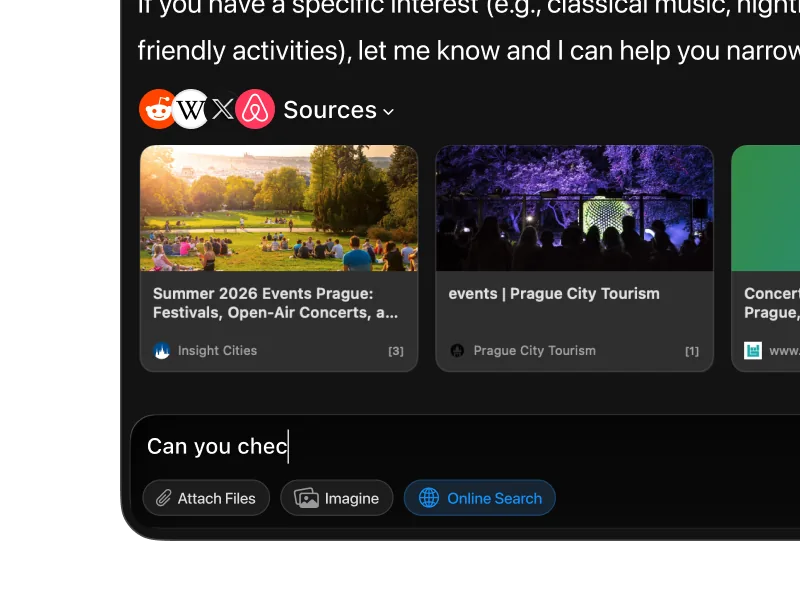
Both Grok and Gemini pull real-time data, but through very different channels. Gemini leans on Google’s search infrastructure and deep Workspace integration, which makes it ideal for referenced research and academic work. Grok 4.20 pulls from X and the open web, which gives it a structural advantage for social trends, breaking news, and live sentiment. That’s the kind of information that lives on social platforms long before it reaches indexed articles.
Practical takeaway: Use Gemini 3.1 Pro for research, scientific accuracy, and Google-integrated workflows. Use Grok 4.20 for social intelligence, real-time trends, and creative tasks. Gemini is the researcher. Grok 4.20 is the real-time analyst.
Grok (4.20) vs. Perplexity
Perplexity isn’t really a direct competitor. It sits in a different category. It’s optimized for search-first answers with citations, which makes it shine when the goal is to verify facts, explore sources, or quickly understand a topic with references. It functions more like an AI-powered research tool than a general-purpose assistant.
Grok 4.20 is stronger at reasoning, creative generation, and live social data. It goes beyond simple lookup into analysis, brainstorming, content creation, and long-form work, with the added benefit of native image generation through Grok Imagine.
Practical takeaway: Use Perplexity to gather facts and sources. Use Grok 4.20 for deeper conversations, creative output, and live data analysis.
Grok (4.20) vs. DeepSeek
DeepSeek V3.2 is currently the strongest open-weight model, with reasoning and coding abilities competitive with frontier closed models. It scores 82.4% on GPQA Diamond and 70% on SWE-bench Verified, and its API pricing undercuts every proprietary model by a wide margin. For developers building cost-sensitive automation or organizations with strict data-privacy requirements, it’s a genuinely viable alternative to the big names.
Grok 4.20 offers something DeepSeek cannot: real-time data access, built-in image generation through Grok Imagine, a distinctive personality with adjustable tone modes, and a multi-agent reasoning architecture that deliberates in parallel. It’s a more complete AI assistant for everyday use, while DeepSeek is the better tool for pure technical and analytical tasks where cost and privacy dominate the decision.
Practical takeaway: Use DeepSeek when cost, privacy, or self-hosting matter most. Use Grok 4.20 when you want a full-featured AI experience with live intelligence.
See also: ChatGPT · Claude · Gemini · Perplexity · DeepSeek · LLaMA
Use All of Them in One App
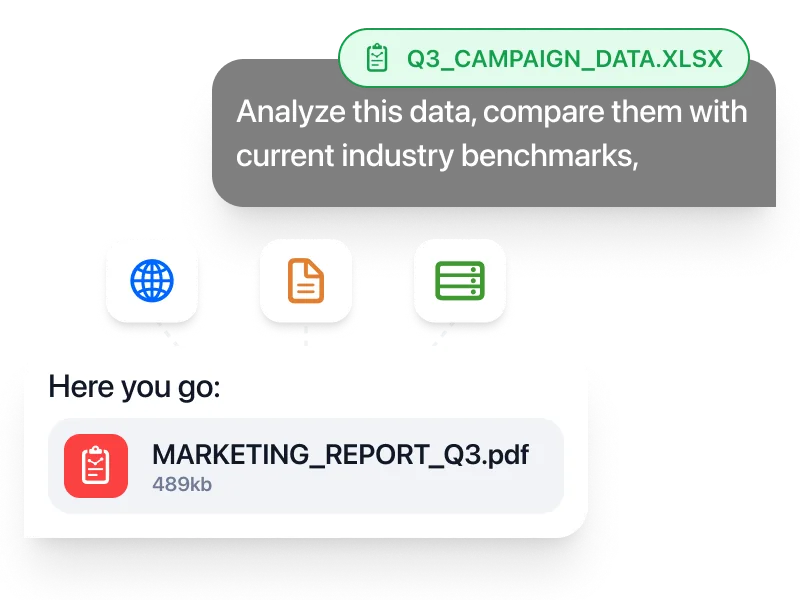
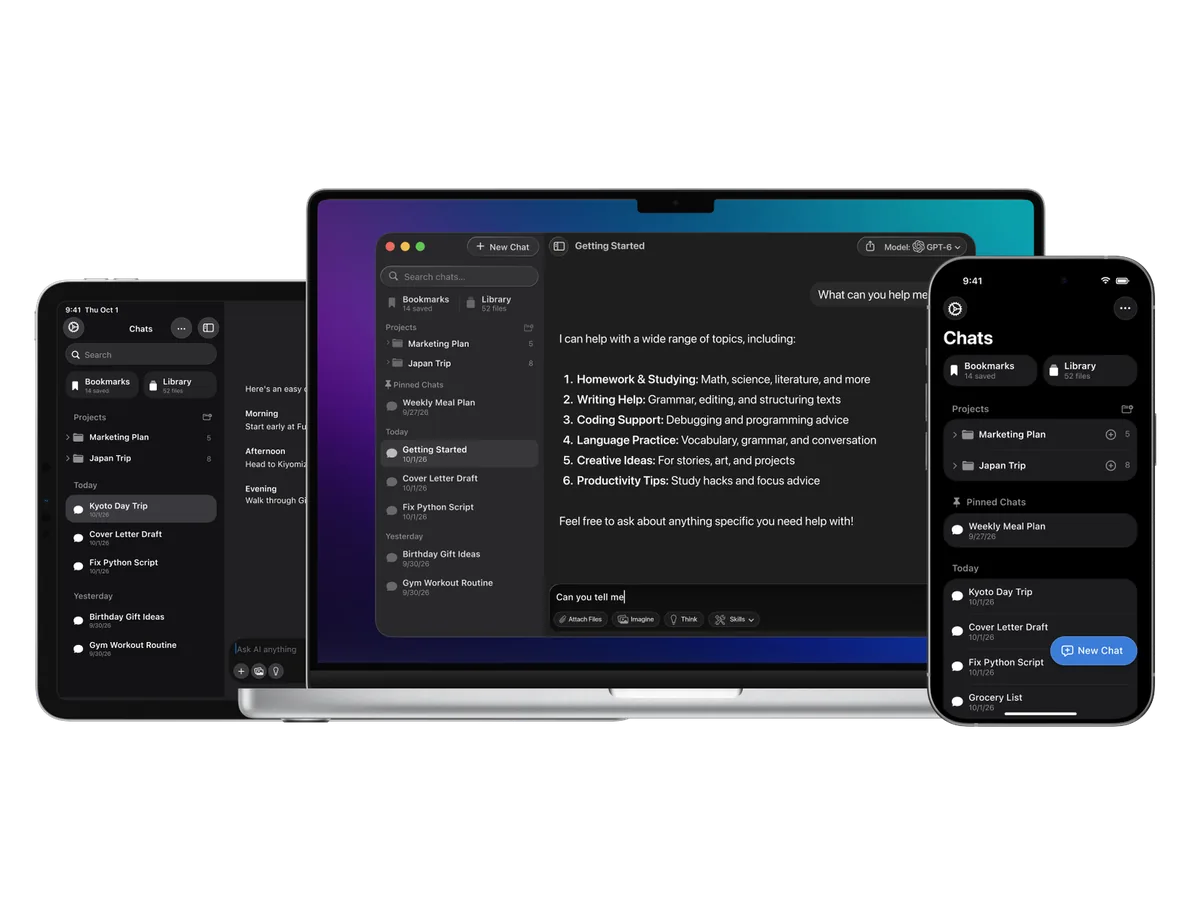
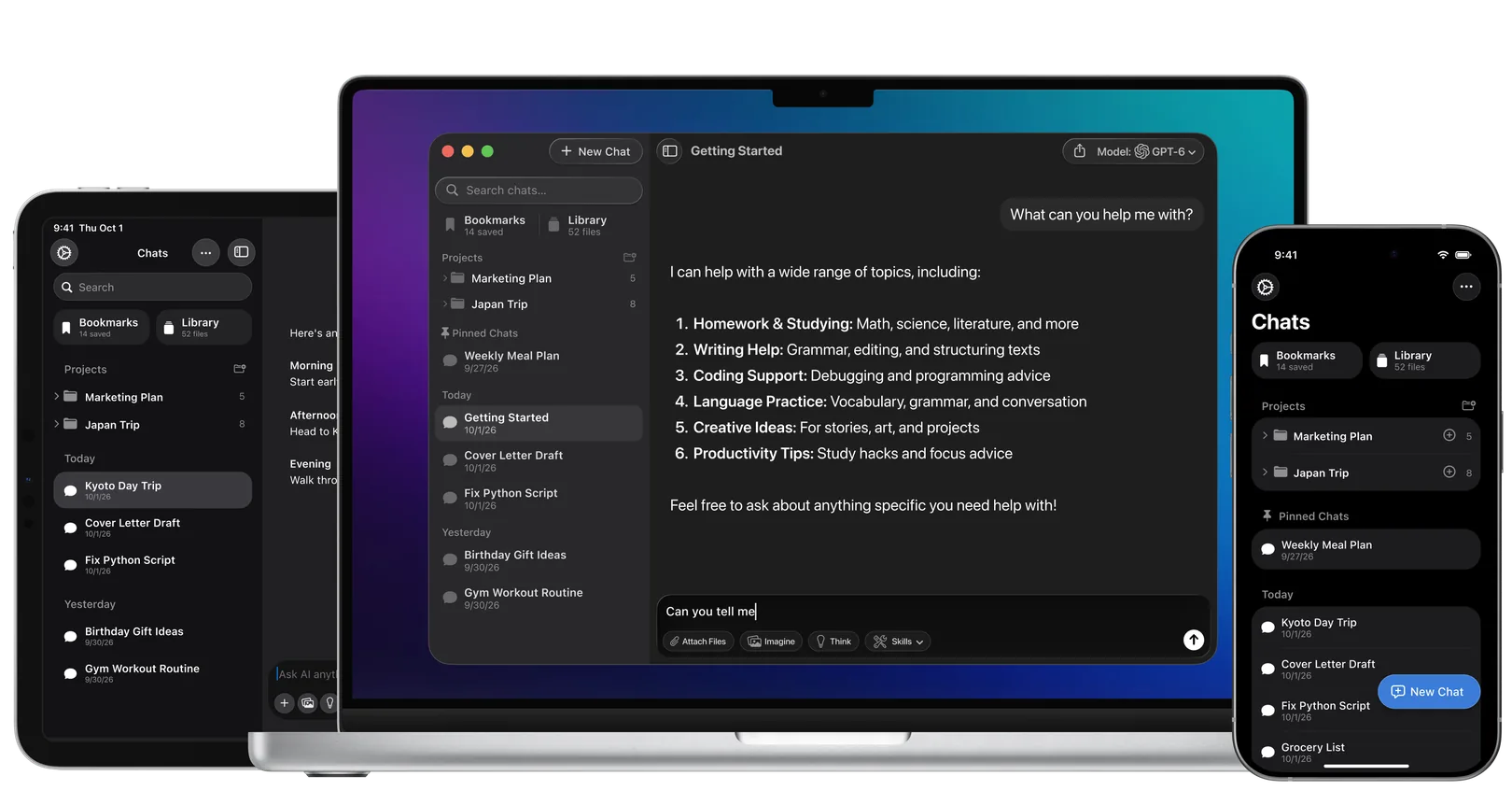
No single AI model is best at everything. The most effective setups use two or three models in parallel. Fello AI gives you all of them in one native app for Mac, iPhone, and iPad, starting at $9.99/month with a free tier available.
Read more in our extensive overview