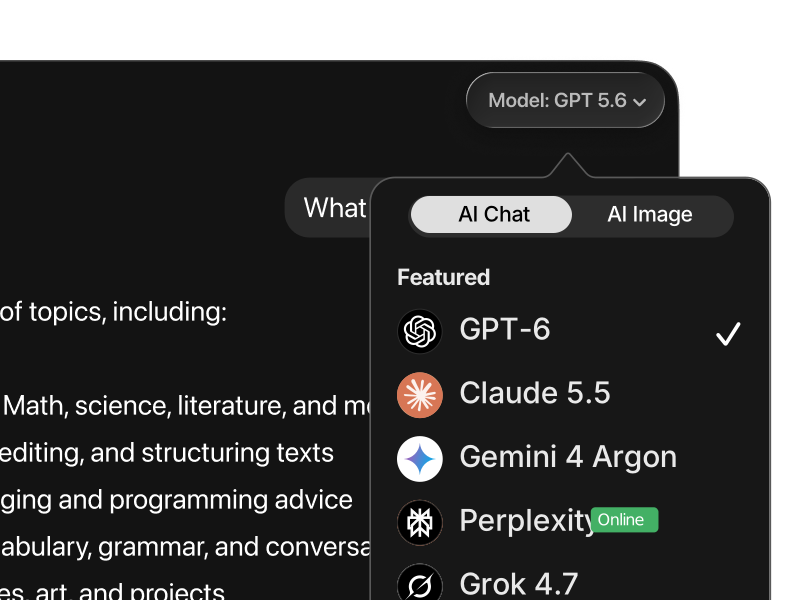
By the end of 2025, the AI landscape is crowded with strong contenders. Gemini 3 Pro often dominates overall preference rankings, Claude Opus 4.5 leads structured development tasks, and Grok 4.1 has gained attention for speed. Where does ChatGPT, powered by GPT-5.2, actually stand?
The short answer: GPT-5.2 is the strongest model for agentic coding, fast iteration, and autonomous problem-solving, even if it is not the default “general chatbot” leader.
Below is a clear, use-case-driven comparison.
ChatGPT (GPT-5.2) vs. Gemini 3 Pro
Gemini 3 Pro currently ranks #1 in LMArena’s Text Arena, meaning users prefer it most often for mixed, everyday tasks such as writing, reasoning, vision, and instruction following. It is the safest all-around default when you want one model to handle everything reasonably well.
GPT-5.2, however, excels in initiative and execution.
Where Gemini focuses on balance and polish, GPT-5.2 is more decisive when tasks require action: writing real code, modifying existing projects, fixing bugs, or iterating rapidly toward a working solution. This is reflected in SWE-bench results, where GPT-5.2 achieves higher task-completion rates for autonomous coding than Gemini.
Practical takeaway:
- Use Gemini 3 Pro as a daily generalist and research companion.
- Use ChatGPT (GPT-5.2) when you want the model to build, fix, or ship something with minimal guidance.
Gemini is the safer default. GPT-5.2 is the faster operator.
ChatGPT (GPT-5.2) vs. Claude Opus 4.5
Claude Opus 4.5 remains the strongest model for large, carefully planned systems. It excels at maintaining structure across long contexts, following strict instructions, and producing clean architectures for full web applications. On LMArena’s WebDev leaderboard, Claude still holds the top spot.
GPT-5.2 approaches the same tasks differently.
Instead of heavy upfront planning, GPT-5.2 prioritizes momentum. It iterates quickly, adapts mid-flight, and is particularly strong for developers who prefer rapid prototyping, refactoring, or exploratory builds rather than rigid upfront design.
Practical takeaway:
- Choose Claude Opus 4.5 when structure, planning, and long-term maintainability are critical.
- Choose GPT-5.2 when speed, iteration, and autonomous execution matter more.
Claude is the architect. GPT-5.2 is the sprinter.
ChatGPT (GPT-5.2) vs. Grok 4.1
Grok 4.1 has improved significantly and now ranks near the top for general chat preference and reasoning speed. It feels fast, direct, and opinionated, which makes it useful for brainstorming and quick idea generation.
GPT-5.2 is less stylistically sharp, but more reliable once tasks become technical or multi-step. It is better at maintaining internal consistency across longer workflows, especially in code or tool-like tasks.
Practical takeaway:
- Use Grok 4.1 for fast thinking and lightweight ideation.
- Use GPT-5.2 when correctness, execution, and follow-through matter.
ChatGPT (GPT-5.2) vs. Perplexity
Perplexity is not a direct competitor in the same category.
Perplexity is optimized for search-first answers with citations. It shines when the goal is to verify facts, explore sources, or quickly understand a topic with references.
GPT-5.2 is stronger at transformation and execution: turning information into code, plans, summaries, or finished outputs.
Practical takeaway:
- Use Perplexity to gather facts and sources.
- Use ChatGPT (GPT-5.2) to act on those facts.
ChatGPT (GPT-5.2) vs. DeepSeek
DeepSeek has become one of the most capable open-weight models, particularly appealing for cost-sensitive or self-hosted environments. Its reasoning and coding abilities are now competitive.
GPT-5.2 still leads in consistency, instruction adherence, and agentic behavior, especially in high-stakes or production-level tasks. It is more predictable when used as part of a user-facing workflow.
Practical takeaway:
- Use DeepSeek when cost, privacy, or self-hosting matter most.
- Use GPT-5.2 when reliability and execution quality are the priority.