The most useful thing to know about ChatGPT limits is something OpenAI never puts on a marketing page: there is no usage counter. No meter, no percentage, no dashboard for ordinary chat. You find out you have reached a limit when ChatGPT tells you that you have reached it, and not one moment sooner. Every guide that promises to show you how to check your remaining messages is describing a screen that does not exist.
That single fact reshapes the whole question. If you cannot read a number, four other things matter instead. Which activities are capped at all, when each window resets, how to tell a usage limit from a rate limit, and what your options actually are at the wall.
This guide covers all four. Every figure comes from OpenAI's own help centre, not from the recycled numbers still circulating from before the August 2026 changes.
The Key Takeaways
- There is no usage meter. OpenAI says ChatGPT "will notify you when you reach an applicable limit" and displays reset timing "when that information is available". Nothing shows remaining usage in advance.
- Ordinary text chat is no longer capped on Free and Go. Those tiers moved to unlimited everyday text chats from the week of 10 August 2026, subject to abuse-prevention safeguards. Plus and Pro already had it.
- Everything else still has a cap. File uploads, image generation, voice and data analysis all carry separate usage limits, and they reset on their own schedules.
- No message number is published for Plus. OpenAI describes Plus by which reasoning levels it unlocks, never by a message count. Any article quoting a specific Plus figure is quoting a retired one.
- A usage limit and a rate limit are different walls. One clears at a reset time, the other clears in seconds. The fix is not the same.
How to Check Your ChatGPT Limits
The honest answer is that you cannot check them in the way people mean when they ask. This is the single most repeated question about ChatGPT limits, and it keeps being asked because every page that answers it describes a feature ChatGPT does not have.
What OpenAI actually exposes
OpenAI's own documentation is careful about this. It says ChatGPT "will notify you when you reach an applicable limit", and that ChatGPT "displays when an allowance resets when that information is available". Both statements describe what happens at the wall, not before it. There is no equivalent of a mobile data meter that counts down as you use it.
Enterprise and Edu administrators are the exception. Those plans have a workspace budget view, because the organisation paying the bill needs one. Individual Free, Go, Plus and Pro accounts have nothing comparable for everyday chat.
The three signals you do get
Without a counter, you are reading indirect signals instead. There are three worth knowing.
- The model picker. When an allowance on a specific model is spent, that option is greyed out, or carries a note about when it returns. Opening the picker is the closest thing to a status check.
- A silent model downgrade. If answers suddenly get shorter or noticeably weaker without you changing anything, ChatGPT may have moved you to a lighter model. OpenAI describes this as continuing "with another available reasoning model".
- The reset notice itself. Once you hit a limit, the message that appears usually names the time the window reopens. That notice is the only concrete number most users will ever see.
If answers have gone slow rather than stopped, that is usually a different problem, and our guide to why ChatGPT gets slow covers the causes that are not usage related at all.
When Do ChatGPT Limits Reset?
There is no single reset time, and that is the detail most pages get wrong. Limits are attached to individual models, features and tools, and each counter runs on its own clock. Nothing resets globally at midnight.
Rolling windows, not calendar days
Most consumer allowances behave as rolling windows. Capacity returns a set period after you consumed it, rather than everyone's quota refilling together at a fixed hour. This is why two people on the same plan can hit and clear a limit at completely different times of day, and why "ChatGPT resets at midnight" is wrong as a general rule.
Weekly allowances start when you do
Weekly allowances work differently again, and OpenAI is unusually specific here. For paid Work and Codex usage it states that a new weekly period "starts with your first request after the reset is applied". The next automatic reset then lands "7 days after that first request".
The clock starts when you start, not when you paid.
The same page notes that buying a reset is limited to eligible Plus and Pro personal accounts, and is not offered on Free, Go, Business, Enterprise or Edu. A purchased reset "applies immediately and cannot be saved for later", and it moves your weekly schedule rather than adding to it.
What Is Still Capped in 2026
The August 2026 change was narrower than most coverage suggested. Free and Go users moved to unlimited everyday text chats from the week of 10 August 2026, subject to abuse-prevention safeguards. Plus and Pro already had unlimited text, so nothing changed for them. What OpenAI said in the same announcement is the part that gets dropped: "Limits will still apply for file uploads, images and other tools."
| Activity | Capped now? | How you find out |
|---|---|---|
| Everyday text chat | No on Free and Go, subject to abuse safeguards. No on Plus and Pro | Not applicable |
| File uploads | Yes, separate allowance | Notice at the wall |
| Image generation | Yes, separate allowance | Notice at the wall |
| Voice | Yes, separate allowance | Notice at the wall |
| Data analysis | Yes, separate allowance | Notice at the wall |
| Top reasoning models | Yes, published weekly or daily counts on Pro | Model picker |
OpenAI does publish hard numbers for the highest reasoning tiers. On Pro at $200 there are 200 messages per week for GPT-6 Pro and a separate 170 messages per day for GPT-5.6 Sol Pro, with a combined daily ceiling of 200. Reach the weekly GPT-6 Pro allowance on that tier and ChatGPT moves you to GPT-5.6 Thinking at Medium rather than stopping. On Pro at $100 there is one shared allowance of 50 messages per week. Business Standard gets 15 messages per month and Business Premium 50 per week. Read those as caps on the Pro-grade reasoning models specifically, not as limits on ordinary conversation.
For Plus, no message number is published at all. OpenAI describes the plan by the reasoning levels it unlocks, Instant, Medium and High, with Extra High and the Pro models reserved for higher tiers. If you have seen a confident figure like 160 messages every three hours, that is a retired GPT-5.5 era number that several ranking pages have never updated.
Usage Limits Versus Rate Limits
These get treated as the same thing constantly, and they are not. Telling them apart saves you from waiting hours for something that would have cleared in seconds.
A usage limit is an allowance. You have spent your share of a model or a tool for the current window, and it comes back at a reset time. Waiting is the only fix, unless you switch to a model that still has capacity.
A rate limit is about speed. Send requests too quickly in a short burst and you get throttled even with allowance to spare. In the API this surfaces as an HTTP 429 error. It clears on its own, usually within seconds to a minute, and the fix is simply to slow down and retry.
The practical test: if the message names a reset time, it is a usage limit. If it asks you to try again shortly, it is a rate limit. If ChatGPT has stopped responding entirely for everyone, it is neither, and our guide on how to check whether ChatGPT is down is the faster route to an answer.
ChatGPT Limits by Plan
Plan-level caps are a different question from the operational one, and we cover them properly elsewhere rather than repeating a table here. If you are on the free tier and want the full picture of what it includes and where it stops, our guide to the ChatGPT free plan has the current detail. If you are weighing an upgrade, the Plus versus Pro comparison covers what the extra money buys, including the cases where it buys nothing.
What is worth saying here is that upgrading is no longer the reliable cure it once was. When text chat was the thing being capped, paying removed the cap. Now that everyday text is uncapped across the plans, the things that still stop you are uploads, images, voice and the top reasoning models, and those move you toward Pro pricing rather than Plus.
What to Do When You Hit a ChatGPT Limit
A common search here is how to bypass ChatGPT limits. There is no trick, and anything presented as one is either a policy violation or a paid reseller. There are three legitimate options, and the third is the one most people overlook.
Wait for the reset
If the notice names a time, that time is accurate. Opening a new chat does not reset anything, because allowances are tied to your account rather than to a conversation. Neither does logging out and back in.
Change what you are asking for
Because the caps are per feature, the block is often narrower than it looks. Being out of image generations does not stop you writing. Being out of a top reasoning model does not stop a lighter model answering an easy question well. Dropping to a lower reasoning level is frequently enough to keep working.
Move the task to another model
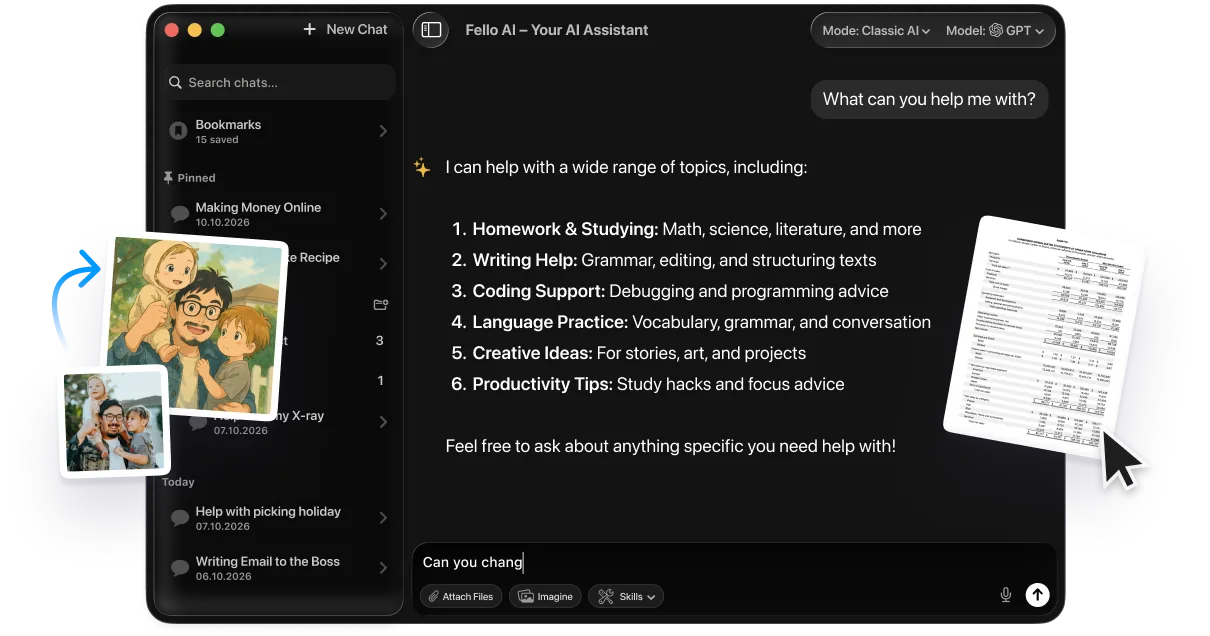
The limit belongs to ChatGPT, not to the task. A question that ChatGPT will not take right now is a question Claude or Gemini will answer immediately, and their allowances are entirely separate from OpenAI's. This is the case for keeping more than one assistant within reach, which is what multi-model Mac apps are built for. Fello AI puts several models behind one keystroke, so hitting a wall in one becomes a matter of picking another rather than stopping work.
How ChatGPT Limits Compare With Claude
Anthropic takes a visibly different approach. Claude runs two meters rather than one, a session limit and a weekly cap, and it is more forthcoming about where you stand. Our breakdown of Claude's session and weekly caps covers the mechanics in full.
The contrast worth drawing is philosophical. OpenAI has moved toward removing the cap that most people noticed, the message count on text chat, while keeping quieter limits on the expensive features. Anthropic has kept visible caps but made them legible. Neither is obviously better, but they fail differently, and running both means the failures rarely land at the same moment.
The Verdict
The reason this question keeps getting asked is that people are looking for a number that was quietly removed from the product. There is no counter to find. What there is, in 2026, is a set of separate allowances on the expensive things, an uncapped everyday text chat across the consumer plans, and a notice that appears only once you have already stopped.
So stop trying to read your usage. Start reducing what any single limit costs you.
Keep the lighter models in play for work that does not need the heavy ones, and learn to tell a reset time from a retry message. Above all, keep a second assistant within reach, so a spent allowance is an inconvenience rather than the end of the afternoon. If your work lives on a Mac, our ChatGPT desktop client guide is the place to start.
Sources: OpenAI's announcement on expanding GPT-5.6 access, the help centre article on GPT-5.6 and GPT-6 Pro in ChatGPT, and OpenAI's page on paid weekly rate limit resets.
Frequently Asked Questions
How do I check my ChatGPT usage limits?
You cannot, in the sense most people mean. ChatGPT shows no running counter for ordinary chat. OpenAI says it notifies you when you reach a limit and displays the reset time when that information is available. The model picker is the closest thing to a status check, since a spent allowance can appear there before you next try to use it.
When do ChatGPT limits reset?
There is no single reset time. Each model, feature and tool has its own counter. Most consumer allowances run as rolling windows, so capacity returns a set period after you used it rather than at a fixed hour. Weekly allowances start with your first request after a reset, and the next one falls seven days later.
Does ChatGPT still limit messages in 2026?
Not for everyday text. Free and Go moved to unlimited text chats from the week of 10 August 2026, subject to abuse-prevention safeguards, and Plus and Pro already had it. File uploads, image generation, voice, data analysis and the top reasoning models all keep separate allowances.
How many messages do you get on ChatGPT Plus?
OpenAI publishes no message number for Plus. It describes the plan by the reasoning levels it unlocks, Instant, Medium and High, rather than by a count. Figures such as 160 messages every three hours come from the earlier GPT-5.5 era and are no longer accurate.
Does starting a new chat reset your ChatGPT limit?
No. Allowances are tied to your account, not to a conversation, so opening a new chat, logging out or clearing history changes nothing. Only the reset time restores capacity, or switching to a model or feature that still has some.