Apple Translate vs Google Translate: Which Should You Use on iPhone?
Google Translate wins for most people on languages and features. Apple Translate wins on privacy and hands-free AirPods translation. Here is which to use for…
Does Apple Intelligence Drain Your Battery? When, Why and How to Check
Apple Intelligence drains your battery mostly in bursts, not all day. The biggest hit comes in the first days after an iOS or macOS update, while your device…

Fello AI gestaltet jetzt bessere PowerPoint-Folien, die zu deinem Thema passen
Fello AI gestaltet jetzt deutlich bessere Folien: ein Stil, der zu deinem Thema und Publikum passt, bessere Bilder und Layouts, die um deine eigenen Inhalte herum…
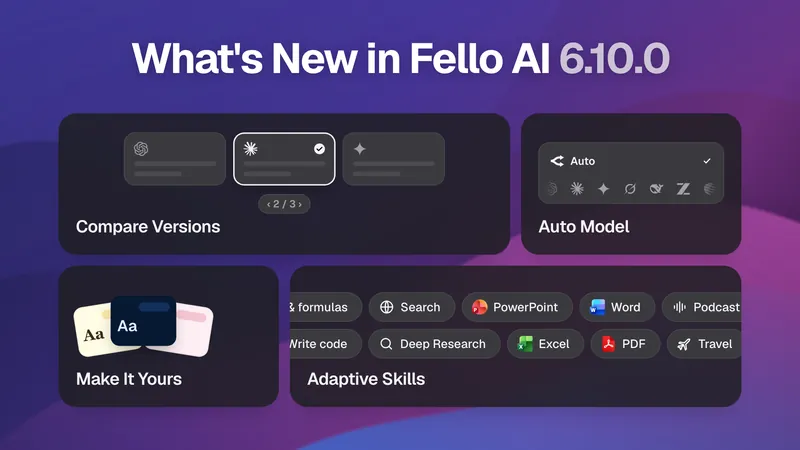
Fello AI 6.10.0: Chat-Designs, neue Chat-Engine und Auto-Modus
Fello AI 6.10.0 gibt deinen Chats mit 8 Designs, 5 Schriften und dem hellen oder dunklen Modus deinen eigenen Look, baut die Chat-Engine so um, dass Fähigkeiten…

Google AI Glasses: Price, Release Date and Whether They Work With iPhone
Google AI glasses are open for pre-order. Sold as Intelligent Eyewear, they start at $395 for Warby Parker frames and $449 for Gentle Monster frames, and they reach…
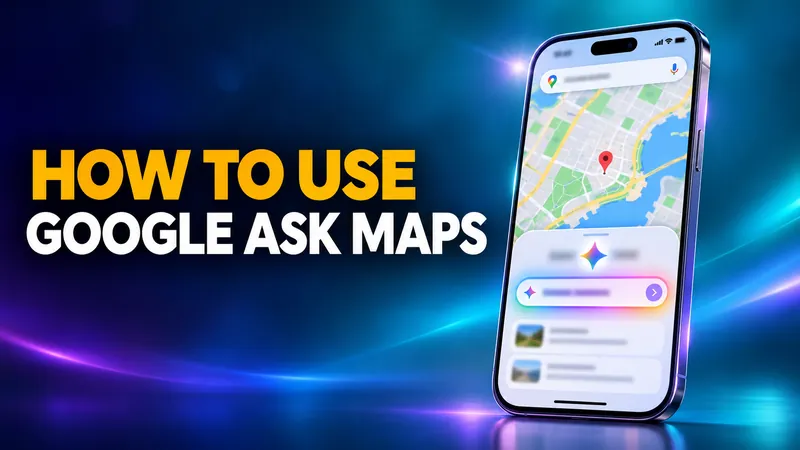
Google Ask Maps: How to Use It, Where It Works and How to Turn It Off
Google Ask Maps is the Gemini chat built into Google Maps. It launched in the US and India in March 2026, reached more than 150 countries in English in August, and…

How to Make an Advent Calendar With AI: 24 Copy-Paste Door Ideas
Every guide to how to make an advent calendar spends its words on the envelopes and one line on what goes inside them. The inside is the hard part. This guide gives…
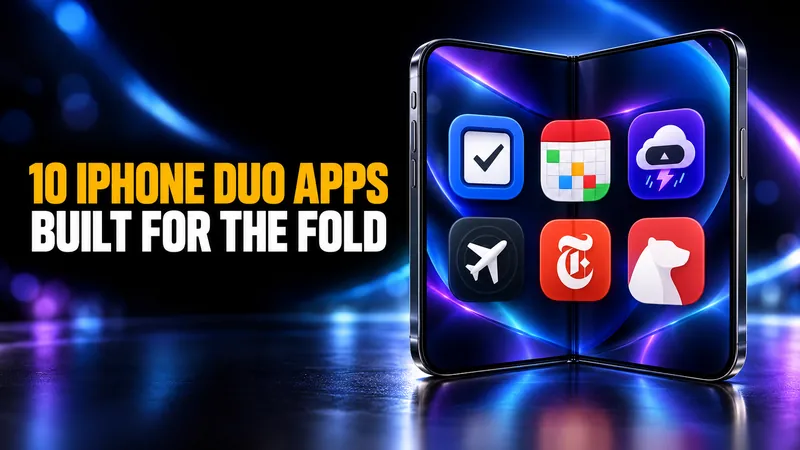
The 10 Best iPhone Duo Apps That Actually Use the Fold
Every app runs on iPhone Duo, but only some of them use the 7.6-inch inner display properly. These are the 10 best iPhone Duo apps, including Things 3, Fantastical…
How to Use ChatGPT on iPhone: App, Siri, Action Button and More
Download the free ChatGPT app from OpenAI in the App Store, sign in, and start typing or talking. The app needs iOS 18 or later. On an iPhone 15 Pro or any iPhone…
Fello AI Oktober-Update: Bibliothek, bessere Apple-Integration und flüssigere Chats
Das Oktober-Update von Fello AI bringt die Bibliothek für alle Dateien aus deinen Chats, neu gestaltete Lesezeichen, Teilen mit Fello AI aus jeder App…
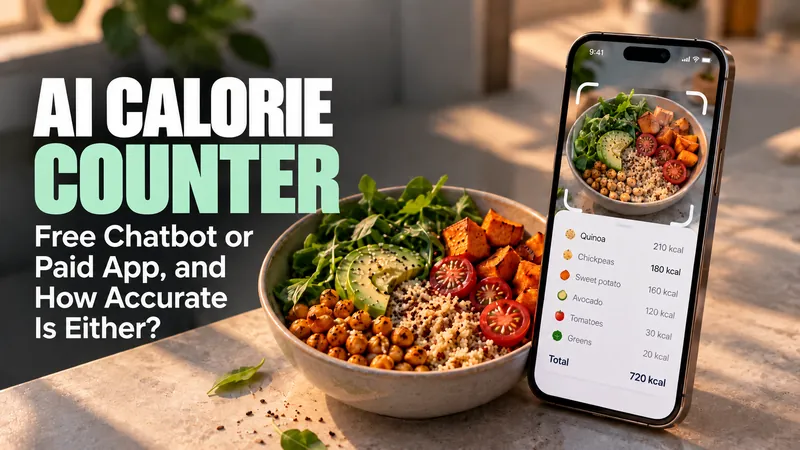
AI Calorie Counter: Free Chatbot or Paid App, and How Accurate Is Either?
An AI calorie counter reads a photo of your meal and estimates the calories, but it is not accurate enough to trust meal by meal. In July 2026 an NIH team found…

Fello AI 6.9.0: GPT-6, Grok 4.7, Live-Modellbewertungen und eingebautes Denken
Fello AI 6.9.0 bringt GPT-6, Grok 4.7, GPT Image 2.5 und Muse Image, baut Denken in jedes Modell ein, zeigt Leistung und Tempo jedes Modells in einer neu…

AI for Seniors: How to Set It Up for a Parent Who Will Not Troubleshoot
Most guides to AI for seniors are written for the senior. This one is written for you, the person who will get the phone call when it stops working.

How to Cancel an AI Subscription on Mac and iPhone
Most AI cancellations fail for the same reason, which is that the charge comes from Apple rather than from the AI company, and the AI company is not allowed to stop…
iOS 27: Release Date, New Features, and Every Supported iPhone
iOS 27 is out. Apple released it on Monday, September 14, 2026 as a free update for every iPhone going back to the iPhone 11, and the complete rebuild of Siri…
Apple Intelligence Not Working? How to Fix It on iPhone, iPad, and Mac
Apple Intelligence not working almost always comes down to five things, and only one of them is your hardware. Apple confirmed that iOS 27 arrives on 14 September…

iPhone 18 Pro AI Features: Every One, and Which Need the New Phone
Apple gave AI top billing at the iPhone 18 Pro launch on 9 September 2026, and the A20 Pro doubles the Neural Engine to 32 cores. Yet almost every AI feature Apple…
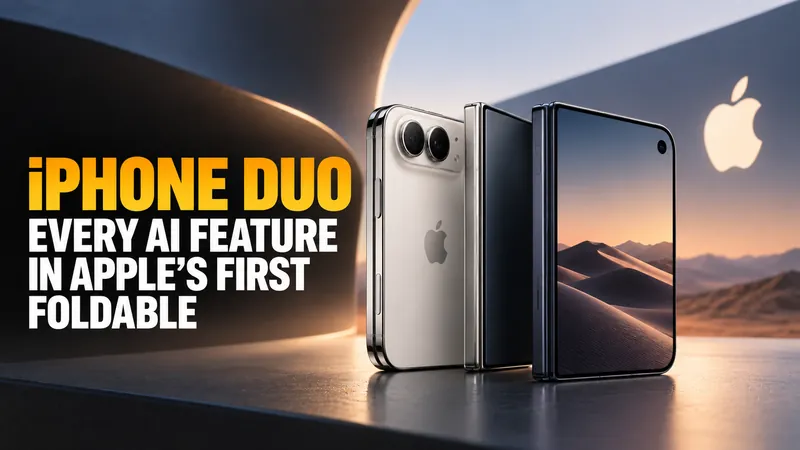
iPhone Duo: Every AI Feature in Apple's First Foldable
Apple announced the iPhone Duo on 9 September 2026, its first foldable iPhone, at $1,999 for 256GB. It runs the same A20 Pro chip as the iPhone 18 Pro, so every AI…
iPhone Buying Guide 2026: Buy Now, or Wait for the iPhone 18?
Apple’s event has been and gone. The iPhone 18 Pro starts at $1,199, the foldable is called the iPhone Duo, and the phone actually named the iPhone 18 is not coming…
Apple Sues OpenAI: What It Means for Siri and Your iPhone
On Monday 3 August 2026, Apple asked a federal judge to bar OpenAI and two former Apple employees from accessing, using or disclosing its confidential information…

Apple Intelligence Is Coming to China, Powered by Alibaba’s Qwen
On July 15, 2026, China’s Cyberspace Administration approved Apple Intelligence for the country, and the model doing the heavy lifting is not ChatGPT. It is…
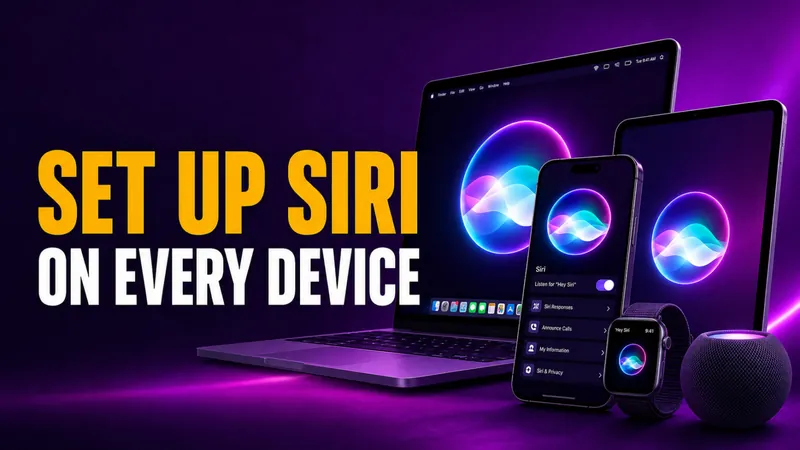
How to Set Up Siri on iPhone, iPad, Mac & Apple Watch (iOS 27)
Setting up Siri takes a few taps, and iOS 27 moved the menu again. Siri has its own row in Settings: open Settings > Siri, tap Turn On Siri, then choose how to wake…
How to Turn Off Siri on iPhone, iPad, Mac, AirPods, and Apple Watch (iOS 27)
Turning off Siri on iOS 27 takes four taps. Open Settings > Siri, scroll to the bottom, tap Turn Off Siri, then tap Turn Off Siri again to confirm. iOS 27 put every…
How to Change Siri Voice on iPhone, iPad, Mac, and HomePod (iOS 27)
On iOS 27 and iPadOS 27, you change Siri’s voice in Settings > Siri > Voice, where you pick an accent under Variations and a speaker under Voices. On iOS 26 the…
How to Use Siri: The Best Siri Commands for iPhone, iPad, Mac & Watch
Learning how to use Siri takes about ten seconds. Say “Siri” or “Hey Siri” and ask, or press a button and speak. The harder part is knowing what to actually say…
Warum funktioniert Siri nicht? So behebst du es in iOS 27 auf iPhone, Mac und CarPlay
Warum funktioniert Siri nicht? Meist steckt einer von drei Gründen dahinter: eine unvollständige Einstellung, eine schwache Internetverbindung oder ein…
Siri-Kurzbefehle in iOS 27 nutzen: Der komplette Leitfaden für iPhone und Mac
Um Siri-Kurzbefehle zu nutzen, erstellst du in der kostenlosen Kurzbefehle-App einen Kurzbefehl, gibst ihm einen Namen und sagst dann „Siri“ oder „Hey Siri“…
How to Use Apple Intelligence on iPhone, iPad, and Mac
Here is how to use Apple Intelligence on iOS 27: update a supported iPhone, iPad or Mac, then open the feature you want inside the app you already use. There is no…
Apple Intelligence ausschalten auf iPhone, iPad und Mac
In iOS 27 und macOS 27 Golden Gate gibt es keinen einzelnen Schalter mehr, der Apple Intelligence ausschaltet. Apple hat den Hauptschalter entfernt, und die eigenen…
Apple Intelligence und Siri AI aktivieren unter iOS 27
Unter iOS 27 und macOS 27 aktivierst du Apple Intelligence, indem du aktualisierst. Laut Apple sind die neuen Funktionen „automatisch auf qualifizierten Geräten…
