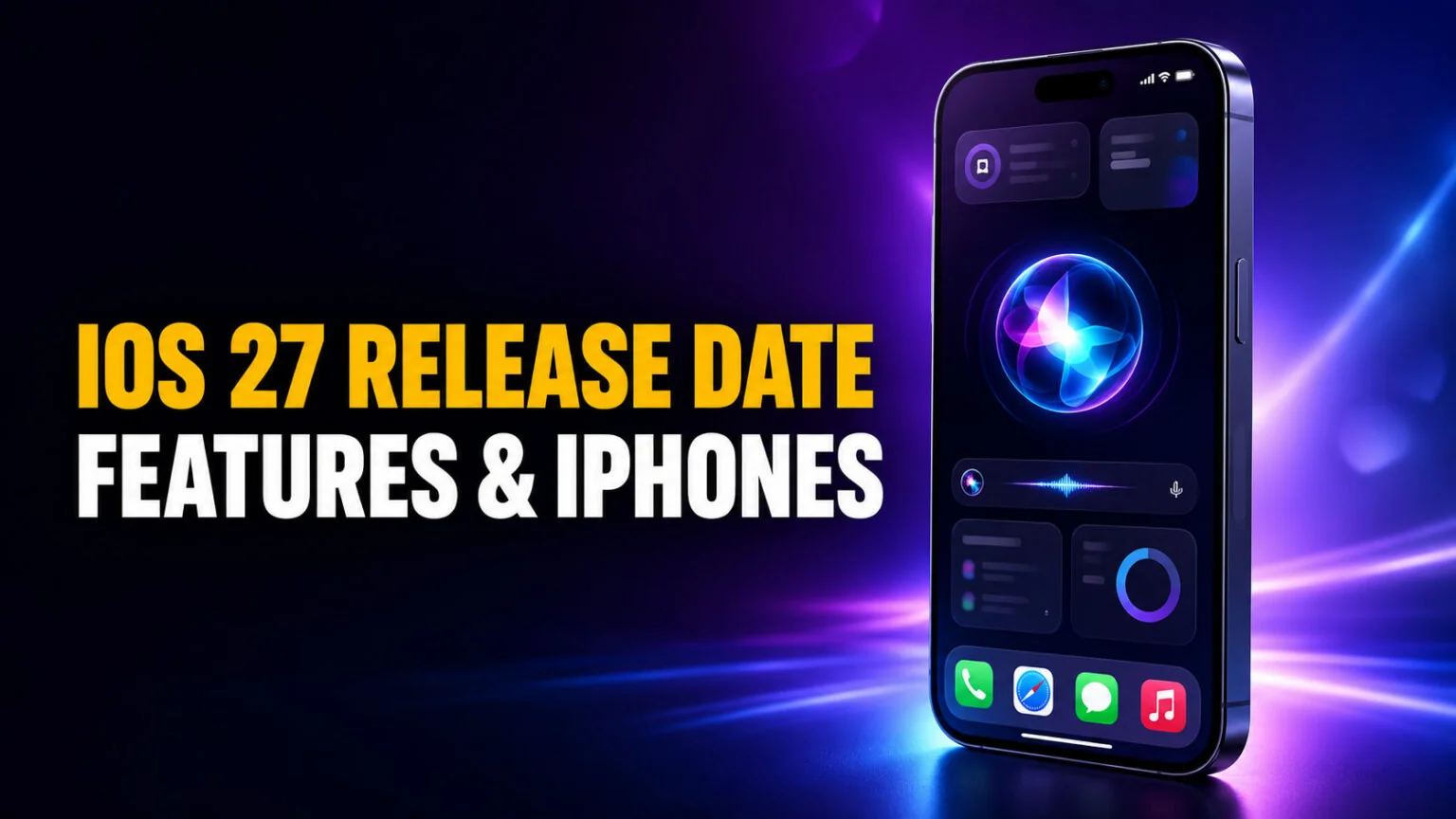
iOS 27 is out. Apple released it on Monday, September 14, 2026 as a free update for every iPhone going back to the iPhone 11, and the complete rebuild of Siri arrived with it. One thing is worth knowing before you update. Siri AI is a beta inside the finished release, it launched in English only, and Apple says French, Japanese, Korean, Portuguese, and Spanish follow in October. Mainland China waits longer still, because Apple says the new Apple Intelligence features will not be available there while it works through regulatory requirements, which leaves the Qwen-powered version built for that market on hold too. If Siri stops responding after you update, our guide on why Siri is not working covers the common fixes.
This is the tracker you can bookmark for the whole iOS 27 cycle. We cover the iOS 27 release date and how the rollout ran, the biggest new features including the rebuilt Siri AI and the new on-device Core AI framework, the full list of supported devices, the long-running “Snow Leopard” rumor and whether it panned out, and the question half of you are really asking, which is whether your older iPhone still gets the update. You can also replace Siri with ChatGPT, Claude or Gemini, within the limits Apple has actually shipped.
The Key Takeaways
- iOS 27 shipped on Monday, September 14, 2026 as a free update, after the June 8 WWDC reveal, the July 14 public beta, and a release date confirmed at Apple’s September 9, 2026 event.
- Supported devices: iPhone 11 and later, plus iPhone SE 2nd generation and newer, roughly 29 models, the same lineup as iOS 26.
- The headline feature is Siri AI, a far smarter assistant with on-screen awareness, personal context, web answers, and its own app; it shipped with the update, but as a beta in English only, with French, Japanese, Korean, Portuguese, and Spanish due in October. Apple says it will not be available at first in the EU on iPhone, iPad, or Apple Watch, and it is not available in mainland China at all yet. EU Macs do get it.
- Real performance wins: apps launch up to 30% faster, photos load up to 70% faster, and AirDrop is up to 80% faster.
- AI features are tiered by hardware; Apple Intelligence needs iPhone 15 Pro or iPhone 16 and later, and the newest Siri voices need iPhone 17 Pro or iPhone Air.
When Is iOS 27 Coming Out?
iOS 27 was revealed during the WWDC 2026 keynote on June 8, 2026, and Apple released the first developer beta the same day, as detailed in Apple’s newsroom announcement. The public beta went live on July 14, 2026 through Apple’s Beta Software Program, and the final version arrived as a free update on Monday, September 14, 2026. Apple announced that date at its event on Wednesday, September 9, 2026, five days ahead of the release. The Mac got its own release the same day, macOS 27 Golden Gate.
If you have been searching when is iOS 27 coming out, the short answer is that it already has. It reached every supported iPhone on Monday, September 14, 2026, and you can install it now from Settings.
| Stage | Date | Who it is for |
|---|---|---|
| Announcement | June 8, 2026 | Everyone (WWDC keynote) |
| Developer beta | June 8, 2026 | Registered developers |
| Public beta | July 14, 2026 | Beta Software Program members |
| Final release | Monday, September 14, 2026 | All supported iPhones, free, out now |
| More Siri AI languages | October 2026 | French, Japanese, Korean, Portuguese, and Spanish speakers |
The good news is that Siri AI shipped with iOS 27 rather than being held back for a later point release. You can use the rebuilt assistant now on an iPhone 15 Pro or newer, with the caveat that Apple still labels it a beta, it launched in English only, and it is not available in the EU on iPhone, iPad, or Apple Watch, nor in mainland China. You can see the full event breakdown in our WWDC 2026 recap. The rebuild also loosens Apple’s reliance on OpenAI, which matters more since Apple sued OpenAI in July 2026.
iOS 27 New Features
iOS 27 is built around three pillars, a smarter Siri, genuine performance gains, and quality upgrades across the core apps. Apple leaned harder into measurable speed improvements this year than it has in a while, which fits the long-running rumor we cover further down.
Siri AI and Apple Intelligence
The rebuilt Siri AI can answer questions about whatever is on your screen, pull personal context from your messages, emails, and photos, and reach the web for current answers. You launch it the usual ways, Hey Siri or a side-button press, plus two new ones, a swipe down from the Dynamic Island and its own dedicated Siri app that keeps your request history and syncs it through iCloud. Testers have used it to find specific photos, drop a date off a poster straight into Calendar, identify objects through a new Siri tab in the Camera, and draft emails in their own writing style. For a direct look at how it stacks up against OpenAI’s assistant, see our Siri vs ChatGPT comparison.
It is capable but not finished, and Apple says as much by shipping it labeled beta. Reviewers found Siri AI would tap out on some device-settings questions, leaned heavily on Apple’s own apps over third-party ones, and kept its expressive voice to US English. Treat it as a promising work in progress rather than a polished release, which is exactly what the beta label is there to tell you.
Around Siri, the wider Apple Intelligence set grows too. Photos adds Clean Up for larger distractions, plus Extend and Spatial Reframing, which generate content beyond the frame and shift the apparent camera angle after the shot, while Image Playground gains photorealistic styles. Video gets automatic subtitles for uncaptioned clips, generated on device. Safari can auto-organize tabs by topic, watch a page for restocks with Notify Me, and even build a simple extension from a plain-English description. Mac users who want more than Apple’s built-in AI can see our guide to Apple Intelligence alternatives for Mac. To bundle Siri commands into one-tap automations, our guide on how to use Siri Shortcuts walks through the new AI Shortcuts too.
Performance and stability
The numbers Apple quoted are concrete. Apps launch up to 30% faster, photos load up to 70% faster right after you take them, and AirDrop transfers are up to 80% faster. File transfers between an iPad and an external drive are up to 5x faster, and the system handles cellular-to-Wi-Fi handoffs more smoothly. These are the kind of under-the-hood wins that older iPhones benefit from even without the AI features.
Everyday app upgrades
Mail gets redesigned search and a Top Hits ranking system, Messages gains context-aware reply suggestions, and iCloud Shared Albums now work cross-platform at full resolution. Parental controls expand with a setup assistant, an “Ask to Browse” permission system, and finer time limits across categories. The Health app adds perimenopause and menopause support in Cycle Tracking, and AirPods pick up custom EQ personalization. iOS 27 also adds iPhone Handoff, which lets a single phone number follow you between two iPhones, though it is gated by your carrier rather than by Apple. MacRumors reports it launched with T-Mobile in the US, which charges $5 a month for it, and Deutsche Telekom in Germany.
Those controls stop at the edge of third-party AI apps. If your child uses ChatGPT, OpenAI runs a separate panel of nine parental control settings that Apple’s system cannot configure, and our guide to ChatGPT parental controls covers each one and its default.
iOS 27 Supported Devices
The iOS 27 supported devices list is identical to iOS 26, which is good news for anyone on older hardware. iOS 27 runs on iPhone 11 and later, plus iPhone SE 2nd generation and newer, covering roughly 29 models in total, according to 9to5Mac’s compatibility list. If your iPhone runs iOS 26 today, it can update to iOS 27 right now.
The phones that miss out are the iPhone XS, iPhone XS Max, iPhone XR, and anything older, along with the original iPhone SE. Here is the full compatibility picture and, just as important, which features each tier actually enables.
| Capability | iPhone 11–15 (non-Pro), SE 2/3 | iPhone 15 Pro / Pro Max | iPhone 16 series | iPhone 17 Pro / Pro Max / Air |
|---|---|---|---|---|
| Install iOS 27 | Yes | Yes | Yes | Yes |
| Core performance gains | Yes | Yes | Yes | Yes |
| Apple Intelligence | No | Yes | Yes | Yes |
| Full Siri AI personal context | No | Yes | Yes | Yes |
| Newest Siri voices | No | No | No | Yes |
So will iPhone 11 get iOS 27? Yes, the iPhone 11, 11 Pro, and 11 Pro Max all run it. They get the performance and app upgrades but not Apple Intelligence, which needs at least an iPhone 15 Pro or any iPhone 16. For a deeper breakdown of the AI hardware split, see our guide to which devices support Apple Intelligence. If that pushes you toward newer hardware, our guide to the Apple Upgrade Program covers Apple’s lease route and what an iPhone costs to own at the end of it.
The “Snow Leopard” Rumor: Did iOS 27 Deliver?
For months before launch, leakers and outlets like MacRumors and AppleInsider described iOS 27 as Apple’s “Snow Leopard” update, a reference to Mac OS X 10.6 Snow Leopard from 2009 that famously shipped “zero new features” and focused entirely on speed, stability, and bug fixes. The iOS 27 Snow Leopard analogy set the expectation of a cleanup release rather than a feature parade.
Reality landed somewhere in the middle. Apple clearly did the stability work, and the up to 30%, 70%, and 80% speed figures are the proof. At the same time, this was not a quiet year, because the Siri AI overhaul is one of the most significant assistant changes Apple has ever made. Call it Snow Leopard with a brain, the performance discipline of 2009 paired with the biggest AI push in the company’s history.
Core AI and Siri AI: iOS 27’s Biggest Change
The phrase iOS 27 Core AI refers to a real new framework, not marketing. Core AI is a lower-level system that runs on-device models and powers Siri under the hood, and it ships with a curated set of optimized open-source models including Qwen, Mistral, and SAM3, plus tools to convert PyTorch models to Apple Silicon. Sitting above it, the next generation of Apple Foundation Models drives the new Siri AI experience.
There was real controversy here. Reports claimed Siri was secretly “Gemini-powered,” and Apple pushed back, saying its Foundation Models were developed in-house, with Google’s Gemini models used during distillation and training while the final system was completed on Apple’s own code and data. The more interesting detail for AI fans is the one that keeps being reported as settled and is not: Apple has never announced that third-party chatbots like Claude and Gemini will be available as Extensions inside Siri. The framework has been described by Bloomberg and found in beta strings, but it is switched off, and ChatGPT remains the only extension Apple has shipped. We cover where that stands in is Siri AI and in our explainer on what Apple Intelligence is.
That multi-model direction is exactly what apps like Fello AI already do on the Mac. Instead of being locked to one assistant, Fello AI lets you switch between Claude, ChatGPT, Gemini, Grok, and DeepSeek under a single subscription, so you are never stuck with whichever model your phone defaults to. If iOS 27 has you thinking about which AI actually answers best, trying several side by side is the fastest way to find out.
How to Update to iOS 27
Updating takes a few minutes and costs nothing on any supported iPhone. Back up first, as you would before any major release, and give the phone Wi-Fi and a power source, because the download is large.
- Back up your iPhone to iCloud or a computer.
- Connect to Wi-Fi and plug the iPhone in, or charge it past 50% first.
- Open Settings > General > Software Update.
- If you were testing the beta, tap Beta Updates and turn it off, so you land on the public release rather than the next beta.
- Tap Update Now next to iOS 27, enter your passcode, and let the iPhone restart.
To use Apple Intelligence once you are on iOS 27, you may also need to enable it manually, which we walk through in how to turn on Apple Intelligence. Siri AI has its own gates on top of that, and our guide to what Siri AI is and who can get it covers them, including the waitlist testers reported before launch.
Conclusion
iOS 27 is the rare update that delivers on both fronts, real speed and stability gains for older iPhones and a fully rebuilt Siri for newer ones. If you own an iPhone 11 through iPhone 15 non-Pro, you get a faster, smoother phone today. If you have an iPhone 15 Pro, iPhone 16, or iPhone 17 Pro, you also get the full Apple Intelligence and Siri AI experience, though it runs on Apple’s own models: our guide to replacing Siri covers why ChatGPT is still the only extension Apple has ever shipped.
The update is free, it is sitting in Settings now, and the only real reason to wait is a phone you cannot afford to have out of action for an hour. Keep this page handy as the rollout continues, because the October language expansion is the next date on the iOS 27 calendar.
FAQ
When is iOS 27 coming out?
iOS 27 was announced at WWDC on June 8, 2026. The public beta went live on July 14, 2026, and Apple released the finished version as a free update on Monday, September 14, 2026. The hardware landing alongside it is covered in our iPhone buying guide for 2026.
Can I try the new Siri AI now?
Yes, on iPhone 15 Pro and newer. Apple ships it labeled beta and launched it in English only, with French, Japanese, Korean, Portuguese, and Spanish due in October. It is not available in the EU on iPhone, iPad, or Apple Watch, nor in mainland China, though EU Macs do get it. For the same reason, Apple does not sell its new HomeView smart display in the EU at all.
Will iPhone 11 get iOS 27?
Yes. iOS 27 supports iPhone 11 and later, plus iPhone SE 2nd generation and newer. The iPhone 11 gets the performance and app upgrades but not Apple Intelligence, which requires an iPhone 15 Pro or iPhone 16 and later.
Which iPhones support iOS 27?
Every iPhone from the iPhone 11 onward, roughly 29 models including the full iPhone 12, 13, 14, 15, 16, and 17 lines and iPhone SE 2nd and 3rd generation. The iPhone XS, XS Max, and XR are not supported.
What is Core AI in iOS 27?
Core AI is a new on-device framework in iOS 27 that runs optimized models, including open-source ones like Qwen and Mistral, and powers the rebuilt Siri. It sits beneath Apple Foundation Models, which drive the Siri AI experience.
Is iOS 27 the “Snow Leopard” update?
Partly. iOS 27 delivers the stability and speed focus that the Snow Leopard rumor predicted, with apps up to 30% faster, but it also ships the largest Siri overhaul in years, so it is not a features-free release.
How do I update to iOS 27?
Back up your iPhone, connect it to Wi-Fi and power, then open Settings > General > Software Update and tap Update Now. If you were on the beta, turn Beta Updates off first so you move onto the public release.