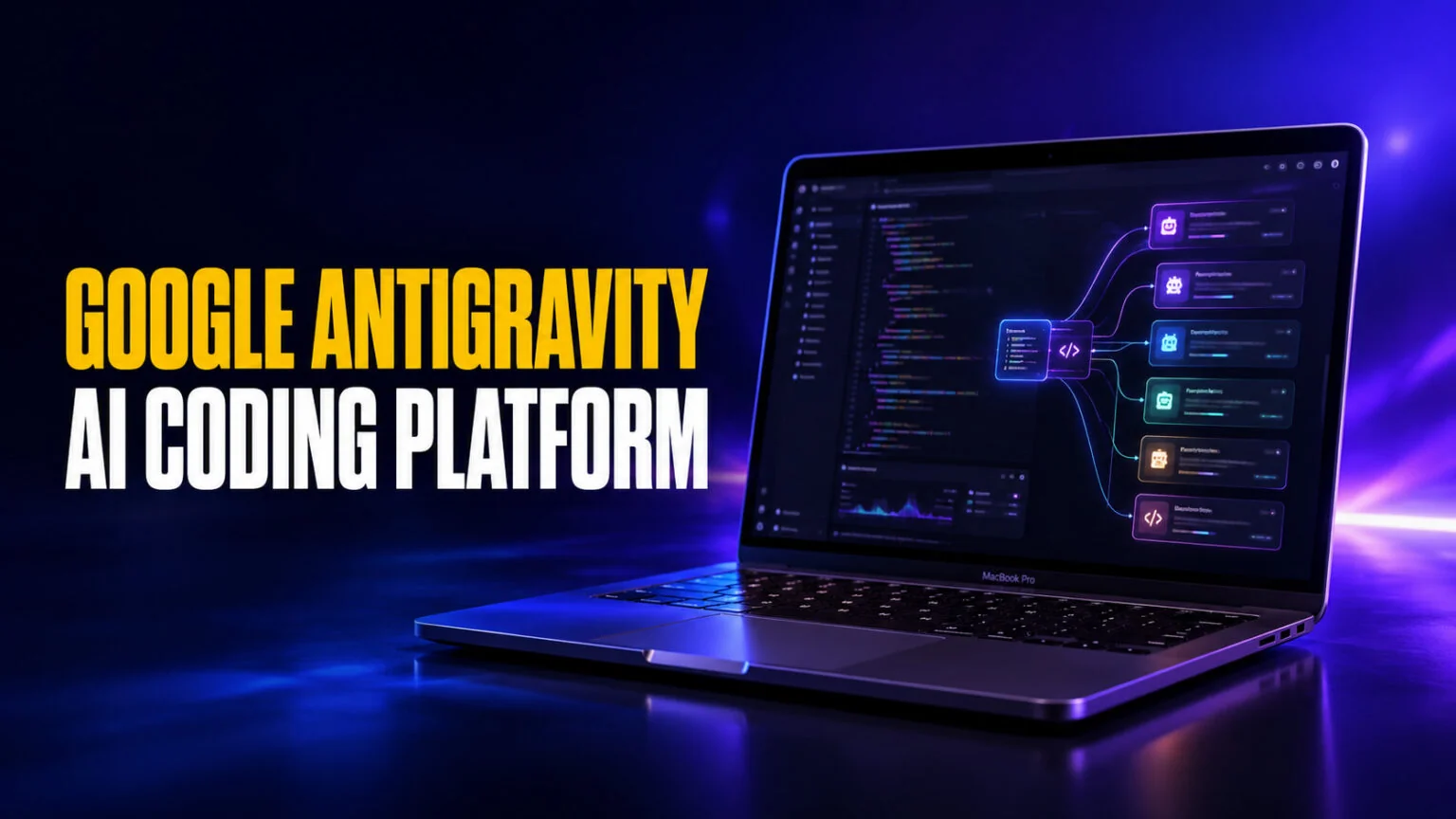
Google Antigravity lets you hand a coding task to a team of AI agents, walk away, and come back to finished work. Instead of typing code line by line with an autocomplete helper, you describe what you want, dispatch several autonomous agents at once, and review what they built. It has a free $0 plan, runs on Mac, Windows, and Linux, and is powered mainly by Google’s Gemini models, with higher limits sold through Google AI Pro and Ultra.
Antigravity first launched in November 2025 and relaunched as Antigravity 2.0 at Google I/O on May 19, 2026, this time as a full platform with a desktop app, a command-line tool, and a developer kit. This guide explains what Google Antigravity is, how the agent-first approach actually works, whether it is really free, and how it stacks up against Cursor and Claude Code. If you just want AI help with code without managing agents, we will cover a simpler option for Mac at the end.
The Key Takeaways
- Google Antigravity is an agent-first coding platform where AI agents plan, write, run, and verify code on their own, not just suggest the next line.
- It has a free $0 plan on Mac, Windows, and Linux, with no subscription needed; higher rate limits come with Google AI Pro ($19.99/month) or Google AI Ultra ($99.99 or $199.99/month).
- Antigravity 2.0 launched at Google I/O on May 19, 2026 as a five-part platform spanning a desktop app, a CLI, an SDK, managed agents, and an enterprise layer.
- It runs multiple models, led by Google’s Gemini, with access to Anthropic’s Claude and an open OpenAI model.
- It is built on a fork of VS Code, so the editor feels familiar to anyone who has used Cursor or Visual Studio Code.
- Since October 13, 2026, Antigravity is also built into the Gemini macOS app, so you can start a coding agent straight from a Gemini chat.
What Is Google Antigravity?
Google Antigravity is an agent-first coding platform from Google. Instead of writing code yourself with AI autocomplete, you assign tasks to autonomous AI agents that plan, write, run, and verify code across an editor, a terminal, and a browser. It launched in November 2025 and relaunched as Antigravity 2.0 at Google I/O in May 2026. Antigravity also features in our wider roundup of the best AI agents for coding, alongside Claude Code, Cursor and OpenHands.
The word agentic is the key idea here. A normal AI coding assistant waits for you to drive, suggesting one change at a time while you stay in control of every keystroke. An agent-first tool flips that. You give it a goal, and the agent decides the steps, runs commands, opens a browser to test the result, and reports back. Google describes Antigravity as a place where you “operate at a higher, task-oriented level” rather than babysitting each edit. The same agentic shift is driving new models too, like Meta’s Muse Spark 1.3, which Meta pitches as its biggest jump yet on coding and agentic work.
Antigravity is built on a modified version of VS Code, the most popular code editor in the world. That means the interface will feel instantly familiar if you have used Cursor, GitHub Copilot, or plain Visual Studio Code. The difference is what sits on top, a system designed around managing AI workers instead of typing every line yourself, an approach you also see in dedicated AI agent platforms like Genspark.
How Does Google Antigravity Work?
Antigravity gives you two ways to work, and switching between them is the heart of the tool. The Editor view is the classic IDE you already know, a code window with an AI sidebar for tab completions and inline commands. This is where you work hands-on when you want direct control over a specific file.
The Manager view is what makes Antigravity different. It is a control center where you spawn several agents, hand each one a task, and watch them work in parallel across different parts of your project. You might send one agent to fix a bug, another to write tests, and a third to build a new feature, all at the same time. Because the work runs asynchronously, you are free to do something else and check back when each agent finishes.
To stop agents from being a black box, Antigravity has every agent produce Artifacts. These are tangible deliverables like task lists, implementation plans, screenshots, and short browser recordings that show exactly what the agent did and why. You can leave feedback directly on an Artifact, and the agent folds your notes into its work without stopping. This focus on verifiable output is Google’s answer to the biggest fear around autonomous coding, which is trusting code you did not watch get written.
At Google I/O 2026, the company leaned hard into this parallel-agent idea, showing agents building a working software project largely on their own to demonstrate how much can run without constant human input. The pitch is simple, you stop being a typist and start being a manager of AI coders. If you are new to the idea of autonomous agents, our explainer on how agentic AI differs from generative AI and automation shows how they compare to chatbots and scripted automation.
Which AI Models Does Google Antigravity Use?
Antigravity is not locked to a single model, which is one of its strengths. The free plan lists Gemini 3.8 Flash, 3.7 Flash and 3.6 Flash, Gemini 3.1 Pro, Claude Sonnet and Opus 4.6, and OpenAI’s open-weight gpt-oss-120b. Gemini 3.6 Flash became the default engine for agent work on July 21, 2026; Google’s pricing page does not say which Flash model is the default today. Google offers generous rate limits on its own models to encourage adoption.
You are not stuck with Gemini, though. Antigravity also supports Anthropic’s Claude models and an open-source OpenAI model (GPT-OSS), so you can pick the engine that fits the task. Model lineups in these tools change often, so the exact versions available will keep shifting, with fresh open releases like Kimi K2.7 Code showing how fast the coding-model landscape moves. The takeaway is that Antigravity gives you choice, much like a multi-model app does, rather than tying you to one provider.
Is Google Antigravity Free? Pricing Explained
Yes, Google Antigravity has a free plan. Google’s pricing page now labels Antigravity Generally Available, so it is no longer a preview, and the $0 Individual plan needs no subscription. It includes unlimited Tab completions, unlimited Command requests, the agent models listed above, and what Google calls “basic weekly rate limits”. For most students, hobbyists, and people just trying it out, the free plan is enough to start.
Paid access runs through Google’s existing subscriptions rather than a separate Antigravity price. Google AI Pro ($19.99/month in the US) adds higher rate limits and a flexible AI credit pool, and Google AI Ultra adds more again, at $99.99/month for 5x the Pro usage or $199.99/month for 20x. Organizations buy through Google Cloud: API access with consumption-based pricing, or, for eligible Gemini Enterprise customers, Standard and Plus seats from $30 per seat per month or a pay-as-you-go plan with no seat fee. Google still does not publish the exact weekly limits on any tier.
Our advice is to start on the free plan and pay only once you hit the weekly limit regularly. If you already pay for Google AI Pro for Gemini or storage, the higher Antigravity limits come with it at no extra cost.
How to Download and Install Google Antigravity
Getting started takes only a few minutes. Here is the basic process.
- Go to the official Google Antigravity website and download the app for your operating system, either macOS, Windows, or Linux.
- Run the installer and open the app.
- Sign in with your Google account to authenticate.
- Review the security and data-use policy, then start your first project.
Because Antigravity is built on VS Code, you can import your existing VS Code settings and extensions, which makes the switch painless if you already code in that editor.
There is now a second way in on a Mac. Since October 13, 2026, Antigravity is built into the Gemini Mac app: click Antigravity at the top of the app, spin up a coding agent, approve its plan and keep chatting while it builds and tests the code in the background. Gemini notifies you when the work is ready to review. Google says this is available in English for personal Google accounts and eligible work accounts (18+) wherever Antigravity is supported.
Google Antigravity vs Cursor vs Claude Code
The three most talked-about AI coding tools in 2026 each take a different approach. Cursor is fastest for quick, inline edits inside a familiar editor. Claude Code is strongest for deep, multi-file work driven from the terminal. Google Antigravity sits between them, running several agents in parallel and verifying its own work, trading some speed for autonomy.
Many developers do not pick just one. A common pattern is using Cursor for fast day-to-day edits, Claude Code for big refactors, and Antigravity when a task can be split across multiple agents. Here is how the main options compare.
| Tool | Best for | Interface | Pricing (free tier) | Models |
|---|---|---|---|---|
| Google Antigravity | Running parallel AI agents on whole tasks | VS Code fork, desktop app, CLI | Free plan; more with Google AI Pro ($19.99/mo) | Gemini, Claude, GPT-OSS |
| Cursor | Fast inline edits and autocomplete | VS Code fork | Free plan, paid from $20/mo | Grok, Composer, GPT, Claude, Gemini |
| Claude Code | Deep multi-file work from the terminal | Terminal | Included with Claude paid plans | Claude |
| GitHub Copilot | In-editor suggestions across many IDEs | Plugin for VS Code and others | Free plan, paid from $10/mo | GPT, Claude, Gemini |
| Fello AI | Chatting with many models about code on Mac | Native Mac app | Free trial | Claude, ChatGPT, Gemini, Grok, DeepSeek |
If you want the full breakdown of free options, our guide to the best free AI for coding covers the tools that cost nothing to start, and our Cursor pricing guide explains exactly what the paid plans include.
The Google Antigravity Easter Egg
If you searched “Google Antigravity” and expected a fun trick instead of a coding tool, you are thinking of something else. For years, typing “Google Gravity” or related “antigravity” pranks into search-engine joke sites made the whole page float or fall, and Python has a famous hidden command where typing import antigravity opens a comic. The new Google Antigravity coding platform is unrelated to those gags. It shares the playful name, but it is a serious developer product, not a browser toy.
Limitations and Who Antigravity Is For
Antigravity is powerful, but it is not for everyone yet. The weekly limits are not published and can change without much notice, so expect to hit them on heavy days. Early users have also noted that prompts work best in English, and that turning agents loose on complex projects still needs a human to review the results carefully.
The tool makes the most sense for students learning to build real projects, hobbyist coders experimenting with automation, and developers who want to offload repetitive tasks to agents. If you have never written code at all, Antigravity will feel like a lot of machinery for a job you have not started yet. In that case, a simple chat with an AI model is a better first step.
The Easier Way to Use AI for Code on Your Mac
Antigravity is built for orchestrating agents on real software projects. That is overkill if what you actually want is to ask an AI model to explain a concept, debug a snippet, or write a small script. For that, a clean chat app with access to many models beats a full agent platform.
That is where Fello AI fits. It is a native Mac app that gives you Claude, ChatGPT, Gemini, Grok, and DeepSeek in one place for a single monthly price. You switch models depending on the question, with no separate logins or subscriptions to juggle. You get the same top models that power tools like Antigravity, in a simple chat window that runs natively on macOS. For most learners and casual coders, that is the fastest way to get useful answers without setting up an agent workflow. If you want to understand the bigger picture first, our explainer on what an AI agent is is a good place to start.
Conclusion
Google Antigravity is one of the clearest signs of where AI coding is heading, away from autocomplete and toward managing teams of autonomous agents. It has a free plan, feels familiar if you have used VS Code, and is useful if you want to split work across multiple AI workers. Just keep an eye on the unpublished weekly limits.
If you are a student or hobbyist, download it, stay on the free plan and run a small project through the Manager view to feel the difference. And if you mainly want fast, model-flexible answers about code without the agent setup, try a multi-model chat app like Fello AI on your Mac first.
FAQ
What is Google Antigravity in simple terms?
It is a Google coding tool where AI agents do the work for you. You give a task, and the agents plan, write, test, and verify the code on their own while you review the results.
Is Google Antigravity free?
Yes. Antigravity is generally available with a $0 plan on Mac, Windows, and Linux, and no subscription is needed. Higher limits come with Google AI Pro ($19.99/month) or Google AI Ultra ($99.99 or $199.99/month), and businesses buy through Google Cloud.
Is Google Antigravity better than Cursor?
They are built for different jobs. Cursor is faster for quick inline edits, while Antigravity is better when you want several agents working on a whole task in parallel and verifying their own output.
What models does Google Antigravity use?
It leads with Google’s Gemini models (Gemini 3.8, 3.7 and 3.6 Flash and Gemini 3.1 Pro on the free plan), and also supports Anthropic’s Claude Sonnet and Opus 4.6 and OpenAI’s open-weight gpt-oss-120b.
Does Google Antigravity work on Mac?
Yes. There is a native desktop app for macOS, alongside Windows and Linux, and because it is built on VS Code you can import your existing settings and extensions. Since October 13, 2026 it is also built into the Gemini macOS app, where you can start a coding agent from your chat.