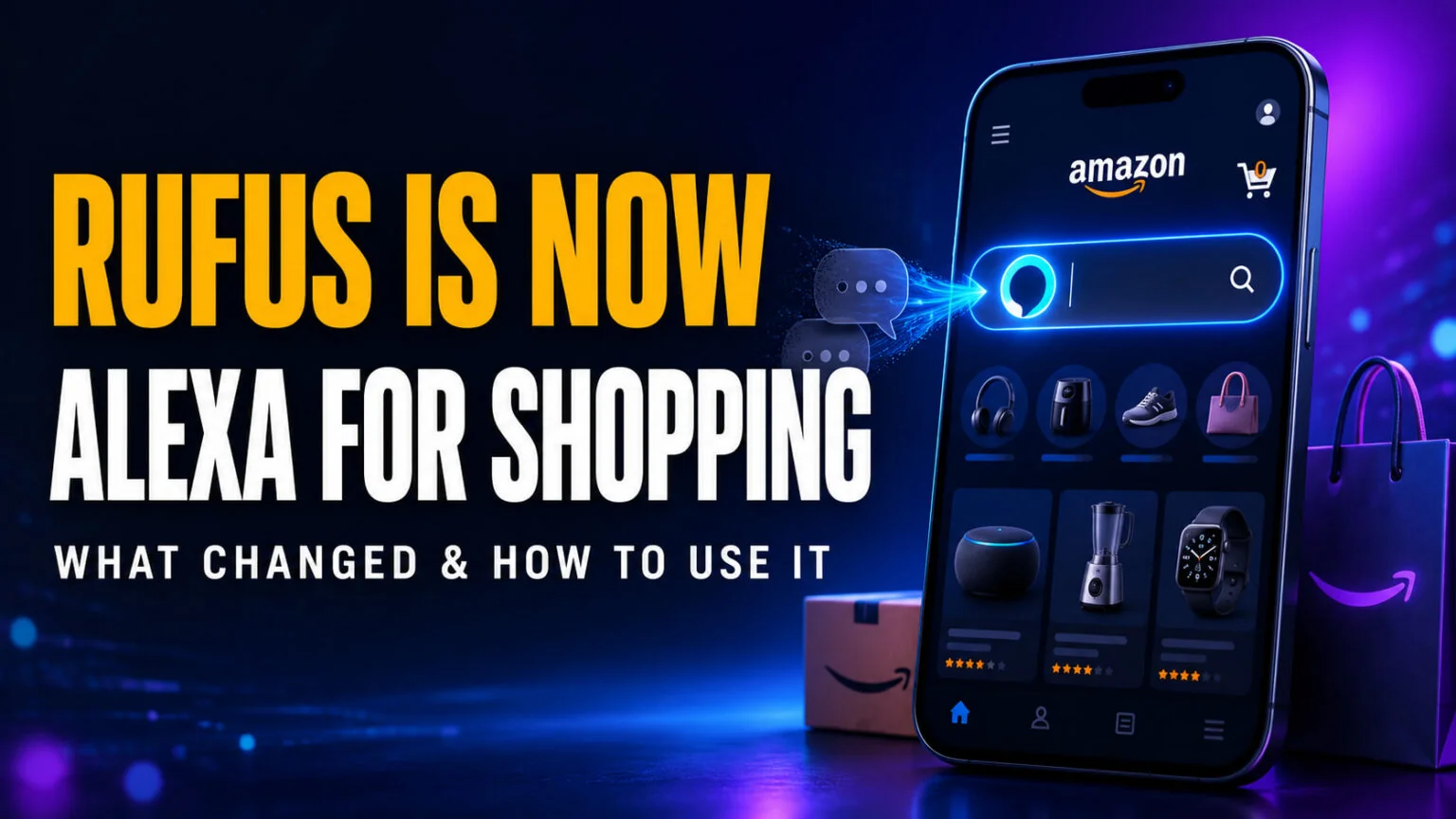
On May 13, 2026, Amazon renamed its Rufus shopping assistant to Alexa for Shopping, combining it with Alexa+ and letting you ask questions straight from the main Amazon search bar as well as in its own chat window. Rufus had helped over 300 million customers in 2025 research and compare products, and Amazon credited it with close to $12 billion in incremental annualised sales that year, so this is not a quiet tweak. The assistant has grown since: on 29 October 2026 Amazon said more than 400 million customers had used Alexa for Shopping in the previous 12 months.
If you opened the Amazon app recently and could not find Rufus, you did not lose anything. This guide explains what happened to Rufus, what Alexa for Shopping can do, how to access it for free, and whether the agentic features that buy things for you are worth trusting. It has kept growing since the rename: its price history now reaches back a full 365 days, and on 29 October 2026 Amazon added more than 100 new account actions. With Amazon’s Black Friday Week and Cyber Monday deals running from 19 to 30 November 2026, we also show how to use it to check a deal before you buy, and we place it next to the other AI shopping assistants so you know where Amazon now stands.
The Key Takeaways
- Rufus was renamed Alexa for Shopping on May 13, 2026, and combined with Alexa+. The Rufus name is gone, but its product expertise and recommendations carry over, and the assistant keeps its own chat window alongside the search bar.
- Alexa for Shopping is free for every signed-in US Amazon customer. You do not need Prime, an Echo device, or the Alexa app.
- It lives in the main search bar and in its own chat window, in the Amazon Shopping app, on amazon.com, and on Echo Show displays.
- It is agentic. It can auto-buy at target prices, run Scheduled Actions for recurring purchases, and use Buy for Me to buy eligible items from other stores on your behalf. Since 29 October 2026 it also handles more than 100 account actions, such as gift lists, registries, Subscribe & Save deliveries, and refund checks.
- It combines Rufus with Alexa+. Rufus itself ran on several models, including Anthropic’s Claude Sonnet and Amazon Nova through Amazon Bedrock, plus Amazon’s own custom shopping model.
What Happened to Rufus?
Rufus launched in February 2024 as a generative AI shopping assistant in a separate chat window inside the Amazon app. It answered product questions, compared items, and pulled from reviews and community Q&As. In 2025 alone it helped more than 300 million customers, but it sat in its own panel, away from the search bar where most shopping starts.
On May 13, 2026, Amazon dropped the Rufus name and folded the assistant into Alexa for Shopping. Amazon describes the new assistant as one that brings together Rufus and Alexa+, its next-generation assistant. CNBC reported the move as Amazon discontinuing the standalone Rufus chatbot, but Amazon’s own wording is a rename plus a merge: you can now ask questions right in the main search bar as well as in the dedicated Alexa for Shopping chat window, and Rufus’s product expertise carries over to both.
The short version is simple. The Rufus name is gone, its features live on in Alexa for Shopping, and you can now ask from the search bar you already use or open the chat window for a longer conversation.
Rufus vs Alexa for Shopping
The table below shows what Alexa for Shopping offers today, and which features Amazon listed as new or enhanced when Rufus became Alexa for Shopping.
| Capability | At the May 2026 switch | Alexa for Shopping today | Where it lives | Free? |
|---|---|---|---|---|
| Product Q&A and advice | Enhanced, now in the search bar | Yes, in the main search bar and its own chat window | App, web, Echo Show | Yes |
| AI overviews and comparisons | New or enhanced | Yes, at the top of search and on product pages | App, web | Yes |
| Price history tracking | Enhanced, up to a full year | Yes, 30, 90, and 365 days | App, web | Yes |
| Auto-buy at a target price | Carried over | Yes, with price alerts | App, web | Yes |
| Scheduled Actions (recurring buys) | New or enhanced | Yes | App, web | Yes |
| Buy for Me (other stores) | New or enhanced | Yes, for eligible products | App | Yes |
| 100+ account actions (lists, registries, refunds) | Added 29 October 2026 | Yes | App, web | Yes |
What Alexa for Shopping Can Do
Alexa for Shopping is built to handle the whole shopping journey, not just answer one-off questions. Here is what each headline feature does in practice.
Search-bar answers and AI overviews
You can type a real question like “what do I need to create a home photography studio” and get a custom shopping guide that compares features, price, and reviews across Amazon and the web. AI-generated overviews appear at the top of search results in the Amazon Shopping app and on product detail pages, summarizing a category before you start scrolling, and Amazon says they are rolling out to all US shoppers.
Side-by-side comparisons
Select several products from your search results and the assistant lays them out side by side, weighing features, prices, and reviews so you can decide faster. On a product page, the Compare with Similar button does the same for lookalike items. Amazon lists comparing from search results among the new and enhanced features of the May switch.
Price tracking and auto-buy
Tap Price History next to the price on any product page, or ask the assistant, to see 30, 90, and 365-day windows, so you can tell whether today’s “deal” is genuine. Amazon’s price-history guide, first published in May 2026, says the full-year view is rolling out in the US, UK, and India, and price history itself also works in Canada. Amazon says more than 50 million customers have checked price history since the feature launched in 2024.
This is where the feature earns its keep around Black Friday. Amazon’s Black Friday Week and Cyber Monday deals run from 19 to 30 November 2026, and the full-year chart shows whether a deal is really lower than what the item usually costs. You can also set a target price, get an alert when an item drops, and let the assistant buy automatically with your default payment method when your price is hit. On eligible product pages you can simply ask questions like “is this the lowest price recently?” instead of reading the chart yourself.
Scheduled Actions
Scheduled Actions let the assistant shop on a recurring basis for you. Ask it to add healthy kids’ snacks to your cart each month or restock household items on a set schedule, and it will either notify you or add the items to your cart, so all you do is review and check out.
Buy for Me
This is the most ambitious feature. Alongside Amazon’s own listings, the assistant shows Shop Direct picks from other online stores, and for eligible products Buy for Me lets Alexa for Shopping complete the purchase on that store’s site for you, using your Amazon payment and shipping details. It is fully agentic, and we cover the trade-offs below.
Photo search and reordering
You can tap the plus icon to upload a photo and ask about it, or photograph a handwritten shopping list and have the assistant transcribe and add the items to your cart. Reordering is conversational too, so “reorder the school supplies I bought last year” just works.
Is Alexa for Shopping Free and How Do You Access It?
Yes, Alexa for Shopping is free for every signed-in US Amazon customer. There is no Prime requirement, no Echo device needed, and no separate Alexa app to download. It works on the Amazon Shopping app, on amazon.com, and on Echo Show smart displays.
Getting started takes seconds.
- Open the Amazon Shopping app or go to amazon.com and sign in to your account.
- Tap the Alexa icon in the bottom navigation bar on mobile, or find it at the top of your screen on desktop. You can also just use the main search bar.
- Type a natural question or a product need instead of just keywords.
- Review the AI overview, comparisons, or shopping guide it returns.
- To go hands-off, set a target price or a Scheduled Action from the assistant’s suggestions.
On an Echo Show you can ask out loud and browse the visual results on screen, which makes price checks and reorders fast.
Buy for Me and the Safety Question
Letting an AI complete purchases for you is convenient, and it is reasonable to be cautious about it. Buy for Me hands real spending authority to an assistant that checks out on other stores’ sites with your Amazon payment and shipping details. The concerns are about autonomy and privacy, not whether the feature works.
Our advice is practical. Start with low-stakes, repeatable purchases like household restocks, keep target prices conservative, and review your order history regularly. Agentic buying is powerful for chores you would rather not think about, but approve any first-time, high-value purchase yourself. If you want a deeper look at how these autonomous tools behave, our guide to the best AI agents covers the wider category.
Where Alexa for Shopping Fits Among AI Assistants
Amazon is not the only company turning AI loose on shopping, and the rest of the field moved a lot in 2026. OpenAI stepped back from in-chat Instant Checkout in March 2026 and now lets merchants use their own checkout, Perplexity offers Instant Buy with PayPal checkout inside the answer for US users, Google launched its Universal Cart in the US on 15 October 2026 across Search and the Gemini app, and in April Microsoft took Copilot Checkout to Copilot’s mobile apps, with Target as an early launch partner. Alexa for Shopping still wins on one thing none of them can match, deep access to Amazon’s catalog, reviews, and your own purchase history.
The catch is that it is Amazon’s own assistant. It can show Shop Direct picks from other stores and draw on the web for its shopping guides, but it is built around Amazon’s store, so it is not a neutral referee. If you want product research that draws on the open web and multiple AI models, a single-vendor assistant is limiting. This is where running several models in one place helps, and it pairs naturally with using AI for the money side of shopping, which we cover in our ChatGPT personal finance review. The model behind Amazon’s assistant matters too, since Rufus ran on a mix of models, including Anthropic’s Claude Sonnet and Amazon Nova through Amazon Bedrock, plus Amazon’s own custom model, a point we explore in our Anthropic vs OpenAI comparison.
If you would rather not be tied to one store’s assistant, Fello AI puts Claude, ChatGPT, Gemini, Grok, and DeepSeek together in one Mac app for $11.99 a month in the US (prices vary by country). For the research that happens before you buy, like comparing options, summarizing reviews, or drafting a budget, you can ask several top models for one price, including DeepSeek. That beats being limited to a single retailer’s view. You can see how the underlying models stack up in our roundup of the best AI models, and for a non-Amazon shopping research tool, Perplexity is a solid option to know.
Conclusion
Rufus is gone in name only. Alexa for Shopping keeps what Rufus did well, answers questions straight from the main search bar as well as its own chat window, and adds agentic features such as auto-buy at a target price, Scheduled Actions, Buy for Me, and, since October, more than 100 account actions. It is free for every signed-in US Amazon shopper, with no Prime or Echo required.
If you shop on Amazon, start by typing a real question into the search bar and watching what the assistant returns. Before Black Friday on 27 November, check the 365-day price history on anything you plan to buy, and save auto-buy for routine purchases until you trust it.
FAQ
What happened to Rufus on Amazon?
On May 13, 2026, Amazon renamed Rufus to Alexa for Shopping and combined it with Alexa+. The Rufus name is gone, but its product expertise and recommendations carry over, and you can now ask questions in the main search bar as well as in the assistant’s own chat window.
Is Alexa for Shopping free?
Yes. It is free for every signed-in US Amazon customer. You do not need Prime, an Echo device, or the Alexa app to use it.
Where do I find Alexa for Shopping?
It works in the main search bar and in its own chat window in the Amazon Shopping app and on amazon.com, and also on Echo Show displays. In the app, tap the Alexa icon in the bottom navigation bar; on desktop, find it at the top of the screen.
What is Buy for Me?
Buy for Me is an agentic feature that lets Alexa for Shopping buy eligible products from other online stores, not just Amazon, and complete the checkout for you using your Amazon payment and shipping details.
Is Alexa for Shopping safe to let it buy automatically?
The auto-buy and Buy for Me features are convenient but hand real spending authority to the assistant. Start with low-value, repeatable purchases, set conservative target prices, and check your order history regularly.
How far back does Amazon price history go?
A full year. Alexa for Shopping shows 30, 90, and 365-day windows. Amazon says the 365-day view is rolling out in the US, UK, and India, and price history itself also works in Canada. Tap Price History next to the price on a product page, or just ask whether the current price is the lowest it has been recently.
A imagem de destaque deste artigo foi criada com a ajuda de IA.