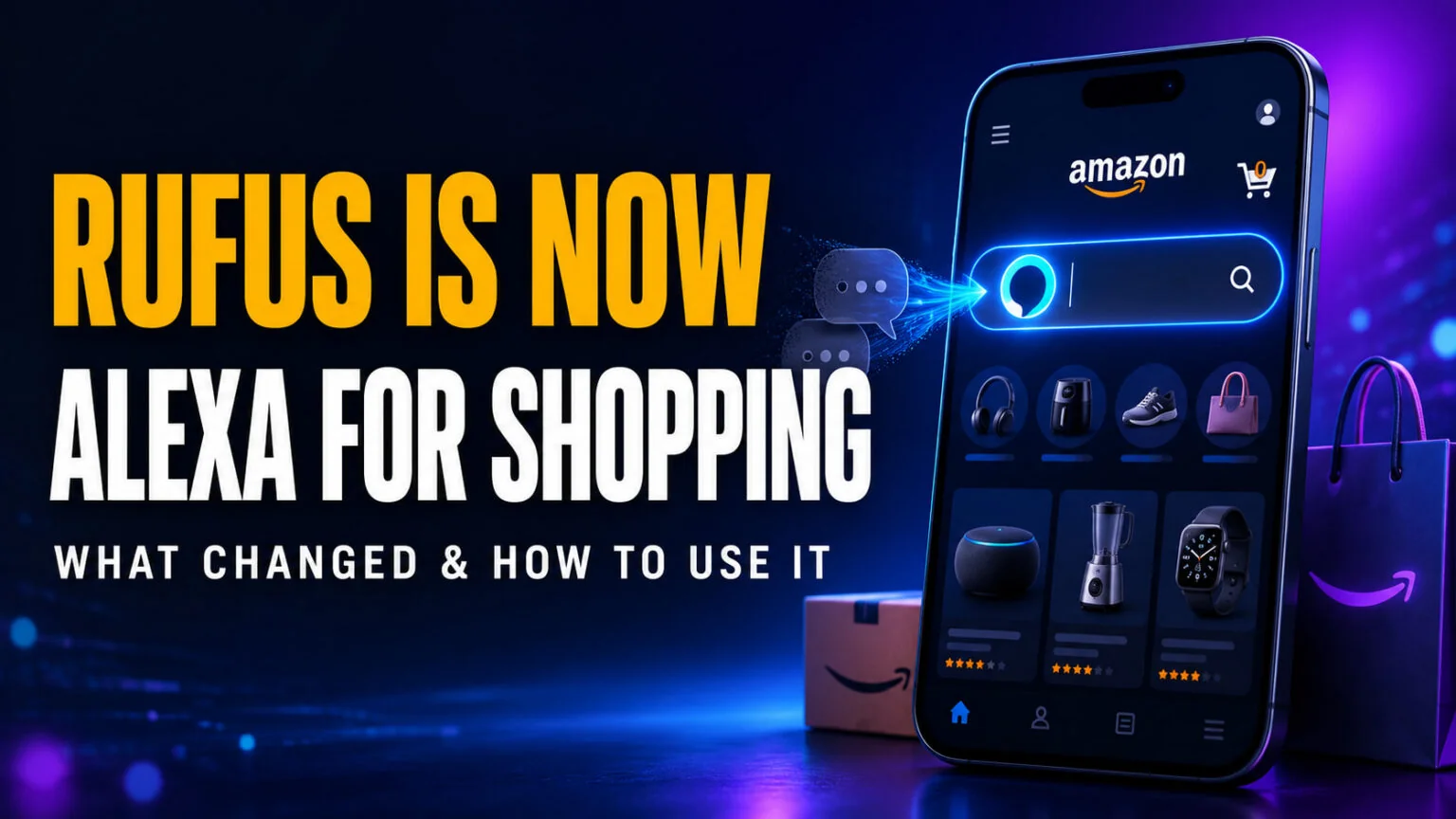
On May 13, 2026, Amazon retired the standalone Rufus chatbot and replaced it with Alexa for Shopping, a new agentic AI assistant built straight into the main Amazon search bar. Rufus had helped over 300 million customers in 2025 research and compare products and drove close to $12 billion in extra annualised sales, so this is not a quiet tweak. The separate Rufus chat window is gone, and its recommendations and product expertise now live inside a single, more capable assistant.
If you opened the Amazon app recently and noticed Rufus missing, you did not lose anything. This guide explains exactly what happened to Rufus, what Alexa for Shopping can do, how to access it for free, and whether the new agentic features that buy things for you are worth trusting. It has kept growing since the rename, most usefully on 30 June 2026 when Amazon stretched its price tracker out to a full 365 days. We also place it next to the other AI shopping assistants so you know where Amazon now stands.
The Key Takeaways
- Rufus was renamed and merged into Alexa for Shopping on May 13, 2026. The Rufus brand and its separate chat window are gone, but its product expertise and recommendations carry over.
- Alexa for Shopping is free for every signed-in US Amazon customer. You do not need Prime, an Echo device, or the Alexa app.
- It lives in the main search bar, plus the Amazon Shopping app, amazon.com, and Echo Show displays.
- It is agentic. It can auto-buy at target prices, run Scheduled Actions for recurring purchases, and use Buy for Me to shop other retailers on your behalf.
- It is powered by Alexa+, building on the Amazon Bedrock foundation that ran Rufus using Anthropic’s Claude, Amazon Nova, and a custom catalog model.
What Happened to Rufus?
Rufus launched in 2024 as a generative AI shopping assistant tucked into a separate chat window inside the Amazon app. It answered product questions, compared items, and pulled from reviews and community Q&As. By 2025 it had reached 300 million-plus customers, but most shoppers ignored the side panel and stuck to the search bar they already knew.
On May 13, 2026, Amazon fixed that placement problem by killing the Rufus brand and folding its capabilities into Alexa for Shopping. Amazon describes the new assistant as one that brings together Rufus and Alexa+, its next-generation assistant, and CNBC reported the move as Amazon retiring the standalone Rufus chatbot. Either way, the separate Rufus window is gone, and Rufus’s product expertise now lives in the place people actually look, the main search bar.
The short version is simple. The name Rufus is retired, the awkward side window is gone, and everything useful it did now happens where you already shop.
Rufus vs Alexa for Shopping
The table below shows what changed in the move from Rufus to Alexa for Shopping.
| Capability | Rufus (old) | Alexa for Shopping (new) | Where it lives | Free? |
|---|---|---|---|---|
| Product Q&A and advice | Yes, in a side chat | Yes, in the main search bar | App, web, Echo Show | Yes |
| AI overviews and comparisons | Limited | Yes, at the top of search and on product pages | App, web | Yes |
| Price history tracking | No | Yes, up to a full year | App, web | Yes |
| Auto-buy at a target price | No | Yes, with price alerts | App, web | Yes |
| Scheduled Actions (recurring buys) | No | Yes | App, web, Echo Show | Yes |
| Buy for Me (other retailers) | No | Yes | App | Yes |
What Alexa for Shopping Can Do
Alexa for Shopping is built to handle the whole shopping journey, not just answer one-off questions. Here is what each headline feature does in practice.
Search-bar answers and AI overviews
You can type a real question like “what do I need to start a home photography studio” and get a custom shopping guide that compares features, price, and reviews. AI-generated overviews appear at the top of search results and on product detail pages, summarizing a category before you start scrolling.
Side-by-side comparisons
Select several products from your search results and the assistant lays them out side by side, weighing specs, prices, and review sentiment so you can decide faster. This is the Rufus comparison feature, now surfaced where you browse instead of inside a separate panel.
Price tracking and auto-buy
The assistant shows price history across 30, 90, and 365-day windows, so you can see whether today’s “deal” is genuine. The full-year view is the newest piece, added on 30 June 2026 and rolling out to shoppers in the US, UK, and India. Amazon says more than 50 million customers have checked price history since the feature launched in 2024.
You can also set a target price, get an alert when an item drops, and even let the assistant buy automatically when your price is hit. On eligible product pages you can simply ask it questions like “is this the lowest price recently?” instead of reading the chart yourself.
Scheduled Actions
Scheduled Actions let the assistant shop on a recurring basis for you. You can ask it to add healthy kids’ snacks to your cart each month or restock household items on a set schedule, turning routine reordering into a hands-off task.
Buy for Me
This is the most ambitious feature and the most debated. Buy for Me lets Alexa for Shopping purchase items from other online retailers, not just Amazon, completing the checkout on your behalf. It is fully agentic, and we cover the trade-offs below.
Photo search and reordering
You can tap the plus icon to upload a photo and ask about it, or photograph a handwritten shopping list and have the assistant transcribe and add the items to your cart. Reordering is conversational too, so “reorder the school supplies I bought last year” just works.
Is Alexa for Shopping Free and How Do You Access It?
Yes, Alexa for Shopping is free for every signed-in US Amazon customer. There is no Prime requirement, no Echo device needed, and no separate Alexa app to download. It works on the Amazon Shopping app, on amazon.com, and on Echo Show smart displays.
Getting started takes seconds.
- Open the Amazon Shopping app or go to amazon.com and sign in to your account.
- Tap the Alexa icon in the bottom navigation bar on mobile, or find it at the top of your screen on desktop. You can also just use the main search bar.
- Type a natural question or a product need instead of just keywords.
- Review the AI overview, comparisons, or shopping guide it returns.
- To go hands-off, set a target price or a Scheduled Action from the assistant’s suggestions.
On an Echo Show you can ask out loud and browse the visual results on screen, which makes price checks and reorders fast.
Buy for Me and the Safety Question
Letting an AI complete purchases for you is convenient, and it is reasonable to be cautious about it. Tech press flagged Buy for Me as controversial precisely because it hands real spending authority to an assistant that acts across retailers. The concerns are about autonomy and privacy, not whether the feature works.
Our advice is practical. Start with low-stakes, repeatable purchases like household restocks, keep target prices conservative, and review your order history regularly. Agentic buying is powerful for chores you would rather not think about, but approve any first-time, high-value purchase yourself. If you want a deeper look at how these autonomous tools behave, our guide to the best AI agents covers the wider category.
Where Alexa for Shopping Fits Among AI Assistants
Amazon is not the only company turning AI loose on shopping, and the rest of the field moved a lot in 2026. ChatGPT shut its in-chat Instant Checkout down in March 2026 and is research-only now, Perplexity kept free Instant Buy across 5,000 merchants with PayPal, Google rolled out agentic checkout and a Universal Cart, and Microsoft’s Copilot Checkout quietly reached 500,000+ merchants. Alexa for Shopping still wins on one thing none of them can match, deep access to Amazon’s catalog, reviews, and your own purchase history.
The catch is that it is locked to Amazon’s ecosystem, aside from Buy for Me. If you want product research that draws on the open web and multiple AI models, a single-vendor assistant is limiting. This is where running several models in one place helps, and it pairs naturally with using AI for the money side of shopping, which we cover in our ChatGPT personal finance review. The model behind Amazon’s assistant matters too, since Rufus was built on Anthropic’s Claude through Amazon Bedrock, a point we explore in our Anthropic vs OpenAI comparison.
If you would rather not be tied to one store’s assistant, Fello AI puts Claude, ChatGPT, Gemini, Grok, and DeepSeek together in one Mac app for $9.99 a month. For the research that happens before you buy, like comparing options, summarizing reviews, or drafting a budget, you can ask several top models for one price, including DeepSeek. That beats being limited to a single retailer’s view. You can see how the underlying models stack up in our roundup of the best AI models, and for a non-Amazon shopping research tool, Perplexity is a solid option to know.
Conclusion
Rufus is gone in name only. Alexa for Shopping keeps everything Rufus did well, fixes its biggest flaw by moving into the main search bar, and adds genuine agentic muscle with price tracking, Scheduled Actions, and Buy for Me. Best of all, it is free to every US Amazon shopper with no Prime or Echo required.
If you shop on Amazon, start by typing a real question into the search bar and watching what the assistant returns. Save the agentic auto-buy features for routine purchases first, then expand from there once you trust it.
FAQ
What happened to Rufus on Amazon?
On May 13, 2026, Amazon renamed Rufus and merged it into Alexa for Shopping. The separate Rufus chat window is gone, but its product expertise and recommendations carry over to the new assistant, which Amazon describes as bringing together Rufus and Alexa+.
Is Alexa for Shopping free?
Yes. It is free for every signed-in US Amazon customer. You do not need Prime, an Echo device, or the Alexa app to use it.
Where do I find Alexa for Shopping?
It lives in the main search bar of the Amazon Shopping app and amazon.com, and it also works on Echo Show displays. Just sign in and start typing a question.
What is Buy for Me?
Buy for Me is an agentic feature that lets Alexa for Shopping purchase items from other online retailers, not just Amazon, and complete the checkout for you.
Is Alexa for Shopping safe to let it buy automatically?
The auto-buy and Buy for Me features are convenient but hand real spending authority to the assistant. Start with low-value, repeatable purchases, set conservative target prices, and check your order history regularly.
How far back does Amazon price history go?
A full year. Alexa for Shopping shows 30-day and 90-day windows, and on 30 June 2026 Amazon added a 365-day view that is rolling out in the US, UK, and India. On eligible product pages you can just ask whether the current price is the lowest it has been recently.