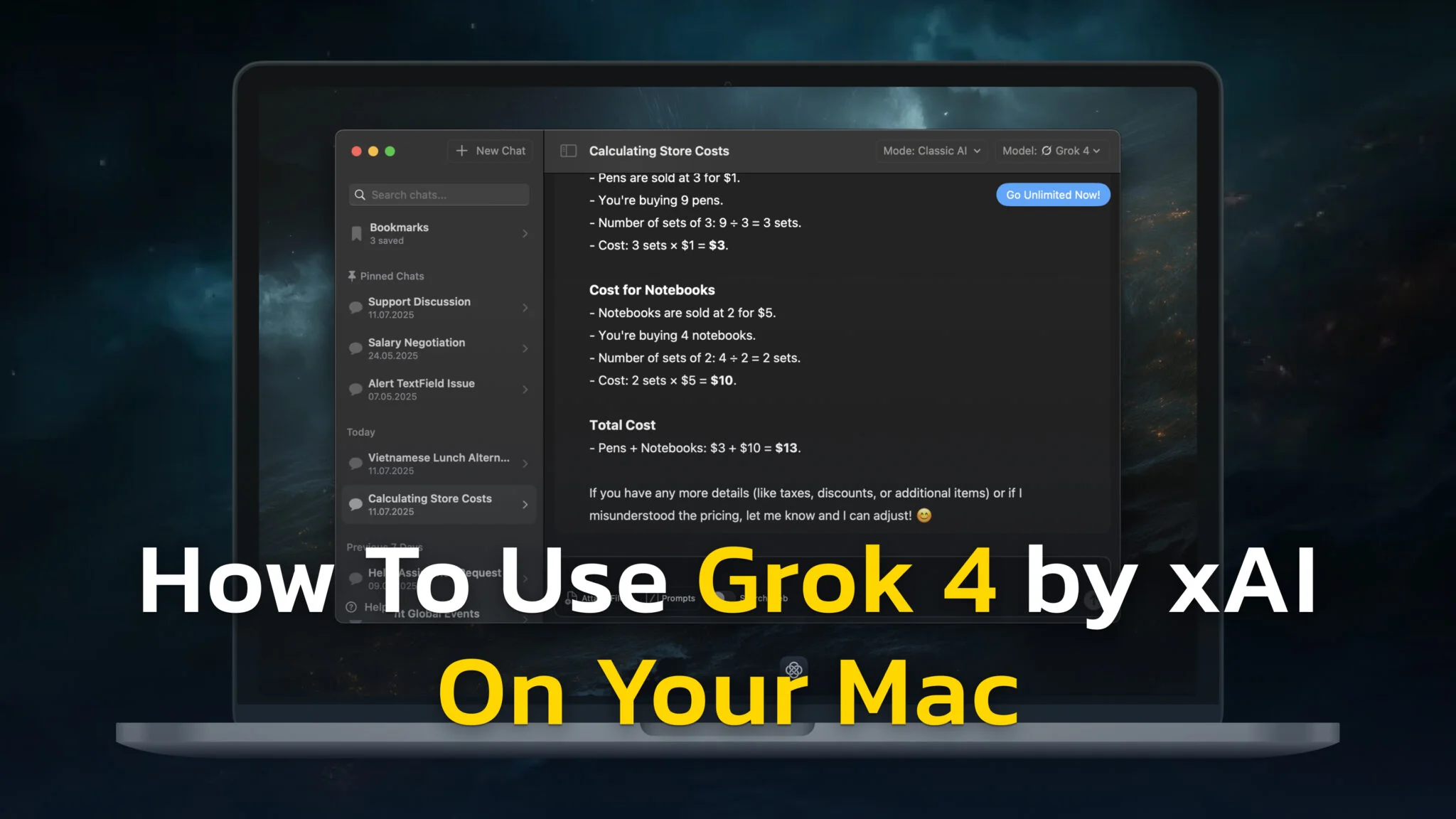
There is no official Grok chat app for Mac. As of November 2026, xAI ships Grok on grok.com, iOS, Android and X, and its only Mac download is Grok Bot, a separate agent app. This guide first covered Grok 4, which launched on 9 July 2025. Today Grok runs Grok 4.7, and the steps below get you the current model, not the old one.
You still have two quick ways to put Grok in its own Mac window. You can turn grok.com into a web app with Safari or Chrome, which keeps your xAI account and plan. Or you can use Fello AI, a native Mac app that includes Grok and does not need an X account or an X plan.
This article explains which Grok model you get today, how to set up each route in under two minutes, and what Grok costs.
The Key Takeaways
- No Grok chat app for Mac: the Mac App Store has no Grok app from X Corp. or xAI, and grok.com/download opens the web app.
- Grok Bot is not the chat app: xAI’s Mac download is an agent app, included on The X Subscription’s Premium, Super and Ultra plans.
- Current model: Grok 4.7 powers Expert mode on grok.com since 3 October 2026. Free users get Fast mode only.
- Two-minute setup: Safari’s File → Add to Dock (macOS Sonoma or later), Chrome’s Install page as app, or a native app such as Fello AI.
Which Grok Model Do You Get Today?
You get Grok 4.7 on a paid plan and Fast mode on the free tier. xAI released Grok 4.7 on 21 September 2026 as its “most capable model for coding and knowledge work”. Since 3 October 2026 it powers Expert mode on grok.com, and Fast mode for paid subscribers.
The Grok app names modes, not models. As of 17 November 2026 the grok.com picker shows Auto (chooses Fast or Expert), Fast, Expert (Grok 4.7) and Heavy (a team of experts on Grok 4.7). Logged out, only Fast is available, and the other three ask you to upgrade.
Grok 4 is now four releases old. xAI followed it with Grok 4.1 in November 2025, Grok 4.5 in July 2026, Grok 4.6 in August 2026 and Grok 4.7 in September 2026. If a guide still tells you to pick “Grok 4”, it describes a picker that no longer exists.
What Made Grok 4 Stand Out in July 2025
Grok 4 was trained with reinforcement learning to use tools, such as a code interpreter and web browsing, while it reasons. At launch xAI called it “the most intelligent model in the world” and put it on SuperGrok and X Premium+ plans and the API. Its Grok 4 Heavy variant was, in xAI’s words, “the first to score 50.7% on Humanity’s Last Exam (text-only subset)”.
Grok 4 Heavy uses parallel test-time compute, which xAI says lets Grok “consider multiple hypotheses at once”. It shipped with a new SuperGrok Heavy tier. The table lists the launch figures xAI stated in the text of its announcement.
| Benchmark | Model | xAI’s figure | Comparison xAI gave |
|---|---|---|---|
| Humanity’s Last Exam (text-only) | Grok 4 Heavy | 50.7% | First model to pass 50% |
| ARC-AGI-2 | Grok 4 | 15.9% | Claude Opus ~8.6% |
| USAMO 2025 | Grok 4 Heavy | 61.9% | Leader at launch |
| Vending-Bench (net worth) | Grok 4 | $4,694.15 | Claude Opus 4 $2,077.41 |
| Context window (API) | Grok 4 | 256,000 tokens | – |
Read these as history, not as a ranking. They are July 2025 results, and every model in the comparison column has since been replaced, Grok 4 included.
Is There a Grok App for Mac?
No, not for chatting. As of 17 November 2026, xAI lists grok.com, iOS, Android and Grok on X as the places to use Grok, and a Mac App Store search finds no Grok app from X Corp. or xAI. xAI’s only Mac download is Grok Bot, which xAI itself calls a different app from Grok. That leaves two practical ways to get Grok into its own Mac window.
Option 1: Turn the Grok Website into an App
If you’d rather use Grok directly from xAI’s official web app but hate running it in a cluttered browser window, you can convert the website into a standalone Mac app using Safari or Chrome.
Safari (macOS Sonoma 14 or later):
- Go to https://grok.com
- Choose File → Add to Dock, type a name, then click Add
- Safari saves the web app to the Applications folder in your home folder, and you can open it from the Dock or Spotlight
Chrome (if you prefer):
- Open grok.com in Chrome
- Click the three-dot menu → Cast, save, and share → Install page as app…
- Follow the on-screen instructions to install it
- Manage or uninstall the Grok app later from chrome://apps
A web app does not remove the sign-in or the plan limits. A Safari web app shares no cookies with Safari, so you sign in to Grok once inside it. On the free tier you still get Fast mode only; Expert, Heavy and Auto need a paid plan.
Option 2: Use Grok Inside Fello AI (Native Mac App)
If you want Grok in a real Mac app without buying an X plan, Fello AI gives you that, and the same window also runs GPT, Claude and Gemini when you want a second opinion. You ask Grok, and if the answer looks off, you ask another model without opening a new tab or a new account.
Steps:
- Download Fello AI from the Mac App Store
- Open the app
- Pick Grok in the model selector
- Start chatting

Fello AI has its own pricing, separate from The X Subscription. Its free tier has a limited number of daily messages, and a Fello AI subscription unlocks full access to all its models. Features that live on xAI’s side, such as Heavy mode on grok.com and Grok Bot, still need an xAI plan.
What xAI Offers on the Mac Today: Grok Bot and Grok Build
xAI’s Mac software is for agents and coding, not chat. The Grok Bot desktop app runs on macOS (Apple silicon and Intel), Windows and Linux, and you download it from x.ai/bot. Grok Bot gives you Bots that work on a shared cloud computer, and it signs in with a Cursor account. It is included on Premium, Super and Ultra, not on Plus or Free.
Where Grok itself runs as of November 2026:
- Web access at x.ai and grok.com
- Mobile apps (iOS, which also runs on iPad, and Android)
- Grok on X, plus API access for developers
- Grok Build, a coding agent you install on macOS from the Terminal, and Grok models inside Cursor
xAI has not announced a Grok chat app for Mac. Its most recent Mac-related release is Grok Bot 1.0 on 11 November 2026, which added team features to the agent app. If a native Grok chat app ships, the xAI news page and the Mac App Store are where it will show up first.
Conclusion
Grok on the Mac is a web app or a third-party app, as of November 2026. xAI’s own Mac download, Grok Bot, is an agent tool, and the model behind Grok’s Expert mode is now Grok 4.7, not Grok 4.
If you want xAI’s full feature set, turn grok.com into a Safari or Chrome web app and sign in with your plan. If you want Grok in a native Mac window with no X subscription, and other models one click away, use Fello AI.
For what each plan includes, see our guide to The X Subscription and our Grok 4.7 breakdown. For a side-by-side look at every route, see our Grok desktop client guide for macOS.
Frequently Asked Questions
Is there an official Grok app for Mac?
No. As of 17 November 2026 xAI offers Grok chat on grok.com, iOS, Android and X, and the Mac App Store has no Grok app from X Corp. or xAI. The Grok Bot desktop app for macOS is a separate agent product, not the Grok chat app.
Why use Grok on macOS?
A dedicated window is faster than a browser tab. A Safari or Chrome web app opens from the Dock, stays out of your tab clutter and keeps Grok one click away while you work.
A native app goes one step further. With Fello AI you can use Grok without buying The X Subscription. Fello AI’s free tier has a limited number of daily messages, and full access is a Fello AI subscription.
Is Grok free?
Partly. Grok’s free tier on x.ai and grok.com gives you Fast mode with usage limits. Expert mode (Grok 4.7), Heavy and Auto need a paid plan. Since 12 October 2026 new customers buy The X Subscription: Plus at $8, Premium at $30, Super at $100 and Ultra at $200 a month, as of November 2026. Existing SuperGrok plans continue unless you switch.
Can I use Grok without an X subscription?
Yes. You can use Grok’s free tier on grok.com without paying for X. Since 12 October 2026 Grok’s paid plans are sold as The X Subscription, which brings together Grok, Cursor and X, and its paid plans include X Premium benefits when you connect an X account. Third-party apps like Fello AI also offer Grok directly, without any need to log into the X platform.
Does Grok still access real-time X data?
Yes. Search inside X is one of Grok’s defining features. xAI trained Grok to use keyword and semantic search tools on X, and even to view media in posts, alongside its web search.
What makes Grok different from ChatGPT?
The biggest difference is X. Grok searches X posts natively, and The X Subscription bundles Grok with Cursor and X Premium benefits. Both assistants use tools and search the web: ChatGPT search has been available to everyone since February 2025. Grok can also be blunter: depending on the features you choose, xAI’s terms warn it may use coarse language or crude humor.
Has Grok improved since Grok 4?
Yes. xAI has shipped Grok 4.1 (November 2025), Grok 4.5 (July 2026), Grok 4.6 (August 2026) and Grok 4.7 (September 2026). Video generation arrived as Grok Imagine, and Imagine Video 1.5 with References (July 2026) generates up to 1080p. For coding, xAI released Grok Code Fast 1 in August 2025 and the Grok Build coding agent in May 2026.
Can minors use Grok?
Grok’s terms require users to be at least 13, and teenagers aged 13 to 17 need a parent’s or guardian’s permission. xAI warns that, depending on the features chosen, Grok may produce coarse language, crude humor, sexual situations or violence. The iOS app is rated 17+ on the App Store.
What does Grok do with my data?
xAI says it does not sell your data to third parties as defined by applicable laws. Your prompts may be used to train its models unless you turn off “Improve the Model” in Grok’s data settings. “Private Chat” (the ghost icon) keeps a conversation out of training and deletes it from xAI’s systems within 30 days.
Can Grok give wrong answers?
Yes. Like all AI models, Grok can produce hallucinations or incorrect claims. Verify its outputs when accuracy matters, especially figures, dates and anything it pulls from X posts.
Can I personalize Grok?
Yes. Grok has a memory you can view, edit and delete from Settings, and it supports custom instructions. You can also let Grok use your X data with the “Personalize Grok using X” setting.
Can I delete my Grok data?
Yes. You can delete conversations in Grok, or delete your whole account in Settings on grok.com or in the app, under Data Controls, Delete Account. xAI says it deletes the data within 30 days unless it must keep it for legal, compliance or safety reasons.
Are Grok chats reviewed by humans?
Some may be. xAI says a limited number of authorized personnel may review conversations to improve model performance, investigate security incidents and misuse, and meet legal obligations. The details are in the xAI Privacy Policy and Consumer FAQ.
Where can I use Grok?
Right now, Grok is available on grok.com, in the iOS and Android apps, on X and through the xAI API.
On the Mac, xAI offers the Grok Bot agent app and the Grok Build coding agent, but no Grok chat app, as of November 2026.