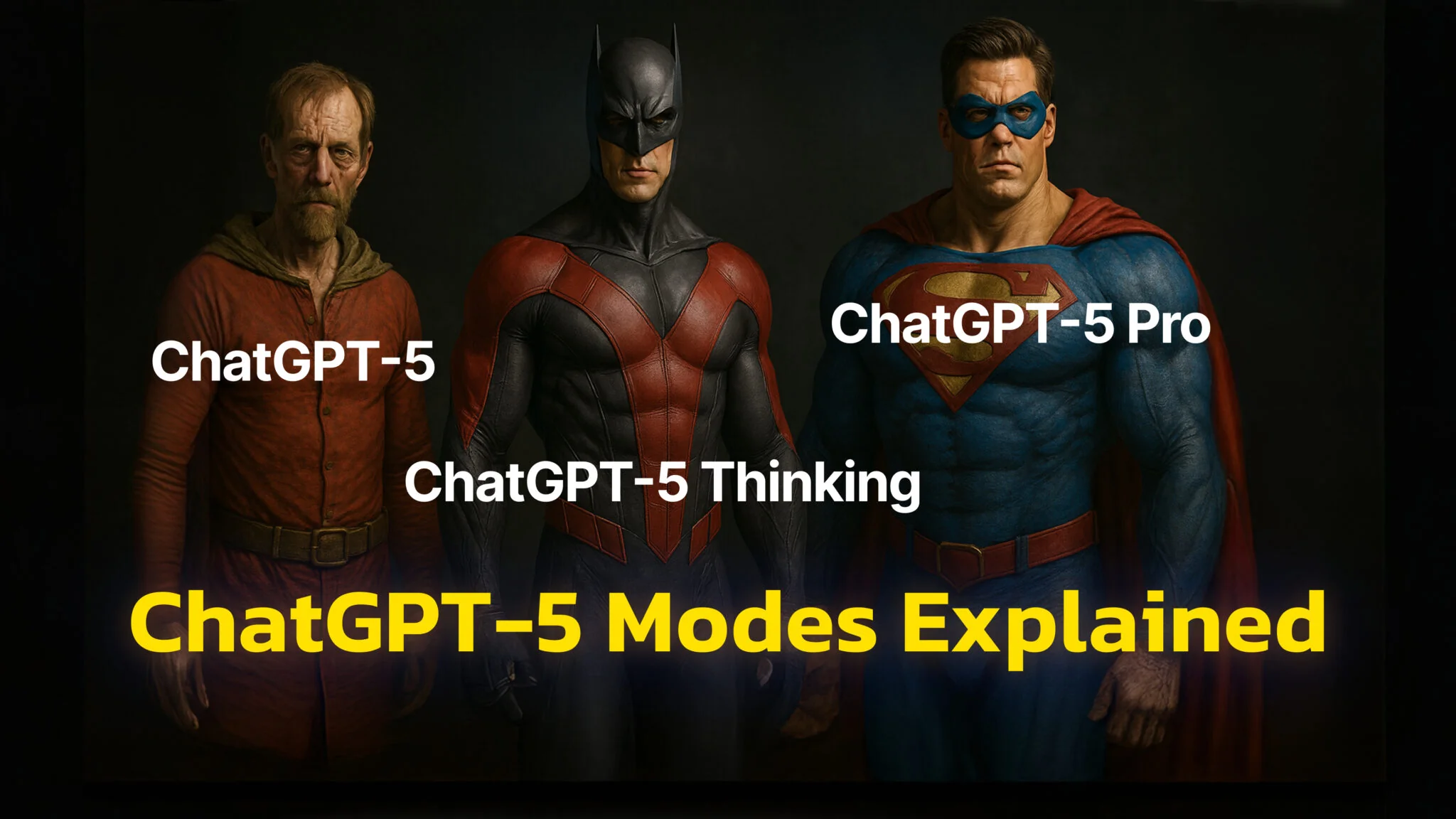
OpenAI’s launch of GPT-5 changed how ChatGPT works. Instead of choosing between models like GPT-4o, GPT-4.5 or o3, you now get one unified GPT-5 system. It responds quickly to simple prompts, but can automatically switch into a slower, more thoughtful mode called GPT-5 Thinking for complex questions. If you’re on a paid plan, you can also turn this mode on manually. And on Pro (and Team) plans, you also get GPT-5 Pro, which uses more compute for the hardest problems.
Behind the scenes, ChatGPT is now smarter about how it handles your requests. Most of the time, it gives fast replies using a lightweight model. But when the task is harder—like writing code or explaining something in depth—it shifts into GPT-5 Thinking to take more time and get things right.
Technically, GPT-5 includes three parts: a fast model, a deeper Thinking model, and a router that chooses between them based on your prompt. That’s why you might notice a short pause before a complex answer appears—GPT-5 is taking a moment to think. GPT-5 Pro is available on Pro/Team and taps extra compute for maximum quality.
One Model, Two Modes
When you open ChatGPT now and pick GPT-5, you’re not using a single model—it’s a smart system that decides how deeply to think, based on what you ask. That means simple prompts will get fast, efficient replies. More complex ones—like coding help, analysis, or multi-step problems—will trigger GPT-5 Thinking, a slower but more accurate reasoning mode.
If you’re on a Plus, Team, or Pro plan, you can also manually switch to GPT-5 Thinking in the model menu when you want it to spend extra time analyzing something. Otherwise, it will automatically decide for you.
You might also see a little “thinking” icon or get an option to “Get a quick answer” while it’s processing—that lets you skip the extra steps and jump to a faster response.
And if you’re on the Pro plan, there’s one more level: GPT-5 Pro. This version runs the most advanced reasoning logic and uses parallel compute to deliver the highest possible quality—think of it like calling in an expert team instead of one assistant.
Problem with automatic routing
Some users are frustrated that GPT-5 doesn’t always pick the best reasoning path, which is one of the reasons two identical questions get two different answers. In some cases, GPT-5’s auto-router can pick the wrong mode, so “GPT-5” may swing between a lighter model and a top model. Unless you manually switch to GPT-5 Thinking or GPT-5 Pro (paid plans), quality can vary—and the router may even change modes mid-thread. For sustained, complex work, force Thinking/Pro instead of relying on auto-routing.
Prefer GPT-4o? Here is a guide on How to Keep Using GPT-4o.

What “Thinking” really does
Behind the scenes, GPT-5 Thinking is tuned to spend more steps thinking before giving you a reply. This extra effort helps with tasks like:
- Debugging or writing complex code
- Solving multi-step math problems
- Analyzing large amounts of data or documents
- Writing long-form, well-reasoned content
- Giving nuanced, accurate answers on health, law, or science
According to OpenAI’s own benchmarks, GPT-5 Thinking cuts down on factual mistakes by 80% compared to older models like o3. On top of that, it’s less likely to be overly agreeable or flattering (“sycophantic”), something that plagued earlier versions.
It also performs better at real-world coding tasks, with a 74.9% score on SWE-bench Verified—compared to just 54.6% for GPT-4.1. In other words, GPT-5 Thinking doesn’t just write code—it writes better, more efficient code with fewer retries.
If you’re using the API, you can control this with parameters like reasoning_effort (set to minimal for faster replies or higher values for deeper analysis), and verbosity to control answer length. There’s even a non-reasoning version available, called gpt-5-chat-latest, for simpler, fast tasks.
When to use each mode
Most of the time, just use GPT-5 and let it figure out what to do. It’s already smart enough to pick the right balance between speed and depth.
But here are a few cases where you might want to manually select GPT-5 Thinking:
- You’re writing or reviewing technical documents, like medical summaries, legal drafts, or research notes.
- You need help with complex software engineering, like building apps or debugging tricky code.
- You want to ensure fewer errors or hallucinations on high-stakes tasks.
And if you’re on the Pro plan and working with long documents, book chapters, or agent-like tasks, GPT-5 Pro gives you the most accurate responses possible.
Here’s a quick overview:
| In ChatGPT | What it is | How you get it | Typical use |
|---|---|---|---|
| GPT-5 (default) | Router that chooses fast chat vs. Thinking | Available to all users (rollout) | Everyday Q&A, short writing, summaries |
| GPT-5 Thinking | Deeper-reasoning variant | Manually select on Plus/Pro/Team; router auto-escalates as needed | Multi-step reasoning, coding, tool chains |
| GPT-5 Pro | Longest, parallel compute for max rigor | Pro/Team only | Research-grade analysis, hardest coding/debugging tasks |
Safety & Accuracy
One of the biggest updates with GPT-5 is how it handles risky or sensitive questions. Instead of simply refusing to answer, GPT-5 now uses something called safe completions. This means it tries to give you helpful info within safety limits, even on dual-use topics like biology or cybersecurity.
OpenAI also trained GPT-5 to reduce hallucinations (confidently wrong answers). In most tests, it outperforms other models like Claude or Gemini. And when it can’t solve a task, GPT-5 is more likely to just say so—instead of faking an answer.
There’s still a long way to go, especially with prompt injection attacks (where users try to trick the model). But compared to previous models, GPT-5 is far more reliable, especially when thinking mode is enabled.
Final thoughts
So, what’s the real difference between GPT-5 and GPT-5 Thinking?
- GPT-5 is the default smart system that auto-routes between fast and deep replies.
- GPT-5 Thinking is the dedicated mode that reasons longer and gives better answers on complex problems.
- GPT-5 Pro (available for Pro/Team users) takes it a step further for the most demanding use cases.
In short: GPT-5 is faster. GPT-5 Thinking is smarter. And GPT-5 Pro is both—but with the time and compute to really go deep.
If you mostly write emails or brainstorm ideas, GPT-5 will do the job just fine. But if you need deeper logic, research, or critical decision-making, it’s worth giving Thinking mode a try. Whichever mode you settle on, switching between them is quicker in the ChatGPT desktop client for Mac than in a browser tab.
Want help picking the best setup for your work? Let me know what you’re doing—coding, writing, analysis—and I’ll suggest when to use which.