Update, October 2026: GPT-Image-1.5 has since been succeeded, and Nano Banana Pro now has faster, cheaper siblings. Google has shipped Nano Banana 2 and its October 2026 update, Nano Banana 2.1, while Nano Banana Pro remains Google’s premium image model. OpenAI’s GPT Image line now powers ChatGPT Images 2.5. The head-to-head below is our original December 2025 test of GPT-Image-1.5 vs Nano Banana Pro, with the hands-on images generated on those versions; the takeaways on where each engine wins still hold, but for the current generation start with our Nano Banana 2.1 guide. ByteDance has also entered the top tier with Seedream 5.0 Pro.
The last twelve months have been crazy for AI, and especially for image generation: Midjourney v6, FLUX.2, Seedream 4.5, Nano Banana Pro, and GPT-Image-1.5 have all tried to grab market share.
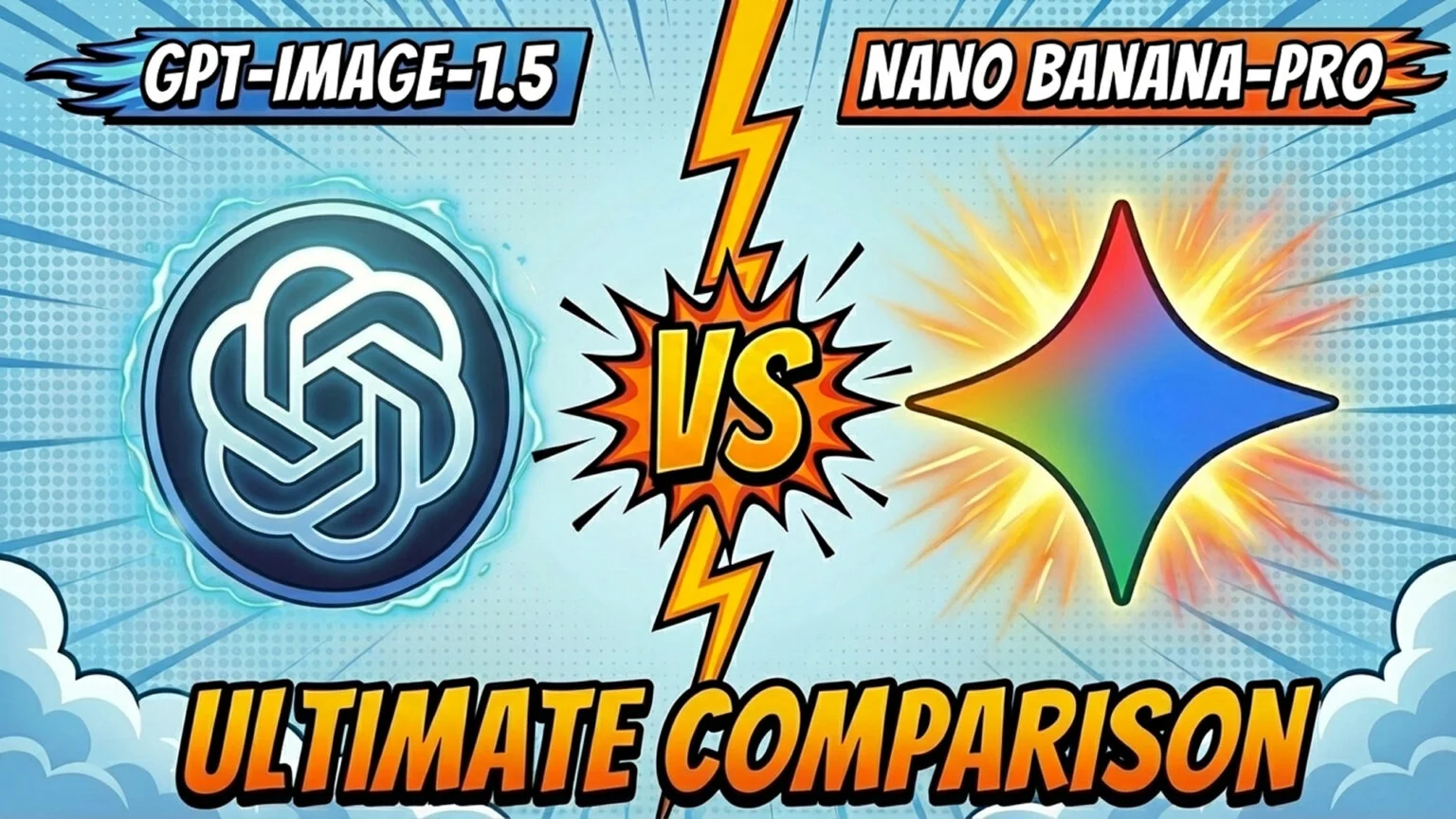
With each new release, the line between synthetic and real continues to blur, and two of the most talked-about contenders in late 2025 are OpenAI’s GPT-Image-1.5 and Google’s Nano Banana Pro. Both aim to make image generation faster, smarter, and more accessible, but they take very different approaches.
OpenAI’s GPT Image line replaced DALL·E earlier this year and is now native inside ChatGPT and the API. GPT-Image-1.5, released globally on December 16, 2025, was the version under test here and powered what was then the new ChatGPT Images experience.
Google’s Nano Banana Pro is the flagship image model in the Gemini family that was released in mid November 2025. It built as a higher-end “Pro” version of the original Nano Banana. It focuses on realism, resolution, and strong text/diagram rendering, and is integrated into Gemini, AI Studio, and various partner tools.
The obvious question: which model is better and which one should you trust for specific use cases? We compared both models across benchmarks, real-world scenarios, and community feedback to answer that!
Technical Comparison
Both models represent the best from their respective labs, but differ across a few core technical pillars:
| Feature | GPT-Image-1.5 | Nano Banana Pro |
|---|---|---|
| Release Date | December 2025 | November 2025 |
| Built On | OpenAI proprietary stack | Gemini 3 Pro (Google) |
| Speed (1K output) | ~30–45s | ~10–15s |
| Max Resolution | ~1.5K native | Up to 4K |
| Aspect Ratio Support | 3 options | 8+ options |
| Prompt Fidelity | High | Medium–High |
| Reference Images | Up to 5 (with fidelity control) | Up to 14 |
| Editing Support | Strong inpainting, mask edits | Precise object-level control |
| Pricing (API) | ~$0.009–$0.133 per image (token-based) | $0.15–$0.28 per image (fixed tiers) |
| Integration | ChatGPT + OpenAI API | Google Gemini Studio + API |
| Style Defaults | Slight yellow hue common | Neutral, cinematic, or photoreal |
| Watermarking | None mandatory | Optional for enterprise verification |
GPT-Image-1.5 and Nano Banana Pro target different strengths. GPT-Image-1.5 wins on prompt fidelity and OpenAI ecosystem integration, but falls short on speed (3x slower), resolution (1.5K vs. 4K), and flexibility (fewer aspect ratios and reference images). Nano Banana Pro dominates in raw performance, with faster generation, higher resolution, superior editing controls, and more reference image support. Both deliver strong creative output, though GPT-Image-1.5 trends warmer in color while Nano Banana Pro defaults to neutral/cinematic.
It outperforms on speed, resolution, and control granularity, making it ideal for production workflows. GPT-Image-1.5 offers better cost efficiency for simple tasks and tighter ChatGPT integration, but Nano Banana Pro’s technical edge makes it the stronger all-around model for demanding creative and enterprise use cases.
Quantitative benchmarks
In a recent multi-prompt benchmark across 15 targeted tasks (temporal consistency, physical realism, text/symbol rendering, multi-object scenes, reflections, etc.), the scores were close:
- Nano Banana Pro: 89% success
- GPT Image 1.5: 86% success
Nano Banana Pro edged ahead mainly because it handled crowded, complex scenes (multiple interacting elements, reflections, layered composition) a bit more reliably.
But other tests complicate the “one winner” narrative:
- Microsoft internal evaluations reportedly show GPT Image 1.5 leading on prompt alignment and doing especially well on diagram/flowchart-style tasks.
- LLM-style leaderboards often place both models in the top tier, with gaps small enough that prompt choice + task category can easily flip who looks “best.”
Hands-on reviews & community sentiment
Across blogs, Reddit threads, and YouTube comparisons, the pattern is surprisingly consistent:
GPT Image 1.5
- Clear step up from earlier OpenAI image models.
- Often praised for instruction following, layout control, infographics, UI mockups, stylized visuals, and iterative editing.
- Still less reliable for ultra-tight photorealism, scale/physics, and some multi-image storyboard workflows.
Nano Banana Pro
- Frequently preferred for raw realism (skin, lighting, camera “look,” physical scale).
- Strong at multi-image sequences, character consistency, and dense text-heavy infographic outputs.
- Feels more “client-safe” when you need one polished final frame with minimal retries.
Real World Comparisons
Benchmarks are useful, but they don’t tell you how a model behaves when you actually use it. Real projects involve messy prompts, tight deadlines, edits, different aspect ratios, and “make it like this, but…” loops, and that’s where the differences show up fast.
So instead of arguing about one global “best” model, this section compares both across common real-world use cases. The goal is simple: see which one produces the result you need with the fewest retries, the least cleanup, and the highest confidence. For a challenger that takes a different route, Reve 2.0 swaps text prompts for editable layouts and native-4K output.
Best for UI & Product Work
If you’re designing user interfaces, app concepts, or product mockups, clarity, structure, and layout control matter more than realism.
- GPT-Image-1.5 handles layout and dense content better, preserving grid structure and correctly placing buttons, text, and device frames.
- Nano Banana Pro sometimes drifts into overly realistic renderings, which may be too styled or inconsistent for design-first work.
Test prompt:
“Generate three iOS app screens for a minimalist fintech app showing: login, dashboard, and transaction history. Use soft gradients, white backgrounds, and thin typography.”


Best for Marketing & Ads
Marketing images need to be polished, attention-grabbing, and text-ready. You often want fast iteration combined with brand-safe visuals.
- GPT-Image-1.5 is ideal for generating 10 variations of a single creative quickly, testing layouts, and placing logos or CTA buttons.
- Nano Banana Pro creates hero shots with polish, depth, and subtle realism, ideal for final production ads or campaign banners.
Test prompt:
“Create an ad for a smartwatch launch. Include a product close-up, dramatic lighting, bold headline text, and a futuristic tone.”


Best for Photorealism
When accuracy, lighting, material realism, and camera fidelity matter, Nano Banana Pro shines.
- Nano Banana Pro delivers consistent lighting, skin tones, depth of field, and even location-aware realism (e.g., Amsterdam cafes, NY streets).
- GPT-Image-1.5 produces great visuals but often adds a synthetic glow or slightly “AI-polished” feel.
Test prompt:
“A young woman reading a book at a cozy Amsterdam cafe in March morning light, shallow DOF, iPhone-style shot.”


Best for High-Res Final Output
For use in print, presentations, packaging, or high-end digital work, resolution and pixel control are king.
- Nano Banana Pro outputs up to 4K, supports more aspect ratios (16:9, 9:16, 21:9, etc.), and preserves fine detail across large canvases.
- GPT-Image-1.5 caps out around 1.5K unless manually upscaled, and struggles with correct aspect ratio unless heavily prompted.
Test prompt:
“A 4K cinematic landscape of futuristic Tokyo at night with glowing signs and deep fog, suitable as a wallpaper.”


Best for Casual Users
Ease of use, fun edits, and intuitive UI matter for mainstream users.
- GPT-Image-1.5 is deeply integrated into ChatGPT’s UI, with new “Image” tab and fun tools like style remixing, photo-based edits, and “discover something new” modes.
- Nano Banana Pro is more powerful, but leans toward pros. The UI feels more like a production tool than a playground.
Test prompt:
“Turn this photo of me into an old renaissance oil painting with soft lighting and velvet textures.”
That kind of portrait restyle is exactly what our Gemini AI photo prompts are built for.


Other Competitors
Even though this article focuses on GPT Image 1.5 vs Nano Banana Pro, it’s useful to understand where they sit in the broader ecosystem.
A recent benchmark comparing six major text-to-image models across 15 prompts (temporal logic, optical realism, text rendering, multi-object scenes) ranked them roughly as:
- Nano Banana Pro – 89% success
- GPT Image 1.5 – 86%
- Seedream v4 – 80%
- Flux 2 Pro – 75%
- Reve – 67%
- Dreamina v3.1 – 57%
In that study:
- Seedream v4: Great at visually pleasing scenes, people, motion and atmospheric lighting, but weaker on strict symbolic accuracy and long text.
- Flux 2 Pro / Max / Flex: Very strong in naturalistic, open scenes; more variable when prompts demand rigid structure, exact text, or contradictory constraints.
- Reve & Dreamina: Good for general creativity, weaker on fine detail, counting, complex human poses, and strict physical logic.
Outside that specific benchmark:
- Midjourney, Seedream 4.5 and derivatives still dominate stylized art and community-driven workflows, especially with custom models and fine-tuning.
- Enterprise players like Adobe (Firefly) and Canva’s in-house models focus on tight integration with design tools rather than raw model scores.
Below is a fuller-fat look at the runners-up, focusing on what they actually ship in late 2025, the niches they own, and the trade-offs that still keep them behind GPT-Image-1.5 and Nano Banana Pro.
| Model | Strengths | Weaknesses |
|---|---|---|
| Seedream 4.5 | Dreamy aesthetics, surreal beauty | Low realism, not good with text |
| FLUX-2 Pro | Flexible style control, good motion blur | Weak on dense prompts |
| Reve | Strong composition, minimalism | Bad with hands, symbols, text |
| Dreamina v3.1 | Atmospheric scenes | Lacks detail, unreliable prompts |
| Hunyuan Image 3.0 | Culturally nuanced (esp. Asia), rich anime styles | Western prompts less consistent |
| Midjourney v7 | Artistic vibes, community styles | Still bad with text, edits, and realism |
| DALLE 3 | Balanced creative model from OpenAI | Outpaced by 1.5 in speed + control |
Seedream 4.5, FLUX-2 Pro, Reve and Dreamina v3.1 chase artistry over accuracy, each excelling at a distinct aesthetic or control scheme, while Midjourney v7 still rules community-driven style exploration and Hunyuan Image 3.0 offers unmatched anime and East-Asian flair.
Yet their specialisation is also their ceiling: text fidelity, hand anatomy, strict realism or high-resolution output all wobble once you push beyond their comfort zones. In practice these models act as boutique plug-ins, ideal when you need a surreal poster, cinematic motion blur or culturally specific palette, but rarely a one-stop solution for end-to-end production.
What’s Next?
- GPT Image 2.0 has since shipped as the engine behind ChatGPT Images 2.0, raising native resolution, adding more aspect-ratio presets, and introducing multi-frame editing for comics and ads.
- Nano Banana 2 and Nano Banana 2.1 have since arrived on the Gemini 3 generation as faster, cheaper siblings to Pro, with a lighter Nano Banana 2 Lite tier for cheap, fast jobs.
- Open-source risers such as Stable Cascade and Kandinsky keep improving; still a tier below on polish, but their zero-cost fine-tuning is pulling indie teams their way.
- Trust & watermarking debates heat up: Google pushes always-on SynthID for enterprise traceability, while OpenAI still defaults to clean outputs and optional tags.
- Hybrid pipelines are becoming standard, with creatives rough-drafting in GPT for speed, then finishing in Nano Banana for print-ready fidelity, keeping both tools in constant rotation.
Conclusion
OpenAI’s GPT-Image-1.5 and Google’s Nano Banana Pro form a natural two-step workflow: sketch, iterate, and A/B test in GPT for pennies and speed; polish, up-res, and lock final pixels in Nano Banana when the brief reaches production. Both engines keep edging forward, but their strengths remain clear: prompt fidelity and chat integration on one side, photoreal muscle and 4K range on the other. For budget options, browse our free AI image generator roundup, and if you want Nano Banana in a native window on a Mac, our Nano Banana desktop client guide for macOS shows how.
The rest of the field is vibrant yet specialised. Seedream, FLUX-2, Reve, Dreamina, Hunyuan, Midjourney, Firefly, and the open-source upstarts each own a stylistic island, great for surreal posters, kinetic motion blur, anime palettes, or quick social art, yet most still fall short when tight text, complex physics, or print-scale clarity are mandatory. They’re best viewed as boutique plug-ins layered onto a GPT + Banana backbone.
Looking ahead, resolution races, storyboard mode, video cross-overs, mandatory provenance tags, and free fine-tunable checkpoints will reshape the stack. In practice, creative teams will juggle multiple models, swapping them in and out like filters in a camera bag. The “one model to rule them all” era is unlikely; instead, expect a modular ecosystem where success hinges on knowing which engine solves today’s specific shot faster, cleaner, and with fewer retries. Keeping that camera bag on a Mac is easier from the desktop, and our Gemini desktop client guide for macOS covers the Google side of it.