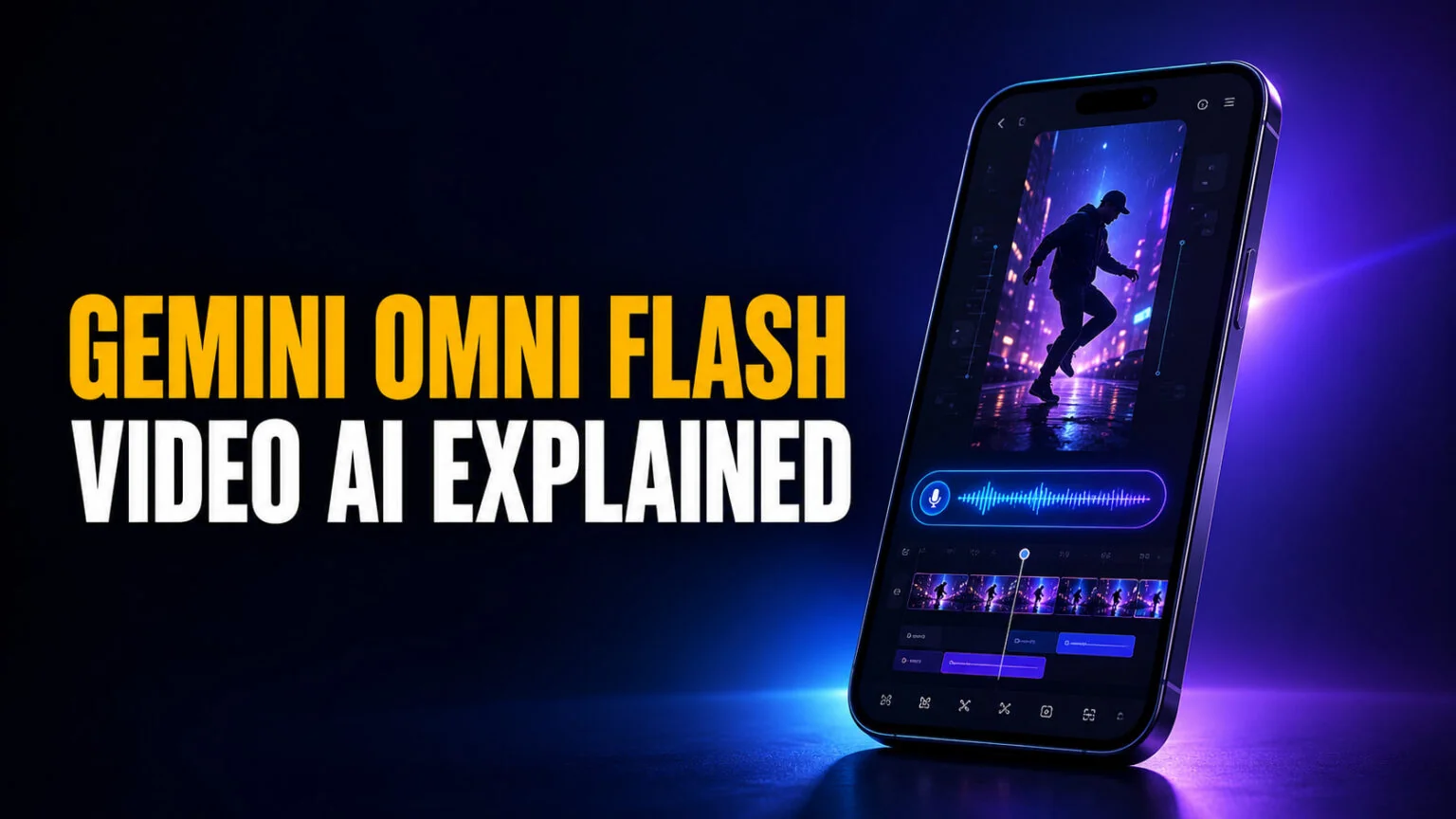
Gemini Omni Flash lets you make and edit short videos by talking to them, and it costs just $0.10 per second of generated footage. That works out to roughly $1 for a full 10-second clip through the Gemini API, with free access baked into YouTube Shorts and paid Google AI plans. Google’s newest video model skips the timeline entirely, so instead of dragging clips around you describe the change you want in plain language and it rewrites the shot.
This guide breaks down what Gemini Omni Flash actually is and what you can make with it. You will see how to access it on the Gemini app, in YouTube Shorts, or through the API, and where its real limits sit. You will also see how it pairs with Google’s fast image model and how it stacks up against Veo, so you can decide whether it belongs in your creative workflow.
The Key Takeaways
- $0.10 per second of 720p video through the Gemini API, about $1 for a 10-second clip.
- Announced at Google I/O 2026 on May 19, with the developer API following on June 30, 2026.
- Conversational editing means you refine a clip by describing changes, not by editing a timeline.
- Outputs 720p clips up to 10 seconds in 16:9 or 9:16, with native audio and a SynthID watermark on every generation. Since Omni 1.1 Flash on 27 August 2026, scene extension stretches that to 40 seconds in 10-second increments.
- Free inside YouTube Shorts for users 18 and over, and included for Google AI Plus, Pro, and Ultra subscribers.
What Is Gemini Omni Flash?
Gemini Omni Flash is Google’s any-to-any AI video model. It takes text, images, and video as input and generates or edits short clips through natural conversation. You describe a change in plain language and the model applies it while keeping the rest of the shot intact, so a rough idea becomes a finished clip in a handful of turns.
The “any-to-any” label matters. Older tools did one job, like text to video or image to video, and stopped there. Omni Flash mixes those inputs in a single request, so you can hand it a reference photo, add a written prompt, and steer the result with follow-up instructions. It is the fast, cheaper tier of Google’s wider Gemini Omni family, built for speed and volume rather than maximum cinematic polish. For the chat side of the family, our Gemini 3.5 review and Pro release tracker covers Flash and the still-unreleased Pro.
Under the hood it runs on Google’s new Interactions API, which replaces the older single-request pattern with a back-and-forth session. That session is what makes talk-to-edit possible, because the model remembers the clip you are working on and layers each new instruction on top. The model is still labelled a preview, so expect Google to keep tuning quality and limits over the coming months.
How Talk-to-Edit Video Works
The headline feature is conversational editing. You generate a clip, watch it, then type or say what should change, and the model returns a revised version. There is no timeline, no keyframes, and no layer panel, which is a different way to work for anyone who has wrestled with traditional video software.
Say you generate a 6-second shot of a coffee cup on a desk. You can follow up with “make it morning light,” then “add steam rising from the cup,” then “pan slowly to the left,” and each instruction updates the same clip. The model tries to preserve the parts you did not mention, so the cup stays where it was while the lighting and motion change around it.
Every clip ships with native audio generated from your description and an invisible SynthID watermark that flags it as AI-made. That watermark is not optional, which is worth knowing if you plan to publish the output commercially. You can read Google’s own breakdown in its Gemini Omni Flash announcement.
Gemini Omni Flash Specs and Pricing
The specs are deliberately lean. Omni Flash trades resolution and clip length for speed and a low price, which is the whole point of a “Flash” tier. Here is what you actually get.
| Spec | Gemini Omni Flash |
|---|---|
| Price | $0.10 per second (about $1 per 10s clip) |
| Resolution | 720p standard, 360p draft mode, upscaling to 1080p or 4K |
| Clip length | 10 seconds per generation, extendable to 40 seconds total |
| Aspect ratios | 16:9 and 9:16 |
| Inputs | Text, image, video |
| Audio | Generated natively; no audio-reference upload yet |
| Watermark | SynthID on every clip |
Pricing and free access
Through the API the math is simple. At $0.10 per second, a 5-second clip costs 50 cents and a 10-second clip costs about a dollar, before any regeneration. That is cheap for AI video, especially next to premium tiers that charge several dollars per clip.
Omni 1.1 Flash, released on 27 August 2026, changed that arithmetic in your favour. Google added a 360p draft mode for lightweight previews that it says runs up to 60% faster at a third of the cost of standard 720p, which makes iterating on a shot far cheaper than regenerating it at full quality. Black Forest Labs prices FLUX 3’s draft mode at roughly the same ratio: $0.06 a second against $0.17 for HD. The same release added scene extension: the model reads up to 10 seconds of prior context and continues the footage in 10-second increments, to a cumulative 40 seconds. It also upscales to 1080p or 4K, so the 720p ceiling is now a generation limit rather than a delivery one. Google published the speed and cost figures as ratios and did not restate a per-second price, so treat $0.10 per second as the standard 720p rate and the draft mode as roughly a third of it. On the consumer side, Google Flow carries it for AI Plus, Pro and Ultra subscribers, and scene extension is in the Gemini app on the same tiers.
You do not have to touch the API to try it, though. Omni Flash is free inside YouTube Shorts for creators 18 and over, and it is included in the Gemini app for Google AI Plus, Pro, and Ultra subscribers. For casual use, those consumer paths cost nothing beyond a plan you may already have, and you can see how the tiers stack up in our full Gemini pricing breakdown.
Resolution and clip limits
The big constraint is quality ceiling. Omni Flash outputs 720p, and it does not scale to 1080p or 4K the way Google’s higher Veo tiers do. Clips also top out at 10 seconds for now, so it suits social snippets and quick concepts rather than long-form footage.
How to Access Gemini Omni Flash
There are three ways in, depending on whether you are a casual creator or a developer. Pick the one that matches how much control you need.
In the Gemini app
If you subscribe to Google AI Plus, Pro, or Ultra, Omni Flash shows up inside the Gemini app and Google Flow. You type a prompt, generate a clip, then keep the conversation going to refine it. This is the simplest route and needs no technical setup.
In YouTube Shorts
Google wired Omni Flash into YouTube Shorts Remix, where creators 18 and over can generate clips at no cost. It is the easiest way to test the model without a subscription, and it is aimed squarely at short vertical video, which is why 9:16 output is a first-class option.
Through the API
Developers use the Gemini API and Google AI Studio, which opened for Omni Flash on June 30, 2026. Generation runs on the Interactions API and the current google-genai SDK, and video is produced asynchronously, so your app requests a clip and collects it once it is ready. This is the path for anyone building Omni Flash into a product. VentureBeat has a useful writeup of the developer API rollout.
Gemini Omni Flash vs Veo
Google runs two video lines, and they solve different problems. Omni Flash is the fast, conversational, budget option, while Veo is the high-fidelity workhorse for polished output. The table below shows where each one wins.
| Feature | Gemini Omni Flash | Google Veo (higher tier) |
|---|---|---|
| Max clip length | 10 seconds per pass, 40 seconds via scene extension | Longer clips supported |
| Resolution | 720p native, upscaled to 1080p or 4K | Scales natively to 1080p and 4K |
| Editing method | Conversational, describe the change | Prompt and settings driven |
| Price | $0.10 per second | Higher per-clip cost |
| Best for | Fast social clips and quick concepts | Cinematic, high-resolution output |
If you want speed, iteration, and a low bill, Omni Flash is the pick. If you need broadcast-grade resolution or longer scenes, Veo is the better tool even though it costs more. Many creators will use both, roughing out ideas in Omni Flash and finishing hero shots in Veo, and for a non-Google option our guide to Meta’s AI video generator covers another fast route to short clips.
Pairing Omni Flash With Nano Banana 2 Lite
Google designed Omni Flash to work alongside Nano Banana 2 Lite, its fastest image model. Nano Banana 2 Lite generates a still in about four seconds for roughly $0.034 per thousand images, which makes it ideal for locking down a look before you spend on video. And if you want to storyboard for free first, the base model has a no-cost tier that we cover in Is Nano Banana free?.
The workflow is straightforward. You generate a clean reference image with Nano Banana 2 Lite, hand that image to Omni Flash, and ask the model to animate it into a moving clip. Starting from a fixed still gives you far more control over composition and character than describing everything from scratch, and it keeps your costs down because the expensive step only runs once you like the frame.
If image generation is your main interest, our roundup of the best AI models and our guide to Seedream 5 cover the fastest options across providers.
The Limits You Should Know
Omni Flash is fast and cheap, but it is not magic, and Google is upfront about the rough edges. Knowing them upfront saves you wasted credits.
Generation still caps at 720p. Omni 1.1 Flash will upscale that to 1080p or 4K, but an upscale is not the same as shooting at the higher resolution, so it is still not the tool for anything that has to look crisp on a large screen. Character consistency can also drift when the model changes scenes or pans across a shot, which is a known weakness Google says it is still improving. And while every clip includes generated audio, you cannot yet upload your own audio as a reference, and reference-video support is limited in the current preview.
None of that makes it a bad model. It just means Omni Flash is best treated as a rapid idea and social-clip engine rather than a full replacement for a video editor or a premium generator.
Where Fello AI Fits
Omni Flash is a single-vendor tool, tied to Google’s stack. If you would rather keep every model in one place, Fello AI is a native Mac and iOS app that puts the major chat and image models behind one subscription. You can draft a script with one model, generate reference images with another, and compare answers without juggling logins.
Fello is a creation app as much as a chat app, turning prompts into images, decks, documents, and more, which makes it a natural companion when you are storyboarding a clip before you animate it. You can grab it on the Fello AI App Store page and see how it compares in our look at whether Gemini is free.
The Bottom Line
Gemini Omni Flash makes AI video cheap, fast, and conversational, which is a meaningful shift for creators who found older tools slow or fiddly. At $0.10 per second, free in YouTube Shorts, and editable by plain description, it lowers the barrier to short-form video more than any Google model before it. Start in YouTube Shorts or the Gemini app to test it for free, then move to the API once you know it fits your workflow. Google’s text-side Flash line moved on as well, and our Gemini 3.6 Flash breakdown covers the July 2026 update.
Is Gemini Omni Flash free?
Yes, in some places. It is free inside YouTube Shorts for creators 18 and over, and included for Google AI Plus, Pro, and Ultra subscribers. Through the Gemini API it costs $0.10 per second of generated video.
How much does Gemini Omni Flash cost?
Through the Gemini API it is $0.10 per second of 720p video, so a 10-second clip runs about $1. Consumer access via YouTube Shorts and the Gemini app is included with a subscription or free.
When was Gemini Omni Flash released?
Google announced it at Google I/O 2026 on May 19, 2026, and rolled it out to Gemini app subscribers and YouTube Shorts. The developer API followed on June 30, 2026, through the Gemini API and Google AI Studio.
What resolution does Gemini Omni Flash output?
Omni Flash outputs 720p clips in 16:9 or 9:16, up to 10 seconds long. It does not scale to 1080p or 4K, so Google’s higher Veo tiers remain the choice for high-resolution work.
Is Gemini Omni Flash the same as Nano Banana?
No. Nano Banana 2 Lite is Google’s fast image model, while Omni Flash is its video model. They are designed to work together, generating a still first and then animating it into a clip.