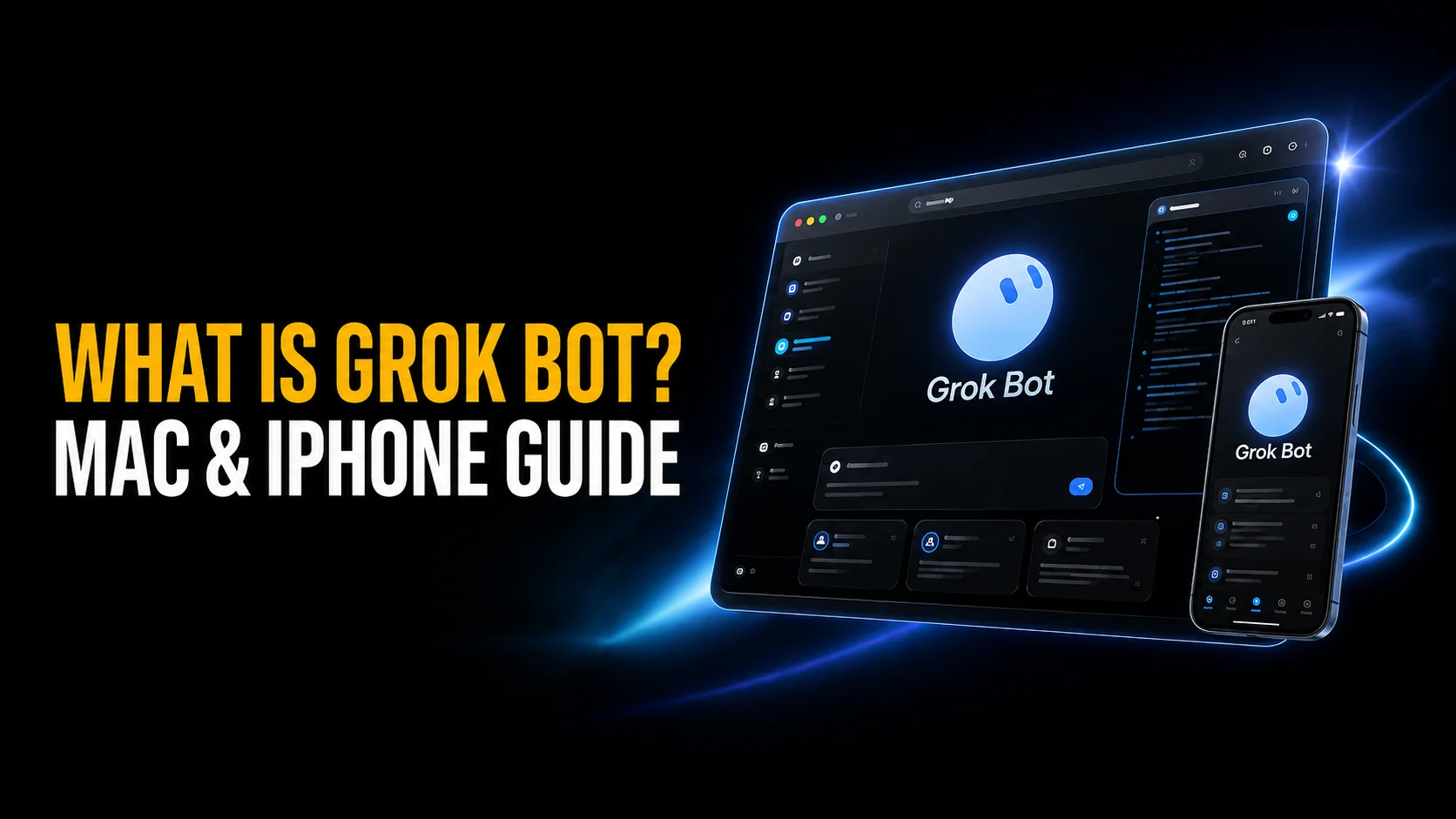
SpaceXAI launched Grok Bot on 11 August 2026, and the first thing to understand is that it is not a chatbot. Each account gets a persistent computer in the cloud. The AI agents running on it sign into your apps and websites with your own credentials, then work through multi-step jobs while your laptop sits closed. It launched behind a $200 paywall. Since 12 October 2026 it comes with The X Subscription, and for a new buyer paid access starts at $30 per month.
It is also not the @grok account people tag under posts on X. Grok Bot is a separate desktop and iPhone app, still in early beta, now bundled with the Premium, Super and Ultra tiers of The X Subscription rather than the three plans it launched with. Below is what it does, exactly which Apple hardware runs it, what SpaceXAI charges, and the security guidance sitting in its own documentation that almost no launch-day coverage quoted.
The Key Takeaways
- Launch date: Grok Bot arrived on 11 August 2026 from SpaceXAI, the company formerly known as xAI.
- Not a chatbot: every account gets one persistent cloud computer that agents drive through a browser, a command line and a file system.
- Price: since 12 October 2026 Grok Bot comes with The X Subscription from Premium at $30/month up to Ultra at $200/month; Plus at $8 leaves it out, and existing Cursor and SuperGrok subscribers keep it on their old plans.
- Apple support: macOS on Apple silicon and Intel, plus iPhone on iOS 18 or later. iPad is not supported at launch.
- The catch: all of your Bots share one machine, one browser session and one set of logins. SpaceXAI’s own docs warn against treating separate Bots as a security boundary.
What Is Grok Bot?
Grok Bot is an AI agent product. SpaceXAI describes Bots as teammates you give real work to, and its documentation is blunt about the mechanism. Bots sign into and use apps and websites the same way you do, on a persistent cloud computer.
The difference from a normal assistant is where the work happens. When you ask the Grok app a question, a model writes an answer and stops. When you give a Bot a job, it opens a browser on a machine that SpaceXAI runs, logs into the services you told it about, clicks through them, writes files, and reports back in chat. Close your MacBook and the job keeps going.
Each Bot gets its own screen, so several of them work in parallel and hand tasks to each other. The examples SpaceXAI put forward at launch are office-shaped rather than creative: updating CRM records, onboarding an employee, processing invoices, debugging code. If you want the broader category context, our guide to what an AI agent actually is covers the vocabulary this product assumes you already have.
Grok Bot Pricing and Who Can Actually Get It
Grok Bot launched on 11 August behind three subscriptions, all of them top-of-line. Ten days later SpaceXAI widened it sharply, adding the cheaper half of both product lines and opening a trial to everyone else. The announcement was blunt: “We’re making Grok Bot more widely available. All SuperGrok Plus, Cursor Pro+, and Cursor Teams subscribers now have access. We’re also offering a free trial with limited usage for all other users.”
That took the entry price for an individual from $200 a month to $60. On 26 August SpaceXAI widened it again, announcing that “Grok Bot is now included with all SuperGrok, Cursor Pro, and Cursor Teams plans” and dropping the floor to $20 a month through Cursor Pro. Grok Bot is still not sold on its own, though. It rides along with a wider subscription.
On 12 October the ladder changed again. SpaceXAI replaced SuperGrok, X Premium and the plans on Cursor’s pricing page with The X Subscription, and for new buyers Grok Bot now starts at its Premium tier at $30 a month, with Super ($100) and Ultra ($200) giving it more of the shared weekly pool. The $8 Plus tier leaves Grok Bot out. Existing Cursor Pro, Pro+, Teams and SuperGrok subscribers keep it on their old plans unless they switch.
| Plan | Price | Who it is for | Grok Bot included |
|---|---|---|---|
| Plus | $8 / month | Light Grok and Cursor use | No |
| Premium | $30 / month | Individuals, the cheapest paid route | Yes |
| Teams | From $30 / seat / month | Teams, on Premium, Super or Ultra seats | Yes |
| Super | $100 / month | Daily agent users, 15x the Plus pool | Yes |
| Ultra | $200 / month | Power users, 50x the Plus pool | Yes |
| Old Cursor and SuperGrok plans | $20 to $300 / month | Existing subscribers who have not switched | Yes |
| Enterprise | Not published | Larger organisations | Yes, since 3 September 2026 |
Every paid plan bundles a weekly usage allowance, which on The X Subscription is one pool shared across Grok, Grok Bot and Cursor. Past it you buy top-ups or wait for the weekly refresh, so the monthly figure is a floor rather than a ceiling. Enterprise access opened on 3 September 2026, with Grok and Cursor Enterprise customers given free usage for their first two weeks. If you are choosing between agents rather than plans, our head-to-head on Grok Bot against Claude Cowork settles which agent is worth paying for. Our breakdowns of every Grok plan and its usage limits and what Cursor charges across its tiers go deeper on what each subscription includes beyond agent access.
Is there a free version of Grok Bot?
There is no permanently free tier, but since 21 August 2026 there is a free trial with limited usage, open to anyone holding none of the paid plans. SpaceXAI has not published how long that trial runs or where the usage ceiling sits, and the trial lengths circulating on affiliate sites trace to no company statement, so treat them as unconfirmed. SpaceXAI has not said whether the trial survives the 12 October switch to The X Subscription, whose Free tier does not list Grok Bot. For a new buyer the cheapest paid route is Premium at $30 per month, or a Teams seat from $30 per month if you are buying for a group.
Which Devices Run Grok Bot
Grok Bot launched as a Mac-and-iPhone product first, which is unusual for an enterprise-flavoured agent tool and worth noticing. According to SpaceXAI’s documentation, the supported platforms are macOS on Apple silicon and Intel, Windows on x64 and Arm64, and iPhone on iOS 18 or later.
Intel Mac support deserves a mention. Most AI desktop apps shipping in 2026 have quietly dropped Intel machines, so an older MacBook Pro still qualifies here.
What is not supported
The documentation states plainly that Linux desktop, Android and iPad are not supported at initial launch. The iPad exclusion is the one that catches people out, because an agent you check on between meetings is exactly the sort of thing you would expect to run on a tablet.
Several launch-day articles reported a Linux build as available, and some coverage still repeats it. SpaceXAI’s own FAQ does not: as of 24 August 2026 it still answers the platform question with “your desktop (macOS or Windows) or your phone with the iOS app”. Treat Linux as unconfirmed until SpaceXAI says otherwise on its own page.
How the Cloud Computer Works
Here is the architectural detail that matters more than any feature list: you get one cloud computer, not one per Bot. SpaceXAI’s documentation states that all of your Bots use the same persistent cloud computer, sharing files, browser sessions and app logins.
That design makes handoffs painless. A research Bot signs into a service once, and every other Bot on your account inherits that session without repeating setup. Files live in a shared workspace directory that survives updates.
It also means the boundary between your Bots is nonexistent. Anything one Bot logs into, all of them reach. Anything one Bot writes to disk, all of them read.
Bots reach services in two ways. The default is browser automation, driving a real browser against a real website, which needs no API and works with tools that never published one. The more reliable path is a Connector, a structured integration installed from the plugins panel. Connectors are account-wide rather than per-Bot, which reinforces the same point about shared access.
Local file access is off by default. A Bot runs commands on your own Mac only when you explicitly enable that capability, so the cloud work stays isolated from your machine unless you open that door yourself.
Why You Sign In With a Cursor Account
New users hit something strange during setup: Grok Bot asks for Cursor credentials, not Grok ones. The reason is corporate rather than technical.
SpaceX acquired xAI in February 2026 in an all-stock deal, and the company rebranded from xAI to SpaceXAI in July 2026. Separately, CNBC reported in June 2026 that SpaceX agreed to buy the AI coding company Cursor for $60 billion, with the deal expected to close in the third quarter of 2026. Grok Bot is the first consumer product built jointly by the two sides.
The practical consequence lands on privacy. Grok Bot authenticates through Cursor and follows Cursor account data settings, including the training opt-out. Legacy Privacy Mode is not supported at all, because the product requires stored data to function. Anyone who chose Grok specifically for its privacy mode should read that sentence twice.
Is Grok Bot Safe?
SpaceXAI is unusually candid here, and the warnings deserve quoting rather than paraphrasing. Its approvals, security and privacy documentation tells users not to send a password or one-time code in ordinary chat, and not to use separate Bots as a security boundary.
A third line is the sharpest: an approval controls the proposed action, and does not reverse work already completed. Approval gates stop the next step, not the last one.
The permission system itself is reasonable. Sensitive actions surface for review before they run, with Allow once and Always allow on desktop and Approve once on iPhone. An Auto Review layer evaluates tool calls against rules you write, set to either Require Approval or Always Allow. For credentials, supported connections present a secure secret request where the value is masked, kept out of the transcript, and never shown to the model.
The risk is structural rather than a bug. An agent holding live logins to your working accounts, operating without supervision on a machine shared with every other Bot you run, turns a productivity question into a security question. Keep the beta away from production systems, financial accounts and regulated data. Point it at one low-stakes, reversible workflow until its audit trail and rollback story mature.
How Grok Bot Compares to Other AI Agents
Agent products from the major labs converged on similar promises in 2026 and diverged sharply on price and permissions.
| Product | Company | Entry price | Native Mac app | Runs with your device off |
|---|---|---|---|---|
| Grok Bot | SpaceXAI | From $30 / month via X Subscription Premium | Yes | Yes |
| ChatGPT Agent | OpenAI | Included from ChatGPT Plus at $20 / month | Yes | Yes, on a cloud virtual computer |
| Claude Cowork | Anthropic | Included from Claude Pro at $20 / month | Yes | Yes, cloud sessions run by default |
Grok Bot is still the expensive option, though the August widening cut the gap from tenfold to threefold. The newest rival costs more: OpenAI’s dots, launched on 29 September 2026, start at $100 a month on ChatGPT Pro. Its distinguishing choice is that agents log in as you rather than through sanctioned integrations. That buys reach into tools with no API, at the cost of a credential model the others avoid. The newest entrant, Anthropic’s Claude Duet, arrived on 21 October inside Claude Pro and Max, for US users on a waitlist. Our roundup of the best AI agents tested and compared and the pricing breakdown for what Claude Cowork costs put those trade-offs side by side.
Should You Use Grok Bot?
At launch this question answered itself: $200 a month settled it for almost everyone. The August widenings changed that. A free trial and a $20 entry tier turned Grok Bot from something you read about into something you could judge for yourself, which is the single biggest thing that has happened to this product since it shipped. The October switch to The X Subscription moved a new buyer’s entry to $30.
What has not changed is the evidence. There are still no independent benchmarks, the launch coverage was press-release copy, and the early hands-on write-ups came from promotional access. So take the trial and form your own view rather than trusting anyone else’s, ours included.
If you hold any eligible plan, or you take the trial, give it one contained job with reversible consequences and nothing else. The persistent cloud computer is a real advance over agents that die when you shut your laptop, and browser-based sign-in reaches software that never shipped an API. Those strengths are also exactly what makes a careless first task expensive, so keep it away from production systems, financial accounts and regulated data while it is in beta.
If you are weighing the paid tiers, the case is harder. $30 a month buys one vendor’s agent, on one shared cloud machine, holding live logins to your working accounts. A multi-model Mac client gives you the latest Grok model alongside its competitors for less, which is still the trade most Mac users actually want today.
Grok Bot FAQ
Is Grok Bot the same as the Grok app?
No. The Grok app is a chatbot that answers questions. Grok Bot is a separate application that runs persistent agents on a cloud computer, signs into your apps, and completes multi-step work on its own. It also is not the @grok account people tag in replies on X.
Does Grok Bot work on iPad?
No. SpaceXAI’s documentation lists iPad, Android and Linux desktop as unsupported at initial launch. The supported platforms are macOS on Apple silicon and Intel, Windows on x64 and Arm64, and iPhone running iOS 18 or later.
Does Grok Bot store my passwords?
Browser sessions persist on the shared cloud computer, so signing into a service once keeps you signed in across tasks and across every Bot on your account. SpaceXAI instructs users never to type a password or one-time code into ordinary chat, and to use the masked secret request instead, where the value stays out of the transcript and away from the model.
Can several Bots work at the same time?
Yes. Each Bot has its own screen on the shared machine and they coordinate with each other, though a single Bot runs only one computer-use task on its screen at a time. Recording a task for a Bot to repeat is capped at ten minutes, and sites that present CAPTCHAs or demand fresh verification will interrupt browser automation.
Who owns Grok Bot?
SpaceXAI, which is what xAI became after SpaceX acquired it in February 2026 and renamed it in July 2026. Grok Bot was built jointly with Cursor, the coding company CNBC reported SpaceX agreed to buy for $60 billion in June 2026, which is why setup asks for Cursor credentials. See the official launch announcement and MacRumors’ launch-day report for the primary coverage.