TL;DR: GPT Image 1.5 was OpenAI’s flagship image model when it launched in December 2025, offering superior text rendering, precise editing via masks, and up to 4× faster generation. It shipped in ChatGPT and via the API, with image tokens about 20% cheaper than GPT Image 1 but new token-based billing for internal “reasoning” text. Two generations have shipped since, and the current model is ChatGPT Images 2.5.
| Feature | Details |
|---|---|
| Model Name | GPT Image 1.5 (gpt-image-1.5) |
| Best For | Production assets, text-in-image, precise editing |
| Key Upgrade | High-fidelity text, detail & face/logo preservation |
| Pricing Type | Token-based (text + image inputs & outputs) |
| Availability | ChatGPT Images tab & OpenAI API |
What is GPT Image 1.5?
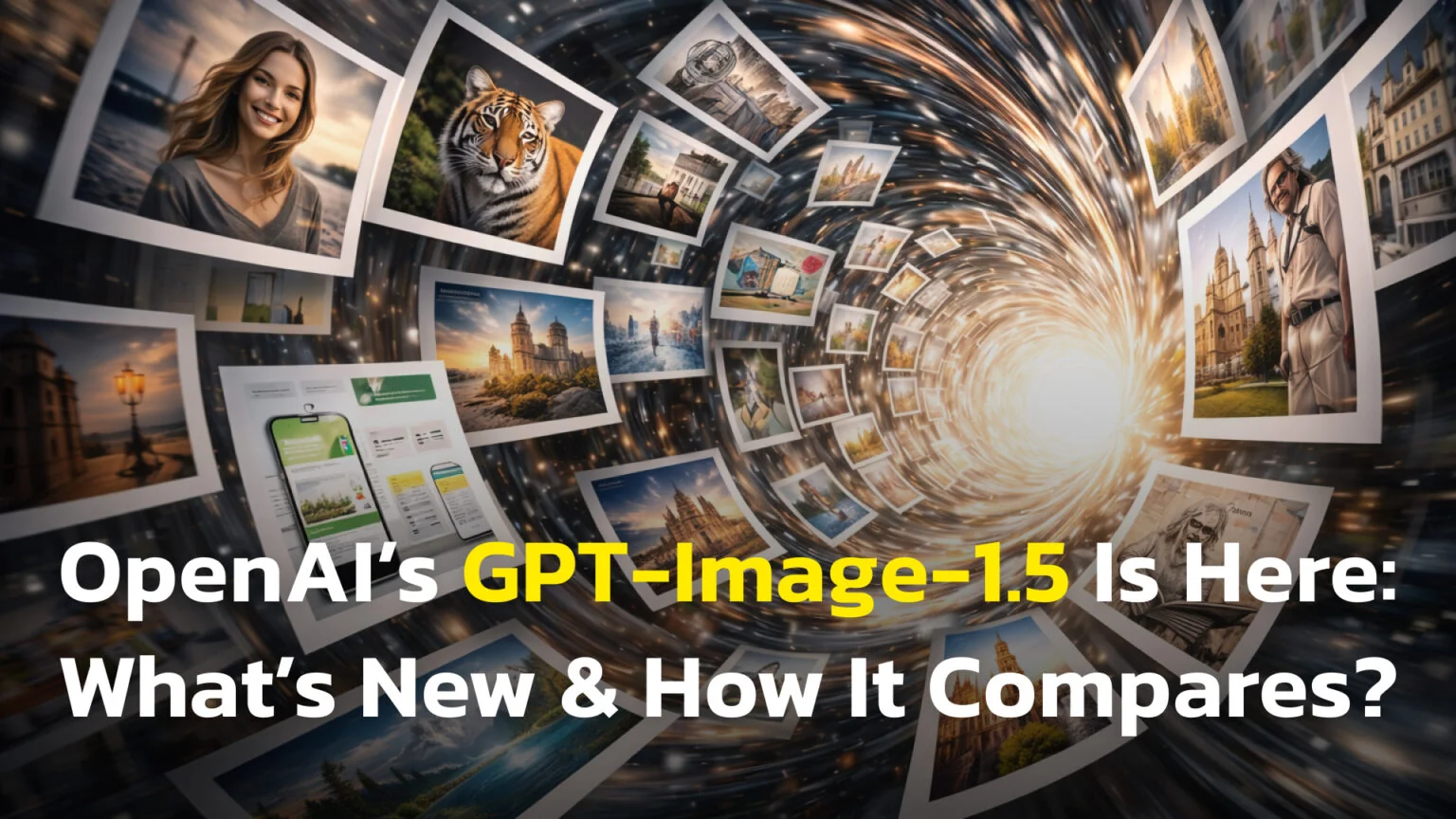
GPT Image 1.5 was OpenAI’s flagship image generation model at launch, powering what was then the new ChatGPT Images experience. It is a multimodal model that turns text and image inputs into high-fidelity images, with much better instruction following, 4× faster generation, and cheaper image tokens than GPT Image 1.
OpenAI has officially released this visual creation engine to fix the biggest frustrations users have with AI art. It is designed to be a “production-grade” tool that understands complex instructions better than ever before. Whether you are using it through the API or the updated ChatGPT interface, this model claims to handle text and fine details with a new level of precision.
If you are wondering if you should switch your workflow to this new system, you are in the right place. This guide breaks down the technical upgrades, the new costs, and how it compares to the competition.
We will answer these questions:
- How is GPT Image 1.5 different from the previous version?
- How does the new token-based pricing actually impact your bill?
- Is it better than competitors like Google Nano Banana Pro?
The Key Takeaways
Here is the quick summary of what makes this update significant for your workflow:
- Better text rendering allows for readable signs, labels, and logos inside your images without the usual AI gibberish.
- Precision editing lets you mask and change specific parts of a photo while keeping faces and backgrounds visually consistent.
- Pricing has changed to include billable “reasoning” text tokens, though the base image cost is lower.
- Speed is improved, with generation times up to four times faster than GPT Image 1.
How GPT Image 1.5 Works
The landscape of AI art is changing fast, and OpenAI GPT Image 1.5 was OpenAI’s December 2025 attempt to set a high standard for stability and utility. This is not just a minor update; it is a flagship model positioned as the engine behind the new ChatGPT image generator. It is a multimodal image generation model, which means it processes both text and visual inputs to create high-fidelity results. Unlike older models that simply tried to guess what you wanted based on keywords, this system is built to reason through the spatial relationships in your request.
For casual users, this is the technology powering the “ChatGPT Images” tab that recently appeared in your sidebar. For developers, it is a robust backend tool that offers more control than previous iterations, specifically designed to be integrated into apps that require consistent character styles or precise layout controls. It effectively replaces older models for high-end tasks where accuracy is more important than abstract creativity.
Core capabilities
The main goal of GPT Image 1.5 is to move beyond fun experiments into professional territory. OpenAI states that this model follows prompts much more strictly. If you ask for a specific camera angle, a particular lighting setup, or a precise hex color code, the model adheres to those rules rather than hallucinating random styles. It is designed to be the “state-of-the-art” option in the lineup, offering a bridge between the ease of chat-based prompting and the precision of professional design software.
Safety & content limitations
GPT Image 1.5 inherits OpenAI’s existing safety policies, so it will refuse or heavily filter prompts involving explicit sexual content, graphic violence, and some forms of impersonation or disallowed logos. If you’re building this into a product, you still need your own content policy and moderation layer on top.
Major improvements to know
When looking at GPT Image 1.5 features, the biggest leaps are in accuracy and control. The days of completely unreadable AI text are mostly behind us. GPT Image 1.5 still isn’t perfect, but legibility and spelling are dramatically better than before, and the frustration of having your character’s face change every time you generate a new background is being addressed head-on.
Better text and details
One of the most requested features was GPT Image 1.5 better text rendering. In the past, asking for a sign that said “Coffee” often resulted in alien gibberish or a jumble of letters that vaguely resembled English. This made AI useless for any graphic design task involving typography.
The new model changes this dynamic significantly:
- Small fonts are now legible on mockups, posters, and product packaging, allowing for dense information layouts.
- Typos are significantly reduced in generated labels, meaning you can trust the model to spell brand names correctly.
- Layouts for book covers and UI screens look more professional, with text that is properly aligned and spaced.
This makes GPT Image 1.5 instruction following much more reliable for designers who need specific copy in their visuals. You can now describe a “neon sign in a rainy alleyway that reads ‘Open Late'” and expect the text to be mostly correct and readable, rather than a blurred approximation.
Precision editing tools
Another massive update is GPT Image 1.5 image editing. This feature targets the pain point of “consistency,” which has been the Achilles’ heel of generative AI for years. Previously, if you wanted to change one thing in an image, you often had to regenerate the whole thing, losing your “lucky seed.”
With the new editing capabilities, you can be surgical:
- You can now change a shirt logo without changing the person’s face or body posture.
- You can alter the background time of day while keeping the foreground layout and subject completely untouched.
This is possible because the model is better at understanding “masks”—specific areas you want to change—while preserving the rest of the image. For businesses, this is huge. It means you can generate a single model and place them in twenty different environments. The model aims to preserve the unmasked areas so they look the same, while applying your changes only where you’ve masked.
GPT Image 1.5 Pricing: How the New Token Model Works
Understanding the cost is critical because the billing model has shifted. GPT Image 1.5 uses fully itemised token pricing (text + image), similar to GPT-5. If you’re coming from DALL·E-style “credits” or flat per-image pricing, this is a noticeable shift and adds a layer of complexity to budgeting.
The hidden cost factor
Developers need to be aware that GPT Image 1.5 token pricing involves three parts: input text, the image generation itself, and output text.
GPT Image 1.5 pricing (API): GPT Image 1.5 is billed per million tokens, just like text models:
- Text tokens:
- $5.00 per 1M input tokens
- $1.25 per 1M cached input tokens
- $10.00 per 1M output tokens
- Image tokens:
- $8.00 per 1M image input tokens
- $2.00 per 1M cached image input tokens
- $32.00 per 1M image output tokens
Compared to GPT Image 1, image inputs and outputs are about 20% cheaper (from $10 → $8 and $40 → $32). However, GPT Image 1.5 also charges for text output tokens. These are additional text output tokens that the model uses internally (likely for reasoning and planning the image layout) even though you never see a written response.
Even though you do not see these text output tokens in your chat window, they count toward the GPT Image 1.5 cost per image. This means calculating your budget requires looking at both GPT Image 1.5 text tokens image tokens combined. For high-volume applications, you need to factor in this “reasoning cost,” although the overall efficiency usually results in a lower bill for complex tasks compared to the retry-heavy workflow of older models.
GPT Image 1.5 vs Nano Banana Pro vs Midjourney: Which Image Model Should You Use?
It is important to know where this model stands in the market. A common comparison is GPT Image 1.5 vs GPT Image 1. The newer version is faster (up to 4x) and handles complex instructions better, but the older model might still be fine for quick, low-stakes ideation where you do not need perfect text or specific details.
OpenAI vs the competition
The wider market is also competitive. Many users are comparing ChatGPT Images vs Google Nano Banana, which was Google’s newest entry into the space at the time. The “Nano Banana” model (Gemini 3 Pro Image) has made waves for its own realistic capabilities, leading to a fierce rivalry. ByteDance has since joined the fight with Seedream 5.0 Pro, an image model built to rival GPT-Image on price and editing.
Here is how they generally stack up:
- GPT Image 1.5 excels at instruction following, text accuracy, and integrated editing workflows within the ChatGPT ecosystem.
- Google Nano Banana is often praised for specific stylistic interpretations and its integration with the Google Workspace suite. (You can find Nano Banana in FelloAI app)
- Midjourney remains a strong artistic competitor, often favored for abstract, painterly, or highly stylized “vibes” rather than strict commercial adherence.
When weighing GPT Image 1.5 vs Midjourney, the OpenAI model often wins on ease of use within a conversational interface. Midjourney requires mastering a specific syntax and using Discord (or their web alpha), whereas GPT Image 1.5 allows you to converse naturally to refine your result. If you need a specific edit – like “make the cat look to the left” – OpenAI’s conversational approach is generally superior to rerolling prompts.

Real-World GPT Image 1.5 Use Cases
So, what is this actually good for? GPT Image 1.5 for marketing is a prime example. Teams can generate consistent product shots without needing a photoshoot for every minor variation. You can take a photo of your product, upload it, and ask the AI to place it on a kitchen counter, a beach towel, or a mountain rock. Our AI product photography guide has 20 copy-paste prompts for exactly that job.
Beyond just making pretty pictures, here are specific workflows where this model shines:
- UI Mockups: Using GPT Image 1.5 for UI mockups allows designers to visualize app screens with readable text buttons. You can prototype a login screen and actually read “Username” and “Password” in the text fields.
- Social Media: GPT Image 1.5 for social media graphics helps creators make unique thumbnails that adhere to brand color schemes. You can define a style preset and generate dozens of on-brand backgrounds in minutes.
- Concept Art: Artists can use the editing features to refine a character’s look without redrawing the whole scene. If the costume isn’t right, just mask the clothes and prompt for a new outfit while keeping the pose and lighting.
If you want concrete prompt templates, see our upcoming GPT Image 1.5 prompt recipes guide (marketing, UI, and ecommerce).
Conclusion
GPT Image 1.5 represents a significant step forward for AI visuals, moving from “fun to play with” to “ready for work.” With its ability to handle text inside images and perform surgical edits, it solves many of the problems that held back previous models. It is no longer just about generating a pretty picture; it is about generating the right picture with the right details.
Next Step: If you have access to ChatGPT Plus or the API, try generating a simple logo or a UI mockup with specific text today to test the new precision for yourself. The difference in text legibility alone is worth the experiment.
FAQ
What is the main difference between GPT Image 1.5 and the old model?
The biggest differences are quality and control. GPT Image 1.5 offers much sharper text rendering inside images, better adherence to complex prompts, and the ability to edit specific parts of an image without distorting faces or logos. It transforms the tool from a random image generator into a controlled creative studio.
How much does GPT Image 1.5 cost?
Pricing is based on tokens. You pay for the text you input, the image pixels generated, and a new category of “hidden” reasoning text tokens. While the base image generation is about 20% cheaper than the previous version, the extra text tokens can slightly increase the total cost per request, though you get better results with fewer retries.
Is GPT Image 1.5 good for e-commerce product photos?
Yes. GPT Image 1.5 is built for production-grade visuals and can generate or edit product photos in consistent styles, angles and backgrounds, which is why OpenAI highlights ecommerce and marketing teams as key users.
Can GPT Image 1.5 generate 4K images?
OpenAI’s docs emphasise quality and speed rather than maximum resolution, and GPT Image 1.5 targeted practical web- and product-ready sizes, not full 4K art. By contrast, Nano Banana Pro focuses on higher-resolution, studio-quality outputs and advanced text rendering, so if resolution is your top priority, Google may still have an edge there.
Can I use GPT Image 1.5 to edit my own photos?
Yes. The model supports an editing endpoint where you upload an image and a mask (a transparent layer indicating what to change). You can give instructions like “change the background to a forest” or “replace the cup with a glass,” and it aims to keep the unmasked areas visually unchanged, making it a powerful photo editing assistant.
Is GPT Image 1.5 faster than previous versions?
Yes, reports indicate it generates images up to four times faster than GPT Image 1. This makes it much more practical for production workflows where you need to generate many variations quickly, such as brainstorming sessions or live demos.
Methodology & Sources
To compile this guide, we relied primarily on OpenAI’s official announcement “The new ChatGPT Images is here”, the GPT Image 1.5 model card, and the official API pricing page, plus Google DeepMind’s “Introducing Nano Banana Pro (Gemini 3 Pro Image)” docs and independent benchmark write-ups.
- Docs Review: We analyzed the official OpenAI API documentation for
gpt-image-1.5endpoints, specifically looking for parameter changes and new capabilities like the edit endpoint. - Pricing Analysis: We compared the new token-based billing tables against earlier flat per-image pricing and legacy token models to understand the real impact on developer wallets.
- Community Reports: We reviewed developer forum threads regarding the “hidden” text output tokens and rollout availability to see what real users are experiencing.
- Comparative Specs: We checked release notes for speed benchmarks (confirming the 4x improvement) and feature parity with competitors like Google’s Nano Banana Pro.
Sources: