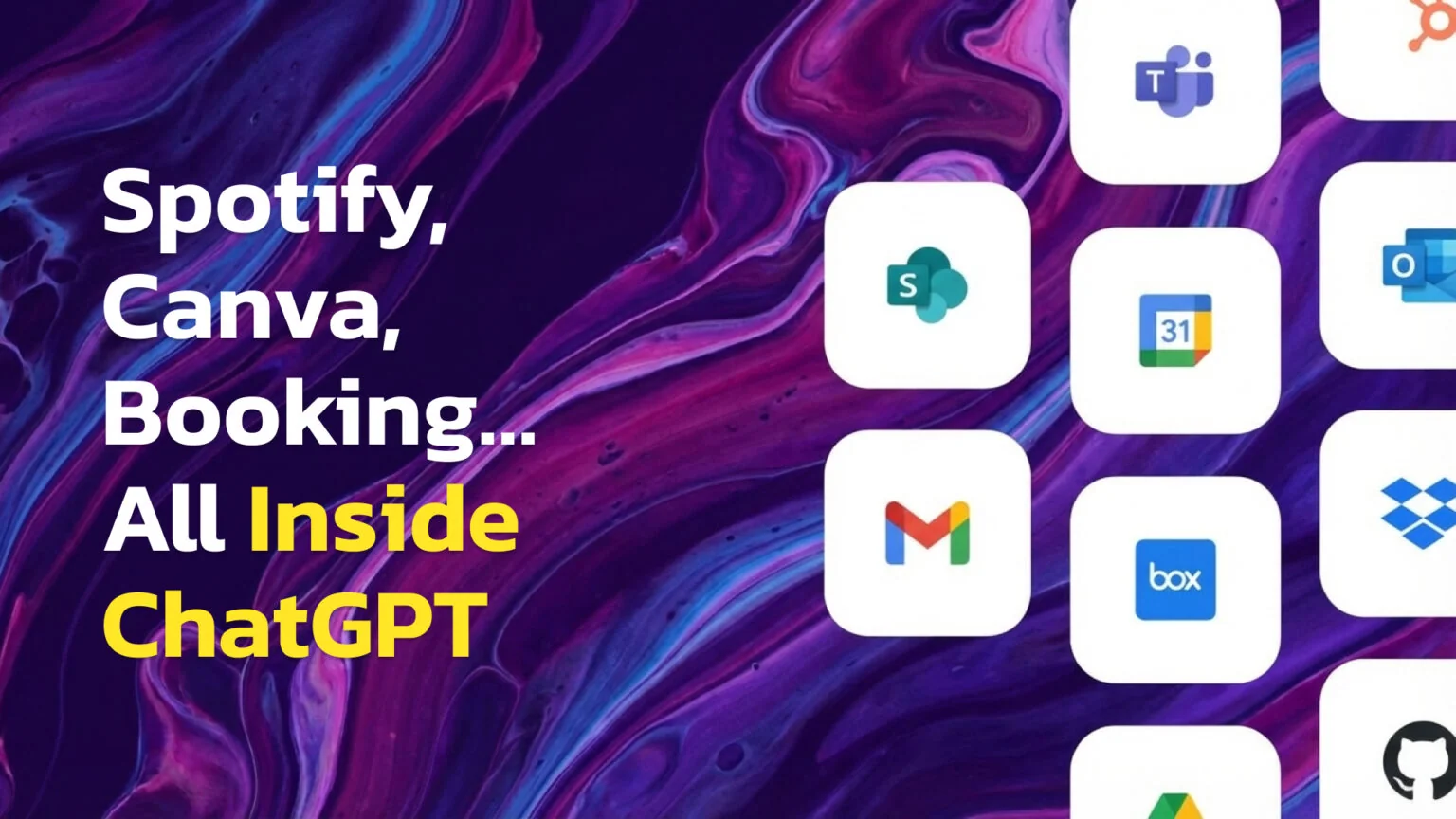
ChatGPT is no longer just a chatbot. It’s becoming an interactive assistant that can book hotels, design presentations, and create music playlists right inside your conversation. This massive update, called Apps, changes everything about how we interact with AI.
But what exactly are these new apps? How can you start using them today? And what do you need to know about your privacy and data?
The Key Takeaways
- Apps are interactive mini-tools from partners like Spotify and Canva that live directly inside your ChatGPT conversation. They are the official replacement for the old, deprecated plugins.
- To use an app, start your message with the app’s name, like ‘Canva, create a presentation,’ or type
/to open the Tools menu and pick one.- You are in full control. Apps show a clear consent screen on first use, and you can opt out of model training anytime in Settings → Data Controls.
What Are ChatGPT Apps
At their core, ChatGPT apps are interactive tools made by other companies that live directly inside your chat. Think of them as mini-programs you can call upon to perform specific tasks without ever leaving your conversation. These official OpenAI Apps can display maps, create presentations, or even build music playlists right in the chat window.
If you remember the old system, you might wonder about the difference between apps vs. plugins. The answer is simple: OpenAI’s 2023 Plugins are now deprecated; Apps are the new, more powerful, and secure third-party experience inside ChatGPT. When you hear about Apps in ChatGPT, you’re hearing about the future of how this AI will connect to the outside world.
How to Start Using Apps in ChatGPT
Getting started is surprisingly simple. There are two main ways to use apps in ChatGPT:
- App name first: Start your message with the app name, like “Canva, turn this outline into a 10-slide deck.”
- / opens Tools: Simply type a forward slash (
/) in the chat box to open the Tools menu and pick an app from the list.
The first time you use an app, you’ll see a consent screen showing what data may be shared. After you approve it, the app’s UI-like maps, slides, or playlists-embeds directly in the chat. Even better, ChatGPT is smart enough to provide app suggestions in ChatGPT when it thinks one could help with your request, making discovery easy and intuitive.

Available Apps and Global Access
So, where can you access these new tools? Apps launched on October 6, 2025. As of October 20, 2025, Apps are live for all users on Free, Go, Plus, and Pro tiers outside the EEA, Switzerland, and the UK; EU/UK support is coming soon.
For everyone else, the initial ChatGPT partner apps list is already impressive, featuring major names across different categories. You can already try:
- Travel planning with the Booking.com app ChatGPT and the Expedia app ChatGPT.
- Creative design using the Canva app ChatGPT and the Figma app ChatGPT.
- Music discovery with the Spotify app ChatGPT.
- Interactive learning through the Coursera app ChatGPT.
- Real estate searches on the Zillow app ChatGPT.
This initial lineup transforms ChatGPT from a tool you talk to into a platform you work with. This is only the first wave, and OpenAI plans to add many more partners over time.
Your Data, Your Control
Connecting new tools to your AI might raise questions about your data, but OpenAI has built clear controls to keep you in charge. When it comes to ChatGPT privacy apps, you are always asked for permission before anything is shared.
The first time you use any app, you will be shown a ChatGPT consent screen. This pop-up clearly outlines app consent and permissions and provides a link to that app’s specific privacy policy. If you have Memory enabled, apps may use relevant memories to personalize results, but you can turn Memory off at any time.
Privacy Controls
Settings → Data Controls → toggle “Improve the model for everyone” off to opt out of training. Apps show a consent screen on first use and may use relevant Memory if it’s enabled.
The Future Is Shopping and Automation
The features announced during the apps rollout October 2025 event point to a future of agentic commerce, where the AI can complete entire transactions on your behalf. OpenAI’s Instant Checkout brings agentic shopping to ChatGPT.
It launched Sep 29, 2025, powered by the open Agentic Commerce Protocol (built with Stripe). It’s live first with U.S. Etsy sellers, with Shopify expansion announced. Walmart has also partnered with OpenAI so customers can buy Walmart products directly in ChatGPT. Ultimately, the goal of agentic shopping in ChatGPT is to close the loop between discovery and action.
For Developers Building on ChatGPT
For those curious about the technology, developers can build apps for ChatGPT using the ChatGPT Apps SDK. The foundation of this new ecosystem is an open standard known as the Model Context Protocol (MCP), which defines how an app can securely communicate with ChatGPT.
The Apps SDK (preview) is an open standard, built on MCP, and is testable via Developer Mode in ChatGPT. Once an app is ready, developers can submit ChatGPT app to OpenAI for review. You can find out more in a video bellow.

Finding and Managing Your Connected Apps
As you start using more apps, you’ll want an easy way to discover new ones and manage those you’ve already connected. OpenAI has built a centralized system for this, giving you full control over your app ecosystem.
Currently, the main way to find apps is contextual; ChatGPT will suggest an app when it thinks one can help. However, a more robust solution is coming soon. OpenAI is building out an Apps directory ChatGPT, which will function like a full ChatGPT app store. This directory will allow you to browse categories, search for specific tools, and discover new apps to enhance your workflow. Anthropic took the same route on the Claude side, where plugins are listed in Claude marketplaces.
You are always in control of which services are connected to your account. Whether you want to tidy up your list of apps or disconnect a service for privacy reasons, the process is simple. In your settings, you will find a central dashboard listing every app you’ve authorized. From there, you can revoke access for any app with a single click. This isn’t permanent; you can always reconnect an app later by invoking it again and re-approving the consent screen.
For more on using ChatGPT more effectively, see our complete playbook. Apps behave the same way in the native Mac app, which our guide to the ChatGPT desktop client for Mac covers end to end.
How to Manage or Disconnect Apps
Settings → Apps & Connectors → select an app → Disconnect. (You can reconnect next time you invoke it.)
Frequently Asked Questions
Who can use ChatGPT Apps today?
All logged-in users on Free, Go, Plus, and Pro – outside the EEA, Switzerland, and the UK. (EU/UK “coming soon”.)
Which apps are available right now?
Booking.com, Canva, Coursera, Expedia, Figma, Spotify, and Zillow (with more partners planned).
What data can apps see?
Depending on the app and your actions: relevant chat context, and basic info typical of visiting a website (IP-based approximate location, device/browser/language/region). Each app’s use is governed by its own policy.
Do apps cost extra?
Using apps inside ChatGPT doesn’t add a fee from OpenAI, but some apps may require you to log in or have a paid plan with that partner.
I don’t see Apps. Why?
Common reasons: you’re in the EEA/CH/UK (not rolled out yet), your mobile app is outdated, or an admin has disabled certain connections in Business/Enterprise/Edu.
Are “Apps” the same as “Connectors” or “GPTs”?
Apps = third-party experiences with embedded UI and consent. Connectors = link your own accounts (Drive, Outlook, etc.) to pull/search your data. GPTs = custom versions of ChatGPT you or others build and share.
What happened to 2023 “Plugins”?
They’re deprecated; Apps are the new third-party experience in ChatGPT. ChatGPT apps are more than just an update; they represent a fundamental shift in what an AI assistant can be. The platform has evolved from a simple text generator into a true interactive hub where you can accomplish real-world tasks. Getting started is effortless. A simple command is all it takes to bring powerful tools into your conversation. But this power doesn’t come at the cost of your privacy. OpenAI has put you firmly in the driver’s seat, with clear consent screens for every app and simple data controls that ensure you always have the final say. This is just the beginning. As the ecosystem grows with a full app store and groundbreaking features like in-chat shopping, the vision is clear: to create an assistant that not only understands you but can also act on your behalf, securely and efficiently.