How to use AI in Excel — complete 2026 guide covering Copilot, Fello AI, ChatGPT and more

How to Use AI in Excel to Create and Edit Spreadsheets [Complete 2026 Guide]

78% of organizations worldwide were using AI in their workflows as of 2024, according to McKinsey’s Global AI Survey,, and Excel remains the most widely used data tool in business. Yet most people still build spreadsheets the hard way, manually typing formulas, cleaning data by hand, and formatting cells one by one. Microsoft’s built-in Copilot can help, but it costs $20/month on top of your Microsoft 365 subscription, and while it can now create basic spreadsheets with Edit with Copilot, it works best when editing existing files. The best way to use AI with Excel in 2026 is Fello AI. It generates complete, downloadable .xlsx files with working formulas, formatted […]

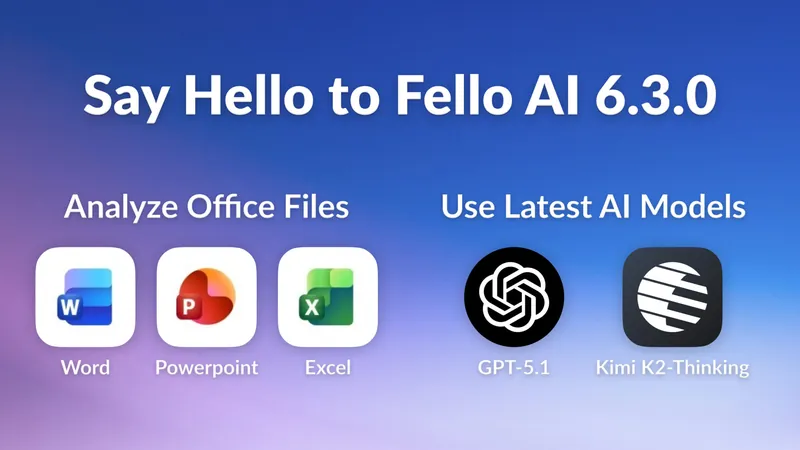
Promotional banner for Fello AI 6.3.0 showing new features: Office file analysis (Word, PowerPoint, Excel) and support for the latest AI models (GPT-5.1 and Kimi K2-Thinking).

Fello AI 6.3.0: Chat with Word, Excel & Powerpoint Files!

Over the past few months, one request kept coming up again and again: “Can Fello AI analyze my Word, PowerPoint, and Excel files?” I realized that for many people, this was a real workflow blocker. When you’re using Microsoft Office on a daily basis, you want a quick way to summarize, rewrite, or understand your files without exporting to PDF/CSV or copying content around manually. Since Fello AI is all about productivity, it was a no-brainer to bring this feature directly into the app and remove that extra friction from your workflow. Naturally, it turned into the main highlight of this release. Analyze Office Files Seamlessly Analyzing your Office documents in […]

Supercharging Microsoft Excel with ChatGPT for Enhanced Productivity

We’ve all experienced that sinking feeling – staring at an intimidating spreadsheet brimming with rows of data, formulas, and charts, wondering how to make sense of it all. You know you need to glean actionable insights, identify trends, and present findings clearly. But transforming tangled datasets into compelling data stories or catching complex calculation errors often feels overwhelming. Thankfully, that data analysis struggle is over, thanks to the powerful combination of ChatGPT and Fello AI. Paired together, these tools can guide even novice Excel users through critical tasks like advanced formula building, rapid data summarization, and insightful data visualization. With ChatGPT’s analytical mind working in tandem with Fello AI’s straightforward […]